Live, on every screen you own
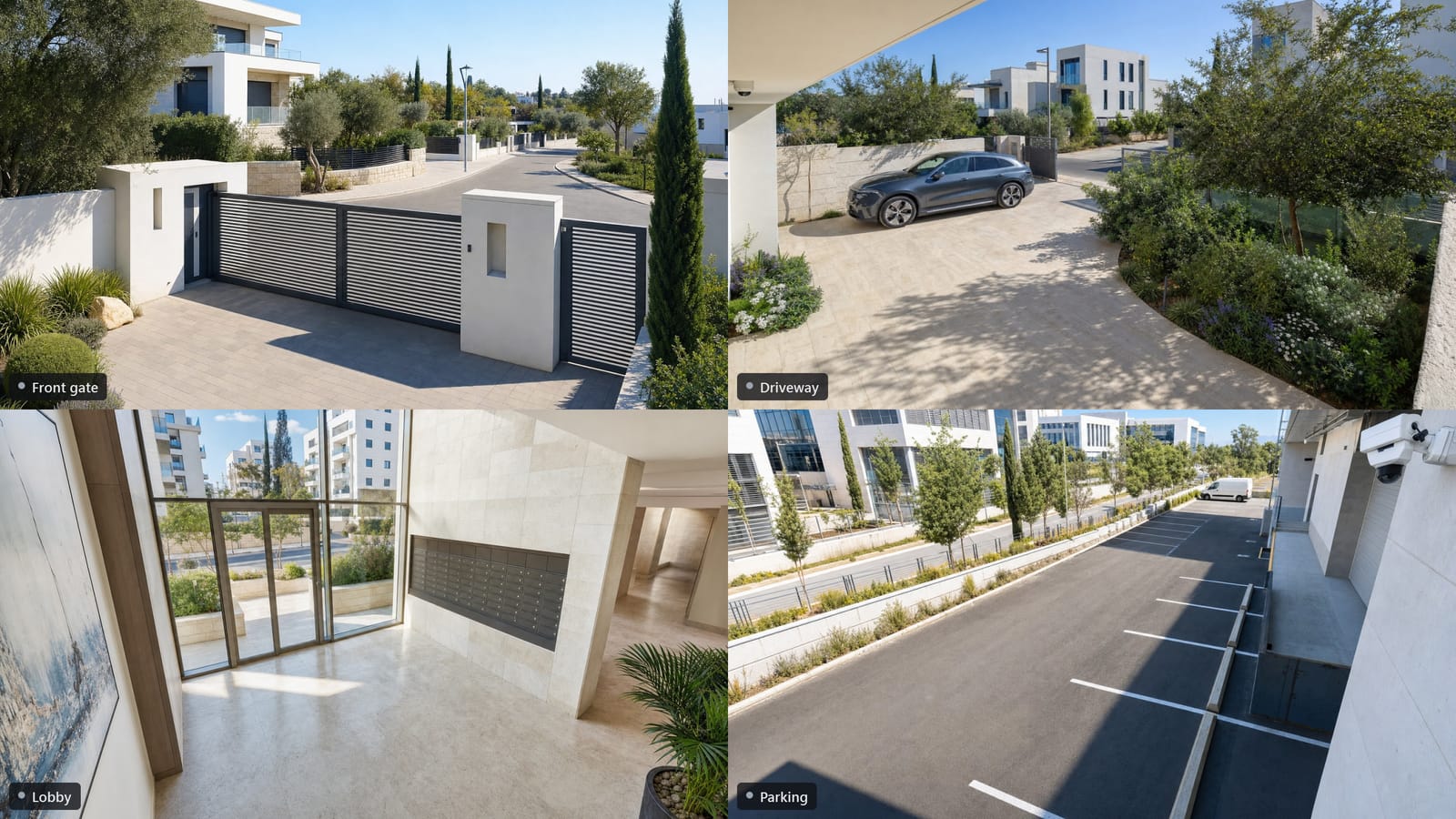
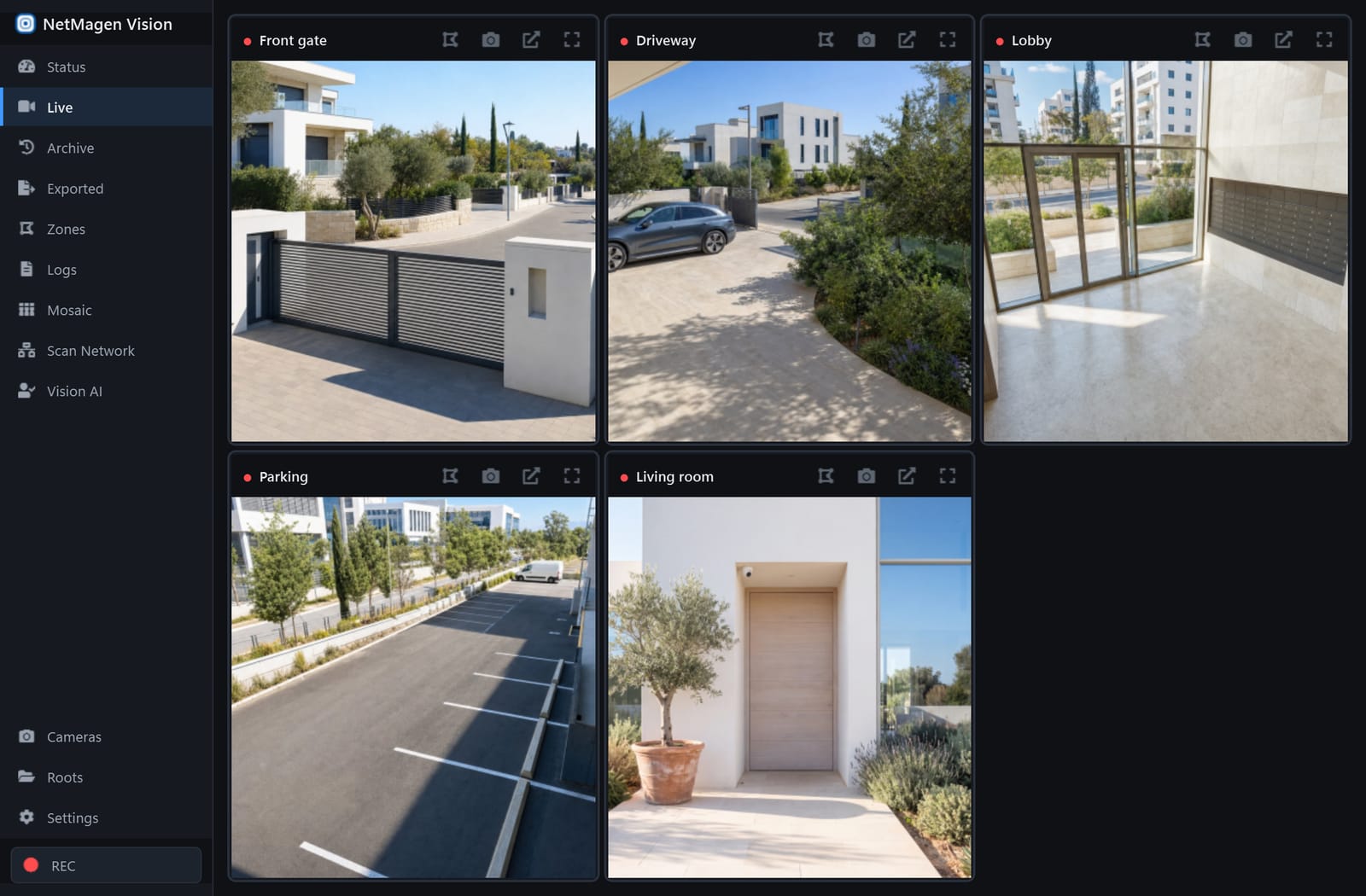
A live grid of all your cameras, plus mosaic walls you can drag onto any monitor. Full screen, labels on or off, audio when you want it.
Free desktop NVR for Windows
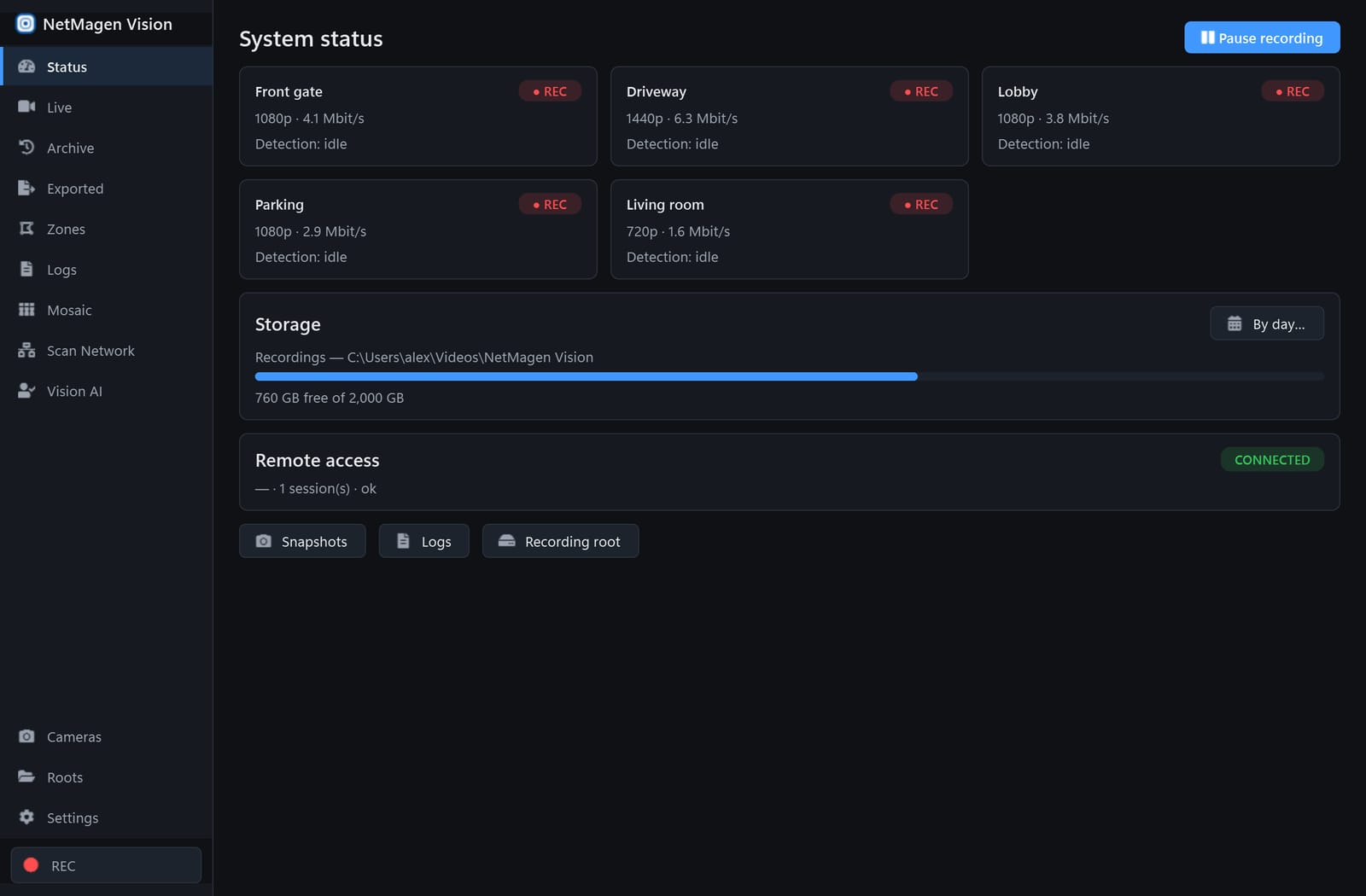
NetMagen Vision turns the cameras you already have into a 24/7 recorder that runs on your PC — with a timeline that shows you what happened, alerts that say who, and AI when you want it.
What it does
Not a cloud subscription with a camera attached. A real recorder, on your machine, that makes footage easy to find.
A live grid of all your cameras, plus mosaic walls you can drag onto any monitor. Full screen, labels on or off, audio when you want it.
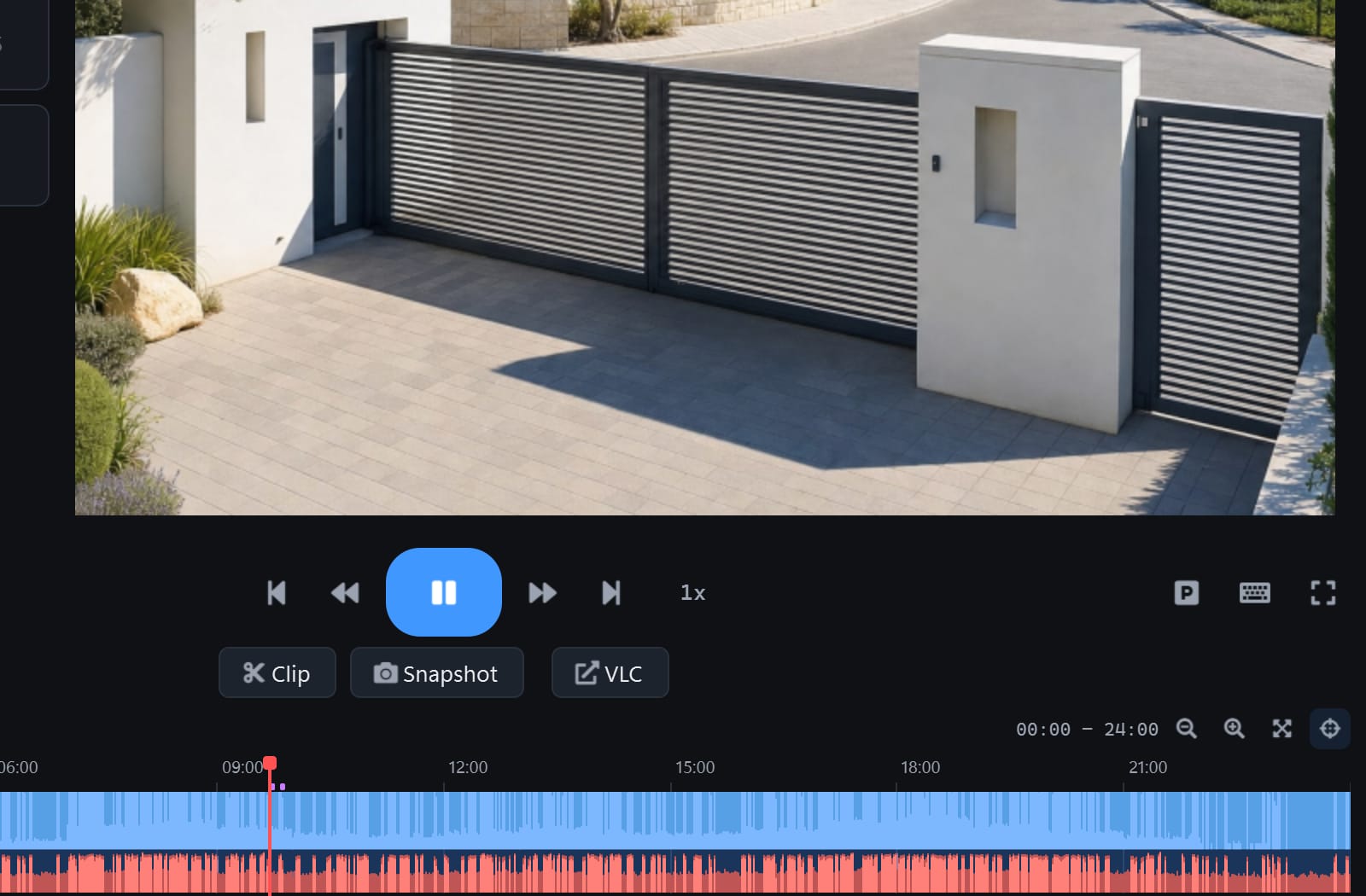
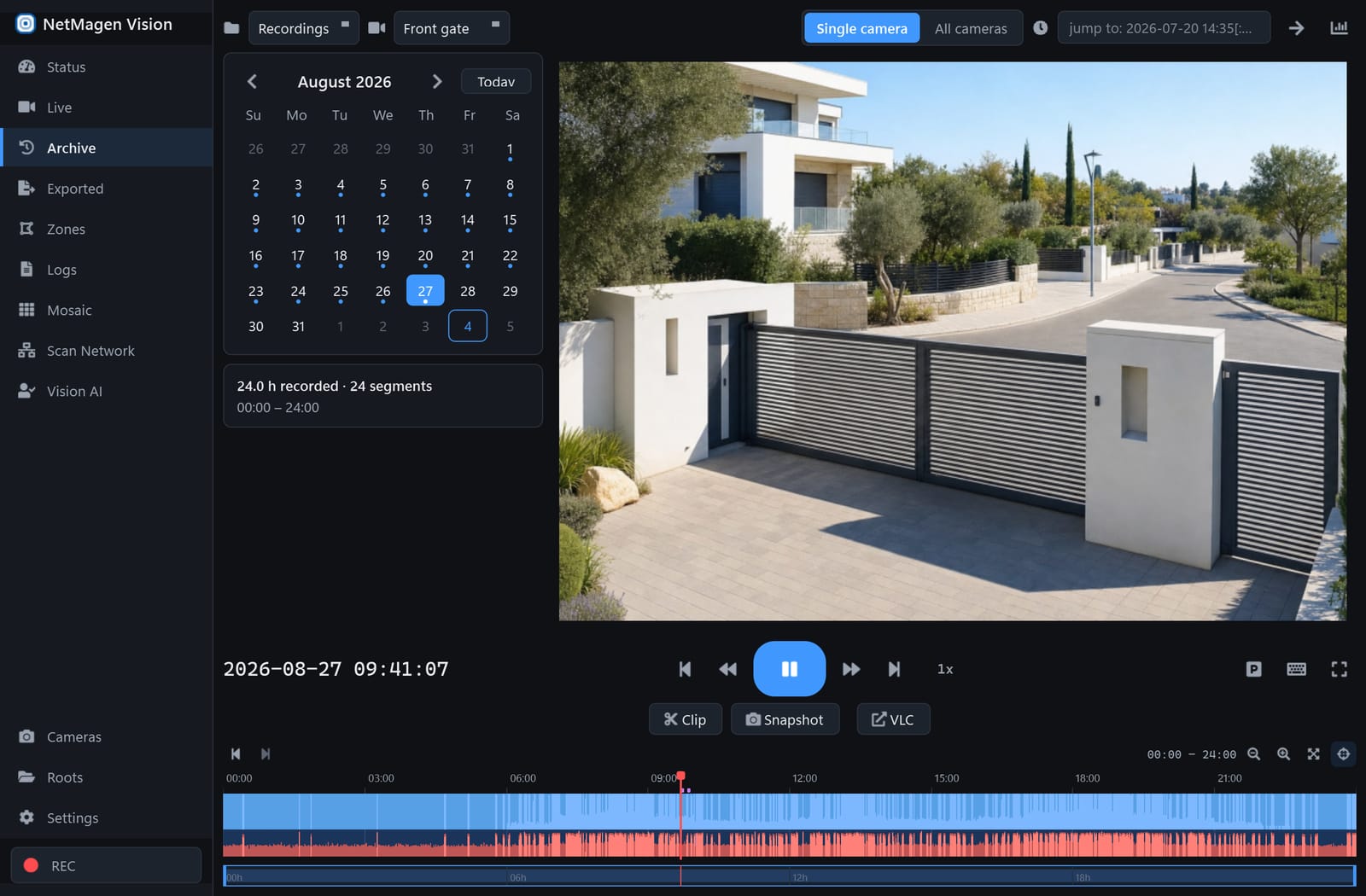
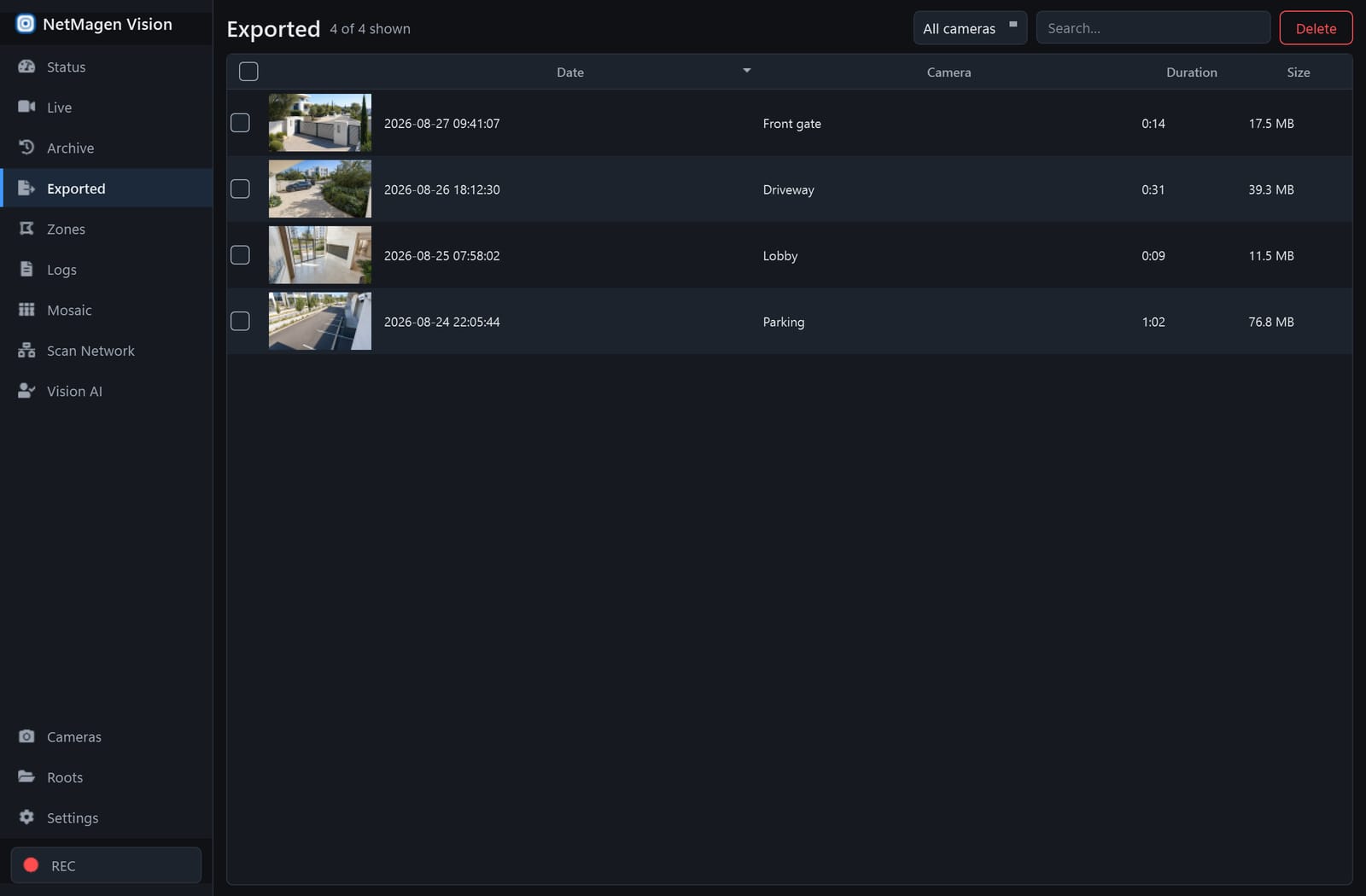
Every day on one strip: motion in blue, sound in red, speech and detections as markers. Scrub, jump to a moment, play at up to 16×, export the clip that matters.
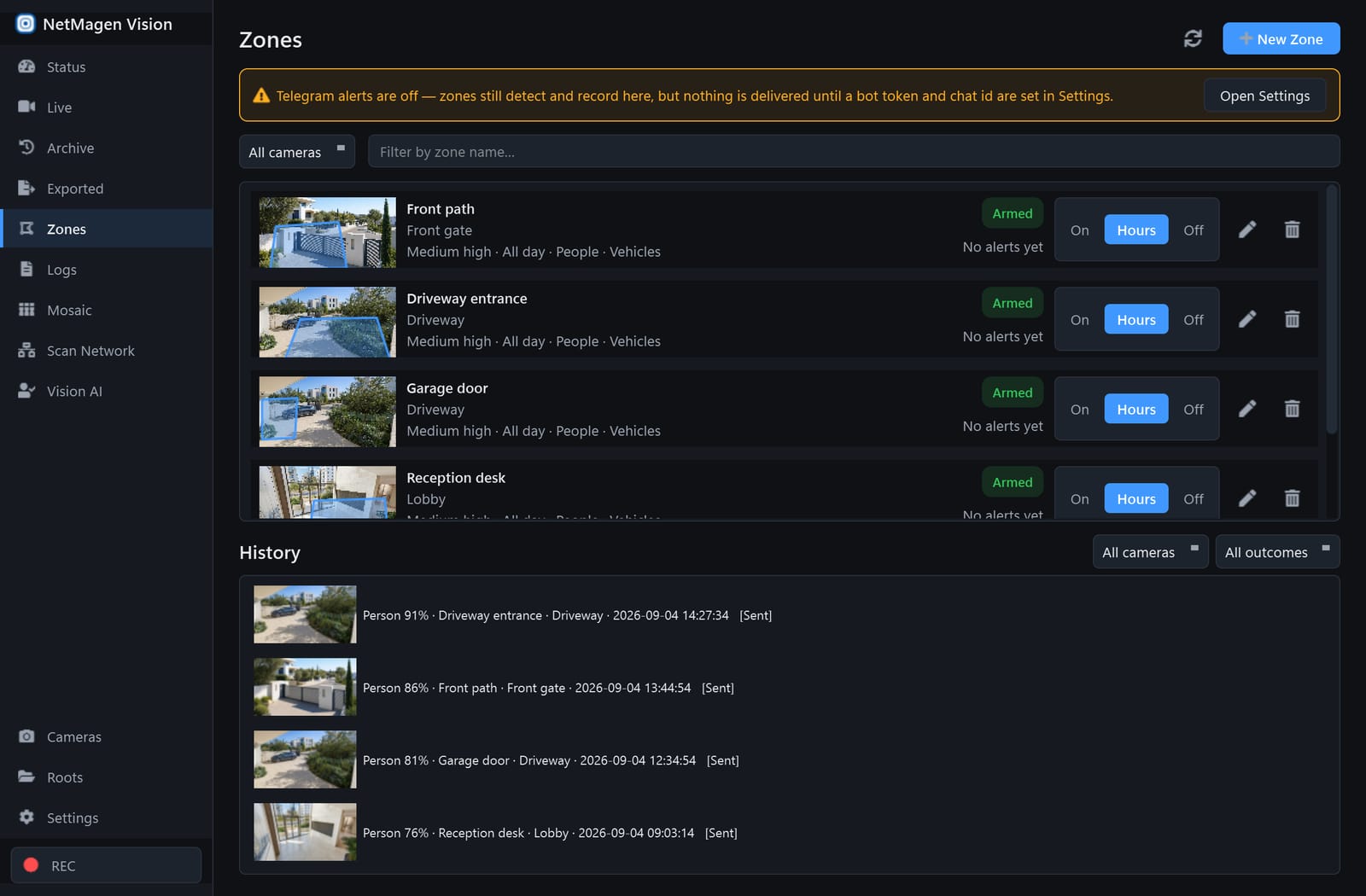
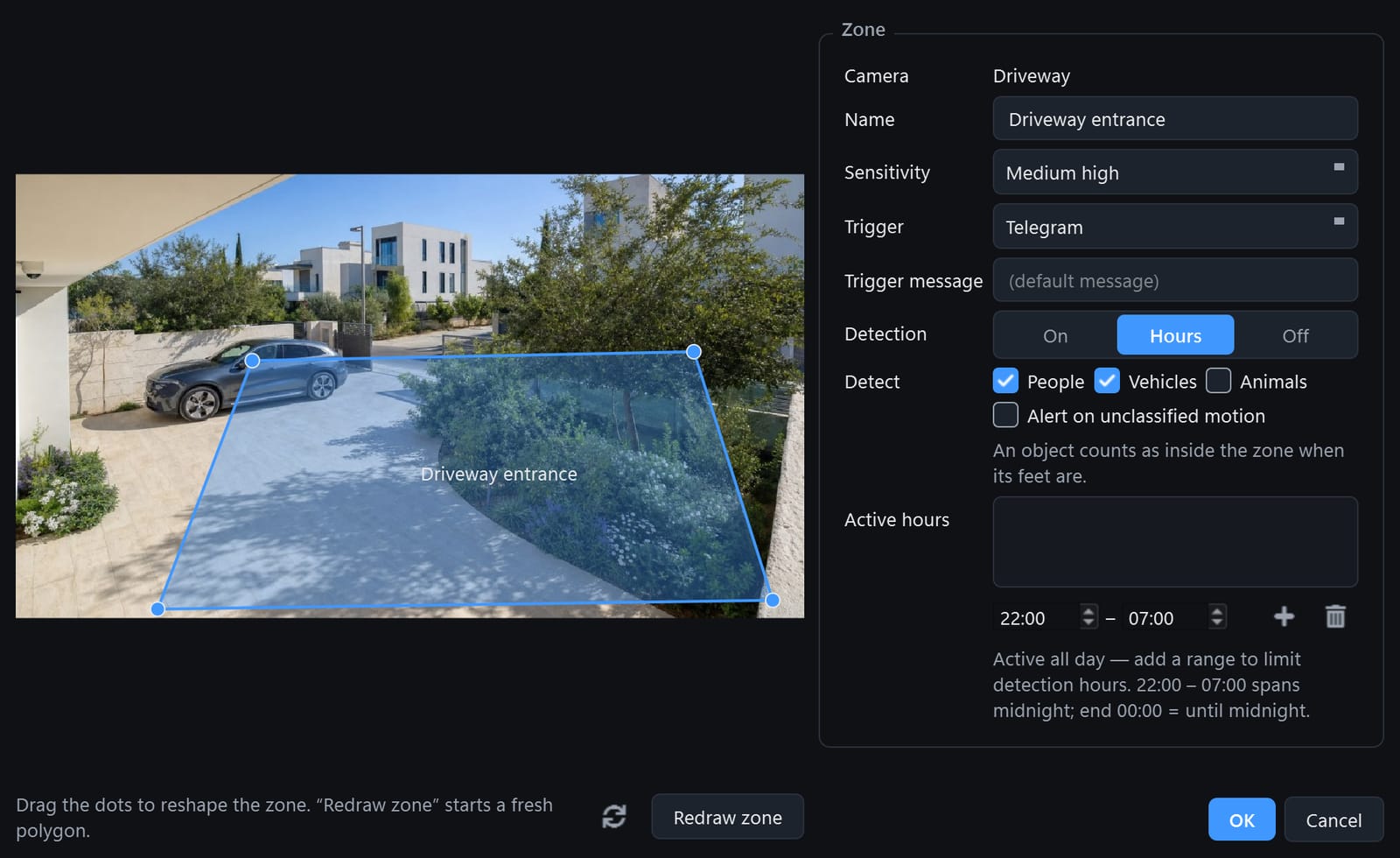
Draw a zone on a camera and get a Telegram alert with a snapshot when someone crosses it. Local object detection tells people from vehicles and animals — no cloud needed.

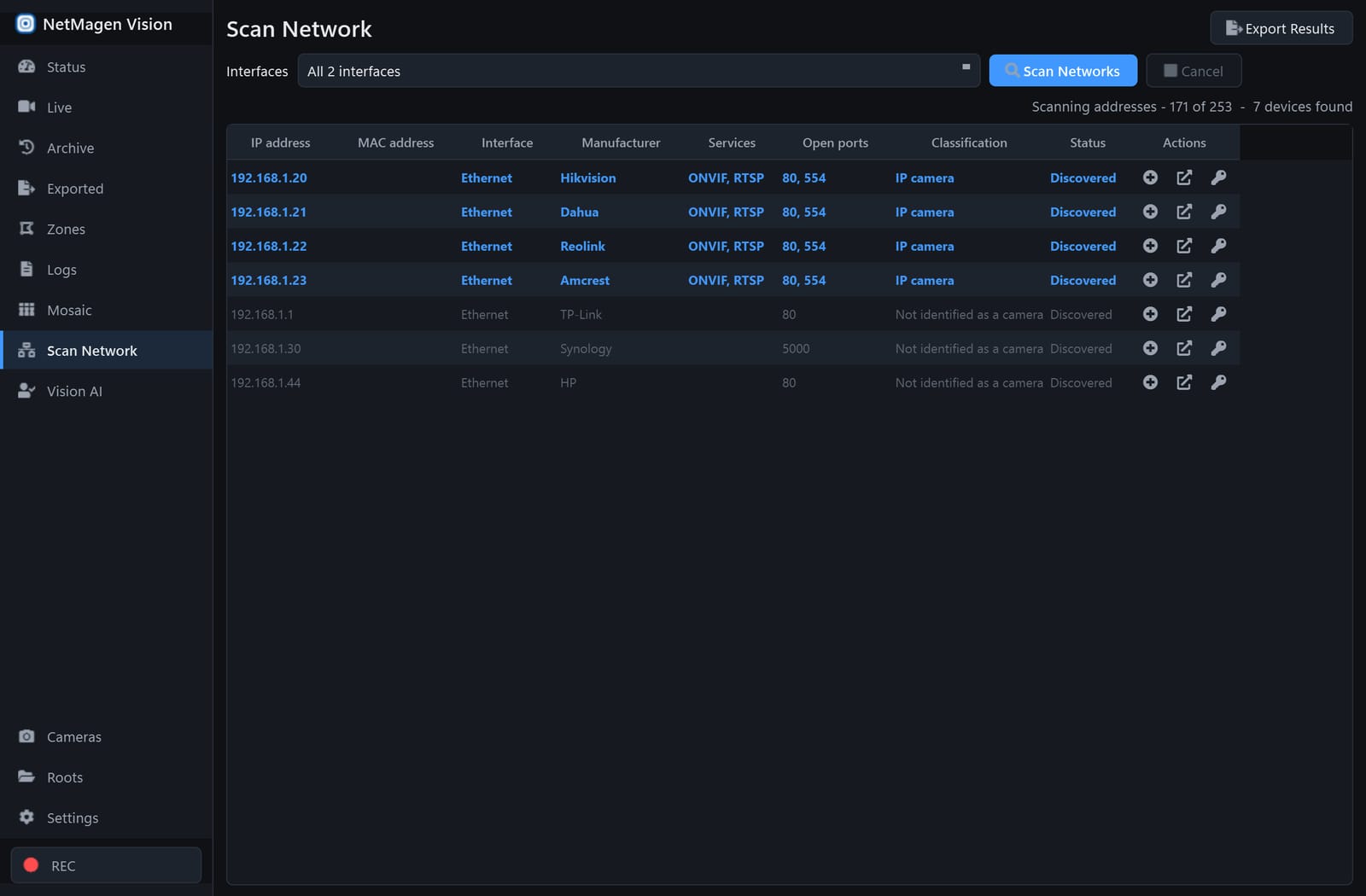
Scan Network discovers the cameras on your LAN, tests the stream and adds them with one click.
Account tier
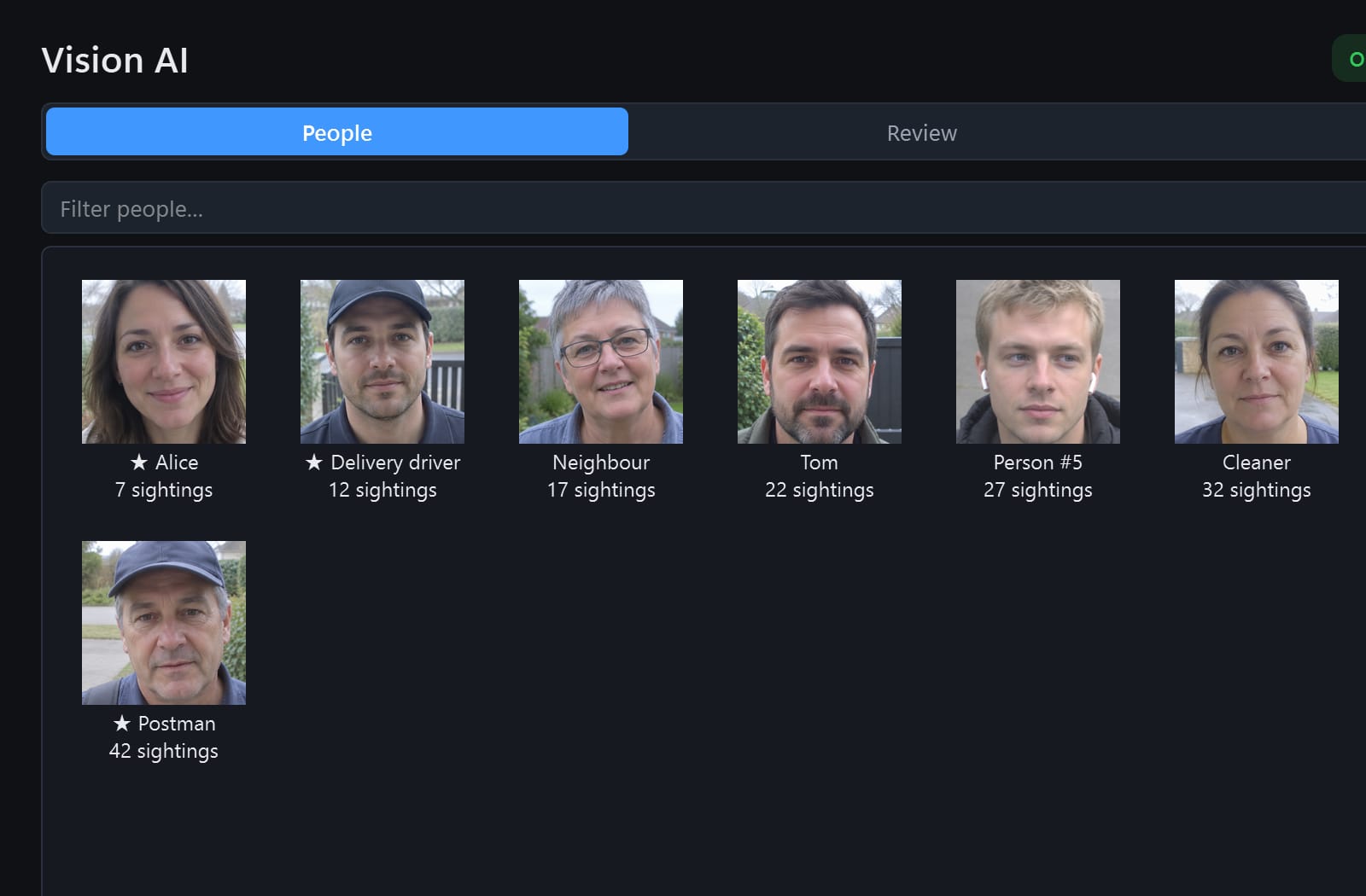
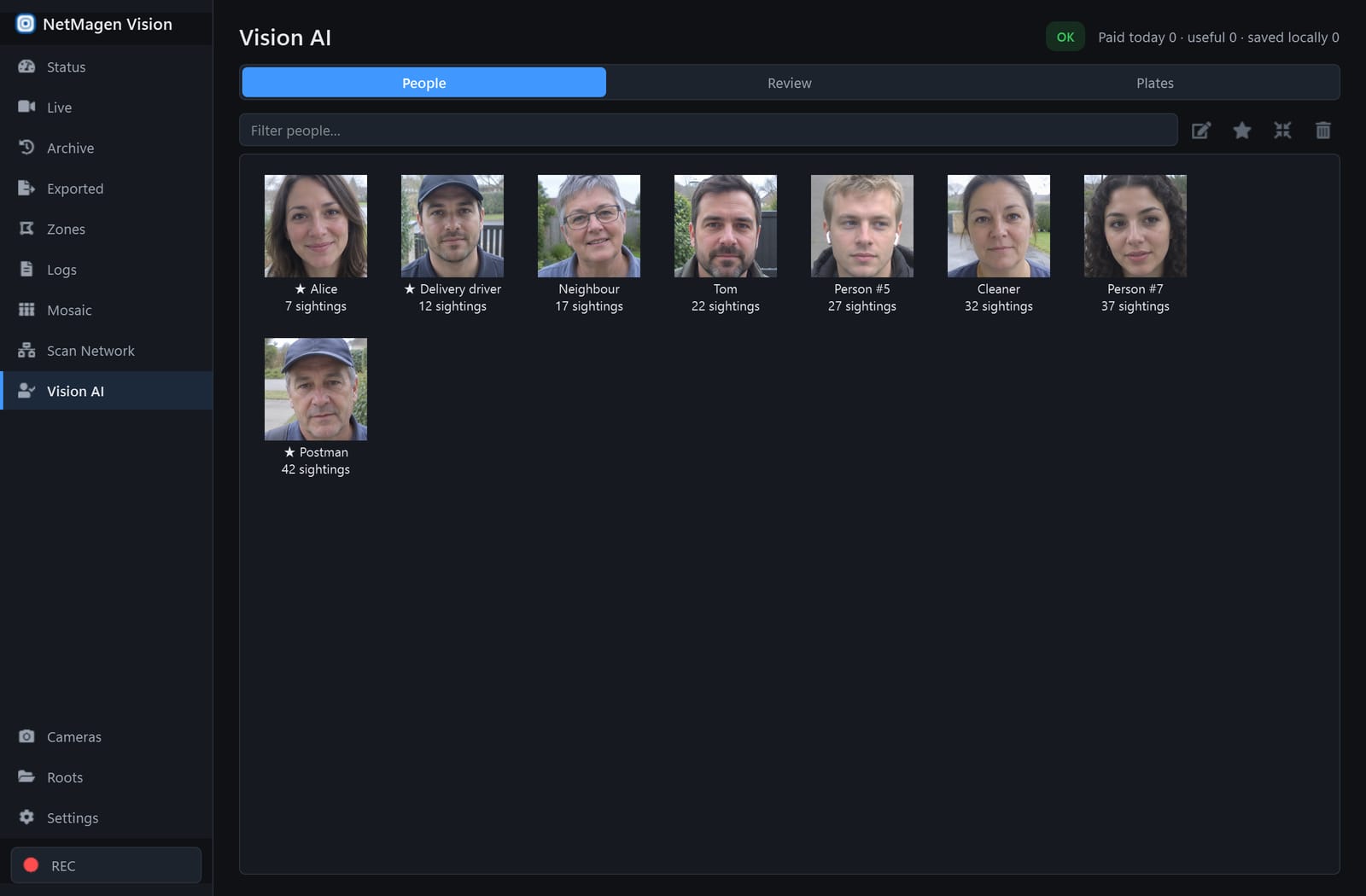
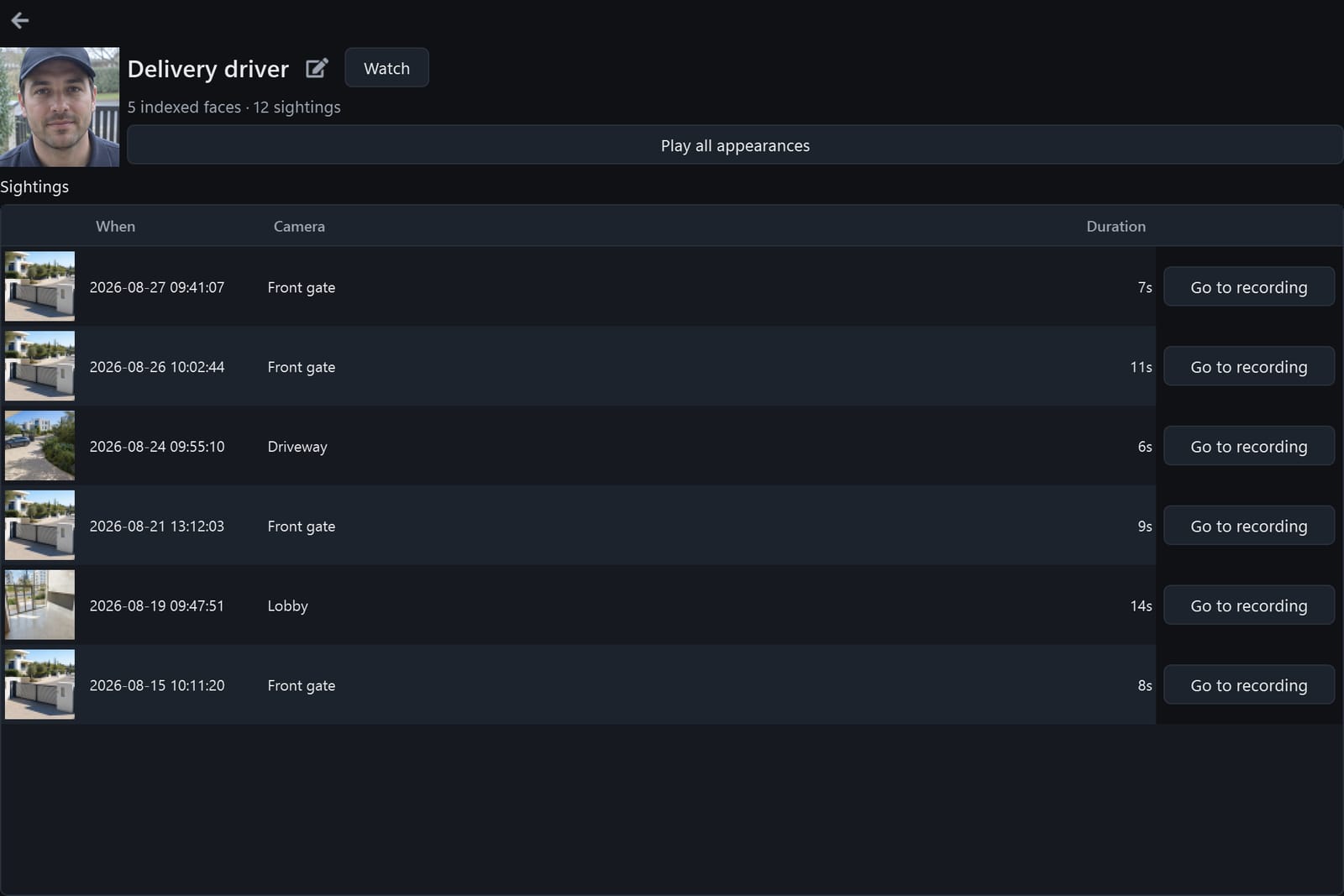
Recognise the people and licence plates your cameras see, build a gallery, watch for the ones that matter and jump straight to the recording.
Faces in these screenshots are AI-generated, not real people.
Account tier
The NetMagen Vision app for iPhone shows live and archived video from your PC through a secure relay — your PC only ever connects outward.
Real app screens, shown on demo cameras.
Discover the iPhone app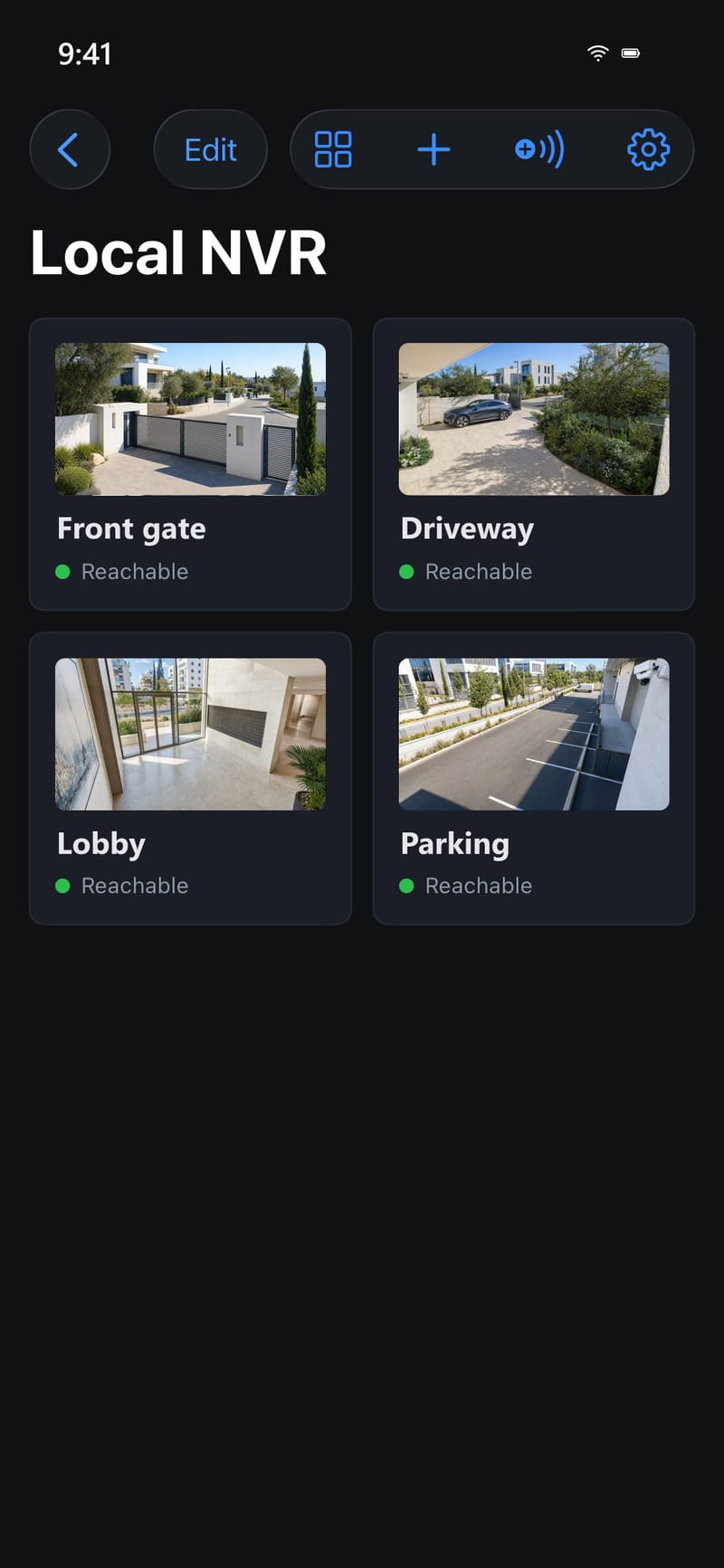
Recordings stay on your disk. Nothing leaves your PC unless you sign in and switch it on. Sessions are encrypted, cameras can be hidden from the phone one by one, and deleting your account is one click.
How it works
Run the installer. No administrator rights, no drivers, no account.
Let Scan Network find your cameras and enter their passwords.
That's it. Recording starts, the timeline fills up, and the app starts with Windows from now on.
Free and account
Download
One installer, no administrator rights. Your recordings and settings survive every update and even an uninstall.
Windows 10 or 11 · Ubuntu 22.04 or newer · Raspberry Pi 5 / 4 (Ubuntu 24.04 or newer, 64-bit)
324aca79024bb1de39d68c5cf7f015aaba2cb3b4e2553ce8b37c57129efb7722About the Windows warning
The installer is not code-signed yet, so Windows SmartScreen shows "Windows protected your PC". Click More info, then Run anyway. Compare the SHA-256 above if you want to verify the file.
The app checks for updates by itself and tells you when a new version is ready.
Questions
A Windows 10 or 11 PC (64-bit) that stays on, about 1.5 GB of disk for the app, and space for recordings — a 1080p camera uses roughly 1 GB per hour at typical bitrates.
Any camera that offers an RTSP stream — practically every IP camera from Hikvision, Dahua, Reolink, Amcrest, Axis and the others, plus ONVIF discovery for finding them.
Yes. Recording, the timeline, zones, local detection and Telegram alerts are free with no camera limit. A NetMagen account adds the mobile app and Vision AI, which are paid because they run on our servers.
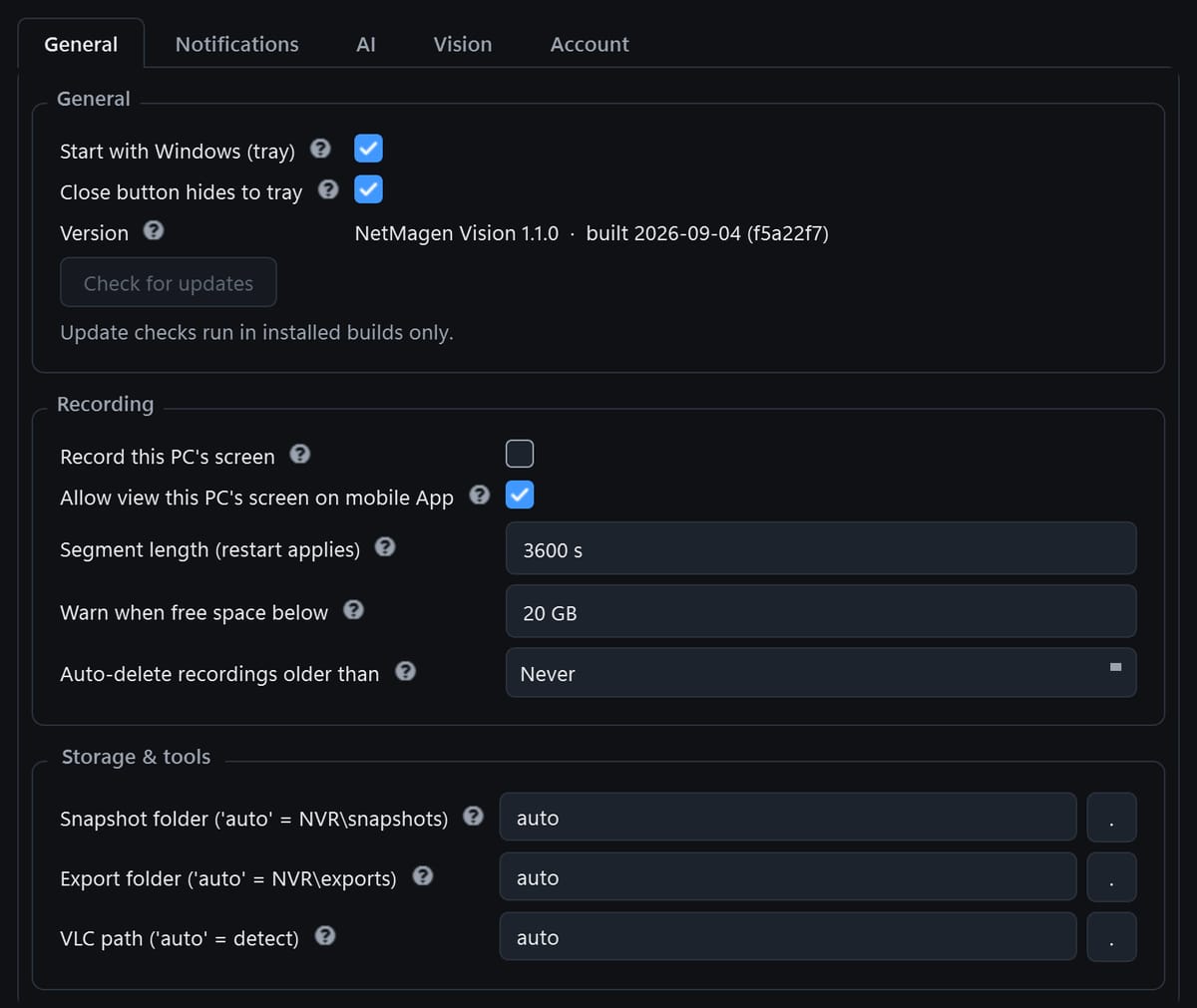
Into Videos\NetMagen Vision on your PC by default; you can point the recorder at any drive. Nothing is uploaded unless you sign in and turn on remote access or Vision AI.
The program is removed; your recordings and settings are kept. Reinstall and everything is back.
Without an account: only a daily check for a new version. With an account: your sign-in, and — only when you switch them on — the encrypted relay traffic for the mobile app and the face or plate crops for Vision AI.