On this page
A security camera system may be fixed to the walls, connected to a video recorder and visible in a remote-viewing application, yet the camera system handover is not complete until the administrator account and cloud account belong to the property owner. This article settles which accounts must pass to you, how to prove that you control them and whether the installer should retain access.
The issue is ownership, not simply possession. A recorder in your communications cabinet is of limited practical value if another person controls password recovery, receives security notifications or can remove your remote access. The same applies to a system serving a shop, office or shared apartment-building entrance.
What Must a Camera System Handover Transfer?
Which accounts must be transferred during camera system handover?
The handover must transfer control of every route used to administer, recover or remotely reach the system. Physical equipment is only one part. The owner also needs the recorder administrator login, any separate camera credentials, the cloud or remote-viewing account, and the recovery methods attached to those accounts.
For a home, the primary owner should normally be the property owner or an adult they designate. For a business, it should be a decision-maker who remains responsible when staff roles change. The installer can configure the system, but should not become the owner merely because the installer created the first account.
Who should own the security camera account?
Security camera account ownership should sit with the property owner or the business administrator expressly appointed to manage the system. Their email address and recovery method should be attached to the primary account. A general employee address can create confusion when responsibilities change, while an installer-controlled address leaves recovery outside the owner’s hands.
Shared apartment buildings need a clear boundary. Cameras covering the shared entrance, lobby, parking area or building gate may be administered by the va’ad bayit or another designated building representative. Cameras belonging to an individual flat remain separate. Do not mix the building account with a resident’s private account simply because one installer worked on both systems.
For a remote property owner, nominate the person who has authority to approve users and support access. A local keyholder may need viewing permissions without becoming the primary administrator. This distinction avoids using the most powerful account for ordinary viewing.
Accounts and Credentials to Receive
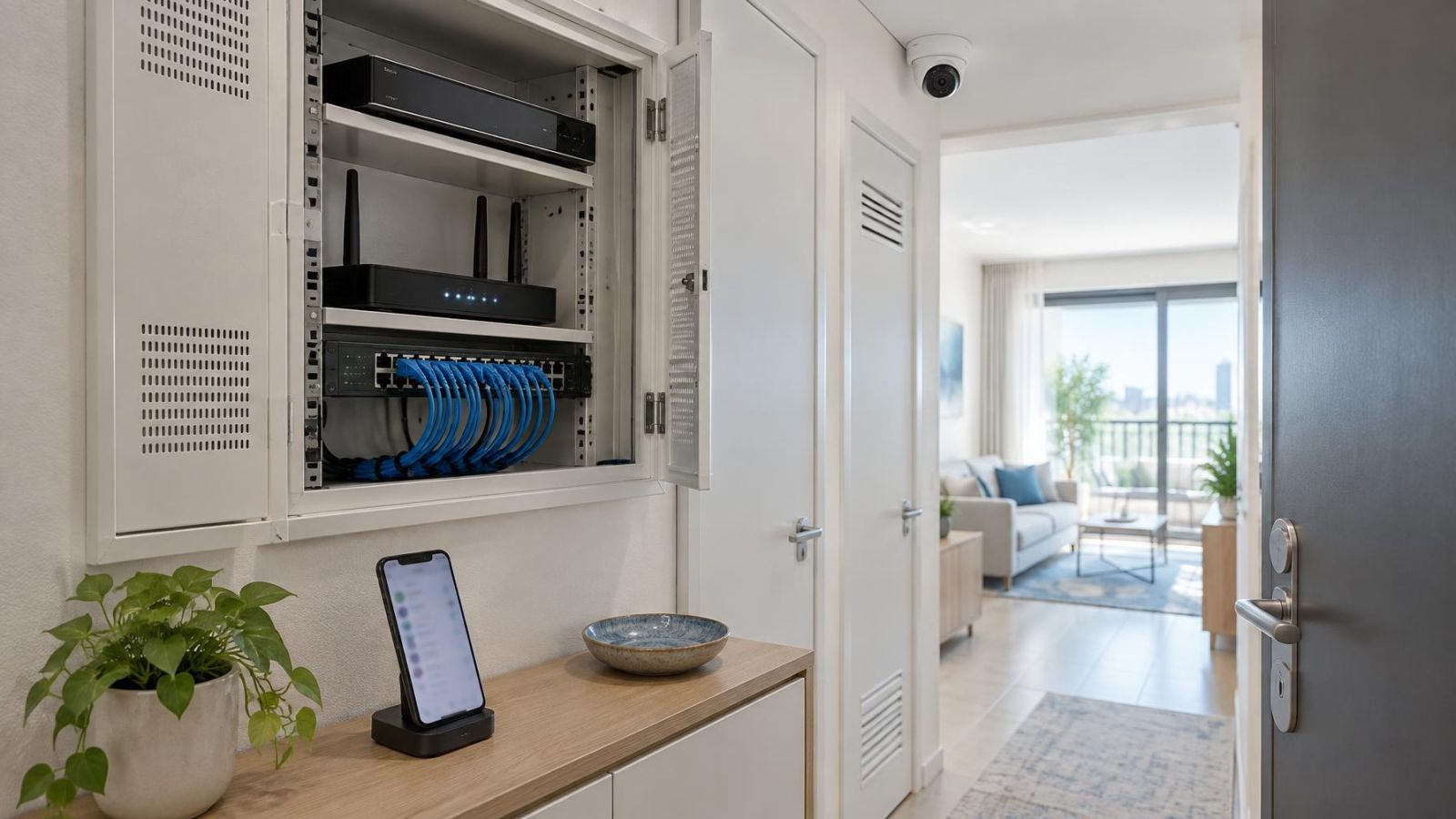
Local access and cloud access are separate. An NVR (network video recorder) or DVR may accept a local administrator login at the recorder even when the mobile application uses a different cloud account. Receiving one does not prove control of the other.
Your handover record should identify the following items without placing all passwords in the same unprotected document:
- Recorder administrator login: the username, replacement password process and method for reaching the recorder locally.
- Camera-level credentials: separate usernames or passwords used by individual network cameras, where the system exposes or requires them.
- Cloud and remote-viewing account: the owner identity, sign-in method, linked devices and any people with shared access.
- Recovery details: the owner-controlled email address or other recovery method used for resets and security notifications.
- Configuration backup: an exported settings file, together with enough information to identify the recorder and understand what the file contains.
- Device inventory: a plain list matching each camera to its location, recorder channel or network identity, plus the equipment that provides recording and remote access.
Camera-level passwords deserve particular attention. In some systems, cameras are commissioned through the recorder and are rarely accessed directly. In others, each camera has its own administrative interface. You do not need to use those credentials every day, but their ownership should not remain uncertain.
A configuration backup is useful for restoring system settings after replacement or reconfiguration. It does not replace the administrator credentials, the cloud account or a working recovery route. Treat it as a technical copy of settings, not proof of ownership.
Secure the Primary Administrator Account
Should I change the camera admin password after installation?
Yes. Replace any password known or created by the installer once commissioning and the initial support checks are complete. Use a unique password that is not shared with email, Wi-Fi, alarm or other property systems. If the recorder and cloud service have separate administrator accounts, change both.
The primary administrator account should use an email address controlled by the owner or designated business administrator. It should not depend on the installer’s mailbox, an employee who only operates the cameras, or a tenant whose access may later end.
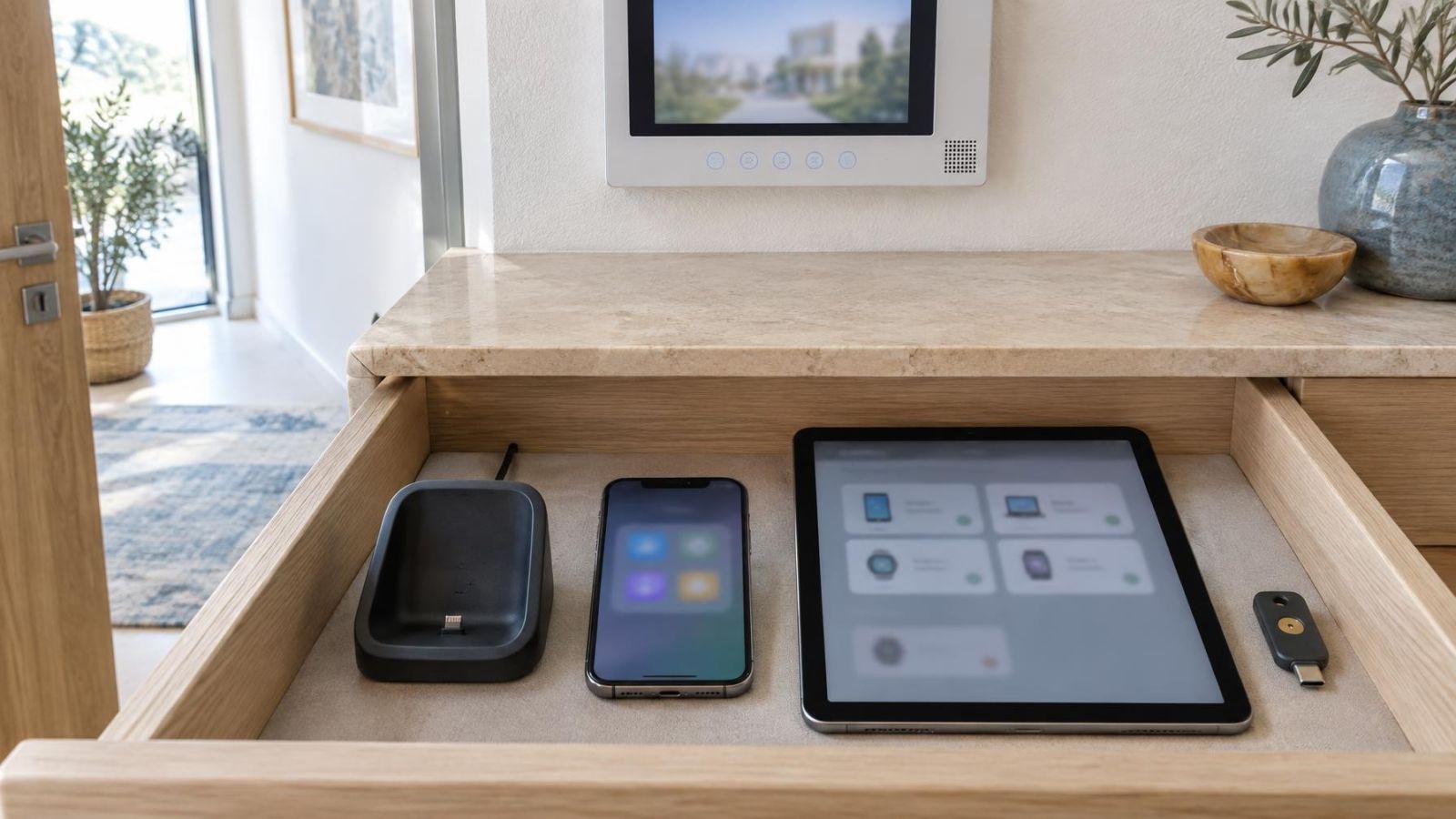
Enable additional account protection where the system provides it. Two-factor authentication is especially relevant to cloud and remote-viewing access because a password alone may not be the only available safeguard. Record which person or device receives the additional verification request, so recovery does not depend on an unidentified telephone or old application session.
Test the recovery process yourself. Confirm that the reset message reaches the owner-controlled destination and that the account name is recognisable. You do not need to complete a password reset repeatedly, but the owner should perform the handover test rather than watching the installer demonstrate access from an installer device.
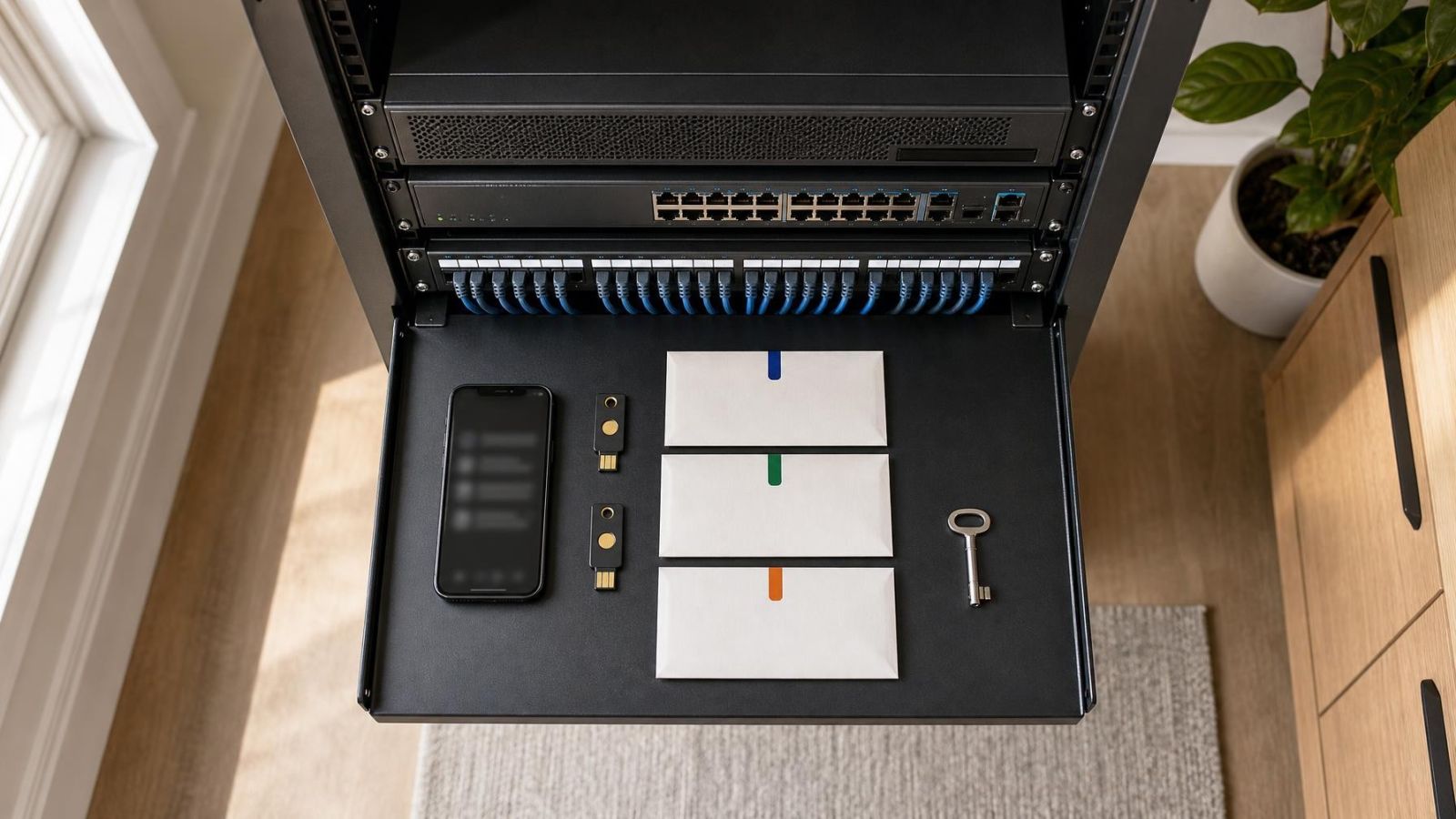
Store credentials outside the recorder. A password note beside the monitor or inside the recorder cabinet is available to anyone with physical access. A managed password vault is suitable for many owners and businesses; a properly protected offline record can also be appropriate. The important point is that authorised decision-makers can find it without relying on the installer.
Set Up Everyday User Access
Routine viewers should have individual accounts. Family members, reception staff, managers and remote property contacts rarely need permission to change network settings, erase recordings, add users or reset cameras. Give each person only the viewing, playback or export functions required for their role.
Reserve the administrator login for administration. Sharing it for convenience makes access harder to review and turns every password change into a disruption for all viewers. Individual accounts also let you remove one person without changing access for everyone else.
For a household, plan across generations and locations. One adult might administer the system while other family members can view selected cameras. A relative abroad may need remote viewing but no configuration rights. A person helping an older resident may need a clearly documented support role rather than possession of the primary password.
For a small business, define access by work function. Front-desk staff may need live viewing, while a manager may also need playback and export. A technical administrator may manage settings without being the person who reviews footage. Remove departing staff, contractors and tenants promptly, then inspect the remaining account list rather than assuming a password change removed them.
Changing the administrator password does not automatically revoke every user, device share or active session. The account list, linked devices and signed-in sessions require a separate review.
Should the Installer Keep Access?
Installer access is a choice, not a technical requirement that should remain unexplained. If an installer account exists, it should be named clearly and shown to the owner during handover. Avoid generic usernames that make an installer account indistinguishable from an owner administrator.
Temporary support access is usually cleaner than permanent unrestricted access. The owner can enable remote support when diagnosis or configuration work is required, then disable it when the work is finished. Where the system supports separate permissions, the support account should receive only the access needed for the task.
There are several workable arrangements:
| Arrangement | Owner control | Support access | Main consideration |
|---|---|---|---|
| No standing installer account | Owner holds all administrator and recovery methods | Created or enabled when needed | Requires the owner to authorise each support session |
| Disabled support account | Owner can enable, disable or remove the account | Available only after owner action | Account status must be checked after support |
| Limited standing account | Owner retains the primary administrator account | Restricted permissions remain available | Permissions, linked devices and sessions need regular review |
Whatever arrangement you choose, write it down. Record whether the installer account is active, disabled or removed; what permissions it has; and who can authorise its use. Remote support should not depend on the installer remaining the recovery owner.
After changing credentials, review more than the password. Check shared users, linked mobile devices, browser sessions, application sessions and any device-sharing feature. Revoke old sessions where the interface allows it. A session authenticated before the password change may otherwise remain listed or active, depending on system behaviour.
Verify Control Before Sign-Off
How do I confirm that remote access belongs to me?
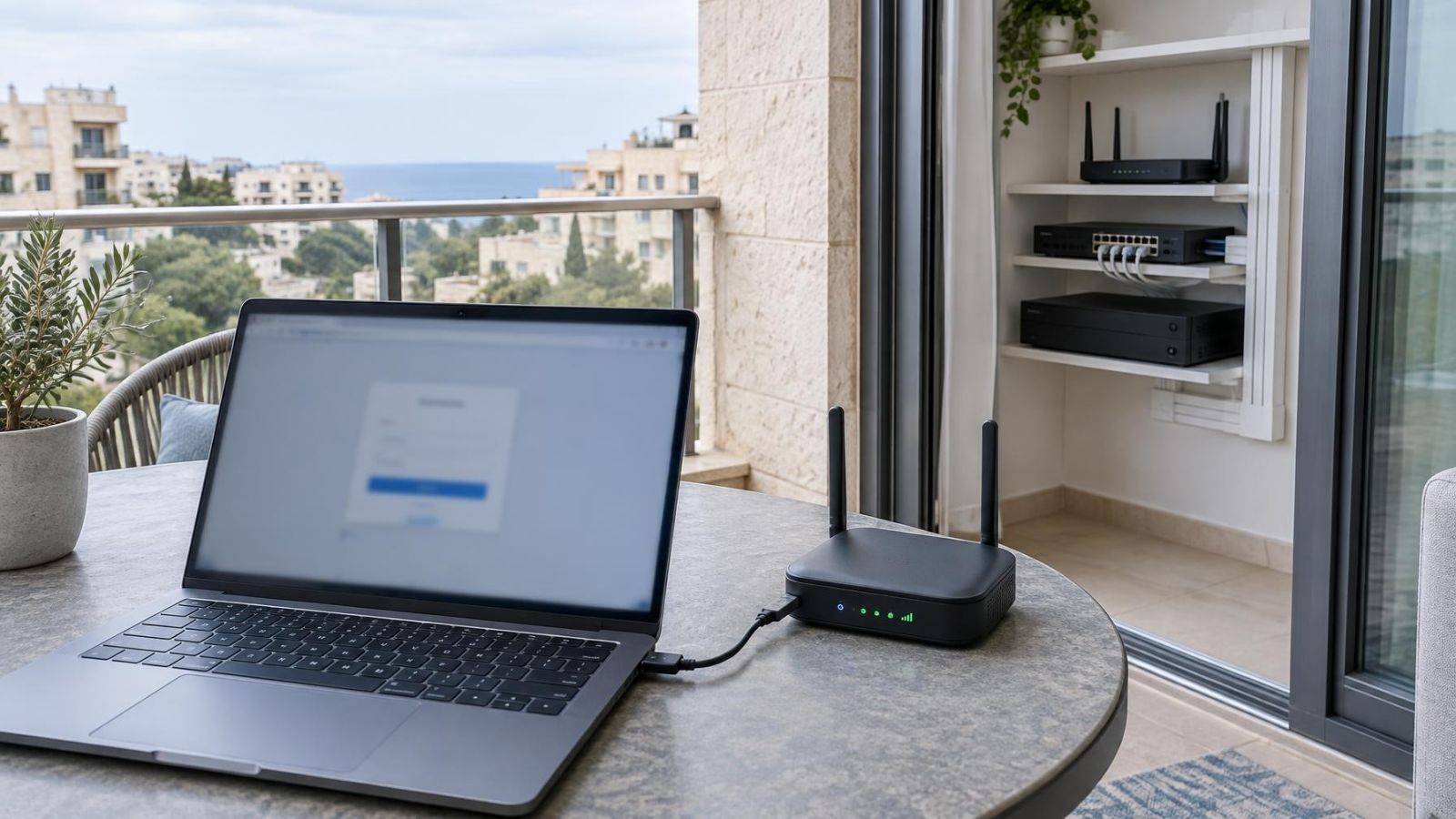
Sign in on an owner-controlled device using the owner’s cloud account and recovery details. Then confirm that the application identifies the system under that account, displays the expected cameras and allows the owner to manage authorised users or device sharing. Testing only on the installer’s telephone proves that remote viewing works; it does not prove that it belongs to you.
Complete the verification as a short sequence. Each step checks a different layer of control:
- At the recorder, sign in locally with the owner administrator account and confirm that the live camera views are present.
- Open recorded footage from several cameras and confirm that playback works for the periods available on the recorder.
- On the owner’s telephone, tablet or computer, sign in to the remote-viewing application without using an installer device.
- Check the cloud account profile, recovery destination, shared users, linked devices and active sessions.
- Start the password recovery process and confirm that the owner receives the expected message or prompt.
- Open the delivered configuration backup on suitable storage and confirm that the file is present, readable and labelled for the correct recorder. Do not import it into a working system merely as a test.
Also confirm the practical details: camera names should correspond to real locations, the device inventory should match what appears on the recorder, and the owner should know where recording, playback, user management and support controls are found. A handover need not become a full technical course, but it should leave no ambiguity about how to enter the system or recover control.
Record the Final Ownership Plan
Finish with a concise ownership record. Name the person responsible for every administrator, cloud, local and support account. Keep the recovery destination, credential storage method and account status with the system documentation, but do not expose passwords in a document shared more widely than necessary.
The record should answer these questions plainly:
- Who owns the primary recorder administrator account?
- Who owns the cloud and remote-viewing account?
- Where are recovery messages delivered, and who can reach that destination?
- Which family members, staff, tenants or building representatives have individual access?
- Does the installer have an account, and is it active, disabled, temporary or removed?
- Who approves support access, and how is it withdrawn when the work is complete?
- Where are the device inventory and configuration backup stored?
Review the account list whenever staff, tenants, managing agents, keyholders or family responsibilities change. For a shared Israeli apartment building, include the relevant va’ad bayit handover when the designated representative changes. The incoming administrator should receive the account and recovery route, not merely a message saying that the cameras are working.
A clean final plan separates ownership from support. The owner retains administration and recovery. Everyday users receive limited personal access. The installer is given deliberate, visible and removable access only when the agreed support arrangement requires it.
A camera installation is not fully handed over until the owner can sign in, recover access, review every user and decide who remains connected.
Key takeaways
- Account ownership is part of a complete security camera installation, not an optional administrative detail.
- The property owner or designated business administrator should control the primary account and every recovery method.
- Local recorder access and cloud remote-viewing access require separate verification during handover.
- Everyday viewers should use individual accounts with only the permissions needed for their roles.
- Installer access should be explicit, limited and removable by the owner.