On this page
A small-business site may have IP cameras, a camera recording server and network storage, yet still lack a clear recording plan. The choice is usually between a network video recorder and a video management system, often delivered as VMS (video management software) on server hardware. When comparing NVR vs VMS, the practical question is simple: does the site need a self-contained recording appliance, or a platform built for wider management and expansion?
NVR vs VMS: What Separates the Two Platforms?
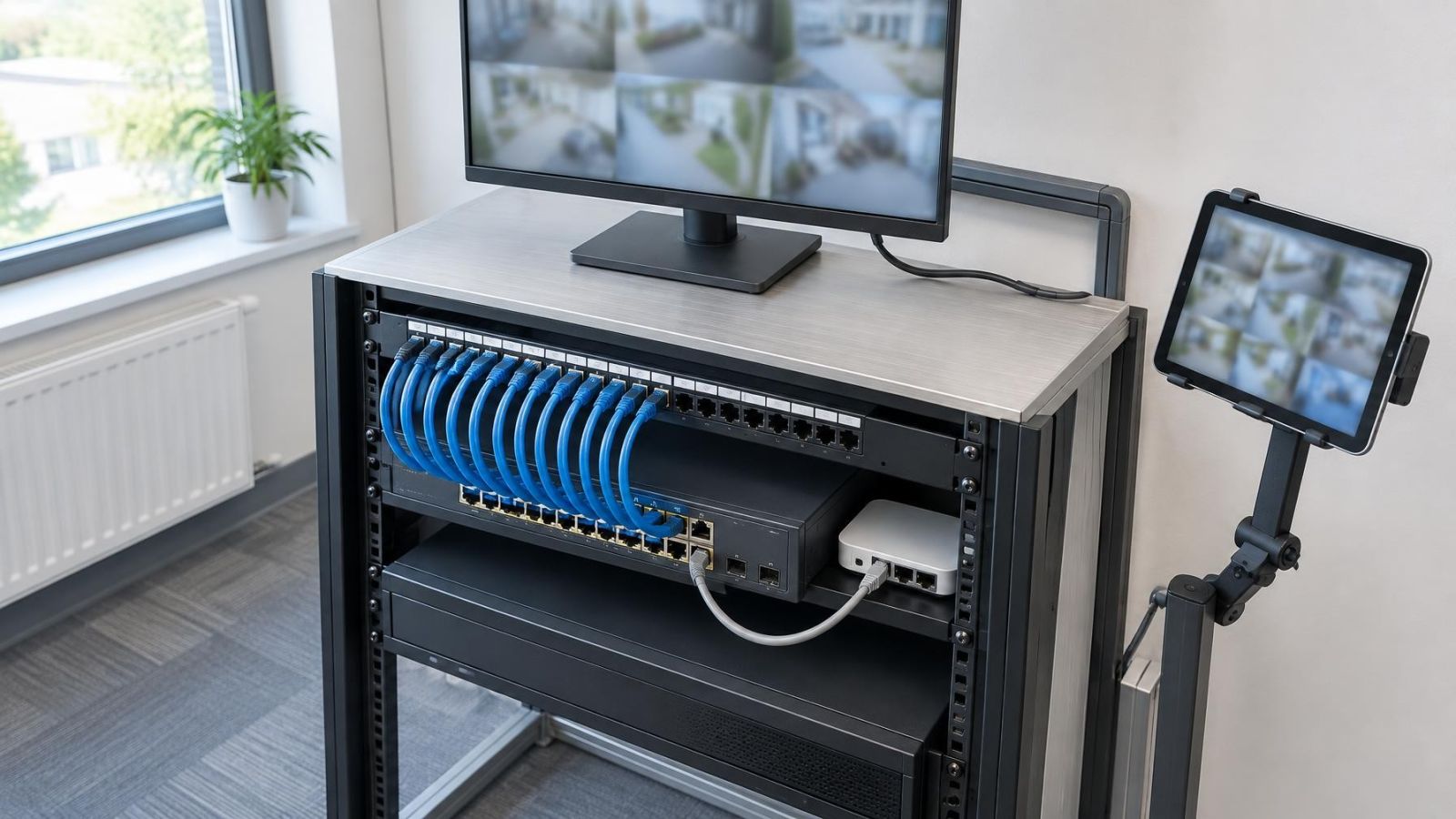
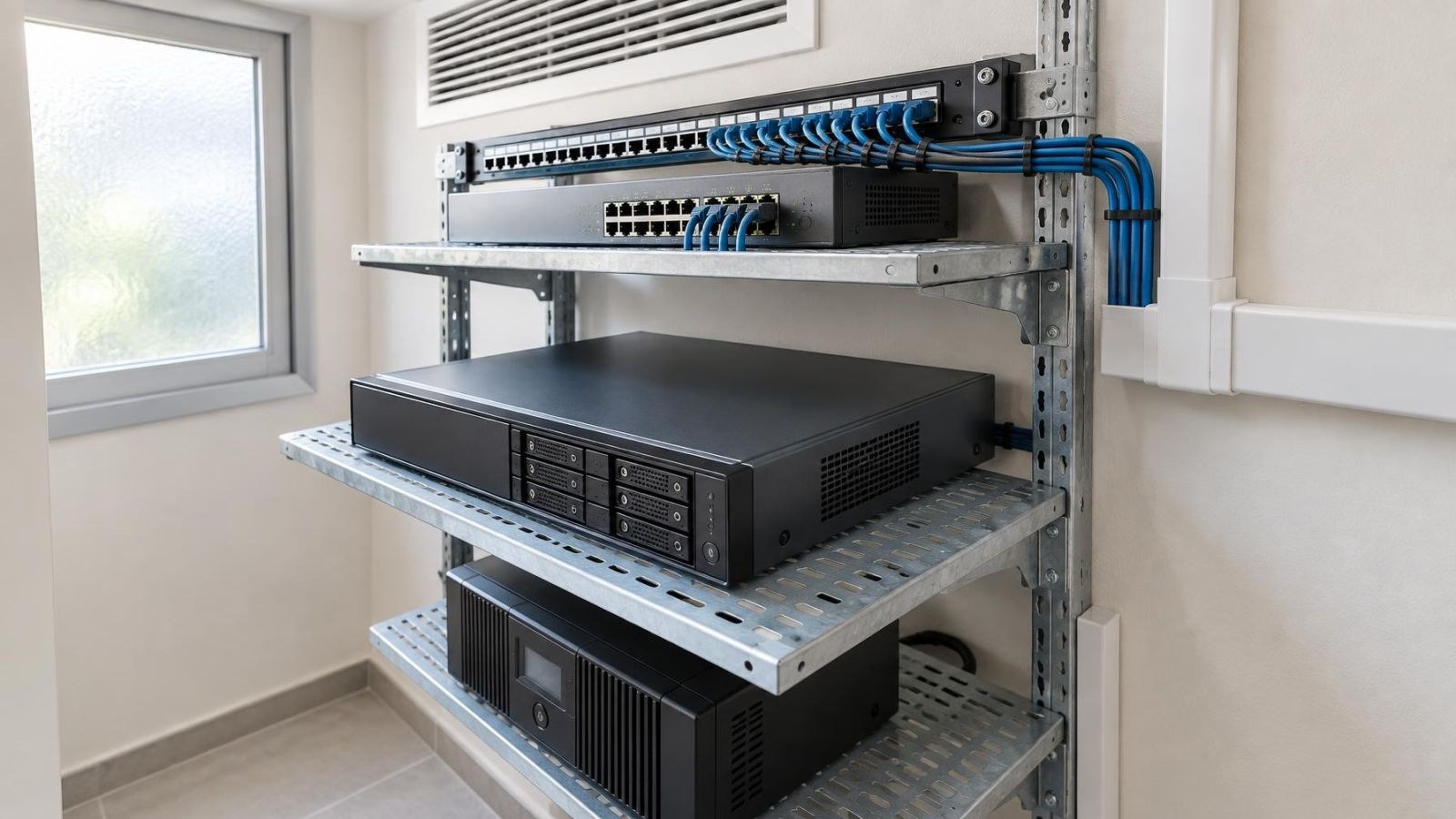
An NVR (network video recorder) combines recording, storage management, live viewing, playback and basic camera administration in a dedicated appliance. The recorder arrives as a defined unit, with its operating environment and recording functions intended to work together. Storage may be internal, attached or provided through a supported network arrangement, depending on the system design.
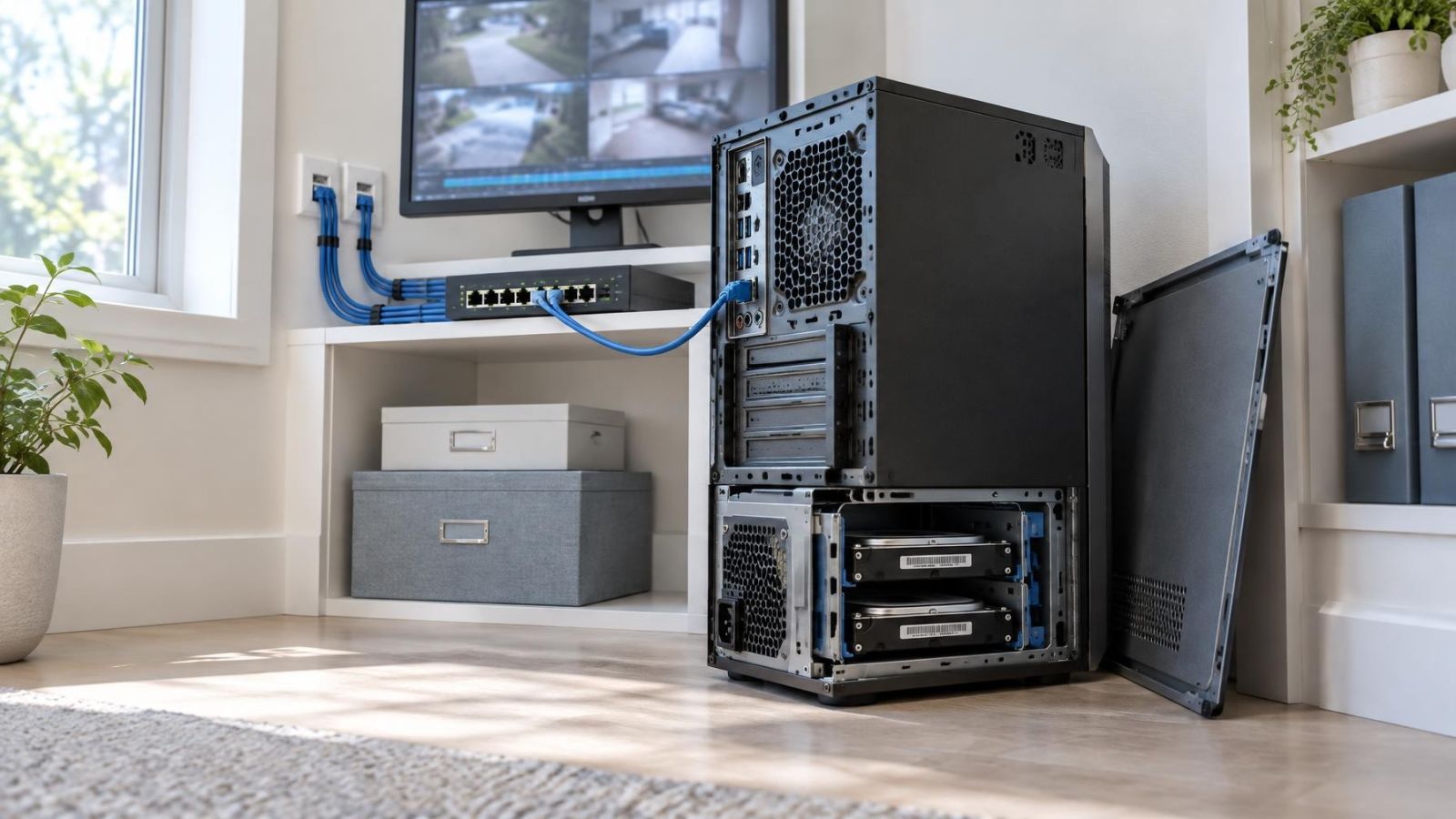
A VMS separates the management software from the underlying hardware. It can run on one server or across several servers, with video written to local disks or network storage. This makes the architecture more flexible. It also creates more design decisions around server resources, storage paths, network traffic, updates and recovery.
What is the difference between an NVR and a VMS?
Both platforms can show live video, search recordings, export clips, manage users and report camera faults. The distinction is not that one records and the other manages. Both do both. The important difference is how the platform is packaged and how far it can be extended.
| Area | NVR | VMS |
|---|---|---|
| Platform | Dedicated recording appliance | Software on server hardware |
| Typical scope | Defined home or business site | Complex, distributed or expanding camera estate |
| Expansion path | Within appliance and storage limits | Additional server, storage and management resources |
| Administration | Usually contained in one interface | Potentially centralised across systems and locations |
| Maintenance | Focused on the recorder and connected cameras | Includes software, servers, storage and network services |
| Integration | Usually a defined feature set | More adaptable to demanding integration workflows |
An appliance is not automatically less capable, and server software is not automatically better. A well-selected NVR can handle a substantial defined site cleanly. A poorly planned VMS can add complexity without improving the operator’s daily work. The architecture should match the operating problem rather than the prestige of the platform.
Where an NVR Fits Best
An NVR is usually the practical choice for one home, shop, office, clinic, workshop or other single location with a stable camera layout. It suits sites where the main tasks are checking a live view, finding recorded events and exporting footage when needed. The recorder provides a clear boundary around the system.
When should you choose a network video recorder?
Choose an NVR when the expected camera layout is well understood, recording requirements are unlikely to change sharply, and one appliance can provide the required storage and viewing capacity. The fit is particularly good when only a small number of authorised people operate the system and their viewing needs are similar.
The simpler hardware scope can also make maintenance easier to organise. There is one recording appliance to protect with suitable power, ventilation and physical placement. If the recorder includes PoE (power over Ethernet) connections, some camera cabling may terminate directly at the unit. Larger or more distributed layouts can instead use network switches while retaining the NVR as the recording centre.
An NVR is a less comfortable fit when expansion is uncertain or when the current plan already depends on several buildings, separate business locations or sharply different user roles. Appliance limits may include camera inputs, recording throughput, storage bays, display outputs and supported integrations. Those limits should be checked against the intended workload, not merely the initial camera list.
When Does a Site Need a VMS?
A VMS becomes useful when cameras need to be managed as a shared operational resource rather than as one recorder at one address. Examples include several business locations, multiple buildings on one property, or a site where reception, management and security staff need different views and permissions.
When does a site need a video management system?
A site needs a VMS when centralised camera management, flexible server expansion or varied operator workflows are core requirements. One management environment can organise cameras from different recording servers and locations. Operators can be given access according to their work: a shop manager may view one branch, while a property owner may need a consolidated view across several sites.
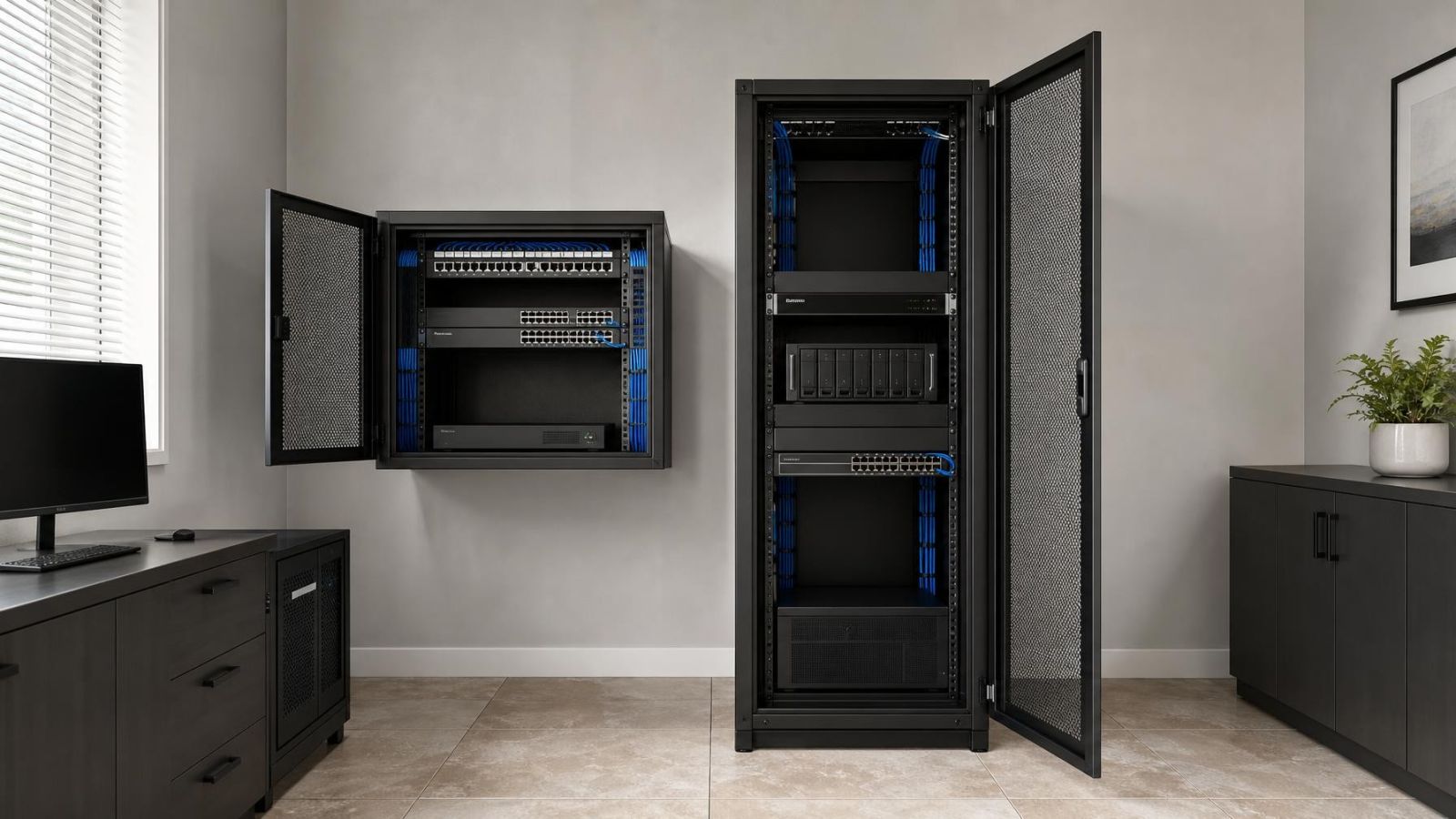
A VMS also provides a more flexible route for storage growth. Recording workloads can be distributed between servers, and storage can be designed around different camera groups or retention needs. This does not make capacity unlimited. It means additional resources can be introduced without replacing one all-in-one appliance every time the system changes.
Integration is another reason to consider the software route. A complex site may need video to interact with access control, alarm events, intercom activity or an operator’s incident workflow. The important question is not whether a long integration list exists. It is whether the required connection is supported, maintainable and understandable to the people who will use it.
The trade-off is a wider maintenance scope. Server health, operating environment, storage status, network paths, software configuration and user administration all need ownership. For remote property owners, that responsibility should be assigned clearly. A flexible platform with no defined maintainer is harder to live with than a modest platform whose operating boundaries are understood.
Capacity Is More Than Camera Count
Camera count is only the first line of a capacity calculation. Two systems with the same number of cameras can create very different workloads. Stream quality, frame rate, compression settings, recording schedule and scene activity all affect how much video is written and how much network traffic is generated.
How many cameras can a camera recording server support?
A server can support only the workload that its processing, storage and network resources can sustain. The relevant limit is therefore not a universal camera total. Planning must account for incoming recording traffic, simultaneous live views, recorded playback, clip exports, analytics where used, and the ability of the storage system to write and retrieve video consistently.
Retention needs affect both architectures. Keeping recordings for longer requires more video storage, while higher-quality streams consume that storage faster. Different camera groups may also need different retention periods. A back-office view, a gate and a shopfront do not necessarily require identical recording settings simply because they belong to the same site.
| Planning factor | Question to answer | Design effect |
|---|---|---|
| Recording streams | What quality and schedule will each camera use? | Storage and incoming network load |
| Retention | How long should each camera group remain available? | Required usable storage |
| Live viewing | How many streams may be viewed together? | Server, workstation and network load |
| Playback | How often will several users search recordings at once? | Read performance and operator response |
| Site links | Which recordings cross links between buildings? | Inter-building bandwidth and resilience |
| Remote access | Who connects from outside the site? | Internet path, security design and upload capacity |
Remote viewing and local recording are separate design questions. A recorder can continue writing video locally during an internet interruption if the cameras, local network, recorder and power remain available. Remote users will normally lose access until the connection returns. Cloud recording is not required for remote viewing, but the site still needs a suitable and properly configured network path.
Planning for an Israeli Site
The platform decision should reflect the building as it actually exists in Israel. Strong sunlight can place a shaded entrance and a bright street in the same frame. Cameras at gates and shopfronts may need WDR (wide dynamic range), careful exposure settings and a viewpoint that avoids direct glare. Recording software cannot restore useful scene detail that the camera never captured.
Equipment placement matters in the local climate. Dust can restrict airflow, heat can build up in closed cabinets, and coastal humidity can affect exposed connections and unsuitable enclosures. A recorder or server should not be placed wherever an empty shelf happens to exist. It needs stable power, ventilation, service access and protection from routine disturbance.
Apartment buildings add shared infrastructure. Cameras may cover a private apartment entrance, a shared lobby, parking, lifts or the building gate, but those areas may depend on common network routes, cabinets and va'ad bayit decisions. Before choosing the recording platform, identify which cables, switches, equipment spaces and internet connections belong to the private system and which are shared with the building.
A mamad, the reinforced safe room found in many Israeli homes and workplaces, can affect wireless coverage because of its dense construction and heavy door. It is usually a poor assumption that a wireless camera or access point will communicate reliably through it. The floor plan should be checked before deciding that a wireless link can replace a cable. Where dependable recording matters, a wired camera path is generally easier to assess and maintain.
Internet interruptions should also be considered without making the internet the recording system’s single point of dependence. Local cameras can continue sending video to an on-site NVR or VMS server over the local network when the external connection is unavailable. Live access from abroad, off-site alerts and cloud-dependent functions may pause, even though local recording continues.
For a remote property owner, recovery matters as much as remote access. Decide who can restart network equipment, inspect a failed disk indication, confirm that cameras are recording and provide physical access for service. No interface can replace a practical plan for equipment that remains inside a locked home or business.
Make the Platform Decision
Start with the site plan, not a recorder catalogue. Mark every current camera and every plausible future position. Note which cameras are on the same local network, which cross between buildings, and which belong to another business location. Then describe how people will actually use the recordings.
The decision can be made in a short, disciplined sequence:
- List the existing IP cameras and likely additions. Confirm that the proposed platform can connect to them and handle their combined recording workload.
- Define retention by camera group. Include the usable storage required and the method for replacing or expanding storage.
- Map live viewing, playback and export workflows. Identify who needs access, from where, and whether different roles require different permissions.
- Check the physical infrastructure. Allow suitable space, cooling, power protection, network switches, cable routes and inter-building links.
- Assign operation and maintenance. Name the role responsible for user accounts, health checks, storage warnings, software care and physical service access.
If the result describes one stable site, one main operator group and a bounded recording requirement, an NVR is usually the cleaner answer. If it describes several locations, distributed servers, different user roles, complex integrations or continuing expansion, a VMS is usually the stronger foundation.
There is also a middle ground. Some dedicated recorders can be managed together, and some VMS deployments begin with a single server. The label alone does not settle the design. Ask whether the proposed arrangement can be expanded, monitored and repaired without creating an awkward collection of exceptions.
The best platform is the one whose limits are visible before installation. Storage, bandwidth, remote access, user workflow and maintenance should all be written into the plan. Once those questions have clear answers, the choice between an appliance and server-based software becomes much less subjective.
Key takeaways
- An NVR usually suits a defined site with stable recording and viewing needs.
- A VMS is better suited to complex layouts, multiple locations, varied user roles and planned expansion.
- Storage, bandwidth, retention and operator workflows can matter more than the number of cameras.
- Local recording can continue without internet access when the on-site cameras, network, recorder and power remain available.
- The physical site plan should determine the recording platform and its capacity.