On this page
A homeowner or small-business owner may have network cameras recording to a video recorder, a local account for administration and a cloud account for viewing from abroad. Those elements can coexist, but they do different jobs. The practical camera account privacy question is not simply whether the system is “local” or “cloud”. It is who owns each login, where recordings go, how viewing reaches them and which outside services must remain available.
Account Location Is Not Storage Location
The account used to manage a security camera system is separate from the destination used for its recordings. A login identifies a person and grants permissions. Storage holds video. The viewing path connects the user to that video, either directly across the property network or remotely through an internet connection.
A local account is normally created on the camera, recorder or video management software. It can still support remote access when the system and network are configured for it. Conversely, a cloud account may authenticate remote users while the recordings remain on an NVR (network video recorder) inside the property. A cloud login does not automatically mean cloud storage.
| Configuration | Account management | Recording destination | Main dependency |
|---|---|---|---|
| Local | Recorder, camera or local VMS | Recorder or camera storage | Owner-managed credentials and equipment |
| Cloud-managed with local recording | External account service | Recorder or camera storage | Internet and external account infrastructure for remote use |
| Cloud-managed with cloud recording | External account service | Remote storage service | Internet, account service and storage service |
| Hybrid | Local and external accounts | Local storage, remote storage or both | Correct configuration across several components |
Hybrid systems deserve particular care because several paths may exist at once. Live viewing might pass through an external service, playback might come from the recorder, and local administration might use a separate credential. If one dependency is unavailable, some functions may continue while others do not. The handover should identify these paths clearly rather than describing the whole installation with one broad label.
Who Controls Each Account?
Control begins with a named owner. For a home, that will usually be the homeowner rather than the installer. For a business, it should be the business or an authorised person whose access can survive staff changes. The primary email address, recovery method and administrator credential should all be under that owner’s control.
The administrator account should not become the everyday family or staff login. Good NVR user management creates separate identities for the people who need access. A household member may need live viewing and playback without permission to change network settings. A shop manager may need to export a recording but not add users or alter recording schedules.
- Viewing permission allows a user to watch selected cameras.
- Playback permission provides access to stored recordings.
- Export permission allows copies of recordings to be created and removed from the system.
- Settings permission can change recording, network, notification or camera behaviour.
- Administrator permission normally controls users and the most consequential configuration choices.
Individual identities make changes manageable. When an employee leaves, a property manager changes or a family member no longer needs access, that one account can be disabled. A shared administrator password offers no clean way to remove one person without changing the credential everywhere it has been saved.
Installer access should be reviewed at handover. Continuing access may be useful when support has been agreed, but it should be deliberate, visible to the owner and limited to what is needed. Unknown accounts, generic usernames and undocumented recovery addresses create avoidable uncertainty.
Local Accounts: Control and Responsibility
What does a local camera account control?
A local camera account is managed directly by the recorder, camera or VMS rather than by an external account platform. On the property network, the owner can usually administer users and view recordings without sending the login through an outside account service. Depending on the design, local viewing and recording can continue during an internet outage because the cameras, PoE (power over Ethernet) network and recorder remain connected to one another.
That independence transfers responsibility to the owner. Password recovery may require an established recovery procedure, access to a designated recovery address or direct work on the recorder. A forgotten administrator password is much easier to resolve when ownership, recovery details and configuration records were settled during handover.
How should a local camera login be protected?
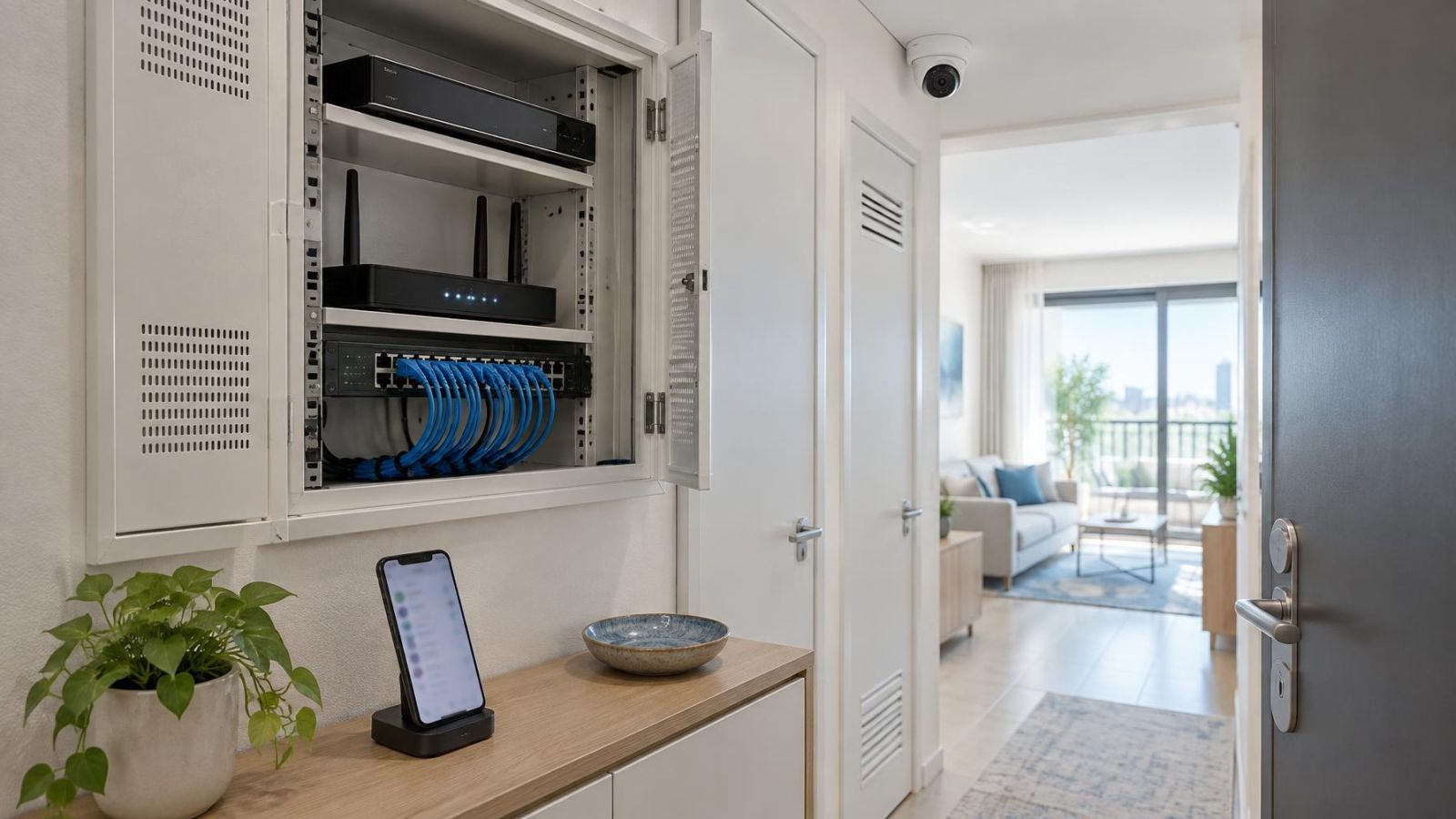
Use a unique administrator credential and create separate accounts for routine viewing. Keep the recorder in a location that is controlled but still practical to service. Physical access matters because a person who can reach the recorder may be able to disconnect it, remove storage, reset equipment or work directly at its display. Local storage is not private merely because it is local.
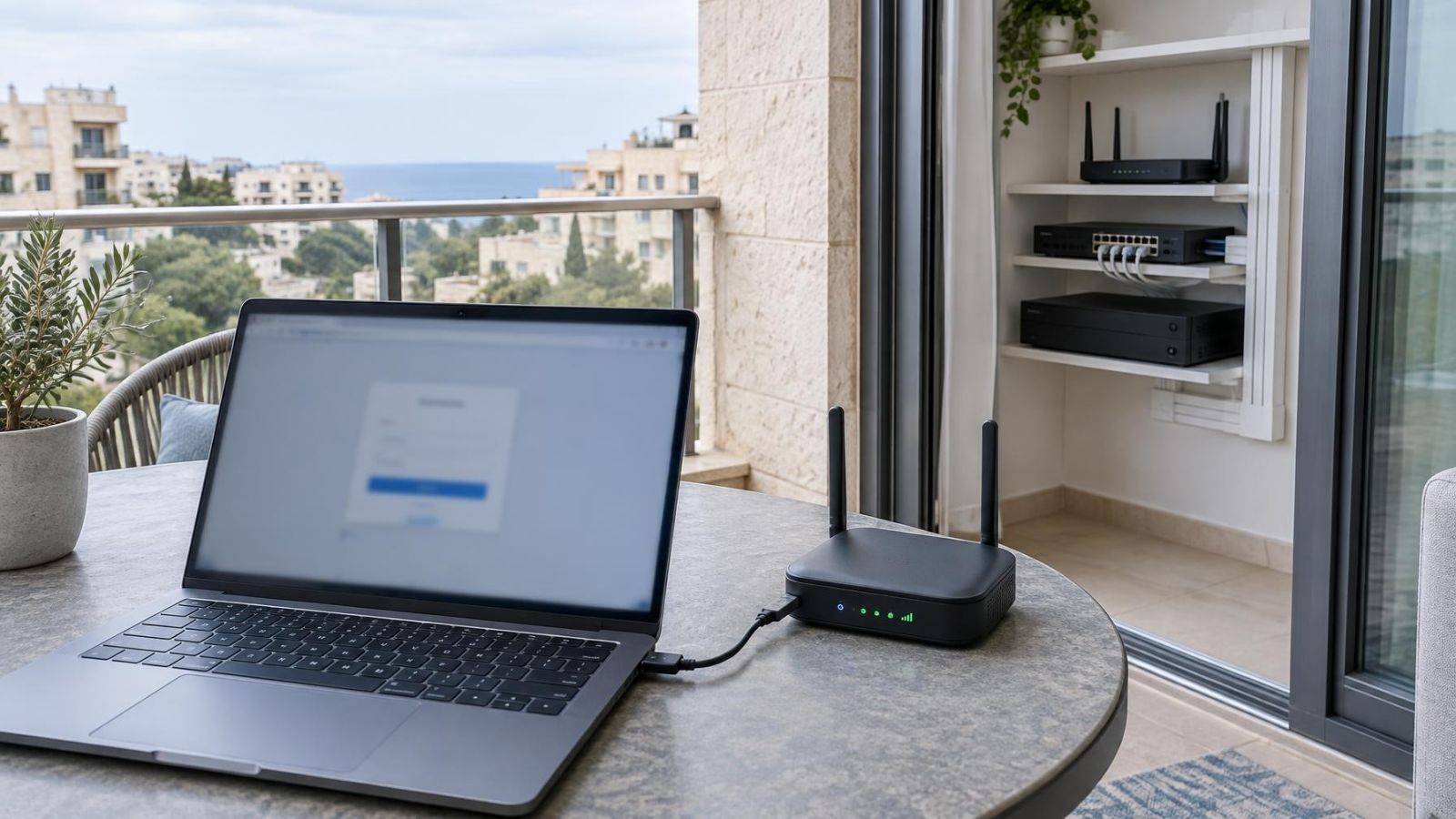
Remote viewing adds another design decision. It can be provided through a secure remote-access arrangement, a managed connection service or a carefully restricted network path. The chosen method should not expose the recorder’s general administration interface more broadly than necessary. If the property uses VLAN separation, the cameras and recorder can be placed away from ordinary guest and household devices while approved viewing paths remain available.
Cloud Accounts: Convenience and Dependency
What does a cloud camera account change?
A cloud camera account usually makes off-site access easier to establish and maintain. The external platform authenticates the user and helps the viewing application locate the system. Account recovery may also be handled through the provider’s infrastructure rather than through direct access to the recorder.
The trade-off is dependency. Remote sign-in relies on an internet connection and on external account systems being available. Some local functions may continue if either is unavailable, especially when cameras still record to an on-site NVR, but cloud-authenticated viewing or administration may not. The exact boundary depends on how the system has been designed.
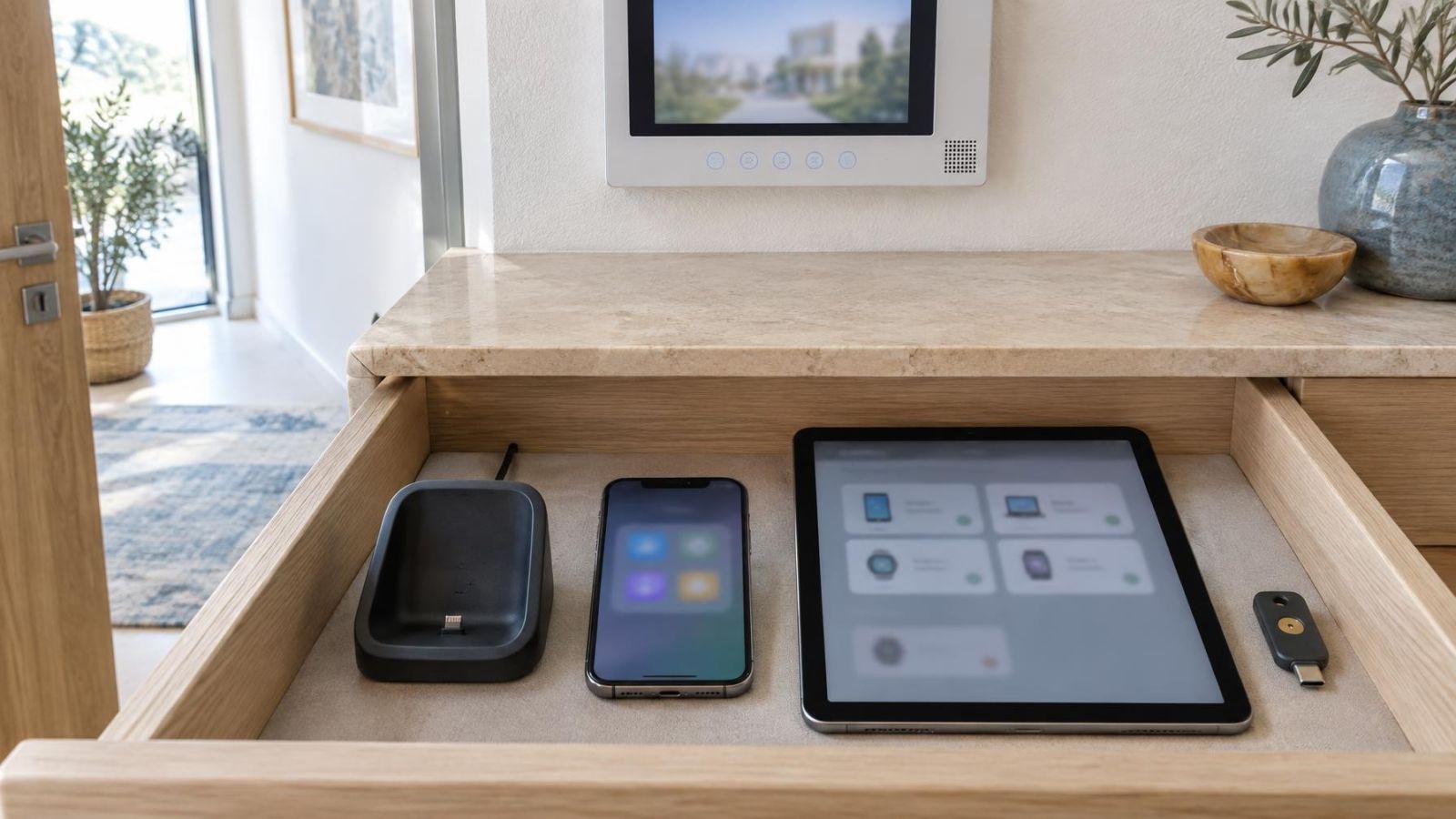
Cloud management can be useful for remote property owners and organisations with several authorised viewers. Each person can receive an individual identity rather than a shared password. Access can then be removed account by account. Where two-factor authentication is available, it adds a second sign-in check, but recovery methods still need to belong to the actual system owner.
Before choosing this route, establish which functions use external infrastructure. Ask whether sign-in, live viewing, playback, notifications, configuration and recording depend on it. Do not infer the answer from the mobile application alone: the application may be a viewing interface for footage that remains entirely on the local recorder.
Which Setup Better Protects Camera Account Privacy?
Neither account type is automatically more private. A well-administered cloud account can be more controlled than a local recorder with shared passwords and unrestricted physical access. A carefully managed local system can minimise external dependencies, yet still expose more than intended if cameras cover inappropriate spaces or remote access is configured carelessly.
Start with camera placement. Record the entrance, gate, stock area or other defined purpose without including more of a neighbour’s home, shared corridor, staff rest area or family living space than the installation needs. Strong sunlight at Israeli entrances can tempt people to widen a view when the better answer is often improved positioning and suitable WDR (wide dynamic range). Privacy and image usefulness should be planned together.
Then apply least-privilege access. Give each user only the cameras and functions required for their role. Reserve settings, user creation and exports for people who genuinely need them. Use unique passwords, enable two-factor authentication where available and avoid using the primary administrator account for routine checks.
Access logs can help the owner review sign-ins and account changes when the chosen system provides them. They are useful records, not a substitute for account discipline. Schedule account reviews around real changes: a tenant leaves, a staff member changes role, a management company is replaced or an installer’s support period ends.
Privacy comes from controlling the complete path: what the camera sees, where video is held, who can sign in and how every connection is removed when no longer needed.
Fit the Choice to Israeli Properties
Property layout changes the answer. In an Israeli apartment building, the entrance, lift lobby, parking area and stairwell may be shared spaces rather than extensions of one apartment. Camera placement and account administration may therefore involve the va’ad bayit or another agreed building representative. Decide who owns the account, who may view each camera and who handles requests for exported footage before credentials circulate among residents.
A private home with a gate and garden often benefits from local recording combined with controlled remote viewing. The gate camera may be far from the main network cabinet, while strong sun, dust and coastal humidity affect equipment and connection choices. Those physical conditions do not decide between local and cloud accounts, but they influence whether remote access remains useful when one camera link needs maintenance.
A mamad can also affect network planning. Its reinforced construction may weaken wireless coverage, so a recorder or network device placed inside it should not be assumed to have a reliable wireless path to cameras or viewing devices elsewhere. A wired connection is often the more predictable design. If the mamad is used as a working room or bedroom, camera placement should also respect how the room is actually used.
Street-front businesses usually need fast access changes. Staff turnover, shift work and external service providers make individual accounts more practical than one shared login. A business owner can keep administration separate while assigning selected live views or playback rights to managers.
Remote owners need a recovery plan that works while they are outside Israel. A trusted local person may need physical access to the recorder, but not permanent viewing permission. Multilingual households should also decide which person receives account notices and recovery messages. The owner must be able to understand and act on them; an installer’s email address should not remain the default simply because setup was easier that way.
Decide Before Installation and Handover
Account design should be part of the installation brief, not an application setup performed at the end. Begin with the required viewing behaviour. Identify who needs local live viewing, who needs remote access, who may play back recordings and who may export them. Also decide what should continue when the internet connection is unavailable.
Next, document the recording destination and retention needs. State whether video is stored on a recorder, on camera storage, in remote storage or in more than one place. Retention is affected by recording schedules, image settings, activity and available storage, so it should be tested against the actual configuration rather than assumed from a label.
- Create the primary account in the buyer’s name using a recovery method controlled by the buyer.
- Record where footage is stored and which viewing functions depend on the internet or an external service.
- Create individual family, staff and management accounts with only the required permissions.
- Agree whether the installer retains any access, what that access permits and how it will be removed.
- Test local viewing, remote viewing, playback, export and account recovery before accepting handover.
- Store the credential and recovery record securely, then review all active users after role or occupancy changes.
The final handover should leave no ambiguity about ownership. The buyer should know the administrator identity, recovery route, recording location and active user list. The installer should be able to explain the access paths without retaining hidden control. Local, cloud and hybrid designs can all be sensible; the right choice is the one whose dependencies and responsibilities match the property.
Key takeaways
- Account location and recording location are separate design choices.
- Local account control requires the system owner to plan password recovery and administrator management.
- Cloud accounts simplify remote management but depend on an internet connection and external account infrastructure.
- Individual user accounts are safer to manage than shared administrator credentials because access can be removed separately.
- Account ownership and installer access should be settled before system handover.