On this page
When security cameras begin dropping out, showing poor night images or losing recordings, the visible symptom may not identify the failed part. The cause could be the video recorder, existing cabling, power supply, connectors or the camera itself. For an Israeli home or small business, deciding whether to repair or replace CCTV therefore starts with a security camera installer testing the complete signal path. The question is whether one repair restores a system that still meets the brief, or whether age and incompatibility now affect the system as a whole.
Start With a Diagnosis Before You Repair or Replace CCTV
Do not begin by ordering a replacement for the component that appears faulty. A black screen can be caused by a failed camera, but it can also come from damaged cable, a loose connector, unstable power or an input problem at the recorder. Intermittent faults are particularly easy to misread because moving a cable or restarting the equipment may make them disappear temporarily.
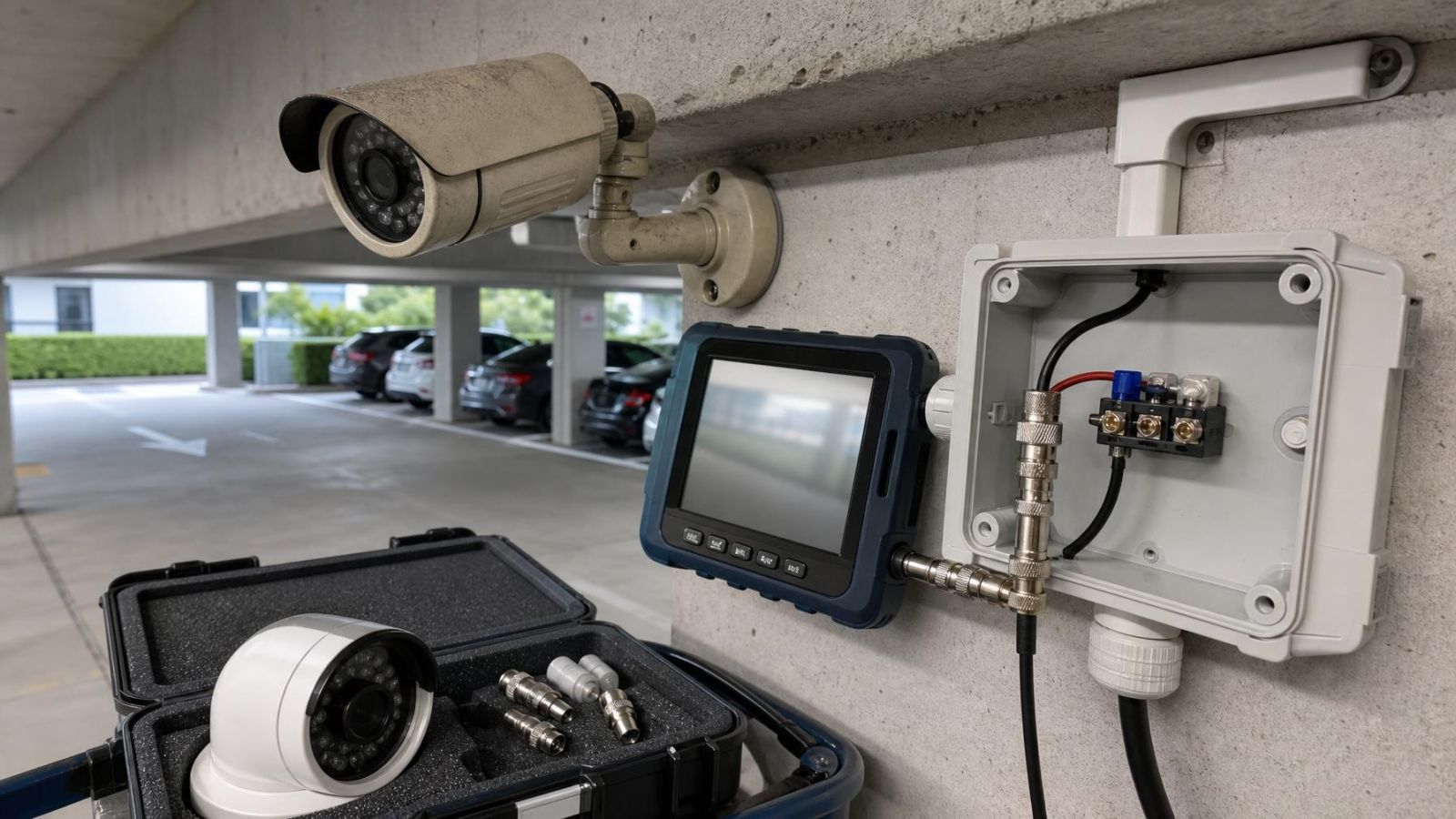
A useful diagnosis follows the route taken by power, video and data. The installer should inspect the camera and housing, test the power source, examine accessible cable and connectors, and verify the recorder channel or network connection. With network cameras, the check also includes the network switch and PoE (power over Ethernet) supply. Swapping a known-working device onto the same connection can help separate a camera fault from an infrastructure fault.
The image review should cover both daylight and darkness. A camera that looks acceptable during the day may produce little useful detail at night. Poor night vision can result from weak infrared illumination, dirty or scratched covers, reflections from nearby walls, insects or unsuitable placement. Strong entrance lighting can create the opposite problem: a bright background with a dark face in the foreground. WDR (wide dynamic range) may help, but positioning and lighting remain part of the assessment.
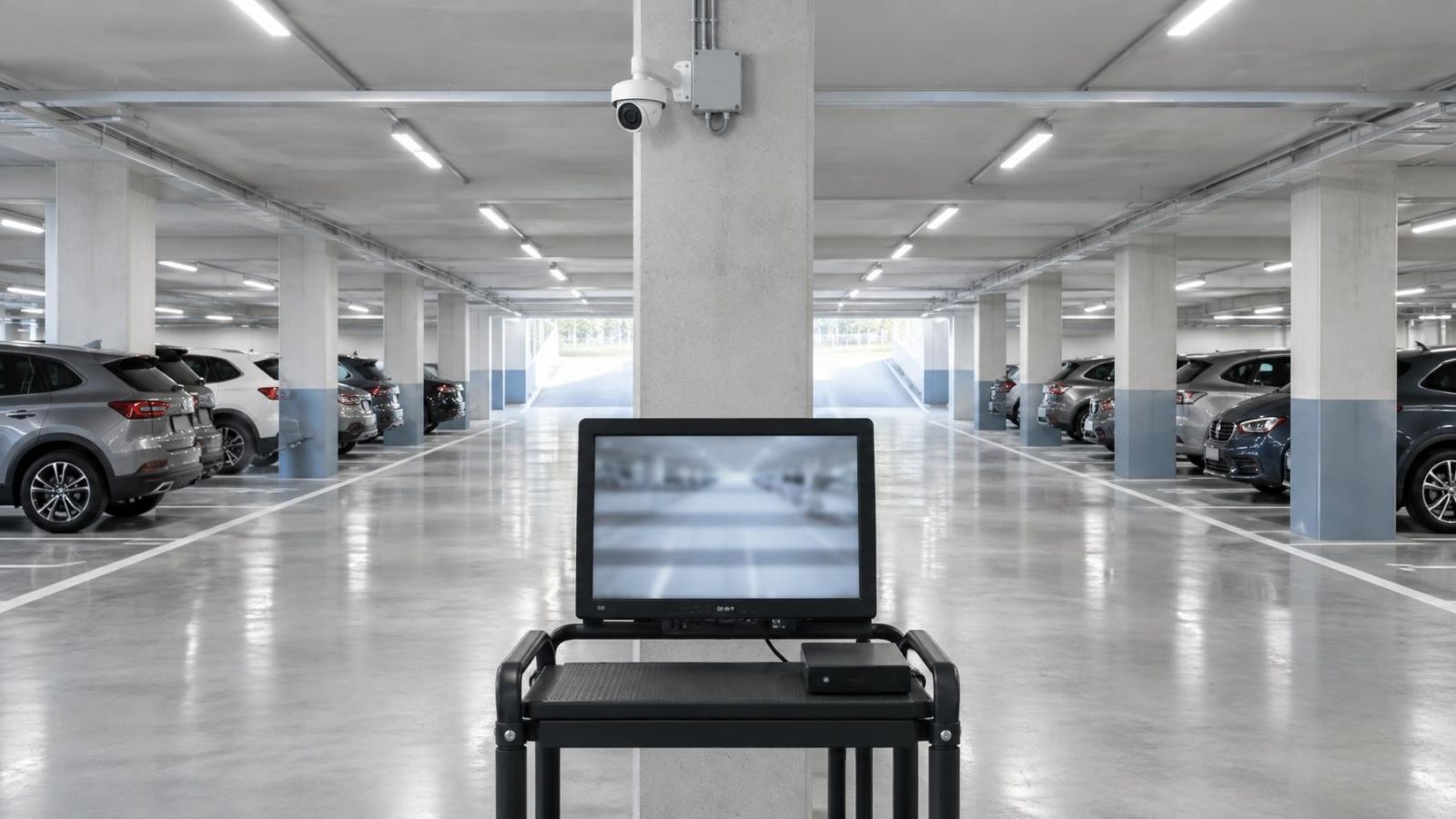
Recording must be tested rather than inferred from the live view. Confirm that footage is actually being written, that the timeline is continuous where expected, and that recordings can be found and played back without errors. Check whether the stored image has the same useful detail as the live image. Also review storage health, available capacity, event recording and the behaviour after a power interruption.
- Inspect the live view for dropouts, colour shifts, blur, glare and unstable brightness.
- Review recorded footage from ordinary daytime and night-time conditions.
- Search for an earlier event to test retrieval, playback controls and exported footage.
- Check whether the recorded period and camera capacity still match current needs.
When Is Repair Worthwhile?
Should I repair or replace CCTV?
Repair is usually worthwhile when the fault is isolated and the rest of the system remains dependable. A failed power supply, damaged connector, single camera or defective recorder channel may be a contained problem. The decision becomes stronger when the cabling is sound, power is stable, recorded images provide the required detail and footage can be retrieved reliably.
Compatibility matters even for a small repair. An old security camera system may use analogue cameras, network cameras or a mixture connected through conversion equipment. A replacement component must use the right signal type, connection method and power arrangement. It must also be supported by the recorder. Physical fit alone does not establish compatibility.
Parts availability should be considered without allowing it to drive the whole decision. A compatible replacement can make a focused repair practical. If every fault requires another adapter, special power arrangement or compromise in recording behaviour, the system is becoming harder to support even when individual repairs remain technically possible.
Signs Replacement Makes More Sense
When should I replace CCTV system?
Broader replacement makes more sense when failures recur across different components. Several unstable camera feeds, deteriorated outdoor housings, unreliable storage and ageing power equipment indicate a system-level problem rather than one bad part. Repeated isolated repairs can leave the underlying limitations unchanged.
Image usefulness is another dividing line. A camera may still display a picture yet fail to show the detail needed at a gate, entrance, payment point or stock area. The issue may be poor placement, limited pixel resolution per frame, glare, narrow coverage or weak night performance. If important views remain unusable after cleaning, adjustment and lighting checks, replacement or repositioning deserves consideration.
Recording limitations are equally important. A recorder that restarts unexpectedly, loses footage, plays back erratically or no longer provides enough storage capacity is not meeting its basic role. Expansion also matters. If additional entrances, garden areas or business zones will need cameras, an already full recorder or network may make another repair a poor foundation.
- Faults appear in several cameras, power channels or recorder inputs.
- Important views lack useful identification detail in ordinary site conditions.
- Recordings are missing, difficult to retrieve or inconsistent with the live view.
- The recorder has no practical room for required cameras or storage.
- Outdoor seals, connectors and housings show widespread deterioration.
Can Existing Cabling Be Reused?
Existing cabling can often remain in service, but only after its condition and compatibility have been verified. Reusing cable is not simply a matter of attaching new plugs. The assessment should identify the cable type, its route, damaged sections, exposed joints, connector condition and the way power reaches each camera.
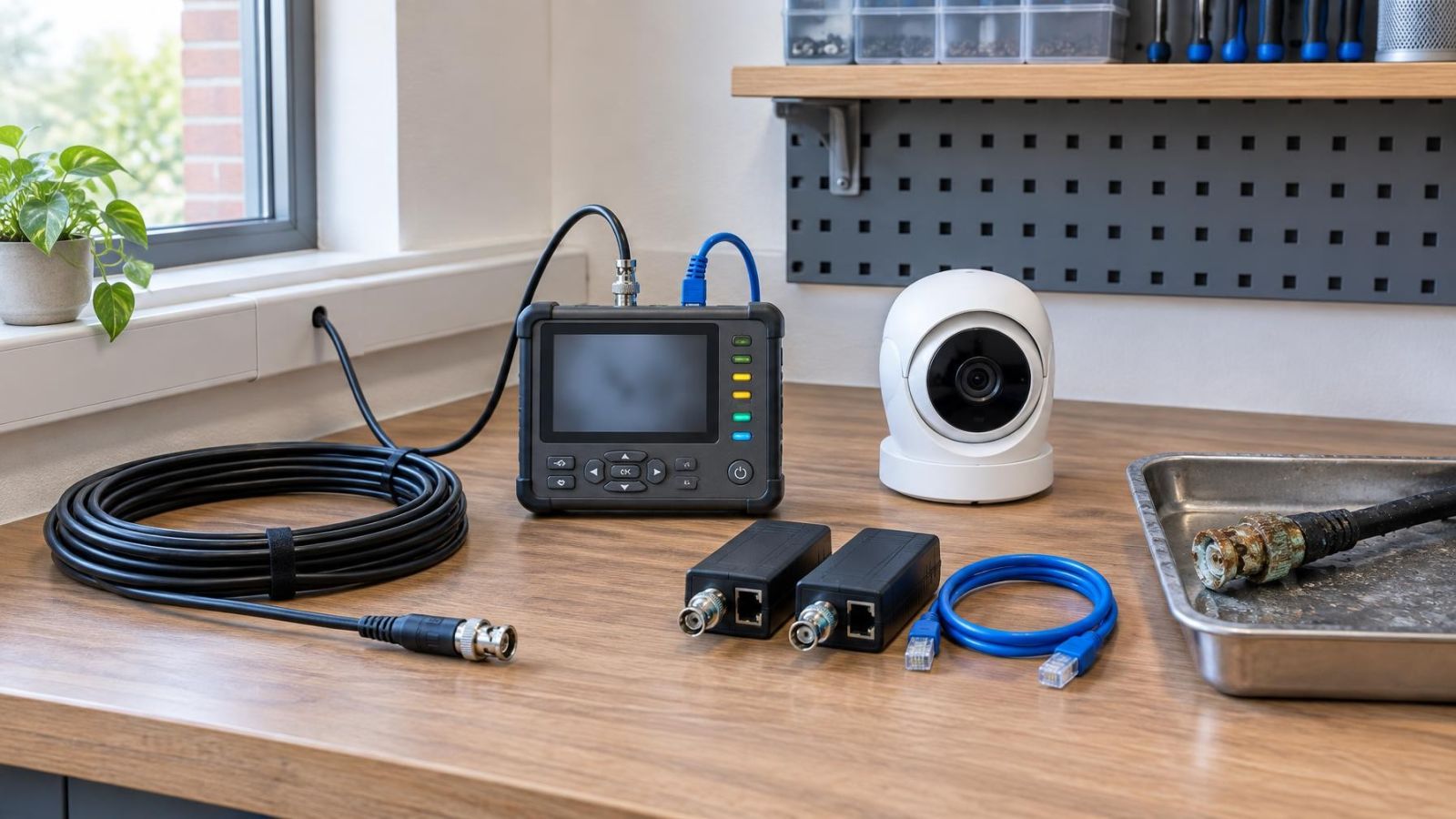
Analogue equipment commonly sends video over coaxial cable, while network cameras normally use Ethernet cabling and connect to an NVR (network video recorder) or network-based VMS (video management software). Existing coaxial routes may support certain migration approaches, but they do not become ordinary network links merely because adapters are added. Likewise, an Ethernet cable that looks intact may still have poor terminations, damaged pairs or unsuitable routing near sources of interference.
Power must be assessed separately from video. Some cameras receive local power, some use shared power supplies, and network cameras may receive PoE through the data cable. Connector corrosion, undersized power conductors and long cable runs can produce voltage instability that looks like a camera problem. Testing should be carried out under normal operating load, including when infrared illumination switches on.
Cable routes in Israeli properties can make reuse especially valuable. Finished apartment walls, stone finishes and routes that pass near or through a mamad, the reinforced safe room found in many Israeli homes, may be difficult to alter cleanly. That practical advantage does not justify keeping damaged cable. It means the cable deserves a proper test before deciding to remove it.
A recorder and camera must understand the same video format or network protocol. A new DVR or NVR does not automatically support every existing camera, even when the connectors appear correct. The written assessment should state which runs passed testing, what signal and power they carry, and which retained cameras are confirmed to work with the proposed recorder.
Plan a Partial System Upgrade
Can an old security camera system be upgraded?
Yes. A security camera system upgrade can be partial when the retained equipment still provides acceptable images, reliable recording and suitable expansion capacity. The useful dividing line is not simply the age of each component. It is whether that component continues to meet the current brief and can work correctly with the new equipment.
Replacing only the recorder may improve storage management, playback or remote administration, but it cannot create detail that the existing cameras never capture. It may also expose compatibility limits. Before a recorder-only change, confirm every camera signal, supported recording mode, input capacity, storage requirement and remote viewing path.
Selective camera replacement is often more useful when only certain views are demanding. An entrance facing strong sunlight may need better WDR and more careful placement, while an indoor corridor camera may remain adequate. A gate or garden view may need improved night illumination, while cameras in stable indoor conditions can stay temporarily.
A hybrid migration can retain some analogue cameras while adding network cameras, provided the recorder and network design explicitly support both. This can reduce disruption, but it adds interfaces that must be documented. Network capacity, PoE capacity, recorder inputs, user access and storage consumption should all be planned together rather than treated as separate purchases.
| Upgrade approach | Useful when | Main limitation |
|---|---|---|
| Recorder only | Existing cameras and cabling remain compatible and useful | Cannot improve detail absent from the camera image |
| Selected cameras | Only important views need better detail or night performance | Old and new views may look noticeably different |
| Hybrid migration | Dependable analogue equipment can remain during a network transition | More compatibility points and power arrangements to manage |
| Broad replacement | Faults and limitations affect cameras, recording and infrastructure | Requires a complete cabling and migration plan |
Set expectations for mixed systems. New cameras may have different fields of view, colour rendering, night behaviour and pixel resolution per frame. A control screen containing both old and new feeds can therefore look uneven. That is not automatically a fault, but every retained view should still meet its assigned purpose.
Account for Israeli Site Conditions
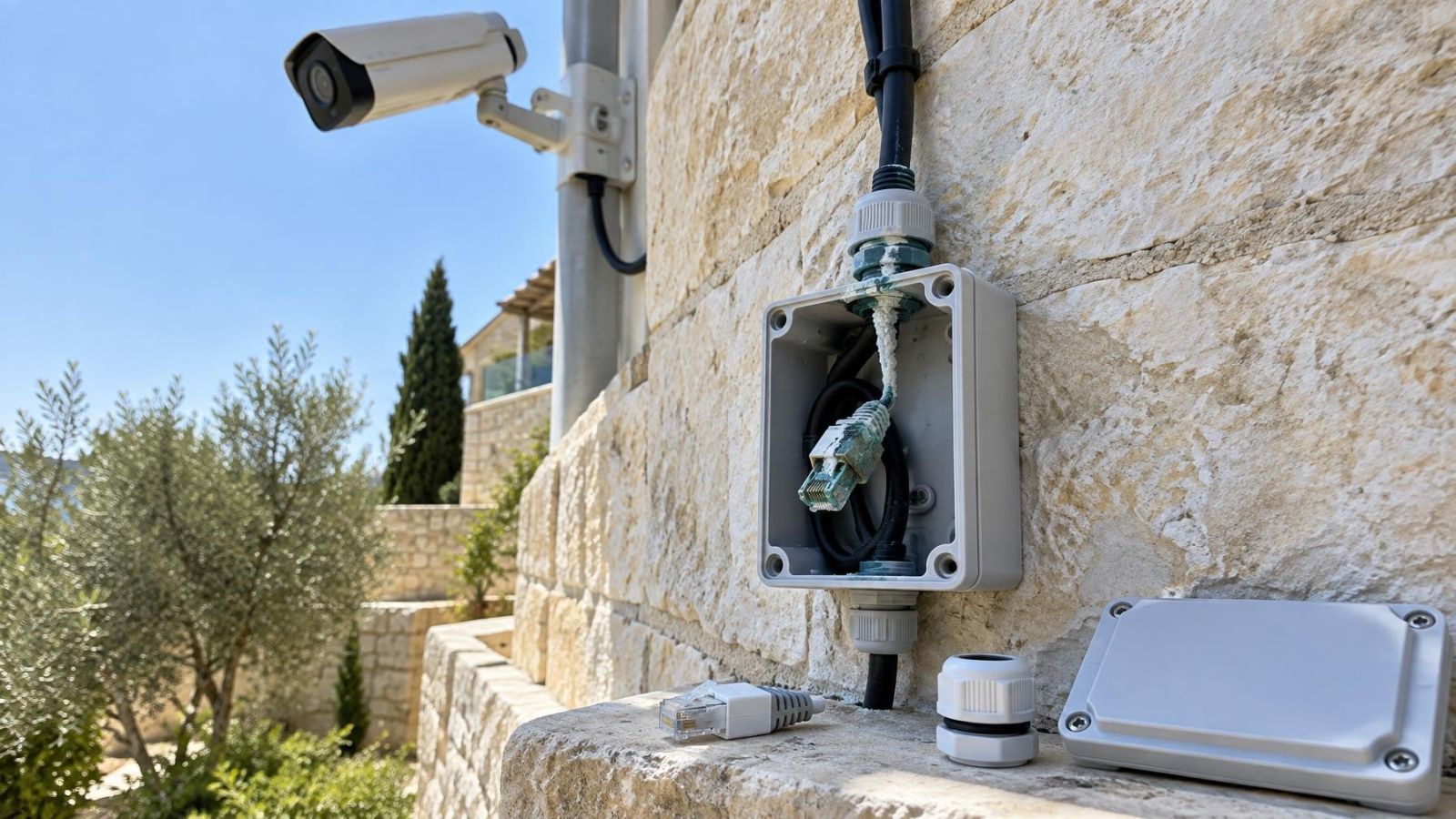
Israeli sites place particular demands on outdoor equipment. Strong sunlight can heat housings and produce deep contrast at entrances. Dust settles on domes and lens covers, softening the image and reflecting IR back into the lens. Near the coast, humidity and salt-laden air can accelerate deterioration around connectors, brackets and damaged seals. Cleaning a cover may restore an image; moisture behind it usually calls for closer inspection of the housing and connection points.
Placement should be reviewed at the times when the scene is most difficult. A west-facing entrance can behave very differently when the sun is low. A sheltered camera may still receive reflected glare from pale stone or glass. Garden lighting, moving plants and nearby walls can also affect motion detection and night vision. The correct response may be adjustment, lighting changes, a different lens view or a replacement camera with more suitable behaviour.
Apartment buildings add shared routes and access. Cameras may cover a private doorway while cables, power or recorder access pass through shared areas controlled with the va'ad bayit, the building committee. A technical plan should clearly separate private equipment from shared infrastructure and identify who can provide access for maintenance. Remote property owners should also decide who can physically restart or inspect equipment when an online connection is unavailable.
Small businesses on street frontage often have simultaneous bright exterior and darker interior areas. Private homes may need distinct views for a pedestrian gate, vehicle gate, garden and entrance rather than one very wide image. Each view should have a defined task. Wider coverage is not automatically better if the important subject occupies too little of the recorded frame.
Make the Repair-or-Replace Decision
The decision should be based on required behaviour, not on whether the equipment still powers on. Start by listing the views that matter and what each must show. An overview camera has a different task from a camera intended to capture useful detail at an entrance. Then define how recording should behave: continuous or event-led recording, the required retention period, retrieval speed, export needs and authorised remote access.
Next, consider what may change. Additional cameras, longer storage, a second viewing location or separate access for a business manager can affect recorder, network and storage choices. A design with no remaining capacity may work today but leave no clean upgrade path. Capacity should be assessed across recorder channels, network links, PoE supply and storage rather than in one component alone.
Ask for a written component-by-component conclusion. It should identify cameras to retain, repair, reposition or remove; cable runs that passed or failed assessment; power equipment that remains suitable; and the confirmed compatibility between retained cameras and the proposed recorder. Uncertain items should be marked as uncertain rather than quietly assumed to work.
- Repair when one fault is confirmed and the remaining system still meets image, recording and reliability needs.
- Choose partial replacement when dependable cameras or cable runs can be retained without compromising important views.
- Replace more broadly when recurring faults, inadequate recordings and incompatibilities affect several parts of the system.
- Document retained equipment, cable condition, power arrangements and confirmed compatibility before installation begins.
The cleanest decision is the one that can be explained view by view and component by component. Repair is not automatically the economical choice, and replacement is not automatically the better technical choice. The right scope is the smallest coherent system that records the required scenes, stores them reliably and can be maintained without repeated compatibility surprises.
Key takeaways
- A complete signal-path diagnosis should test the camera, power, cabling, connectors and recorder before any component is replaced.
- Existing cabling should be reused only after its physical condition, signal capability and power arrangement have been verified.
- Partial replacement is practical when retained components still meet the required image, storage, compatibility and reliability needs.
- Broad replacement is more sensible when recurring faults, inadequate recordings and incompatibilities affect several parts of the system.