On this page
A video recorder may show a CCTV access log containing a user account, a remote access entry and a timestamp. It may also hold a separate video archive from a camera covering a home, shop or shared building entrance. These records look authoritative, but they answer different questions. The practical issue is whether a log can show who connected, what they did and whether they viewed or exported footage. It can provide useful clues, but rarely answers all three on its own.
What Do CCTV Access Logs Record?
An access log is a list of events that the recorder or video management software has been configured to record. On an NVR (network video recorder), DVR or VMS (video management software), the available categories and labels vary. One system may record each successful login and failed login attempt. Another may combine them under a general user event. The wording matters less than understanding what created the entry.
What do recorder user logs contain?
- Successful and failed authentication: the account name, result and timestamp may be recorded for each attempt.
- User account details: entries may distinguish an administrator from a user with more limited access.
- Connection type: the recorder may separate a local login from remote access through an application, browser or VMS.
- Network information: a remote entry may include an IP address or another description of the connection endpoint.
- Recorder-specific actions: some logs include playback, export, configuration or user-management events, while others record only the session itself.
A login entry normally describes authentication activity. It does not automatically describe every action taken during that session. Even when playback or export events exist, their level of detail may be limited. The only safe interpretation is based on the event categories that the particular recorder actually creates and retains.
Access Logs Versus System Events
Recorders commonly separate user activity from equipment activity. Access logs concern authentication and account actions. A system event log concerns the state of the recorder, cameras, storage and network connections. Configuration changes may appear in either place, depending on how the recorder organises its records.
| Record type | Typical entries | What it helps explain |
|---|---|---|
| Access log | Successful login, failed login, logout, local or remote session | Which account or connection was recorded |
| User action log | Playback, export, account change, settings change | Which selected action was recorded after access |
| System event log | Camera offline, storage fault, network interruption, recorder restart | Whether equipment status affected the record |
| Video archive | Recorded camera footage and its timeline | What the camera recorded during the available period |
These records should be searched separately and then compared. A gap in footage may align with a camera fault or recorder restart rather than a user action. A settings change may explain why a later event was not logged. Conversely, a successful login does not show that the video archive was altered or even opened.
Search filters can hide useful entries. Before drawing a conclusion, check whether the interface is filtering by account, event severity, connection type, camera or log family. On some systems, the default view shows system events while user actions sit under a separate menu. A useful CCTV audit trail therefore depends partly on knowing where each type of record is stored.
What Logs Cannot Establish
Logs are machine records, not eyewitness accounts. They describe what the system associated with an account, endpoint or event. That distinction limits what can reasonably be concluded from them.
- An account name does not establish the identity of the person at the keyboard or phone, especially when credentials are shared.
- An IP address identifies a connection endpoint. It may represent a router, shared business network, mobile connection or remote service rather than one person.
- A successful login does not establish that footage was viewed. The user may have connected briefly, checked live video or left the session without opening playback.
- A missing entry does not prove that no access occurred. Logging may have been disabled, filtered, overwritten or stored elsewhere.
- The visible history may be incomplete after normal retention, a recorder reset, storage trouble or a change in configuration.
A log can support a timeline, but its meaning never extends beyond the event the system was designed to record.
The video archive is also a separate record. Its presence does not guarantee that matching access entries remain, and an access entry does not guarantee that matching footage is still available. Each may have different storage behaviour and a different retention period.
Can a Log Identify the Person?
A log can usually identify an account more reliably than a person. Individual attribution becomes stronger when each regular user has a separate account, keeps the credentials private and uses a recognisable account name. It becomes weak when several family members, employees, installers or building representatives use one administrator login.
Administrator credentials are often shared for convenience. In practice, this removes much of the value from later account records. An entry for “admin” shows that the credential was accepted. It does not distinguish between the property owner, a staff member or another authorised person who received the same password.
Local access introduces another limitation. A recorder connected to a screen and mouse may remain signed in, or its interface may be available without a fresh authentication event. Someone using an unlocked recorder could therefore leave a different trail from someone connecting remotely. The absence of a new local login should not be treated as proof that the recorder was untouched.
Remote connections have similar ambiguity. In an apartment, several devices may appear behind the same household network address. In a small business, staff may share one internet connection. A remote property owner connecting from another country may also pass through changing network endpoints. The address helps trace the route recorded by the system, but it is not personal identification.
Why Log Accuracy Degrades
The most common weakness is not the event itself but its context. Every timestamp depends on the recorder clock and time-zone configuration. If the clock is wrong, a precise-looking entry may be offset from the actual sequence. Local clock changes can also create apparent gaps or repeated times unless the recorder handles them correctly.
Why can camera login history be incomplete?
Log storage is usually finite and may operate independently from video storage. Older entries can be overwritten as new ones arrive. Some recorders retain different categories for different lengths of time. A reset, storage replacement or manual clearing operation may remove part of the history. If no one has checked the retention behaviour, the oldest visible entry should not be assumed to mark the beginning of all activity.
Power, storage and network interruptions also affect what reaches the log. A camera can continue behaving differently from the recorder during a network interruption, and a camera with its own internal record may hold events that never appeared on the NVR. Likewise, a recorder restart may interrupt both recording and logging for a period.
Mixed installations need particular care. Cameras, recorders and VMS platforms may use different clocks, time zones and event labels. A local camera record, an NVR event and a VMS login can therefore describe related activity without lining up neatly. Consistent configuration makes comparison possible; it does not turn separate records into one continuous history.
How to Review and Preserve Logs
Review should begin with the recorder as it is, not with assumptions about what its labels mean. Avoid changing the clock, user accounts or logging configuration before collecting the relevant records. A change made during review can create new entries and make the original sequence harder to read.
How should you check camera login history?
- Confirm the recorder’s displayed time and time zone. Compare them with a reliable current time source, and note any difference rather than immediately correcting it.
- Open the relevant log categories. Filter by account, event type and local or remote connection, then repeat the search without narrow filters to check for related entries.
- Compare access records with system events. Look for recorder restarts, camera disconnections, storage messages and configuration changes around the same sequence.
- Compare the log with the video archive. Confirm whether footage exists for the relevant period and whether the archive timeline shows an interruption.
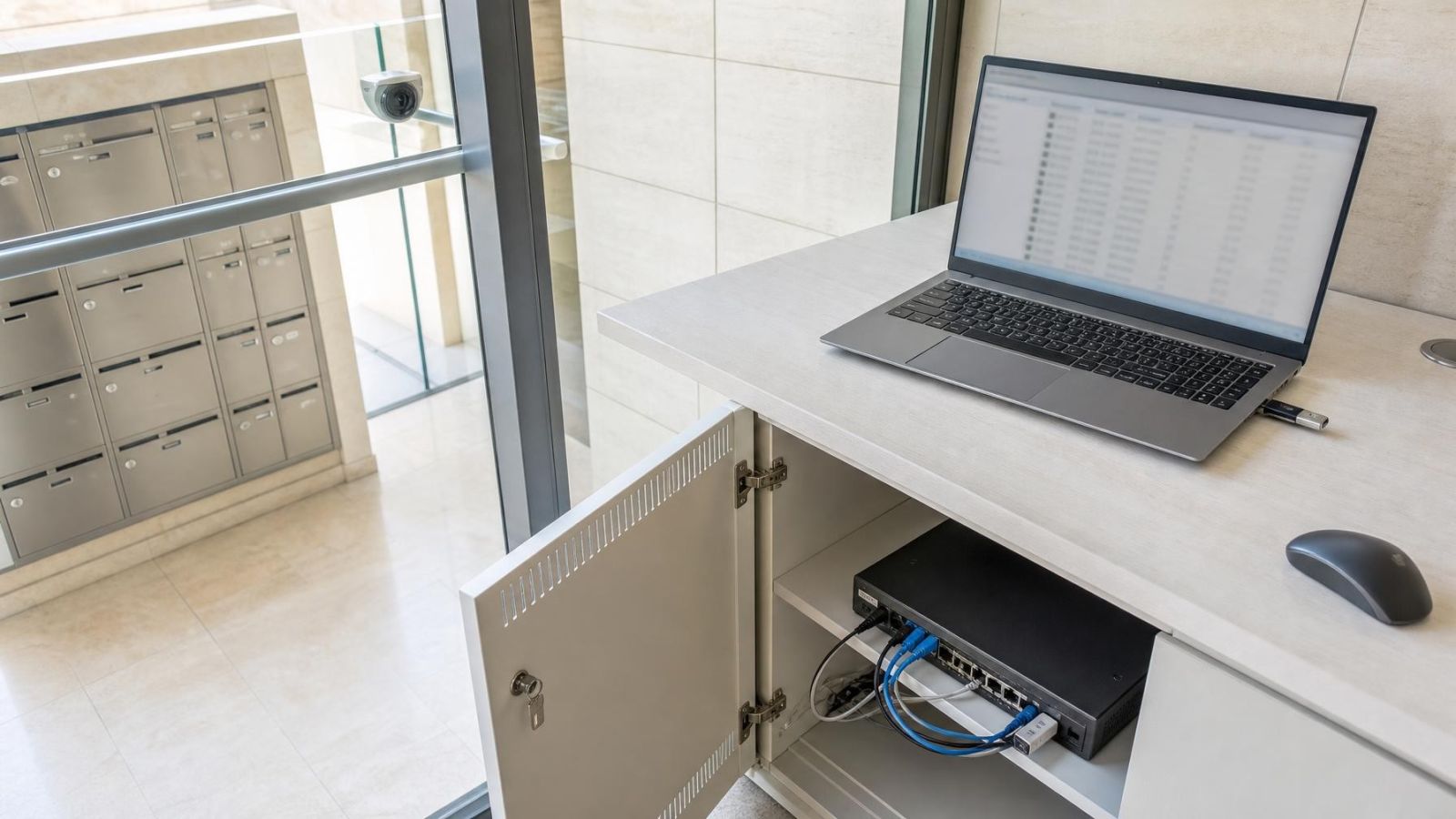
- Export relevant entries while they remain available. Where possible, keep both the recorder’s native export and a readable copy.
- Record the source device, displayed clock, time zone, active filters and export method. Also note whether the file came from the recorder, an individual camera or a VMS.
An export preserves a copy outside the recorder’s changing history. It does not improve the quality of the original data or fill missing entries. Open the exported file on another suitable device before relying on it. Some native formats require particular viewing software, while a readable report may omit fields included in the original.
Maintenance Decisions That Improve Auditability
Useful logs are created by ordinary maintenance choices long before anyone needs to review them. The aim is not to record every movement by every user. It is to make routine entries understandable and to reduce avoidable ambiguity.
- Create a separate account for each person who regularly accesses the system. Use permissions that match the person’s role rather than giving every user administrator access.
- Restrict sharing of the administrator credential. Keep it for configuration and account management, while everyday viewing happens through named user accounts.
- Check the recorder clock, time zone and event logging during routine maintenance. Include connected cameras and the VMS when they maintain separate clocks.
- Learn how the recorder retains and exports each log category. A successful video export does not confirm that access logs were included.
- Test the export method before a record is needed. Confirm that exported files open correctly and retain useful fields such as account, event type, timestamp and connection source.
- Assign clear ownership for account creation, removal and credential recovery. Remove access that is no longer required rather than continuing to share an old account.
The ownership question varies by setting. In a private home, the owner may manage accounts for family members and a remote property manager. In a street-front business, responsibility may sit with one manager even though several staff members view live video. For a shared building entrance, the va’ad bayit—the residents’ building committee—may need a clearly designated person to coordinate recorder access and maintenance decisions.
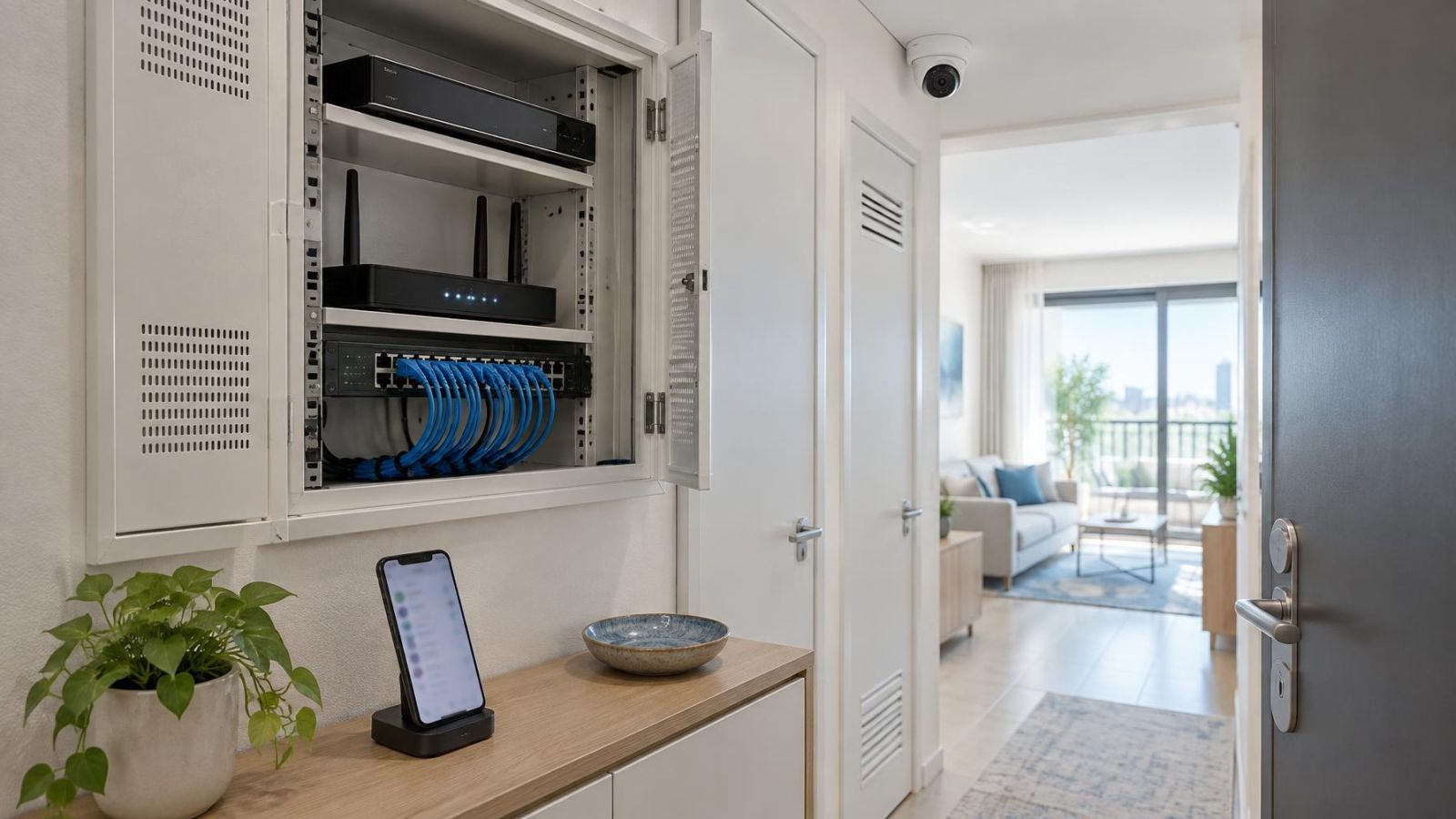
Physical access matters as well. A recorder left signed in beside an accessible monitor weakens the meaning of local user records. Placing the recorder and its controls in a managed location makes account use more consistent. In an apartment, the recorder may be in a communications cupboard or another compact space; in a business, it may share a back room with networking equipment. The important point is controlled, known access rather than a particular room.
Good auditability comes from modest habits: named accounts, limited administrator sharing, correct clocks, known retention behaviour and tested exports. These choices do not make a log prove more than it records. They make the record easier to interpret alongside system events and the video archive.
Key takeaways
- Access logs record selected system activity, not a complete account of everything a user did after signing in.
- Separate user accounts make log entries more useful because shared credentials weaken individual attribution.
- A log timestamp is useful only when the recorder clock and time-zone setting are correct.
- Access logs should be interpreted alongside system events, configuration records and the video archive.
- Exporting relevant logs preserves a reviewable copy outside the recorder’s changing history.