On this page
An alarm control panel, security cameras and a mobile app may be used by household members, employees and whoever holds the administrator account. In a multi user security system, the difficult part is rarely pressing Arm or opening live view. It is deciding who can do what, when access should end, and who acts on each notification. This guide settles how to turn those everyday roles into a clear user plan for an Israeli home, shared apartment entrance, remote property or street-front business.
Map People, Places and Routines in a Multi User Security System
Start with people, not settings. List everyone who uses the property regularly and describe what each person actually needs to do. In a home, this may include adults, teenagers, an older relative and a cleaner. In a business, it may include owners, managers, opening staff, closing staff and someone responsible for deliveries. A remote property needs the same exercise even if most users visit only occasionally.
Then separate regular users from visitors and service providers. A gardener who needs gate access does not necessarily need alarm control. A cleaner may need to disarm selected areas during an agreed working period but may have no reason to view cameras. A technician attending once should not automatically receive the same access as a household member or permanent employee.
The building layout changes the plan. In an apartment, the entrance to the building is shared and may involve the va'ad bayit, while the apartment alarm is private. A detached home may have separate gates, garden cameras and external detectors. A street-front business may need different arrangements for the public entrance, stock room, office and rear service door. Treat each boundary separately rather than describing the whole site as one zone.
Finally, write down the normal rhythm of the property. Who arrives first? Who leaves last? Is someone at home during the night? Does the business close while cleaning continues? Is a mamad used as an office, bedroom or storage room? These details determine whether full arming, partial arming or night mode fits each routine.
- List permanent users, recurring service providers and occasional visitors separately.
- Identify who normally opens, closes, arms, disarms and checks camera footage.
- Mark shared entrances and areas controlled by someone outside the household or business.
- Include weekends, travel periods and other routines that differ from an ordinary working day.
Give Regular Users Separate Credentials
Should every user have a separate alarm code?
Yes, every regular user should normally have an individual code or named account. Personal credentials make the activity log easier to understand. If the system records that a particular user disarmed the alarm, the entry has practical meaning. A shared code only shows that somebody with access used it.
Separate credentials also make changes cleaner. When an employee leaves or a regular visitor no longer needs entry, their access can be withdrawn without changing the routine for everyone else. With one shared credential, removing one person often means replacing the code on every keypad and explaining the change to every remaining user.
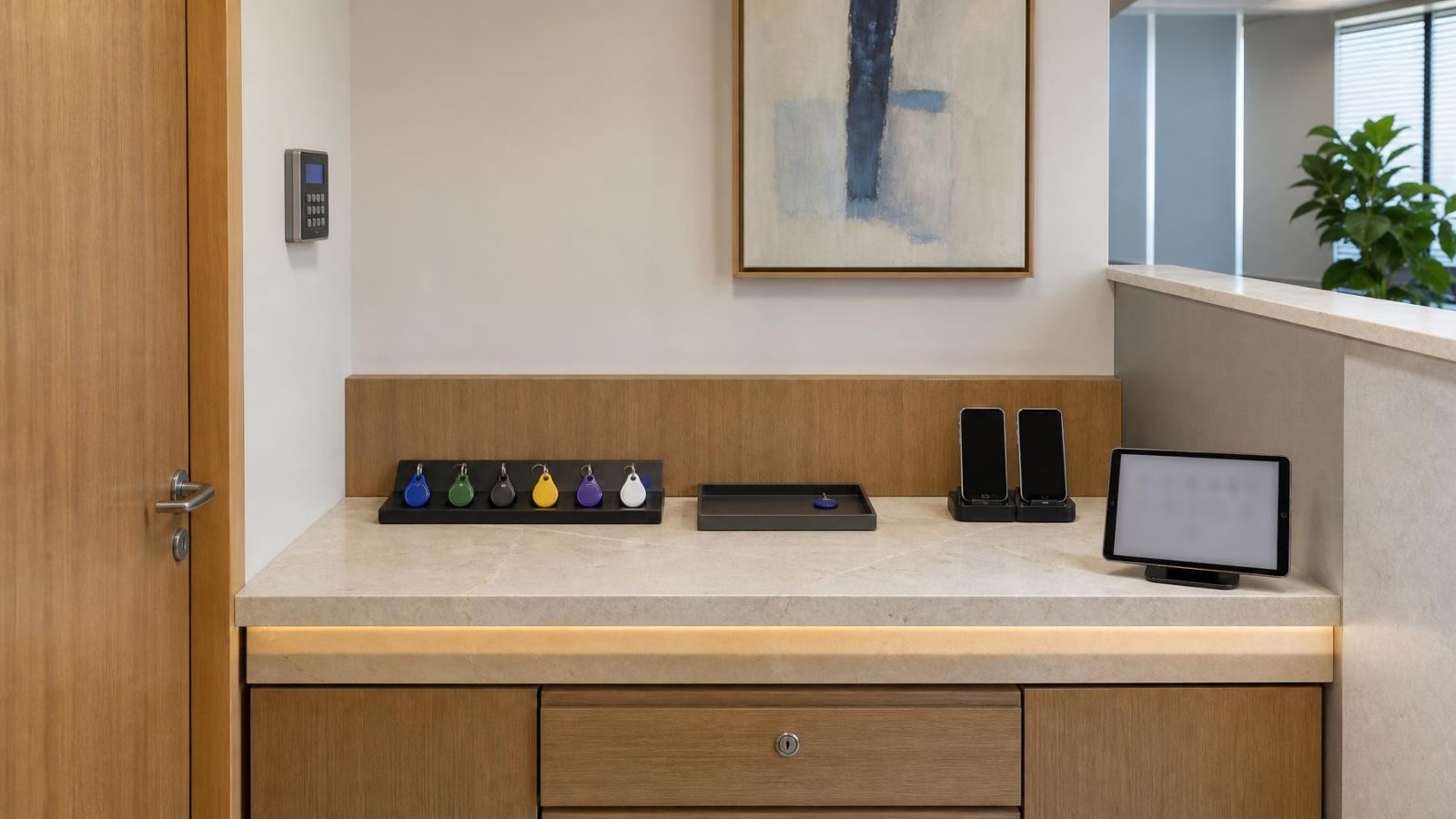
Not every user needs the mobile app. A person who only enters through one door may be better served by an individual keypad code, access tag or remote, depending on the installed equipment. The important point is that the credential remains identifiable and can be disabled independently.
Match Permissions to Each Role
Good security system user access is based on responsibility rather than status. The property owner may need full administration. A family member may need everyday alarm control and camera viewing. An employee may only need to disarm the public and staff areas during working hours. The installer should be able to discuss these roles before accounts are created.
Administrator access deserves a narrow boundary. An administrator may be able to add users, change notification routes, alter device settings, review logs or recover accounts. Those powers are not required for ordinary arming and disarming. Giving every user administrator rights makes accidental changes more likely and makes deliberate changes harder to trace.
Camera viewing and alarm control should be considered separately. A person may need to arm the building without seeing internal cameras. Another person may need to review the entrance camera while having no reason to alter the alarm. Camera sharing should also distinguish live viewing from access to recorded footage where the system offers that separation.
| Role | Alarm control | Camera access | Administration |
|---|---|---|---|
| System owner | Full or selected areas | As required | User and system management |
| Everyday household user | Routine arming and disarming | Relevant home views | Usually none |
| Employee | Work areas and working routine | Operational views only | None |
| Temporary user | Specific purpose only | Usually none | None |
Partial arming is especially useful where a property remains occupied. At home, external openings and unused areas may be armed while people move through bedrooms or living spaces. In a business, an office or stock area may remain protected while cleaning continues elsewhere. The exact division depends on detector placement and the way people move through the site; it should be tested as a routine, not treated as a label in an app.
Restricted areas and sensitive footage need an explicit decision. Internal cameras, cash-handling points, private offices and family spaces should not appear in every user's view merely because broad access was easy to configure. Alarm users and permissions should follow the same room-by-room thinking used when the equipment was positioned.
Plan Temporary and Changing Access
How do you give a guest temporary access?
Give a guest or service provider a separate credential with the narrowest useful permissions. Where the system supports time-limited access, set the permitted period in advance. Where it does not, assign one person to remove the credential manually as soon as the visit or working arrangement ends.
Temporary access should still match the route. A cleaner may need the front entrance and selected alarm areas. A contractor may need a gate and an external work area. A guest staying in the home may need ordinary alarm control but no access to recorded camera footage. Convenience is not a reason to copy an administrator account.
Changing employee access needs a simple operational process. Add the person only after deciding their role. Update permissions when their responsibilities change. Remove their code, app account, tag and remote when the role ends. Physical credentials matter as much as digital accounts; disabling an app does not account for a remote left in a drawer or an access tag attached to old keys.
How do you remove a user from a security system?
- Identify every credential assigned to the person, including app accounts, keypad codes, tags and remotes.
- Disable or delete those credentials from the relevant alarm, camera and access-control interfaces.
- Check whether the person knew a shared credential and replace it if necessary.
- Review notification lists, recovery methods and administrator roles for any remaining connection.
- Confirm that the activity log and user list now show the intended result.
Temporary access is only temporary when somebody owns the task of ending it.
Assign Notification Responsibility
Who should receive security system notifications?
Notifications should go to people who understand what the alert means and know what action is expected. Choose a primary responder and a backup. For a home, that may be two adults in the household. For a business, it may be an owner and an opening or closing manager. A remote property may need someone nearby as well as the person managing it from another city or country.
Not every alert belongs with every user. A low battery or device communication message usually belongs with the administrator or maintenance contact. An alarm activation may require the primary and backup responders. A routine arm or disarm message may only matter to the person overseeing opening and closing. Camera motion detection alerts should be limited to views and periods where they are useful.
Sending everything to everyone creates duplicate noise. Several people may assume that somebody else has checked an alert, while routine motion from staff, neighbours at a shared entrance, moving vegetation or strong changes in Israeli sunlight can produce messages with little operational value. Refine the detection area, schedule and recipient list together.
Travel and absence need a handover. Decide who becomes primary, which notifications they receive, how they can inspect the relevant camera view and whom they contact if a device needs attention. Remote control without assigned responsibility is not a complete plan.
Secure Shared Control
A shared security system should still use named app accounts. Sharing one administrator login across several phones weakens the activity trail and complicates account changes. It can also make recovery difficult when the shared email address, password or verification method is no longer available to the person handling the property.
Keep administrator credentials with a small, defined group. Record who owns the main account, which recovery method is attached to it and who can take over if the primary administrator is unavailable. Everyday users should sign in under their own names and receive only the permissions they need.
Phone replacement should be treated as an account event, not merely a device purchase. Sign out or remove the old phone where the system allows it, install the app on the replacement, restore only the required systems and test notifications. A lost phone, tag or remote should be reported to the access owner promptly so its credential can be disabled.
Review the activity log when something appears inconsistent: an unfamiliar disarm event, an account change nobody recognises or repeated access outside a user's normal role. The purpose is not constant monitoring of people. It is to keep the account list aligned with the way the property is actually operated.
Account recovery should not depend on one person's memory. Keep recovery details in a protected place available to the authorised backup administrator. Do not place passwords, recovery codes or master alarm credentials in general household instructions or an employee handbook.
Document the Final User Plan
A working configuration can become unclear surprisingly quickly when people move, staff responsibilities change or a property is managed remotely. A short written plan prevents the system from depending on informal knowledge. It does not need to contain secret codes or passwords. It should describe roles, ownership and procedures.
- Name the person who owns administration and the authorised backup.
- List each role and the alarm areas, camera views and control functions assigned to it.
- State who receives each useful notification and who acts when the primary responder is unavailable.
- Record how guest, contractor and employee access is approved and ended.
- Set a routine for checking user lists, inactive accounts, physical credentials and notification routes.
- Keep simple operating instructions near appropriate control points without displaying codes or administrator credentials.
Instructions near a keypad should focus on actions: how to arm when leaving, how to select night mode, how to recognise that a door remains open and whom to tell when something does not work. In a business, opening and closing instructions can be role-specific. In a multilingual household or workplace, use the language each user reads most confidently rather than expecting the app interface to explain the whole routine.
The final check is practical. Ask each user to perform only the tasks assigned to them. Confirm that they can enter, arm, disarm or view the intended camera without reaching restricted controls. Test primary and backup notifications. Then inspect the user list from the administrator account. A clear plan is one in which every credential has an owner, every permission has a reason and every alert has a responsible recipient.
Key takeaways
- Every regular user should have a named credential rather than relying on a code or app account shared by several people.
- Access permissions should reflect each person's real responsibilities, with administrator control reserved for those who maintain the system.
- Temporary access should have a defined purpose, a clear end point and an owner responsible for removing it.
- Notification responsibility should be assigned to primary and backup responders instead of being left to assumption.
- A written user plan makes administration, account recovery and routine access reviews easier to manage.