On this page
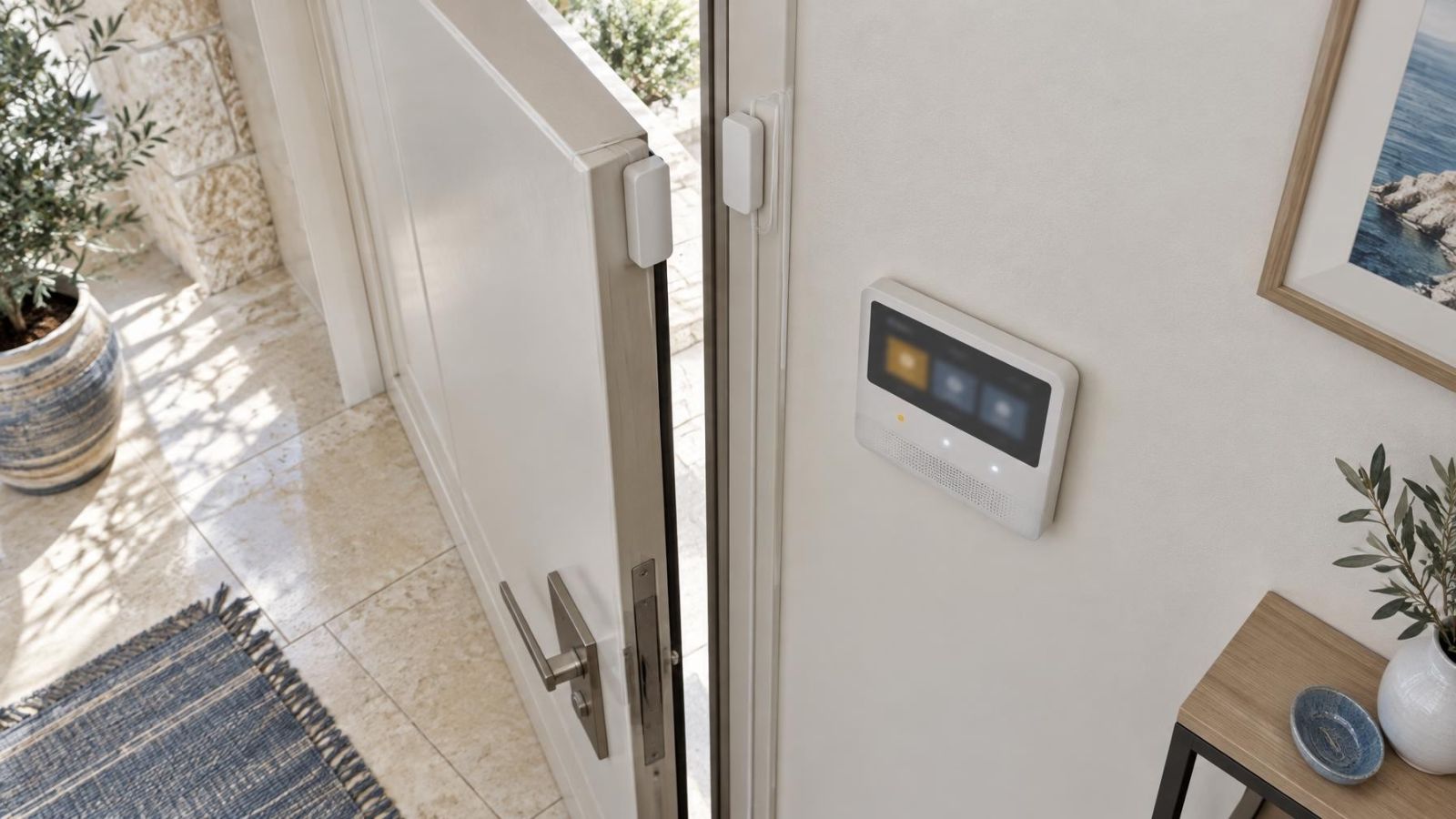
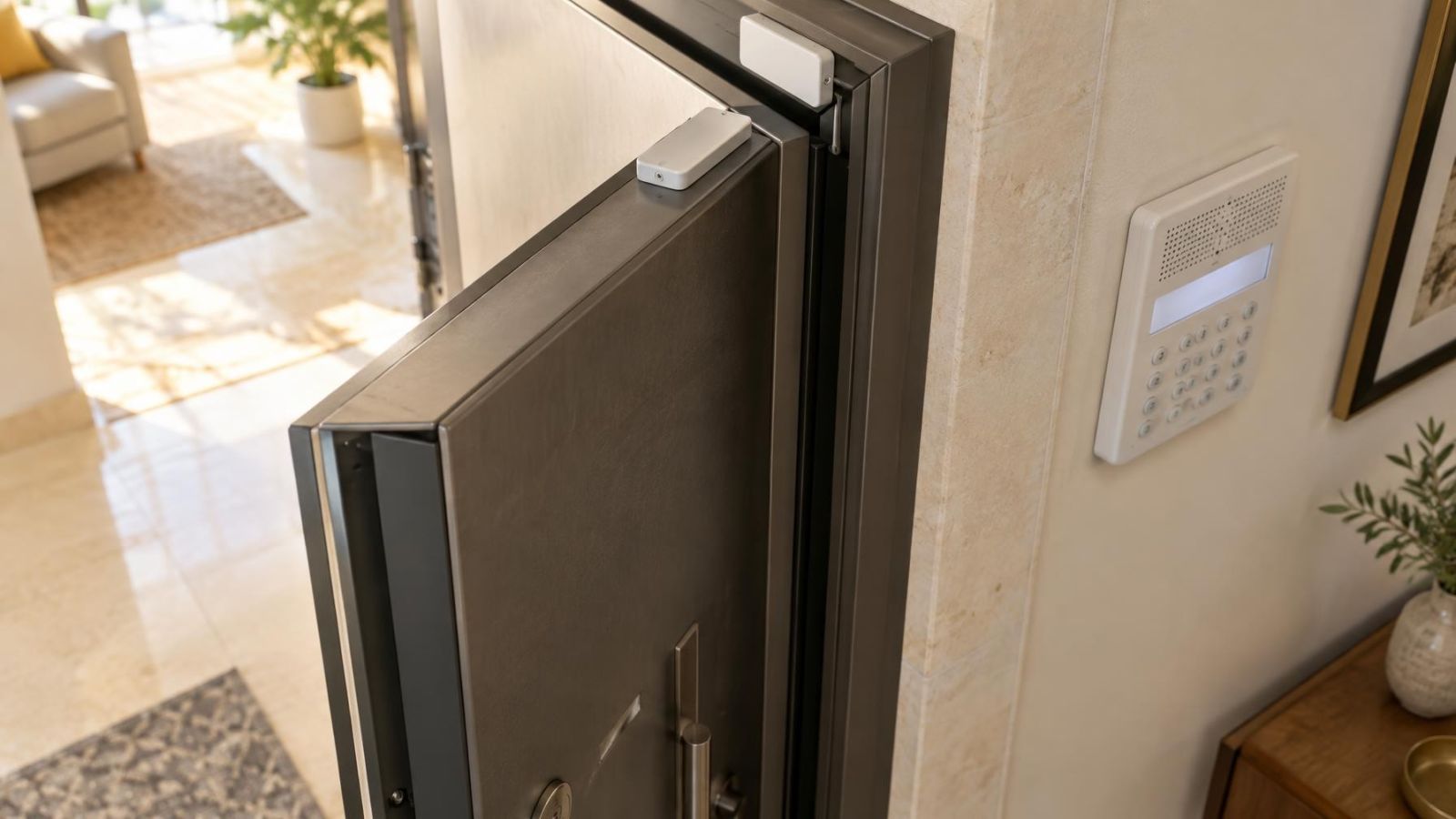
An alarm control panel can remain disarmed while a keypad chime reports activity from a magnetic door contact. That may be the entry door of a home, a garden gate or a shop entrance. The sound usually comes from a keypad chime or indoor sounder, not the siren. The practical question is whether alarm chime mode can provide useful everyday awareness without making the property noisy. It can, provided the right openings are selected and the sound is placed where people can hear it.
What Does Alarm Chime Mode Do?
Chime mode gives a short local audible indication when a selected contact changes state, usually when a door or window opens. It continues to work while the alarm is disarmed because its purpose is awareness rather than alarm response. Someone entering through the main door can be noticed without anyone having to arm the property first.
What Is Alarm Chime Mode?
It is a configurable behaviour of the alarm system. A sensor zone assigned to a door or window reports that its magnetic contact has opened. The control panel then asks a selected keypad or indoor sounder to produce a tone. The precise behaviour depends on the way both the zone and the sound source have been configured.
The chime is not an alarm event. Chime activity by itself does not start the siren response. It may also have no effect on mobile applications, monitoring functions or other outputs unless those have been configured separately. This distinction matters because a pleasant entrance tone should not be mistaken for a security response.
A contact must first report its state correctly. If a magnetic sensor remains shown as open, is misaligned or cannot communicate with the panel, enabling chime mode will not repair the underlying issue. Chime is an action based on a working zone, not a substitute for one.
Where Chimes Are Most Useful
The best chime points are openings where a small amount of immediate awareness helps with an ordinary routine. At home, the main entry door is often the clearest example. The tone lets someone elsewhere in the property know that the door has opened, even though the alarm is not armed.
Where Should an Entry Chime Sensor Be Used?
- A private home entrance where occupants want a simple local notice of arrivals and departures.
- A garden gate that is used regularly and has a suitable, correctly aligned contact.
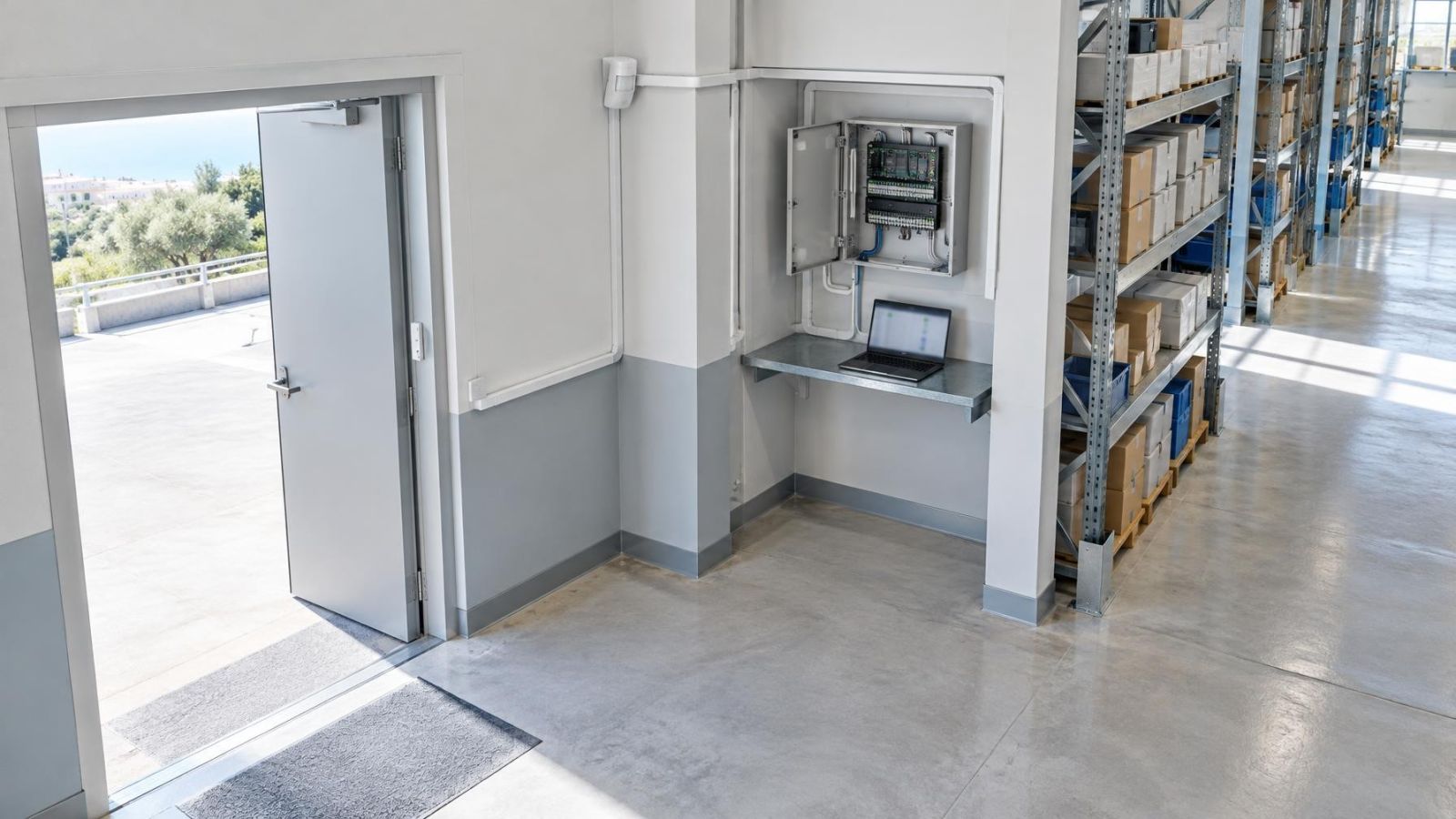
- A street-facing shop entrance where staff may be working away from the door.
- A door used by children or an older relative when household awareness is useful.
- A selected window where opening activity matters during normal occupation.
In Israeli apartments, the distinction between the private apartment door and the building entrance is important. The apartment’s own contact is normally part of the private alarm system. The shared entrance may be controlled by building equipment and va'ad bayit decisions, so it should not be treated as though it were simply another private sensor zone.
For private homes, an outdoor gate can be useful but needs more thought than an indoor door. Heat, direct sun, dust, coastal humidity and movement in the gate can affect the long-term reliability of the contact or its alignment. The useful question is not merely whether a sensor can be fitted. It is whether that sensor will report the gate consistently during daily use.
Chime Mode Versus Other Alerts
A chime, an alarm event, a mobile notification and a doorbell can all indicate activity near an entrance. They are not interchangeable. Each has a different trigger, destination and role.
| Function | Typical trigger | Where it is noticed | Primary role |
|---|---|---|---|
| Local chime | Selected contact opens | Keypad or indoor sounder | Immediate awareness inside the property |
| Alarm event | Armed zone enters an alarm condition | Configured alarm outputs | Alarm response |
| Mobile notification | Configured event is sent through connected services | Selected mobile device | Awareness away from the sound source |
| Doorbell | A visitor presses a button or activates its intended input | Indoor unit or connected device | Request for attention at an entrance |
Is an Alarm Door Notification Local or Mobile?
It can be either, but the two forms should be planned separately. A local chime is fast and simple for people already inside a home or business. It does not depend on someone carrying a telephone, noticing a screen or having notifications enabled. A mobile notification is useful when the recipient is elsewhere, but delivery can depend on communication paths, application settings and the mobile device itself.
Both may be used for the same opening where the system supports the required configuration. For example, shop staff may benefit from a local entrance tone during working hours, while a remote property owner may want selected events shown on a mobile device. One does not make the other redundant.
A doorbell is different again. It normally indicates that someone is deliberately asking for attention. A door chime alarm feature responds to the state of a connected contact, so it can sound when the door opens whether or not anyone pressed a button.
A chime says that an opening changed state. It does not say why it opened, who opened it or whether an alarm response is required.
Which Openings Should Chime?
Select openings according to the value of hearing them, not simply because they already have contacts. Enabling every available zone often creates repeated sounds around normal routines. Once a tone becomes constant background noise, occupants may stop noticing the event it was meant to indicate.
Frequently used internal doors and windows are common sources of nuisance sounds. A kitchen door opened throughout the day may be technically eligible for chime but practically unhelpful. The main entrance may deserve a tone while a balcony door does not. In another home, the balcony or garden access may be the opening that matters most. Daily movement should decide.
- Choose a street-facing shop door if staff cannot always see the entrance.
- Consider a garden gate only when the hardware and alignment provide dependable state reporting.
- Use selected windows when their opening needs immediate local awareness, not merely because contacts are fitted.
- Keep shared apartment entrances separate from privately controlled alarm zones.
- Exclude doors that open repeatedly during normal routines unless each opening remains meaningful.
Entry points and perimeter openings may also deserve different treatment. The main door is an immediate indoor event. A gate sits farther away and may be opened before a person reaches the building. A selected window indicates a different kind of activity again. Where the equipment supports distinct tones, these differences can be made audible without requiring anyone to look at a keypad.
Start with a short list. Use the system for several normal household or business routines, then remove sounds that do not help. Adding another useful zone later is easier than living with a configuration everyone has learned to ignore.
Making the Chime Easy to Live With
A chime is useful only if the right people can hear and interpret it. A keypad beside the entrance may sound clear in the hallway but be difficult to hear in a mamad, upstairs room, rear office or bedroom with the door closed. Wall construction, closed doors, background conversation and normal business activity all change how the tone is perceived.
Keypad placement should therefore be considered from the occupied rooms, not only from the entrance. If the property has several keypads or a suitable indoor sounder, the system may allow the indication to be produced in more than one place. Configuration varies, so each intended listening position should be tested rather than assumed.
- Use a chime volume that is clearly audible without dominating the room.
- Choose distinct tones for important openings where the equipment supports them.
- Give zones plain names such as Main Entrance, Garden Gate or Rear Shop Door.
- Consider quiet periods if the system supports schedules or an easy way to disable chime temporarily.
- Explain the chime controls to everyone who routinely uses the keypad.
Clear zone names are especially helpful when a keypad displays text alongside the sound. Names should match the words people naturally use for the opening. A label such as Zone Three may satisfy the configuration screen, but it does not help a new arrival, family member or employee understand what happened.
Why a Chime May Not Sound
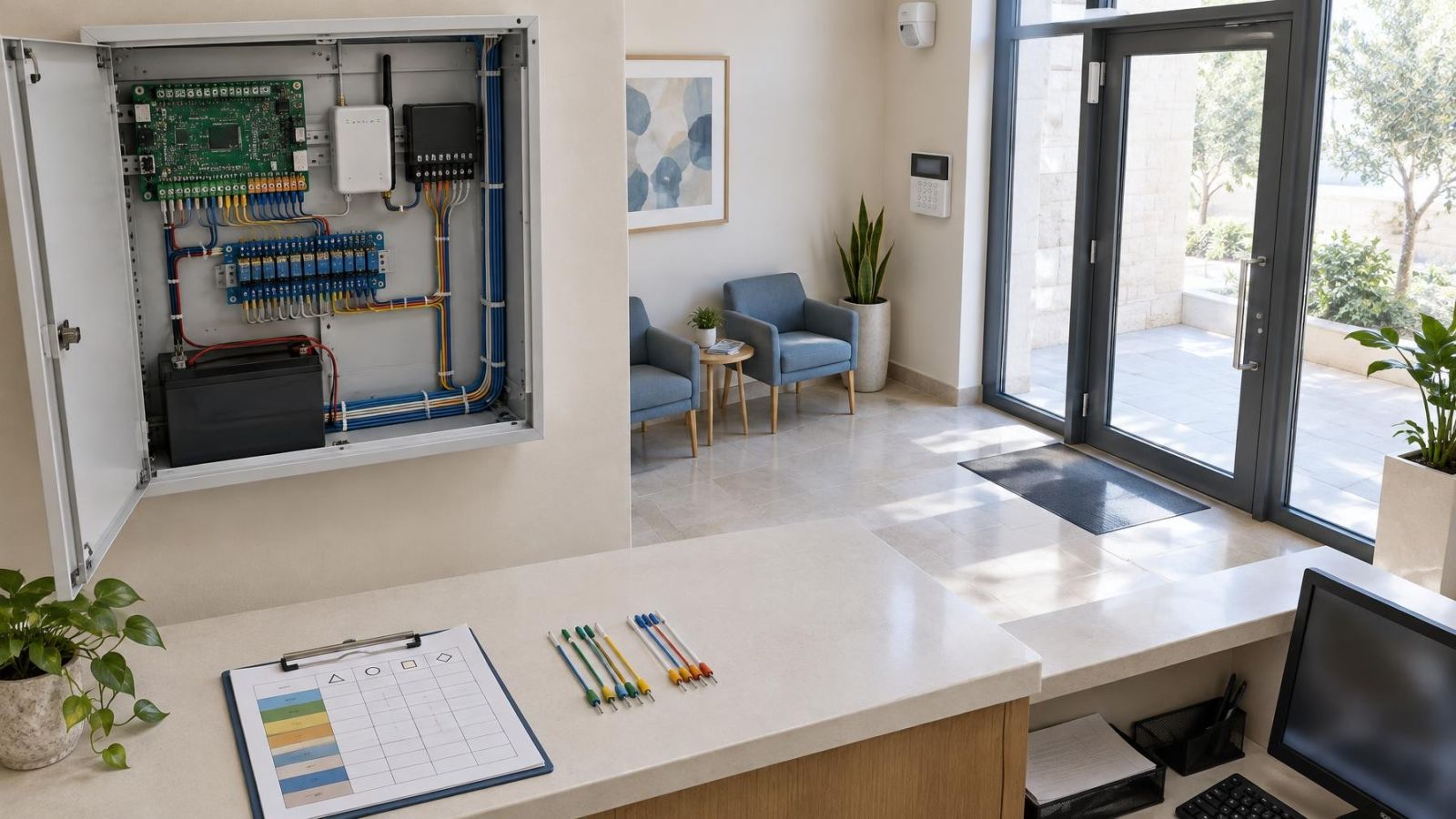
When a door opens without a tone, check the configuration and the contact before assuming that the whole alarm system has failed. Chime behaviour depends on a chain: the contact must report correctly, its sensor zone must be included, chime must be enabled, and the chosen keypad or sounder must be able to produce the indication.
- Check whether chime mode is enabled on the keypad or for the relevant area of the property.
- Confirm that the specific sensor zone is configured to participate in chime mode.
- View the zone state, then open and close the door to confirm that the panel recognises both conditions.
- Inspect the magnetic contact for movement, damage or misalignment between its two parts.
- Check whether the keypad or indoor sounder has been muted or set to an unsuitable volume.
- For a wireless contact, check for a communication or battery condition shown by the alarm system.
A permanently open zone deserves particular attention. Some systems will chime only when they observe a change from closed to open. If the contact already appears open because the magnet is too far away, the panel has no new opening transition to announce. The physical fit must be corrected before chime behaviour can be judged.
Intermittent faults can be less obvious. A gate may report correctly when pushed firmly closed but not when it rests naturally against its latch. A door may move slightly in its frame. Wireless communication may also be less dependable from a distant outdoor position or through dense construction. Testing should reproduce normal use rather than only pressing components by hand beside the panel.
Choose a Practical Chime Setup
A good setup begins with a simple description of the routine. Decide which opening genuinely deserves awareness, who needs to hear it and where that person is likely to be. Then decide whether a local sound is sufficient or whether a separate mobile notification is also useful.
- List only the doors, windows and gates whose opening has practical meaning.
- Choose the keypad or indoor sounder locations from which the tone should be heard.
- Decide whether one general tone is enough or whether supported tone differences would improve identification.
- Set the volume during normal activity rather than in an unusually quiet property.
- Treat mobile notifications as an additional communication path, not as proof that a local chime occurred.
- Ask the installer to verify the displayed state and chime response of every selected zone.
Verification should be physical and easy to follow. Close each selected opening, confirm that the system sees it as closed, open it normally and listen at the intended location. Repeat the check after contact adjustment, keypad replacement, changes to zone programming or work on an outdoor gate.
The most successful arrangement is usually restrained. A few clear tones from meaningful openings provide useful awareness while the alarm is disarmed. Too many tones make the feature harder to live with. The aim is not to make every movement audible. It is to make selected events understandable.
Key takeaways
- Alarm chime mode provides local awareness of selected openings without requiring the alarm to be armed.
- Chimes are most useful on a small number of meaningful doors, windows and gates rather than every available sensor zone.
- The chime source must be audible from the rooms where people normally spend time.
- A local chime, an alarm event and a mobile notification perform different roles and can be configured separately.
- Every chime-enabled contact should be opened and tested after configuration changes or maintenance.