On this page
An alarm panel may show an event log containing a detector zone activation, a tamper switch message, a backup battery fault and a later update in the remote app. Read separately, those entries can look contradictory. Read in sequence, they usually show what the system detected, what changed afterwards and whether the condition returned to normal. This article settles how to interpret that sequence without treating every message as the same type of problem.
What the alarm event log records
The log is a stored sequence of system activity. It records what the panel received or did, but it does not normally explain the underlying cause in plain language. An entry such as “Front Door Alarm” tells you that the assigned zone reported activation. It does not tell you whether the door opened normally, the detector needs attention or the zone description is outdated.
Entries commonly cover three broad areas: panel actions, zone activity and system conditions. Panel actions include system arming, system disarming and user operations. Zone activity includes alarms, openings, bypasses and restorations. System conditions include loss of power, low battery, communication loss and tamper supervision.
Most entries contain an event label, a timestamp and a zone or device identifier. A useful installation also gives zones descriptive names such as “Garden Gate”, “Office Rear Door” or “Hall Motion”. The number is the stable technical reference. The name is the practical bridge to the building. Keep both when documenting a problem.
Live status and stored history answer different questions. Live status shows what the panel considers active now. The history shows what happened earlier, including conditions that have already cleared. A detector can therefore appear normal on the main screen while an earlier activation remains visible in the alarm panel history.
Display order also matters. Some panels and apps place the newest entry first; others begin with the oldest available event. Before interpreting anything, check whether the times increase or decrease as you move down the screen.
How do you read alarm events?
Begin with the nearest arming or disarming entry. It establishes the system state around the event. A zone activation while the system was armed has different context from the same zone opening during normal daytime use. Disarming shortly after an alarm may explain why a siren stopped, but it does not identify what activated the zone.
Build the sequence from the first relevant entry
Find the earliest entry that appears connected to the incident and read forward in chronological order. Do not begin with the final phone notification. Notifications are often later consequences of an event already recorded by the panel. The earliest relevant entry may be a zone activation, a power interruption or a communication problem; the later entries may simply report escalation, user action or recovery.
- Confirm whether the display runs from oldest to newest or newest to oldest.
- Locate the arming or disarming action nearest the incident.
- Identify the first alarm, tamper or fault after that action.
- Match the zone number and descriptive name to a physical location.
- Continue until you find a restoration, disarming action or the end of the available sequence.
Pair active conditions with restorations
A restoration entry means a previously reported condition returned to its expected state. “Mains Failure” followed by “Mains Restored” indicates that the panel later saw normal power again. “Zone Open” followed by “Zone Restored” means the zone returned to its normal electrical or wireless state. Restoration confirms recovery; it does not diagnose the original interruption.
Keep causes separate from notifications. A detector zone may activate first, followed by an alarm output, a communication attempt, an app alert and then disarming. Those are several records from one chain of behaviour, not necessarily several independent incidents.
Alarm, tamper and fault compared
Alarm, tamper and fault labels describe different categories. Treating them as interchangeable is one of the most common reasons a log becomes confusing.
| Event category | What the panel is reporting | What to look for next |
|---|---|---|
| Alarm | A detector or zone reported activation under conditions that the panel treats as an alarm. | Zone identity, detector type, system state and the first restoration or disarming entry. |
| Tamper | Supervision of a cover, enclosure, cable or connection changed from its expected state. | The affected device, any accessible loose cover and a later tamper restoration. |
| Fault | Equipment, power or communication was not operating as expected. | The exact fault label, affected component, recurrence pattern and restoration status. |
| Restoration | A previously reported condition returned to its normal state. | The earlier event that this entry closes and whether the condition later returns. |
What does an alarm tamper event mean?
A tamper event does not necessarily mean that a detector sensed an alarm condition. It usually relates to supervision of the equipment itself: a detector cover, panel enclosure, external sounder housing, cable loop or monitored connection. A cover that is not fully seated can produce a tamper even when the detector otherwise appears to work.
One physical incident can generate several labels. A disturbed cable may cause a tamper, communication loss and a detector fault. Opening a device for inspection may create a new tamper entry while an older fault remains unresolved. Sequence and zone identity help show whether the entries belong together.
The event label describes what the panel observed, not the full physical explanation.
Tracing the triggering zone
To identify the triggered zone, start with the first alarm entry in the relevant sequence. Later entries may name an output, an area or a communication action rather than the original detector. Record both the zone number and its descriptive name. If they disagree with the building, trust neither blindly; zone labels can remain unchanged after rooms or detectors are reorganised.
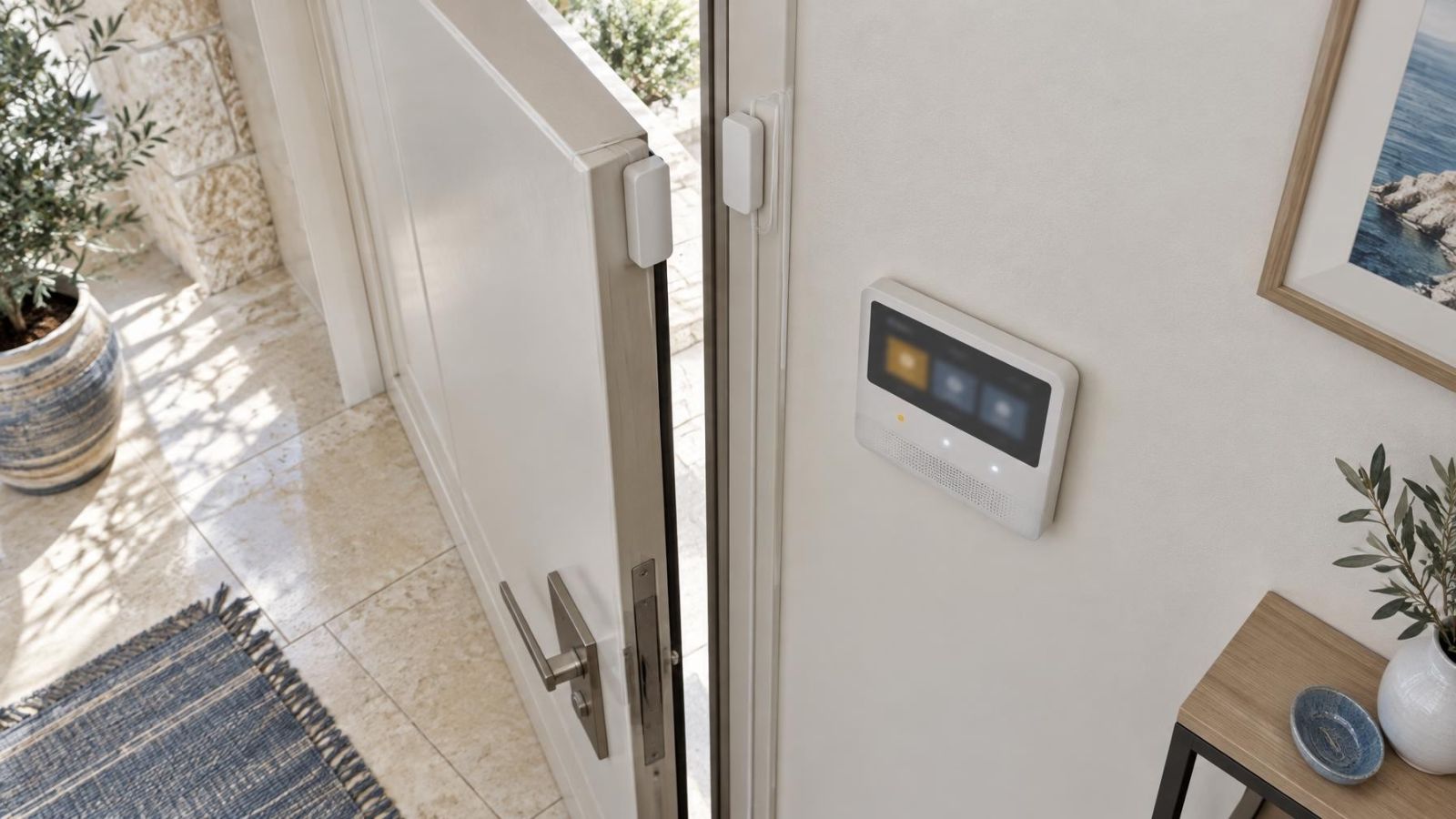
Next, identify the detector type and physical position. A door contact at the street-facing entrance behaves differently from a motion detector inside the reception area. A gate contact may move in wind or remain open during deliveries. An outdoor detector may be affected by vegetation, glare, dust or movement outside its intended coverage. These observations do not prove a cause, but they guide a sensible inspection.
Repeated activity from the same zone is more informative than a single isolated line. Look for patterns within the available history: repeated activations followed quickly by restorations, a fault that appears before each alarm, or activity limited to opening and closing hours. Preserve the surrounding entries so the pattern remains visible.
Location names need particular care in Israeli apartment buildings and street-front businesses. “Entrance” might mean a private apartment door, the building’s shared entrance or a shopfront door. “Gate” could refer to a private garden gate or shared vehicle access. Confirm the physical mapping before arranging work, especially when managing the property remotely or coordinating with a va’ad bayit.
- Check the zone number as well as the displayed name.
- Confirm which detector type is installed at that location.
- Note whether the area is private, shared or exposed to the street.
- Look for repeated entries from the same zone before and after restoration.
- Avoid changing zone names until the original sequence has been documented.
What does an alarm fault log show?
A fault log shows conditions in which equipment, power or communication was not operating as the panel expected. The exact wording matters. “Low Battery”, “Mains Failure”, “Zone Communication Loss” and “Panel Communication Fault” point to different parts of the system and should not be reduced to a general statement that the alarm is broken.
Power and battery entries
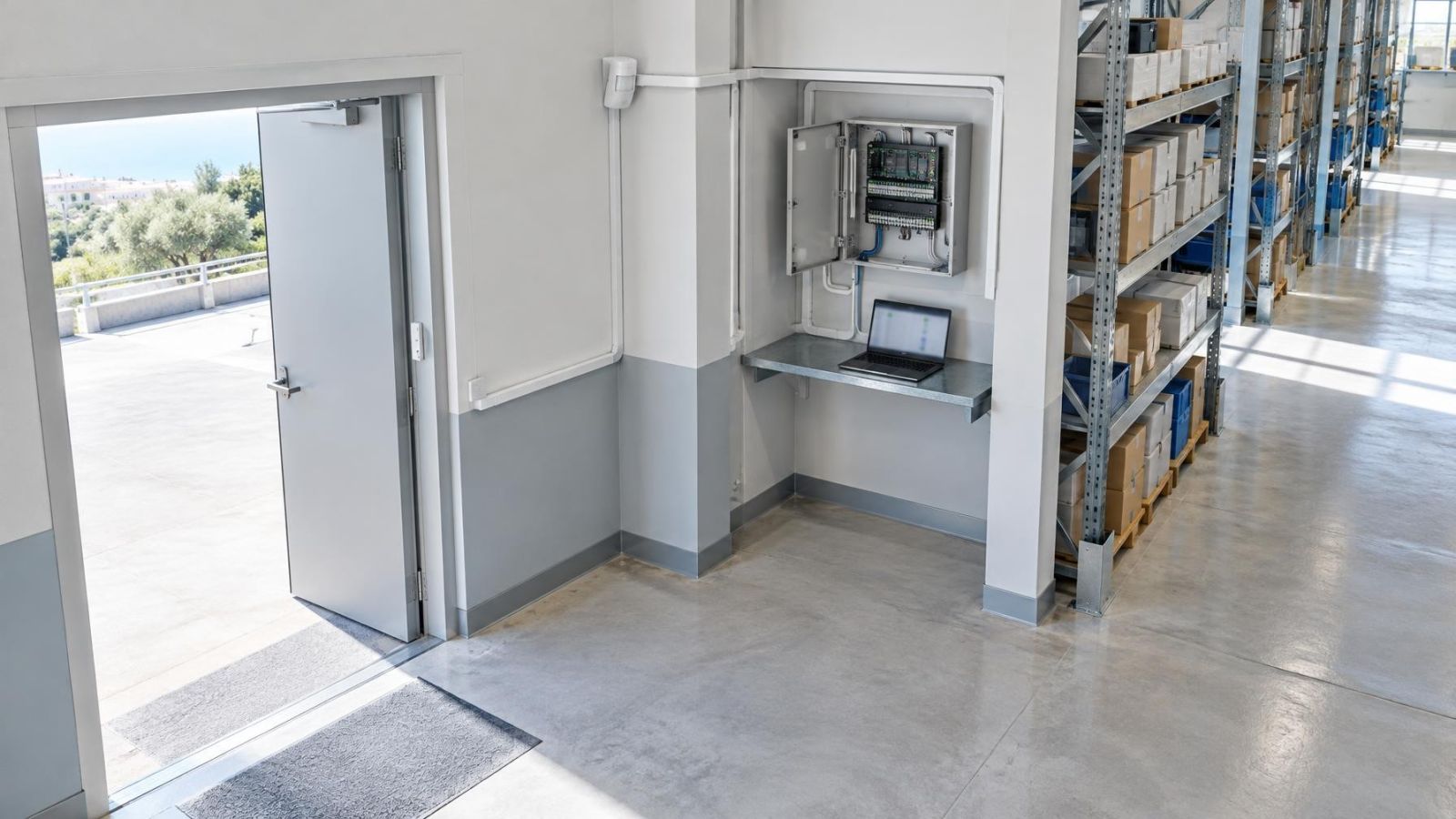
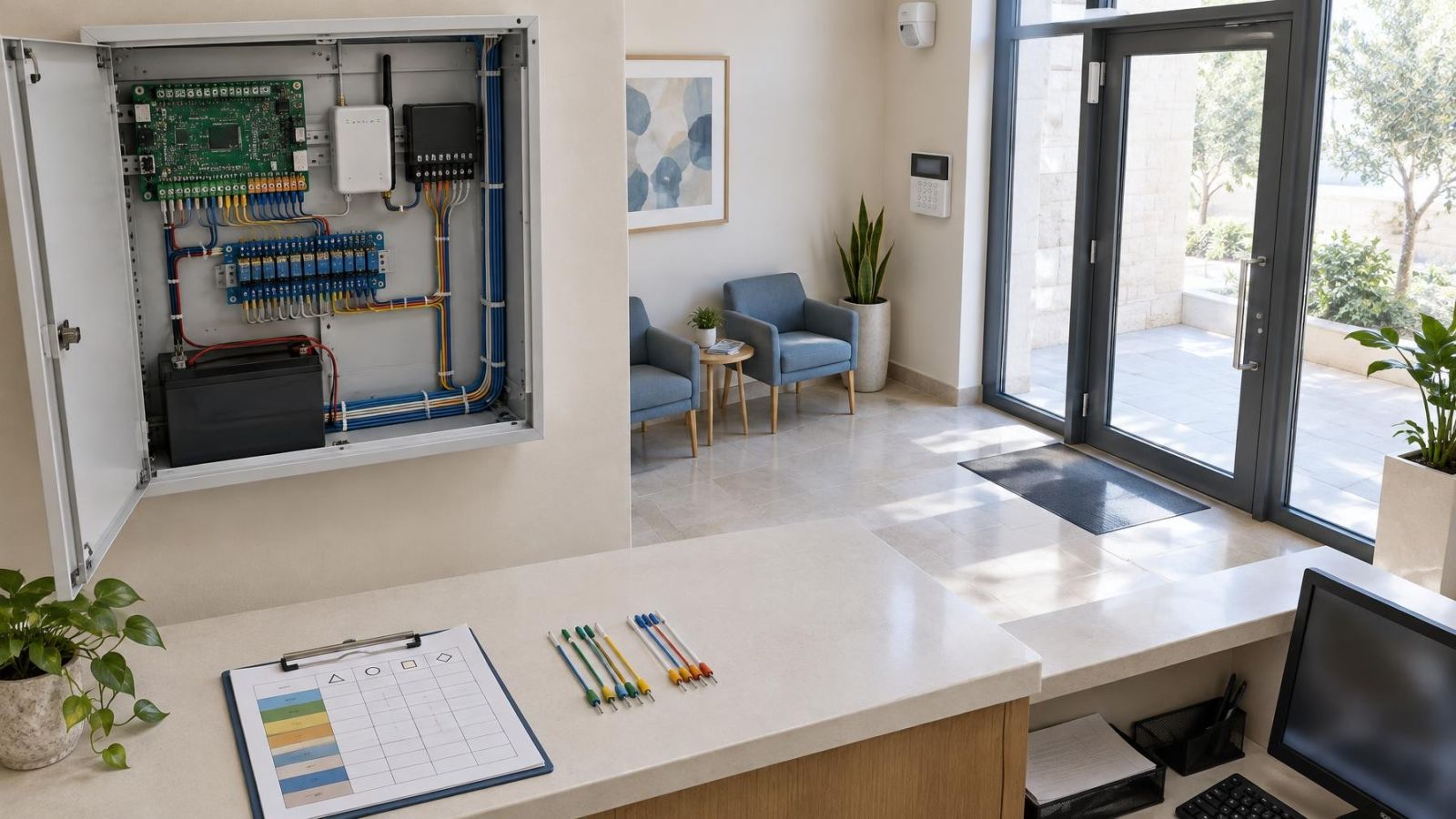
A mains failure entry records loss of the normal electricity supply as seen by the panel. A backup battery entry concerns the standby power source or its supervision. The two can appear in the same sequence because the system changes to backup power when mains power is unavailable. Check for separate restoration entries rather than assuming that restoration of one condition clears the other.
Detector and panel communication
Communication loss means an expected connection was not available. Depending on the entry, that may concern a wireless detector, a communication path used for reporting, or another supervised component. Record the exact device or zone identifier. A general app message can be less specific than the panel’s own history.
Recurring faults deserve different attention from isolated interruptions. If the same condition restores and returns, capture several complete cycles. The recurrence may reveal a location, device or power relationship that is invisible from the latest message alone. If the fault has no restoration, treat it as unresolved even when the main screen looks otherwise quiet.
Building construction can also affect interpretation. A mamad, the reinforced safe room common in Israeli homes, can sit between a wireless detector and the panel. Its walls and door may influence the available signal path. That does not automatically explain a communication fault, but the floor plan and equipment positions are relevant when the same detector repeatedly drops and restores.
Why event times can mislead
An event timestamp is useful only when the panel clock is correct. If the clock was set incorrectly, every entry can be internally ordered yet show the wrong time. Power loss, battery problems or panel servicing can also leave a clock needing correction. Some systems retain time through an interruption; others may display an inaccurate value afterwards.
Distinguish event occurrence from notification delivery. The panel may record a zone activation first and the remote app may display or deliver a message later. Network availability, the communication path and app synchronisation can all affect when information becomes visible. The phone’s notification time is therefore not always the detector’s activation time.
Panel history and remote app history may also present different subsets of the same activity. The panel may retain detailed zone and restoration entries while the app shows a shorter user-facing description. Conversely, an app may retain a delivered notification after the panel display has moved on to newer events. Compare labels and sequence rather than expecting the two screens to match line for line.
After a prolonged outage, check the panel clock before using timestamps to coordinate events with staff movements, gate operation or security camera recordings. Also verify the displayed order and any time-zone setting available to the user. Do not correct the clock until you have photographed the relevant history, because changing it can make later comparison harder.
What to check before calling
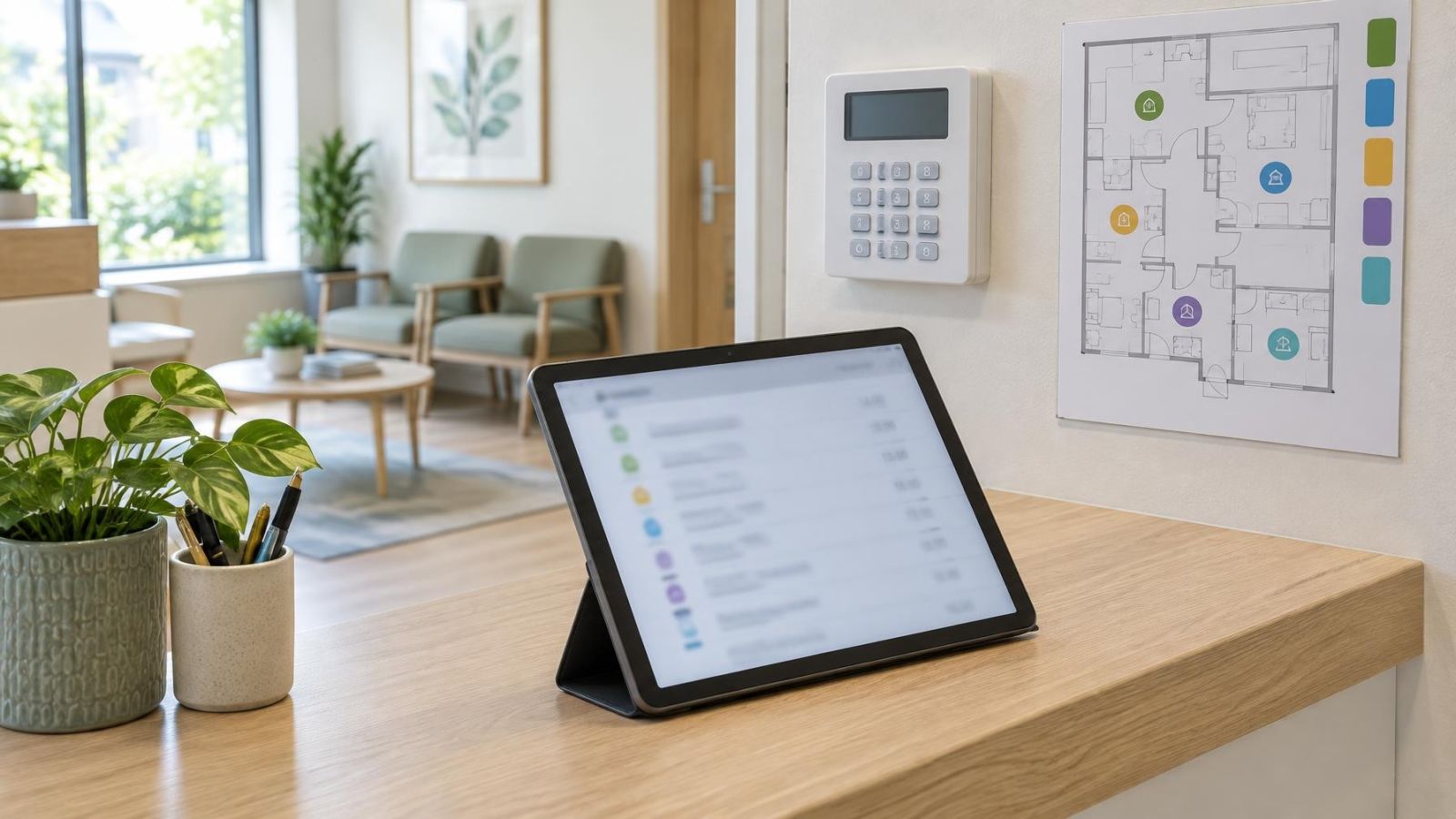
Good evidence shortens troubleshooting. Before clearing messages, restarting equipment or opening covers, preserve the relevant sequence. Use the panel’s export function if one is available. Otherwise, take clear photographs in overlapping groups so that no entry disappears between screens. Remote property owners can ask the person on site to include the zone number, label and timestamp in each photograph.
- Record the exact event labels rather than paraphrasing them.
- Write down the affected zone numbers and descriptive names.
- Capture entries from before the first event through the final restoration or current unresolved condition.
- Check visible power, battery and communication indicators without removing equipment covers.
- Inspect only accessible doors, windows and device covers for obvious movement or poor closure; do not dismantle detectors or the panel.
- Note whether the panel and remote app show the same condition and sequence.
Then decide whether the condition can be observed or needs technician attention. An isolated event with a clear restoration and an understood physical cause may simply be documented and watched for recurrence. A condition that remains active, repeatedly restores and returns, affects several devices or cannot be matched to a known location gives a technician more reason to inspect the system.
When requesting help, provide the preserved sequence, the current live status, the physical zone location and any visible indicator. State what happened before the first entry, such as an electricity interruption, work near a detector, a gate being held open or a cover being touched. Avoid guessing at the diagnosis. Accurate labels and sequence are more useful than a confident explanation built from the final alert alone.
Key takeaways
- The complete event sequence is more informative than an isolated alert or app notification.
- Alarms, tampers and faults describe different kinds of system activity and should not be interpreted as equivalent events.
- Descriptive zone names connect technical log entries with detectors, doors and physical areas.
- A restoration entry confirms that a reported condition returned to normal, but it does not explain why the condition occurred.
- Preserving the relevant event sequence gives a technician better evidence than clearing the display and describing the final message from memory.