On this page
An alarm control panel, backup battery, router, cellular communication path, alarm siren, and wired and wireless sensors do not all react to a failure in the same way. Some need mains power. Some have reserve power. Some operate locally, while others exist only to carry messages outside the property. This article settles what an alarm does during a power or internet failure, what may stop working, and what you need to check in your own installation.
Power, Internet, and Separate Failure Paths
A power failure and an internet failure are different events. Mains power supplies energy to the control panel and often to the router. The internet connection carries information between the property and an app, remote user, monitoring service, or other external destination. Losing one does not automatically mean losing the other.
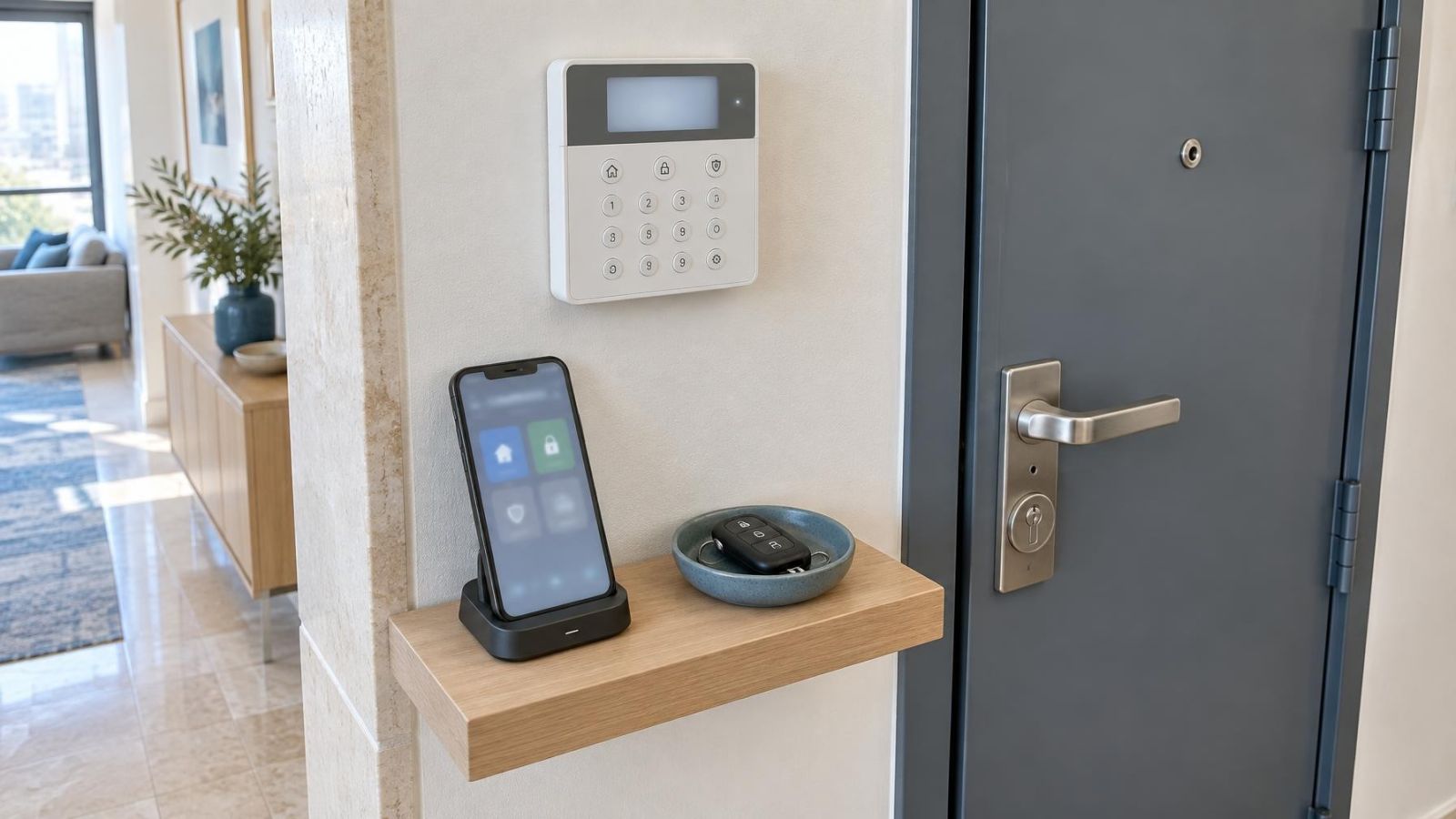
The control panel is the centre of local alarm operation. It receives signals from sensors and detectors, applies the programmed rules, operates outputs, and controls or commands the siren. The router has a narrower role: it connects compatible alarm equipment to an external network. The router does not normally decide whether a door contact, motion detector, or other alarm input should cause a local alarm.
This separation explains why an internet outage may remove app access while local detection continues. It also explains why a healthy internet service is of little use during a power cut if the router, alarm communication module, or control panel has no reserve power.
- Local detection depends on the control panel, relevant sensors, and their power sources.
- Local warning depends on the panel logic and the way the alarm siren is powered and controlled.
- Internet reporting depends on the panel or communication module, router, local network equipment, and external connectivity.
- Cellular reporting can bypass the property router, but still needs module power, an active communication service, and usable reception.
Failures can also overlap. Internet service may continue outside the property while the unpowered router goes offline. A wider connectivity fault may occur while mains power remains available. Power and connectivity may fail together for unrelated reasons. The useful question is therefore not simply whether the alarm “has backup”. It is which functions have backup, and where each dependency sits.
What Happens to an Alarm During a Power Outage?
A correctly connected backup battery can allow the control panel to change automatically from mains power to reserve power. There should be no need to arm the system again merely because the electricity supply has failed. While adequate reserve power remains, the panel can continue processing signals from available sensors and controlling its local alarm outputs.
The panel will usually recognise that mains power is missing. It may show a fault on a keypad, sound a local trouble indication, write an event to its history, or send a notification. Remote notification is not guaranteed: the message still needs a working communication path. Some systems also delay a mains-failure message to avoid reporting a very brief interruption.
What Determines Backup Runtime?
The presence of a battery does not tell you how long the system will operate. Runtime depends on battery condition, battery capacity, the age and charging state of the battery, and the electrical load connected to the panel. Keypads, wired detectors, communication modules, expansion equipment, and active alarm outputs all contribute to that load.
System activity matters too. A panel waiting in its normal armed state generally has a different demand from one operating sirens, illuminated keypads, and communication equipment. An older battery may appear normal during everyday operation because the mains supply is carrying the load, then lose voltage quickly when asked to support the system by itself.
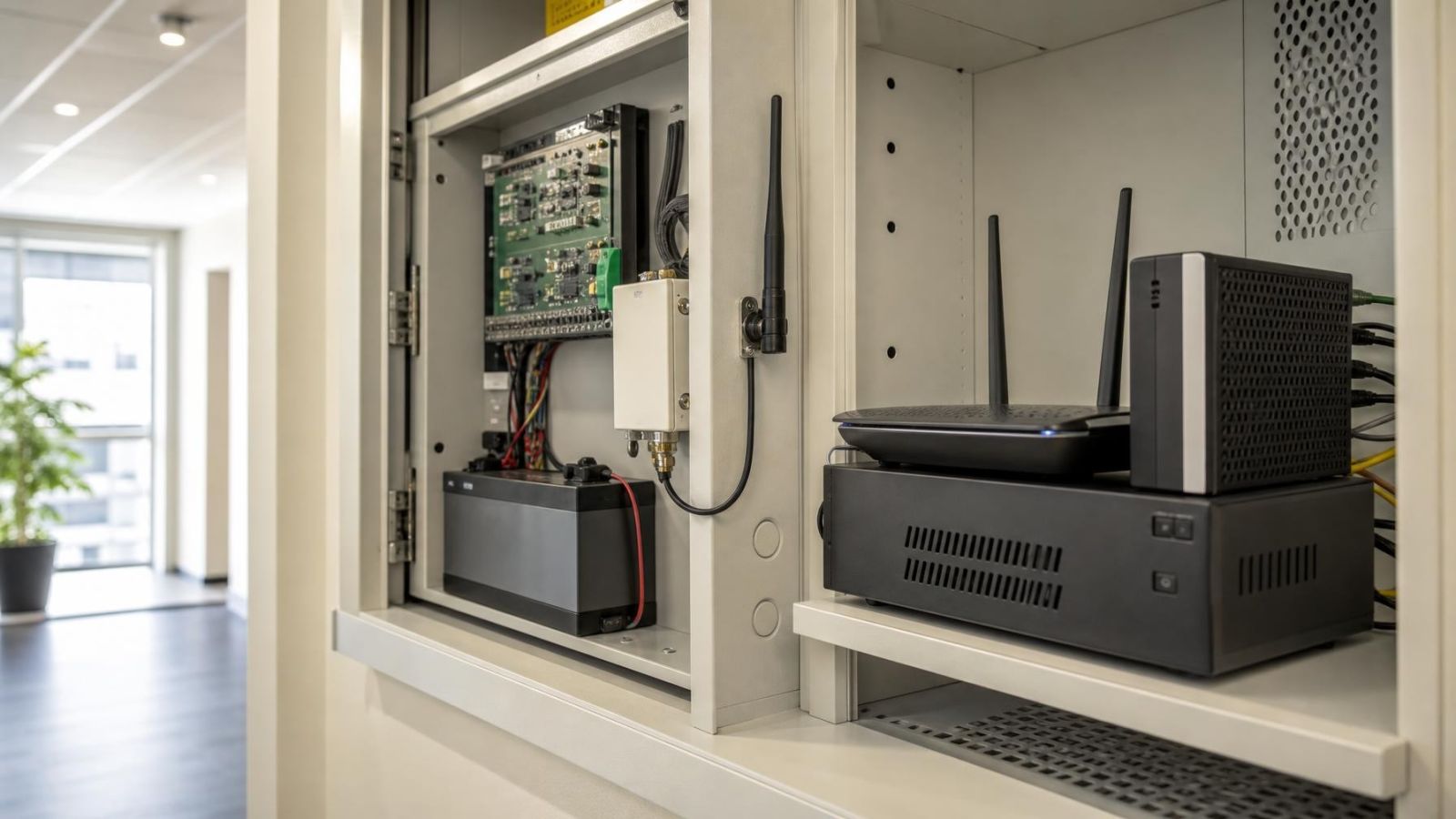
An alarm battery backup usually supports the alarm panel and devices powered through it. It does not automatically support the property router, network switch, fibre or cable termination equipment, or any separate siren power supply. Those devices need their own power arrangements if they are expected to remain available.
Can an Alarm Work Without Internet?
An alarm can usually continue its local functions without internet access. Sensors that communicate locally with the control panel do not need the property’s internet connection for each alarm event. If the panel remains powered, it can receive their signals, evaluate the event, and operate a locally connected alarm siren according to its programming.
What disappears is the internet-dependent layer. The app may show the system as offline. Remote arming, live status, event notifications, and configuration through an online service may become unavailable. An app that cannot reach the panel does not prove that the local alarm has stopped; it proves only that the app has lost its route to the system.
Does a Cellular Path Keep Reporting?
A cellular communication path can report without using the property router when it is installed, active, powered, and able to connect. It may be built into the panel arrangement or provided by a separate communication module. If that module receives reserve power from the control panel, it may continue operating during a mains failure as well as an internet outage.
Cellular should still be treated as a complete path rather than a label on a specification sheet. Its operation depends on the module, its antenna position, reception at the property, its power source, and the configured reporting destination. In Israeli homes, reinforced areas such as a mamad can affect radio reception. Equipment placement should therefore be checked in the actual property rather than assumed from the floor plan.
Why Router Power Still Matters
If internet reporting is the only remote path, the router and any equipment between it and the incoming service must remain powered. Giving reserve power to the router alone may not be enough if a separate network termination unit or switch also loses power. Conversely, a powered local network cannot provide remote access when the external service itself is unavailable.
How an Alarm Communication Failure Appears
An alarm communication failure may appear as a keypad fault, app offline status, event-log entry, local warning, or delayed remote notice. The exact indication depends on what the panel supervises. Some systems can detect that a reporting attempt failed; others can identify a missing network or module connection before an alarm event occurs.
What Different Components Keep Doing
The alarm is a collection of components with different power arrangements. A useful review follows the power and signal path for each part rather than treating the installation as one indivisible device.
| Component | Typical power source | Likely behaviour during a failure |
|---|---|---|
| Alarm control panel | Mains supply with internal or nearby backup battery | Continues local processing while adequate reserve power remains |
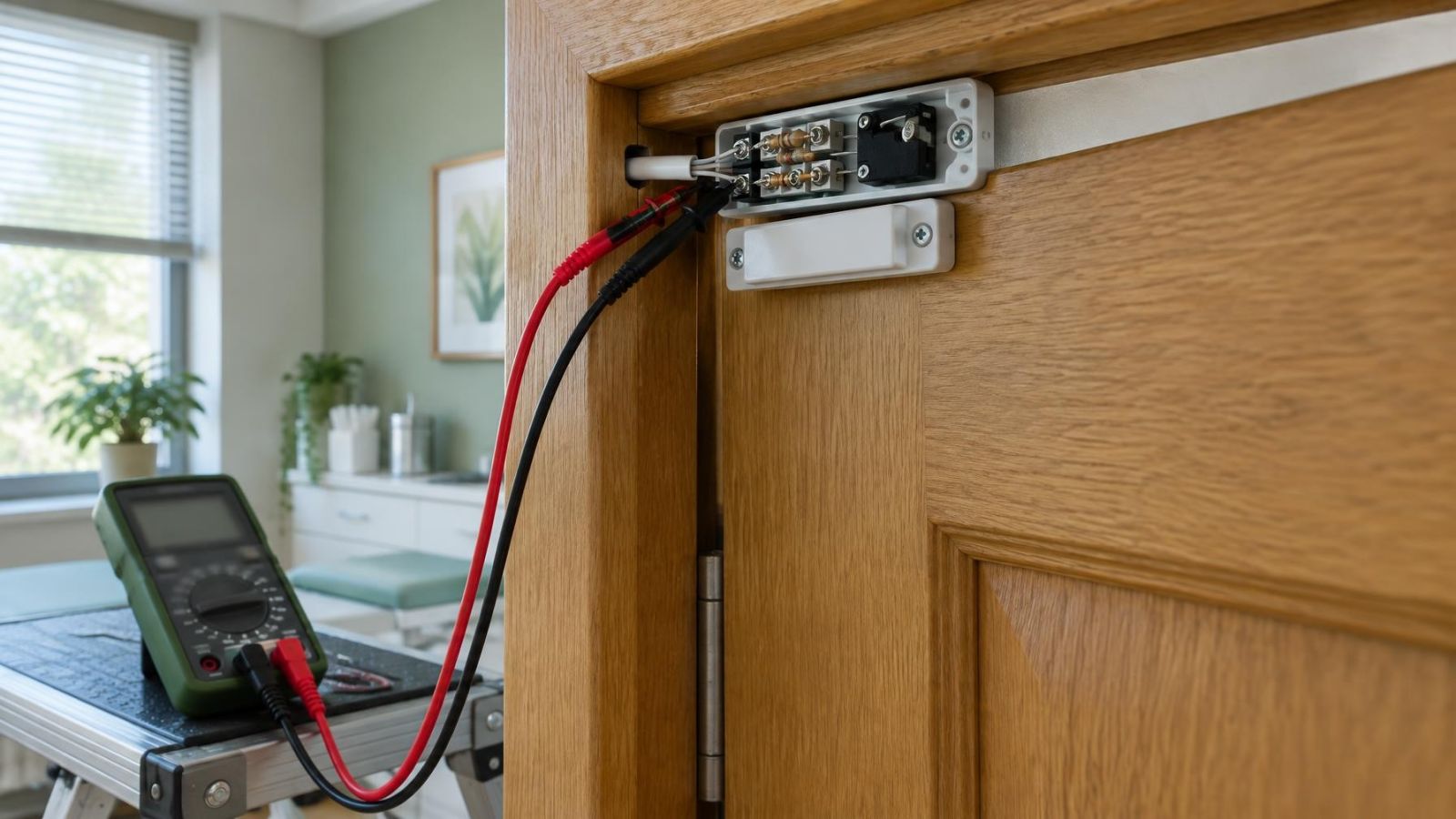
| Wired sensors and detectors | Power supplied through alarm wiring | Continue while the panel or supporting power supply remains available |
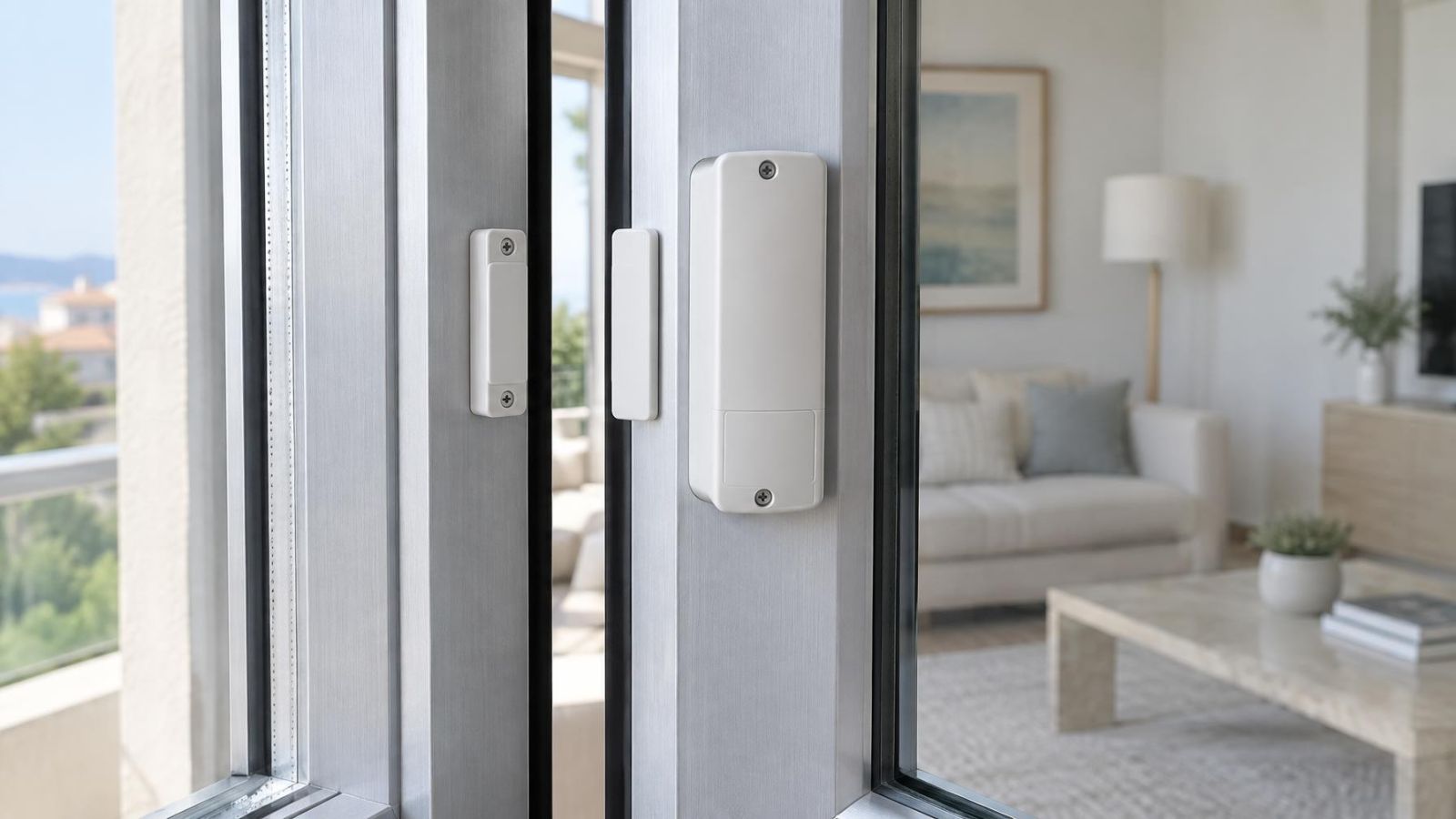
| Wireless sensors and detectors | Local replaceable or sealed batteries | Continue transmitting locally if their batteries and radio link remain usable |
| Alarm siren | Panel output, separate power supply, or local battery | Behaviour depends on its wiring, control method, and remaining power |
| Keypad | Usually powered by the control panel | Remains available while the panel can support its load |
| Internet communication module | Panel power or separate power supply | Can report only if its power, router, network equipment, and internet path remain available |
| Cellular communication module | Panel power or separate reserve-backed supply | Can bypass the router while module power and cellular connectivity remain available |
Wireless sensors having their own batteries does not make the entire alarm independent of mains power. They still need a powered control panel to receive and interpret their transmissions. If the panel shuts down, a wireless sensor may continue sensing and transmitting, but there may be no active receiver to act on the message.
Wired sensors commonly receive operating power from the panel or an associated power supply. They can therefore remain fully useful during a power cut when the supplying equipment has adequate reserve power. A separately powered expansion unit needs to be considered independently; the main panel battery cannot support equipment that is not electrically connected to it.
Siren behaviour requires particular attention. A low-power internal sounder may draw directly from the panel. A larger siren may use a separate supply or its own rechargeable battery. Some sirens receive only a control command from the panel. The correct answer is found in the wiring and configuration, not in the appearance of the siren enclosure.
Keypads and communication modules are also part of the reserve-power load. During normal operation their demand may be easy to overlook. During a prolonged interruption, every powered accessory affects how long the panel can continue supporting the installation.
When Power and Internet Both Fail
When power and internet fail together, local detection can continue while the control panel, relevant sensors, and siren arrangement retain power. Internet-based app access and reporting are unavailable unless the internet equipment has suitable reserve power and the external service remains reachable.
A cellular path is useful here because it does not depend on the property router. If its module is operating from the alarm’s reserve supply, it may continue sending alarm, fault, and restoration messages. This is communication independence, not unlimited operation: the cellular module adds to the battery load and stops when its own available power is exhausted.
The system may record several events during the interruption. These can include loss of mains power, loss of the internet path, unsuccessful reporting attempts, low battery, and later restoration of power or communication. Messages may arrive late or in an order that reflects when a path became available rather than when the underlying event occurred.
No app message does not necessarily mean no local alarm; it may mean there was no powered route for the message to leave the property.
Once reserve power is exhausted, the control panel stops processing new events. Panel-powered wired sensors and keypads stop with it. Wireless sensors may retain their own power, but cannot deliver useful alarm information to an inactive panel. Sirens with separate local power may behave differently according to their design and control arrangement.
After mains power returns, the panel normally resumes from its power supply and begins recharging the battery. Network equipment may take additional time to restart and restore connectivity. The panel may then report the earlier failure and the subsequent restoration. Recovery should be checked rather than inferred from the return of lights or internet service elsewhere in the property.
Check the System Before Relying on It
Documentation can describe intended behaviour, but a controlled test shows the actual arrangement. This is especially important in an apartment where communication equipment may be spread between the dwelling and a shared services area, or in a small business where the alarm, router, and other network equipment may use different power circuits.
Identify Every Power Source
Start by identifying the control panel, its mains supply, and its backup battery. Then locate the router, network switches, communication modules, separate power supplies, and siren power arrangement. Do not assume that two devices in the same cabinet share reserve power.
- Confirm which wired devices receive power from the alarm panel and which use separate supplies.
- Check whether the router and every required network device have reserve power.
- Identify whether a cellular module is installed, active, and powered from a backed-up source.
- Review keypad warnings, panel fault indicators, and the event history for battery or communication faults.
- Check wireless sensor battery indications separately from the control panel battery.
Test Power Loss and Internet Loss Separately
The tests should isolate one failure at a time. First observe the alarm with mains power unavailable but normal connectivity otherwise present. Then restore power fully and test with the internet path unavailable. A combined test can follow, but it should not replace the separate tests because it is harder to identify which dependency caused a missing function.
- Place any professionally monitored or externally reported system into the appropriate test state using its established procedure, so test events are handled as tests.
- Create a controlled mains-failure condition using the system’s approved isolation method. Confirm the fault indication, keypad operation, sensor processing, siren control, and any remote message.
- Restore mains power. Confirm that the power-restoration event is recognised and that battery charging resumes without a remaining fault.
- With power normal, disconnect the alarm’s internet route in a controlled way. Check local detection, local siren operation, app status, internet reporting, and cellular reporting if fitted.
- Restore connectivity and allow the router and communication equipment to reconnect. Confirm that remote access returns and review any delayed failure or restoration notices.
- If both failures are part of the expected risk plan, test them together only after the individual results are understood.
Check Battery Health, Not Just Presence
A visual check can find disconnected leads, swelling, corrosion, or an obviously missing battery, but it cannot establish useful reserve performance. Use the panel’s battery test where available, or have the battery assessed under an appropriate load by someone familiar with alarm power supplies. Avoid opening or working inside a powered enclosure unless you are competent to do so safely.
Record what the test actually proves: which local functions continue, which remote path reports, which indication appears, and how the system recovers. For a remote property owner, this makes an app outage easier to interpret. For a business owner, it clarifies whether staff can still use the keypad and whether an external message can leave the premises. The result is a practical map of the system, not a general promise that everything has backup.
Key takeaways
- Power backup and communication backup are separate design choices, and having one does not imply having the other.
- Local detection and siren control can continue without internet access while the alarm control panel remains powered.
- Remote reporting requires both an available communication path and power for every device supporting that path.
- A backup battery is useful only when its condition and capacity are adequate for the connected system load.
- Separate power-loss and internet-loss tests reveal more than a general status screen can show.