On this page
A camera upgrade existing wiring assessment starts with six items: the coaxial cable or network cable in the walls, the analog cameras or IP cameras at the ends, the video recorder, and the power supply. The practical question is whether those parts can be changed without replacing every cable route. The answer depends on compatibility and testing, not simply on whether the old system still displays a picture.
Reusing cabling can be sensible in an occupied apartment, a finished private home or a small business where new routes would cross completed walls and ceilings. It can also be a poor compromise if the existing installation contains exposed joins, unidentified power wiring or cables that cannot carry the intended signal under load. A good upgrade plan treats every route as an individual asset. Some may stay. Some may need new terminations. Others should be replaced.
Camera Upgrade Existing Wiring: Identify the Cable Type
Start at both ends of the installation. Coaxial cable normally has a single central conductor and a metal shield, with a round connector at the recorder and camera. Network cable contains twisted pairs and usually ends in a modular data connector. Do not identify a route from the visible connector alone. Adaptors, short patch leads and old repairs can conceal a different cable inside the wall.
Power also needs its own map. An older coaxial installation may use a combined cable with coax for video and separate conductors for power. It may instead have an independent power cable beside the coax. Several cameras may share one central power supply, while others have local supplies near the camera. Network cameras may receive PoE (power over Ethernet) through the data cable, but the presence of network cable does not prove that the complete route is suitable for PoE.
- Trace the route: note whether it passes through a ceiling void, service shaft, external wall, gate duct or shared building area.
- Find accessible junctions: open suitable boxes and look for couplers, splices, adaptors and changes in cable type.
- Inspect both ends: recorder-end connectors may be clean while camera-end connectors have been exposed to heat, dust or moisture.
- Read cable markings where visible: jacket text can help identify the cable, but it does not establish the condition of the concealed run.
- Record the power arrangement: identify which supply feeds each camera and whether several routes share the same output.
In an Israeli apartment building, a route may leave the apartment and enter a shared riser or entrance area. A private home may have separate runs to a pedestrian gate, vehicle gate and garden. A street-front business may have cables passing above a suspended ceiling before emerging outdoors. These changes in environment are important because one cable can be well protected for most of its length and damaged only at its final metre.
Can Existing CCTV Cable Be Reused?
Yes, an existing CCTV cable can be reused when the complete route is compatible with the proposed system and performs correctly during testing. Cable type alone is not enough. The assessment must include the camera signal, recorder input, conversion hardware, connector quality and power arrangement.
Can you reuse camera cables?
The decision to reuse camera cables should be made route by route. A protected indoor cable with sound terminations may remain useful even when another cable from the same installation has deteriorated outdoors. Conversely, a cable can look clean at both visible ends while containing a concealed join, crushed section or unsuitable intermediate device.
Compatibility starts with the proposed architecture. Analog cameras require a signal format accepted by the DVR and cabling path. IP cameras send network data to an NVR (network video recorder) or VMS (video management software). Existing coaxial cable may carry an upgraded compatible signal directly, or it may require converters. Existing network cable must support the required data path and, where used, PoE.
| Existing route | Possible reuse | Main checks |
|---|---|---|
| Coaxial cable with separate power | Compatible analog signal or network link through adapters | Signal performance, connectors, adapter compatibility and separate power |
| Network cable with PoE | Direct connection to an IP camera | Pair condition, data performance, cable length, terminations and power under load |
| Network cable without PoE | Data connection with a separate camera supply | Data performance and an independently tested power route |
| Mixed or unidentified route | Selective reuse after tracing and testing | Hidden joins, cable changes, converters and power source |
The recorder and power supply are part of the decision. Keeping a cable does not mean keeping the equipment attached to it. A new recorder may expect a different input. A camera may draw power differently from the one it replaces. Shared supplies also need to be assessed as a complete load rather than as isolated outputs.
Selective reuse is a complete installation strategy, not a failed attempt to keep every old cable.
Test Before Choosing Equipment
Testing should come before the final equipment list. Otherwise, cameras and recording hardware may be selected around an assumed cable condition. The installer then discovers that one route cannot support the intended data rate, another has excessive voltage drop, and a third depends on an undocumented join.
An end-to-end continuity check is useful, but it is only an initial check. It can show whether conductors are connected and whether obvious shorts or pair faults exist. It cannot by itself prove that the cable will carry stable video, network data or camera power. A route may pass continuity testing and still perform poorly once a real device is connected.
- Disconnect and identify the route. Confirm that the recorder end and camera end belong to the same cable, including any separate power conductors.
- Inspect visible cable and terminations. Look for loose connectors, poor crimps, improvised joins, sharp bends, crushed sections and changes in cable type.
- Check conductor continuity. Test the relevant cores, shields or twisted pairs from end to end rather than assuming a displayed picture proves the route is sound.
- Test the signal or data path. Use test equipment appropriate to coaxial video or network data and include any adapter that would remain in the final system.
- Test power under load. Measure the supply while the intended camera or a suitable test load is operating, especially on long gate and garden routes.
- Connect a temporary camera. Observe startup, live video and sustained operation on each proposed route before committing to the final arrangement.
- Document the result. Mark each route as reusable, repairable or replaceable and note the reason.
The temporary camera test should resemble the proposed installation. For a network route, that means checking data and PoE together if both will share the cable. For coax, it means using the intended signal type and any planned converter. A brief picture at the recorder is not the whole test. Camera restart, IR switching and other changes in operating load can expose a weak power route.
Signal loss can also appear through intermittent movement. A connector near a gate, movable bracket or loosely mounted junction box may test correctly while untouched but become unstable when the cable is repositioned. Testing should include gentle inspection of accessible terminations, without pulling or stressing concealed wiring.
Check Outdoor Routes and Terminations
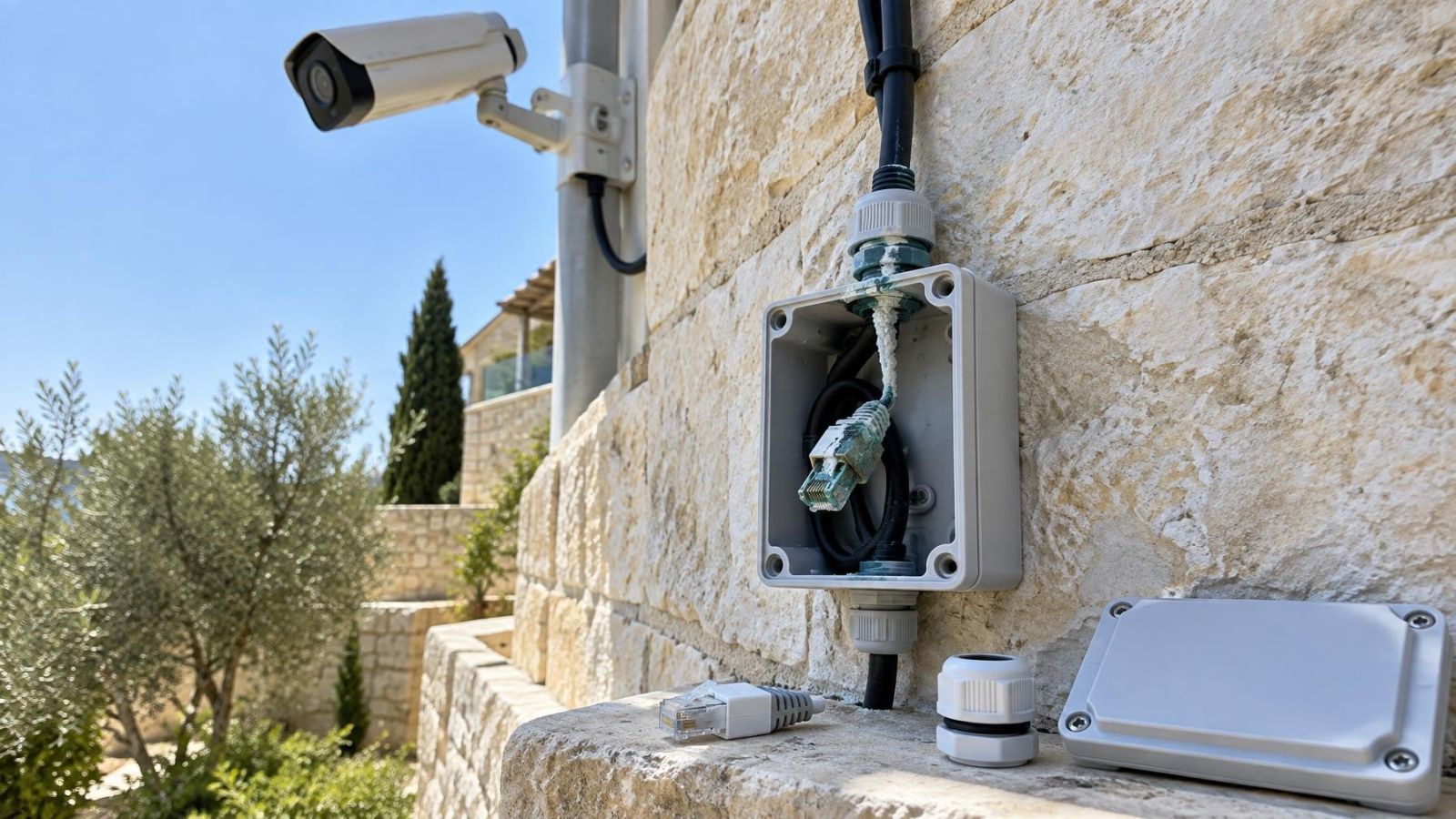
Outdoor cable runs deserve closer attention because their weakest points are usually the exposed terminations and joins. Moisture can enter a connector or junction box and leave corrosion on the contact surfaces. Dust can accumulate inside a poorly closed box. Neither problem is always visible from outside.
Strong Israeli sunlight can harden, fade or split an unsuitable external cable jacket. The cable may remain intact inside a wall while the final exposed section near the camera becomes brittle. Garden irrigation, gate movement and cleaning water add other stresses. On street frontage, a route may also pass through a sign, canopy or external service box before reaching the camera.
- Open accessible outdoor boxes and inspect the connector, not just the enclosure.
- Look for green or white deposits, darkened conductors, damp dust and rust on supporting hardware.
- Check whether exposed cable jackets remain flexible and free from cracking.
- Inspect loops below cameras and boxes where water or dirt can collect.
- Check gate routes for repeated movement, pinching and transitions between fixed and moving sections.
- Treat coastal humidity as a termination issue even where direct rain is limited.
Replacing a corroded connector can be appropriate if clean, undamaged cable remains behind it. Cutting back repeatedly is not a sound default, especially when little service length remains. Exposed joins should be remade in a suitable enclosure or the affected section should be replaced. Simply wrapping a questionable join can hide the condition without correcting it.
Can Coax Support a Network Upgrade?
Yes. Network cameras can operate over an existing coaxial route when suitable adapters are installed at both ends and the complete link supports the intended traffic. This can be useful where direct network cabling would require disruptive work through finished walls, shared building routes or buried ducts.
Can old coax cameras be upgraded without rewiring?
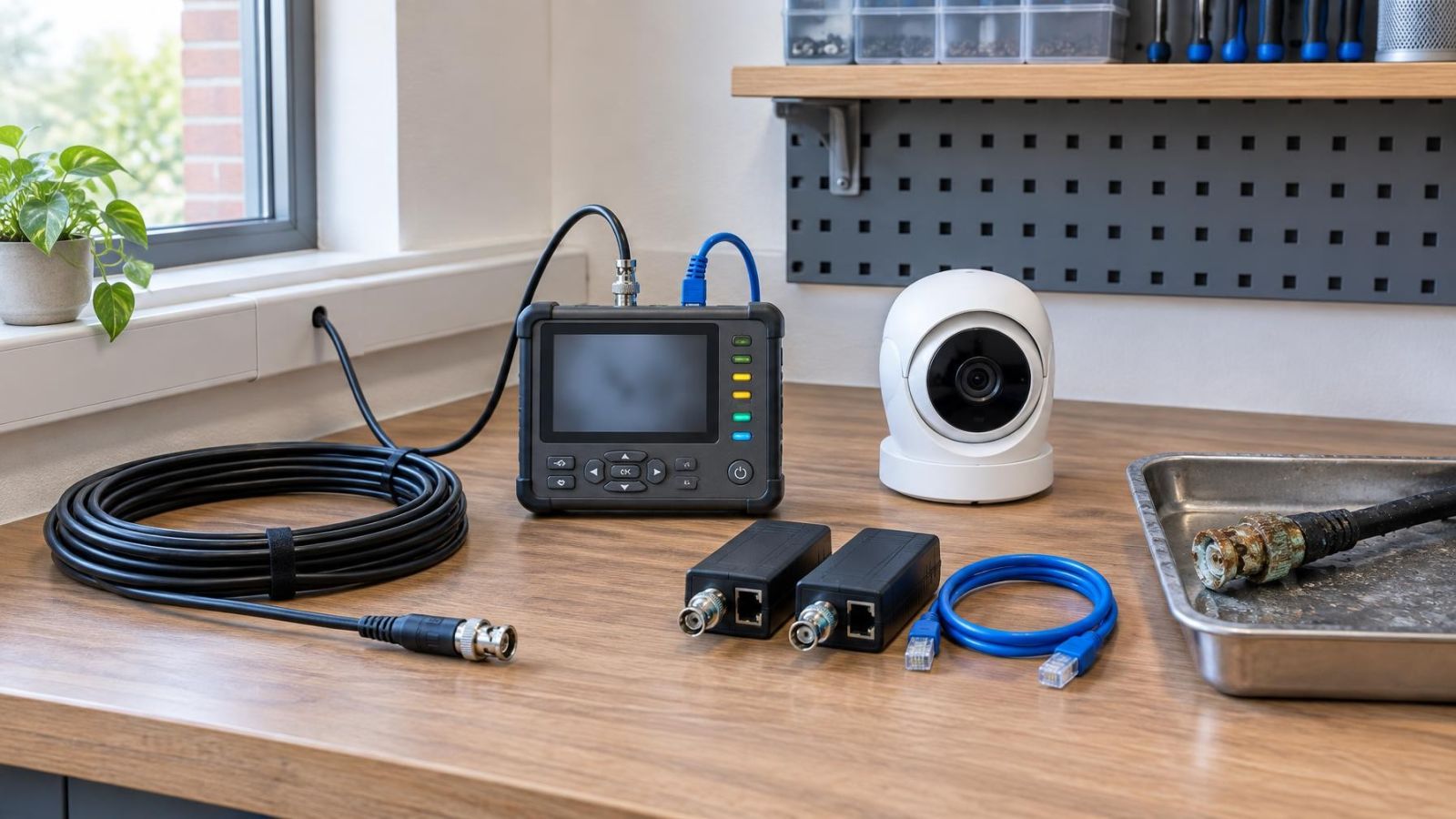
Old coax cameras can be replaced without rewiring in some installations, but the old cable must still be tested and the replacement architecture must be compatible. One option is to keep coax and use a compatible upgraded video format. Another is to place a coax adapter at each end so the route carries network data between an IP camera and the network equipment.
Adapters solve a transport problem; they do not turn coaxial cable into network cable. The link remains dependent on the condition of the coax, both connectors, both adapters and their power arrangements. Each additional device is another item to mount, supply, label and diagnose. Space behind a camera or inside a crowded recorder cabinet can be as important as electrical compatibility.
Power must be planned separately. Some conversion arrangements can carry power as part of a designed link, while others handle data only. Existing camera power wiring may be retained if its conductors, connections and voltage under load are suitable. It should never be assumed suitable merely because the old analog camera switched on.
Bandwidth also needs to be considered at the link level. A dedicated converted coax route may serve one camera, while other adapter arrangements can place several data streams across a shared path. The design must account for the combined traffic, not just the nominal capability of one camera. Camera resolution, frame rate and encoding settings all affect the data carried.
Direct network cabling is generally the cleaner option where a practical route exists. It removes conversion hardware and provides a straightforward path for data and PoE. Coax conversion is most useful when the old route is sound and the physical cost of replacing it is disproportionate to the value of a direct cable. It should be chosen deliberately, not used to avoid testing.
Decide What to Keep and Replace
The final CCTV cabling upgrade plan should classify each route on evidence. Keep runs that pass the intended signal, data and power tests. Repair or reterminate routes with a local, accessible fault and sound cable behind it. Replace runs with unreliable performance, extensive exposure, inaccessible joins or an unsuitable cable path.
- Keep: tested indoor or outdoor routes with compatible cable, sound terminations and stable performance under the intended load.
- Reterminate: routes where the cable is sound but an accessible connector has been poorly fitted or locally damaged.
- Keep data, replace power: routes with a satisfactory signal path but unsuitable power conductors or a weak shared supply.
- Keep power, replace data: routes where suitable dedicated power wiring remains useful but the video or network path does not.
- Replace: routes with concealed faults, repeated joins, damaged jackets, unstable test results or inaccessible conversion points.
- Add new cable: locations where a direct network route offers a simpler final system than preserving a complicated legacy path.
A mixed plan is often the most practical answer. For example, protected apartment routes may remain while an exposed entrance route is renewed. In a private home, garden and gate cables may need different decisions from cameras mounted under the building. In a small business, indoor ceiling routes may be retained while the street-front termination is rebuilt.
Finish with a written cable map. It should name the camera location, cable type, recorder or network endpoint, power source, adapters, junctions and test result. Shared entrance routes and equipment outside the private unit should be marked clearly so the owner, installer and va'ad bayit can distinguish private equipment from building infrastructure when future access is coordinated.
The map matters to remote property owners as well. Photographs of labelled recorder connections and junction boxes can make later diagnosis more precise, but they should supplement rather than replace the route list. The useful record is the one that explains what each cable does, how it is powered and why it was kept.
The aim is not to preserve old wiring at any cost. It is to retain infrastructure that has demonstrated its value and replace the parts that introduce uncertainty. That produces a system whose cable routes, power arrangement and conversion points are understood rather than merely inherited.
Key takeaways
- Cable condition and system compatibility matter more than the age of the cable alone.
- Every reused route should be tested with the intended signal and power load before equipment is selected.
- Coax adapters can carry network camera traffic without making an old coaxial route equivalent to direct network cabling.
- Outdoor connectors and joins deserve closer inspection than protected indoor cable runs.
- A mixed installation can retain sound cabling while replacing weak, exposed or inaccessible routes.