On this page
Network cameras, a PoE switch, a network video recorder, a router and an internet terminal may all sit between a scene and the video on your phone. An uninterruptible power supply (UPS) only supports the devices connected to it. Good CCTV power backup planning therefore starts with one question: which complete recording and communication paths must continue operating when mains power is unavailable?
Map the complete CCTV power backup path
Start at each camera and trace the system towards its destination. A camera must have power, but powered cameras alone do not create a usable recording system. Their video must still travel across the network, reach the recorder and be written to powered storage.
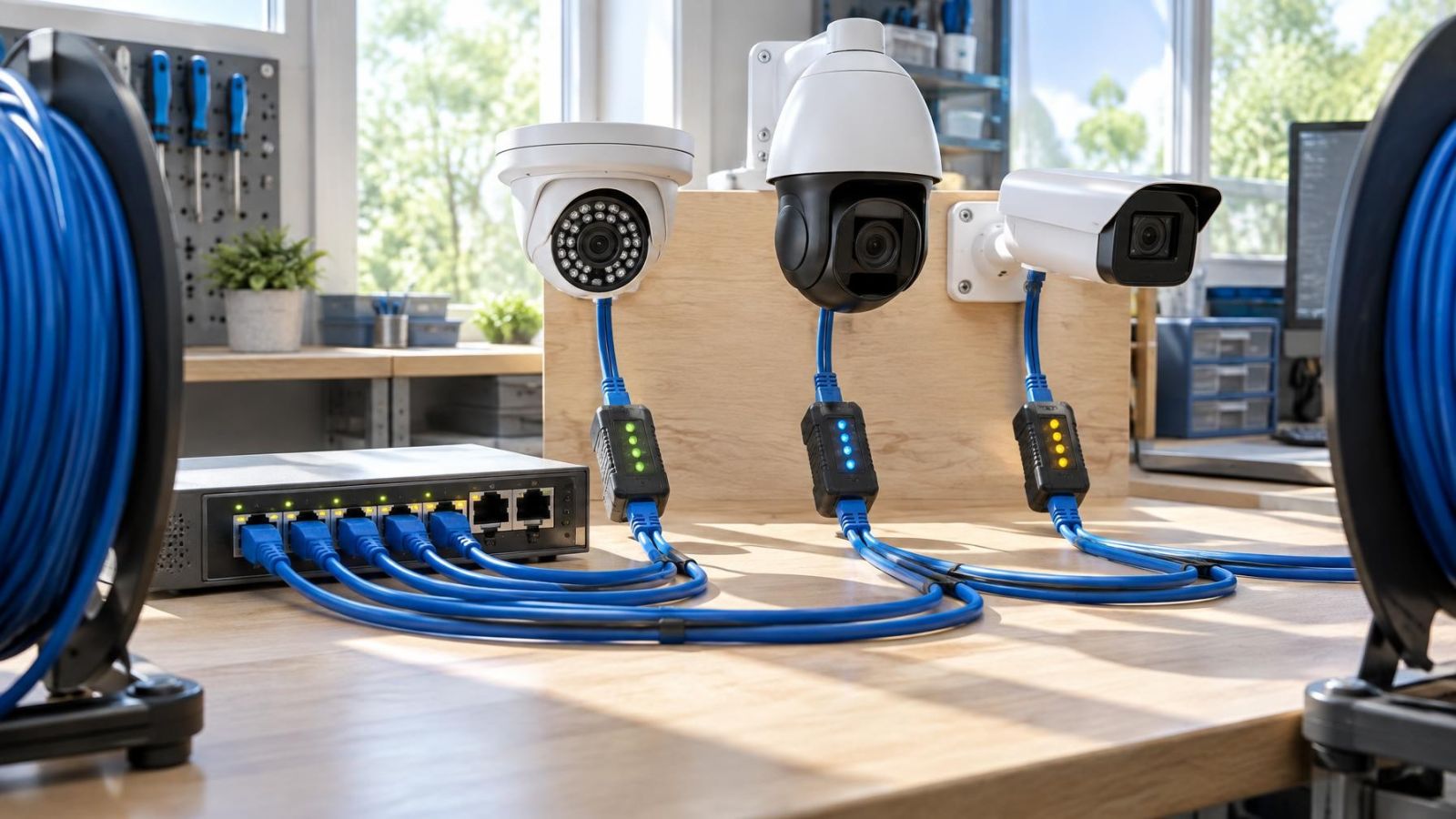
For a typical wired installation, the chain is straightforward: camera, network cable, PoE (power over Ethernet) switch, network link and NVR (network video recorder). If the PoE switch loses power, every camera powered by it stops operating. If the NVR loses power, it cannot save video even when the cameras and network remain active.
Some systems have less obvious dependencies. A small switch may link two cabinets. A network bridge may carry video from a garden gate. A wireless access point may connect a camera in a detached storeroom. A fibre converter may join different parts of a larger property. Each active device in the path needs power.
Cameras powered by local adapters follow a different path. The network switch may remain active while the camera’s wall adapter is unpowered. If adapters are spread across several rooms, a single UPS in the recorder cabinet cannot support them unless their electrical supply has been deliberately routed there.
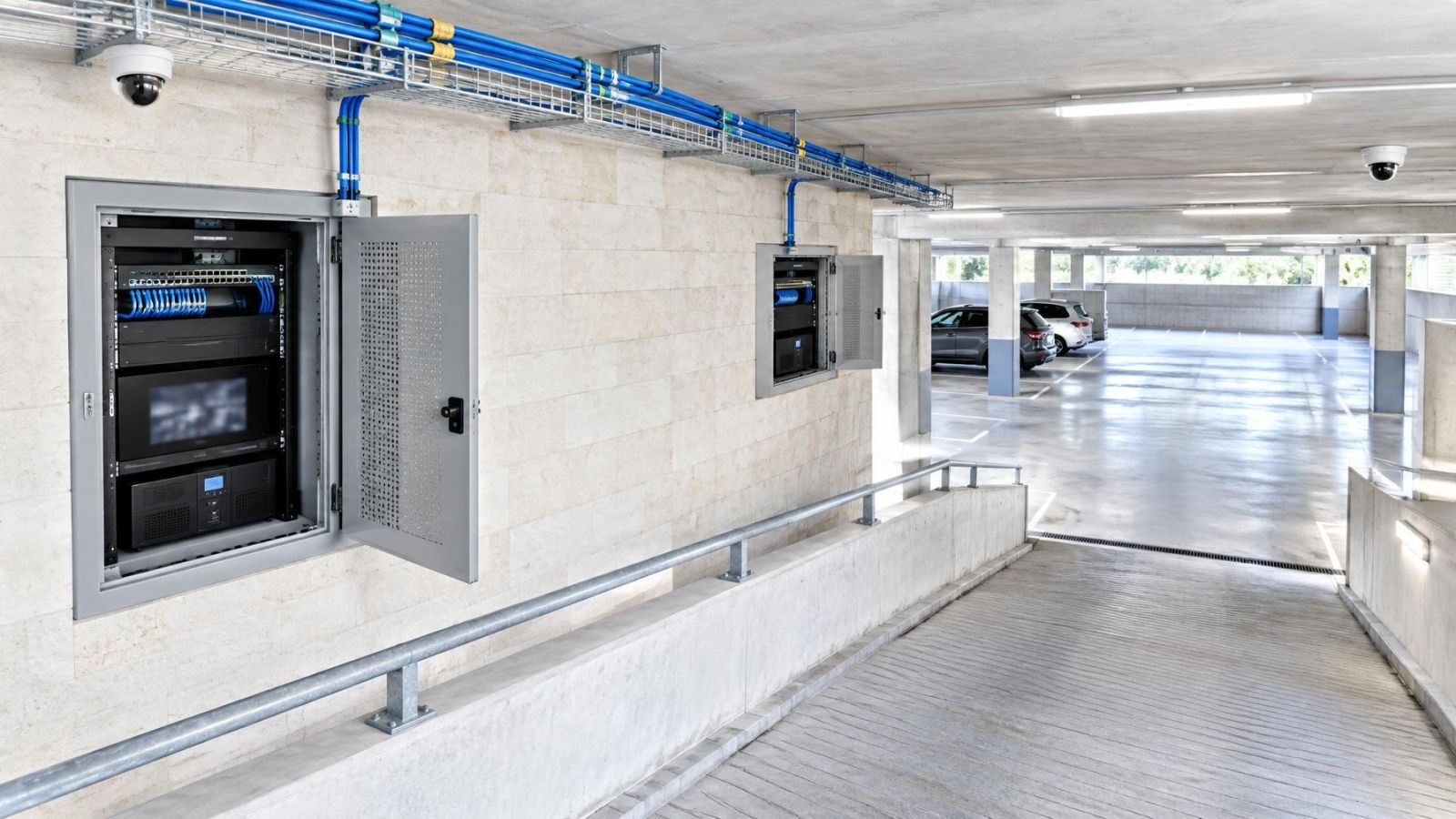
Apartment buildings add another boundary. Internet or network equipment may be located in a shared communications cabinet, entrance area or service space. Its power may be managed by the building or the va’ad bayit rather than the apartment owner. A UPS inside the apartment cannot support equipment on the other side of that boundary. Record the dependency, but distinguish it from equipment you can personally maintain and test.
Which devices need backup power?
The answer depends on the operating behaviour you require. If the priority is local recording, back up every device needed to power the cameras, carry their traffic and save the footage. If remote viewing, alerts or monitoring communication must also remain available, the internet side of the system needs support as well.
What belongs on a security camera UPS?
- NVR and storage: The recorder requires power to receive and save video. External storage, if used, also needs an appropriate backed-up supply.
- PoE switch or camera power supply: A PoE switch powers connected cameras. Cameras using individual adapters need backup at each relevant socket or through a properly designed central supply.
- Intermediate network equipment: Include switches, wireless access points, fibre converters and network bridges that carry camera traffic.
- Router and local network equipment: The router is needed when camera traffic, addressing or app communication depends on it. Its role should be verified rather than assumed.
- Modem or fibre terminal: Provider-facing equipment must be powered if internet connectivity is part of the required behaviour.
- Alarm communicator or monitoring gateway: Include any separate gateway used for alarm reporting or video integration, unless it already has a suitable independent battery arrangement.
How should PoE switch backup power be planned?
Treat the PoE switch as both network equipment and a camera power supply. Its load includes its own operation plus the power delivered to every connected camera. Night vision using IR can increase camera demand after dark. The switch and UPS therefore need enough capacity for the full expected PoE load, not merely the switch’s idle consumption.
If cameras are divided between several PoE switches, identify which views are essential. You may decide to support all switches, or only the switch carrying priority cameras. Either choice should be explicit. An accidental partial backup is difficult to diagnose because the NVR may remain online while selected camera channels disappear.
Separate recording from remote access
Local recording and remote access are related, but they are not the same function. A local camera network can continue carrying video to an NVR without a working internet connection, provided the cameras, recorder and necessary local network devices remain powered and connected.
When is router backup for cameras necessary?
Router backup for cameras is necessary when the router provides a network function required by the camera-to-recorder path or when remote access must remain available. In some layouts, cameras and the NVR communicate through the same PoE switch and can continue local recording without the router. In others, traffic passes through the router, or devices rely on services it provides after a restart.
App access normally depends on more than the router. The modem, fibre terminal or other internet hand-off equipment must also be powered. Even then, local backup cannot control provider equipment elsewhere in the building or network. The system may continue recording locally while the app reports the site as offline.
Cloud-dependent cameras need particular care. If recording is performed only through an external service, a powered local camera is not enough; the camera also needs a functioning local network and an available internet path. Some cameras have local storage or temporary buffering, but the exact behaviour should be confirmed in the installed configuration rather than inferred from the presence of a memory slot.
A system can be recording normally while remote viewing is unavailable. Test and document those two functions separately.
Central UPS or separate batteries?
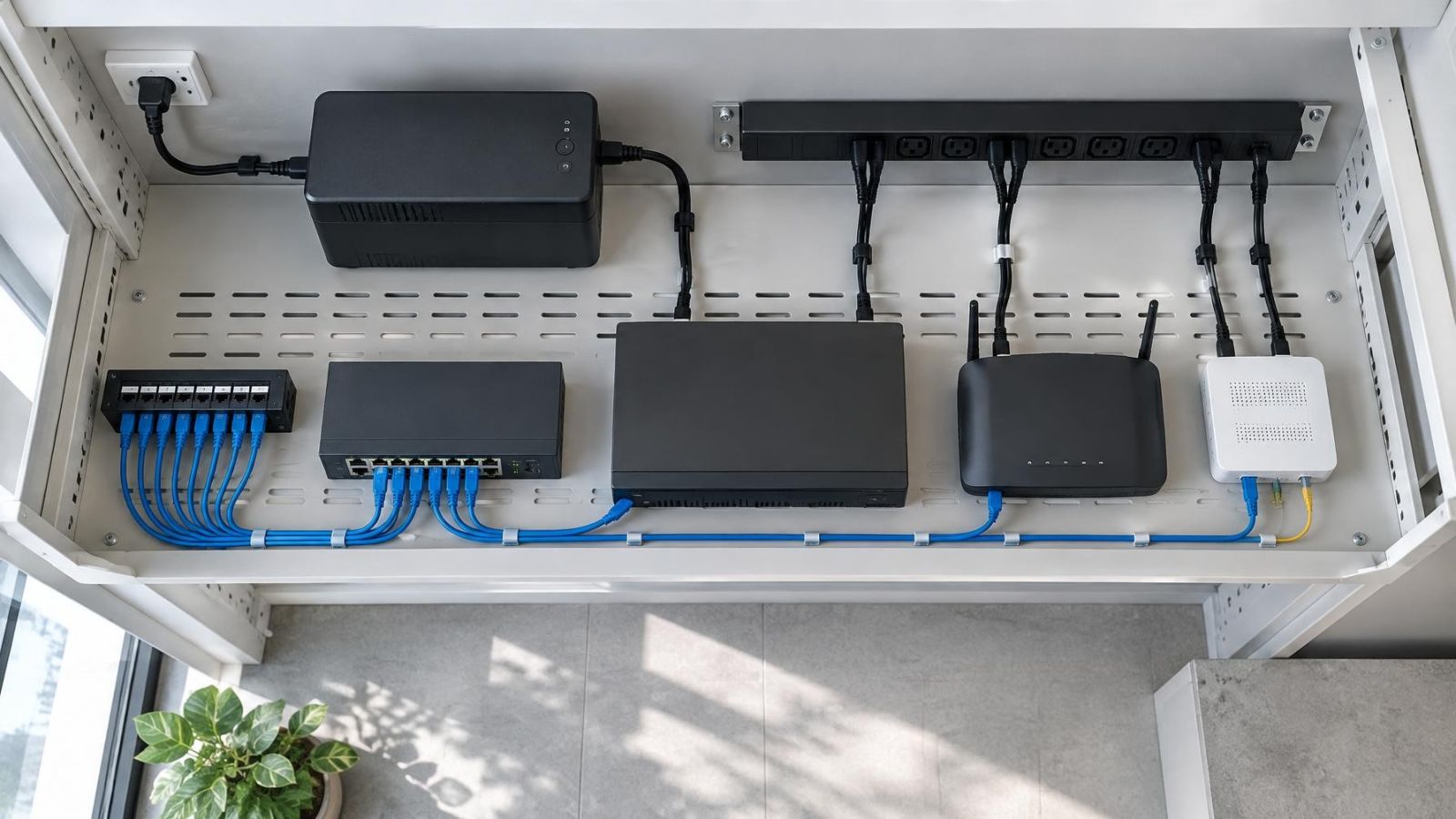
A central UPS is usually the cleanest arrangement when the NVR, PoE switch, router and internet terminal share one ventilated equipment cabinet. There is one battery system to inspect, one load to calculate and fewer scattered devices to replace. It also makes cable labelling and controlled testing easier.
A central unit cannot solve every layout. A private home may have an access point near a garden, a bridge at a gate or a switch in an outbuilding. A street-front business may have network equipment at the rear of the premises and cameras powered near the entrance. Supporting only the main cabinet leaves those remote links unpowered.
For distributed equipment, compare the power path with the data path. A gate camera may receive data wirelessly but still depend on a local power adapter. A remote PoE switch may power several cameras but depend on a network bridge at both ends. Each end of a wireless link must operate for traffic to pass.
| Approach | Best suited to | Main planning issue | Maintenance |
|---|---|---|---|
| Central UPS | Recorder, PoE and internet equipment in one cabinet | All essential loads must be reachable from the cabinet | Battery and connections are inspected in one place |
| Separate local backup | Gates, outbuildings and equipment in distant rooms | Every remote data and power dependency must be identified | Several batteries and locations require access and records |
| Mixed arrangement | A central cabinet with a few critical remote devices | Central and distributed runtimes should support the same required behaviour | Both cabinet and remote units need coordinated testing |
Accessibility matters. A battery hidden above a ceiling or inside a difficult outdoor enclosure is less likely to be checked. Distributed backup can be the correct engineering choice, but only if every unit can be reached without disturbing cameras, network alignment or other building services.
Size backup around actual load
UPS sizing begins with the combined power draw of every connected device. Include the NVR, installed storage, PoE switch, router, internet terminal, access points, bridges and any alarm gateway assigned to the backup. For PoE equipment, include the cameras powered through the switch as well as the switch itself.
Equipment labels and power-supply ratings are useful for identifying limits, but they do not always describe normal consumption. A practical assessment considers both the installed load and possible peaks. Cameras may draw more power when IR illumination is active. Storage and network equipment can also behave differently during startup than during steady operation.
A camera network UPS should not be selected from the headline capacity alone. Check that it can support the total load, provide the required runtime and tolerate startup behaviour. Leave sensible capacity for battery ageing and modest system changes, rather than designing around an exact edge condition.
Runtime is a design decision, not an automatic property. Define what the system should do during an outage. It might continue all recording, retain only priority cameras, keep alarm communication active or remain online long enough for an orderly recorder shutdown. A longer requirement places a different demand on the battery than a controlled shutdown plan.
- List every backed-up device and its power source.
- Include the full PoE demand of connected cameras.
- Allow for IR operation, startup and other peak conditions.
- State which functions must remain active and for how long in operational terms.
- Account for battery condition, cabinet temperature and future maintenance.
- Check whether non-security devices share the same UPS and include or remove them deliberately.
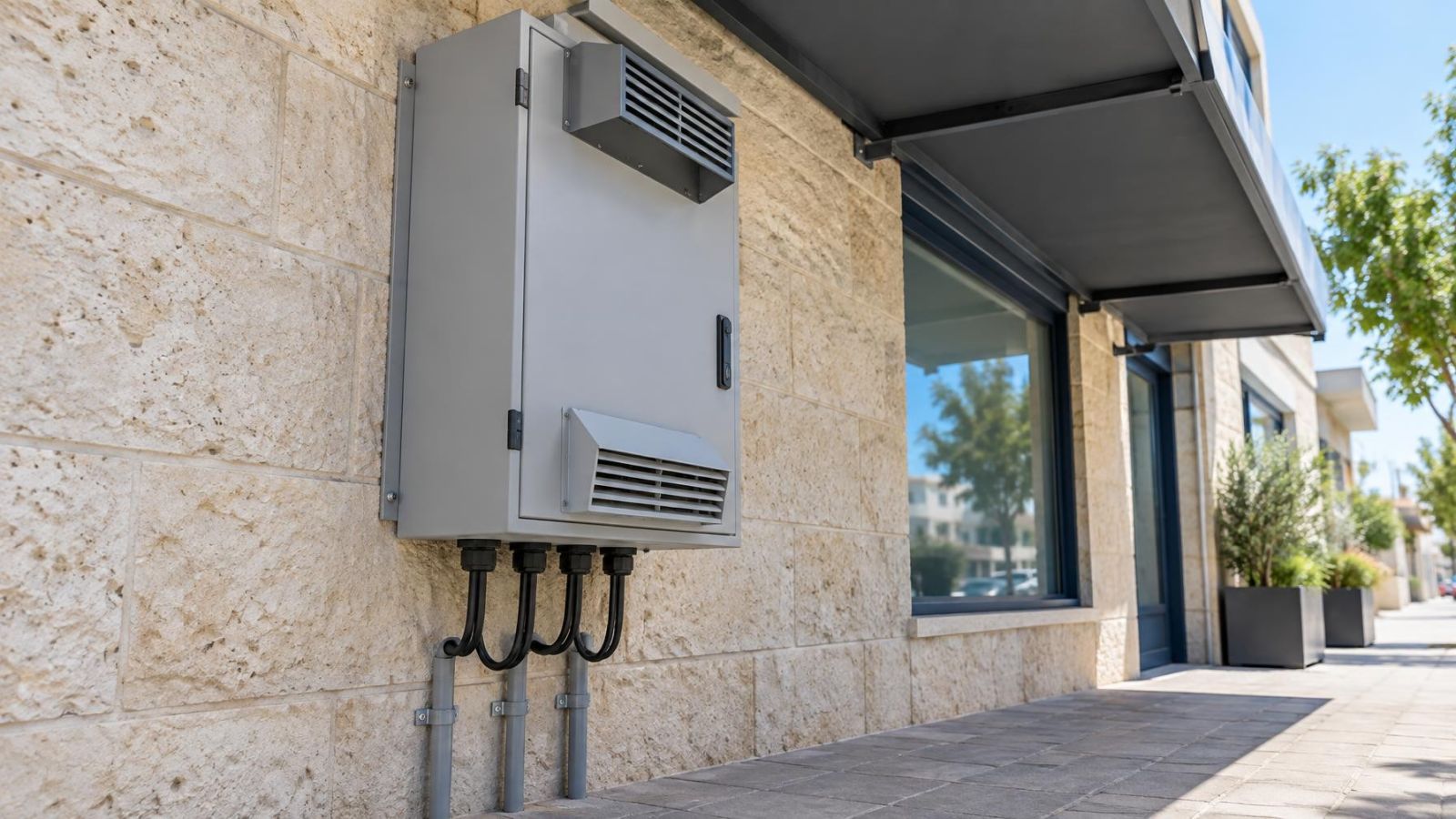
Battery condition directly affects runtime. Heat also matters, especially in closed Israeli communications cupboards, roof spaces and unventilated storerooms. A unit that is adequately sized on paper can give poor service if its battery spends its life in excessive heat. Capacity planning and placement should therefore be treated as one decision.
Plan installation and testing
Place backup equipment where air can circulate and where routine inspection is possible. Avoid locations that collect construction dust, direct sun or coastal humidity. Do not cover ventilation openings with cables, stored items or the recorder itself. A mamad may be convenient for equipment, but dense walls, limited ventilation and the room’s everyday use can affect whether it is the right place for network and battery hardware.
Keep sockets visible and power adapters orderly. Label each plug with the device it supplies. Similar adapters are easily confused during maintenance, and one unlabelled adapter outside the UPS can undermine an otherwise complete design. Avoid connecting unrelated office or household loads simply because a backed-up socket is available.
Where the recorder supports orderly shutdown, decide whether to use it. Abrupt loss of power after the battery is exhausted can interrupt writing to storage. A managed shutdown may be preferable when the objective is controlled operation rather than maximum possible recording time. The recorder’s restart behaviour should also be checked so that it resumes the intended recording schedule when power returns.
How should the backup be tested?
- Confirm that cameras are online, recording is active and remote access is working before the test.
- Remove mains input from the backup arrangement using the intended test method, without disconnecting its supported outputs.
- Check live camera views and verify that the NVR is still writing recordings.
- Check local viewing separately from app or remote VMS (video management software) access.
- Confirm that required alarm communication, access points and network bridges remain online.
- Restore mains power and verify charging, recorder status, camera reconnection and any configured alerts.
- Document which functions continued, which stopped and how the system recovered.
Repeat functional checks periodically and after changes to the camera network. Adding a camera, replacing a PoE switch or moving the internet terminal can alter the load or create a new unprotected dependency. Battery warnings should be investigated rather than silenced, and the documented device list should match the equipment actually connected.
Choose what must stay working
A useful backup design begins with priorities, not equipment. Decide which camera views must continue recording, whether local playback is enough, whether remote access is required and which alarm or communication links are critical to normal operation. The answers may differ between an occupied home, a remotely managed apartment and a small business that depends on off-site access.
Next, separate equipment under your control from shared or provider-managed infrastructure. You can maintain a UPS in your own cabinet. You may be able to coordinate arrangements for a shared building cabinet, but you cannot assume that its power path or battery condition matches your plan.
Finish with a written priority list. It should identify each required function, the devices supporting it, where those devices are located and which backup supply powers them. Record local recording, remote access and alarm communication as separate lines. The result is easier to size, test and maintain than a general instruction to “put the cameras on a battery.”
Key takeaways
- Backup power must cover the complete path required for recording, not only the security cameras.
- Local recording and remote access should be treated as separate power requirements.
- PoE switches, recorders and necessary network links belong in the backup load calculation.
- Shared-building cabinets, gates and outbuildings can contain essential equipment outside the main cabinet.
- A controlled mains-power test is the clearest way to confirm which functions remain available.