On this page
Start With the Event Record to Trace False Alarm Causes
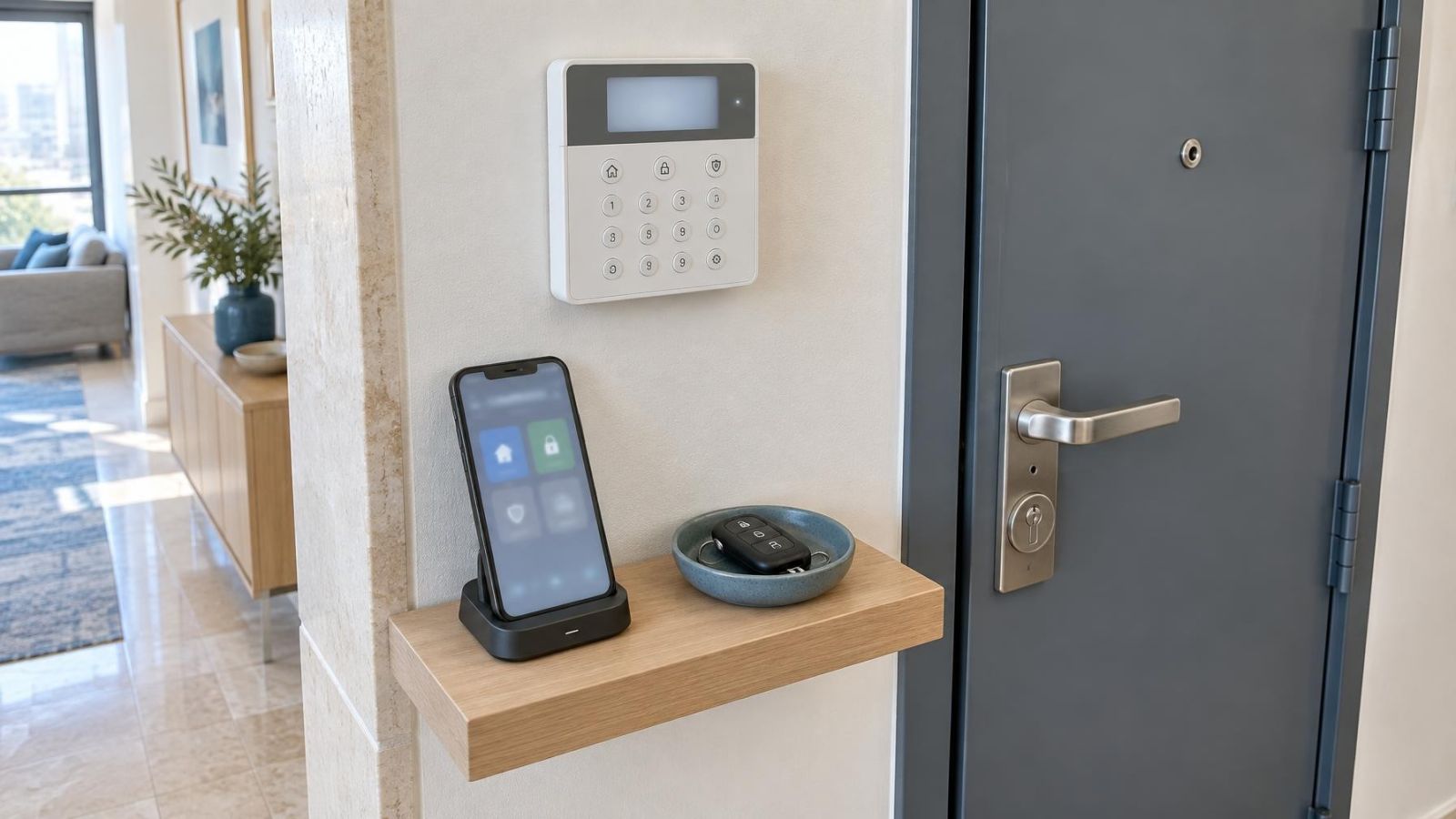
An alarm control panel reports an activation, but the building looks normal. The cause might sit with a motion detector, door and window contacts, the backup battery or even the air-conditioning system. Before touching any device, open the event log. It provides the first reliable evidence. The practical question is not simply why the alarm sounded, but which recorded zone or fault explains it. That distinction is the starting point for diagnosing false alarm causes without weakening the system through guesswork.
Record the event time and confirm whether the system was armed. An activation while fully armed means something different from an entry-delay event, a tamper indication or a fault reported while disarmed. If the property is managed remotely, compare the time with ordinary activity such as a cleaner arriving, staff opening a shop or a resident using a shared entrance.
Read the panel wording carefully. An alarm event indicates that a detection zone or related circuit changed state while the system treated it as active. A system fault reports a problem such as interrupted power, a weak backup battery or a communication issue. Both deserve attention, but they lead to different checks.
- Write down the event time, armed state and any entry or exit delay shown.
- Record the zone name, zone number or detector identity exactly as displayed.
- Note whether the panel says alarm, tamper, battery, power or fault.
- Preserve the information before clearing or resetting the display.
Which Sensor Caused the False Alarm?
How do I find which alarm sensor caused the false alarm?
Start with the zone stored in the event log, then look for repetition. Several events from the same zone usually point to a local issue: the detector itself, a contact and magnet, a cable connection, or the position of the device. Events spread across unrelated zones suggest a broader influence, such as power instability, building movement or an incorrect understanding of the panel messages.
Do not rely on the zone label alone. Names may be abbreviated, inherited from an older layout or no longer match the room. Confirm the physical device assigned to the zone. In an apartment building, “front door” could refer to the apartment entrance rather than the shared building entrance. In a small business, “store” might identify the sales area, a storeroom or a shutter contact.
| Event indication | Likely area to inspect | First check |
|---|---|---|
| Door or window zone | Contact, magnet, cable or frame | Close the opening and inspect alignment |
| Motion zone | Detector view and room conditions | Review people, pets, sunlight, airflow and moving objects |
| Tamper indication | Device cover, enclosure or cable | Check for a loose cover or disturbed wiring |
| Power or battery fault | Power supply and backup battery | Compare the event with other power indications |
Repeated contact-zone activity and repeated motion-zone activity should not be investigated in the same way. A contact reports whether two parts remain aligned. A motion detector responds to changes within a detection pattern. Power and tamper messages may not describe movement at all. The panel category determines the next sensible inspection.
Check Doors and Window Contacts
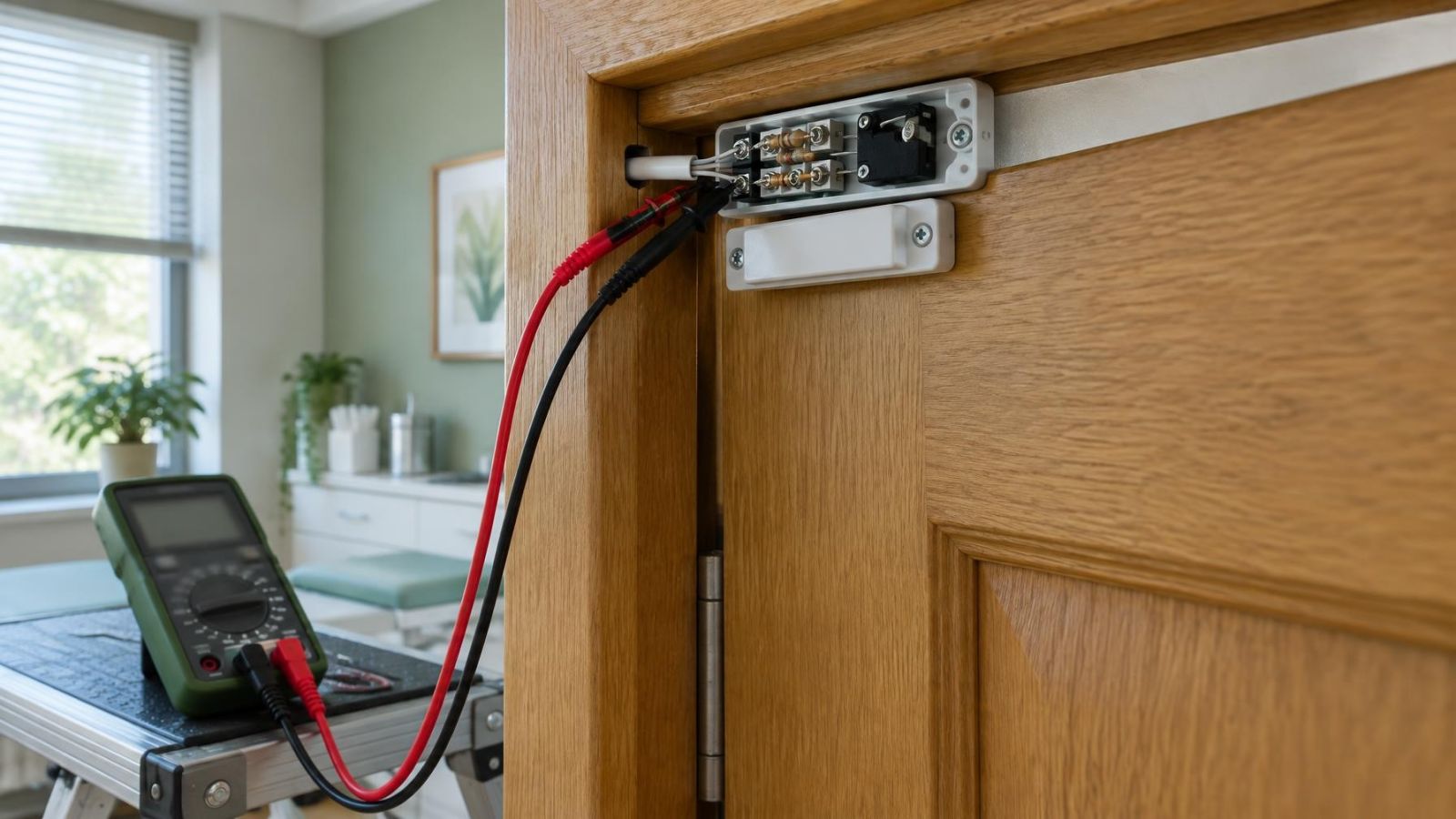
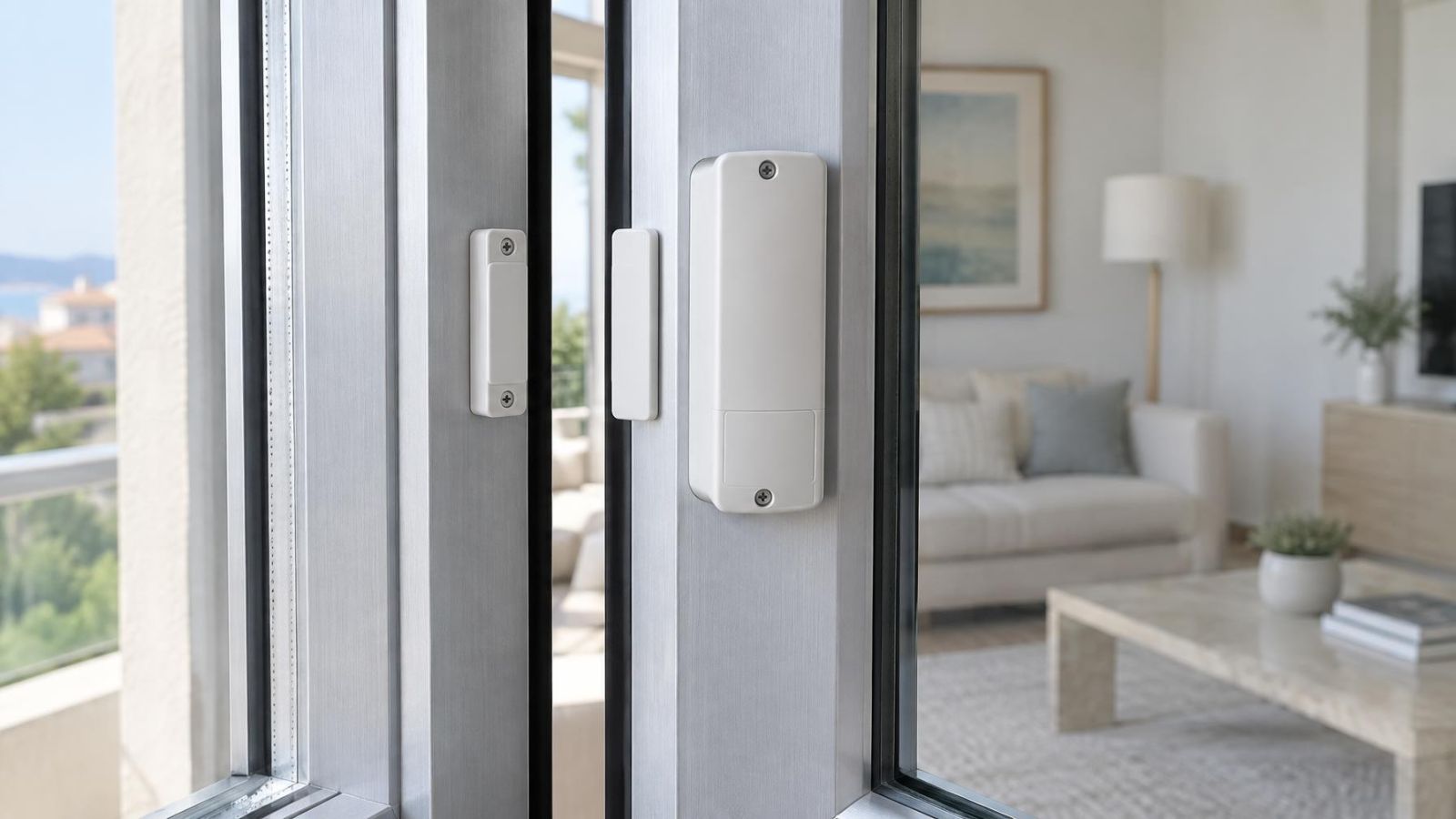
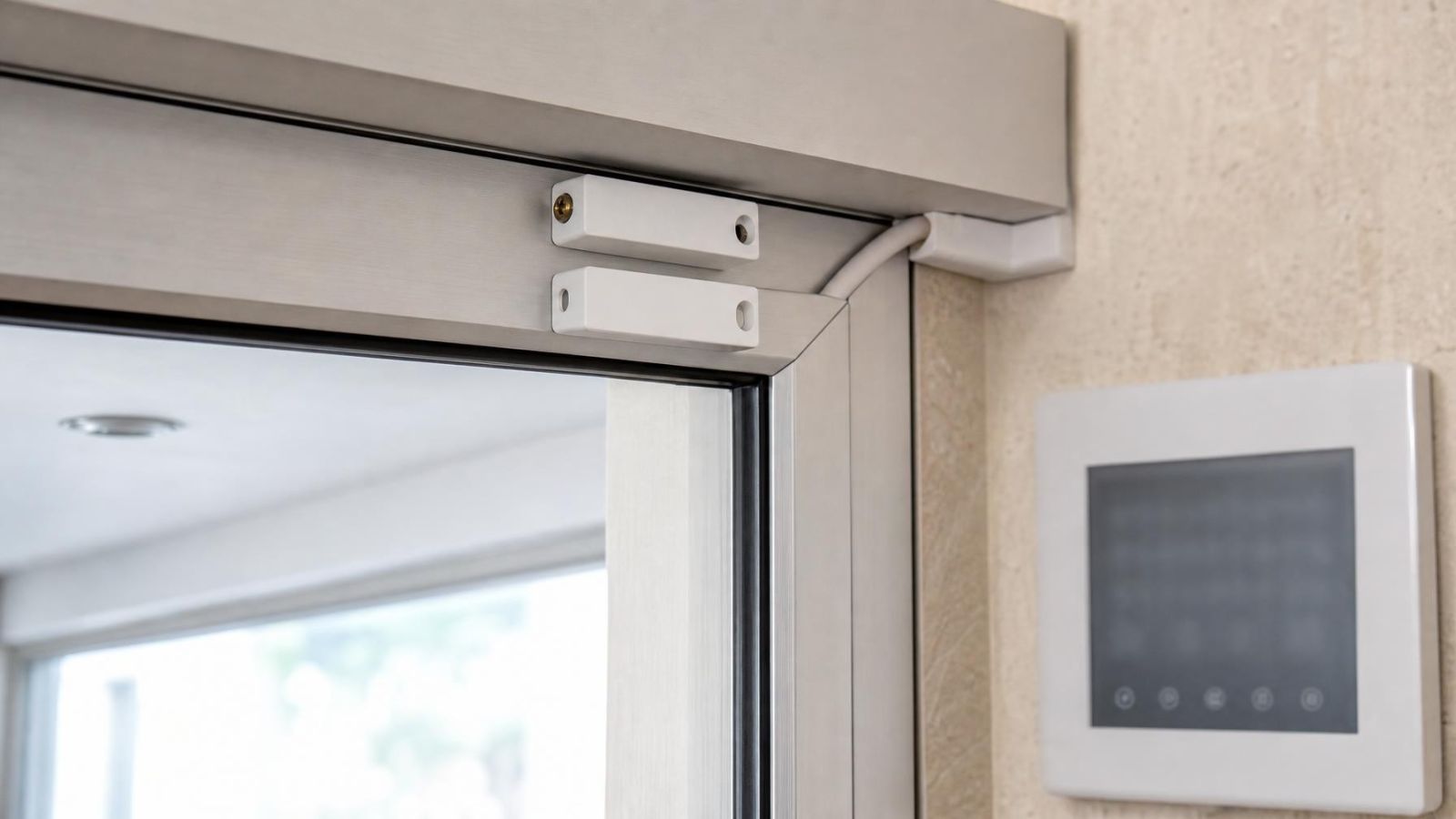
A door contact or window contact normally consists of a contact on one surface and a magnet on the moving part. When the opening closes, the two must return to a suitable position. A loose magnet, shifted fitting or moving frame can make the zone alternate between secure and open even when the door or window appears closed.
- Check whether the magnet and contact remain firmly attached and face each other squarely.
- Watch the alignment while gently pressing and releasing the closed door or window; movement in the frame can briefly separate the parts.
- Inspect visible low-voltage cable for pinching, stretched sections, damaged insulation or loose termination points.
- Look for hinges, latches or sliding tracks that allow the opening to stop in slightly different positions.
- Confirm that stored items, floor mats or door closers are not preventing complete closure.
Israeli apartment entrances and street-facing businesses often have openings that are used repeatedly throughout the day. A door may look closed but rest against the latch rather than settle fully into it. Shared building doors can also move because of a door closer, airflow through the stairwell or frequent use. The useful test is whether the contact returns to the same stable alignment every time.
Intermittent cable faults can resemble alignment problems. If the zone changes state when the cable or frame moves, stop repeated handling and arrange a proper connection check. Twisting wires together or bypassing the zone may hide the symptom while leaving the opening without useful reporting.
What Triggers Motion Detectors?
What causes a motion sensor false alarm?
A motion detector can react when changing heat patterns move through its detection pattern. A person is the intended example, but pets, direct sunlight, reflected glare, warm or cold airflow, insects close to the sensing area and unsuitable placement can create changes that the detector interprets as movement. The room may be empty when inspected later, so the conditions at the recorded event time matter.
Position is often more important than the sensitivity setting. A detector facing a large sunlit window, an air-conditioning outlet, a moving curtain or a warm entrance receives a more difficult scene than one looking across a stable interior area. Orientation also matters: movement across the detection pattern is not presented in the same way as movement directly towards the device.
Can a pet motion sensor alarm still trigger?
Yes. Pet-tolerant motion detection reduces some pet-related triggers, but it does not make placement or configuration irrelevant. A cat climbing furniture, a dog approaching the detector, or an animal moving through a staircase can appear differently from a pet crossing the floor at a distance. Furniture changes can also create new routes into more sensitive parts of the detection pattern.
Before changing detector sensitivity, compare the event time with feeding routines, access to sofas or shelves, and rooms left open. If pet movement is the repeatable cause, the appropriate response may be a placement change, an altered room arrangement or a different detector configuration. A broad sensitivity reduction can also reduce useful response to ordinary movement.
Can sunlight or air conditioning trigger a motion sensor?
Yes. Strong sunlight can heat a floor, wall or curtain, while reflected glare can move as the sun angle changes. An air-conditioning system can create rapid temperature changes or move lightweight objects through the detector’s view. In Israel, a room that appears stable in the evening may receive intense direct sun earlier in the day, particularly through large windows or glass doors.
Check whether the detector faces glazing, a reflective surface or an air-conditioning outlet. Look for curtains, hanging signs, plants, packaging and other light objects that move in airflow. The aim is not to eliminate all movement from a room. It is to prevent ordinary environmental changes from dominating the detector’s view.
Inspect Environmental Causes
Dust, insects and moisture can interfere with detectors, especially where sealing is poor or the location is exposed. These causes are easy to miss because they may leave no obvious sign on the room itself. A small insect near a sensing chamber is very close to the detector and can have a much greater effect than its size suggests.
- Inspect the outside of the detector for dust build-up, insect activity and openings around cable entry points.
- Consider coastal humidity where equipment sits near an open balcony, shop entrance or poorly sealed external wall.
- Check outdoor detection areas for branches, tall plants, loose covers and moving shadows.
- Compare events with direct sun on walls, paving, shutters or garden vegetation.
- Look for recent cleaning, decorating or furniture movement that may have disturbed detector alignment.
Outdoor vegetation creates more than physical movement. Leaves and branches can alternate between sun and shade, producing changing patterns across the monitored area. Near street frontage, reflected light from passing vehicles or moving shop displays can add another variable. A detector intended for an exposed area still needs a stable view and sound mounting.
Clean only in a way that does not disturb the detector’s orientation or force material into it. Use a gentle exterior clean and follow the equipment’s maintenance instructions. Do not spray liquid into openings or rotate the detector casually. If contamination appears to be inside the unit, inspection and cleaning should be handled without damaging the sensing parts or seals.
Review Power and System Faults
A power interruption or weak backup battery can create a fault or notification that is mistaken for an alarm event. Start by reading the event type rather than assuming every sound or mobile message indicates detection. The panel may use different tones or wording, but remote notifications often look similar at a glance.
| Panel record | What it describes | Diagnostic direction |
|---|---|---|
| Alarm on a named detection zone | A zone changed state while active | Inspect that detector, contact, cable and environment |
| Power fault | The normal power source was interrupted or unstable | Review the property and panel power supply |
| Backup battery fault | The standby power source did not meet the panel’s expected condition | Inspect the battery and its connections |
| Tamper fault or alarm | A cover, enclosure or protected circuit changed state | Inspect covers, housings and related wiring |
Compare the event history with known power interruptions at the property. A remote owner can also ask whether lights, routers or air-conditioning equipment restarted at a similar time. That comparison does not prove an alarm-panel fault, but it helps separate a building-wide interruption from a problem isolated to the alarm equipment.
Loose low-voltage connections can produce intermittent trouble indications. They can also affect a detector or contact zone if movement, vibration or temperature changes disturb the connection. Avoid repeatedly pushing exposed conductors or tightening unfamiliar terminals while the system is powered. Record the affected circuit and arrange an appropriate inspection.
A backup battery indication should not be cleared and forgotten merely because the panel continues to operate. The notification describes the system’s power condition, not movement in the property. Treating it as a detection event sends the investigation towards doors and motion detectors when the evidence points elsewhere.
Test Methodically and Choose the Fix
Once one zone and one plausible condition have been identified, test methodically. Recreate only safe, ordinary conditions: open and close the relevant door, allow the air-conditioning system to run normally, draw the curtain as it is usually left, or observe the room at the event time. Do not create extreme heat, interfere with wiring or climb into an unsafe position to provoke a result.
- Preserve the original event details and confirm the physical zone.
- Inspect mounting, alignment, connections and the surrounding environment.
- Change or test one variable while leaving the others in their normal state.
- Operate the system through an ordinary arming and disarming cycle, following its normal user procedure.
- Record whether the same zone and condition produce another event.
One-variable testing matters because several plausible causes can exist in the same room. A motion detector may face a sunny window while a curtain also moves under an air-conditioning outlet. Moving the curtain, changing sensitivity and rotating the detector together might stop the symptom, but it leaves no reliable explanation and may create a weak detection pattern.
Choose the fix that matches the evidence. Adjustment is suitable when a sound device is slightly misaligned or incorrectly oriented. Repair is appropriate for a loose contact, damaged cable, unstable connection or failing power component. Relocation makes sense when the detector’s normal environment remains unsuitable, such as a persistent view of direct sun, a strong airflow path or unavoidable pet movement.
Keep a simple record of recurring zone names, event times, armed states and room conditions. A pattern across several events is more useful than a long list of speculative causes. It also gives an installer enough detail to inspect the right area instead of beginning with broad sensitivity changes.
Changing detector sensitivity without identifying the trigger can hide a symptom while reducing useful detection. A stable repair comes from repeatable evidence: the recorded zone, the local condition and a correction that addresses the specific mechanism.
Key takeaways
- The event log should be reviewed before any detector position or sensitivity is changed.
- Repeated events from the same zone usually indicate a local detector, contact, cable or placement issue.
- Detector placement and environmental conditions should be checked before sensitivity is reduced.
- Power and backup battery faults must be separated from detection events before troubleshooting begins.
- Adjustment, repair or relocation should be chosen from repeatable evidence rather than speculation.