On this page
Security cameras in an Israeli home or small business may be reached through a camera account, an NVR (network video recorder), a mobile app and sometimes the cameras themselves. The installer may need access during setup, while an authenticator app may be used by the owner afterwards. Good camera login security means deciding who can enter through each route, how identity is checked beyond a password, and how control returns cleanly to the owner.
Map Every Route for Camera Login Security
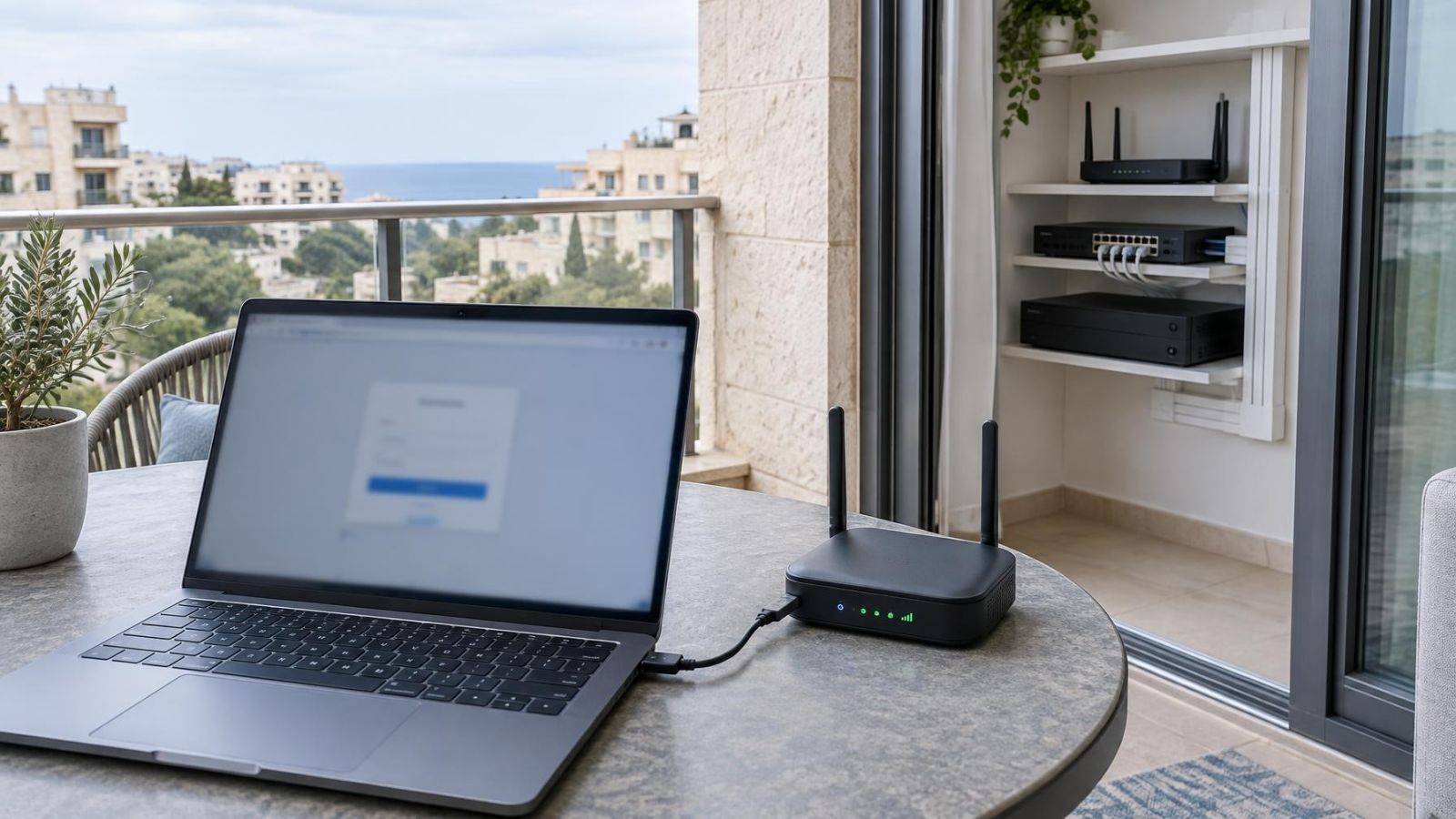
Start by listing every place where a person can view video, change settings or administer users. The mobile app is only the most visible entrance. There may also be a browser portal, a recorder connected to a local monitor, a VMS (video management software) workstation and a direct camera web interface.
These routes do not always share the same credentials or protection. A cloud account might support independent verification while the recorder has only a local username and password. Individual cameras may retain their own administrator credentials even when normal viewing happens through the NVR. Treat each login as a separate control point until you have confirmed otherwise.
- App and web portal: Check whether they use the same account, whether both support additional verification, and where user management takes place.
- Recorder: Review local and remote logins, including access from an attached monitor and from other devices on the network.
- Direct camera access: Confirm whether each camera has its own credentials and whether those credentials differ from the recorder login.
- People: List the owner, family members, employees, property manager, installer and anyone who only needs temporary access.
- Remote dependencies: Identify whether remote viewing relies on a cloud service, router configuration, VPN, VMS or another account outside the camera system.
Remote property owners should map this before travelling. A person managing an apartment or business from outside Israel may depend on an overseas mobile number, a local email account or a trusted person at the property. If any one of those is also the only recovery route, a lost phone or inaccessible inbox can become an account-control problem.
Add Independent Verification
Camera two factor authentication?
Camera two factor authentication means that a password is not enough by itself. The login also asks for an independent form of verification. This may be a time-limited verification code from an authenticator app, approval on a recognised device or another supported method. The important point is independence: knowing or obtaining the password should not automatically provide the second requirement.
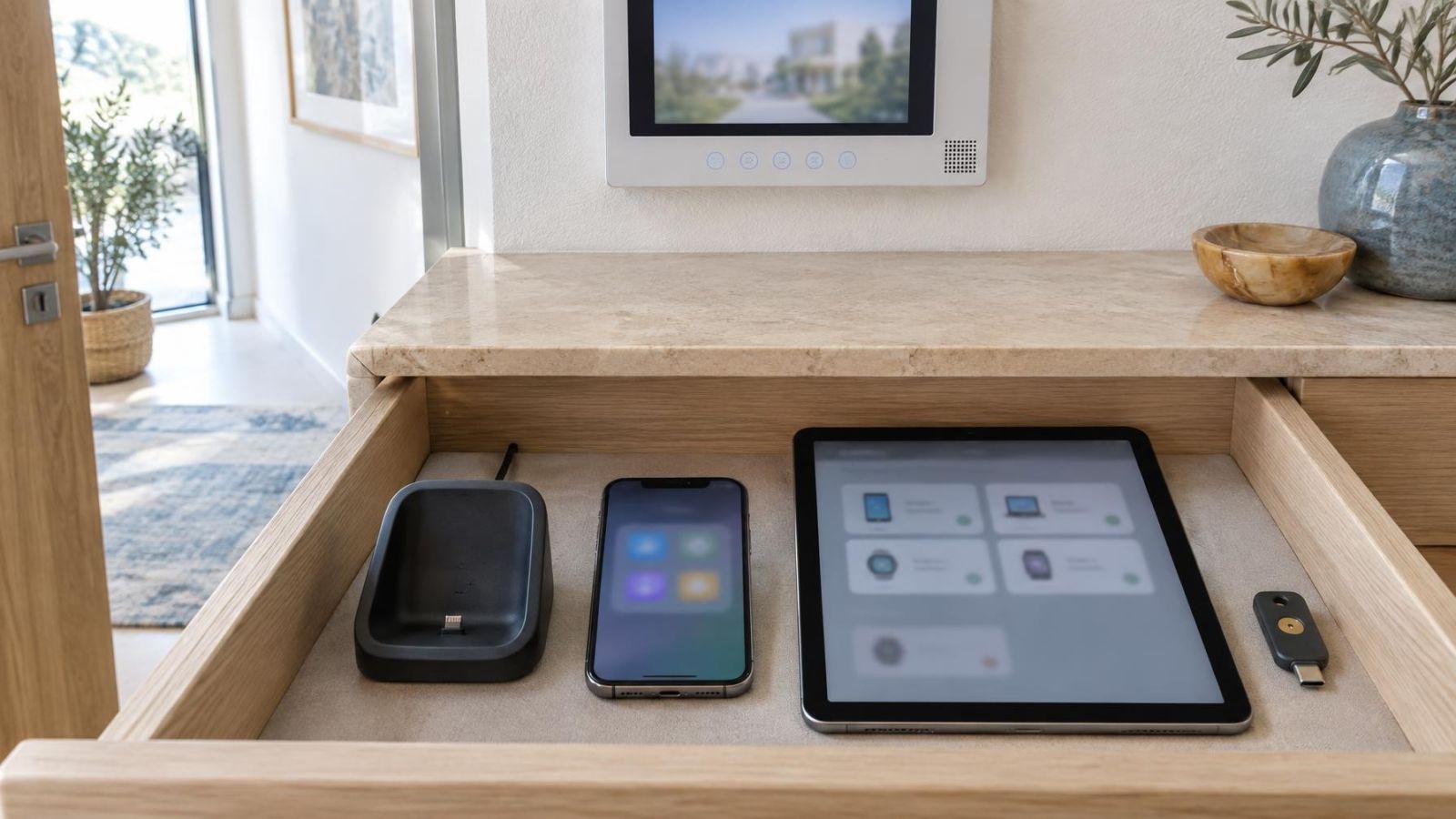
An authenticator app can generate codes without waiting for a message to arrive. That is useful in buildings with weak mobile reception, including interior rooms and some reinforced spaces such as a mamad. It is also practical for owners who move between Israeli and overseas mobile services. Before choosing it, check how the authenticator is transferred when a phone is replaced and whether backup codes are provided.
A passkey can offer a strong and convenient login method when the camera service supports it properly. Ask where the passkey is stored, which devices can use it and what happens during account recovery. A passkey may replace the password rather than act as an additional step, so the login design should be understood rather than judged by the label alone.
Codes sent by text message or email are easier to understand, but they depend on the message reaching the correct person. Mobile service, number changes, travel and access to the email inbox all matter. Email verification is also only as strong as the protection on that email account. A code sent to an inbox that is already open on the same unprotected device provides limited separation.
Check the fallback path as carefully as the main method. If additional verification can be bypassed with a recovery email, a support process or an already trusted device, those routes are part of the security design. The best-looking login screen is not enough if recovery quietly returns the account to password-only access.
Give Each Person Separate Access
Every regular user should have an individual account where the system allows it. Shared usernames make it difficult to tell who viewed the system, changed a setting or retained access. They also create an awkward choice when one person leaves: change the shared password for everyone, or leave the former user’s access untouched.
Permissions should follow the person’s actual role. A family member may need live view and playback without camera configuration. A shop employee may need selected cameras during working activity but not user administration. A manager may need export functions, while only the owner needs authority to add users or alter recovery settings.
- Use named accounts rather than labels such as “staff” or “family” when individual users are supported.
- Limit camera groups, playback, export, audio, configuration and user administration separately where the system offers those controls.
- Give temporary users an account that can be removed without changing the owner’s credentials.
- Review access when a family member, employee, tenant, manager or service provider no longer needs it.
- Keep at least one owner-controlled administrator account that is not used for routine viewing.
Installer access should be limited to the functions and period needed for commissioning or support. The installer should not be the sole holder of the administrator password, recovery email or verification device. After handover, the owner should be able to remove installer access and grant it again when technical work is required.
Shared entrances need extra care. In an apartment building, cameras at the lobby, parking entrance or shared gate may be managed through a va’ad bayit or another agreed representative. Avoid attaching the only administrator account to one resident’s personal email or phone. Record who owns the account, who may authorise changes and how control is handed to the next responsible person.
Review Alerts, Sessions and Login History
Can camera login alerts reveal unfamiliar access?
Camera login alerts can reveal an unfamiliar login when the service records the event and sends a useful notification. An alert should identify enough context to judge it, such as the device type, approximate location, access route or time. Location is only a clue: mobile networks, internet providers and remote connections can make it imprecise.
An alert becomes much more useful when the owner can open an active-session list. Look for the ability to see signed-in phones, browsers and workstations; identify when they were last active; and perform remote device sign-out. Otherwise, the owner may know that something unfamiliar happened without having a direct way to end the session.
Login history provides a longer view than notifications. It can help distinguish an old phone, an installer workstation and an unexplained browser session. Check whether the history covers successful logins, failed attempts, changes to verification methods and account recovery events. Some systems show only cloud activity and omit local recorder access.
Trusted device management also deserves attention. A trusted device may skip repeated verification for convenience, which means the device remains part of the login boundary. The owner should be able to review and remove trusted devices, especially after replacing a phone, selling a computer or ending somebody’s access.
A login alert is information; session visibility and remote sign-out turn that information into control.
Plan Camera Account Recovery Before Setup
Who controls camera account recovery?
The system owner should control camera account recovery. Recovery can bypass the normal password and additional verification, so the recovery email, backup codes and ownership information deserve the same care as the administrator login.
Use an email address that will remain accessible to the property or business, not an installer’s personal inbox or an employee account likely to disappear. Protect the email account with its own independent verification. For a small business, document who can use that mailbox and how access changes when management changes.
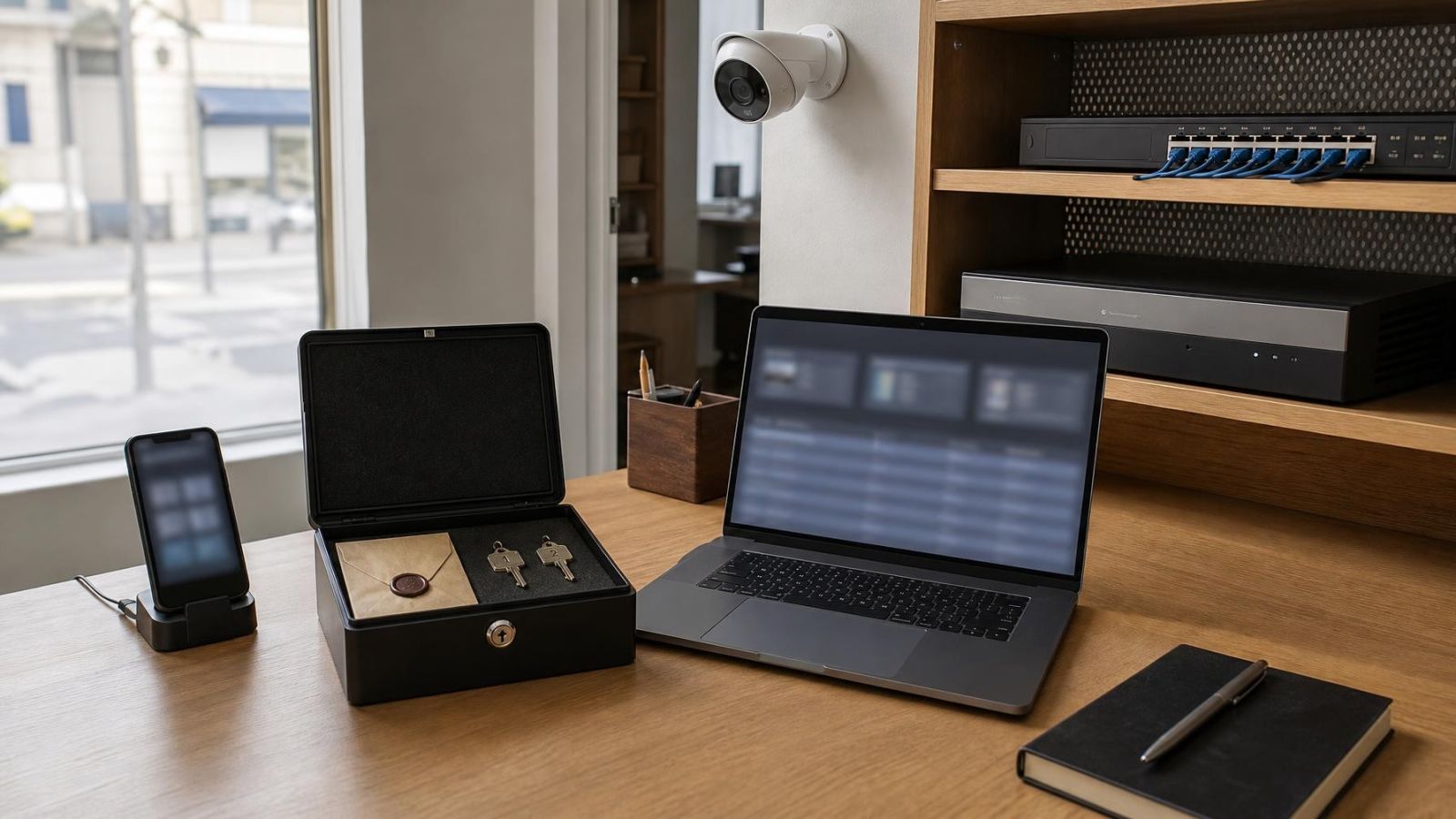
Backup codes should be generated, identified clearly and stored away from the phone that holds the authenticator app. A printed copy in a controlled property file can be useful, as can a protected digital record available to the owner. Do not paste the codes into a shared chat or leave them beside the recorder.
- Confirm which email address, phone, passkey or trusted device can begin recovery.
- Record where backup codes are stored and who is authorised to retrieve them.
- Write a lost-phone procedure that includes access from another device and removal of the missing phone from trusted sessions.
- Test that the owner can reach the account settings without depending on the installer.
- Include account ownership, recovery routes and administrator handover in the property or business documentation.
A change of owner, property manager or business manager should trigger a deliberate handover. Update the recovery email, verification devices, passkeys, trusted devices and administrator accounts. Simply changing the visible password may leave older recovery and session routes in place.
Check Protection Across the Whole System
Camera access is a chain rather than a single account. Cloud services, the NVR, individual cameras, mobile devices and email may each have separate login settings. Strong protection on one layer does not automatically change the others.
| Layer | What to review | Common oversight |
|---|---|---|
| Cloud account | Independent verification, users, sessions, recovery | Owner and installer sharing one administrator |
| NVR or DVR | Local users, remote users, permissions, automatic login | Attached monitor left signed in as administrator |
| Individual cameras | Unique credentials, direct web access, administrator account | Factory or repeated credentials retained |
| Mobile device | Screen lock, app lock, trusted status, notifications | Camera app remaining open on a shared phone |
| Email account | Independent verification, recovery routes, active sessions | Camera recovery relying on a weakly protected inbox |
Network design also affects which login routes are exposed internally. Cameras and recorders may be placed on a dedicated VLAN, with administration allowed only from selected devices. PoE (power over Ethernet) simplifies camera cabling, but it does not provide account protection. Network separation and strong credentials solve different parts of the problem.
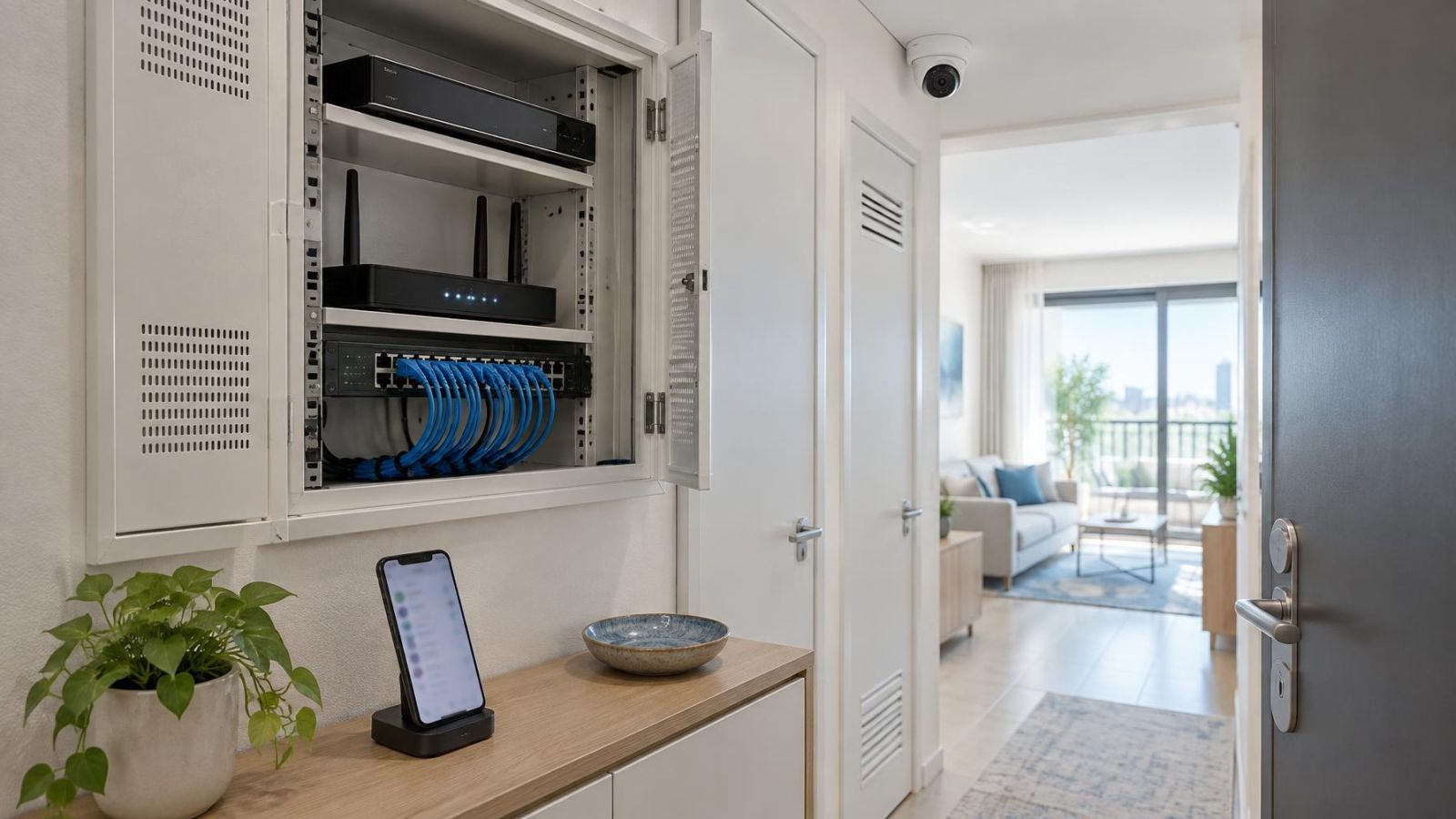
Check physical devices as well. A recorder in an accessible office, shop counter area or shared communications cabinet may be usable through its attached screen even when remote accounts are well protected. Disable unnecessary automatic login, use a screen lock where available and avoid leaving administrator menus open.
Choose Using a Login Protection Checklist
Evaluate login protection before settling on the camera platform and before the installer creates the final accounts. Ask for the functions to be demonstrated in the real app and recorder interface. A simple statement that a system “supports security” does not show how users, sessions and recovery actually work.
- Additional verification: The owner can use an authenticator app, passkey or another independent method, with a practical fallback.
- Separate accounts: Family members, staff, managers and installers can receive their own logins and appropriate user permissions.
- Session controls: The owner can inspect login history, review trusted devices and use remote device sign-out.
- Owner-controlled recovery: Recovery email, backup codes and verification devices belong to the owner rather than the installer.
- Layer-by-layer settings: Cloud, recorder and direct camera credentials can be reviewed and changed independently.
- Documented handover: The final account list, administrator ownership, recovery route and installer-access status are recorded.
For an Israeli home, the checklist should reflect who actually manages the property: a resident owner, an overseas owner, a family member or a building representative. For a street-front business, it should reflect staff turnover, shared work devices and management responsibility. The right system is not merely the one with the longest feature list. It is the one whose access controls can be understood, assigned and handed over without hidden dependence on one person.
Key takeaways
- Independent verification provides more account protection than a password alone.
- Separate user accounts with limited permissions make individual access easier to review and remove.
- Login history is most useful when the owner can also inspect active sessions and sign out unfamiliar devices.
- Recovery email addresses, backup codes and ownership records should remain under the system owner’s control.
- Cloud services, recorders and individual cameras may each require a separate review of login protection.