On this page
Security cameras may send footage to a network video recorder over a local network and into hard drive storage while the camera app connects from somewhere else. If the internet disappears, backup power will not replace it, but the cameras may still record. The practical question for cameras without internet is which functions remain local and which depend on a connection beyond the property.
Internet, Wi-Fi and power are different
These terms are often treated as if they describe one service. They do not. The internet connection links the property to outside networks. The local network links devices inside the property. Wi-Fi is one way of joining that local network. Electrical power keeps the equipment running.
An internet outage can leave the router, wired network and Wi-Fi operating normally. Phones and computers may still connect to Wi-Fi but report that there is no internet. In a well-planned local system, cameras can continue sending video to an NVR (network video recorder) during that event.
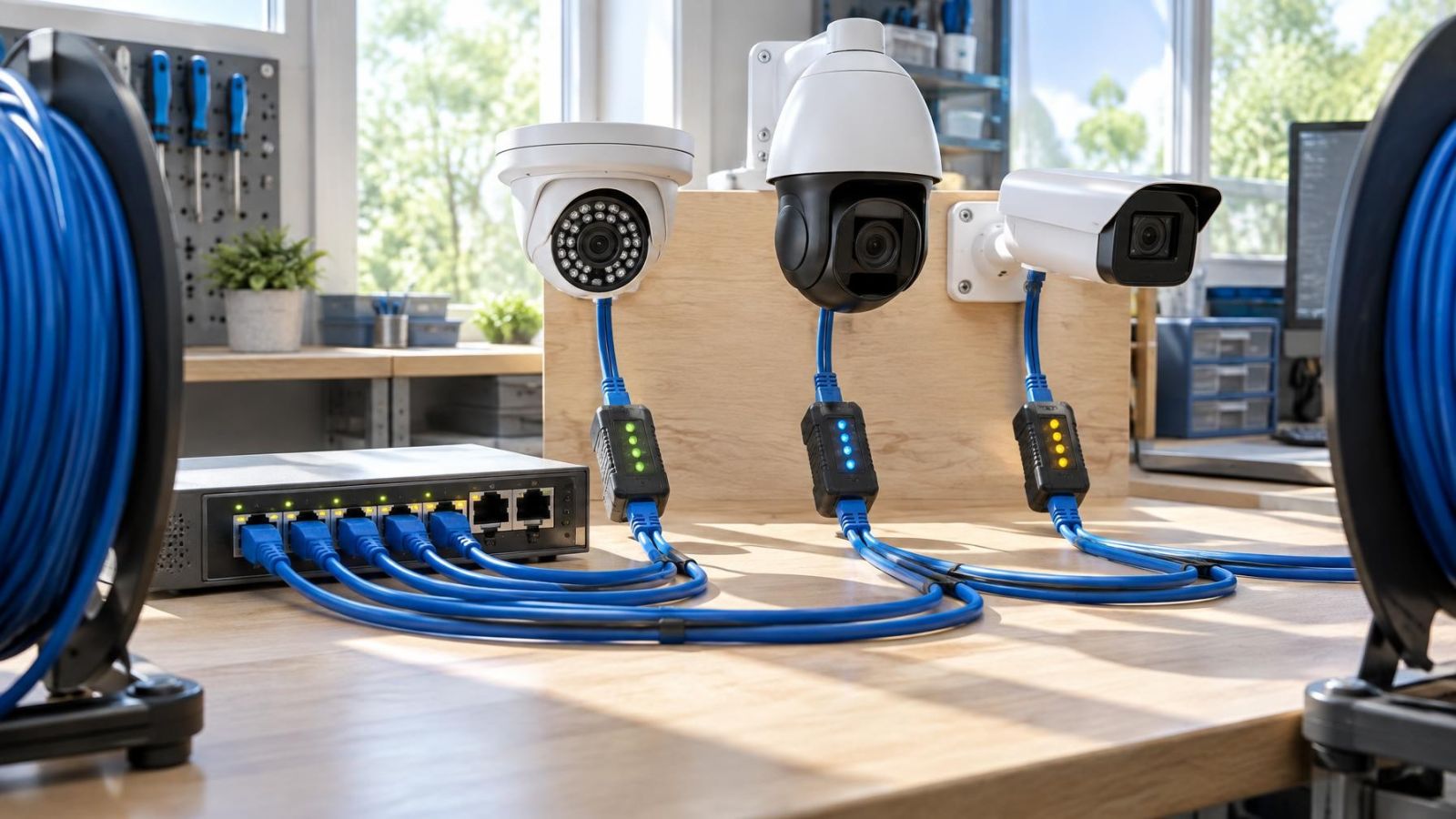
A Wi-Fi failure is different. A wireless camera can lose its path to the recorder even while the property's wired devices still have internet access. Wired cameras avoid that particular dependency. Cameras using PoE (power over Ethernet) receive data and electrical power through their network cabling, although the PoE switch or recorder supplying that power must remain on.
The router also has more than one role. It may provide internet routing, local addresses, Wi-Fi and connections between local devices. Switching off the whole router to simulate an internet outage can therefore disable the local network as well. Some recorders have their own camera network and PoE ports, making camera-to-recorder traffic less dependent on the main router.
- Internet failure affects communication between the property and outside services.
- Wi-Fi failure affects devices that rely on the property's wireless link.
- Local network failure can interrupt video travelling from a camera to a recorder.
- Power failure stops every camera, recorder, router or switch that has no operating power source.
How do cameras without internet keep working?
A locally managed system does not need to send every video stream across the internet. Each camera sends footage across cabling or the local wireless network to the recorder. The NVR writes that footage to its installed storage. Internet access is used for functions such as viewing from another location, sending notifications or reaching cloud services.
Can an NVR work without internet?
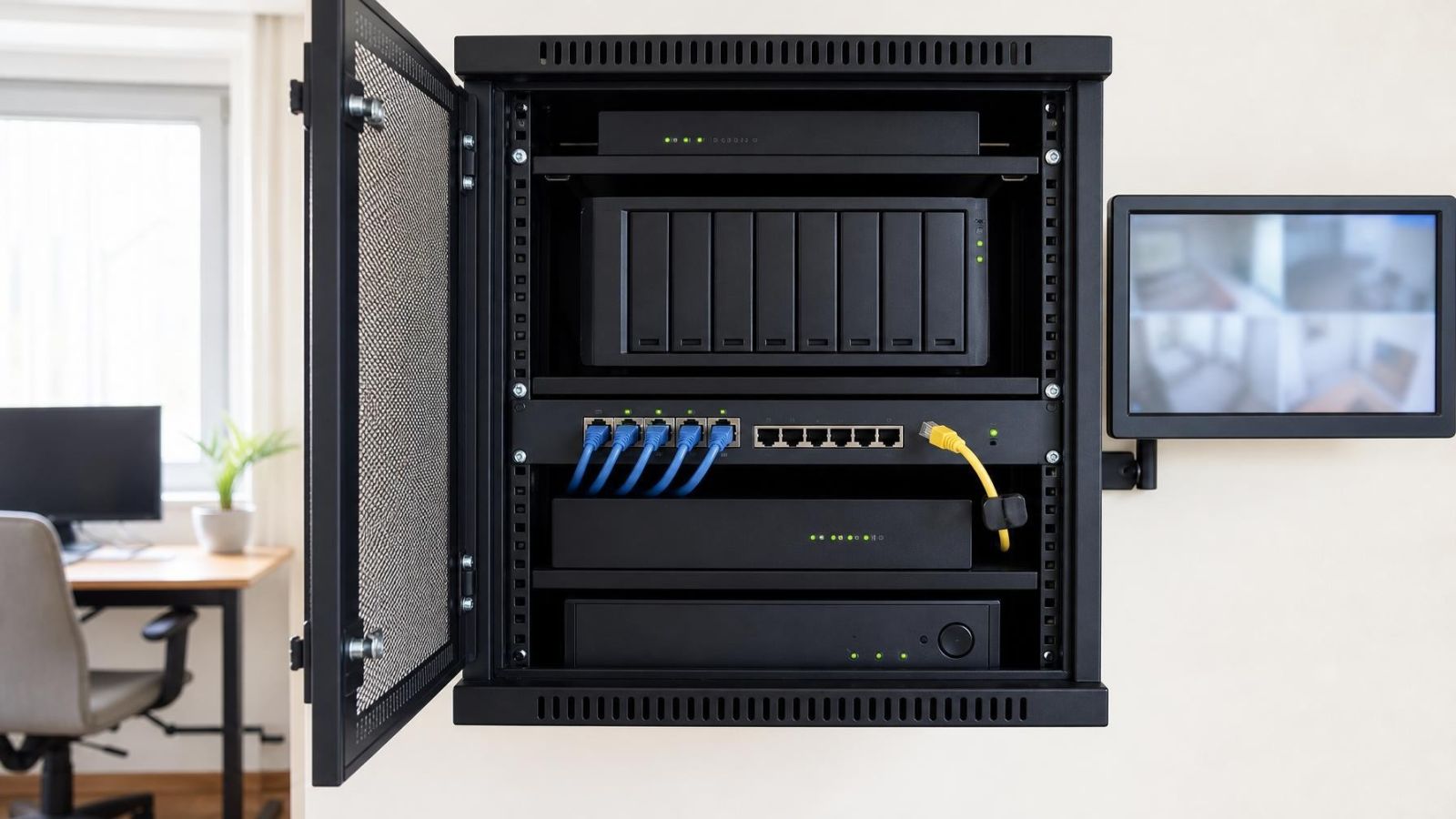
An NVR can record without internet when the cameras can still reach it and its storage is healthy. A recorder with directly connected PoE cameras may continue operating even if the property's router is unavailable. An NVR that depends on a separate network switch still needs that switch, the relevant cabling and the local network configuration to remain functional.
Recording mode matters less than where the decision is made. Continuous recording can run entirely inside the property. Motion-triggered recording can also continue when motion detection is processed by the camera or recorder. If a particular detection feature is processed only by a cloud service, that feature may stop even though ordinary video recording continues.
Night vision normally remains available because the camera controls its own IR or infrared illuminator. It does not need cloud access to switch between day and night operation. The same principle applies to basic image functions handled within the camera. Strong Israeli sunlight, entrance glare and shaded gardens still require appropriate positioning and image settings, but those settings do not inherently depend on internet access.
The important boundary is not between online and offline. It is between functions performed inside the property and functions performed elsewhere.
What stops during an internet outage?
Remote viewing usually stops because a phone outside the property can no longer reach the recorder or cameras. The camera app may show the system as offline even while local recording continues normally. Off-site alerts, email notifications and cloud-hosted clips can also pause because they need a route out of the property.
Cloud-dependent functions may include video storage, event analysis, account authentication or the connection method used by the app. The exact effect depends on where each function runs. A camera that stores only in the cloud may have little or no recording capability during disconnection. A local recorder may lose only remote services.
Is local camera viewing still available?
Local camera viewing may remain available, but the viewing path matters. A monitor connected directly to the recorder can often show live video and stored footage without internet. A computer on the same local network may also connect through a recorder interface or VMS (video management software). Some apps, however, require cloud authentication even when the phone and recorder are on the same Wi-Fi network.
Remote viewing after internet loss returns only when the property's connection, router and remote-access service are working again. Mobile data on the viewer's phone does not solve an outage at the camera location. Both ends need a usable communication path.
How different system designs behave
The phrase “security camera system” covers several architectures. Two systems can look similar in an app while behaving very differently when disconnected. The deciding factors are where video is stored, how cameras reach that storage and whether normal operation requires a remote service.
| System design | What can remain available offline | Main offline limitation |
|---|---|---|
| Wired recorder-based system | Camera-to-recorder video, local recording, playback at the recorder and locally processed motion detection | Remote app access and off-site alerts usually stop |
| Local-network IP camera system | Recording to an NVR, local server or supported camera storage | Cameras still depend on the relevant switch, router functions or wireless access point |
| Cloud-dependent cameras | Basic live operation or temporary camera storage may remain if specifically supported | Cloud recording, remote viewing, account services and cloud processing may stop |
| Camera memory fallback | A camera may continue writing footage to its installed memory | Storage is limited, retrieval may be manual and failure of the camera can remove both capture and stored footage |
| Mixed local and cloud design | Local recording can continue while cloud services are unavailable | App features, cloud copies and off-site notifications may be interrupted |
Recorder-based wired systems usually have the clearest offline path. A camera sends video over dedicated cabling to an NVR or DVR, and the recorder stores it locally. With an NVR, the cameras are network devices. With a DVR, video typically arrives through dedicated camera cabling. Neither design automatically guarantees offline recording; the recorder, storage and any supporting network equipment must still be running.
An IP camera system can also be fully local without using a recorder's built-in camera ports. Cameras may connect through one or more network switches and send footage to an NVR elsewhere in the building. This is flexible, but it makes network design important. A failed switch, an incorrect VLAN or a disabled wireless access point can interrupt recording even when the internet itself is healthy.
Cloud-dependent cameras reverse the arrangement. Their normal storage, processing or viewing path may lead outside the property. Some include local memory that acts as a temporary fallback, but this should not be assumed. Camera memory is also not equivalent to recorder storage: it is distributed across devices, may retain less footage and can be less convenient to review.
Mixed designs combine local recording with selected cloud services. This can preserve an on-site archive while still providing remote access when connectivity is available. The design should make clear whether cloud use is optional or whether the system needs cloud authentication before local users can view or manage it.
Power loss changes the answer
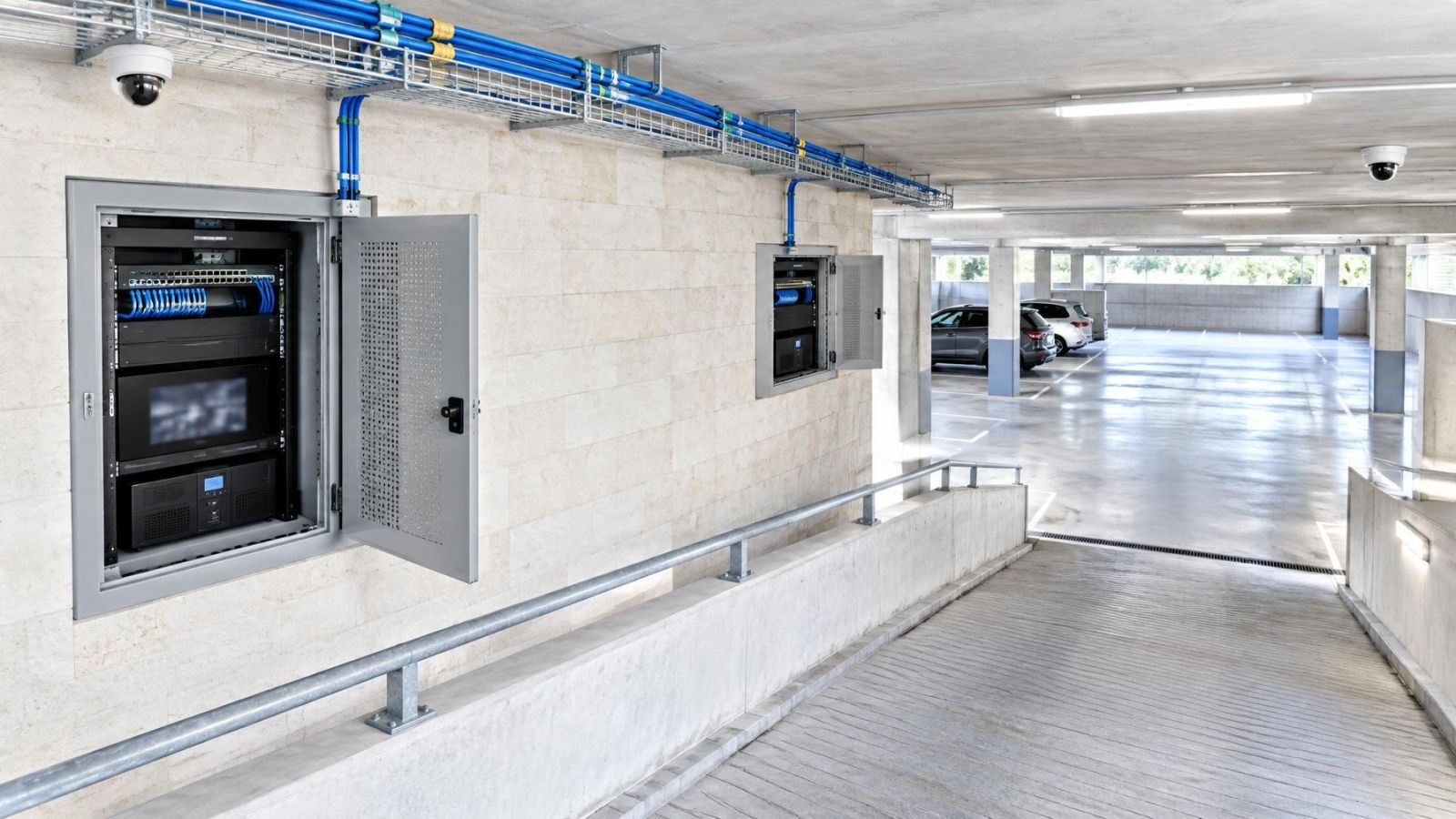
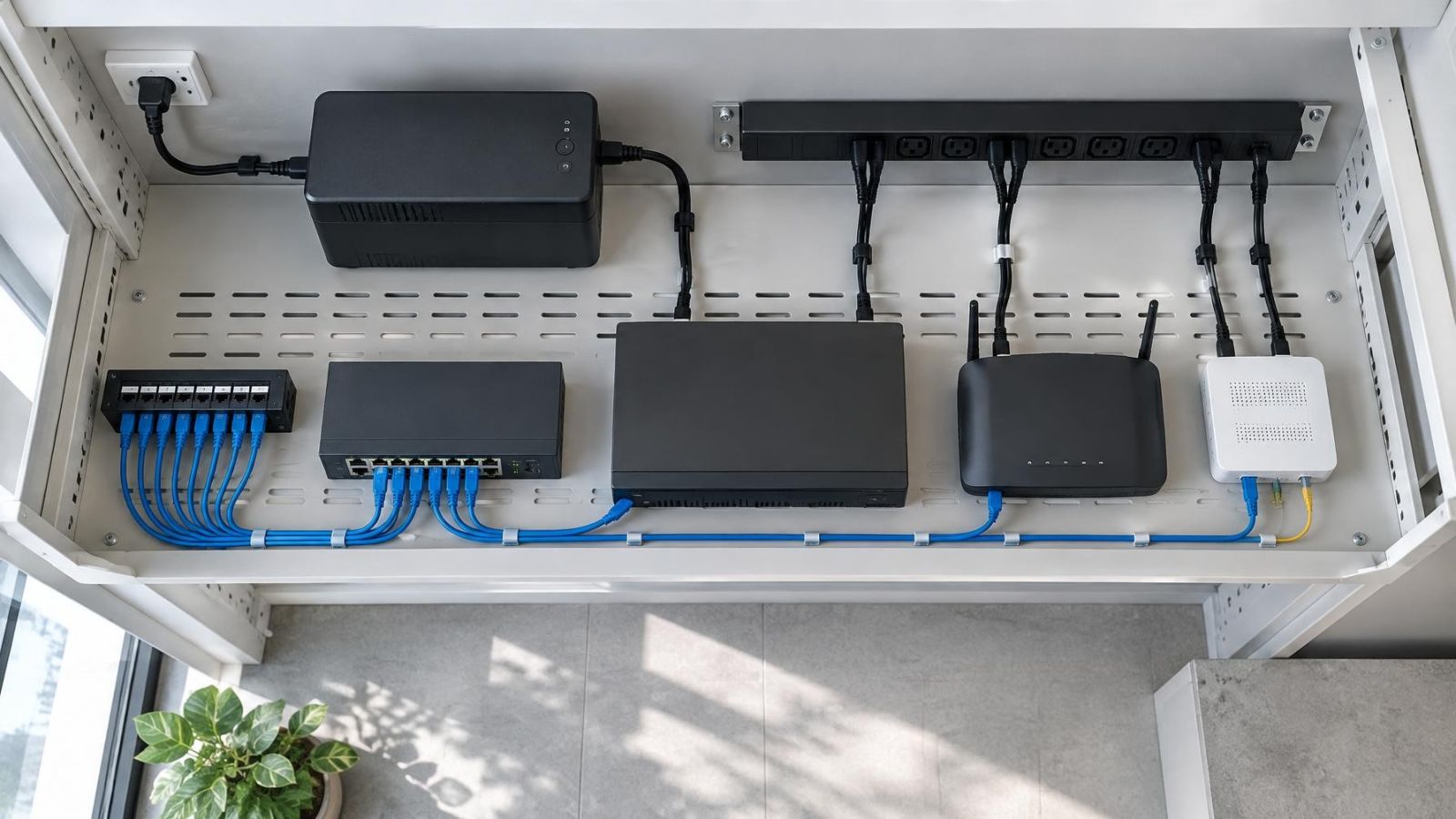
Internet-free operation still requires electricity. The cameras need power. So do the recorder, storage, network switches and any wireless access points carrying camera traffic. The router may also be necessary for local addressing or communication between devices, even when its internet connection is not being used.
Backup power supports only the equipment connected to it. Placing the recorder on backup power does not help if the PoE switch feeding the cameras switches off. Supporting the cameras and switch is not enough if footage is stored on an unpowered recorder. A wireless camera also needs its access point to remain active.
- List every device in the recording path, including small network switches hidden in cabinets or ceiling spaces.
- Confirm which cameras receive power from the recorder and which depend on separate power supplies.
- Include the local monitor only if viewing during a power interruption is required.
- Check that each device restarts automatically and reconnects after normal power returns.
- Make sure the recorder can shut down cleanly when its backup power is close to exhaustion, where the equipment supports that function.
Automatic restart deserves attention. Equipment may record correctly during backup operation but remain unavailable after a complete battery shutdown if one component requires manual intervention. The recorder should reopen its recording services, the switches should restore their links and the cameras should reconnect without relying on someone being present.
Israeli floor plans add a common wireless complication. A mamad is a reinforced safe room, and its walls and door can substantially weaken Wi-Fi between the camera and the rest of the network. This is a local link problem, not an internet problem. A camera mounted beyond that barrier may stop reaching the recorder while other devices continue working. Cabling or a deliberately positioned access point is usually more dependable than assuming stronger Wi-Fi equipment will solve the route.
Plan and test offline operation
Offline behaviour should be defined before equipment is chosen. A remote property owner may require uninterrupted local recording but accept that live viewing pauses. A street-front business may also need a local monitor at the counter. A private home may prioritise recording at the gate and garden while keeping the recorder in a protected internal location.
Write the required functions in direct terms. For example: record every selected camera, retain motion events, show live video on the recorder's monitor and allow local playback. Then identify functions that can reasonably wait for reconnection, such as app viewing, off-site notifications or cloud copies.
How should offline operation be tested?
- Confirm that every expected camera is recording and that its time, recording mode and storage status are correct.
- Open the recording archive and play footage from several cameras before changing any connection.
- Disconnect the incoming internet service while leaving the router, recorder, cameras and network switches powered.
- Wait long enough for the app and system status to recognise the disconnection, then create a visible motion event in each important camera view.
- Use the local monitor or a computer on the local network to confirm live viewing and playback where those functions are required.
- Restore the internet connection and verify that remote viewing, notifications and other expected online services reconnect.
- Review the archive again to confirm that recording remained continuous or that any gap is understood.
The same exercise should be repeated for power backup, but as a separate test. Combining internet and power tests makes diagnosis difficult. During the power test, observe whether every camera remains present, whether the recorder keeps writing and whether the router and switches required for local operation stay active.
A useful handover note should describe the recording path in plain language. It should identify where footage is stored, which devices have backup power, how local playback is opened, which features require internet and what should restart automatically. Administrative credentials should be stored securely rather than written openly beside the equipment.
For remote property owners, reconnection is part of the test rather than an assumption. The system should be checked from outside the property's Wi-Fi after internet service returns. This confirms that the app is genuinely reaching the site remotely and not displaying an old status or connecting only through the local network.
A camera system's offline capability is therefore a design property, not a label on a box. Local storage, a complete camera-to-recorder path, appropriate power coverage and a tested viewing method determine what remains useful when the outside connection is unavailable.
Key takeaways
- Local recording can continue without internet when the cameras, recorder, storage and local network remain operational.
- Remote access and off-site notifications usually depend on a working internet connection at the property.
- Wi-Fi, internet service and electrical power are separate dependencies that can fail independently.
- Cloud-dependent cameras lose more offline functionality than systems designed around local recording.
- Offline behaviour should be tested by deliberately disconnecting the internet without switching off the local equipment.