On this page
At a home entrance or small business, a security camera may have a built-in microphone, a built-in speaker and controls inside the camera app. Those parts look like one feature, but they do different jobs. Good camera microphone privacy starts by deciding whether you need to listen, record, speak or simply receive video. This article settles which audio functions are useful in each setting, and where leaving them off is the better design.
The distinction matters in Israel because the same system may cover a private front gate, a shared apartment-building entrance, a street-facing shop and an indoor room. Each space has different occupants, background noise and expectations. Audio should follow the purpose of the camera, not the length of the feature list.
What camera audio actually includes
A microphone captures sound. A speaker plays sound. Either component can exist without the other, and neither tells you how the system is configured. A camera with a microphone may allow live listening, audio recording, or both. A camera with a speaker may let an authorised user speak to someone on site without storing the conversation.
| Feature | What it does | What to verify |
|---|---|---|
| Built-in microphone | Captures nearby sound | Whether capture is used for live listening, recording or both |
| Built-in speaker | Plays speech, tones or alerts | Who can activate it and how loud it can be |
| Two-way audio | Combines listening and speaking | Whether communication is simultaneous or uses push-to-talk |
| Audio notification | Reports a detected sound event | Whether any sound clip or audio track is retained |
Two-way audio is best understood as an intercom function. It can be useful at a gate, delivery entrance or reception point. Operation varies: some systems behave like a telephone conversation, while others require one person to press a button before speaking. The second approach can feel slower, but it often handles feedback more predictably.
Audio notifications are a separate category. A system may react to a sound level or supported sound event and send a notice without keeping a continuous audio track. Do not assume that a notification means sound is stored, or that disabling notifications disables recording. Those are configuration questions.
How does security camera audio reach you?
Sound can travel from the camera to a recorder, an app or both. The camera app may expose a listening button during live view, while an NVR (network video recorder) stores an audio track with the video. User permissions can differ between those paths. Someone allowed to view live video does not necessarily need permission to hear live or recorded sound.
Do you need a camera microphone?
Start with a task, not a feature. At a front gate, hearing a delivery driver and answering through a speaker can be genuinely useful. At an indoor camera overlooking a family dining area or an open office, the same microphone may collect long stretches of conversation without adding much to the camera's purpose.
- Front gates and delivery points: two-way audio can support short, intentional conversations when nobody is beside the gate.
- Indoor family spaces: video may be sufficient for checking whether a room is occupied or whether a pet is settled.
- Work areas: routine conversation, calls and meetings make continuous sound capture especially intrusive.
- Remote properties: live listening may help identify an alarm tone, running equipment or an open window in strong wind, but background sound can be ambiguous.
- Entrances with an existing intercom: the security camera may not need to duplicate audio already provided by another device.
Remote property owners should also consider who visits the site while they are away. Cleaners, relatives, maintenance workers and tenants may use the space differently from the owner. A microphone that seems harmless in an empty room becomes a different feature when that room is occupied.
When are cameras without microphone the better choice?
They are a sensible choice where the purpose is purely visual: confirming that a gate is closed, checking a parking position, viewing a stock-room doorway or reviewing movement at an entrance. A camera without a microphone removes one configuration question entirely. Another option is a microphone-equipped camera with sound disabled, provided the system offers a clear control and the final state is verified.
If nobody can explain what useful decision the sound will support, video-only coverage is usually the cleaner design.
Can a security camera record audio?
Yes, a security camera can record audio when it has a built-in microphone or compatible audio input and the recording path is enabled. Capability is not the same as active recording. A microphone shown in the product description only confirms that sound can be captured; it does not confirm what the current camera, recorder or app settings are doing.
Treat the system as several control layers. The camera may have its own microphone toggle. The NVR may decide whether an audio channel is included with recorded video. The app or VMS (video management software) may separately control live listening, playback and user access. A mute icon in one screen may affect only that screen rather than every layer.
Can you disable camera microphone input and keep video?
In many systems, yes. Video can continue recording while the microphone is disabled. The useful test is not whether a mute symbol exists, but whether live view, recorded playback and exported footage are all silent after the change. If audio can also be configured on the recorder, check both the camera and the recording schedule.
Repeat the check after a reset, major configuration change or system update. Defaults can be restored, recording profiles can be replaced, and user permissions can move. A privacy setting is dependable only when its resulting behaviour has been confirmed.
Camera microphone privacy begins with placement
Placement determines more than the view. It also determines whose voices are near the microphone and which surfaces reflect sound towards it. Pointing a lens away from a private area does not stop the microphone from hearing that area. Audio has no equivalent of a neat visual frame.
At a private home, entrances, gates and defined access points usually provide a clearer purpose than living rooms, dining areas or bedrooms. In a garden, consider nearby balconies, adjoining gardens and open windows. A microphone mounted for a gate conversation may also collect voices from the pavement or a neighbour's outdoor space.
Apartment buildings add shared entrances, lifts, corridors and parking areas. These are used by residents, visitors, delivery workers and building staff. A camera serving one apartment can easily face a space used by the whole building. Before adding audio, make the intended function clear and coordinate the placement with the va'ad bayit and other people responsible for the shared area.
In a street-front small business, distinguish between an entrance, a service counter, a staff work area and a meeting space. A speaker at the door can support visitor communication without requiring microphones throughout the premises. Cameras near desks may also pick up telephone calls even when the lens is aimed at a doorway.
A mamad is part of an ordinary Israeli floor plan, but its daily use differs from household to household. It may function as a bedroom, office, playroom or storage room. Choose audio settings according to how the room is actually used. The room's construction does not make routine conversations less private, and hard surfaces may make voices more reverberant.
Controls worth checking before purchase
A good audio specification is not simply the presence of a microphone and speaker. The more useful question is how precisely those parts can be controlled. Ask to see the relevant settings rather than relying on a general statement that audio can be turned off.
- Microphone disable option: look for a persistent camera-level control, not only a temporary mute button on the phone.
- Video without audio: confirm that normal and event recording can continue with no audio track.
- Separate user permissions: check whether viewing video, live listening, audio playback and speaking can be assigned independently.
- Visible audio status: the interface should make the active state understandable without opening several hidden menus.
- Retention and deletion: check whether audio follows the same recording schedule and deletion process as video, and whether clips can be exported with or without sound.
- Speaker controls: review volume, push-to-talk behaviour, call activation and protection against accidental use.
Also ask how configuration is divided between the camera, recorder and app. A simple installation may still have several menus controlling the same stream. Clear administration matters more than a long list of sound modes, especially when a remote owner and a local property manager both need access.
User roles deserve deliberate setup. A business owner may need playback with audio while another user needs video-only live view. A family member may need to answer the gate but not review stored sound. If the system cannot separate those permissions, decide whether the convenience of audio justifies the broader access.
How audio behaves in real settings
A microphone symbol says nothing about intelligibility. Outdoor audio in Israel often has to compete with traffic, wind, air-conditioning units and activity from neighbouring properties. Strong wind can dominate the recording. A passing vehicle can mask the few words you wanted to hear.
Indoors, hard floors, bare walls, glass and metal shutters can create echoes. Shops may add refrigeration, extraction fans, music or machinery. A microphone automatically adjusting its level may make quiet background sounds seem prominent when nobody is speaking, then struggle when several people talk at once.
Distance is equally important. A microphone near a gate may support a person standing at the gate but produce unclear speech from farther along the path. It should not be treated as a room-wide listening device simply because some sound is audible during a test.
Two-way audio needs careful speaker volume. If the speaker is loud and close to the microphone, the system may produce echo, pulsing volume or feedback. Mounting position, call mode and volume should be tested together. Maximum volume is rarely the best starting point.
Choose the least intrusive setup
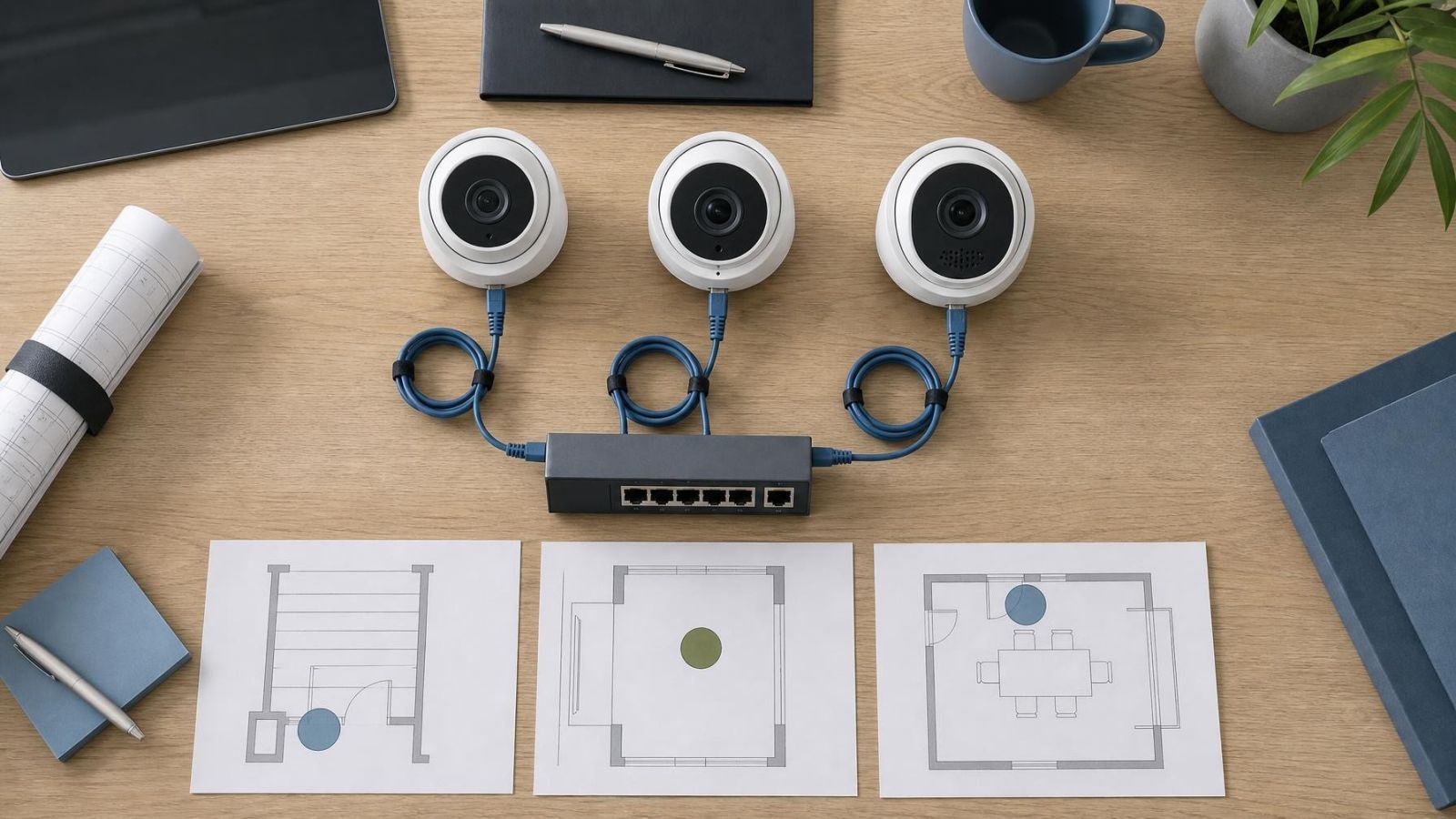
Give every camera a one-sentence purpose. Examples include seeing who is waiting at the gate, checking whether a shop entrance is open or reviewing movement at a storeroom door. Then ask whether listening, recording or speaking is necessary for that purpose. The answers may differ even for cameras on the same property.
- Define what each camera is meant to show and who is expected to use the footage.
- Choose live listening, recording and speaking separately rather than enabling one audio package everywhere.
- Place audio-enabled cameras at deliberate interaction points, such as a gate or reception entrance.
- Set user permissions for household members, staff and remote property managers according to their actual tasks.
- Verify the final settings through live view and recorded playback before treating the installation as complete.
Make expectations clear inside the household or business. People should not have to guess whether a camera they pass every day is also carrying sound. A straightforward explanation of where audio is active, who can use it and why often exposes unnecessary features before they become routine.
Review privacy settings when the use of a room changes, a new user receives app access, a camera is moved, or the system is reset. A spare room becoming a home office is enough reason to reconsider its microphone. A shop counter becoming a meeting point may require the same review.
The balanced design is rarely audio everywhere or audio nowhere. It is sound at the few places where conversation is intentional, controlled access for the people who need it, and video without audio everywhere else. That approach keeps the system useful without collecting more than its purpose requires.
Key takeaways
- Audio should be selected for a defined purpose rather than enabled by default on every camera.
- Camera placement is the first control over which conversations a microphone can capture.
- Audio recording, live listening and speaking through a camera require separate decisions and permissions.
- Microphone settings should be verified after installation, configuration changes, updates and resets.
- Video-only coverage is usually the quieter choice where sound adds little practical value.