On this page
A video recorder may sit beside a local console and hard drive while the owner relies on a remote access app from another city or country. Whether it is in a ventilated cabinet or a general communications cabinet, physical recorder access creates a control path that the app cannot govern. The practical question is simple: what can someone change locally, and how should the recorder, connections and access responsibilities be arranged?
Why Remote Security Has Limits with Physical Recorder Access
A video system has at least two control paths. The remote path runs through an app, browser or VMS (video management software). It may require an account, a strong password and an additional sign-in check. The local path starts at the recorder itself. A connected monitor and mouse can expose settings, playback and administrative functions without following the same sequence as the remote app.
The recorder is therefore a trust centre for the system. An NVR (network video recorder) receives video over the network, while a DVR receives video through its own camera connections. Both may hold recordings, user accounts, network settings and system logs. Reaching an individual security camera is not the same as reaching the recorder: one camera affects one view, while recorder access may affect storage, playback or several camera channels.
What does physical NVR security cover?
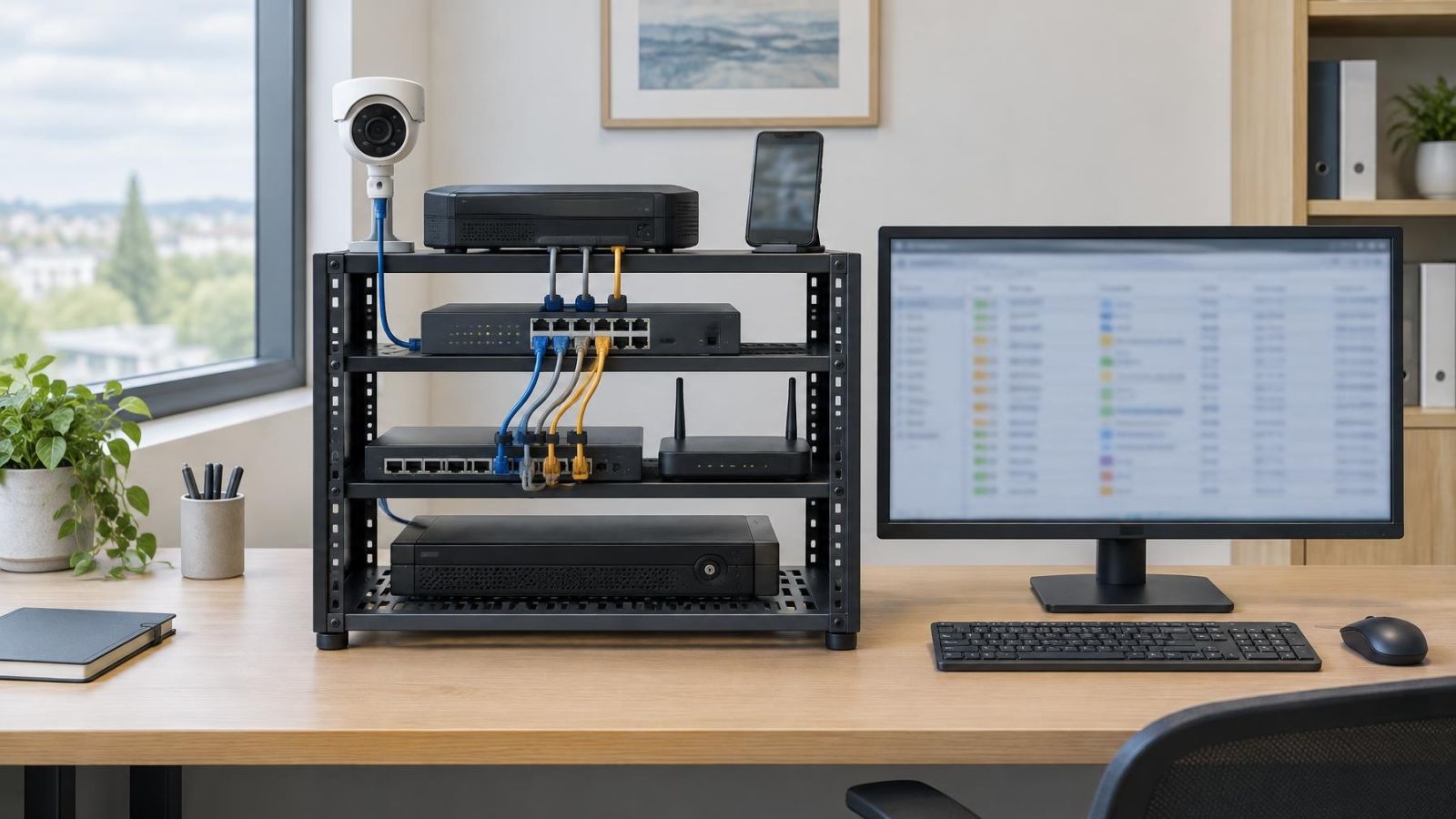
Physical NVR security covers more than the metal recorder case. It includes the local console, hard drive, USB ports, network cable, camera cabling, power supply and any backup power. It also includes the process used to recover an administrator account. If those elements remain exposed, excellent remote account settings address only part of the system.
A protected app does not make an accessible recorder protected; the remote and local paths must be considered separately.
What Can Physical Access Change?
What can NVR local access change?
NVR local access can expose live viewing, playback, export tools and configuration menus. The exact options depend on how the system has been configured and which local account is active. Administrator-level access may allow changes to camera assignments, recording schedules, network settings, alerts and user permissions. A limited operator account should expose less, but permissions do not replace physical protection.
Password recovery deserves particular attention. Some recorders offer a reset process through the local interface, a removable file, a recovery contact or installer assistance. A legitimate recovery path is necessary, but it can weaken remote protections if anyone who reaches the recorder can begin or complete that process. Recovery ownership should be decided before a password is lost, not improvised afterwards.
- Playback access may reveal stored video even when the remote account is unavailable.
- Administrative menus may allow users to be added, removed or given broader permissions.
- Recording can be interrupted by changing schedules, disabling channels, disconnecting storage or shutting down the recorder.
- Recordings may be deleted or storage may be reformatted when the active account has sufficient rights.
- USB storage, keyboards, mice and other peripherals may create additional routes for exporting video or changing settings.
Direct access also enables simple physical actions that require no menu knowledge. Disconnecting power can stop the recorder. Removing a network cable can interrupt remote viewing and, depending on the system layout, may also interrupt video arriving from network cameras. Disconnecting a camera cable affects the connected channel. These actions leave different symptoms, so an unavailable app does not by itself identify the cause.
Map Every Route to the Recorder
Start with the recorder and work outwards. Note who can enter the room or open the cabinet, then follow every cable to its next accessible point. This is more useful than looking only at the front panel. A recorder inside a locked cabinet may still have exposed network and power connections above a suspended ceiling, in an unlocked communications area or beside a public desk.
- Cabinet or equipment room: Identify every key holder, access holder and person who routinely enters the space.
- Console connections: Check whether a monitor, mouse or USB extension reaches a less controlled area.
- Network and camera cabling: Trace exposed sections, patch panels and switches that can disconnect or redirect traffic.
- Power and backup power: Check plugs, power switches and backup equipment rather than assuming the recorder is the only point of interruption.
- Remote support route: Record who controls the network configuration, VMS accounts and password recovery process.
Shared apartment-building spaces need special treatment in Israel. A communications cabinet in a lobby, parking level or common service area may be convenient for cabling, but it is not controlled like a room inside the apartment. Access may be shared with the va’ad bayit, maintenance workers, communications technicians and other authorised people. The solution is not to assume bad intent. It is to recognise that shared access is broader and plan the enclosure, cable route and responsibilities accordingly.
Choose a Secure Recorder Location
A good location is controlled but serviceable. It should not be obvious from a public entrance, customer counter or shared corridor. It should also allow an authorised person to inspect status lights, replace storage, test backup power and work on cable terminations without dismantling furniture or balancing equipment in a confined space.
Heat changes the decision. Recorders, hard drives, PoE (power over Ethernet) switches and backup power equipment all produce heat. A closed cupboard that appears tidy can become a poor equipment space when warm air has nowhere to leave. Leave clear space around ventilation openings and provide a path for cooler air to enter and warmer air to escape. Do not pack spare cables, documents or cleaning supplies around the equipment.
Israeli conditions add two practical considerations. Dust enters cabinets and can restrict vents or coat fans and connectors. Near the coast, humid and salty air can be harder on exposed metal connections. The recorder should not sit beside an open window, in direct sun or in a damp utility area. A mamad may appear attractive because access is controlled, but equipment must not obstruct the room’s normal use, and wireless reception through the room can be weaker. Use wired connectivity where the layout calls for it rather than assuming the room is suitable.
| Location | Access profile | Main concern |
|---|---|---|
| Inside a private room | Controlled by the homeowner or business | Cooling and maintenance space |
| Locked equipment room | Limited to named access holders | Key management and service procedure |
| Shared building cabinet | Accessible to several authorised parties | Enclosure, cable exposure and coordination |
| Public or customer-facing area | Visible and easily approached | Local controls, plugs and peripheral access |
Should You Lock the CCTV Recorder?
Should you lock a CCTV recorder in a cabinet?
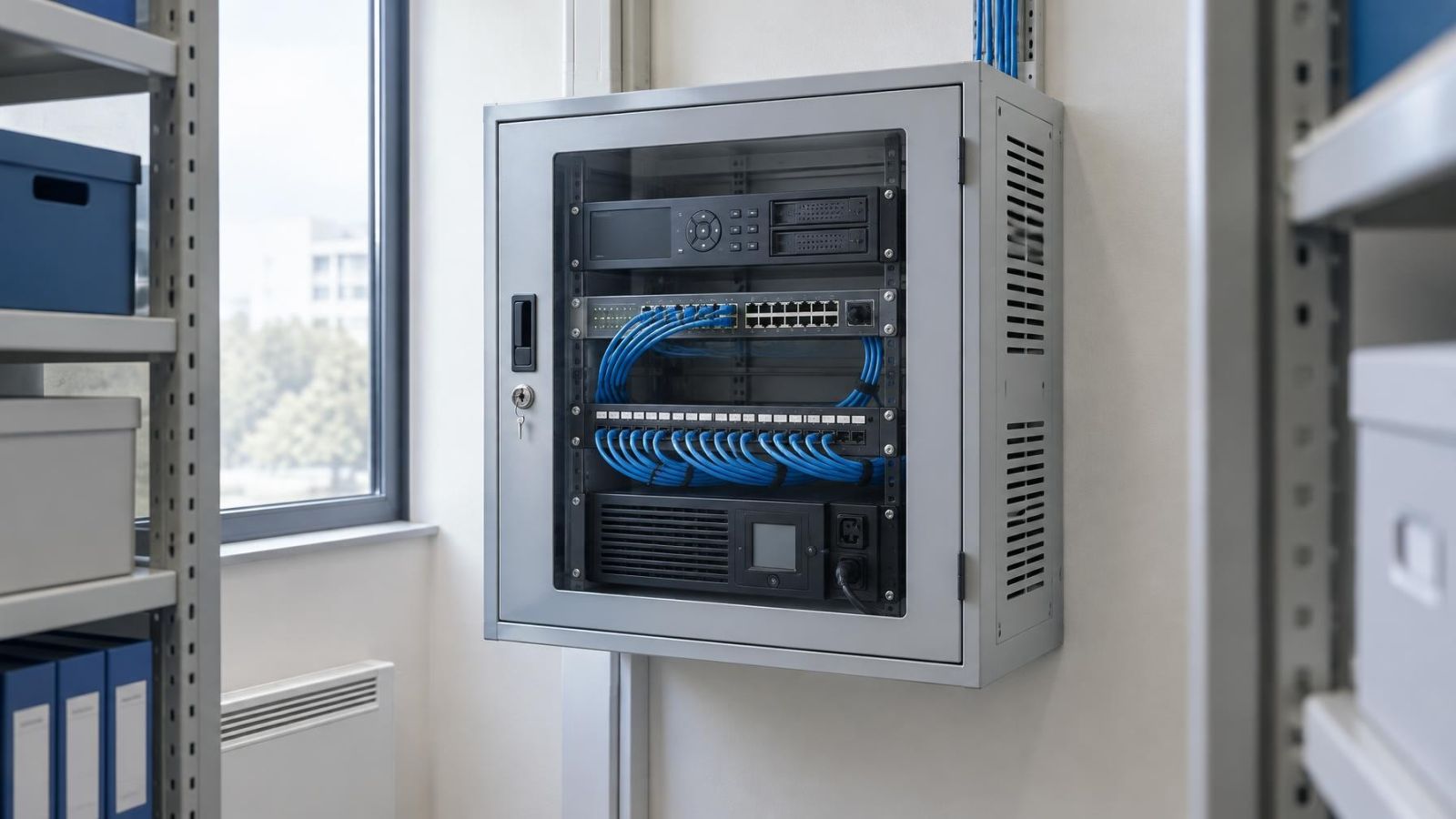
A lockable ventilated cabinet is usually appropriate when the recorder would otherwise be accessible to residents, employees, customers or people using a shared space. The lock reduces casual access to the controls and storage. It does not solve exposed cables, poor account permissions or unrestricted access to the whole room.
How do you secure a CCTV recorder without trapping heat?
Choose an enclosure intended to hold powered equipment and give it a usable airflow path. Vent openings must remain clear after installation, not merely while the cabinet is empty. If fans are used, their noise, dust accumulation and eventual maintenance matter. Storage hardware should not be pressed against other heat-producing devices.
- Bring power, network and camera cables through protected entries rather than leaving connectors reachable outside the cabinet.
- Restrict cabinet keys or access credentials to named people and avoid leaving a key nearby for convenience.
- Allow enough internal space to remove the recorder and replace storage without pulling against short cables.
- Label cables inside the controlled area so authorised maintenance does not require trial-and-error disconnection.
- Decide whether the cabinet lock is the main boundary or an additional boundary inside a controlled room.
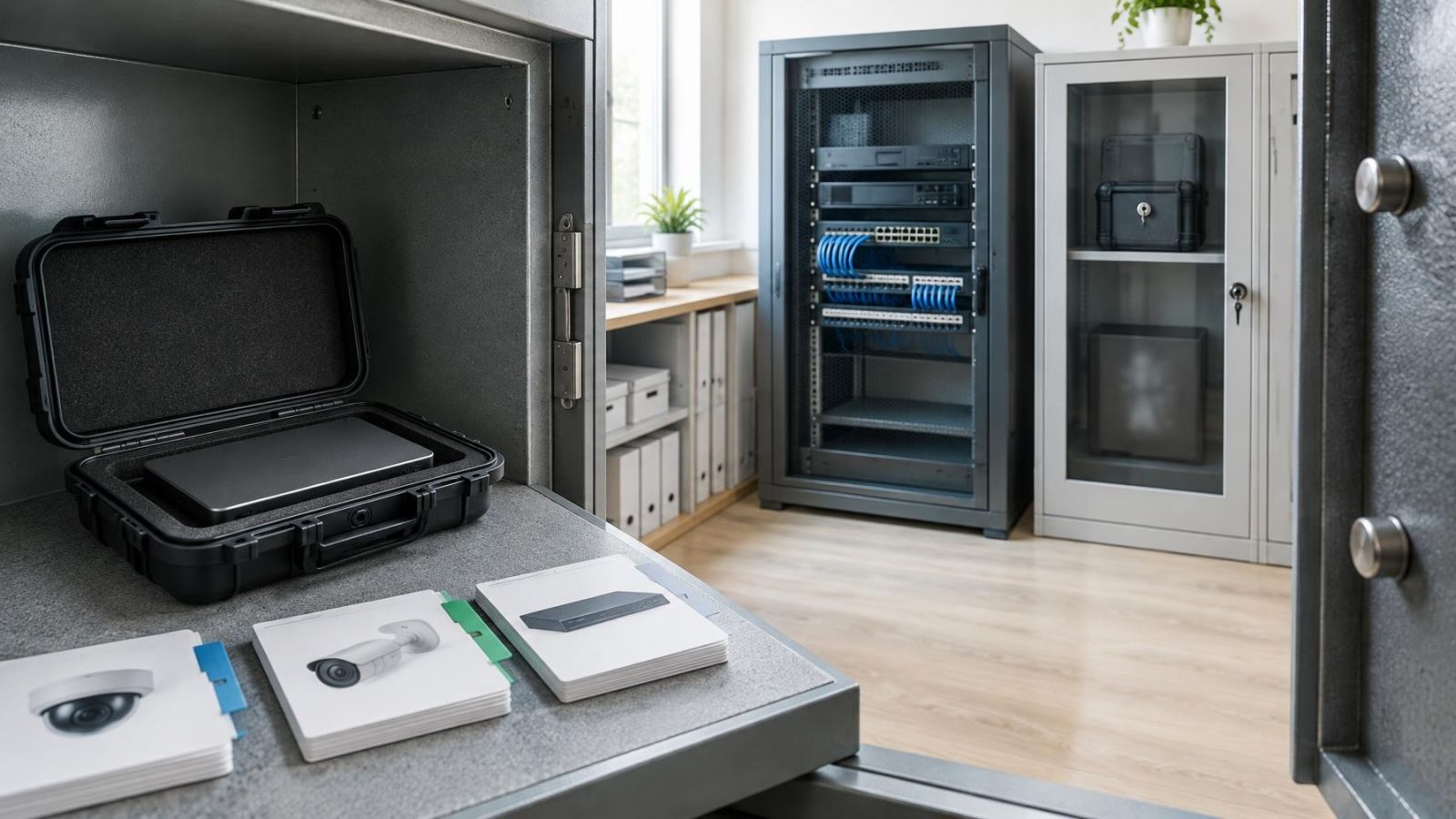
Room access and cabinet access solve different problems. A locked room can protect the recorder, network switch, backup power and cable routes together. A cabinet can add a second boundary or provide focused protection where a dedicated room is unavailable. In either case, emergency and routine service access must be practical for the people responsible for the system.
Harden Local Accounts and Interfaces
Recorder console security begins with individual accounts. A person who only needs live viewing should not receive permission to change network settings, delete recordings or manage users. Installers and system owners may need broader rights, but shared administrator credentials make it difficult to control access when staff, tenants or service providers change.
- Create named accounts for people who require regular access.
- Apply least-privilege permissions for live view, playback, export, configuration and user management.
- Protect the administrator account and avoid using it for ordinary monitoring.
- Disable unused local functions and interfaces where the recorder supports doing so.
- Review USB ports, local web interfaces and automatic login settings as part of the console configuration.
- Record who owns the password recovery email, recovery file or other reset method.
A recorder should not remain permanently signed in to an administrator account on an exposed monitor. Automatic screen locking or a restricted default view can reduce unnecessary control where supported. If a display is needed at a reception desk or shop counter, consider whether it can show selected cameras without providing a mouse or a route into administrative menus.
Network separation can add another layer. Cameras and recorders may be placed on a dedicated VLAN, with only necessary communication allowed between the video system, management devices and remote services. This does not replace a locked room or cabinet. Someone who can unplug the recorder, remove storage or use its local administrator account is operating outside the protection offered by network segmentation.
Decide Who Controls Physical Access
Physical access should belong to named roles, not an undefined group of people who might need it. For a home, that may include the owner, a resident responsible for the system and the installer under an agreed maintenance process. For a business, it may include an owner, facilities lead or designated manager. Cleaning staff, general employees and temporary contractors usually do not need recorder access merely because they enter the building.
Write down who may open the room or cabinet, who holds administrator credentials, who can authorise maintenance and who controls password recovery. Also record where spare keys or access credentials are held. Remote property owners in Israel should identify a local person who can inspect power, network and equipment status when remote viewing fails, while still limiting that person’s account permissions to the tasks they actually perform.
In an apartment building, coordinate shared-space work with the va’ad bayit when the recorder, cable route or power source passes through a common area. The relevant point is operational clarity: the homeowner may control the recorder account while another party controls the cabinet or room containing it. Those responsibilities should not be discovered only when access is needed.
Use a simple procedure for maintenance visits. Confirm the person, purpose and expected access in advance. Provide only the keys and credentials required for the work. After significant service, check recording status, remote viewing, time settings, camera connections and cabinet closure. Change credentials when access responsibilities change rather than allowing old shared passwords to remain active.
Periodic review should cover the physical location as well as software. Look for blocked vents, dust, loose connectors, unprotected cable joins, moved equipment and keys that are no longer accounted for. Then review local users, remote accounts and recovery ownership. The aim is not constant intervention. It is to keep the system’s physical and remote trust boundaries aligned as the home, business or building changes.
Key takeaways
- Remote account security and physical recorder security are separate layers of protection.
- Recorder location matters as much as passwords and remote account settings.
- Power, network and peripheral connections need protection because interference can stop recording or remote viewing.
- A locked recorder enclosure must preserve airflow and allow practical access for authorised maintenance.
- Responsibility for recorder access and password recovery should be assigned to named people and documented.