On this page
What a camera VLAN changes
IP cameras connect through a managed switch to an NVR (network video recorder), while a firewall controls access between them and the rest of a home or small-business network. A camera VLAN places those devices in a separate logical network. The practical question is whether that separation gives you enough control, clarity or expansion capacity to justify the extra configuration and maintenance.
Without segmentation, cameras, computers, televisions, printers and other connected equipment may all occupy the same network. They can still have different passwords and permissions, but the network itself does not create a boundary between them. A VLAN adds that boundary at the switching level. Camera traffic can remain within its own subnet, while selected traffic crosses to another subnet only through an authorised routing path.
That does not mean the cameras become self-contained. Each camera still needs a path to the recorder. Viewing devices may need a path to the recorder or, in some designs, directly to the cameras. Time synchronisation, name resolution, software updates and remote viewing may also require carefully defined communication. Separation works by controlling these paths, not by pretending they do not exist.
The managed switch assigns ports or tagged traffic to the relevant VLAN. The subnet provides addressing. A router or firewall handles inter-VLAN routing and applies the firewall rules. These roles may be combined in one piece of equipment, but they remain separate functions. If one of them is missing or misconfigured, devices may receive power and show link activity while remaining unable to reach the recorder.
Is a separate CCTV network physically separate?
Not necessarily. A separate CCTV network is often a logical design using the same switching hardware and cable routes as other services. VLAN tags keep the traffic apart inside compatible equipment. Physical separation instead uses dedicated switches, network interfaces and sometimes separate cabling. It can be easier to understand, but it duplicates infrastructure and may still need a controlled connection for viewing or remote management.
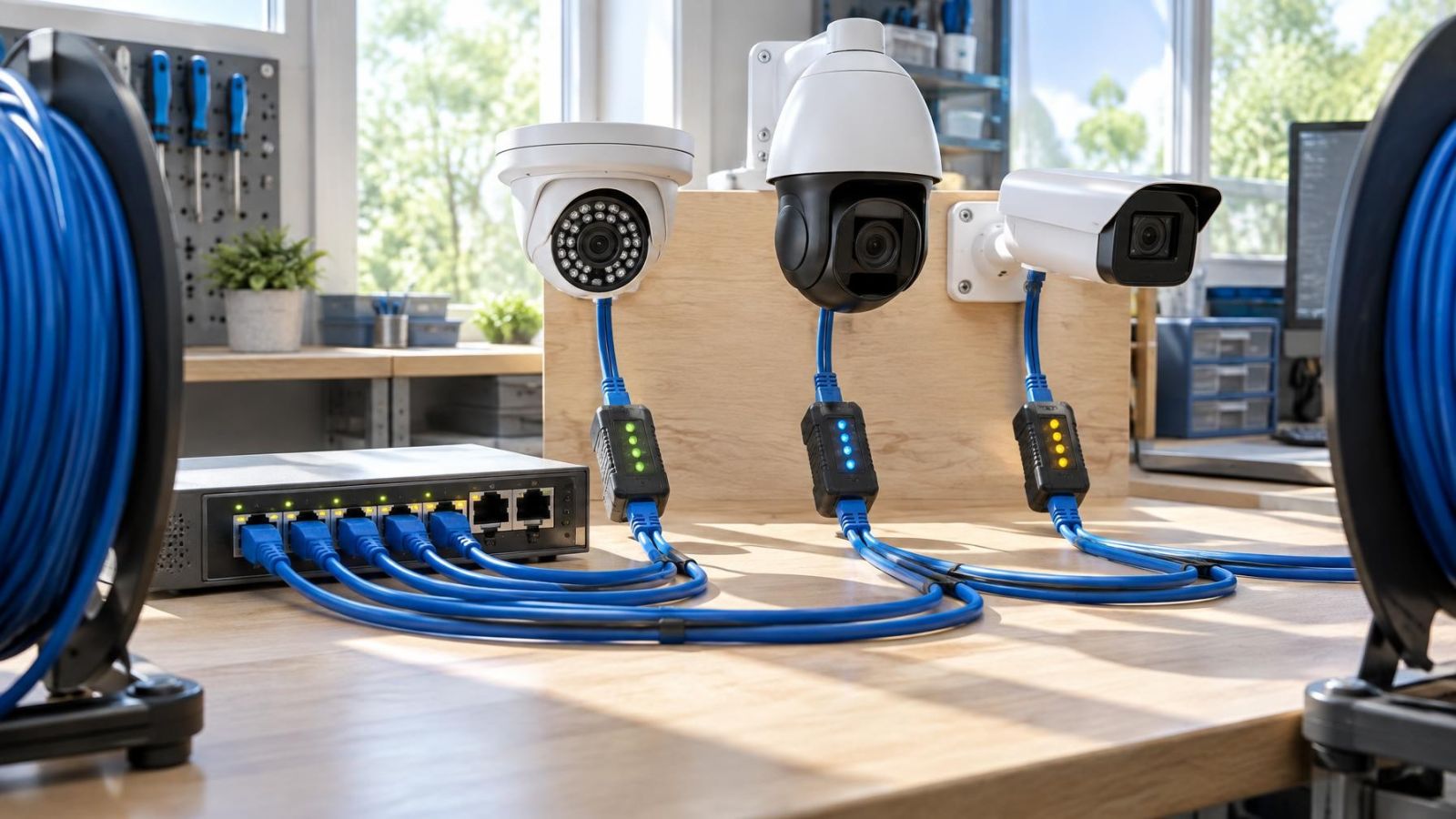
PoE (power over Ethernet) also needs to be understood correctly. PoE carries power and network traffic over the same cable. It does not create device isolation. A PoE port belongs to whichever network the switch configuration assigns to it.
Dedicated camera network?
Do you need a dedicated camera network?
You are more likely to benefit from a dedicated camera network when the installation is large, expected to grow or connected to infrastructure used by many unrelated devices. The value is not simply that there are several cameras. It comes from having a reason to control who can reach them and from wanting camera traffic to follow predictable paths.
- Expansion is planned. Additional cameras, switches or buildings are easier to accommodate when addressing and traffic boundaries were designed from the start.
- Home and work devices share infrastructure. A home office, guest Wi-Fi, staff devices and security equipment do not all need the same network access.
- The property is managed remotely. A remote owner benefits from a clear distinction between a camera fault, a recorder fault and a general network problem.
- Access must be limited by role. A viewing screen may need recorded video without receiving camera administration access.
- The premises have several network zones. A street-front shop may have cameras, payment equipment, staff devices and customer connectivity on the same physical switching platform.
Israeli properties often add practical boundaries. In an apartment building, a camera at a private entrance may be on the apartment network, while equipment covering a shared entrance may belong to building infrastructure managed through the va'ad bayit. In a private home, cameras at a garden gate may connect through an outbuilding or exterior cabinet. Segmentation cannot settle ownership or maintenance responsibilities, but it can keep the technical boundaries legible.
A VLAN is also useful when camera administration should come from only one management computer or a specific service network. Firewall rules can allow that path while denying routine access from guest, entertainment or general staff devices. The rule set should reflect real use. Blanket isolation followed by a long list of exceptions usually creates a system that nobody can explain.
When a shared network is enough
A shared network can be the better design for a small, stable installation. If a few wired cameras record locally to an NVR, the existing equipment has suitable capacity, and viewing is limited to known devices, adding segmentation may create more administration than useful control.
The word shared does not have to mean unplanned. Cameras can still use reserved addresses, strong individual credentials and clearly labelled switch ports. The recorder can remain the normal viewing point. Remote access can be restricted to the recorder or VMS (video management software) rather than exposing every camera separately.
| Design consideration | Shared network is often enough | Dedicated VLAN is often useful |
|---|---|---|
| System size | Small and unlikely to change | Larger, distributed or expected to expand |
| Viewing | Simple local viewing from known devices | Several user groups or network segments |
| Administration | One owner or installer manages everything | Access must be restricted by device or role |
| Network equipment | Existing equipment is suitable and understood | Managed switching and routing are available |
| Support | Simple faults should be easy to trace | Configuration can be documented and maintained |
Bandwidth should be checked, but it is not an automatic argument for a VLAN. Segmentation organises traffic; it does not create extra switching or uplink capacity. If several camera streams share a constrained connection, the design may need a better traffic path, a more suitable switch or local recorder placement. Moving the same load into another logical network does not remove the load.
A simple design is especially reasonable when no one on site is comfortable managing VLANs and remote support is limited. A theoretically cleaner network that cannot be restored after a router reset or switch replacement is not operationally cleaner.
VLAN for IP cameras?
Where should the recorder sit?
The recorder can sit inside the camera subnet, on a separate services subnet or, in some designs, connect through more than one network interface. There is no universally correct placement. The deciding issue is which devices must communicate with it and how clearly those paths can be controlled.
Placing the NVR with the cameras keeps recording traffic local to that network. Viewing devices on another subnet then need firewall permission to reach the recorder. Placing it elsewhere requires the cameras to cross a routed boundary for recording. That can be valid, but the route, rules and available capacity must support continuous traffic.
A recorder with multiple network interfaces needs particular care. One interface may serve an isolated camera side and another the viewing side, but the recorder should not accidentally become an undocumented bridge between them. Its addressing, gateway and service bindings need to match the intended design.
Which firewall and routing rules are required?
Inter-VLAN routing provides the path between subnets. Firewall rules decide which devices and services may use it. A sound starting point is to list required flows before configuring anything: cameras to recorder, approved viewing devices to recorder, management computer to cameras, and any necessary outbound services. Everything else can remain unavailable unless a real requirement appears.
- Allow camera streams and management traffic to the intended recorder, not automatically to the whole main network.
- Allow approved viewing devices to reach the recorder or VMS services they actually use.
- Restrict camera administration to designated management devices where practical.
- Provide required supporting services deliberately rather than giving the subnet unrestricted access.
- Keep remote access separate from general inbound access to camera web interfaces.
Remote viewing needs an intentional route. Depending on the system, that may be an outbound connection to a viewing service, a protected remote connection into the property network or access through a VMS. The important point is that isolation and remote viewing are not opposites. The viewing path can be narrow and defined without making the entire camera subnet broadly reachable.
Complexity that owners inherit
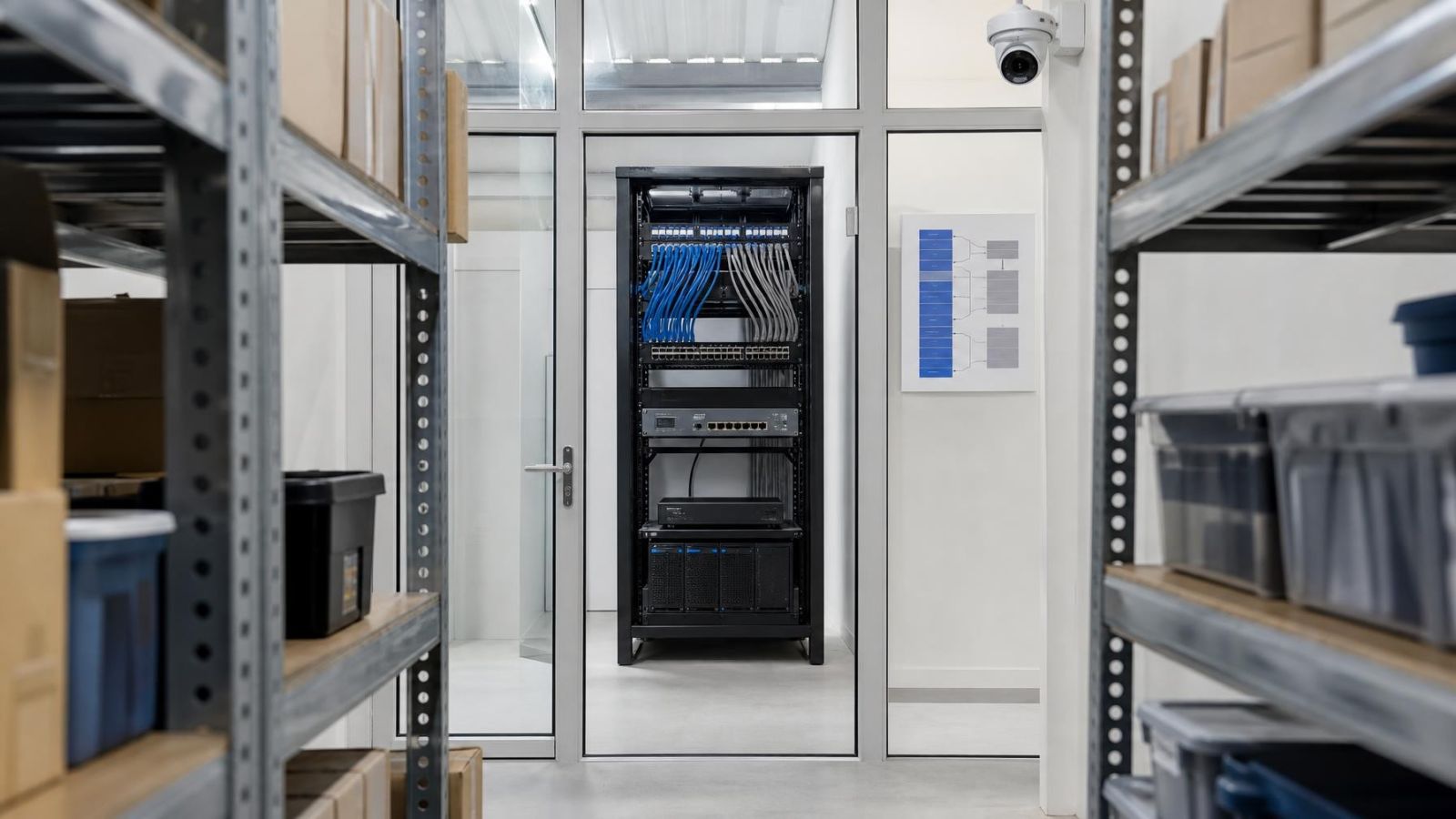
Segmentation is not only an installation decision. The owner inherits it. Routine work may require knowledge of VLAN identifiers, subnets, switch port assignments, trunks, addressing and firewall rules. When the documentation is missing, a straightforward equipment replacement can become a network investigation.
Troubleshooting also crosses several layers. A camera may have power but no network link, a link but no address, an address but no route to the recorder, or a route blocked by the firewall. The picture seen by the owner is simply camera offline. The support process must distinguish among those conditions.
- Switch replacement: the replacement must support the required VLAN features, and its ports must be configured rather than merely cabled in the same order.
- Router or firewall replacement: subnet interfaces, routing and access rules must be recreated accurately.
- Responsibility: the camera installer and IT provider should know who owns switching, firewall policy, remote access and device credentials.
- Power dependency: a PoE switch failure can remove both power and connectivity from every attached camera.
- Uplink dependency: cameras may remain powered while losing their path to a recorder located elsewhere.
- Remote support: changes should preserve a management path rather than isolating the very equipment needed to diagnose the fault.
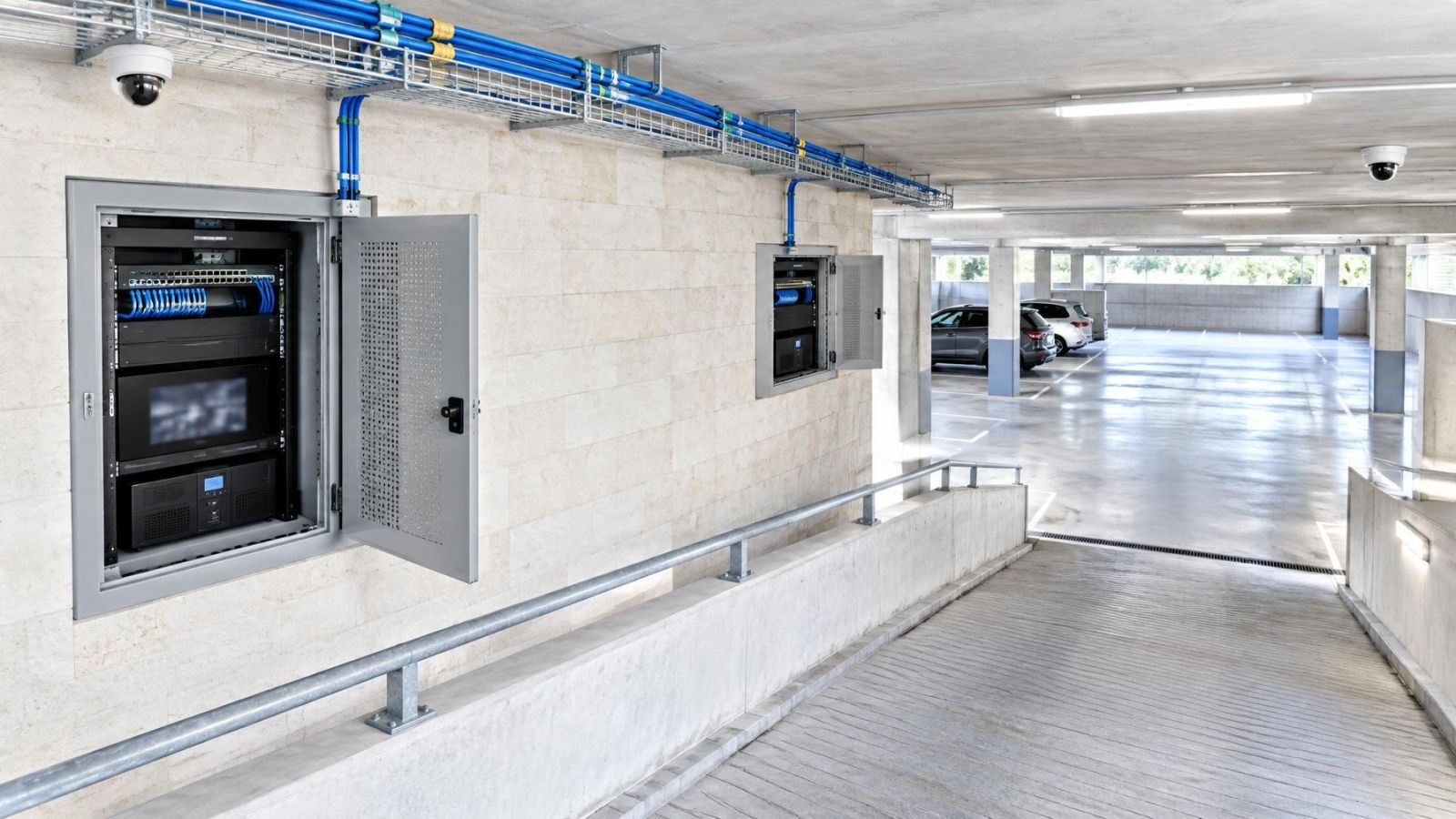
Equipment location matters in Israel. A switch in a hot exterior cabinet, a dusty storeroom or a humid coastal environment needs more attention than one in a suitable indoor communications space. Segmentation does not compensate for poor power, unsuitable enclosure conditions or fragile uplinks. Network design and physical installation have to support each other.
Choose the simplest workable design
Start with communication requirements, not with VLANs. Draw the cameras, recorder, switches, router or firewall, local viewing screens, management computers and remote users. Include gates, outbuildings, shared building areas and any wireless links. A camera VLAN setup becomes much easier to judge once every required path is visible.
- Map the equipment. Record where each camera, switch, recorder and viewing device connects.
- Define the traffic paths. State which devices must record, view, administer or provide supporting network services.
- Check the infrastructure. Confirm that the switches, wireless access points and router or firewall support the required VLANs, tagging, subnets and routing.
- Choose the boundary. Decide whether cameras and recorder belong together or whether recording traffic should cross between segments.
- Plan remote access. Select a controlled route for off-site viewing without creating broad access to the camera subnet.
- Test failure cases. Check what remains available if an uplink, PoE switch, internet connection or routing device stops working.
- Document the final state. Record port assignments, VLAN identifiers, subnet details, device addresses, firewall intent and support ownership.
Also leave room for ordinary property changes. A new camera at a private-home gate may require another PoE port and a longer network path. A shop may add a viewing station in an office. An apartment owner may move network equipment while renovating around a mamad, where wireless coverage can behave differently from the rest of the floor plan. The design should absorb foreseeable changes without depending on hidden settings.
Choose segmentation when it solves a defined access, management or expansion problem. Choose a shared network when the system is modest, the traffic is manageable and the access model is simple. In both cases, clear labels, controlled credentials and an accurate network record are more valuable than complexity added for appearance.
Key takeaways
- Logical separation is useful only when the required communication paths are deliberately allowed.
- A shared network can be entirely suitable for a small, stable installation with simple local recording.
- Dedicated segmentation becomes more valuable as camera systems expand or share infrastructure with unrelated devices.
- Network diagrams, port records and firewall notes are part of a maintainable installation.
- The best design is the simplest one that supports the required recording, viewing and management paths.