On this page
What are unused camera network services?
A network camera may communicate with a camera recorder while also running a web interface, answering network discovery requests and accepting commands through other protocols. The router and firewall then determine which devices can reach those functions. The practical question is which unused camera network services can be switched off without interrupting recording, viewing or administration.
A service is a function that accepts or initiates network communication. Many services listen on network ports. The port is only the numbered network endpoint; the service behind it performs the work. Closing a path at the firewall and disabling the service on the camera are therefore related but different actions.
Common service categories include browser-based administration, local discovery, camera-to-recorder video transport, event notifications, time synchronisation, file transfer, remote support and integration interfaces. A camera may also offer compatibility functions intended for older recorders or general-purpose management software.
Which unused camera services can be disabled?
A service is unused when it has no defined role in normal operation, recovery or planned maintenance. A discovery function needed only during installation may be a candidate. So may an old integration protocol when every camera now communicates through a different recording path. A web interface is not automatically unused merely because nobody opens it each day; it may still be the only practical local recovery method.
- Keep services that carry video or events to the NVR (network video recorder).
- Identify functions used by the VMS (video management software), mobile application and maintenance tools.
- Treat discovery, compatibility and convenience functions as candidates for review rather than automatic requirements.
- Check whether a service is enabled by default even though no part of the installed system uses it.
Every active service creates another network path to the device. Removing a path that has no purpose reduces exposure and makes the operating profile easier to understand. It does not compensate for weak device credentials, unrestricted management access or poor firewall design.
Why disable camera UPnP?
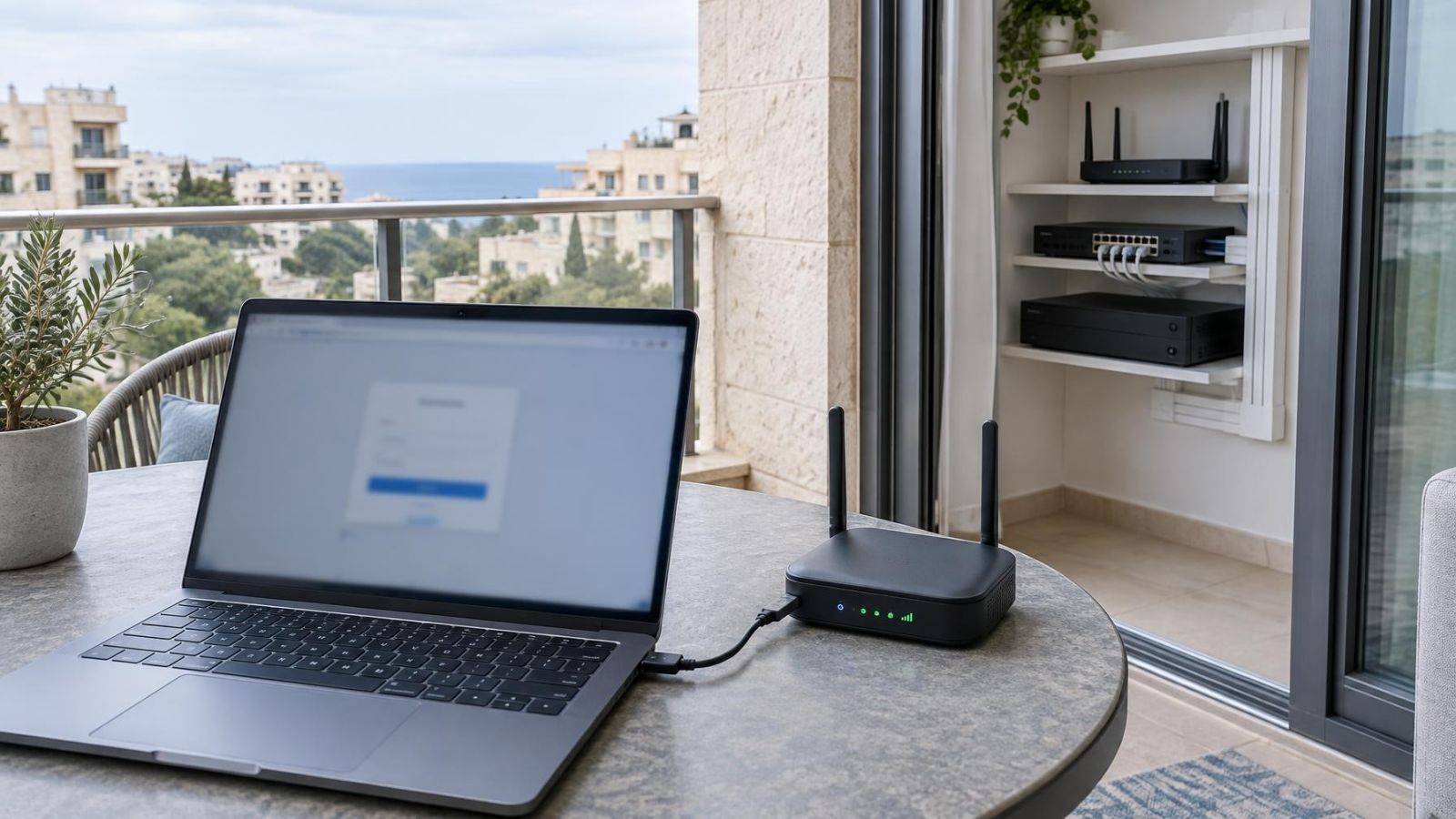
UPnP, or Universal Plug and Play, allows devices and routers to arrange network access automatically. In a camera system, it can be used to request a router mapping without an administrator deliberately writing the corresponding access rule. That convenience is rarely necessary in a carefully planned installation.
The concern is not local discovery alone. Depending on the router configuration, an automatic mapping can make a camera service reachable from outside the property. The resulting path may be easy to overlook because it was not created as part of the documented firewall configuration.
Remote viewing should use a deliberate architecture. Options include a controlled gateway, a secured private connection or a brokered connection initiated from inside the network. None requires every network camera to accept direct connections from the internet.
UPnP may also be active on the recorder. Review the camera recorder and router together, including manually created forwarding rules. The objective is simple: external access should exist only where its purpose, destination and management responsibility are understood.
Map services and dependencies first
Do not begin with a list copied from a generic hardening guide. Begin with the installed system. Create a service inventory for each camera, the recorder and any computer running management software. Record what each function does, which device initiates the connection and whether it is needed continuously or only for maintenance.
The recording path is the first dependency to establish. Determine whether the NVR pulls a stream from the camera, receives event messages, controls recording schedules or uses a separate protocol for configuration. Live view and recorded video may use different paths. Audio, input contacts and analytics metadata can introduce further dependencies even when the main video stream appears normal.
Viewing applications need the same attention. A local monitor connected to the recorder may work while a desktop VMS fails. A remote application may communicate with the recorder rather than the cameras. Browser access may depend on a management service that is unrelated to the recording stream.
- List every camera and recorder interface that is currently enabled.
- Identify which application, recorder or integration uses each service.
- Note whether network discovery is required only when adding or replacing equipment.
- Include time sources, storage destinations, alarm integrations and access-control connections.
- Record router mappings and firewall rules as separate items rather than treating them as camera settings.
In an Israeli apartment building, cameras at a shared entrance may use network equipment managed by the building, an installer or the va'ad bayit rather than by one apartment owner. Establish who controls the switches, router and recorder before changing services. A resident's private viewing application may depend on infrastructure that is not inside the apartment.
Remote property owners should also confirm how maintenance access is provided. A technician on the local network may rely on discovery or a web interface that the remote viewer never sees. The service can still be optional, but the recovery plan must account for its removal.
Separate necessary services from optional ones
The recording path has priority. A service required for the camera to deliver video, events or health information to the recorder has a defined purpose. Local administration also needs a deliberate path, although it can usually be restricted to selected management devices rather than exposed to the whole network.
Remote viewing does not automatically justify direct access to each camera. In many systems, the recorder or a controlled gateway is the single remote-access point. The cameras communicate locally, while the remote user connects through the managed route. This keeps the service profile of each camera simpler.
| Service role | Typical operating need | Treatment |
|---|---|---|
| Video and event delivery to recorder | Continuous or schedule-dependent | Keep and restrict to the recorder where practical |
| Local administration | Occasional | Keep only if needed and limit access to management devices |
| Network discovery | Often setup or maintenance only | Disable after installation if documented recovery does not require it |
| Remote access to individual cameras | Architecture-dependent | Avoid when remote viewing is provided through a controlled recorder or gateway |
| Legacy compatibility or file transfer | Only for specific integrations | Disable when no active dependency exists |
Legacy and convenience protocols deserve review because they often remain enabled after installation. Their presence does not mean they are harmful in every system. It means they need an owner and a purpose. If nobody can explain which component uses a function, investigate it before keeping or removing it.
Least functionality means retaining everything required for normal operation and recovery, but nothing that remains active merely because it was enabled by default.
This is the practical centre of camera hardening. The objective is not to produce the smallest possible list of services. It is to produce the smallest list that still supports recording, viewing, administration, maintenance and any intentional integrations.
Disable services without breaking recording
Start by exporting or otherwise recording the current configuration. The backup should cover cameras and the recorder where the equipment supports it. Also save the service inventory, network settings and screenshots or notes showing the original state. A configuration file alone may not explain why a particular service was enabled.
Make one logical change at a time. If several related settings must move together, treat them as one change and document the group. Changing discovery, management access and streaming protocols in a single session makes a failure much harder to isolate.
- Confirm that local administrative access works before making the change.
- Back up the relevant configuration and record the original service state.
- Disable one unused service or one clearly related group of settings.
- Check the camera's live view through the recorder and every viewing method that must remain available.
- Confirm that new video is being recorded, then retrieve and play back that newly recorded material.
- Test event recording, notifications, audio and integrations where they form part of the intended system.
- Restart or reconnect the affected device if normal operation includes recovery after a connection loss.
- Update the service inventory with the result and a clear reversal method.
A live picture is not enough. It may be coming from a different stream, an existing session or a buffered path. Playback proves that the recorder received and stored video after the change. Where event-based recording is used, trigger a normal test condition and verify the resulting clip through the expected viewing interface.
Recorder reconnection matters as well. A camera and NVR may continue using an established session even after a supporting service is disabled. The dependency appears only when the recorder restarts, the camera reboots or the network link drops. A controlled reconnection check exposes that type of hidden reliance.
If a change interrupts recording or administration, restore the previous state and update the dependency map. That is not a failed hardening exercise. It is useful evidence that the service has an operational role or that the system architecture needs adjustment before it can be removed.
Control the surrounding camera network
A secure IP camera setup depends on more than settings inside the camera. Firewall rules, switch configuration, recorder access and router mappings decide who can communicate with the device. Disabling an unnecessary service reduces the available functions, while network controls reduce the number of devices able to reach the remaining ones.
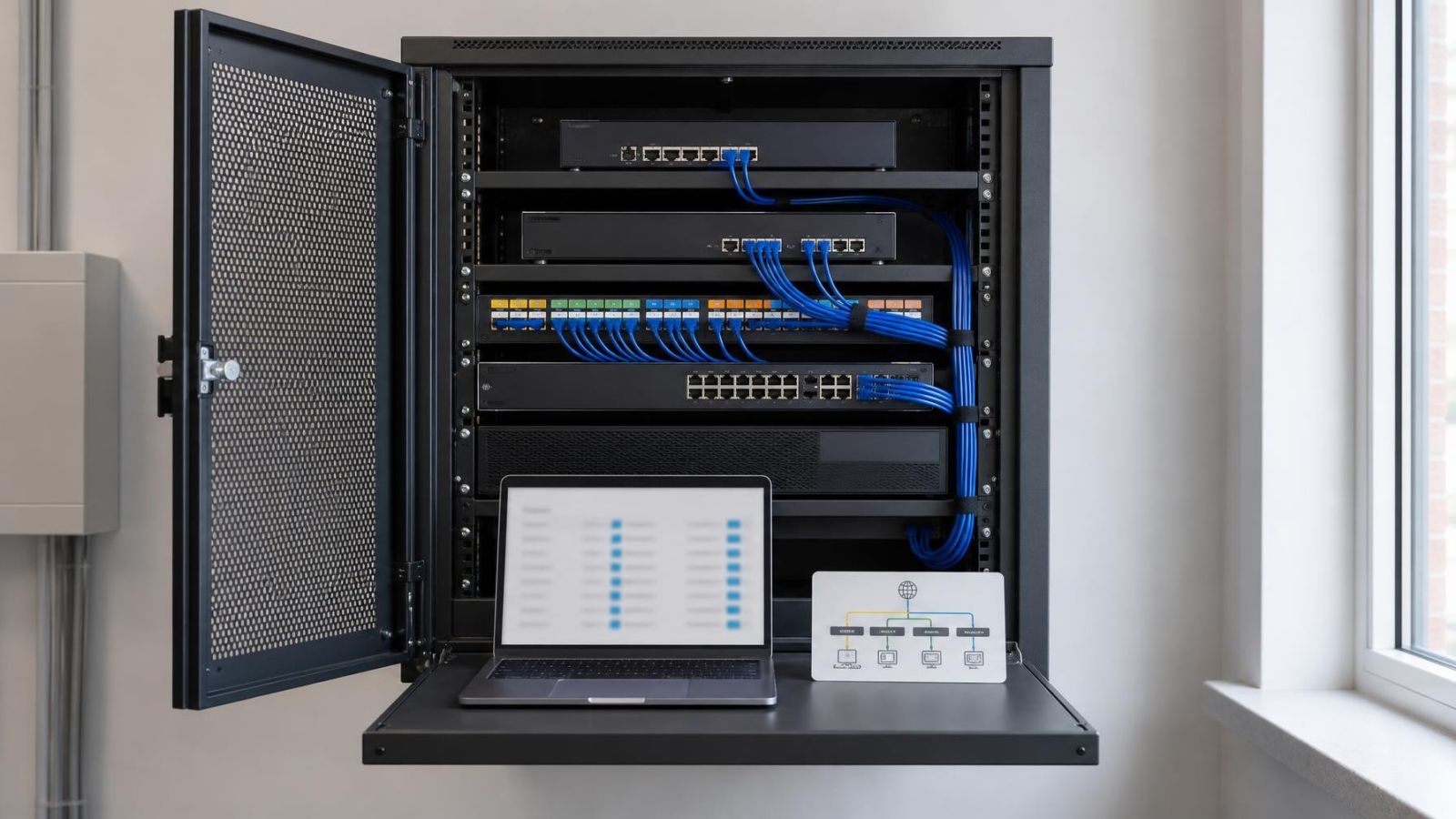
Where practical, place cameras and their recorder interfaces on a dedicated camera network or VLAN. Network separation is useful only when communication between networks is controlled. A separate address range with unrestricted routing back to every office computer provides organisation, but little isolation.
- Allow cameras to communicate with the recorder services they actually need.
- Restrict camera administration to designated management devices or a controlled management network.
- Do not provide direct internet exposure by default.
- Limit connections from general user, guest and building networks to camera interfaces.
- Review outbound camera access and permit only functions with a defined purpose.
- Protect camera, recorder and router credentials separately rather than reusing one administrative password.
PoE (power over Ethernet) switches often carry both power and data for cameras. In small businesses, the same switch may also serve tills, office computers, wireless access points and other equipment. Separation can be introduced logically, physically or through a combination of both, but the firewall policy must reflect the intended communication paths.
Strong sunlight, dust, coastal humidity and power interruptions influence camera placement and maintenance in Israel, but they do not change the network principle: management access should be narrow and intentional. A camera at a garden gate or street-facing shop entrance should not receive broader network access simply because reaching it physically is inconvenient.
Review the router independently. Port forwarding, automatic mappings, remote router administration and broad firewall exceptions can bypass the careful restrictions applied elsewhere. A camera service disabled at the device cannot answer requests, but stale router rules still create confusion and may expose a replacement device assigned the same network details.
Document the final service profile
The finished system should have a short service profile for every device type. It does not need to reproduce the entire manual. It should state which services remain active, why they are required, who or what may reach them, and how normal operation was tested.
- Record required services and the operational purpose of each one.
- List disabled services so that a future installer does not enable them casually during troubleshooting.
- Identify the approved local and remote administration paths.
- Store administrative credentials in a protected credential system, separate from the general handover notes.
- Record relevant firewall rules, network separation and router mappings.
- Include a recovery method for reaching cameras if the recorder or remote-access path is unavailable.
Documentation is especially important when the person viewing the property is abroad or when a business uses an external IT provider. Without a service profile, a later support visit may restore broad defaults simply to make an application connect. Clear notes allow the technician to preserve the intended restrictions.
Review the profile after replacing a camera, recorder, router or viewing application. New integrations can add legitimate dependencies, while removed applications can leave services active without a purpose. The same review belongs in the installer handover whenever responsibility for the network changes.
The final test record should cover live view, new recording, playback, event behaviour, remote viewing and local recovery. With those results attached to the service inventory, future maintenance begins from an understood operating state rather than from guesswork.
Key takeaways
- Only camera services with a defined operational purpose should remain active.
- Service dependencies must be mapped across the camera, recorder, viewing software and router before anything is disabled.
- Camera hardening includes the recorder, router, firewall rules and surrounding network, not only the camera itself.
- Every configuration change requires checks of live view, continuous recording, event recording and playback.
- A documented service profile makes future maintenance safer and more predictable.