On this page
A group of IP cameras may connect to either a managed switch or an unmanaged switch, receive PoE (power over Ethernet), and send video to a network video recorder (NVR) through a communication cabinet. The practical question is not which switch sounds more advanced. It is whether the property needs configuration and diagnostic controls, or whether a simpler switch can carry the required traffic and power without adding unnecessary administration.
What the switch does
The switch is the connection point between the cameras and the rest of the recording system. Each camera sends network traffic into a switch port. The switch forwards that traffic towards the NVR, a VMS (video management software) server or another authorised destination.
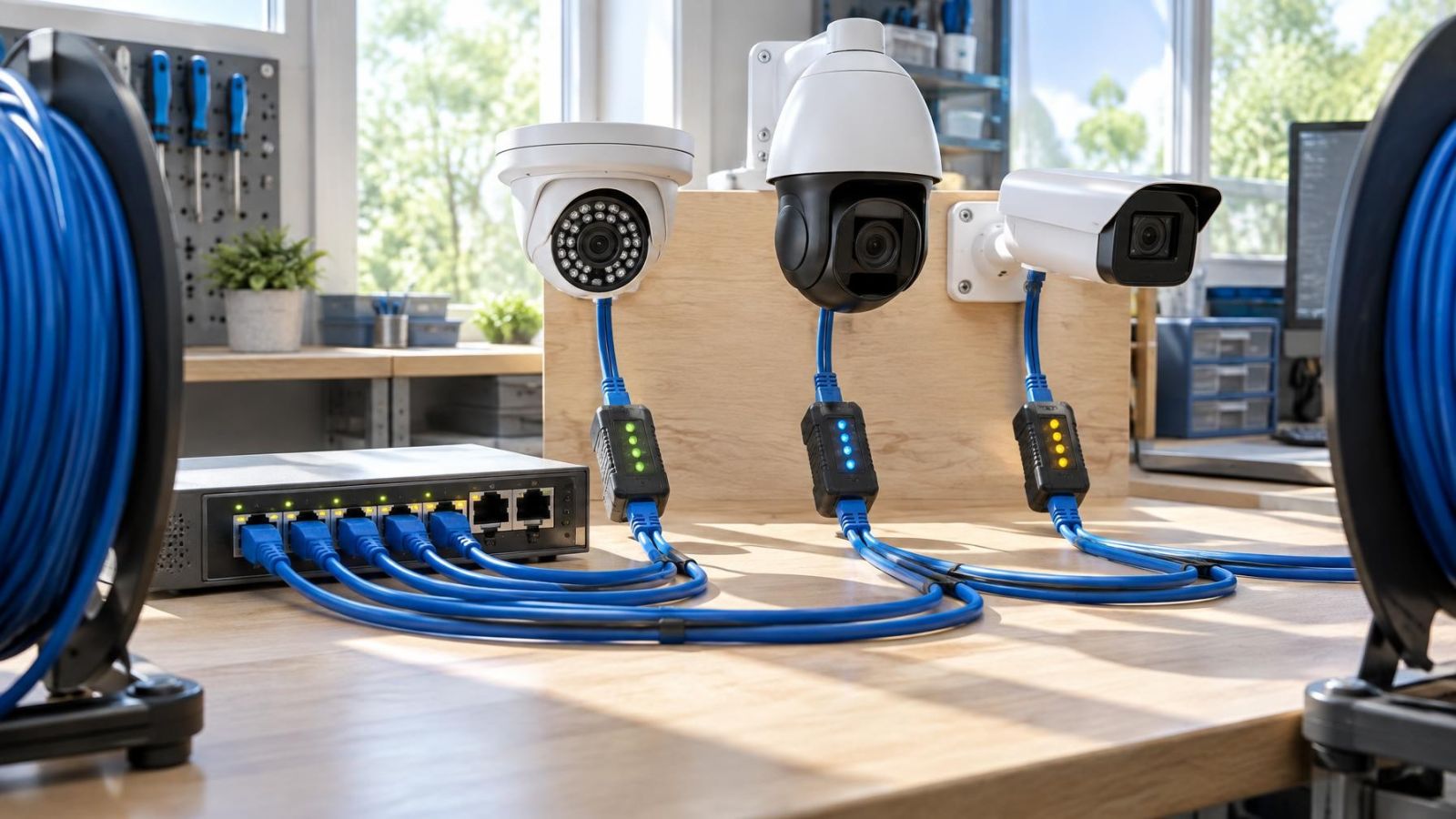
When the switch provides PoE, the same network cable carries data and electrical power to the camera. This reduces the need for a separate power supply beside every camera. It does not remove the need for power planning: the switch must be able to supply the combined demand of all connected devices, as well as the required power on each individual port.
The switch may also have an uplink to the wider property network. That link can provide access from viewing workstations, authorised mobile devices or a remote connection. In a small system, the cameras and recorder may all connect to one switch. In a larger home or business, several switches may feed traffic back to a central recorder.
The physical arrangement matters. A recorder connected directly to the same switch as the cameras creates a different traffic path from a recorder located across another switch or communication cabinet. Before choosing hardware, draw the path from every camera to the recorder and mark each link shared by several cameras.
Managed and unmanaged switches compared
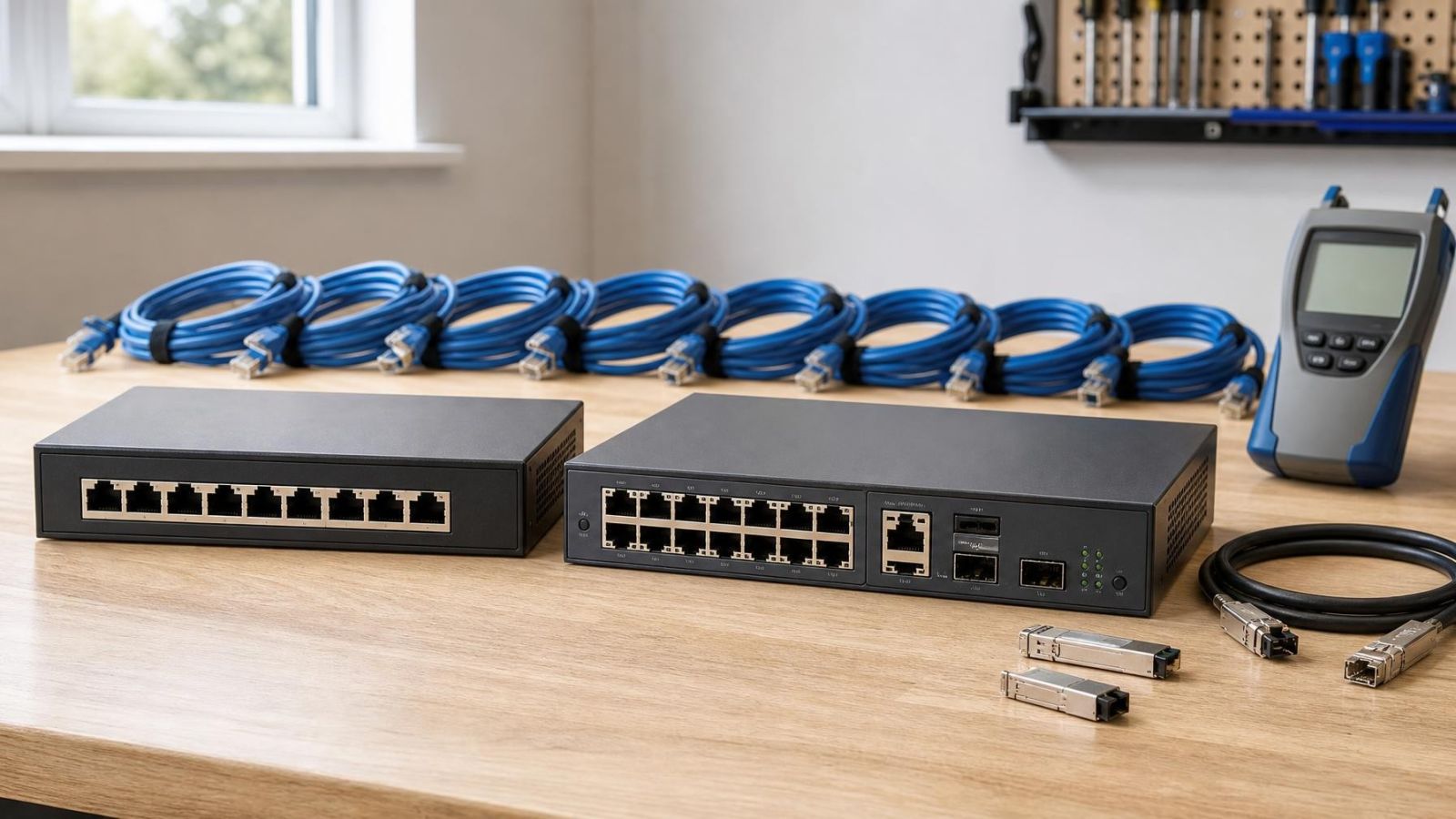
An unmanaged switch forwards traffic without offering detailed network configuration. Once power and network cables are connected, it begins operating with little setup. For a small, stable installation, that simplicity is useful. There are fewer settings to maintain, and replacing the switch is usually straightforward if the port and power requirements are known.
A managed switch provides visibility and control over ports and network traffic. Depending on its capabilities, an administrator can create a VLAN, inspect port status, monitor traffic, disable a connection or restart PoE on an individual port. These functions can make a fault easier to locate without disturbing every camera.
| Consideration | Unmanaged switch | Managed switch |
|---|---|---|
| Initial operation | Forwards traffic with little or no configuration | Requires deliberate configuration for management features |
| Port visibility | Usually limited to physical status indicators | Can provide port state, link speed and traffic information |
| Network separation | Does not normally create VLAN separation | Can separate camera traffic when VLAN functions are configured |
| Remote intervention | Usually requires physical access | May allow port control and PoE restart |
| Ongoing administration | Low configuration burden | Configuration should be documented, backed up and maintained |
| Best fit | Small and stable layouts | Networks needing isolation, diagnosis or expansion control |
A managed switch is not automatically more reliable, and an unmanaged switch is not automatically inadequate. Management changes what can be observed and controlled. It does not compensate for insufficient PoE capacity, poor cabling, an overloaded uplink or a hot cabinet.
Do I need a managed switch?
How should you choose a camera network switch?
Start with the expected layout. A few fixed cameras connected to a nearby recorder may not need network management. If the cameras are unlikely to move, the cable routes are clear and someone can reach the switch when necessary, an unmanaged unit may be the cleaner choice.
Management becomes more useful when camera network isolation is required, when the property is managed remotely, or when identifying a failed port in person would be inconvenient. It also helps where the layout is likely to grow, where several switches are involved, or where cameras share network infrastructure with office, home or guest devices.
What does a managed switch change for cameras?
The cameras still produce and transmit video in the same way. The difference is at the network layer. A managed switch can show whether a port is connected, how traffic is moving and whether a configured VLAN is carrying the camera traffic as intended. Some switches can also remove and restore PoE on one port, allowing a supported camera to be power-cycled remotely.
For a remote property owner, this visibility can reduce unnecessary journeys because a network administrator can distinguish some switch, cable and camera symptoms before arranging physical access. It cannot diagnose everything. A damaged connector, contaminated lens, blocked view or failed illuminator still requires inspection at the camera.
- Choose unmanaged operation when the layout is small, fixed and easy to reach.
- Consider managed operation when cameras should be separated from ordinary property devices.
- Prefer management when remote troubleshooting is an important operating requirement.
- Plan for management when several switches, cabinets or uplinks must be understood as one system.
- Confirm who will maintain the configuration before relying on managed functions.
PoE and capacity come first
The most important PoE switch features are not the management menus. They are the total PoE budget, the power available on each port, the usable port count and the capacity of the uplinks. These determine whether the switch can support the intended camera network under normal operating conditions.
Add the expected power demand of all connected cameras and other PoE devices. Leave practical headroom rather than selecting a switch whose stated total exactly matches the connected load. Cameras may draw differently when IR illumination, heaters or other supported functions are active. The power requirement of each device must also be compatible with what its individual port can provide.
Port planning should include more than the cameras visible on the drawing. An uplink consumes a port. A local recorder connection may consume another. An intercom, access device or wireless bridge may also need a place. Spare ports make later changes possible without replacing a correctly functioning switch.
Bandwidth must be checked along the whole route. Individual camera links may be adequate while the shared uplink becomes the narrow point where their traffic converges. This is especially relevant when several switches feed one cabinet or when live viewing and recording cross the same link.
Topology can reduce unnecessary traffic on an uplink. If the cameras and NVR connect to the same switch, recording traffic can remain local to that switch. If the NVR sits elsewhere, the combined streams must cross the connection between them. A diagram should therefore be agreed before hardware is selected, not reconstructed after installation.
Where management earns its place
A VLAN can keep camera traffic logically separate from ordinary property devices while using shared network infrastructure. This is often useful in a business where staff computers, guest connectivity and cameras use the same cabinets and cable routes. It can also suit a home with extensive networking. VLAN separation must be configured consistently across the switches, recorder connection and any routing point involved.
Per-port information is valuable during diagnosis. A managed interface may show that a port has no link, that it is repeatedly reconnecting or that traffic differs from what is expected. This does not identify every cause, but it narrows the inspection. The technician can concentrate on the relevant camera, cable route, connector or power condition.
Remote port control is another practical benefit. Where both switch and camera support the required operation, PoE can be disabled and restored for one camera without restarting the entire switch. Other cameras can continue recording while that device reboots. Repeated restarts are not a repair; they are a diagnostic or recovery action while the underlying fault is investigated.
The case becomes stronger across larger properties. A private home may have one switch near the recorder and another serving a gate or garden area. A street-front business may have a main cabinet and a smaller cabinet nearer external cameras. In an apartment building, cameras around shared entrances may connect through equipment overseen with the va’ad bayit. Clear switch names, port labels and uplink records matter whenever responsibility is shared.
Management is most valuable when it turns a complex physical network into a clear, documented map of ports, links and responsibilities.
What fails in real installations
Many switch problems begin before configuration. A unit may have enough physical ports but too little PoE headroom. Another may power every camera yet have no free port for an additional entrance or changed viewing angle. These are planning errors, not advanced networking problems.
A weak uplink is less visible. Every camera appears connected, but the shared path towards the recorder is carrying the combined traffic. The effect may become more noticeable when several streams are being recorded or viewed at once. Checking only the link from each camera to its nearest switch misses this part of the system.
Labelling is equally important. A row of identical cables in a communication cabinet is difficult to diagnose efficiently. Each cable should identify its camera location, and each configured port should have a matching description. Labels such as “outside” are rarely enough; use stable location names that another person can understand without having seen the installation.
Managed features can create their own failure points when left undocumented. A replacement switch may forward basic traffic but fail to reproduce the intended VLANs, uplinks or port settings. Record the purpose of each setting, not only the setting itself. The documentation should make it possible for another competent administrator to understand the design.
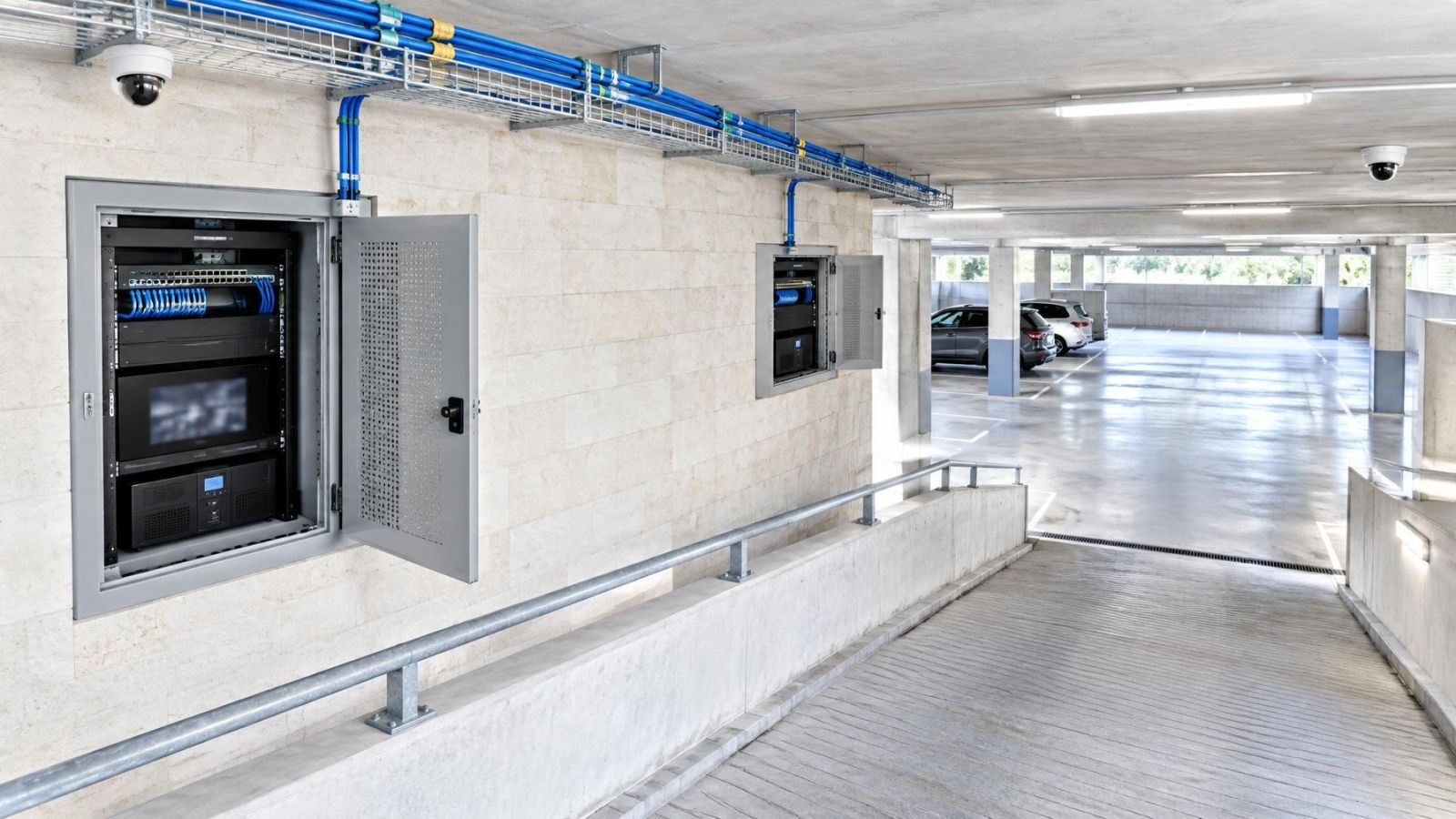
Cabinet conditions also deserve attention in Israel. Dust accumulates around vents and connectors. Coastal humidity can be hard on poorly protected equipment. A crowded cabinet with power supplies, a recorder and tightly packed cables may retain heat, particularly if exposed to strong sunlight or placed in an unventilated service space.
Which switch fits your camera network?
Should an unmanaged switch be replaced?
Do not replace a working unmanaged switch solely because managed hardware offers more controls. Keep it if the network is small, stable, adequately powered and easy to troubleshoot on site. Replace or redesign it when there is a defined requirement that it cannot meet, such as VLAN separation, remote port visibility, additional capacity or control across several switches.
How do you make the final choice?
Settle the topology first. Mark every camera, switch, recorder, communication cabinet and uplink. Note which links carry combined traffic. Then check the required PoE budget, per-port power compatibility and port count, including sensible room for changes.
Only after those checks should management features decide the choice. For a small home or shop with one accessible cabinet and a fixed layout, unmanaged operation may be entirely appropriate. For a remote property, a changing business network or a site with multiple cabinets, managed visibility and control often justify the additional setup.
- Draw the complete path from each camera to the NVR or VMS.
- Calculate the combined PoE requirement and verify the demand on every port.
- Count cameras, uplinks, recorder connections and planned spare ports.
- Check every shared uplink along the recording and viewing paths.
- Decide whether VLAN separation, traffic monitoring or remote port control is required.
- Assign responsibility for configuration records, port labels and future changes.
The best choice is the least complicated switch that fully supports the design and can be maintained by the people responsible for the property. Simplicity has value. So does visibility. The correct balance depends on the network around the cameras, not on the cameras alone.
Key takeaways
- Switch selection should begin with PoE capacity, available ports and uplink requirements rather than management features.
- An unmanaged switch is usually sufficient for a small camera network with a fixed and uncomplicated layout.
- A managed switch adds network separation, port monitoring and useful troubleshooting controls.
- Managed features provide lasting value only when the configuration is documented and maintained.
- Communication cabinet conditions and network topology affect reliability as much as the switch feature list.