On this page
A security camera sends a video stream to a video recorder, local storage, cloud storage and sometimes a remote-viewing device. Camera system encryption determines where that video is unreadable without a key. The practical question is not simply whether the system is “encrypted”. It is which parts are encrypted, where decryption happens, and what remains exposed before, between and after those points.
Where Camera Video Travels
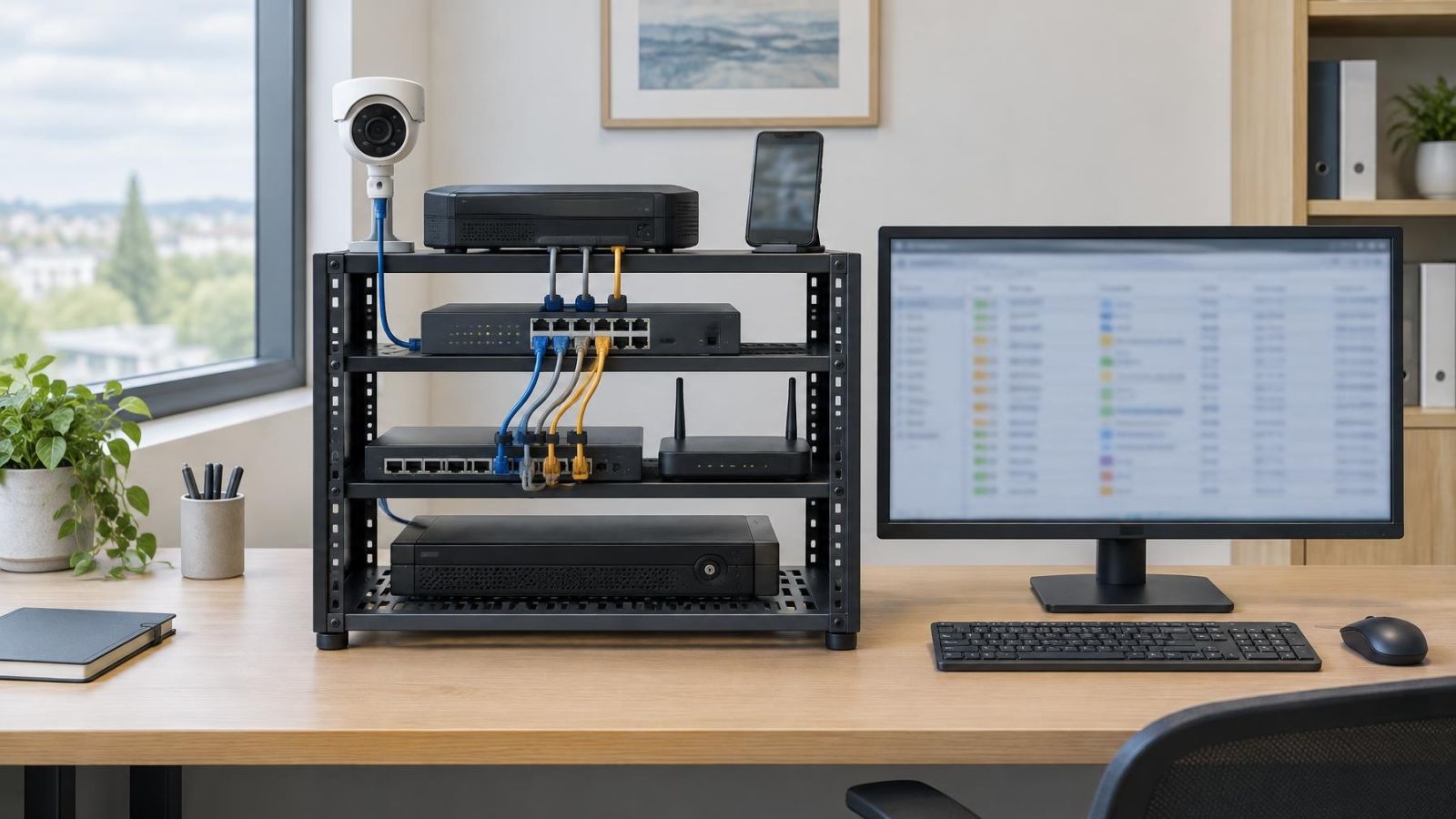
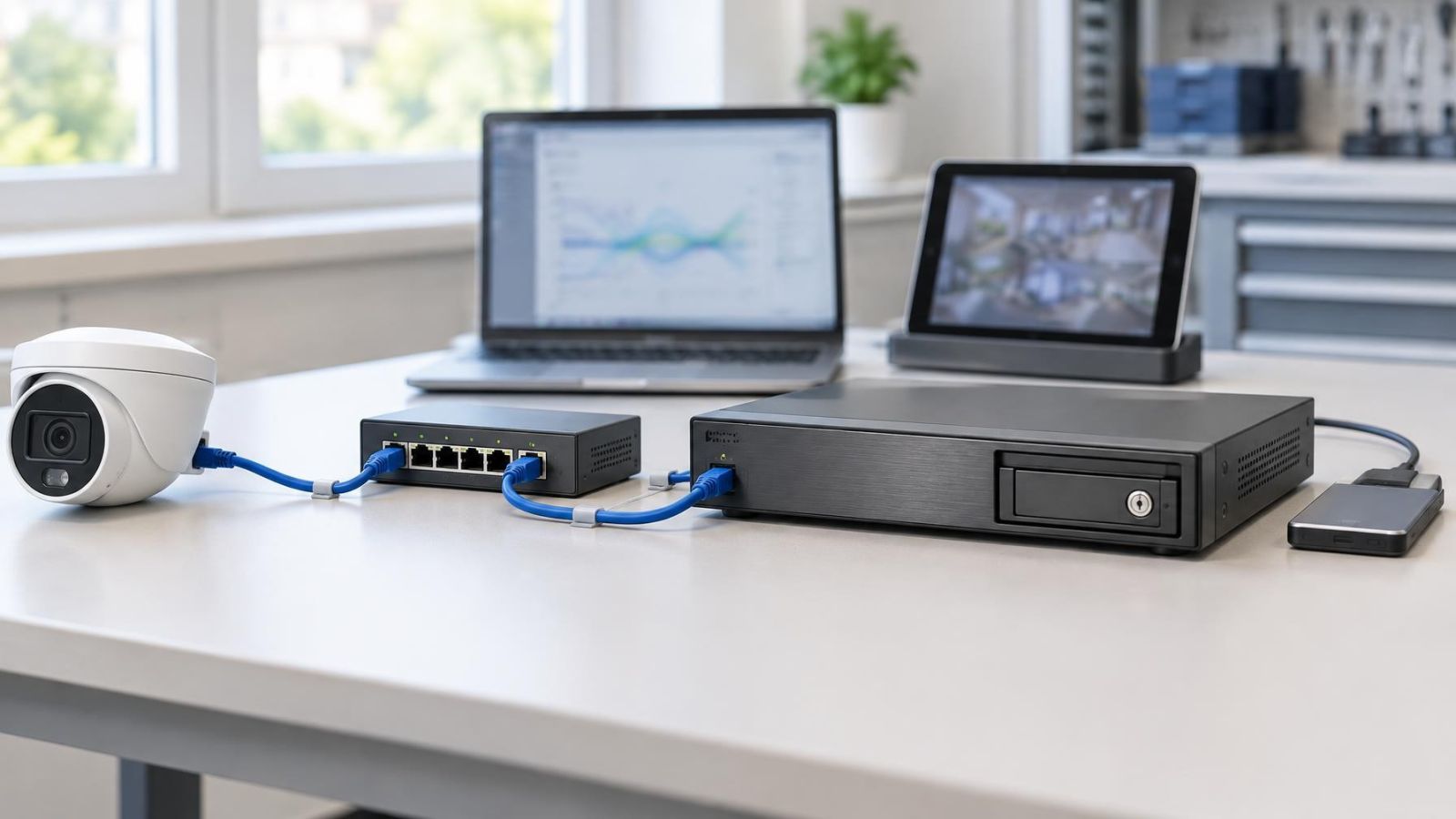
A camera system is a chain, not a single appliance. Video may pass through several devices and services before anyone watches it. Each part of the chain has its own protection requirements.
| Stage | What happens there | What to verify |
|---|---|---|
| Camera to recorder | The live video stream crosses the local network. | Whether the connection is encrypted and authenticated. |
| Recorder and local storage | An NVR or DVR receives, indexes and stores recordings. | Whether recordings on the disk are encrypted and how keys are held. |
| Remote viewing | A mobile app, browser or VMS receives live or recorded video. | Whether the full remote path is encrypted and where decryption occurs. |
| Cloud storage or processing | Video or event data leaves the property for storage, analysis or relaying. | Whether data is encrypted in transit and at rest, and whether the service can decrypt it. |
| Export and sharing | A clip becomes a separate file, download or shared link. | Whether the exported copy retains encryption and how access to a link is controlled. |
The route can change according to how the system is used. A person viewing from the property may connect directly to the local recorder. A remote property owner may connect through an external relay or cloud service. A small business may use video management software, or VMS, across several viewing computers. The same recording can therefore follow more than one path.
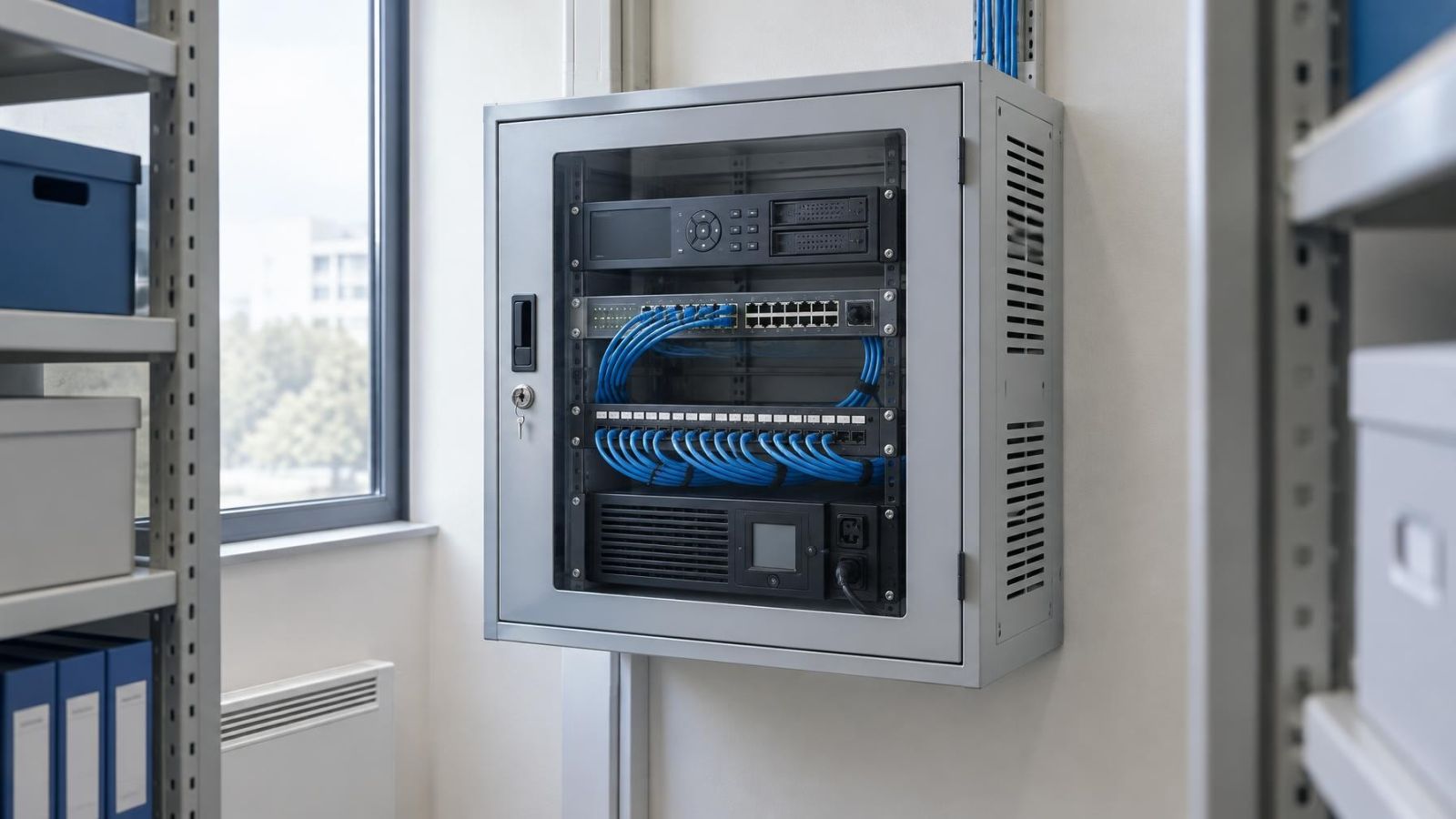
In an Israeli apartment building, a camera at a shared entrance may feed equipment inside a communications cabinet or another agreed location. Access to that recorder can involve more people than access to a recorder inside a private home. In a shop with street frontage, office computers, mobile devices and exported incident clips can add further destinations. The map must include all of them.
What Does Camera System Encryption Protect?
Encryption transforms readable video into data that cannot be meaningfully interpreted without the appropriate encryption key. If someone intercepts a properly encrypted stream but does not possess the key, the captured network traffic should not reveal viewable footage.
Encryption at rest performs a similar role for stored recordings. Removing a disk from a recorder should not produce readable video if the storage encryption is effective and its key is not available with the disk. The protection depends on the key. A key stored carelessly beside the encrypted data can reduce the value of the encryption.
When encrypted security cameras are described as a system feature, ask which stage the description covers. An encrypted camera-to-recorder connection says nothing by itself about the recorder disk, a cloud copy or a downloaded clip. Each transition and storage location needs separate confirmation.
“Encrypted” is only useful when it identifies the protected data, the protected stage and the device allowed to decrypt it.
Encryption in Transit and Storage
How does video recording encryption work?
Encryption in transit protects the video while it crosses a network. That can include the connection from a camera to an NVR (network video recorder), from the recorder to a remote app, or between the property and cloud storage. The important detail is that these are separate connections. Protection on one link does not automatically continue onto the next.
Encryption at rest protects a recording while it remains stored. A recorder can encrypt its disks. A cloud service can encrypt its storage. Those two implementations may use different keys and different access systems. A local recording might be protected while a cloud copy is not, or the reverse.
Video has to be decrypted somewhere before a person can watch it. A recorder may decrypt footage before sending it through a newly encrypted remote connection. A cloud platform may decrypt video for processing and then encrypt it again for storage. These arrangements can provide useful transport and storage protection, but there is a readable stage inside the system.
- Confirm encryption between each camera and the recorder, rather than assuming a protected remote app also protects the local stream.
- Confirm whether local disks are encrypted and whether removing a disk leaves the recordings unreadable.
- Ask whether cloud copies are encrypted both during transfer and while stored.
- Identify the device or service that decrypts video for live view, playback, search and analysis.
- Check temporary files, thumbnails, previews and downloaded clips as well as the main recording archive.
Gaps often appear at boundaries. A camera may send an encrypted stream, while the recorder exposes an older or secondary stream without the same protection. A remote session may be encrypted, while a clip saved by the viewing computer is an ordinary video file. The system should be assessed by testing actual paths, not by relying on one encryption label.
What End-to-End Encryption Means
End-to-end encryption means protected content is encrypted at its source and can be decrypted only by authorised endpoint devices. An intermediate relay or storage service can carry the encrypted data, but it does not hold what it needs to turn that data back into viewable video.
This is different from a service that encrypts video during transfer and on its servers but can decrypt it for processing, previews or account recovery. Both designs use encryption. Only the first arrangement is end to end for the protected content and path.
The distinction brings trade-offs. If only endpoint devices hold the keys, a lost key or lost authorised device may make recordings unrecoverable. Some server-side search, browser viewing, sharing and video analysis features may be limited because the service cannot read the content. Convenient recovery can also imply that another party has a route to the decryption key.
Do not infer the data path from the interface. A local-looking app can still route video through an external service, while some remote connections can be established directly. Verification should cover where encryption begins, which systems relay or store the data, where it ends, and which devices receive keys.
What Encryption Does Not Protect
Encryption controls whether data can be read without a key. It does not decide whether a signed-in person should have access. If an account has permission to view a camera, the system will decrypt and display the video for that account. Stolen credentials can therefore expose encrypted footage without anyone breaking the encryption.
- Excessive permissions: A user who needs live view may also be able to play back, export, share or delete recordings.
- Compromised viewing devices: Malware, an unlocked computer or an unattended phone can expose video after the authorised device decrypts it.
- Unlocked recorder access: A running recorder may already have its encrypted storage mounted and available. Physical access to its controls can expose footage through normal playback.
- Unprotected exports: Downloaded clips, screenshots and screen recordings can exist outside the encrypted archive.
- Poor placement: Encryption cannot improve an obstructed view, an unsuitable angle or insufficient detail at the subject distance. Strong Israeli sunlight can also produce severe contrast at gates and street-facing entrances; WDR (wide dynamic range) and careful positioning address the image, not encryption.
- Weak maintenance: Encryption does not compensate for unsupported software, delayed firmware updates or unnecessary network services.
A shared link deserves particular attention. The original recording may remain encrypted in storage, but the link may grant anyone holding it access to a decrypted copy or browser player. Link expiry, sign-in requirements and revocation are access controls. They are related to security, but they are not the same as video encryption.
Camera placement also affects privacy in a way cryptography cannot correct. A camera aimed too widely may record areas that were not part of the intended view. Once authorised users can watch that footage, strong encryption does not narrow what they see.
How Keys and Accounts Work Together
Video data is commonly protected with symmetric encryption: the same secret key is used to encrypt and decrypt the content. This is well suited to continuous video because it can process large amounts of data efficiently. The challenge is delivering and storing that secret key safely.
Asymmetric encryption uses a related public and private key pair. In a camera system, it can help authenticate devices or protect the exchange of symmetric keys. It is useful for establishing trust between endpoints, but that does not mean every frame of video is encrypted directly with asymmetric methods.
Hashing has a different purpose. A hash is a one-way result used for tasks such as protecting stored password representations or checking whether data has changed. It is not reversible, so it cannot replace encryption for video that must later be played. Integrity checks can show that a file was altered, while encryption controls whether its content is readable.
Accounts sit above these cryptographic mechanisms. The system checks a user’s identity and permissions, then provides the access needed for authorised viewing. Good account design should include unique accounts for each person, strong authentication, two-factor authentication where available, and periodic review of active users and devices.
Avoid a shared administrator login for a family, building committee or business team. Separate accounts make it possible to remove one person’s access without changing everyone’s credentials. They also allow live viewing, playback, export and administration rights to be assigned independently when the system supports that separation.
Key recovery requires an explicit decision. A recovery key held by the owner can prevent a lost device from becoming a permanent loss of access. A recovery process controlled by a service may be more convenient, but it means the service has some mechanism for restoring decryption capability. Neither design should be assumed; it should be documented.
How Should You Evaluate a System?
Start with a diagram of the complete video path. Include every security camera, local recorder, disk, network switch, cloud service, mobile app, browser, VMS workstation and export destination. For remote properties, include the router and the connection used by anyone who manages the system from outside Israel.
- Trace the live stream from each camera to the recorder and identify which connections are encrypted.
- List every recording location, including recorder disks, camera memory, cloud storage and temporary copies.
- Identify where video is decrypted for viewing, processing, search, notifications and previews.
- Record who controls the encryption keys and what happens if an authorised device, password or recovery key is lost.
- Review remote-access controls, unique user accounts, two-factor authentication, device approvals and session removal.
- Export a sample clip and inspect how it is stored, opened and shared outside the system.
- Separate camera equipment from ordinary user devices where practical, then document updates, backups and maintenance responsibilities.
Where does network separation help?
Network segmentation limits which devices can communicate with the camera network. A dedicated VLAN can keep cameras and the recorder apart from guest Wi-Fi, office laptops and household devices. This does not encrypt video by itself. It reduces unnecessary paths and makes the permitted paths easier to understand and maintain.
PoE (power over Ethernet) wiring is often useful because it gives each camera a stable wired data and power path. In Israeli homes, reinforced areas such as a mamad can weaken wireless coverage and make an apparently simple wireless route unreliable. In coastal locations, equipment placement and suitable enclosures also matter because humidity and airborne residue can affect connections. These are reliability considerations, but reliability affects whether the planned encrypted path is actually used.
For apartment-building cameras, document who administers the recorder and who can authorise new users. For a private home with a gate or garden, check both the local route and every remote-viewing route. For a street-facing business, include staff computers and the normal process for handing a clip to an external recipient.
The final result should not be a single yes-or-no answer about encryption. It should be a short record of what is encrypted in transit, what is encrypted at rest, which endpoints can decrypt, who can authorise those endpoints, and what happens when video leaves the system. That is enough detail to compare designs without confusing encryption with complete security.
Key takeaways
- Video transport and video storage require separate encryption protections.
- End-to-end encryption depends on where video is decrypted and which devices hold the necessary keys.
- An authorised account can view encrypted footage without defeating the encryption.
- Exported clips, user accounts and viewing devices require protection outside the video encryption itself.
- A reliable system assessment follows the complete path from the security camera to every storage and viewing destination.