On this page
A security camera clip from a shared entrance may show the event you need, but its video export may also include neighbours, door labels and private conversation. Face blurring, license plate masking and audio removal can reduce that exposure, provided each edit remains effective throughout the recording. The practical question when sharing camera clips is simple: how do you preserve the useful moment without sending private details that have nothing to do with it?
The answer is not to blur everything automatically. Start by reducing the material to what the recipient actually needs. Then inspect what remains, choose a suitable redaction method and check the exported file as carefully as the source. This approach works whether the recording comes from an apartment building, a private home, a street-facing business or a remotely managed property in Israel.
What could the clip reveal?
People naturally focus on the central event. The camera sees the whole frame and the microphone hears beyond it. A short recording may identify people who are not involved, disclose how a building is organised or capture a conversation that seemed insignificant during live viewing.
In an Israeli apartment building, a shared entrance may include lift doors, post boxes, apartment numbers, intercom labels and several routes through a common lobby. A private home may show a neighbouring gate, garden or parked vehicle. A small business with street frontage may record customers, delivery workers, staff screens and reflections from the shop window.
- Faces and clothing: A clear face is an obvious identifier, but distinctive clothing, work uniforms and name badges can also connect a person to the recording.
- Voices and conversations: Audio may identify a speaker even when the face is outside the frame. It can also capture names, access instructions or private conversation.
- Vehicle details: Plates are the clearest example, but business markings, parking positions and distinctive damage may also matter.
- Property information: Apartment numbers, family names, door labels, keypad positions and notices can reveal more than the event requires.
- Routines: A longer clip may show when neighbours arrive, who opens a business or how residents enter a building.
- Screens and documents: Reception monitors, delivery papers, desk documents and wall schedules may remain readable in a good export.
- Reflections: Glass doors, polished lift panels, mirrors and vehicle windows can show a face or screen outside the obvious field of view.
- Adjacent areas: A camera aimed at one doorway may also include a neighbour’s entrance, garden, balcony or shopfront.
Make this inspection before editing. It tells you whether the clip only needs trimming, whether a crop is enough, or whether moving details require tracked masking or blur.
Export only the relevant moment
The shortest useful time window is usually the best starting point. It should contain enough context for the recipient to understand what happened, but not several minutes of unrelated movement before and after it. Trimming reduces exposure because fewer people, conversations and routines remain in the copy. It does not hide private details inside the frames you keep.
- Play the source recording around the event before making an export. Confirm that the useful moment is complete and that playback is stable.
- Choose the camera view that shows the necessary action most directly. Avoid adding other views merely because they are available.
- Set the start and end points closely enough to remove unrelated activity while retaining the context the recipient needs.
- Export a working copy and play it before beginning redaction. Check that the selected period, image and audio are present.
- Keep an unchanged source export separately. Perform trimming, cropping, masking and audio work on a duplicate.
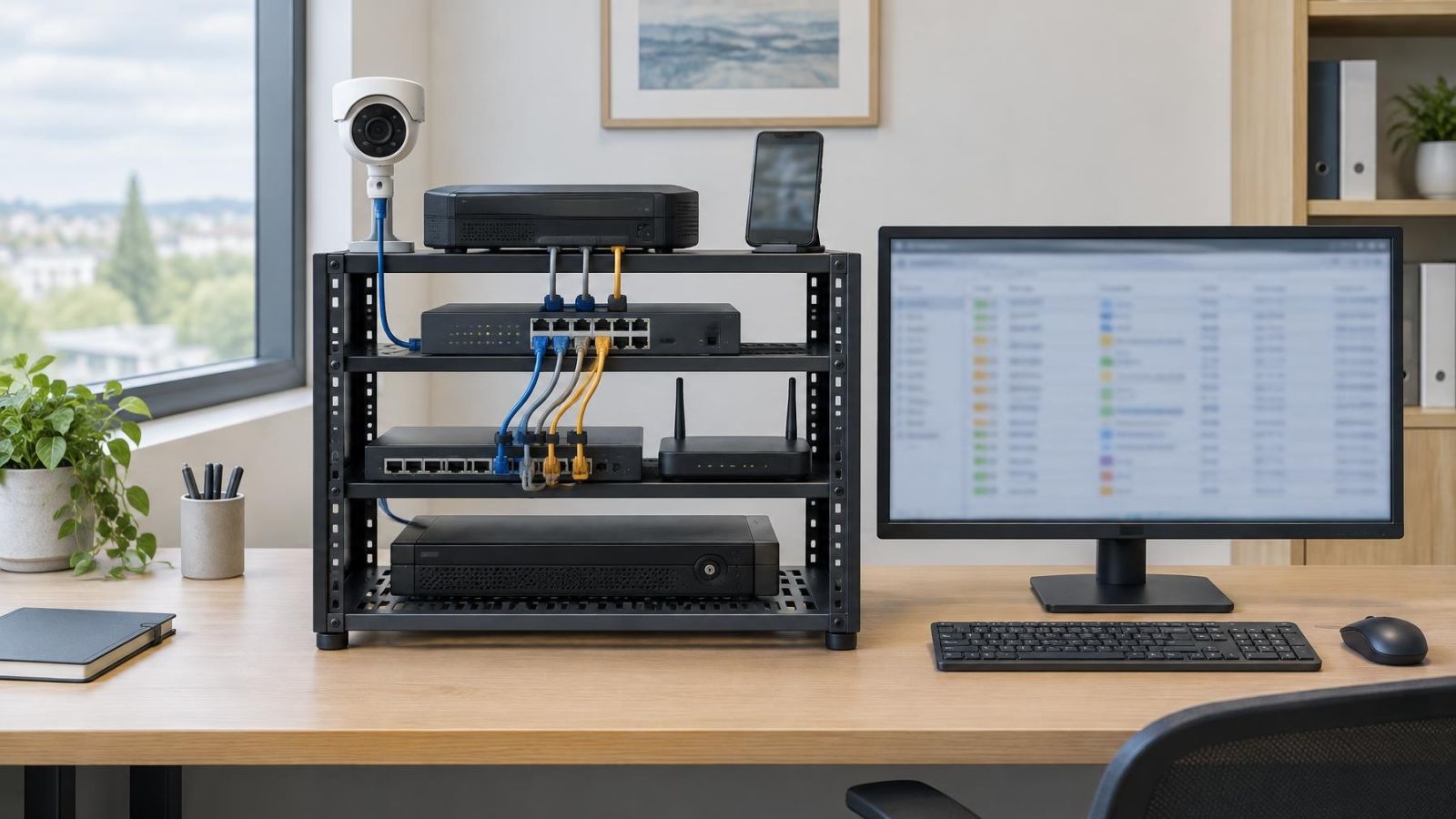
A recorder may display several cameras together, but a multi-view screen often shares far more than necessary. Exporting one relevant camera is usually cleaner than trying to cover several unrelated panels later. If two views are genuinely needed, treat each one as a separate privacy check.
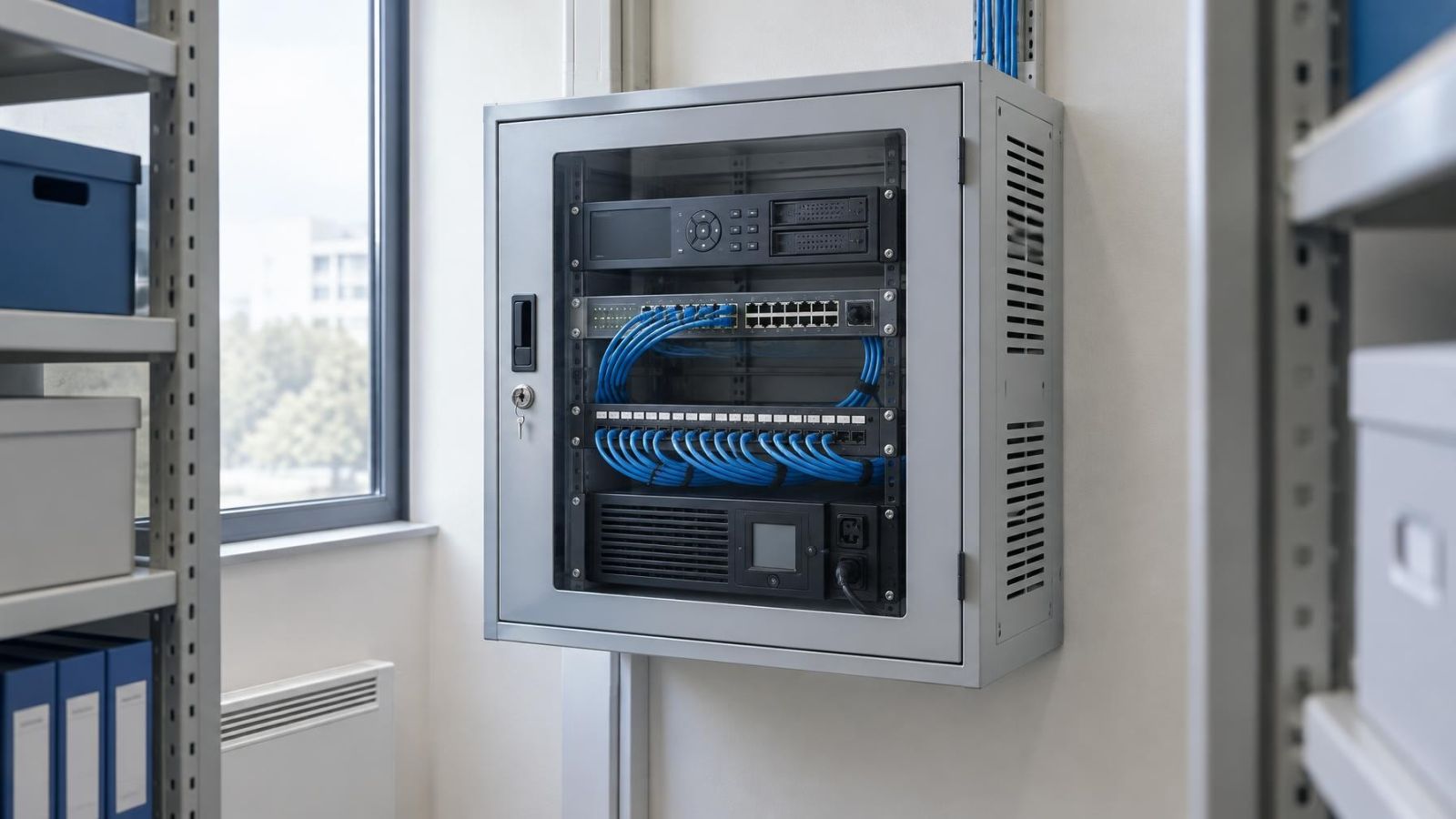
Do not assume that the NVR (network video recorder) preview and the exported file are identical in every practical respect. The export may use a different player, aspect ratio or audio track. A quick playback check before editing avoids spending time redacting the wrong segment or an incomplete file.
Choose the right redaction method
To redact security camera footage well, match the method to the detail rather than applying one effect to the whole clip. Trimming handles time. Cropping handles an unwanted area at the edge of the frame. Blur or an opaque mask handles details that remain inside the useful image. Muting handles sound.
| Method | Best fit | Main check |
|---|---|---|
| Trimming | Unrelated activity before or after the useful event | Relevant context remains complete |
| Cropping | Fixed details outside the useful image area | Important action does not enter the crop |
| Tracked face blurring | Faces moving within the useful area | Blur follows every face across all frames |
| License plate masking | Readable plates on moving or parked vehicles | Mask remains aligned as size and angle change |
| Audio removal | Voices or sounds not required by the recipient | Export contains no active audio track |
Trimming and cropping
Video trimming removes part of the timeline. It is suitable when private activity occurs entirely before or after the useful moment. It cannot conceal a face, plate or apartment number that appears during the retained section.
Image cropping removes part of every frame. It works well for a fixed door label, neighbouring entrance or screen that stays along an irrelevant edge. Check the whole clip before committing to the crop. A person or vehicle may enter that edge later, or the relevant action may extend farther across the frame than it did at the beginning.
Faces, plates and other moving details
A face or license plate that changes position needs redaction that moves with it. Some editing tools can track the selected area automatically, but tracking is an aid rather than a final check. Fast movement, partial obstruction, glare and changes in scale can cause a blur or mask to drift away from its target.
Face blurring should cover the identifying area for the entire appearance, including the moment a person enters or leaves the frame. License plate masking needs the same treatment. A parked plate may seem fixed, yet camera vibration, digital zoom or a passing obstruction can change its position in the image.
Audio removal
Audio deserves a separate decision. If sound adds nothing useful, remove or mute the complete audio track in the shared copy. Lowering the player volume is not audio removal; the recipient can raise it again. If only one short section contains private conversation, selective muting may be appropriate, but the transition points still need checking.
Listen with headphones or in a quiet room before deciding that speech is unintelligible. Names and short phrases can be clearer than the surrounding conversation, especially when the camera is close to an entrance, counter or intercom.
Does the redaction stay in place?
A redaction is useful only while it covers the intended detail. The editing preview may look correct at normal speed while exposing a face for a few frames at the beginning, during an obstruction or when the person changes direction.
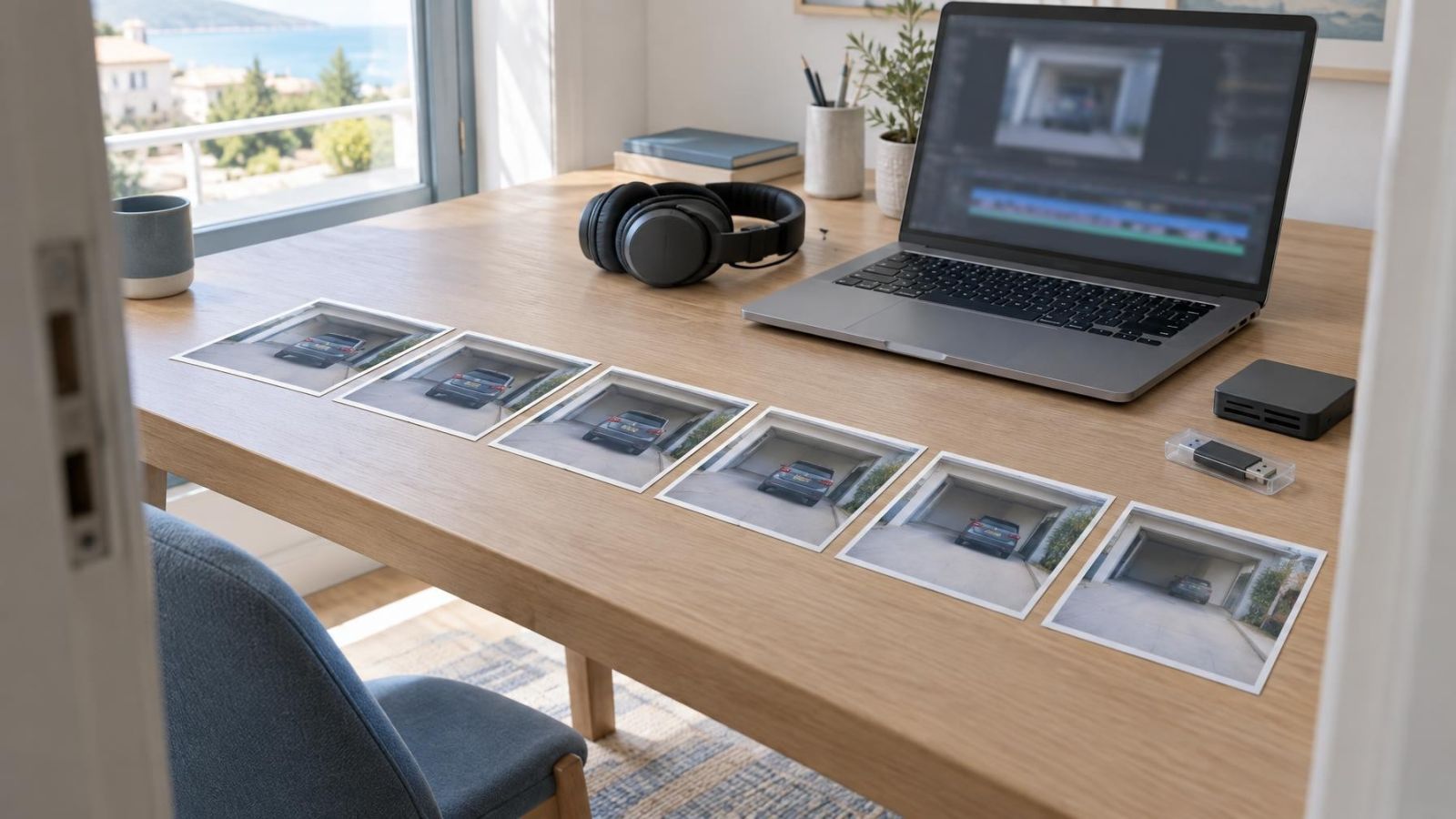
Review tracked areas slowly and check frame by frame around difficult movement. Pay particular attention when a person enters the image, turns sideways, passes behind another person or leaves the frame. For vehicles, check approach, stopping, turning and departure. The plate changes size and angle throughout those movements.
- Inspect the opening frames before the blur or mask appears.
- Check moments when the target is partly hidden by a door, person, plant or vehicle.
- Watch for a mask that lags behind rapid movement or jumps to a different object.
- Recheck reflections after the main face or plate has been covered.
- Look at background screens as their content or brightness changes.
- Inspect the closing frames after the tracking tool believes the target has disappeared.
Then create the final video export and review it from beginning to end in an ordinary player. Do not rely solely on the editor’s timeline preview. Confirm that the picture plays correctly, every redaction is visible, the crop is retained and the audio is absent or muted where intended.
The file that matters is the finished export, not the version shown inside the editing tool.
Share a controlled copy
Send the edited copy, not credentials for the camera, recorder or remote viewing service. Account access may expose live views, other cameras, older recordings and system settings. A dedicated copy limits the material to the segment prepared for the stated purpose.
Before sending anything, confirm who will receive it and why they need it. This is also a useful final test of scope. A building representative may need a different view from a maintenance provider. A remote property owner may need enough context to understand where an event occurred, while an external recipient may not need identifying views of the rest of the property.
| Sharing method | Useful when | Control to check |
|---|---|---|
| Video file | The recipient needs a stable copy or offline playback | Correct file, neutral filename and successful playback |
| Viewing link | Access should be limited without attaching a large file | Named recipients, download setting and expiry option |
| Recorder or camera access | Ongoing system operation is genuinely required | Exposure of live views, archives and settings |
A viewing link can offer useful controls, such as limiting access to selected recipients, disabling downloads or setting an expiry. Those options vary by sharing service, so verify the actual settings instead of assuming the link is restricted. If the recipient must retain or process the clip, a video file may be more practical.
Give the copy a neutral filename. Recorder exports sometimes include a property label, camera name or location description in the filename. Rename the shared copy without changing its file type. Keep your own working files clearly labelled so the edited and unchanged versions do not become confused.
Check quality after transfer as well. Confirm that the file is complete, the image remains understandable and the redaction has not been lost through conversion or an incorrect upload. If using a link, verify that it opens only as intended and points to the edited copy rather than the original.
Use a repeatable checklist for sharing camera clips
A short process is easier to apply consistently than an improvised privacy check. It also helps remote owners or business teams divide responsibilities without giving every participant access to the complete camera system.
- Define the purpose and audience. Write down what the recipient needs to see and who will receive the copy.
- Select the segment and view. Use the shortest useful period from the camera that shows the event most directly.
- Inspect visible and audible details. Check faces, voices, plates, labels, apartment numbers, screens, documents, adjacent properties and reflections.
- Apply suitable redaction. Trim unrelated time, crop irrelevant edges, track moving identifiers and remove unnecessary audio.
- Verify the finished export. Watch it from beginning to end and inspect difficult movement frame by frame.
- Prepare the recipient-ready copy. Use a neutral filename and keep the unchanged source separately.
- Choose controlled delivery. Send the edited file or a restricted viewing link rather than camera-system credentials.
- Test the transfer. Open the received file or link and confirm that playback, permissions and redactions behave as expected.
The aim is not to make the recording anonymous in every possible sense. It is to provide the necessary information while leaving unrelated people, conversations and property details out of the shared material. Careful selection usually does more of that work than heavy editing. Redaction then deals with the private details that the useful frames still contain.
Key takeaways
- The safest working rule is to share the smallest useful segment from the most relevant camera view.
- A privacy check should cover images, audio, reflections, screens and background property details.
- Redaction must follow moving faces and vehicle plates throughout every frame in which they appear.
- The finished video export should be reviewed rather than relying on the editing preview.
- An edited copy exposes less of the camera system than recorder credentials or remote camera access.