On this page
A network camera normally reaches a PoE (power over Ethernet) switch over a fixed Ethernet cable run. Inside a rack cabinet, that run can end at a camera network patch panel and continue over a short patch lead, or it can plug straight into the switch. The question is not which arrangement produces better video. It is which gives the right balance of simplicity, cable protection, service access and room for change.
Camera Network Patch Panel and Direct-Run Layouts
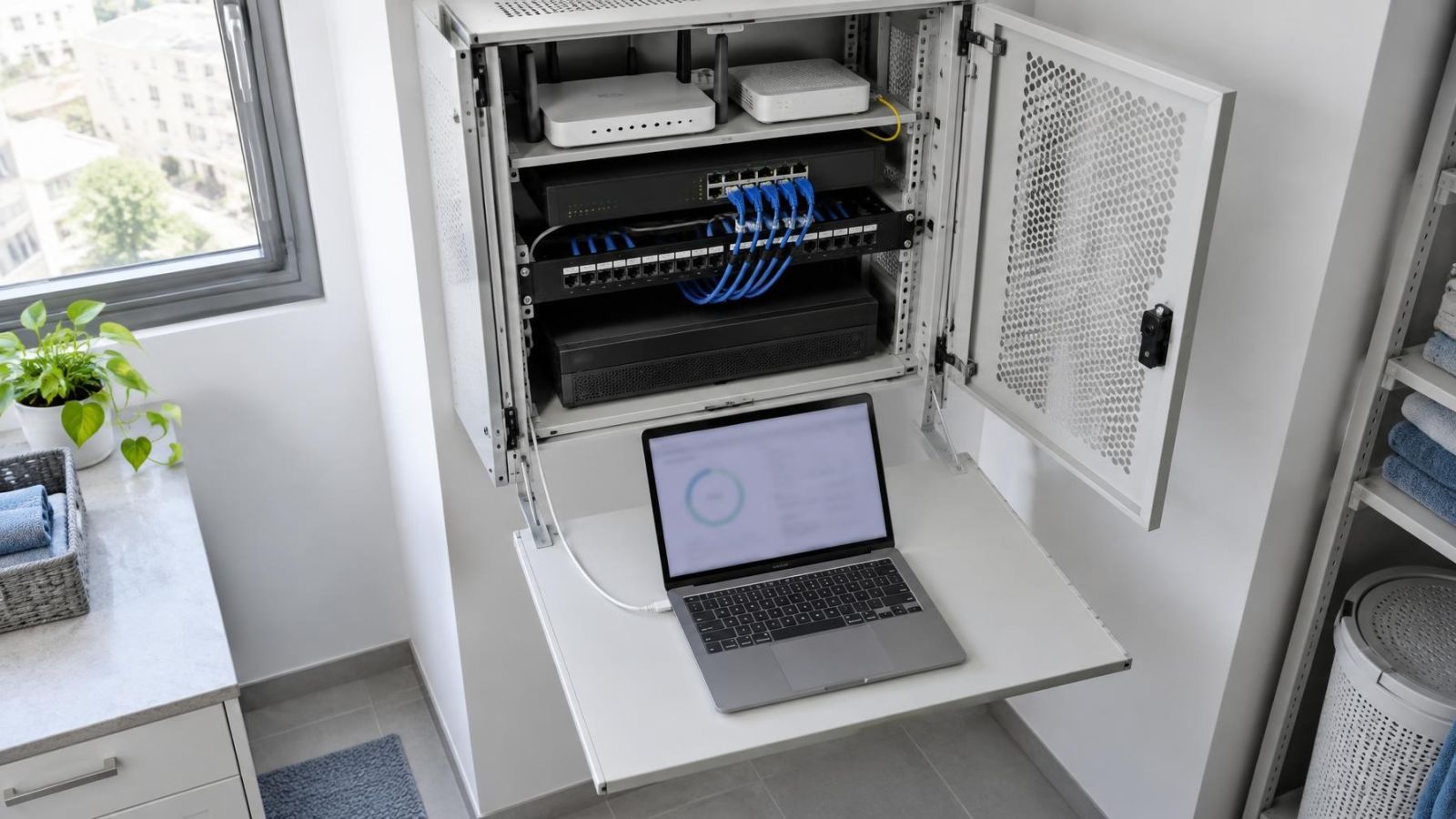
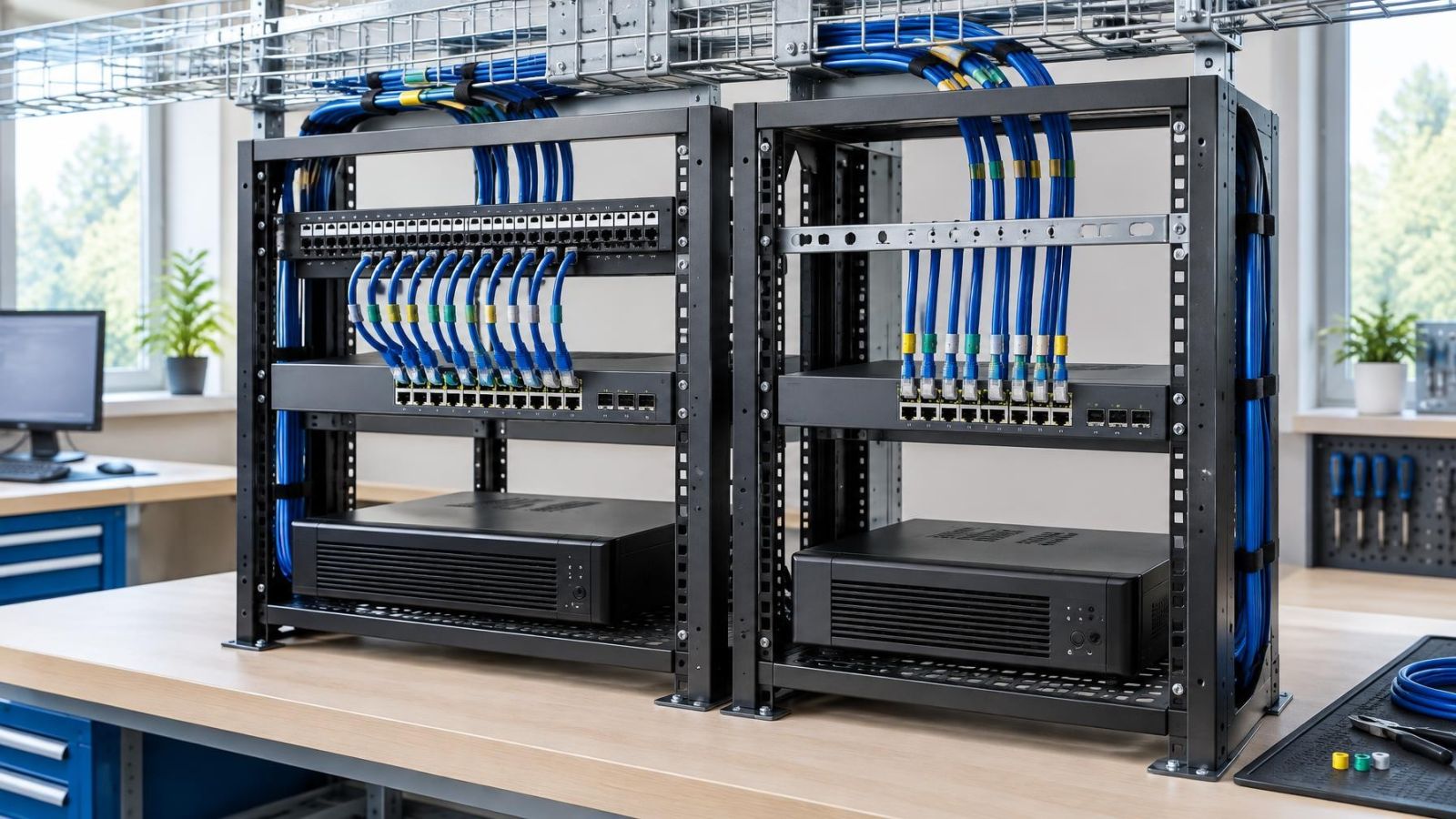
In a patched layout, each fixed cable from a camera terminates on the rear of a patch panel. The front of the panel presents an accessible port. A separate patch lead connects that port to the chosen switch port. The fixed building cable stays in place when the switch connection changes.
In a direct layout, the fixed cable is terminated with a plug and inserted into the PoE switch. There is no panel or patch lead between the cable and switch. This removes components and can keep a small cabinet straightforward, provided the incoming cables are supported and have enough controlled slack.
| Point | Patch-panel layout | Direct-run layout |
|---|---|---|
| Fixed cable termination | Rear of patch panel or individual keystone jack | Plug connected directly to switch |
| Connection to switch | Replaceable patch lead | Fixed cable itself |
| Port changes | Made at the front with patch leads | Require moving the fixed cable |
| Connection points | More | Fewer |
| Typical fit | Larger or changeable cabinet | Compact and stable installation |
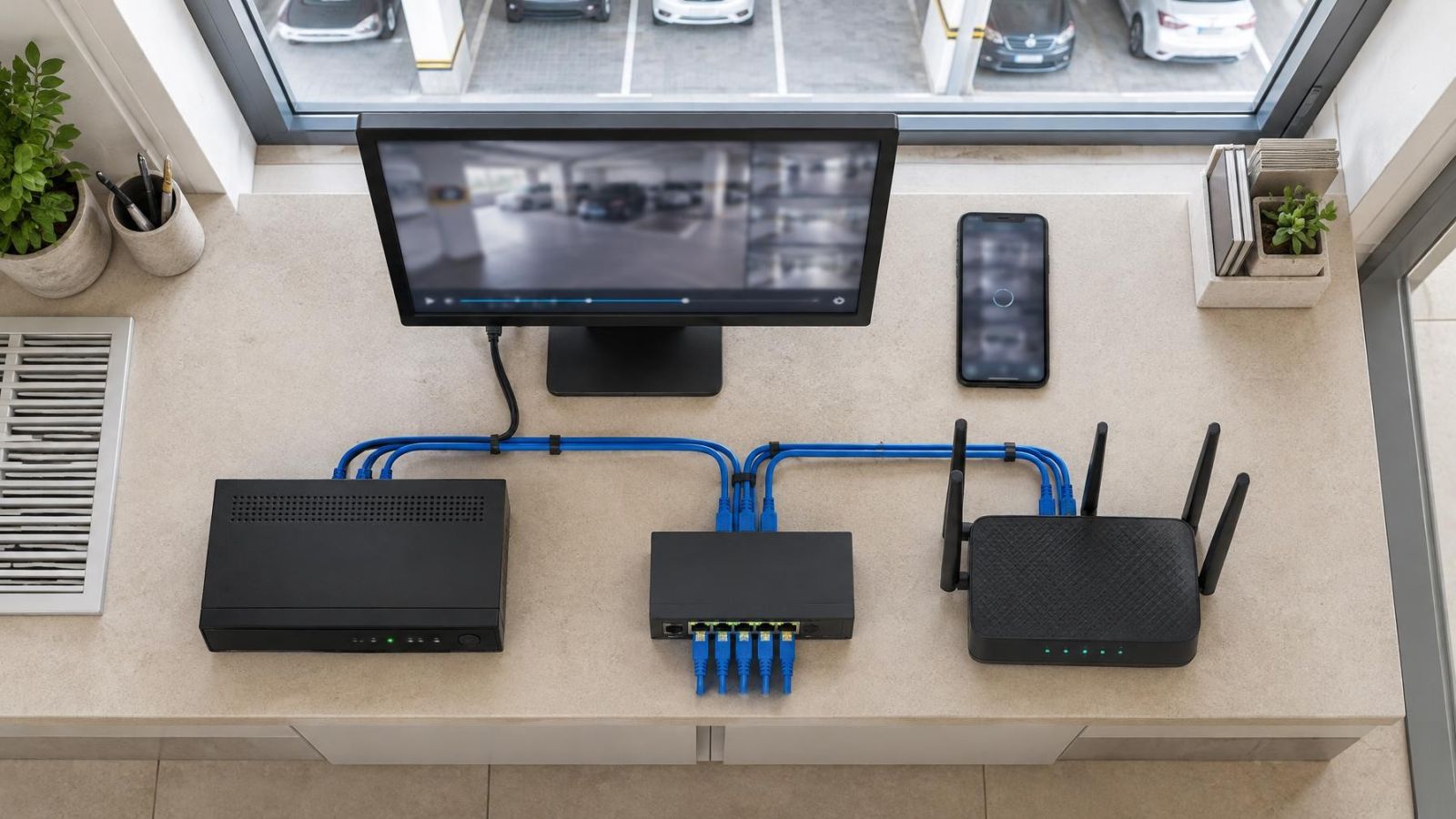
Both layouts still need the same core components: network cameras, suitable fixed Ethernet cable, a PoE switch and usually an NVR (network video recorder) or another recording platform. They also need power, network connectivity, cable support, labels and a cabinet that can be serviced.
Routing and termination are separate decisions. Routing concerns where the cable travels through walls, ceilings, conduits, gardens or exterior paths. Termination concerns how that cable ends inside the cabinet. A well-routed cable can still have a poor termination, and a neat panel cannot correct an unsuitable outdoor route or a cable crushed behind furniture.
Is a CCTV Patch Panel Needed?
Not every camera system needs one. The term CCTV patch panel is often used in searches, although modern installations commonly carry network video over Ethernet. The practical decision depends on cabinet complexity rather than on the label used for the system.
A panel becomes useful when the cabinet contains many incoming cables, several network devices, spare ports or connections likely to be reassigned. It provides a stable boundary between building cabling and active equipment. An installer can move a short lead, replace a switch or isolate a connection without repeatedly handling a long cable routed through the property.
For a compact installation with only a few cameras, direct terminations can be entirely reasonable. The cabinet should still provide a proper cable entry, support for the cable bundle, enough bend space and labels that remain visible after the door is closed. Direct does not mean loose cables hanging from switch ports.
Should Cameras Use a Direct Cable to Switch?
Cameras can use a direct cable to switch when the installation is small, stable and accessible. The fixed cables should approach the switch without being stretched, sharply bent or forced sideways by the cabinet door. There should also be enough slack to remove the switch for service without pulling on cables inside the wall.
Neither approach changes the camera's image quality. If the network link is working correctly, adding a properly installed patch panel does not sharpen or soften the recorded image. The panel affects physical organisation and maintenance. Camera choice, lens position, lighting, WDR (wide dynamic range), infrared behaviour and recording settings affect the usable view.
Reliability and Connection Points
A patched connection includes more terminations: the fixed cable at the panel, a panel socket, both ends of the patch lead and the switch socket. Every connection must be correctly made and kept clean. More connection points create more places to inspect, but they are also arranged in an accessible and replaceable form.
A direct run uses fewer connection points. Its main physical disadvantage is that the fixed building cable reaches the equipment being handled during routine cabinet work. If the switch is moved, replaced or pulled forward, the same cable moves with it. Solid fixed cable is intended to remain supported rather than act like a flexible service lead.
The number of connections matters less than whether each connection is well terminated, supported and left undisturbed.
Poor cable termination can produce unstable network or PoE behaviour in either layout. A plug attached badly to a direct run is not made reliable merely by avoiding a panel. Equally, a patch panel does not help if conductors are poorly seated, untwisted excessively or damaged during installation.
Physical protection is equally important. Cables should not carry the weight of a hanging bundle. Cabinet doors should not press them into tight bends. Cable ties or other supports should hold the route without crushing it. Where a cable enters through metalwork or an unfinished opening, the edge should not rub against the jacket.
Maintenance and Future Changes
The main advantage of a patch panel appears after installation. A camera connection can be moved to another switch port by changing a short patch lead. The fixed run remains terminated and supported. If a patch lead is damaged or its retaining clip fails, the lead can be replaced without reworking the building cable.
A clear camera-to-port map also shortens network troubleshooting. A label such as “front gate” is more useful than an unexplained cable number, but the best records include both a location and a unique cable identifier. The same identifier should appear at the camera end, cabinet end, panel port and cabinet map.
A panel also creates a convenient testing boundary. The fixed cable run can be checked separately from the patch lead and switch connection. This does not diagnose every possible camera fault, but it helps distinguish a building-cable issue from a replaceable cabinet-side component without disturbing neighbouring fixed runs.
Expansion is generally cleaner when spare panel positions, switch capacity, power capacity and cabinet space were considered together. A panel alone does not create capacity. The cabinet must still have room for additional patch leads and cable management. If active equipment is replaced, orderly patching makes it easier to reproduce the original connections or document deliberate changes.
Direct runs can also be maintained well. Their documentation needs to be especially clear because the switch port is both the physical endpoint and the network assignment. Before equipment is removed, each cable should be identified and its existing port recorded. Unlabelled direct cables quickly become difficult to distinguish once several are unplugged.
Cabinet Space and Israeli Conditions
Cabinet dimensions must be assessed as usable working space, not only as external size. A deep switch, rear power connections, front plugs and the bend radius of incoming cables all consume space. A shallow cabinet may accept the equipment on paper while leaving no comfortable route for the cables or no way to close the door without pressure.
PoE equipment produces heat, and a recorder adds more. The cabinet needs airflow around active devices. A tightly packed bundle across ventilation openings makes servicing harder and can trap warm air. Locating equipment in a small storage cupboard or a mamad may be convenient for security and cable distribution, but the actual ventilation and working clearance still need to be checked.
Dust is a normal concern in Israeli properties, especially near construction, open windows or street-facing businesses. A closed cabinet can reduce direct dust exposure, but sealing every opening without considering ventilation creates a different problem. Cable entries should be orderly, unused openings should be managed sensibly, and ventilation paths should remain clear enough to inspect and clean.
The route into the cabinet also varies by property. Apartment cameras may connect from a private entrance while other areas belong to shared building infrastructure. A private home may have long routes from a gate, garden or parking area. A street-front shop may bring cables from a fascia, stock area and entrance. Exterior sections need suitable physical protection, and every route should reach the cabinet without an abrupt final bend.
Strong sunlight affects where cameras are positioned and can also expose outdoor cable sections to heat and weathering. Coastal humidity and airborne dust make protected joints preferable to improvised connections in exposed boxes. These route conditions do not dictate patch panel versus direct termination, but they do increase the value of a clear, testable endpoint inside the cabinet.
How Should Camera Cabinet Cabling Be Organised?
Good camera cabinet cabling should let a technician understand the installation before disconnecting anything. Neat appearance is useful, but readability, support and access matter more than making every patch lead follow an identical decorative curve.
- Label the fixed run at both ends. Use a durable identifier that matches the camera location and the cabinet record.
- Separate fixed cabling from patch leads. Fixed runs should enter, terminate and remain supported; flexible leads should handle routine changes between the panel and switch.
- Support bends and cable weight. Keep turns gradual, prevent bundles from hanging on plugs and leave controlled slack for service.
- Keep connections readable. Switch ports, recorder network connections, uplinks and any VLAN-related connections should be identifiable without pulling the cabinet apart.
- Update the cabinet map. Record the camera name, cable identifier, panel port, switch port and any intentional spare connections.
In a direct layout, the same principles apply even though fixed runs and patch leads are not separate. Grouping should not hide individual labels. If cables are bundled too tightly, tracing one run may disturb several others. If they are left loose, they can obstruct the recorder, power equipment or cabinet door.
Choose the Layout Before Installation
The termination method should be chosen before cables are pulled because it affects cabinet size, cable length, entry position and the amount of working space required. Changing the decision at the end can leave fixed runs too short for a panel or create unnecessary coils behind the switch.
- Camera count and likely changes: A larger network or one expected to change benefits more from accessible patching.
- Available cabinet space: A panel needs mounting space, front clearance and room for patch leads, while direct runs need supported entry and service slack.
- Expected maintenance access: Remote property owners and businesses relying on scheduled service may value a cabinet that can be understood from labels and documentation alone.
- Termination method: The installer should use components and cable types intended to work together, with a repeatable method for testing each completed run.
- Final cable plan: The completed map should match the installed ports rather than the original drawing when changes were made during the work.
Choose a patch panel when the cabinet is a long-term service point, when equipment may be replaced, or when camera connections are likely to move. Choose direct runs when the system is compact, stable and arranged so fixed cables will not be disturbed during normal work.
Neither option compensates for weak installation practice. A sound design leaves the cabinet cool enough to operate, open enough to service and clear enough to understand. It protects fixed cabling from movement, provides strain relief and records where every connection goes. Those details determine whether the chosen layout remains manageable after the cabinet door has been opened many times.
Key takeaways
- Patch panels favour orderly maintenance because port changes can be made without moving fixed camera cables.
- Direct runs favour simplicity in compact installations that are unlikely to change.
- Cable termination quality matters more to network and PoE reliability than the choice between patched and direct layouts.
- Clear labels, supported bends and effective strain relief are essential in either design.
- A camera cabinet needs sufficient ventilation, working clearance and protection from unmanaged dust.