NetMagen Get a quote
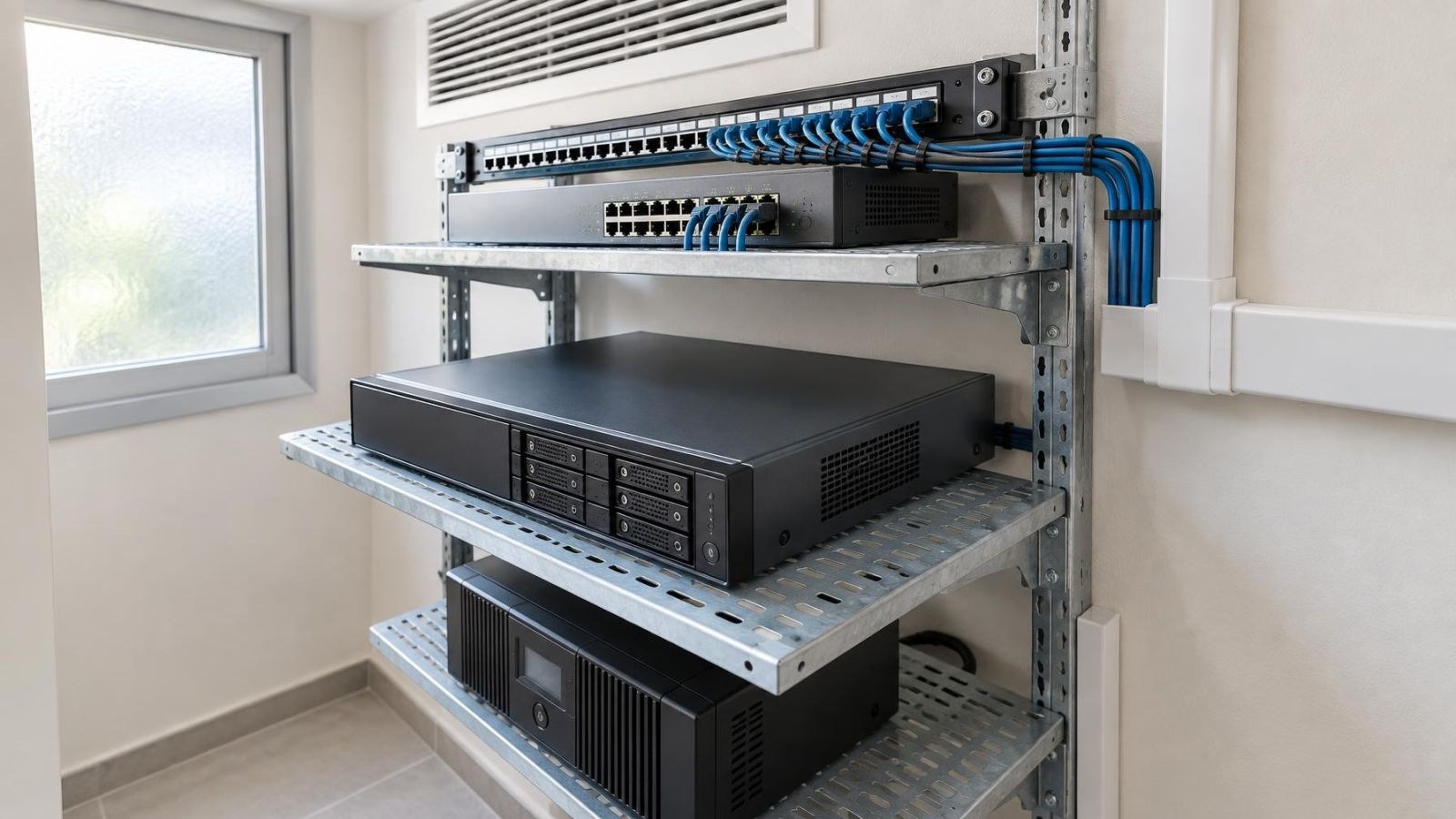
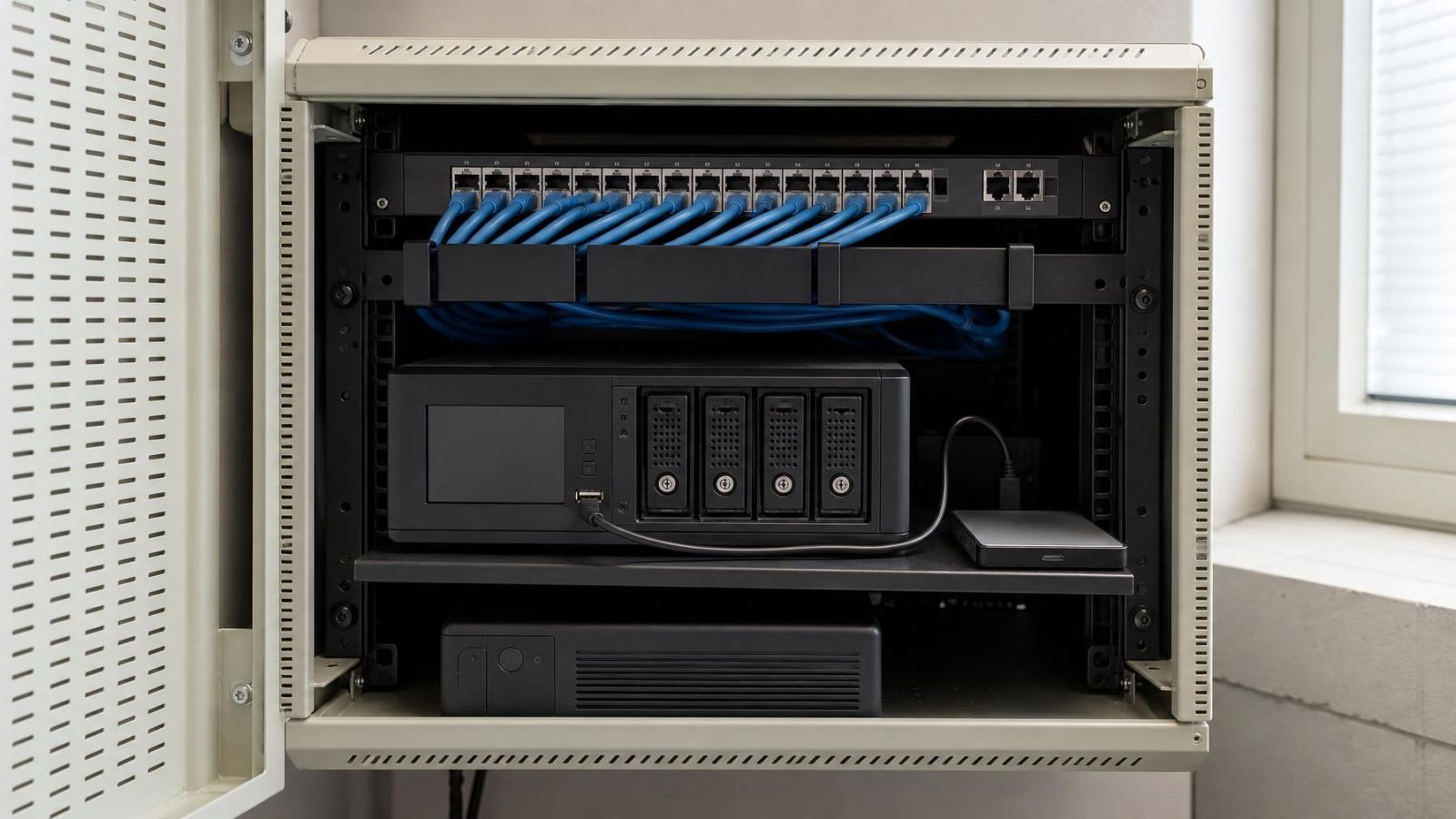
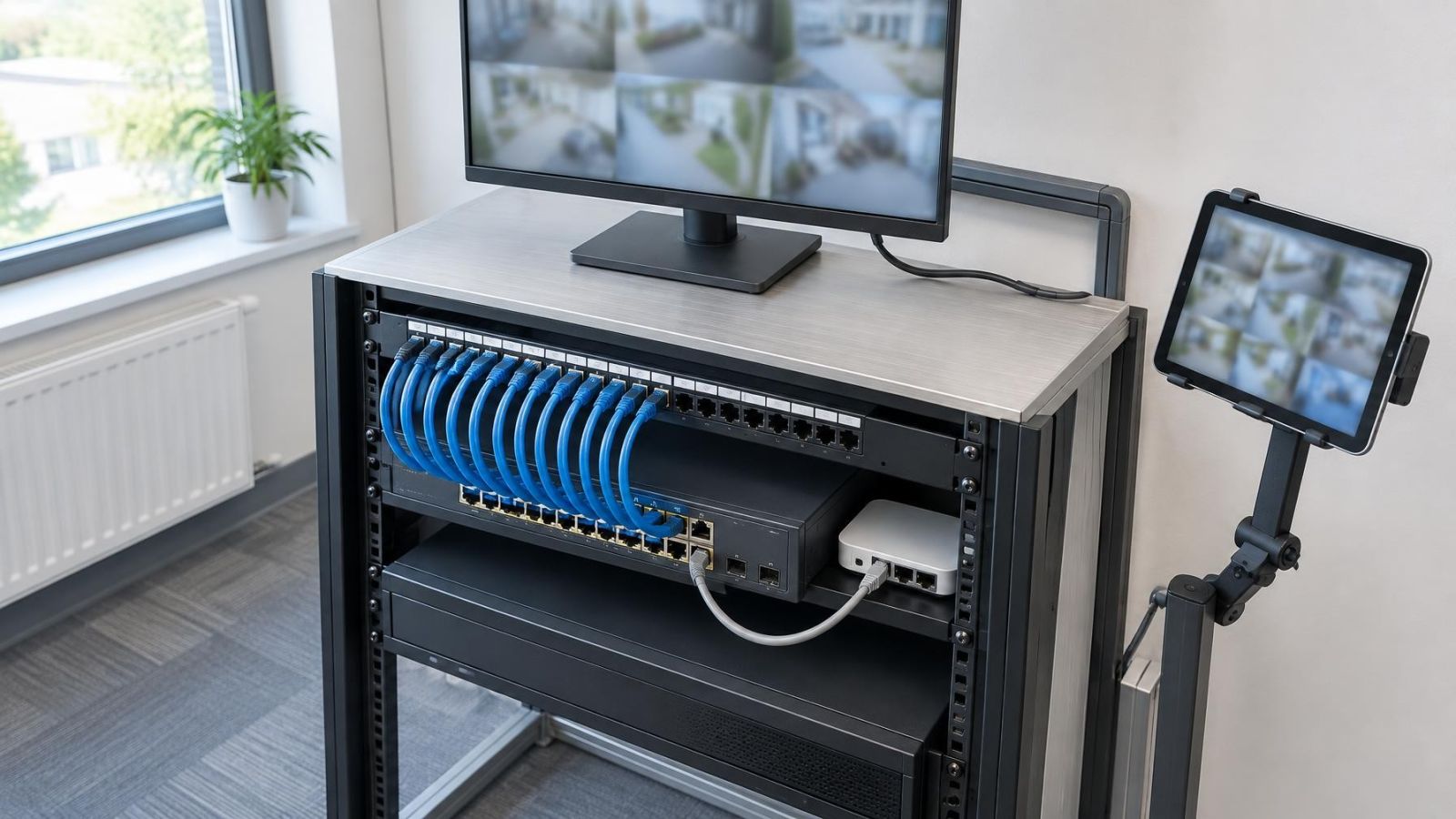
Video recorder installed with labelled cabling inside a ventilated network rack
NVR, VMS & Video Storage

NVR Placement: Where a Video Recorder Should Live in the Property

A video recorder should live in a secure, ventilated and serviceable indoor location with reliable power, practical network cabling and little impact on living or working spaces. A communications area or ventilated network rack is often suitable, but room conditions, noise, cable routes and maintenance access matter more than the room’s name.

11 min read

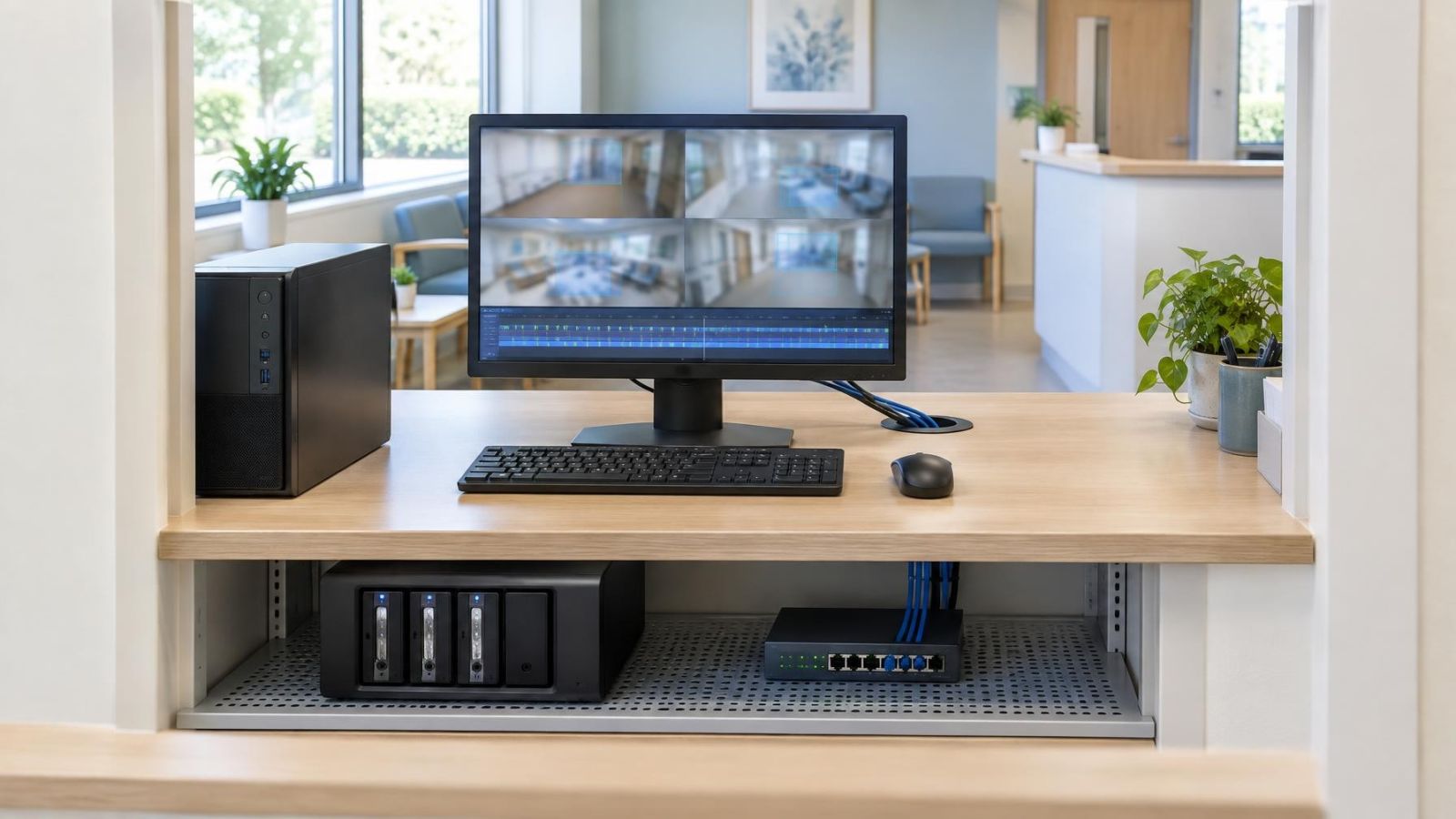
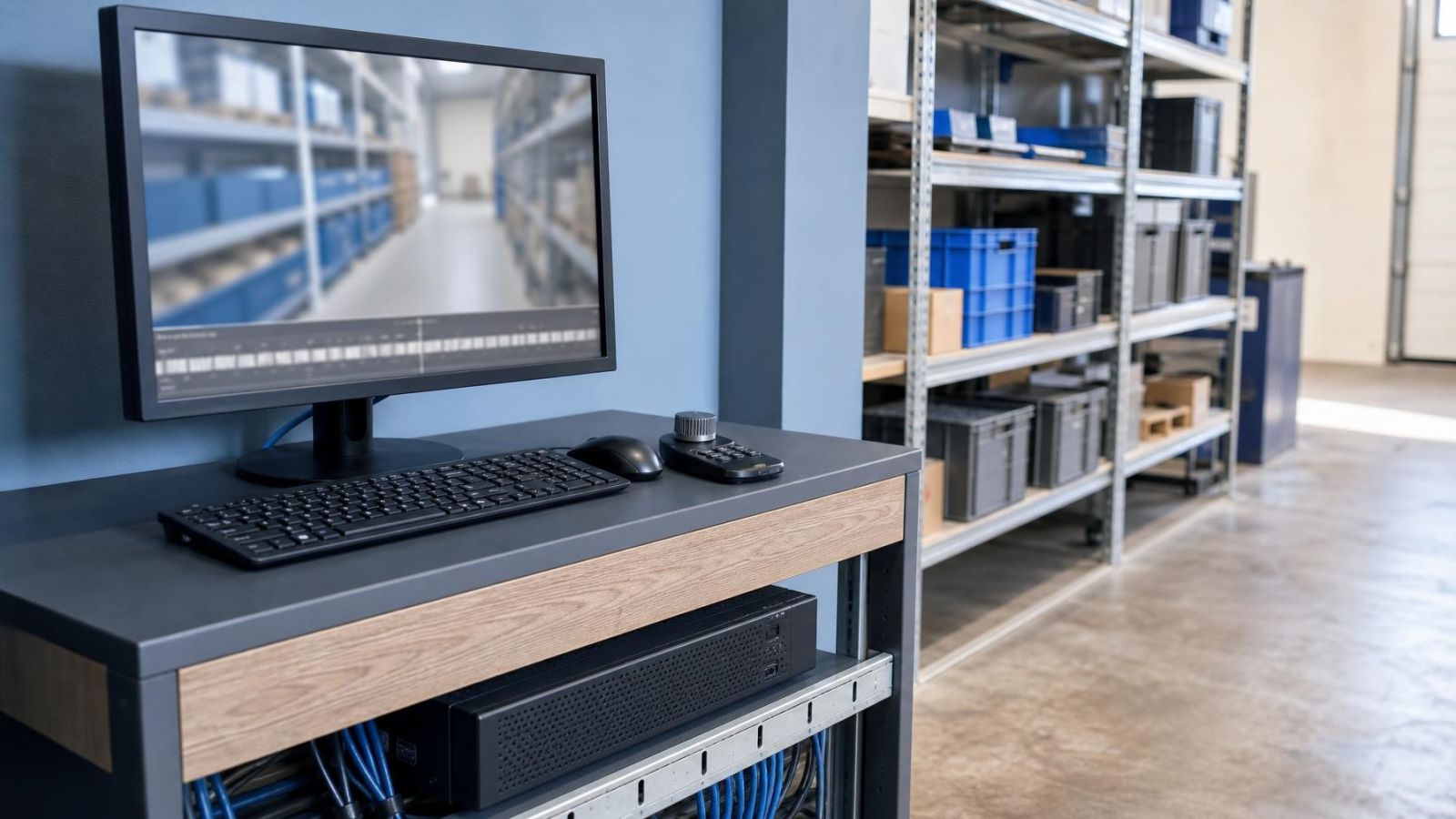
Desktop PC with a four-bay disk enclosure and a 24-port switch full of camera cables, the monitor showing a large camera grid
NVR, VMS & Video Storage

Free NVR Software for Windows and Unlimited IP Cameras

Genuine free NVR software for Windows records your IP cameras to local storage without a camera-count cap, a trial clock or a cloud plan for the archive. A sign-in belongs only to optional hosted extras such as a phone relay or advanced recognition, never to keeping the recording going.

6 min read

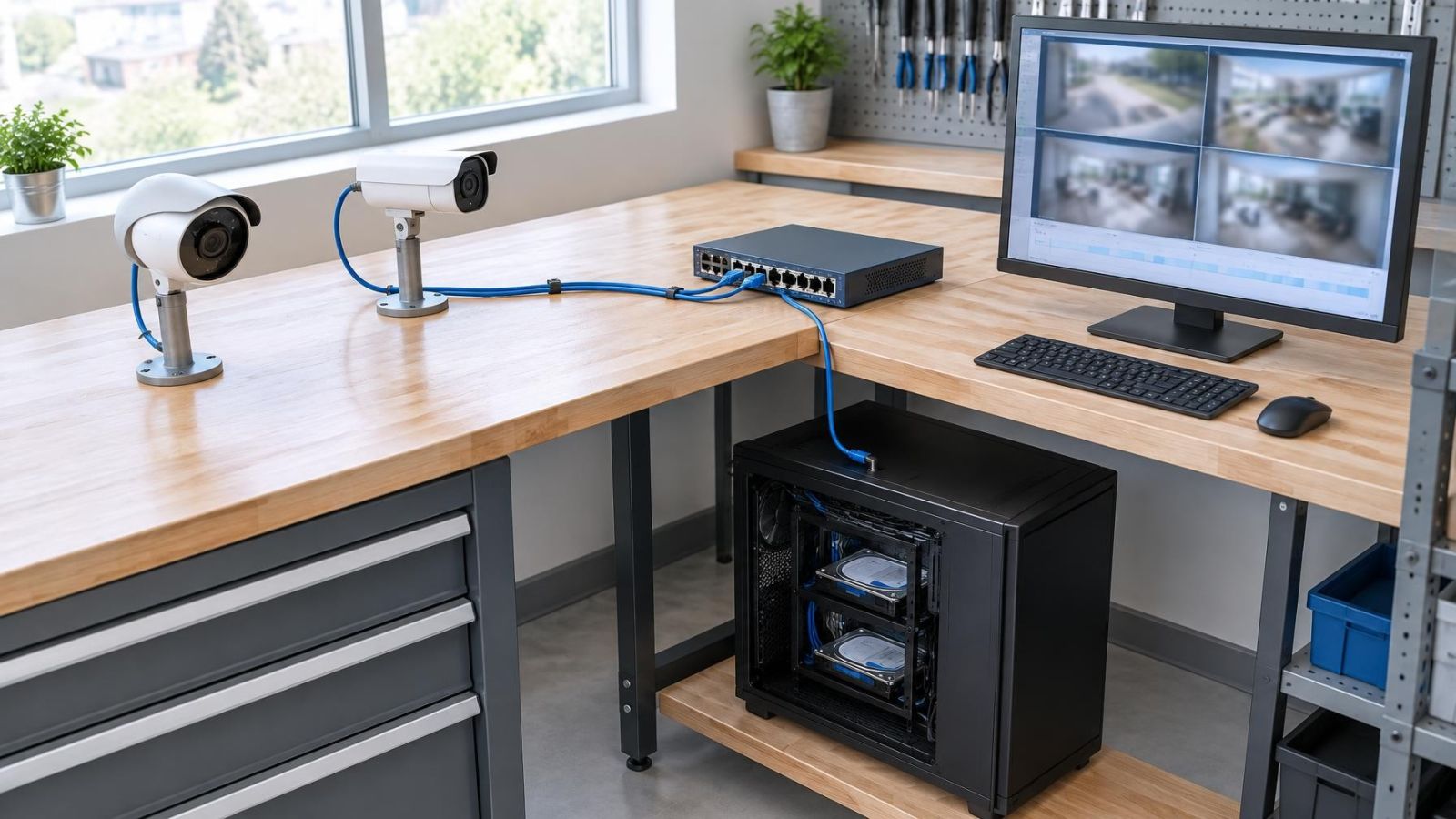
Reception-counter PC recorder showing a four-camera mosaic and a day timeline, with a disk enclosure and PoE switch below
NVR, VMS & Video Storage

Blue Iris Alternative for Windows with Free Local Recording

Blue Iris is a capable, licensed Windows recorder. A free local alternative should do the same core job without a licence decision first: unlimited RTSP and ONVIF cameras recording to your own disk, a day timeline, zones with alerts, and footage that stays on the property. Phone viewing and face or plate recognition can stay optional paid extras.

7 min read

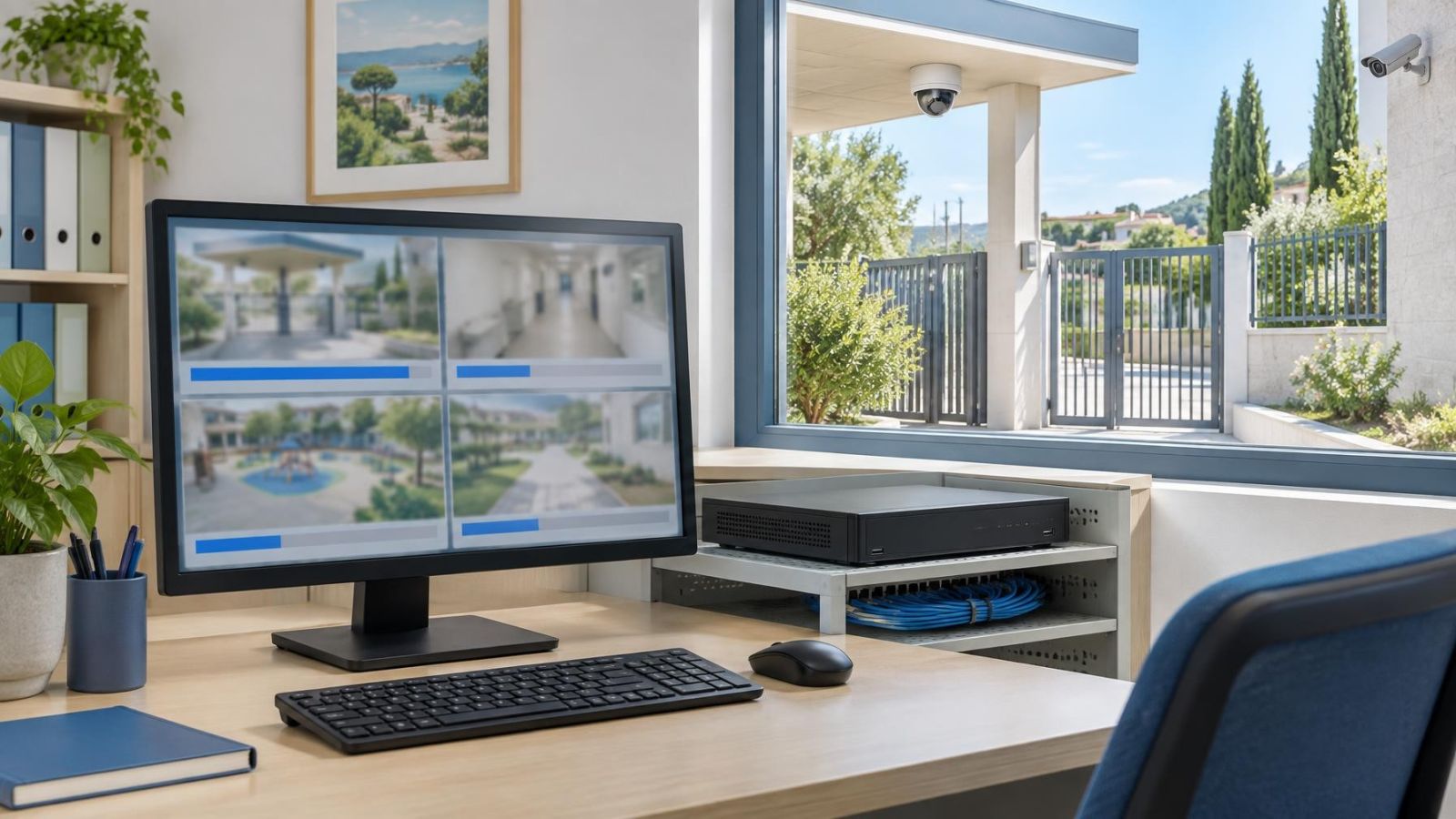
Installer reviewing bitrate settings for outdoor security cameras connected to an NVR
NVR, VMS & Video Storage

Constant or Variable Bitrate for Security Camera Recording?

Choose constant bitrate when predictable network demand and archive planning matter most. Choose variable bitrate when the priority is allocating data efficiently as image complexity changes. In either case, test the setting with real daytime glare, movement and night conditions before finalising the recorder.

9 min read

Installer reviewing per-camera archive settings on a video recorder beside a security camera feed
NVR, VMS & Video Storage

Retention by Camera: How to Set Different Archive Periods

Set each camera’s retention according to its purpose, scene activity and likely review delay. Give important entrances, gates and transaction views more archive depth than low-value overview scenes. Because cameras share recorder storage and real usage varies, confirm the result by playing back the oldest available footage rather than relying only on a storage estimate.

9 min read

Technician reviewing a security camera recorder timeline and storage status on a monitor
NVR, VMS & Video Storage

CCTV Storage Full: What Happens When Recording Space Runs Out

When security camera storage fills up, the recorder either replaces the oldest footage automatically or stops saving new video. The result depends on whether overwrite is enabled. Full storage can be normal in a rolling archive, but important clips must be exported elsewhere before the recorder reaches and replaces them.

10 min read

Ready when you are.

Answer a few questions and get a scoped quote — or talk to an engineer today.