On this page
A property may already have analogue cameras on coaxial cable, newer IP cameras on network cable, and a recorder with too little video storage. A hybrid CCTV recorder appears to join these parts, but compatibility depends on more than the sockets on its rear panel. The question is whether a mixed camera recorder can receive every required signal, record it at the intended quality, and leave a sensible route for expansion.
That question is common in Israeli homes and small businesses. An apartment may use existing coax through shared building routes while adding an IP camera at the private entrance. A house may have older cameras around the walls and new network cable running to a gate. A street-front business may need to improve one critical view without replacing an otherwise serviceable installation. In each case, the existing infrastructure should lead the decision.
Start With the Existing System Before Choosing a Mixed Camera Recorder
Begin with an inventory, not a recorder catalogue. List every camera and identify how it sends video. An analogue camera normally returns its signal over coaxial cable. An IP camera sends a network stream over Ethernet or, less ideally for fixed infrastructure, a wireless connection. Do not classify a camera by appearance. Two similar housings can use entirely different signal types.
- Camera type: Record whether each position is analogue or IP, together with the signal format or stream details available from its settings.
- Cable route: Note where coaxial and network cables terminate, whether they are accessible, and whether spare routes exist.
- Power: Identify local power supplies, central power distribution and any cameras powered through PoE (power over Ethernet).
- Current limitations: Write down missing channels, poor playback, inadequate storage, awkward remote access or unreliable connections.
- Planned additions: Include likely future positions such as a garden gate, parking space, delivery entrance or rear outdoor area.
Cable ownership and access also matter. In an apartment building, part of a route may pass through a shared entrance, communications cupboard or common shaft managed with the va'ad bayit. A recorder choice cannot create a usable path where none is available. For a street-front shop, the practical constraints may instead be a finished ceiling, limited equipment space and exposure to dust from an frequently opened door.
DVR, NVR and Hybrid Compared
A DVR (digital video recorder) is primarily designed to accept analogue camera signals through physical video inputs. An NVR (network video recorder) records compatible streams from IP cameras. A hybrid recorder combines these roles: it accepts supported analogue signals while also recording compatible IP streams.
| Recorder type | Primary video source | Existing cable fit | Typical migration role |
|---|---|---|---|
| DVR | Analogue inputs | Coaxial camera runs | Maintains an analogue installation |
| NVR | IP camera streams | Network cabling | Supports an IP-based installation |
| Hybrid recorder | Analogue inputs and IP streams | Coaxial and network routes | Allows staged camera replacement |
The hybrid approach can preserve useful coaxial cable and working analogue cameras. A weak or strategically important position can move to IP first, while other positions remain connected through their existing runs. This avoids treating camera replacement as an all-or-nothing project.
The trade-off is complexity. The recorder must handle two types of input, and its limits may differ for each. Playback can also expose differences in image quality, frame rate and event handling. A simple NVR installation is easier to understand when every camera is already IP. A hybrid system earns its place when retaining part of the analogue infrastructure has practical value.
Is a hybrid NVR DVR the right description?
The phrase is understandable, but it can conceal important differences between recorders. Some units provide a fixed set of analogue inputs plus a separate allowance for IP cameras. Others can reassign part of their total capacity from analogue to IP. The useful description is not the label. It is the exact combination of analogue formats, IP streams, simultaneous recording capacity and playback behaviour.
Can You Mix Analogue and IP Cameras?
Yes, provided the recorder explicitly supports both the analogue signals and the IP streams in question. Physical connection alone is not enough. Analogue cameras can use different signal formats over coax, and the recorder must recognise the format supplied by each camera.
IP compatibility needs equally careful checking. A camera may appear in a network scan, answer at its address and still fail to provide a stream the recorder can use. The recorder must support the camera's stream method, video encoding and requested image settings. Discovery proves that two devices can see each other on the network; it does not prove recording compatibility.
- Confirm every analogue signal format against the recorder's supported inputs.
- Check whether IP cameras can be added through automatic discovery, manual stream details or both.
- Read analogue and IP channel limits separately rather than relying on one headline channel count.
- Verify supported image settings, including resolution and frame rate, for each camera type.
- Test live view, recording, playback and reconnection with representative cameras before final installation.
Mixed systems may also apply shared processing limits. A recorder might accept a certain camera on its own but reduce available capacity when several high-quality streams are recorded simultaneously. Compatibility therefore has two levels: whether one camera works, and whether the complete planned camera set works together.
How Many Channels Should You Choose?
Choose channels from the final camera plan, not only from the cameras connected today. Count installed positions, confirmed additions and a modest amount of usable headroom. A spare connector has little value if the recorder lacks the bandwidth, storage or camera-type allowance needed to use it.
On a hybrid recorder, analogue and IP capacity may be separate. A unit described by a total channel figure may not allow that entire total to be divided freely. Some capacity may be reserved for physical analogue inputs, while IP streams have their own ceiling. In other designs, enabling extra IP channels may reduce the number of active analogue inputs. These rules need to be checked in the actual operating configuration.
Future positions should be specific. A private home might later add coverage at the pedestrian gate, vehicle gate or a far garden wall. A business may add a stock room or another view of the street entrance. Identifying the likely route and power source now is more useful than buying an arbitrary number of spare channels.
For IP cameras, recorder bandwidth is a separate limit from channel count. Each stream consumes network and recording capacity. Image quality, frame rate, scene detail and encoding settings all affect that load. The recorder should have headroom for the intended group of streams, not merely enough entries in its camera list.
A channel is only genuinely spare when the recorder, network, power system and storage can all support the camera connected to it.
Plan Storage, Network and Power
Storage planning starts with a retention goal: how far back should useful footage remain available? Next decide whether cameras record continuously, according to a schedule, or when motion detection triggers an event. Continuous recording produces a predictable load. Event recording can reduce storage demand, but busy scenes such as moving leaves, passing headlights or a shop entrance can generate frequent events.
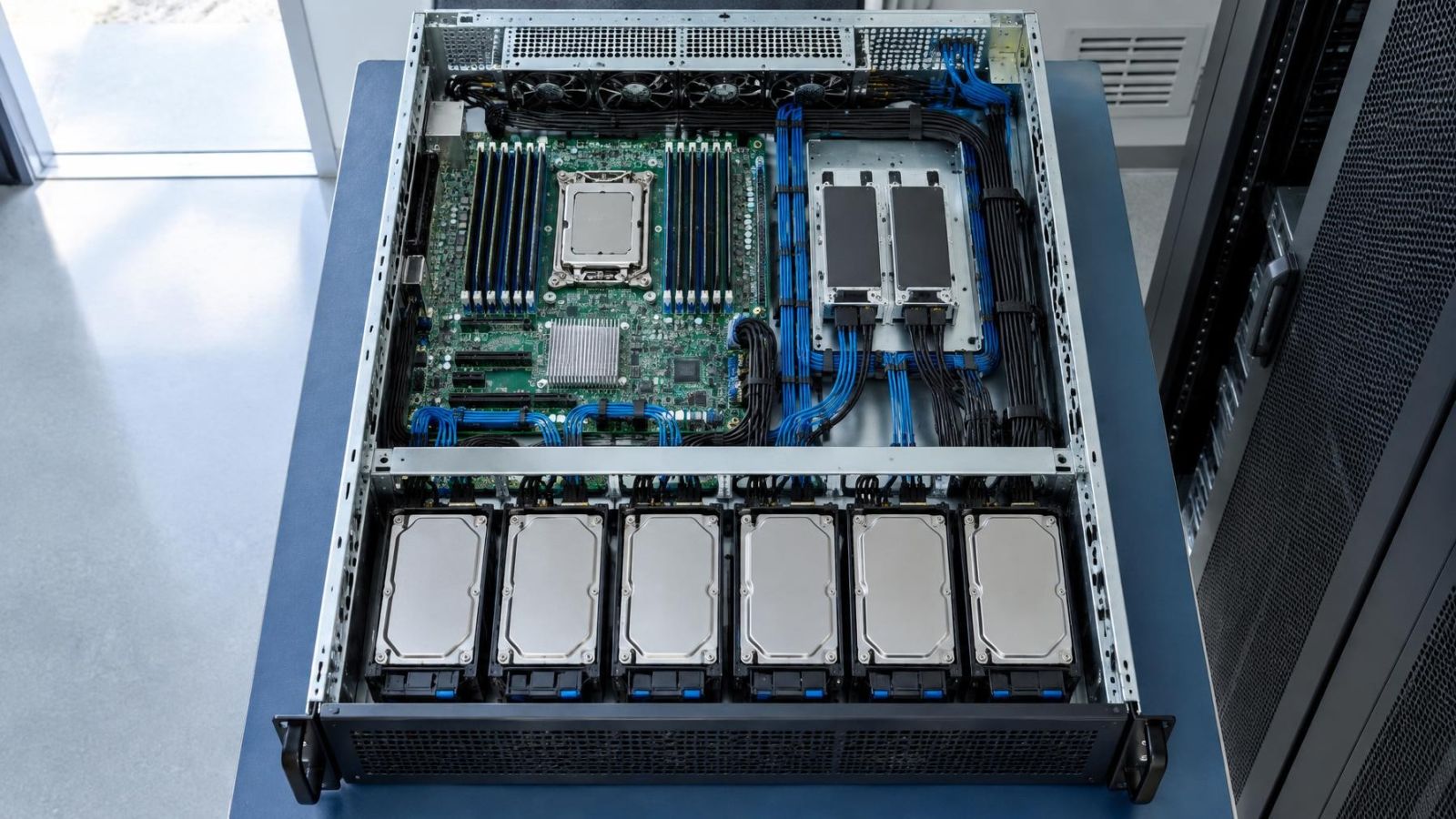
Higher image quality and longer retention require more video storage. So do higher frame rates and complex scenes. The hard drive capacity must be considered together with the recorder's supported storage configuration. An estimate should cover all cameras recording under realistic conditions, including simultaneous recording, rather than one camera viewed in isolation.
For IP cameras, map the network path from camera to recorder. A recorder with built-in PoE ports may provide a dedicated camera network. Cameras connected through separate network switches need suitable switching capacity and a clear route to the recorder. Where business systems share network infrastructure, a VLAN can keep camera traffic organised, but configuration and maintenance must remain understandable to whoever supports the site.
Power must be planned separately from video reception. A recorder can support an IP stream without supplying power to the camera. An analogue input receives video but normally does not power the camera through that connection. Check each camera's power supply, the load on PoE equipment, and the location of power distribution units.
Backup power should cover the components required for recording, not just the recorder. Depending on the design, that may include camera power supplies, PoE switches, network switches and the local router used for remote access. Controlled shutdown is preferable to repeated abrupt loss of power, particularly where the recorder is writing continuously to its hard drive.
Check Daily Use and Installation Fit
A technically compatible recorder still needs to work well in daily use. Check how live view and playback present mixed camera types. Confirm whether the timeline, event search and export functions operate consistently across analogue and IP recordings. If a VMS (video management software) or mobile interface will be used, test the functions that matter rather than assuming every recorder feature appears remotely.
User access deserves a simple plan. A remote property owner may need full playback and system status, while a cleaner, tenant or shop employee may need only selected live views. Individual user accounts and limited permissions make access easier to review. Remote viewing also depends on the site's internet connection and network equipment; it is not provided by recorder capacity alone.
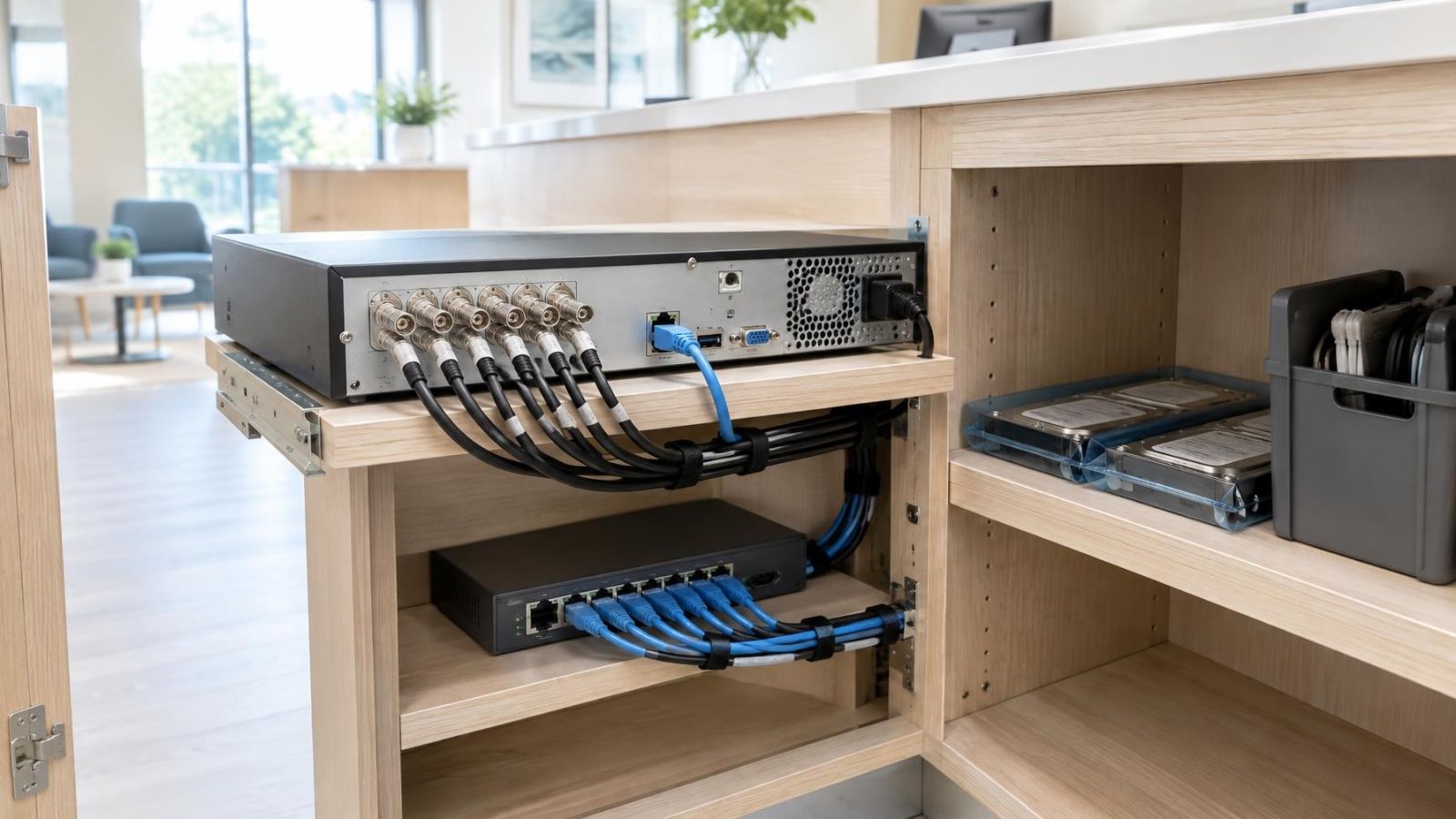
Recorder location affects everyday reliability. The unit needs ventilation around its casing and should not be placed inside a tightly closed cupboard with other heat-producing equipment. Dust can obstruct vents and collect around fans. This is especially relevant in street-front premises and in utility areas near gardens or parking spaces.
The location should also keep the recorder outside easy reach while remaining serviceable. Installers need access to cable terminations, storage and power without dismantling fitted furniture. A position that is hidden but impossible to ventilate or maintain is not a good compromise.
Choose Around the Existing Infrastructure
The final choice should be supported by a written compatibility and capacity check. Match every analogue camera to a supported signal format. Match every IP camera to a supported stream. Then confirm the permitted combination of analogue inputs, IP channels, recording bandwidth, playback capacity and hard drive configuration.
A practical selection process is:
- Document each camera, cable route, power source and current recording requirement.
- Confirm analogue signal support and IP stream compatibility using the intended camera settings.
- Build the complete channel plan, including realistic additions and any separate limits by camera type.
- Estimate storage from the required recording mode, image settings and retention goal.
- Check network capacity, PoE loading, backup power, ventilation and physical access.
- Test representative analogue and IP cameras through live view, recording, playback and reconnection before committing to the final configuration.
The best migration path is usually the one that does not force useful infrastructure to be discarded prematurely. Existing coaxial cable can continue serving analogue positions while new network cable is installed where IP features or future flexibility justify it. The recorder should support that transition without turning every later camera change into another recorder replacement.
Labels such as DVR, NVR and hybrid are useful starting points. They are not substitutes for checking the complete system. Select the recorder around verified cameras, usable cable routes, available power, network capacity and the way footage will actually be reviewed.
Key takeaways
- A complete inventory of cameras, cable routes and power arrangements should come before recorder selection.
- Analogue inputs and IP camera connections may have separate limits on the same recorder.
- Network visibility does not prove that an IP camera can send a compatible stream to a recorder.
- Video storage should be sized around recording mode, image quality and the required retention period.
- Existing coaxial cable can remain useful while selected locations migrate gradually to IP cameras.