On this page
A network video recorder (NVR) may collect footage from every security camera through a central network switch in one equipment cabinet. Alternatively, an apartment building or small business premises may use several recorders close to separate camera groups. Choosing one or multiple NVRs changes where video travels, where it is stored, how users find it and what stops recording when equipment or a network link is unavailable. The right answer depends on the property, not simply the total camera count.
What Does Choosing One or Multiple NVRs Change?
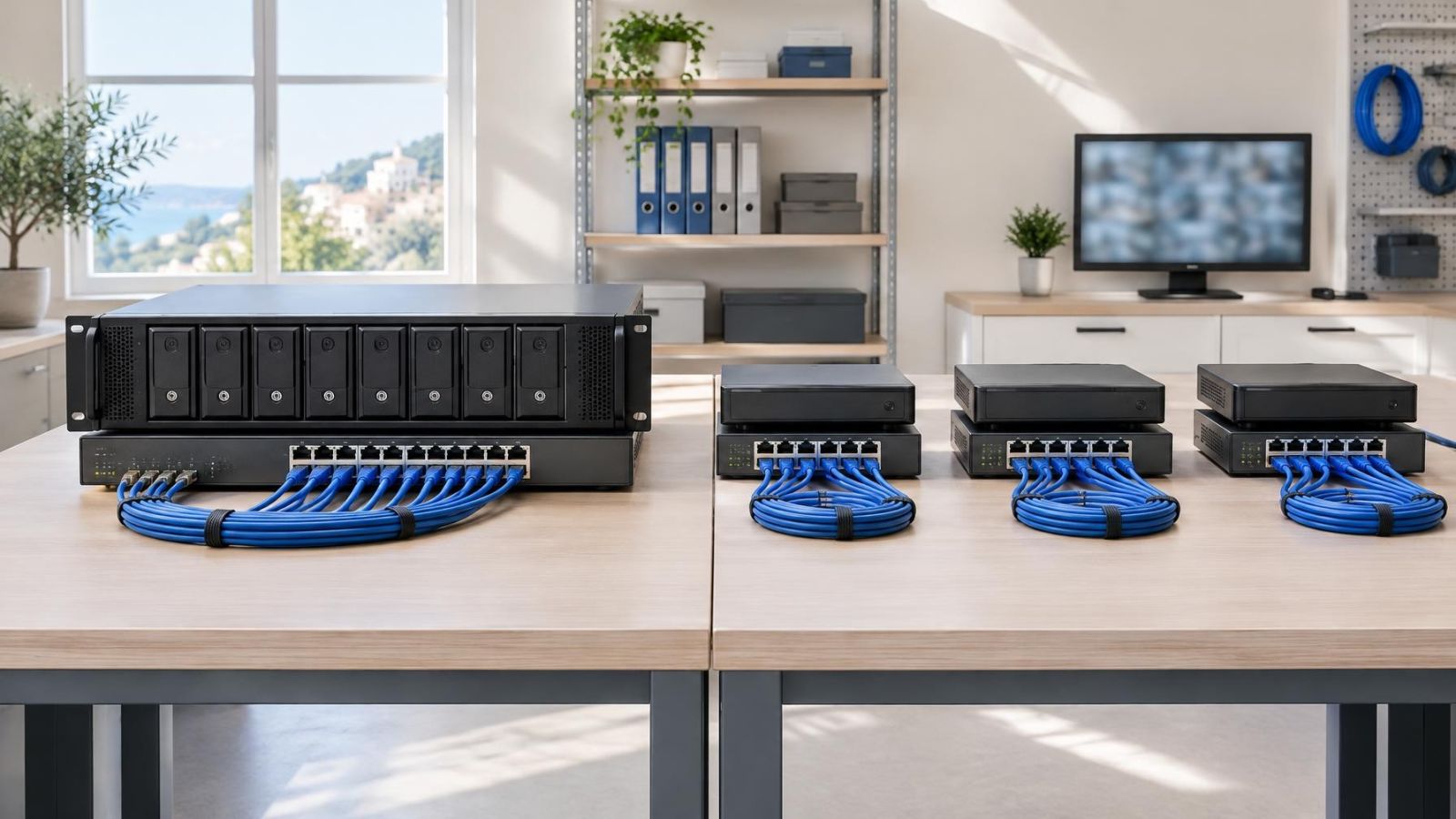
Recorder architecture defines the path between each camera and its storage. In a central design, camera streams may pass through local switches, building uplinks and a core switch before reaching one recorder. In a distributed design, each stream usually reaches a recorder in the same floor, building or operational area. Live viewing may still cross the wider network, but continuous recording traffic can remain local.
Storage is also arranged differently. A central recorder places storage drives in one location and usually applies one retention plan across a large camera group. Distributed video recording divides storage between devices. Each recorder then needs enough capacity for its assigned cameras and the required video retention period.
The visible user experience can be separate from the physical recording layout. Compatible recorders may appear in a common VMS (video management software) or remote-viewing interface. Users can search several devices from one workstation even though footage is stored in different cabinets. Support for unified search, playback and user permissions must be checked rather than assumed.
Architecture also creates failure boundaries. If a central recorder stops recording, every camera assigned to it is affected. If a distributed recorder stops, the impact is limited to its camera group. Network paths matter too: a working central recorder cannot receive a stream that cannot reach it, while a local recorder may continue receiving nearby cameras during an upstream-link interruption.
The recorder count is less important than knowing where each stream travels, where each recording is stored and which cameras share the same failure boundary.
Strengths of Centralized Recording
A central layout is usually easier to administer. There is one primary recording interface, one place to review recorder health and one set of storage resources to inspect. Search and playback are straightforward because recordings are already held in the same system. User accounts and camera permissions are also less likely to become inconsistent across devices.
What Does Centralized CCTV Recording Require?
Central recording requires dependable network paths from every camera area to the recorder. The core switch, uplinks and recorder network ports must carry the combined video traffic alongside other network use. A connection that is acceptable for occasional remote viewing may not be suitable for continuous recording from many cameras.
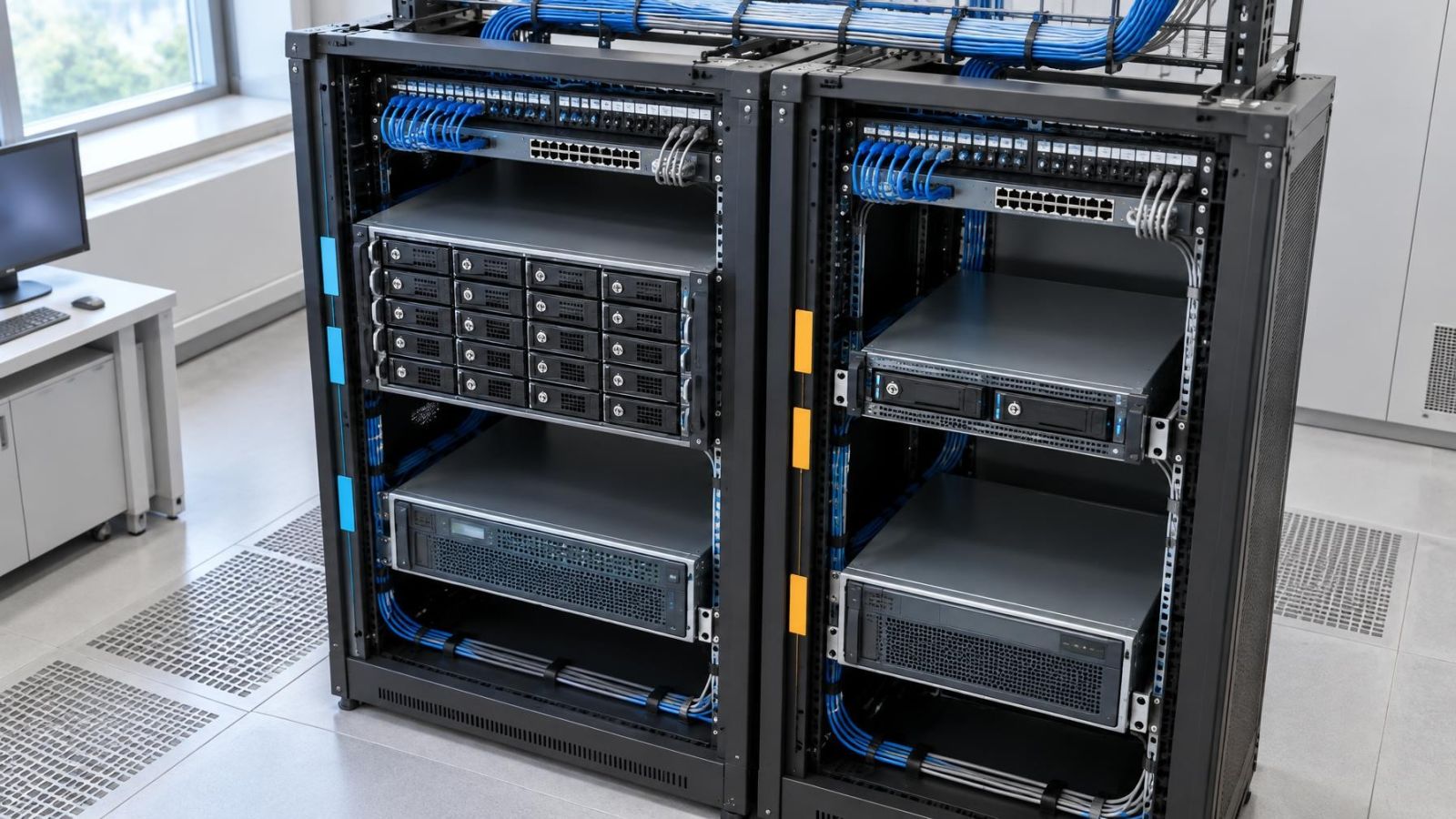
The consolidated equipment cabinet is convenient for servicing. The recorder, switches, storage and power backup can be inspected together. However, this also concentrates dependence on one location. Cabinet heat, dust, restricted airflow, power quality or a failed core network component can affect a large part of the system.
- Daily administration and footage export are usually simpler from one recorder.
- Unified search does not depend on coordinating several independent playback timelines.
- Storage and power equipment can be consolidated in a suitable equipment cabinet.
- Core switches and inter-area links become part of the continuous recording path.
- Maintenance or failure at the central location can affect a broad camera group.
Strengths of Distributed Recording
A distributed architecture places recorders close to the camera groups they serve. Cameras around a gate, separate office floor or detached structure can record through a local switch without sending every stream across the main property link. This is useful where buildings or business areas are connected by limited or operationally important uplinks.
When Do Multiple CCTV Recorders Make Sense?
Several recorders make sense when the property already divides into clear physical or network zones. A recorder failure then affects only the cameras assigned to that device. Planned servicing can also be performed on one area without taking every recording channel offline at once.
Distribution does not automatically make the system easier. Every recorder needs suitable storage, cooling, power and network configuration. Firmware management, time settings, user permissions and health checks must remain consistent. A remote property owner may find several unrelated interfaces frustrating unless the recorders support a common management layer.
Local placement also needs care. Putting a recorder in a storeroom near its cameras reduces network distance, but the location may have more dust, heat or uncontrolled access than the main cabinet. Distribution is useful only when each recording point is treated as proper infrastructure rather than a convenient shelf.
- Continuous video traffic can remain close to the cameras that generate it.
- Recorder failure is contained within a defined camera group.
- Separate areas can keep recording without depending on every upstream network link.
- Storage must be sized and maintained independently at each location.
- Remote viewing and playback need compatible management features if users expect one interface.
Capacity, Network and Resilience
Recorder channel capacity and storage capacity are separate constraints. A recorder may accept the required number of camera channels yet lack suitable storage for the desired retention. The reverse is also possible: ample drive space does not create additional supported channels or processing capability.
Leave channel headroom for cameras that are reasonably likely to be added. Also check feature support. Camera compatibility depends on the protocols, stream formats and functions supported by both devices, not merely on whether the camera has an Ethernet connection. Motion detection, audio, event markers and camera-side analytics may not pass through every recorder combination in the same way.
Storage planning should consider retention requirements, recording schedules, frame rate, compression, scene activity and resolution in pixels-per-frame terms. Continuous recording of a busy entrance behaves differently from event-based recording in a quiet internal area. Each distributed recorder must be calculated from its own camera group rather than receiving an arbitrary share of the total storage.
Network planning starts at the camera switch. PoE (power over Ethernet) capacity, switch throughput and uplink capacity all need attention. In a central design, follow the full route to the recorder and identify shared links. In a distributed design, distinguish local recording traffic from traffic used for remote viewing, administration and footage export.
Power backup should follow the architecture. A central recorder with working storage cannot record cameras whose local PoE switch has lost power. A distributed recorder needs backup at its own location as well as at the camera switch. Decide which devices must remain available together, then treat them as one functional group.
| Event | Central recorder | Distributed recorders |
|---|---|---|
| Recorder unavailable | Broad assigned camera group affected | Assigned local camera group affected |
| Core uplink unavailable | Streams beyond the link may stop reaching storage | Local recording may continue; central access may be interrupted |
| Local camera switch unavailable | Cameras on that switch affected | Cameras on that switch affected |
| Cabinet power unavailable | Central recording equipment affected | Equipment at one recording location affected |
| Remote interface unavailable | Local recorder access may remain possible | Local recorder access may remain possible |
Fit With Israeli Properties
Israeli properties often contain physical divisions that matter more than the apparent size of the site. An apartment building may have a shared entrance, lobby, parking area and service spaces connected through different cable routes. A central recorder can simplify access for an authorised building representative, but the route from every shared-area camera to the cabinet needs to be traced. Cabinet location and maintenance access may also require coordination with the va'ad bayit.
A private home may have cameras on the house, garden gate, parking area and an outbuilding. If a reliable wired link connects these areas, central recording can remain simple. If a gatehouse or detached structure already has its own switch and power backup, a local recorder may reduce continuous traffic over the inter-building connection. A hybrid arrangement can keep house cameras central while recording a remote zone locally.
Street-front businesses frequently have distinct operational areas: the public entrance, sales floor, stock area, office and sometimes a separate rear access point. One recorder is convenient when all network paths return to a secure, ventilated cabinet. Separate recorders become more attractive when areas occupy different floors, use separate network cabinets or must have different user permissions.
A mamad is a normal part of many Israeli floor plans, but its reinforced construction can weaken wireless links. Do not assume a camera or remote recorder will communicate reliably through it over Wi-Fi. Wired Ethernet is the more predictable basis for continuous video. If the mamad is considered for equipment placement, cable routes, ventilation, heat and practical access still need to be evaluated.
Strong sunlight can increase scene complexity and place more demand on recording and viewing, especially around gates and glazed entrances. WDR (wide dynamic range) can help the camera handle bright and shaded areas, but feature compatibility with the recorder should be confirmed. Dust, coastal humidity and cabinet heat also deserve attention. Recorders and storage drives need clean airflow; enclosing them tightly to keep dust out often creates a heat problem instead.
How Should You Choose?
Start with the property rather than a recorder specification sheet. The design process should reveal whether central, distributed or hybrid recording creates the clearest traffic paths and the most acceptable failure boundaries.
- Mark every planned security camera on a floor plan and group cameras by physical zone, such as entrance, parking area, office floor, gate or detached building.
- Trace the wired path from each camera to its network switch and from that switch to each possible recorder location. Mark shared uplinks and any links that are difficult to replace or service.
- Define acceptable failure boundaries. Decide which camera groups may share dependence on one recorder, one cabinet, one switch and one power source.
- Calculate camera channels and storage separately. Include practical channel headroom, then size retention for the actual recording settings and activity in each zone.
- Plan live viewing, playback and user permissions. Confirm whether distributed recorders can appear in one management interface and whether users can be restricted to relevant cameras.
- Choose the architecture only after comparing the operational result. Centralise where simplicity is valuable, distribute where traffic or failure separation matters, and combine the two where the property has distinct needs.
One Large Recorder or Several Smaller Ones?
Use one large recorder when camera groups have dependable paths to a suitable central cabinet and the value of unified administration outweighs the broader dependency. Use several smaller recorders when zones are physically separate, uplinks should not carry all continuous video, or recorder failures should remain local.
A hybrid design is often the most accurate answer. Recording can remain distributed while a VMS provides central management, remote viewing and user access. Another hybrid may use a central recorder for the main building and a smaller recorder for a gate or outbuilding. The important point is that central management does not require every stream to terminate on one recording device.
| Architecture | Best fit | Main dependency | Management |
|---|---|---|---|
| Central | Closely connected camera zones | Central cabinet and core network paths | Usually simplest |
| Distributed | Clearly separated areas or constrained uplinks | Several local cabinets and devices | Needs coordination |
| Hybrid | Mixed property with distinct zones | Both central and local infrastructure | Can be unified when supported |
Before committing, verify the complete combination of cameras, switches, recorders, storage and management software. A neat diagram is not enough if a required camera feature is unsupported or if footage from separate devices cannot be searched in the way users expect. Good architecture makes the everyday tasks clear: checking system health, finding an event, exporting footage, managing access and understanding what remains available when one component is offline.
Key takeaways
- Recorder architecture should follow the property's physical zones and the network paths carrying camera traffic.
- Recorder channel capacity and storage capacity require separate checks.
- Central management can present several distributed recorders through one interface when the system supports it.
- Failure boundaries deserve the same attention as everyday viewing convenience.
- A hybrid design often suits properties with clearly separated buildings, floors or business areas.