On this page
An NVR (network video recorder) can write footage from IP cameras to an internal hard drive or send the video archive to network attached storage across the local network. Both are valid forms of NVR storage, but they create different dependencies. The practical question is whether you need the direct, manageable path of internal disks or the expansion and shared access offered by network storage.
Does NVR Have Storage?
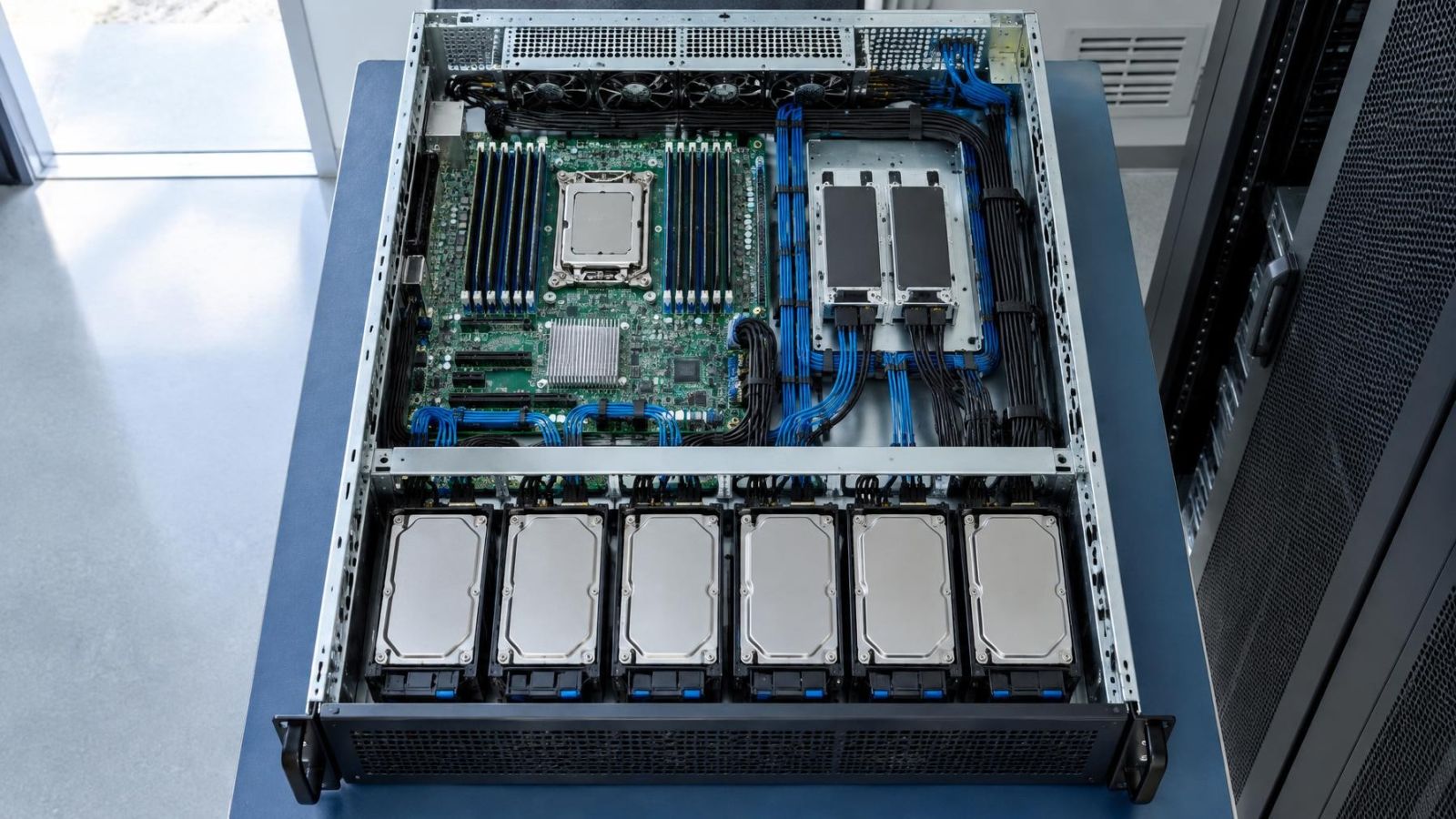
Yes. An NVR commonly contains one or more drive bays for internal recording disks. The recorder receives camera streams, writes them to those disks, maintains the archive index and presents recorded footage through its local interface, application or VMS (video management software). Storage may be included when the recorder is supplied, or the drives may be selected and installed separately.
What should you know about NVR internal storage?
With NVR internal storage, archive management remains inside the recorder. Recording, search and playback use a short path with relatively few components. If footage is missing or playback is slow, the installer can examine the camera stream, recorder and disks without first tracing a separate storage network.
The recorder must still support the drives. Compatibility is not only a question of whether a disk fits into a bay. The NVR may impose limits or requirements relating to drive type, usable capacity, interface, workload and the way multiple disks are managed. Added capacity has no value if the recorder cannot address it reliably.
- The recorder writes and indexes footage directly on its internal disks.
- Local playback does not need a separate connection between the recorder and a storage appliance.
- Drive health, formatting and archive settings are normally managed through the NVR.
- Supported drive characteristics and total manageable capacity should be verified before installation.
How Each NVR Storage Path Works
An internal path is straightforward: each IP camera sends its stream over the local network to the NVR, and the recorder writes that stream to an installed disk. Cameras powered through PoE (power over Ethernet) still use the same network cable for data. The PoE switch or recorder port, the NVR and the recording disk all participate in the path.
A network storage path adds another stage. Camera traffic reaches the recorder or VMS, which then writes footage across the network to the storage system. Some compatible platforms use a different workflow, but the essential requirement remains the same: the recording software and network storage protocol must work together in a supported configuration.
| Consideration | Internal disks | Network storage |
|---|---|---|
| Recording path | Camera to recorder to internal disk | Camera to recording system, then across the network to storage |
| Main dependencies | Recorder, installed disks and camera network | Recorder or VMS, storage system, network path and compatible protocols |
| Playback route | Recorder reads its own archive | Recorder or VMS retrieves footage over the network |
| Expansion | Limited by supported bays and manageable capacity | Potentially more flexible, within software and storage limits |
| Troubleshooting | Usually contained within fewer components | Requires checking recording software, storage and network behaviour together |
Archive access follows the design. A monitor connected to the NVR may still display footage held on network storage, but the underlying playback route is no longer local. The recorder, storage appliance, switch and relevant network links must all respond well enough for smooth searching and playback. Remote viewing adds another route for the user, but it does not change where the archive is recorded.
Capacity Starts With Recording Policy
Storage capacity should not be chosen from camera count alone. The useful starting point is the total bitrate produced by all recorded streams. Bitrate is influenced by scene activity, compression settings, frame rate, image quality and resolution in pixels per frame. A busy street-facing camera can create a different storage load from a quiet internal corridor even when their headline image settings appear similar.
Recording mode matters just as much. Continuous recording creates a steady archive load. Event recording writes footage when motion detection or another trigger is active, although pre-event and post-event periods also consume space. Event recording can extend retention, but only if detection is tuned for the actual scene. Moving branches, reflections, insects near IR and changes in strong sunlight can create unwanted events.
- Camera stream bitrate: Use the configured stream, not a general assumption based on camera resolution.
- Recording mode: Distinguish continuous recording from event recording and scheduled combinations of both.
- Image settings: Include frame rate, compression, quality and any secondary streams that are recorded.
- Retention target: Define how far back routine playback and incident review should reach.
- Future additions: Reserve manageable capacity and network headroom for cameras that are genuinely likely to be added.
For either internal disks or CCTV archive storage on the network, calculate the expected daily data from bitrate and recording policy, then compare it with usable rather than nominal capacity. Space used for system functions, disk management and operational headroom is not part of the practical archive.
Reliability Means More Than Redundancy
Multiple disks can be arranged so that an archive remains available after certain disk failures. That can reduce the operational effect of one failed drive, provided the recorder or storage system supports the arrangement and reports failures clearly. It does not protect against every problem affecting the recorder, the storage chassis, its configuration or the site.
Redundancy keeps a storage set operating through selected disk failures. Backup creates another copy with a different failure path.
A separate archive backup is therefore a different design decision. It may contain selected exports or a second copy of material that must remain available independently of the live recorder. Simply having several disks in one NVR or storage appliance does not create that separation.
Recorder failure also needs consideration. Internal disks may still contain footage, but access can depend on the recorder's file system, indexing and replacement compatibility. Network storage separates the disk enclosure from the recorder, yet the archive may still depend on the original recording software or database. Physical separation alone does not guarantee simple recovery.
Network interruption introduces another failure mode. Cameras and the NVR can remain powered while writes to remote storage stop. Some systems buffer footage locally or resume automatically; others leave a gap or require intervention. This behaviour must be confirmed for the exact workflow rather than assumed from the presence of spare capacity.
Plan exports before they are needed. Confirm who can find a time period, choose the relevant cameras, export footage and play the resulting files on another device. A large archive is not especially useful if retrieval depends on one person remembering an undocumented process.
When Does Network Storage Fit?
Network storage fits when its operational advantages solve a defined requirement. Typical reasons include a longer archive than the recorder can manage internally, staged storage expansion, central access for several authorised operators, or use of existing business infrastructure designed to support video workloads.
When does NVR network storage make sense?
It makes sense when the recorder explicitly supports the storage method and the network can carry both normal camera traffic and recorder-to-storage writes without compromising playback. Compatibility should cover continuous writing, archive indexing, restart behaviour, capacity limits and health reporting. A successful folder connection does not by itself prove that long-term recording is supported.
When does NAS video surveillance storage fit?
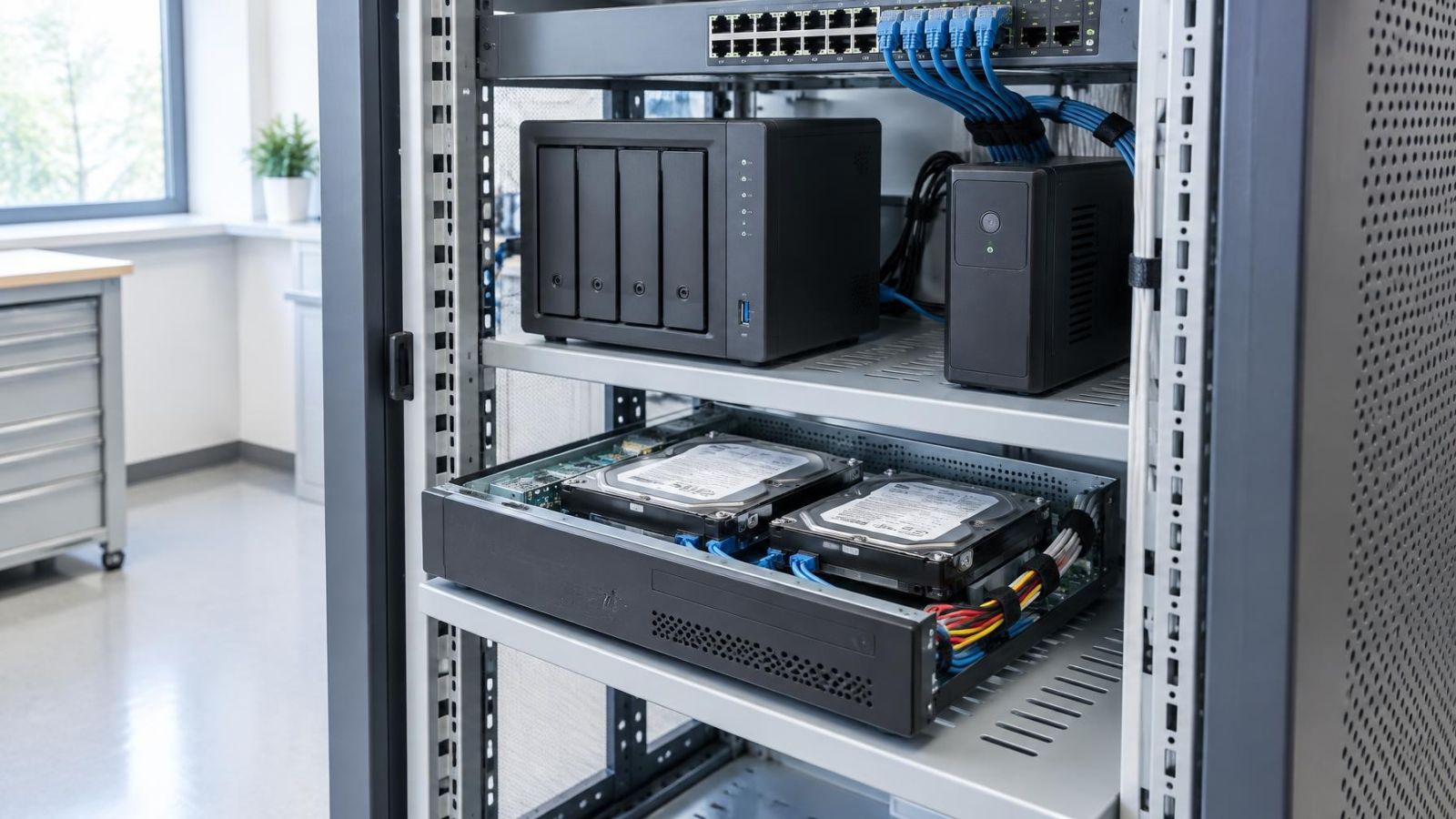
A network attached storage system can suit a business already using centralised storage administration, provided video recording is an intended and compatible workload. It may also help a remote property owner who needs managed archive access without placing every disk inside the recorder. Remote access should not be confused with backup: the archive may still be a single live copy.
Expansion remains conditional. The recorder or VMS must be able to address the additional capacity, retain a stable index and handle playback while recording continues. Storage that can be expanded in principle may still be constrained by the recording platform or by the network links serving it.
Installation Conditions Change the Choice
Storage design cannot be separated from the building. In an Israeli apartment, the recorder may be in a communications cabinet while network storage sits elsewhere in the home. In a small street-front business, cameras, office computers, payment systems and archive traffic may share switching infrastructure. Network bandwidth needs headroom for simultaneous recording, playback, exports and ordinary business use.
Power continuity must cover the complete path. Keeping the NVR powered is not enough when remote recording also depends on a switch and storage appliance. If remote access matters, the router may be part of the path as well. Power arrangements should match the expected behaviour during an interruption, including orderly shutdown where the equipment supports it.
Heat and dust are common practical causes of poor equipment conditions. A closed cabinet may look tidy but trap heat around disks, power supplies and network switches. Dust restricts vents and settles on fans. Near the coast, humidity and salt-bearing air make sheltered placement and sensible ventilation more important. Storage equipment belongs in a stable indoor location, not beside an exposed gate or in an unventilated roof space.
A mamad is the reinforced safe room found in many Israeli homes and workplaces. Its construction can weaken wireless connections, so it should not be treated as an ordinary room when planning network storage or remote playback. Wired Ethernet is generally the predictable path through or around it, but cable routes should be established before choosing equipment locations.
Choose the Simpler Supported Design
The best design is usually the simplest supported arrangement that meets the actual retention, playback and resilience requirements. Internal disks are the sensible default when the NVR can hold enough supported capacity and one recorder manages the archive. Network storage becomes worthwhile when its expansion or central access has a clear operational purpose.
- Define the required recording retention and decide which cameras need continuous or event recording.
- Estimate usable capacity from configured bitrate, recording policy, image settings and likely camera additions.
- Decide what failure exposure is acceptable, separating disk redundancy from any requirement for a second archive copy.
- Describe normal playback: who searches, where they work and whether several people may review footage at once.
- Verify the complete supported path, including recorder software, disks or network storage, protocols, switching and recovery behaviour.
- Assign maintenance responsibility for checking drive health, storage alerts, failed writes, retention and export procedures.
Internal and network storage can both record dependable archives when used within their supported limits. The decision should not be based on which option sounds more advanced. It should be based on which path can be understood, monitored and maintained by the people responsible for the property.
Key takeaways
- Internal NVR disks provide the most direct recording path and are usually easier to install, operate and troubleshoot.
- Network storage is useful when a compatible recording system needs flexible expansion or centralised archive access.
- Recording retention must be calculated from bitrate, recording mode, image settings, camera count and usable storage capacity.
- Disk redundancy can preserve access after certain disk failures, but a separate archive backup protects against different failure scenarios.
- Storage should be selected as part of the complete path from each camera to recording, playback and export.