On this page
A CCTV camera at a home entrance and one outside a street-front business do not necessarily need the same CCTV frame rate. The network video recorder (NVR) may record a detailed main stream while a lighter substream carries remote viewing. The practical question is not which setting looks smoothest on a monitor. It is which combination records the movement you need to examine, at the distance where it matters.
Frame rate describes how often the camera captures an image, expressed in frames per second. More frames can show more stages of movement. They do not automatically make a moving face, hand or vehicle sharper. Each individual frame still depends on exposure time, illumination, focus, viewing angle and the number of useful pixels on the subject.
What Is a Good CCTV Frame Rate?
A good setting is one that records enough stages of the relevant movement without consuming resources that add no useful detail. Walking through an entrance is different from a vehicle passing a gate. Activity at a counter is different again: the important movement may be a hand reaching across a small area rather than a person crossing the whole image.
How should security camera FPS match the scene?
Start by defining the task in ordinary language. Do you need to see who approached a door, follow the sequence of an exchange at a counter, or select a clear frame of a vehicle moving through a narrow capture zone? The right frame rate for motion follows from that task. Choosing the highest available setting first reverses the process.
- Home entrances: movement is usually walking speed, but the face may be visible for only a short part of the approach.
- Shop counters: relatively small hand movements and interactions can matter more than movement across the room.
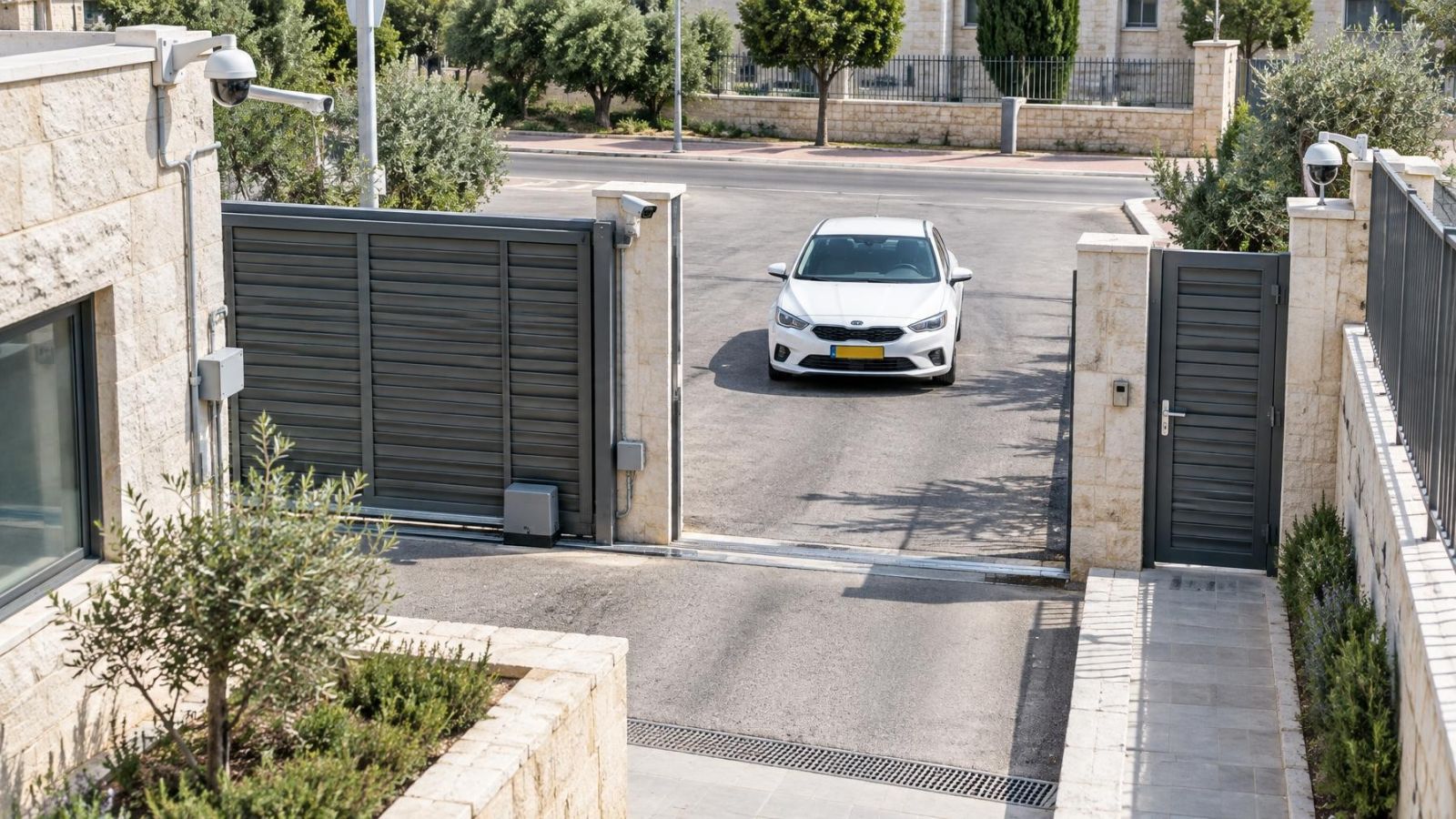
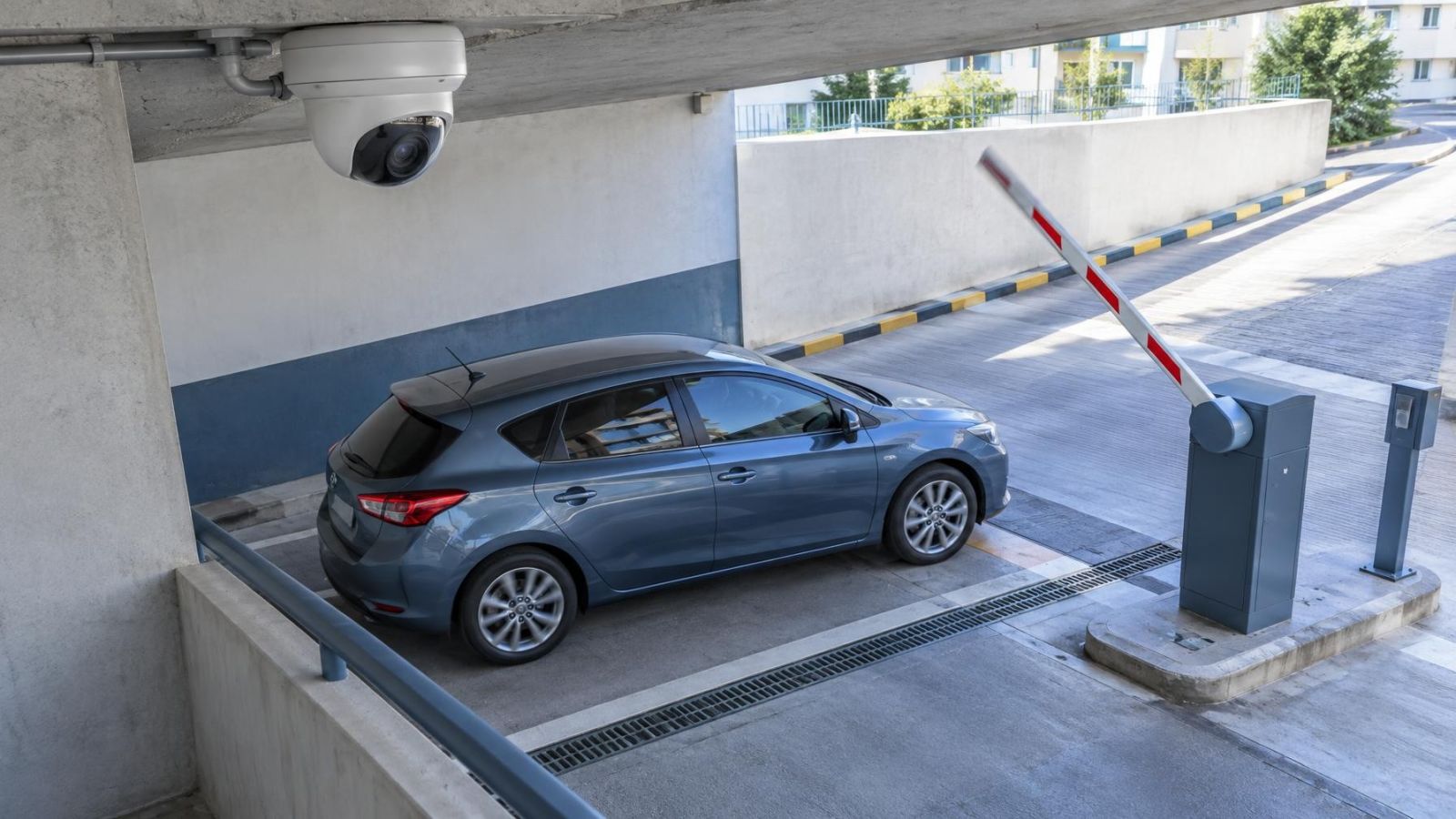
- Garden and parking gates: vehicles, bicycles and people may cross the useful view at different speeds.
- General overviews: continuity and context often matter more than extracting fine detail from every moving subject.
Smooth live video can be pleasant to watch, but it is not the same as useful recorded detail. A lower frame rate with a suitably short exposure can produce clearer paused frames than a higher rate with long exposure. Conversely, a very low rate may omit important stages of an action even if every captured frame is sharp.
The useful setting is not the one that looks most like television. It is the one that gives the recorder enough clear moments to describe the event.
Frame Rate Is Only One Variable
Frame rate controls the interval between captured images. Shutter speed, or exposure time, controls how long each image gathers light. During that interval, a moving subject changes position. If the exposure is long, those positions merge into a streak or soft edge inside one frame. Capturing more blurred frames does not turn them into sharp frames.
Do camera FPS settings control motion blur?
They influence the available exposure choices, but they do not control blur by themselves. The camera still needs enough light to use a shorter exposure. If an automatic mode extends exposure in a dark area, movement can blur even while the stream continues at a high frame rate. This is why configuration screens should not be assessed one setting at a time.
Resolution is also separate. It determines how many pixels each frame contains, but useful subject detail depends on framing and distance. A high-resolution overview of a wide car park may allocate relatively few pixels to a face near the far edge. Increasing frame rate does not change that allocation. Moving the camera, narrowing the view or adding a dedicated view may matter more.
- Confirm that focus is stable at the target distance, not merely sharp on a nearby wall or railing.
- Check whether exposure preserves the subject while allowing acceptable background detail.
- Assess the subject’s size in the frame before relying on resolution specifications.
- Treat lighting as part of the capture system rather than as a condition the camera must somehow overcome.
Why Night Footage Changes the Choice
After dark, the camera has less light to build each image. Automatic exposure may respond by extending exposure time or adding image gain. Longer exposure increases motion blur. More gain can reveal the scene, but it also reveals noise. Compression then has to describe that changing noise along with the actual movement.
Infrared illumination can support night vision, but only where it reaches the target effectively. A bright foreground wall, soffit or plant can reflect IR into the camera and cause the rest of the scene to appear darker. Dust, insects and moisture close to the lens can also become conspicuous under the illuminator. Near the coast, residue on the cover deserves particular attention because it scatters both visible and infrared light.
The correct test is illumination across the area where identification or action detail is required. A scene can look bright overall while the person or vehicle remains poorly lit. Garden paths, apartment entrances and business frontages often contain alternating pools of light and shadow. The camera’s exposure response may change as the subject moves between them.
What happens with headlights and reflections?
Headlights can dominate a driveway view, while glass doors, pale stone and reflective signs can return light directly towards the lens. Strong contrast may leave one part of the image readable and another part lacking detail. WDR (wide dynamic range) can help balance bright and dark areas, but it does not replace suitable positioning, controlled exposure or adequate illumination at the target.
Night settings should therefore be evaluated separately from daytime settings. A frame rate that works well in strong Israeli sunlight may lead the camera to use very different exposure behaviour after dark. The aim is not identical-looking footage. It is useful motion detail under both conditions.
How Does Higher FPS Affect Storage?
Higher FPS usually gives the encoder more images to process and describe. Depending on the compression mode and scene, that can increase bitrate, network bandwidth and recording storage use. The increase is not perfectly fixed because an encoder can reuse information between similar frames. A quiet indoor scene is easier to compress than moving leaves, traffic, digital noise or constantly changing light.
Bitrate is the more direct measure of the data being produced. If bitrate is capped too tightly while frame rate, resolution and scene complexity remain high, the encoder has to discard detail. The result may include blocky movement, smeared texture or a sharp-looking still scene that deteriorates as soon as someone walks through it.
What are the main stream and substream for?
The main stream normally carries the recording quality selected for the NVR or VMS (video management software). The substream is a lighter version intended for phone viewing, multi-camera grids or connections with limited upstream bandwidth. They can use different frame rates, resolution and bitrates because they perform different jobs.
This separation is particularly useful for remote property owners. The NVR can retain the detailed recording locally while the substream provides a manageable live view over the internet. A soft or less fluid substream does not necessarily mean the main recording has the same limitation. The recorded main stream must be opened and checked directly.
- More captured frames can raise the camera’s encoding workload.
- Higher main-stream bitrate uses more capacity on the local network and recorder interfaces.
- More recorded data shortens retention when storage capacity and other settings remain unchanged.
- Several simultaneous high-quality live views can add load to the recorder, client device and network.
- A substream can reduce remote-viewing demand without reducing the locally recorded main stream.
On a larger PoE (power over Ethernet) installation, the design should consider total traffic rather than assessing each camera in isolation. Network links, recorder decoding capacity and display layouts all have practical limits. A separate camera VLAN can organise and isolate video traffic, but a VLAN does not create additional bandwidth or processing capacity.
Match Settings to the Actual Scene
Camera roles should be assigned before settings are copied across the system. Uniform configuration is convenient, but entrances, counters, gates and overviews rarely present identical movement or light. Start with a sensible baseline, then adjust each important view according to its task.
| Scene | Movement to examine | Configuration priority | Common limitation |
|---|---|---|---|
| Home entrance | Walking approach and brief pause | Clear faces through the useful approach zone | Backlighting from an open doorway or bright exterior |
| Business counter | Hands, items and short interactions | Detail over a compact working area | People blocking the view or uneven indoor light |
| Gate or driveway | People, bicycles and moving vehicles | Short exposure and well-defined capture zone | Headlights, deep shade and subjects crossing too quickly |
| Street frontage | Movement near the entrance and pavement context | Balanced overview with useful entrance detail | Strong sun, glass reflections and changing shadows |
| Plate view | Vehicle plate within a narrow path | Dedicated framing, exposure and illumination | Wide overview leaves too few useful pixels on the plate |
License plate capture deserves its own view. A wide overview camera may show where a vehicle went, yet allocate too little image area to the plate. It may also expose for people, building fronts and sky rather than for the reflective plate. A dedicated view can be aimed at the expected vehicle path and configured for that narrow task.
Israeli exteriors make contrast management important. Strong sun can place an entrance in deep shade while the pavement or garden remains very bright. The direction and length of the shadow change, so a single midday check is not enough. Camera position, WDR, exposure and the target zone should be considered together.
Dust also changes a system gradually. A slightly dirty cover may seem acceptable by day but create haze around lights at night. Cleaning access should be part of placement. A camera that requires awkward equipment to reach is less likely to receive routine attention, especially at a remotely managed property.
Test Motion Before Approving the System
Commissioning should use recorded playback, not live view alone. Live video may be showing the substream, may be scaled by the display, or may be affected by the viewing connection. Playback from the recorded main stream shows what the system actually retained.
Testing should reproduce the intended movement. Someone should walk towards and across an entrance, use the counter area, or travel through the gate at an ordinary pace. Waving a hand close to the lens is not a useful substitute. The subject must pass through the real target zone at the distance for which the camera was planned.
- Record representative movement through each important target area in daylight.
- Open the main recording and confirm which stream, frame rate, exposure and bitrate were actually stored.
- Play the sequence normally, then pause and step through individual frames at the useful distance.
- Repeat the movement after dark with the installed lighting and infrared behaviour in their normal operating state.
- Check remote viewing separately so that substream quality is not confused with recording quality.
- Document the approved settings and any scene-specific reason for departing from the system baseline.
Pause-frame inspection should answer practical questions. Is there at least one clear view while the face is correctly oriented? Are hands distinguishable in the counter zone? Does a moving vehicle remain defined where the dedicated camera expects it? If all available frames are blurred, review shutter speed and light. If sharp moments are missing between frames, review frame rate and the size of the capture zone.
The handover record should include the selected stream settings, exposure behaviour, night mode, retention configuration and any scheduled changes. Documentation matters when another person later maintains the property or when a remote owner asks why two cameras are configured differently. It also gives the installer a known baseline if lighting, landscaping or the camera view changes.
A well-chosen frame rate is therefore part of a complete capture design. It has to work with shutter speed, illumination, subject size, compression and storage. The final judgement belongs to the recording made in the actual scene, not to the largest number available in a settings menu.
Key takeaways
- Frame rate should be chosen for the movement that matters at the camera’s intended target area.
- Shutter speed controls motion blur within each frame more directly than frame rate does.
- Lighting, bitrate, bandwidth and recording storage must be considered together when selecting recording settings.
- A detailed main stream and a lighter substream can serve recording and remote viewing without requiring identical settings.
- Recorded motion should be tested in the real scene during both daylight and darkness before the system is approved.