On this page
Is RAID the same as backup?
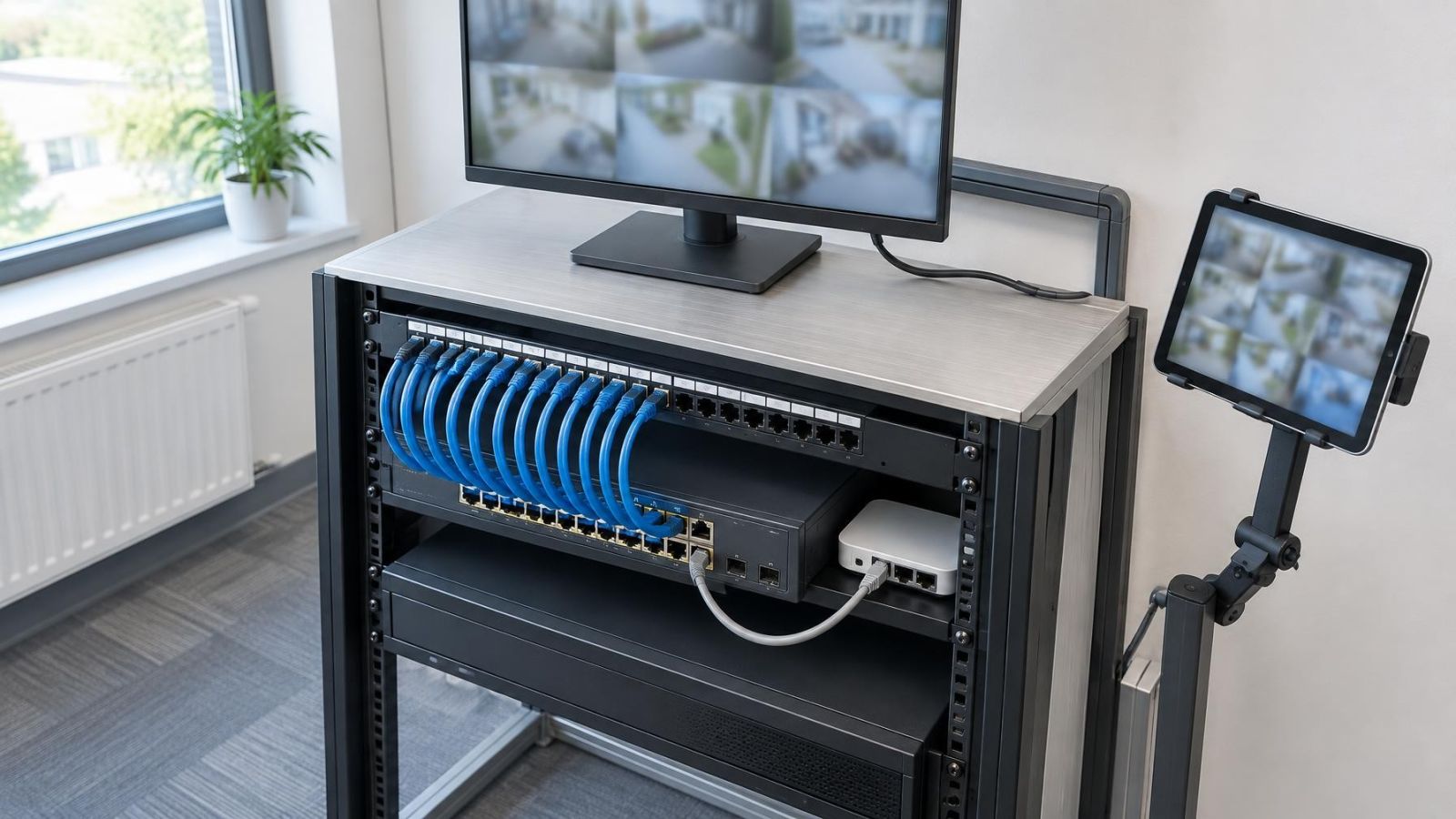
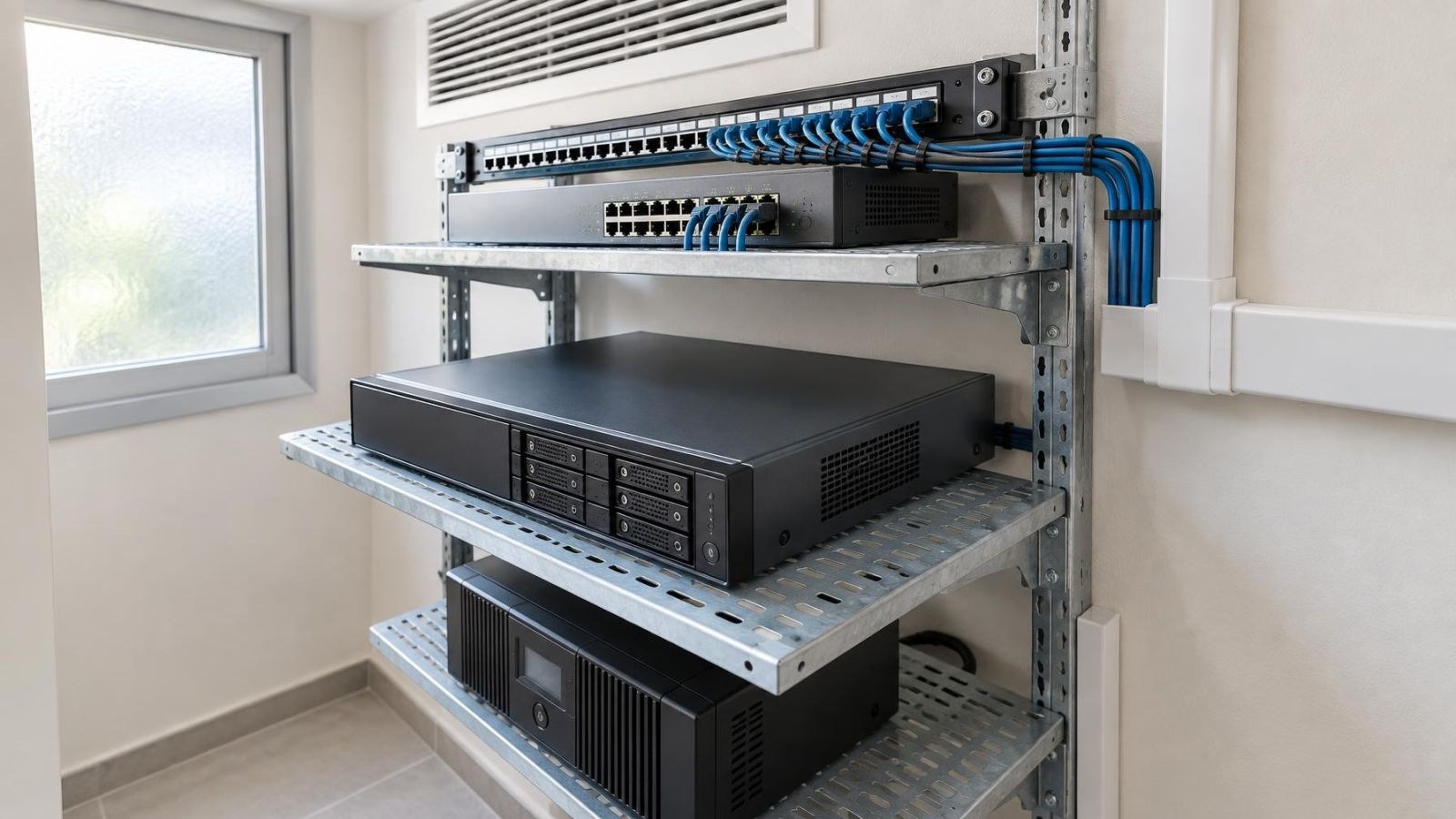
A video recorder may use a disk array with mirrored drives while security cameras send footage to local storage and selected recordings are copied to remote storage. These components can look like several layers of protection, but they do different jobs. Disk redundancy and video backup are not interchangeable: redundancy supports continued operation after certain drive failures, while backup provides an independent copy for recovery.
RAID vs backup: what is the practical difference?
RAID is a way of arranging multiple drives. Some arrangements use drive mirroring or parity so an NVR (network video recorder) can keep recording when one drive fails. The exact behaviour depends on the array design. RAID does not automatically place footage outside the recorder, preserve every earlier version or make recordings readable without the recorder.
| Question | Disk redundancy | Video backup |
|---|---|---|
| Primary purpose | Recording availability | Independent recovery |
| Location | Inside the recorder or attached array | Separate device or remote storage |
| Drive failure | May allow continued recording | Retains a separate copy if already transferred |
| Deletion or overwrite | Usually repeated across the array | May retain an earlier copy, depending on policy |
| Original recorder required | Usually yes | No, if recovery is properly designed |
Independence is the key distinction. A second copy on another disk inside the same chassis still shares the recorder, power supply, operating system, configuration and physical location. A genuine backup has enough separation to remain usable when the original system is unavailable. It also needs a documented way to locate, open and play the files.
Redundancy asks whether recording can continue. Backup asks whether an independent copy can be recovered.
What disk redundancy actually protects
How does NVR disk redundancy work?
NVR disk redundancy is mainly designed around hard drive failure. With a suitable array, the recorder may continue writing footage after one member fails. In a mirrored-drives NVR, the same data is written to more than one drive. Other disk arrays distribute data and recovery information across several drives. Not every multi-drive recorder is redundant, and different array layouts tolerate different failures.
A failed drive must still be replaced. The recorder then rebuilds the array by reconstructing or copying data onto the replacement. During this process, the array is degraded. Recording and playback may be slower, and the remaining drives are doing additional work. Depending on the arrangement, another drive failure during this period can make stored footage unavailable.
- Confirm which drive has failed and record its bay or slot before removing anything.
- Check that the replacement is suitable for the recorder and array configuration.
- Start or confirm the rebuild, then monitor it for errors rather than assuming replacement completes the work.
- After the rebuild, verify current recording, search and playback from several cameras.
Redundancy is therefore useful infrastructure, but its protection is narrow. It reduces interruption caused by particular disk failures. It does not address every storage fault, and it does not create a historical copy outside the live recording system.
Failures redundancy cannot cover
Mirrored drives repeat changes. If an authorised user deletes a recording, the deletion is reflected across the array. When the recorder reaches its retention limit and overwrites old footage, redundancy does not preserve the earlier material. It has maintained matching storage, not created a separate history.
- Recorder damage or loss: all internal drives share the same chassis, power supply and physical location.
- File-system or configuration problems: a fault affecting how the recorder stores or indexes footage can affect the whole array.
- Power dependencies: redundant disks do not keep the recorder operating when its power path is unavailable.
- Network dependencies: a camera stream that never reaches the recorder cannot be reconstructed by the disk array.
- Access mistakes: incorrect permissions, accidental deletion or poorly controlled administrative access can affect all local copies.
- Unwanted replication: a synchronisation system may copy corruption or deletion to another destination unless versions or protected retention are available.
A local backup connected permanently to the same recorder can share more risks than expected. Malware, account misuse, configuration errors or a failed power component may affect both. Physical separation helps, but logical separation matters too. Separate credentials, controlled deletion and retained versions can prevent an automatic copy from behaving like a mirror.
Neither redundancy nor backup fills a gap that was never recorded. If a camera loses power, its network link fails or glare makes the scene unusable, storage design cannot reconstruct the missing detail. Strong Israeli sunlight makes camera position and WDR (wide dynamic range) relevant at entrances, while dust and coastal humidity make maintenance part of recording reliability.
What footage actually needs backup?
Not every continuous stream needs an off-site copy. Local recording can hold routine footage for normal search and playback, while selected events or critical cameras receive additional preservation. Copying everything may consume upload capacity and remote storage without improving the recovery plan. The decision should begin with how long older footage remains operationally useful.
- Identify cameras whose recordings would still matter if the recorder became unavailable, such as a home gate, apartment entrance under shared management, stock area or small-business street frontage.
- Decide whether each camera needs continuous backup, event-based clips or manual export only after an incident.
- Preserve sufficient image quality for the intended review. A low-quality secondary copy may omit the detail that made the original useful.
- Set local recording retention separately from preserved-event retention. The live recorder can overwrite routine footage while selected clips remain elsewhere.
- Account for the owner’s location. A remote-property owner may need automatic transfer and a trusted local person, while an occupied home may support supervised exports.
Camera priority is more useful than a single rule for the whole site. A garden overview may provide context but have little long-term value. A gate camera may deserve a recoverable copy because it records arrivals and deliveries. For a business, older footage may help resolve stock, service or access questions. The plan should reflect actual operational needs, not simply the number of cameras.
Event-based backup also needs careful motion detection settings. Moving vegetation, headlights, insects near IR illuminators and hard shadows can create unnecessary clips. Conversely, a narrow detection area can miss the beginning of an event. Test daytime, night vision and changing light before relying on event selection as the only path to backup.
Choose the backup method and location
Where should CCTV video backups be stored?
Important recordings should be stored outside the original recorder and, where practical, outside the same physical location. The destination may be another recorder, remote storage or removable storage kept elsewhere. The correct choice depends on upload capacity, required retention, the amount of footage selected and who must retrieve it.
| Method | Transfer pattern | Main strength | Main limitation |
|---|---|---|---|
| Off-site recorder | Continuous or scheduled | Independent recording location | Depends on network and remote hardware |
| Remote storage | Automatic upload | Accessible without visiting the site | Limited by upload capacity and service availability |
| Scheduled export | Periodic manual or automated copy | Controlled selection of footage | Creates gaps if the schedule or process fails |
| Removable storage kept elsewhere | Manual export | Strong physical separation | Requires handling, indexing and secure storage |
For Israeli homes and small businesses, the useful network figure is the upload capacity actually available at the recorder. A fast download connection does not establish that multiple camera streams can be sent out reliably. Test the connection under normal busy conditions. In a mamad or behind reinforced walls, wireless links can be less predictable, so a wired path to the router is preferable where feasible.
Continuous remote replication uses more bandwidth than transferring selected clips. A system can record locally first and upload from a queue, but an extended outage may delay or prevent transfer. Remote properties need a clear indication when the queue is not clearing; otherwise, remote storage can appear healthy while recent footage exists only on site.
Protect backup access separately from everyday recorder access. Use individual accounts where available, restrict deletion rights and encrypt recordings during transfer and storage when the chosen system supports it. Keep recovery credentials somewhere accessible to the responsible owner rather than only inside the original recorder.
An archive and a recoverable backup are related but not identical. An archive is usually selected material organised for longer retention. A backup is designed for restoration after the primary copy becomes unavailable. A folder full of exported files is neither useful archive nor useful backup if nobody can identify the camera, time period, file format or playback method.
Define and test the recovery plan
A backup plan needs an owner. For a private home, that may be the resident, a remote owner or a trusted local contact. In an apartment building, responsibility may sit with the person appointed to manage the shared system. In a business, assign the task to a role rather than leaving it as an informal assumption.
- List every critical camera and state whether it receives continuous backup, selected-event backup or manual export.
- Define how long routine local footage and preserved copies are kept, including what happens when each destination becomes full.
- Record the backup destination, transfer method, responsible person and required access credentials.
- Recover a sample without using the original recorder. Confirm that the file can be found, opened, played and exported on separate equipment.
- Check timestamps, camera names, video duration and image quality. A file that opens but cannot be matched to the required scene is not a satisfactory recovery.
- Repeat playback and restoration checks periodically and after changes to storage, networking, user accounts or recording configuration.
Testing should cover more than a successful file transfer message. Some exports require a separate player. Others depend on an index held by the recorder. Confirm that the necessary playback software and instructions remain available, and keep them with the backup rather than only on the recording unit.
Retention and overwrite settings also need deliberate choices. If the remote destination simply follows the local recorder, old material may disappear from both at the same time. If it retains everything indefinitely, finding the relevant recording becomes harder. Define a manageable retention policy and protect specific clips from routine overwrite when they need longer preservation.
The final document can be short, but each critical camera needs a clear decision: what is copied, where it goes, how long it remains, who checks it and how it is restored independently. Disk redundancy then performs its proper role—supporting recorder availability—while backup provides a separate route to video recovery.
Key takeaways
- Disk redundancy supports recording continuity but does not provide independent video recovery.
- Mirrored drives repeat deletions and do not preserve footage already overwritten by the recorder.
- Important recordings need a copy stored outside the original video recorder and its immediate failure domain.
- A usable backup plan defines retention, controls access and tests restoration without the original recorder.