On this page
An entrance camera looking through a glass entrance door may see a shaded face in a building lobby against a brilliant exterior. A garden gate can create the same problem, and the network video recorder (NVR) may faithfully record a face that is simply too dark to use. The practical question is whether camera wide dynamic range can balance the scene, or whether position, framing and exposure must change first.
Why entrances create difficult exposure
An entrance is rarely one lighting environment. It is a boundary between two. A person may stand under a canopy or inside a lobby while the camera also sees sunlit paving, pale stone, parked vehicles or open sky. If exposure follows the bright background, the nearby face becomes dark. If it follows the face, the exterior may lose highlight detail.
The contrast also changes through the day. Direct sun can move across a gate, strike a glass panel or disappear behind the building. At a street-facing business, interior lighting adds another layer. Reflections may show the street, ceiling lights and the camera's own surroundings at the same time. No single daytime preview represents all of these conditions.
- A camera inside a building lobby may look from a relatively dark space towards a bright pavement.
- A camera outside may see a shaded visitor with bright sky or sunlit stone behind them.
- A glass entrance door can reflect light into the lens even when the subject itself is evenly lit.
- A private garden gate may alternate between full sun and deep shade as the sun direction changes.
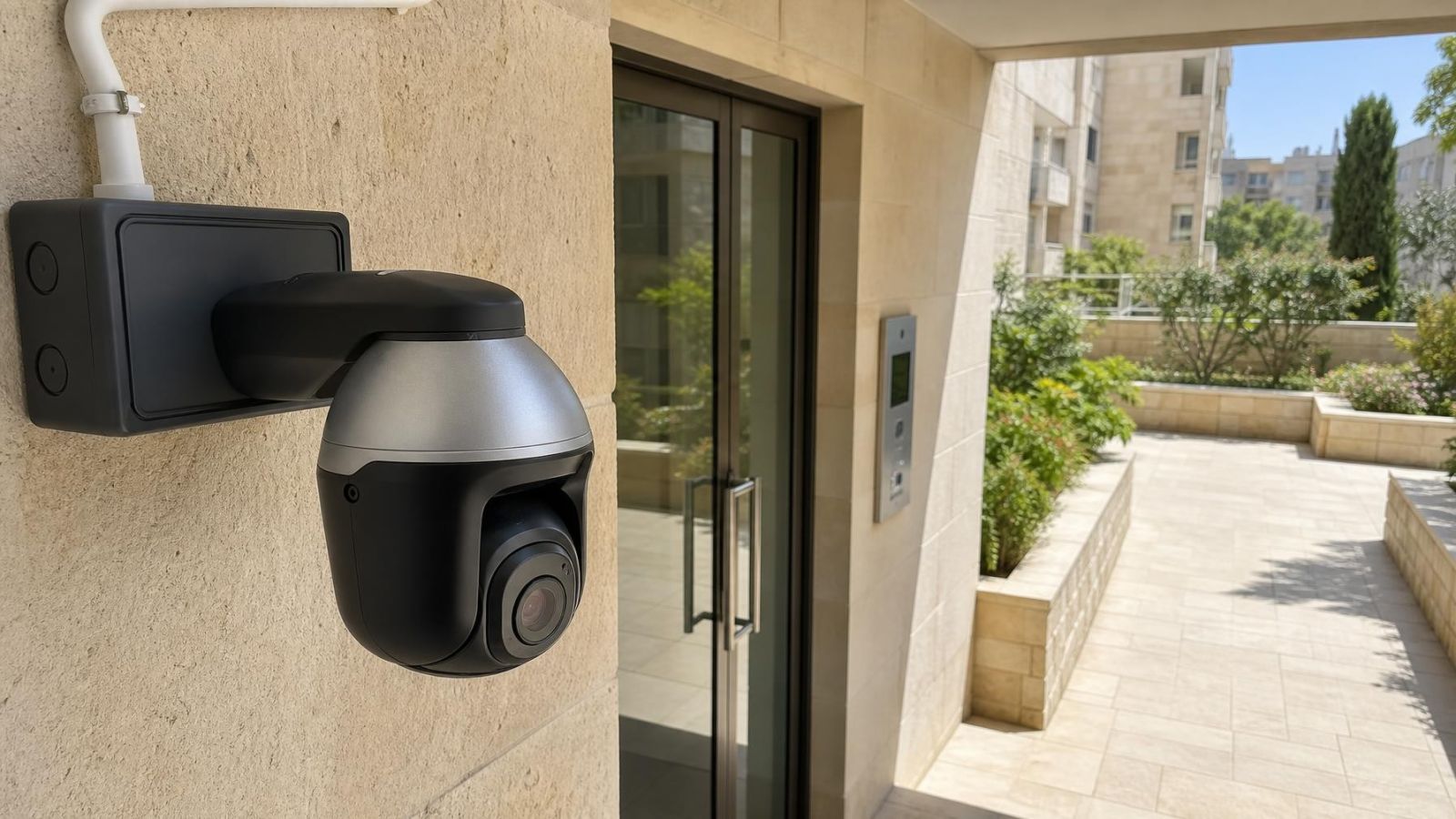
- A shared apartment entrance may require a compact view that covers the threshold without filling the frame with the brighter street.
Strong sunlight is not only a question of brightness. The location of the brightness matters. A small, intense reflection near a face can be more disruptive than a larger bright area at the edge of the view. The useful goal is therefore not an image that looks uniformly bright. It is a recording that retains the required detail where people actually cross the entrance.
What Is Camera Wide Dynamic Range?
Wide dynamic range (WDR) is an exposure and image-processing capability for scenes containing bright and dark areas at the same time. It aims to keep information in both regions instead of allowing the highlights to become blank or the shadows to become featureless. At an entrance, that can mean showing a shaded person while retaining useful tonal detail outside.
Simple overall exposure works differently. Brightening the complete image may reveal a dark face, but it also pushes an already bright background further towards white. Darkening the image protects the background while making the shaded foreground less visible. WDR applies a more selective balance across the scene rather than moving everything in one direction.
The result is not unlimited. Direct sun in the lens, intense reflections and severe flare can remove contrast before processing has useful information to work with. Strong processing can also make tonal transitions look artificial. A moving person may show less natural edges or brightness changes, particularly when the scene is close to the camera's exposure limits.
WDR can balance a difficult image, but it cannot restore detail that glare has already washed out at the lens.
WDR should also be judged as part of the complete recorded system. A polished live view is not enough. Compression, motion and playback through the NVR can reveal weaknesses that are not obvious while someone stands still in front of the installer.
WDR versus backlight compensation
WDR and backlight compensation respond to related problems, but they set different priorities. WDR tries to balance detail across a high-contrast scene. Backlight compensation raises the exposure of a darker priority area, commonly the foreground subject, even if the brighter background loses detail.
| Method | Main priority | Likely compromise | Best fit |
|---|---|---|---|
| WDR | Balance bright and shaded areas | Processing can look less natural when pushed hard | The entrance and exterior both matter |
| Backlight compensation | Brighten the selected foreground area | Highlights behind the subject may be lost | The person at the threshold matters more than the background |
| Overall exposure adjustment | Move the whole image brighter or darker | One end of the tonal range may lose detail | The scene has modest contrast or one clear priority |
How does WDR help with security camera backlight?
Security camera backlight occurs when the important subject is darker than the area behind it. WDR reduces that imbalance by treating bright and dark regions differently. A face under an entrance canopy can become more readable without turning the entire sunlit background white. The improvement depends on the available image information and on how severely the light enters the lens.
The choice should follow the evidence required from the view. If the camera only needs to show the person crossing a narrow threshold, sacrificing exterior highlights may be acceptable. If the recording must also show activity around a gate or pavement, scene-wide balancing is more useful. Labels in a settings menu do not settle that choice; recorded examples do.
Position before changing settings
Camera position and framing often improve a difficult entrance more than aggressive processing. The first objective is to stop unnecessary brightness reaching the image. Move direct sun out of the frame where possible. Reduce open sky, polished surfaces and large glass reflections. Give the doorway or gate threshold more of the available pixels in each frame.
How can entrance camera glare be reduced?
Entrance camera glare is reduced by changing the relationship between the lens, the light source and the reflective surface. A small move sideways or further into shade can be more effective than a large settings change. A deeper mounting point may shield the lens. A side angle can prevent the camera from looking squarely into reflective glass, although an excessive angle can make faces harder to see.
- Aim below bright sky when the useful activity takes place at door or gate height.
- Avoid placing the sun's expected path directly behind approaching people.
- Use an existing canopy, recess or wall return to shade the lens without blocking the view.
- Keep reflective glass near the edge of the frame when it does not need to be recorded.
- Frame the crossing point tightly enough for useful detail, while retaining the approach direction that matters.
- Check whether a person entering and a person leaving present different face angles to the camera.
Where should CCTV face in strong sunlight?
A security camera should face the entrance threshold and expected path of movement rather than the brightest part of the exterior. It should not point directly at the sun merely to obtain a symmetrical view. In Israel, the sun direction can expose different weaknesses at different parts of the day, so assess more than one direction of light before finalising the mount.
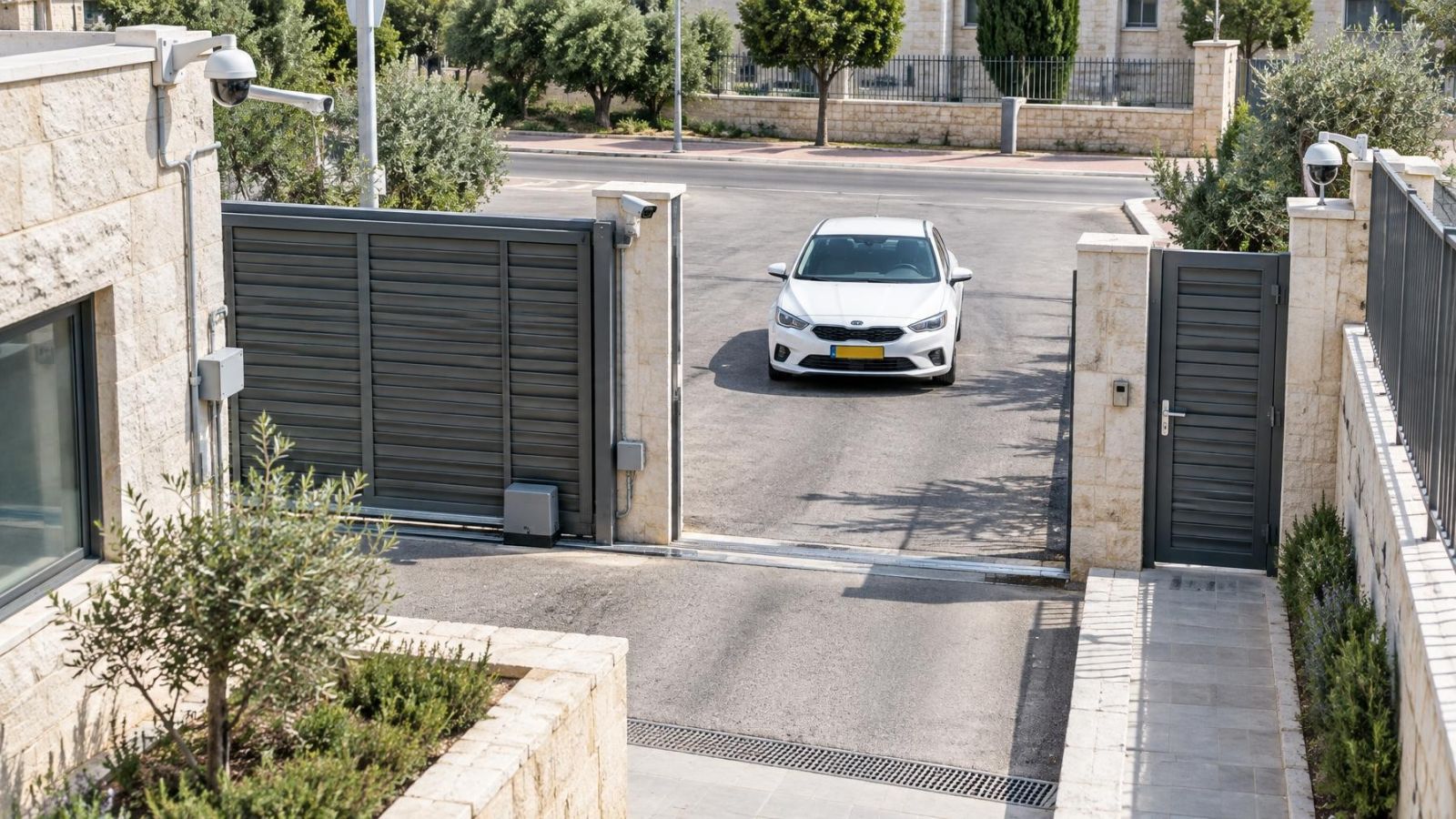
At a shared building entrance, the useful view is often the doorway and immediate approach, not the full street. At a garden gate, the best angle may look partly across the opening instead of straight outward. For a glass-fronted business, mounting to one side can reduce reflections while still recording people as they pass through the door.
How should entrance exposure be tuned?
Begin with the physical position settled and the lens cover clean. Then use moderate settings. Maximum processing is rarely the best default because it may introduce unnatural tones, noise or motion artefacts. The priority area should be explicit: the face zone, the threshold, the gate opening or another defined part of the frame.
- Set a moderate WDR level and observe both the shaded subject area and the bright exterior.
- Define the priority viewing area so exposure decisions follow the entrance rather than an irrelevant patch of sky or wall.
- Watch a person walk through the scene. Adjust shutter behaviour to retain motion detail without making the image unnecessarily dark.
- Limit gain when brightened shadows become noisy. Noise can consume recorded detail and make moving edges unstable.
- Apply sharpening cautiously. Strong sharpening can make a still frame look crisp while exaggerating noise and edge halos during movement.
- Repeat the walk from both directions, because an entering face and a departing face receive different light and present different angles.
Shutter behaviour deserves particular attention. A longer exposure can make a dark entrance appear brighter, but movement may blur. A faster exposure can retain cleaner motion edges while requiring more gain or accepting a darker image. There is no useful universal setting because the available light, walking speed, lens view and mounting distance all interact.
Gain brightens the electronic image but also reveals noise. Sharpening cannot recover detail that exposure or motion has removed; it only changes the appearance of edges already present. For entrance work, a slightly restrained image often records more naturally than one tuned to look dramatic on a static monitor.
Test the real entrance conditions
A static indoor preview is a poor test for an entrance. Testing should recreate the combinations the camera will actually encounter: bright exterior with a shaded foreground, people crossing at normal speed, and changing interior light. Review both live view and recorded footage. Remote property owners should also check playback through the connection and device they normally use, without treating a reduced-quality remote stream as the original recording.
- Test with the door open and closed, because glass, frames and reflections change the scene.
- Switch interior lights on and off to see whether they improve faces or create reflections.
- Have a person enter, pause briefly at the natural interaction point and leave in the opposite direction.
- Review movement frame by frame as well as at normal playback speed.
- Check daytime colour, changing shadow and night vision rather than assuming one exposure profile suits every condition.
- Compare a clean lens cover with the normal dusty condition likely at the entrance. Dust can spread bright light and make glare more visible.
Night testing matters even when the original problem is sunlight. Glass can reflect infrared (IR) illumination back towards the lens, especially when the camera is behind the glass. Exterior lighting can also create isolated bright areas. A daytime position that works well may therefore need a separate source of illumination or a different night exposure profile.
Choose the final camera plan
The final plan begins with a precise requirement. Decide what the recording must show at the threshold: a recognisable face angle, the direction of movement, an interaction at an intercom, or activity across a wider gate. A broad attractive view and a detailed entrance view are not always the same composition.
Evaluate mounting position before relying on a feature claim. WDR is valuable, but the camera still needs a clear optical path and a sensible angle. If one view must cover a dark lobby, reflective glass, bright pavement and open sky, the lighting demands may be incompatible. Two restrained views can be more useful than one view pushed to an extreme.
| Plan | What it records well | Main limitation |
|---|---|---|
| Single threshold view | People crossing a defined doorway or gate | Provides less context outside the entrance |
| Single wide entrance view | The entrance and surrounding approach | Faces occupy less of the frame and exposure has more competing areas |
| Separate detail and context views | A close threshold view plus the wider approach | Requires two mounting positions and coordinated playback |
Verify the selected plan in daylight and at night, with movement in both directions. Keep a simple record of the final WDR level, exposure priorities, shutter behaviour and any separate day or night profiles. That record makes future maintenance more reliable after cleaning, repositioning, recorder changes or an accidental settings reset.
The best entrance image is not necessarily the brightest or most processed one. It is the view that consistently records the required part of a moving person under the entrance's real lighting. Position creates the foundation. WDR and exposure controls refine it.
Key takeaways
- Wide dynamic range balances bright backgrounds and shaded subjects within the same entrance view.
- Camera placement is usually the first remedy for glare and backlight, before stronger image processing is applied.
- Backlight compensation prioritises a dark foreground subject, while WDR attempts to retain information across the wider scene.
- Entrance exposure should be judged from recorded footage of moving people under the lighting the camera will encounter.
- Separate camera views can handle lighting conflicts that one exposure cannot balance well.