On this page
In an Israeli apartment or small business, security cameras may send video to a network video recorder (NVR), write it to a camera memory card, or upload it to off-site video storage. Some systems use all three. The choice between cloud CCTV recording, recorder-based storage and camera-level storage determines what continues during an internet outage, what remains available after equipment damage, and how easily an owner can review footage from elsewhere.
The Three Recording Locations: How Does Cloud CCTV Recording Work?
Each recording location protects against a different set of interruptions. The best place for the primary copy depends on the property, the network and the importance of each camera view. A gate camera at a private home may need a different recording path from cameras inside a street-front shop.
| Recording location | How it records | Main strength | Main exposure |
|---|---|---|---|
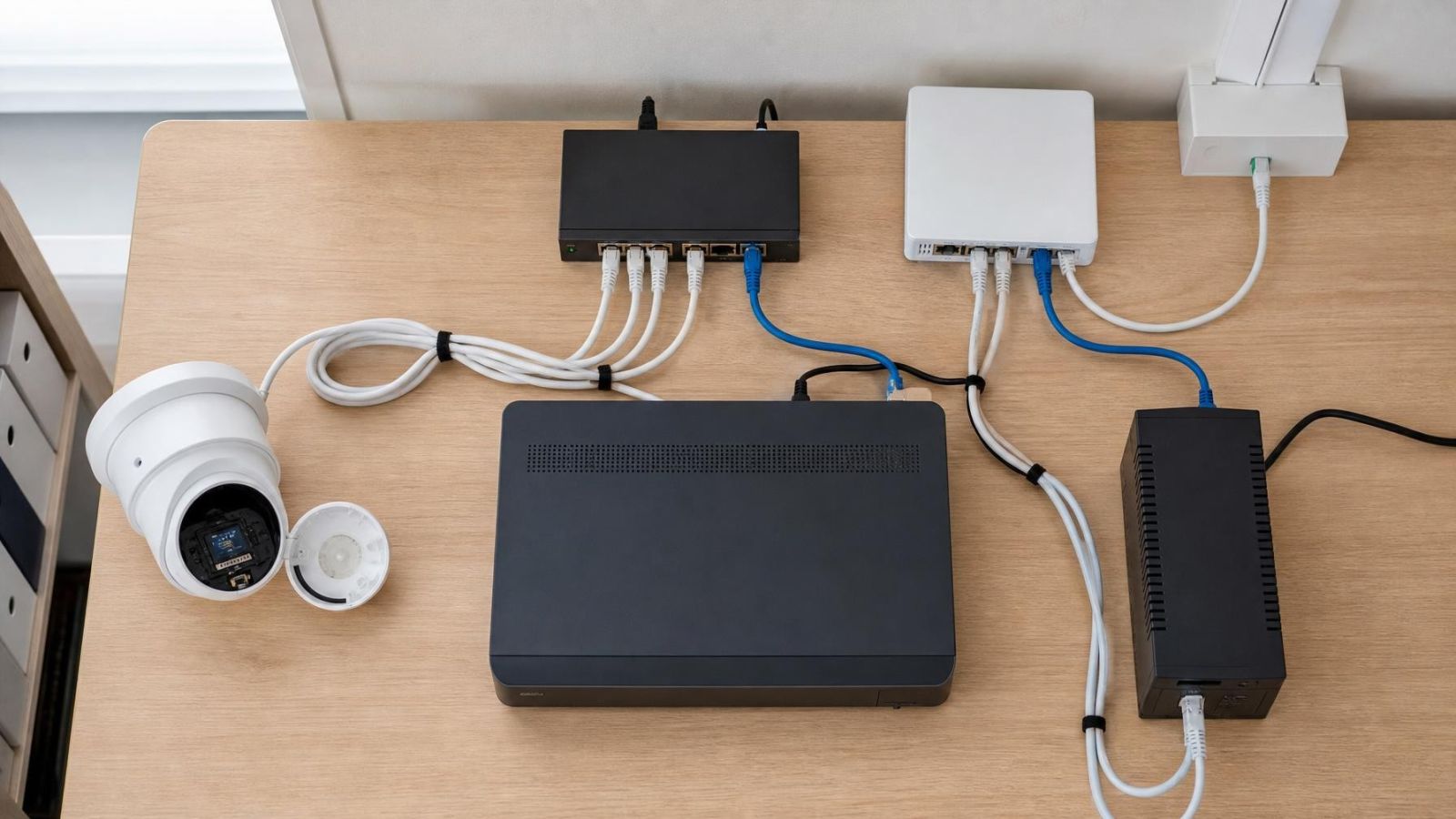
| On-site recorder | Cameras send video across the property network to an NVR or similar recorder. | Central playback, management and storage without inherent internet dependence. | Recorder, network or shared power failure can affect several cameras at once. |
| Camera memory card | Each camera writes video to storage inside the camera. | Recording can continue at camera level when network communication is interrupted. | Footage remains exposed to camera damage, removal or card failure. |
| Remote storage | Video travels through the internet connection to storage outside the property. | The remote copy is separated from recording equipment at the site. | Recording depends on the upload path and availability of the remote service. |
| Hybrid recording | Video is retained locally while selected footage or a second copy is sent elsewhere. | Several recording paths can cover different failure conditions. | Configuration, monitoring and playback are more complex. |
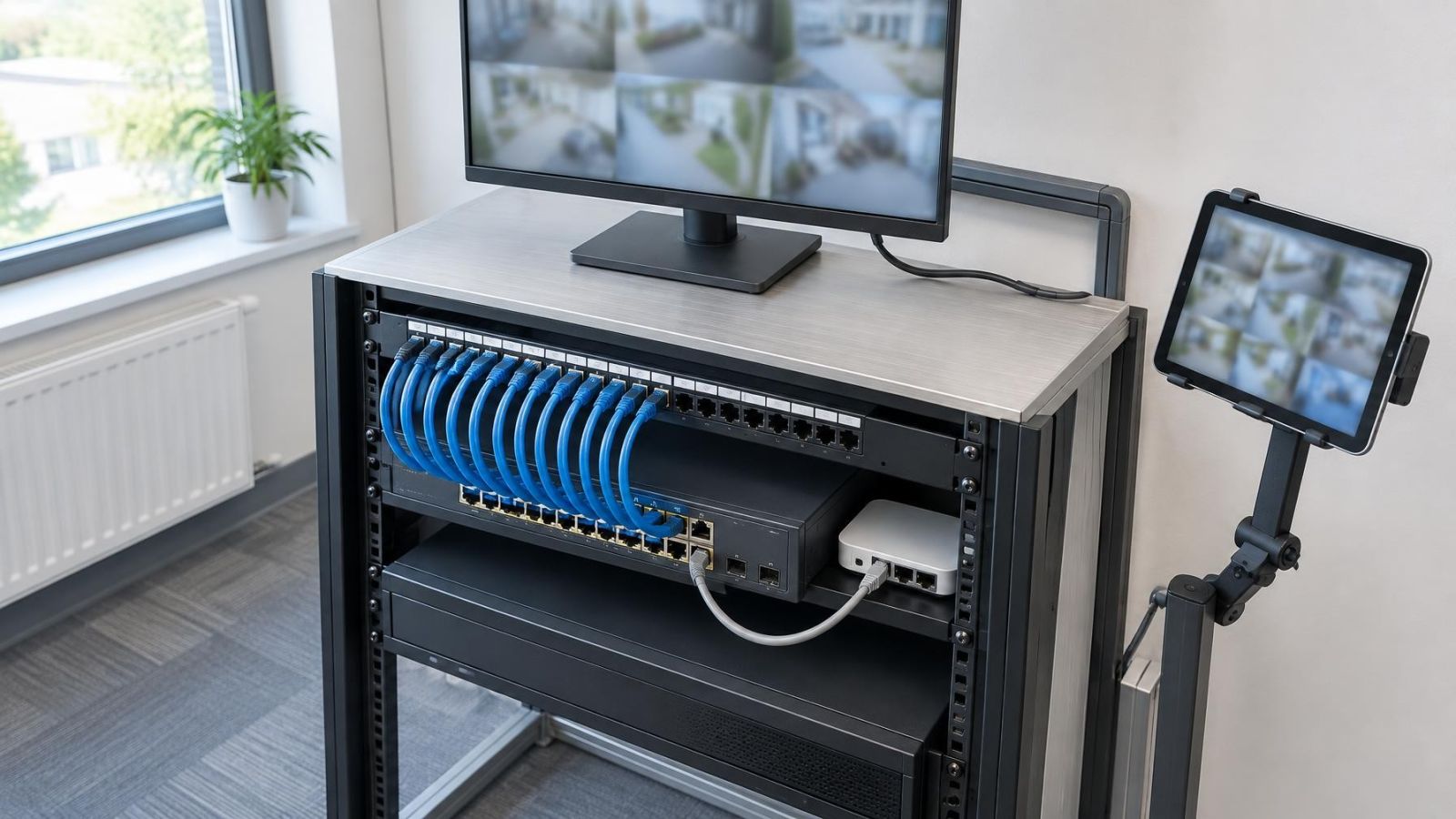
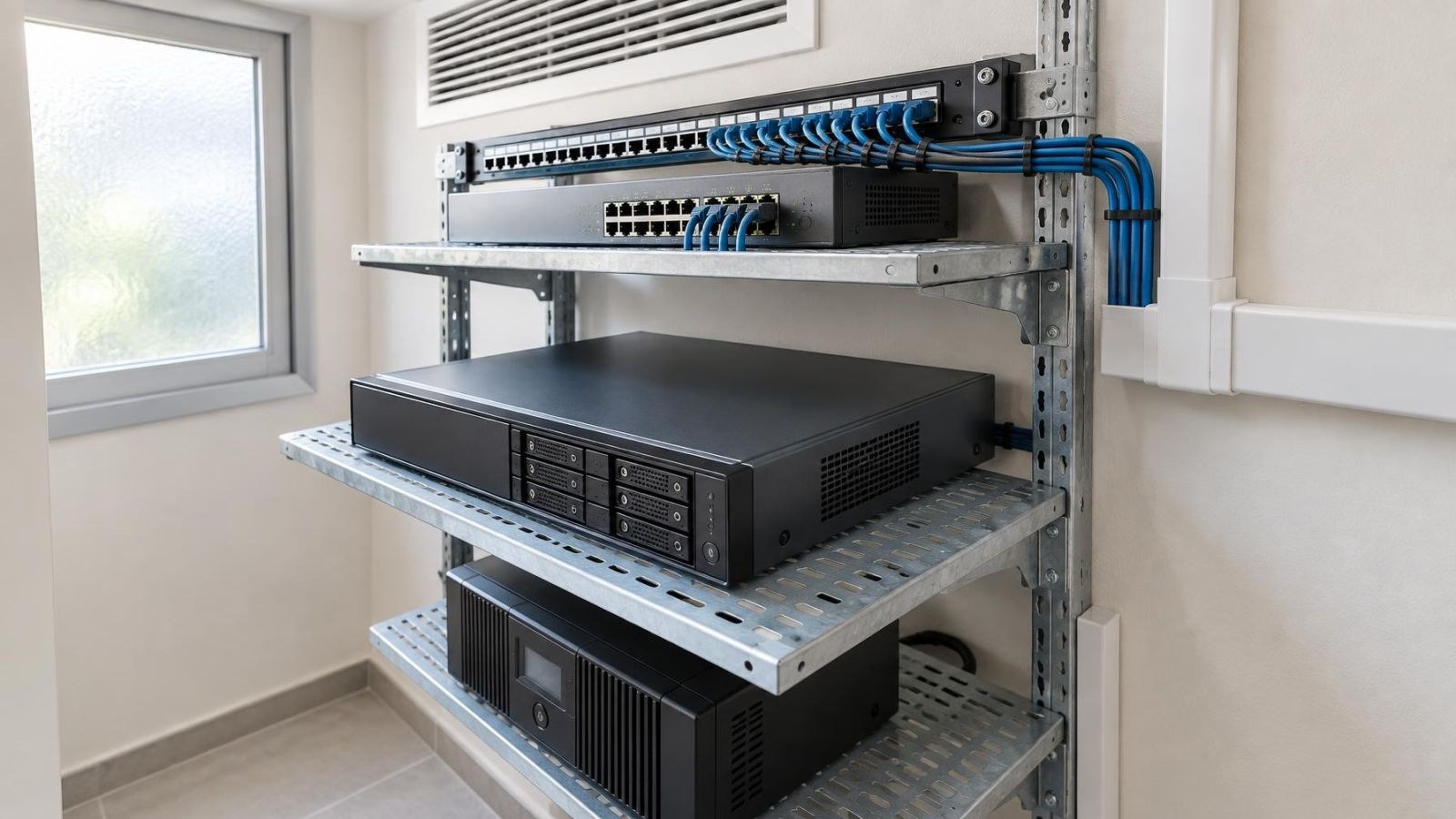
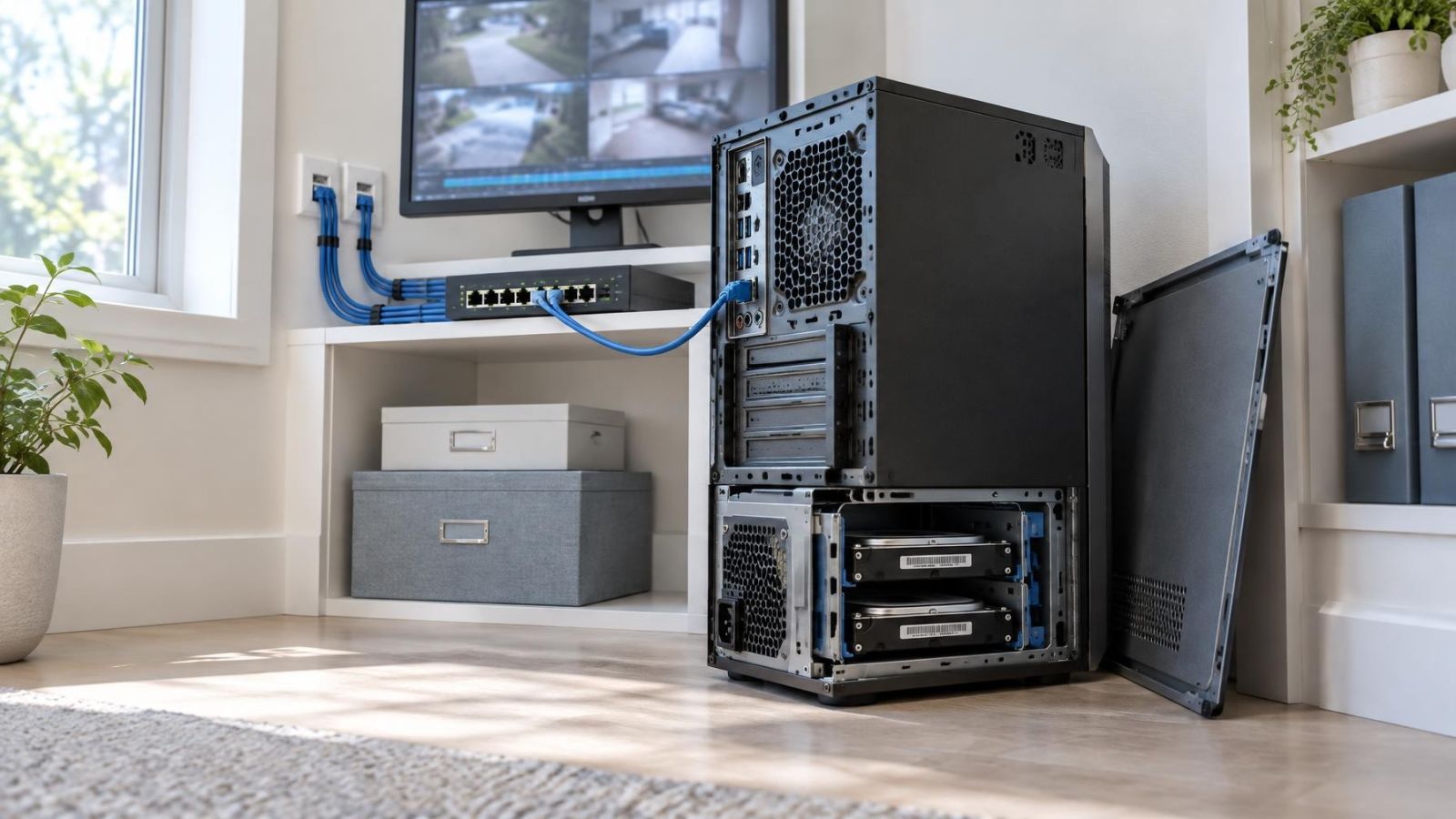
An on-site recorder is usually the clearest option for central management. It provides one playback interface, one retention policy and one place to manage users. It also becomes a shared point of failure: a recorder problem can affect footage from every camera connected to it.
Edge storage works differently. The camera records to its own memory card, so a temporary network interruption does not necessarily create a recording gap. The camera must still have power. The memory card also needs health monitoring because normal live viewing does not prove that recordings are being written correctly.
Remote systems send video, event clips or backups through the property’s internet connection. Some upload continuously. Others send only selected recordings. Offsite video storage keeps a copy away from physical problems affecting the recorder or cameras at the property, but it cannot receive new video while its network path is unavailable.
What Happens Without Internet?
Can local CCTV recording continue without internet?
Yes, properly designed local and edge recording can continue without internet access. An NVR normally receives video over the internal network, while a camera memory card records inside the camera. Neither path inherently requires an external connection. Remote viewing may stop at the same time, but loss of remote access does not by itself mean that local recording has stopped.
Local power remains essential. A camera using PoE (power over Ethernet) depends on the relevant network switch or recorder for power. A camera recording to a memory card also stops if its own power is lost. Backup power should therefore cover the cameras, network switches and recorder required by the selected recording path, not only the internet router.
Off-site recording has a different dependency. If the internet connection fails, the remote destination cannot receive current video. A hybrid system may continue recording locally and upload missing footage after connectivity returns, but only if the equipment supports that behaviour and has been configured to use it. Other systems simply resume with new footage, leaving a gap in the remote copy.
Where Each Option Can Fail
A camera memory card provides useful network resilience, but the recording is physically attached to the camera. Damage, removal, moisture or storage wear can make the footage unavailable. Edge recording is therefore stronger when paired with card-health alerts and another copy for the most important views.
An on-site recorder concentrates storage in one manageable place. The same concentration creates a shared dependency. Recorder failure, storage failure, loss of power or a network-switch problem may interrupt several recording channels. A spare storage bay is not the same as a separate recording location; both storage devices can still depend on the same recorder and power supply.
Remote storage separates footage from the property, but introduces the internet connection, router, account and remote platform as dependencies. Upload interruption may affect only the remote copy when local recording remains active. If remote storage is the sole destination, the same interruption can create a recording gap.
Power interruption affects every option eventually. Backup power can keep selected equipment operating for a limited period, but its coverage and condition matter. Health monitoring should report missing cameras, recording errors, storage faults and loss of connection. A green live-view screen alone does not confirm that usable playback exists.
How Much Storage Does Security Video Need?
Storage requirements begin with the recording mode. Continuous recording writes video throughout the schedule and produces a predictable stream. Event-based recording writes when motion detection or another trigger is active. It can use less capacity in quiet scenes, but busy pavements, moving trees, insects near IR illumination and changing sunlight can generate frequent events.
Image settings also matter. Resolution changes the number of pixels stored per frame. Frame rate, compression, image complexity and night-time noise affect the amount of data written. A detailed entrance with constant movement usually consumes more storage than a quiet internal corridor using comparable settings.
Decide how far back playback must reach before choosing capacity. The system normally overwrites the oldest footage when storage is full, so recording retention is a rolling period rather than permanent archiving. Important clips should be exported before they are overwritten, and the exported file should be checked in the software intended for later playback.
Allow for future cameras and changing settings. Adding cameras, extending recording schedules or increasing pixels per frame reduces the available playback period unless storage capacity also changes. An NVR should have practical room for expansion, including storage, network throughput, camera licences where applicable and PoE capacity.
Access and Network Practicalities
Remote playback from abroad depends on more than the recorder. The Israeli property needs a stable upload path, and the viewing location needs enough connectivity to receive the selected stream. High-quality playback may be slow even when live viewing at a lower stream setting works well. A VMS (video management software) can make multiple properties easier to manage, but user access and connection health still need attention.
Upload capacity varies between properties and can be shared with work calls, entertainment, payment systems or other business traffic. Continuous remote recording places a persistent load on that connection. Event uploads or a selected remote backup may be more practical where upload performance is inconsistent, provided local storage covers the full recording requirement.
Apartment buildings can add another complication. A shared entrance camera should not quietly depend on one resident’s private wireless network. Router replacement, password changes or a resident moving out can break the recording path. If the building uses shared infrastructure, responsibility for the router, recorder, power and user administration should be clear to the va'ad bayit and participating residents.
A mamad, the reinforced safe room found in many Israeli homes, can weaken wireless communication. Placing a recorder, router or wireless camera on the wrong side of its walls may produce an unstable link even over a short distance. Wired Ethernet is usually the more predictable path for fixed cameras. Wireless links should be tested with doors closed and under normal household network use.
Permissions deserve the same planning as storage. Remote property owners may need full playback and export rights, while staff or family members may need live view only. Individual accounts are easier to remove and audit than one shared password. Administrative access should remain limited to the people responsible for configuration.
Matching Storage to the Property
In an apartment building, entrance cameras often involve shared power, shared networking and va'ad bayit decisions. A centrally placed recorder can simplify access for authorised users, but recorder placement should not depend on an individual apartment remaining available. Camera memory cards can add resilience at key entrances, especially where the route back to the recorder passes through shared infrastructure.
A private home with a gate and garden has longer cable routes and more exposed cameras. Strong sunlight can create deep contrast between a bright path and a shaded entrance, while dust, irrigation and coastal humidity can affect outdoor equipment and connectors. WDR (wide dynamic range) helps the camera handle contrasting light, but recording location still determines where the resulting video survives.
Street-front businesses often have several cameras covering the entrance, service area, stock area and pavement-facing frontage. An on-site recorder makes simultaneous playback easier and avoids sending every stream over the internet. A remote copy can be reserved for entrances, transaction areas or other views the owner considers important.
Choose the Recording Path
When is edge camera recording the better choice?
Edge recording is a strong choice when a camera must keep writing during a local network interruption, when cabling returns through shared building infrastructure, or when a small site does not need a central recorder. It is less suitable as the only copy where the camera is exposed or where nobody will monitor card health.
Choose an on-site recorder when central playback, consistent retention and management of several cameras matter most. It suits homes and businesses with reliable cabling and a suitable location for the recorder. The recorder, switches and cameras should share an intentional backup-power plan if recording during short power interruptions is required.
Choose a remote copy when footage separation matters. It is particularly useful for owners who manage a property from abroad or want selected recordings to remain available independently of equipment at the site. Confirm what is uploaded, how quickly it is uploaded and what happens when connectivity is restored.
Should recorded video be kept both on-site and off-site?
Important views often justify a hybrid design. Local storage can retain full recording without depending on the internet, while selected clips or a backup stream are sent elsewhere. Camera memory cards can provide another layer during a recorder or network interruption. Recording redundancy is useful only when each path is independently checked and produces footage that can actually be played.
Before accepting any design, ask the installer to demonstrate outage behaviour. The test should include loss of internet, interruption of the recorder connection, restart of the recorder, restoration of connectivity and playback from each intended storage location. The correct choice is not the option with the longest feature list. It is the recording path whose dependencies match the property and whose failures are visible.
Recording location is a design decision about dependencies: power, network, equipment and physical separation.
Key takeaways
- Recording location determines which equipment, network and power failures can interrupt access to footage.
- Properly designed local and edge recording can continue during an internet outage while local power remains available.
- Remote storage keeps a copy of recorded video physically separate from equipment at the property.
- A hybrid recording design covers more failure paths than relying on one storage location alone.
- Retention planning begins with recording mode, image settings, scene activity and the required playback period.