On this page
Start With the Whole Cable Route
A gate camera and gate intercom may need to reach a network switch in the main house, while a detached building may need its own connection for several devices. The physical link could be copper Ethernet cable or fiber-optic cable. The practical question behind fiber vs copper cameras is not which material sounds more advanced. It is which complete route can carry the required data, provide or reach suitable power, tolerate the site conditions and remain serviceable.
Treat data, power and pathway as separate decisions. Copper can carry network data and, with compatible equipment, power over Ethernet (PoE) on the same link. Fiber carries data only. A fiber route therefore needs a powered endpoint before a copper-based camera, intercom or other network device can connect.
The pathway matters just as much. In Israel, a cable may pass through a hot external cabinet, a sunny garden wall, a dusty gate pedestal or a humid coastal environment. Buried conduit can hold moisture even when the cable entrances look dry. An existing pipe may also contain tight bends, damaged draw wire or an unknown obstruction. None of those problems is solved merely by choosing a better cable.
For a gate camera network or detached structure, establish the following before selecting the link:
- The full route from the main network point to the remote enclosure, including every buried and exposed section.
- Whether usable conduit already exists and whether it can be inspected, cleared and accessed later.
- Which devices need data at the far end: camera, gate intercom, access controller, alarm interface or local wireless equipment.
- Whether reliable local power is available at the gate or detached building.
- Where the remote network equipment and cable terminations can be kept dry, shaded and accessible.
- What additional devices are reasonably likely to be added later.
A straight-looking route on a plan can be difficult in practice. Gates often sit beyond paving, garden walls or shared access areas. In an apartment building, the route may pass through common spaces where changes require coordination with the va'ad bayit. A remote property owner should ask for photographs and a simple route drawing rather than relying only on a verbal description.
How Do Fiber vs Copper Cameras Differ?
The cameras do not require a special form of fiber or copper simply because they are cameras. The difference lies in how the network reaches them. Copper Ethernet provides an electrical data connection and may provide PoE. Fiber sends the network signal optically and does not carry device power.
Is fiber better than copper for a gate camera?
Fiber is better when the route benefits from electrical isolation, passes through an electrically noisy area or serves a remote network point with several devices. Copper is often better when the run is suitable, the installation is simple and the gate equipment can be powered through the network cable. The correct comparison includes the equipment at both ends, not just the cable in the conduit.
| Consideration | Copper Ethernet | Fiber-optic cable |
|---|---|---|
| Data connection | Direct connection to ordinary Ethernet devices | Requires fiber-capable equipment or conversion |
| Device power | Can carry PoE to compatible equipment | Does not carry power |
| Electrical path | Conductive connection between endpoints | Electrical isolation across the fiber link |
| Remote equipment | May connect directly to one compatible device | Needs a powered switch or media converter |
| Field changes | Common termination and testing methods | Specialised termination or suitable pre-terminated assemblies |
| Expansion | Limited by the chosen cable and endpoint arrangement | Well suited to a remote switch serving several local devices |
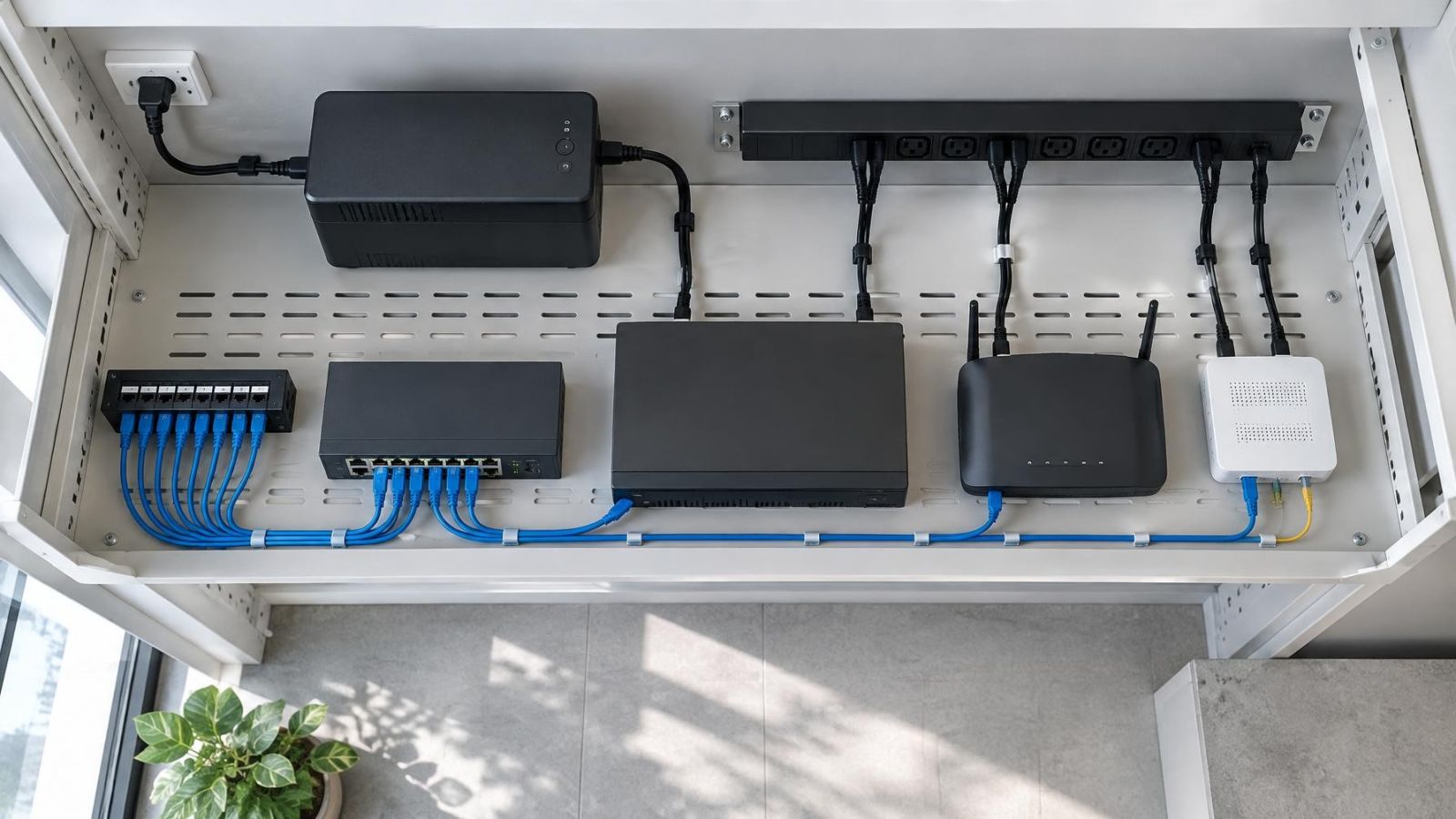
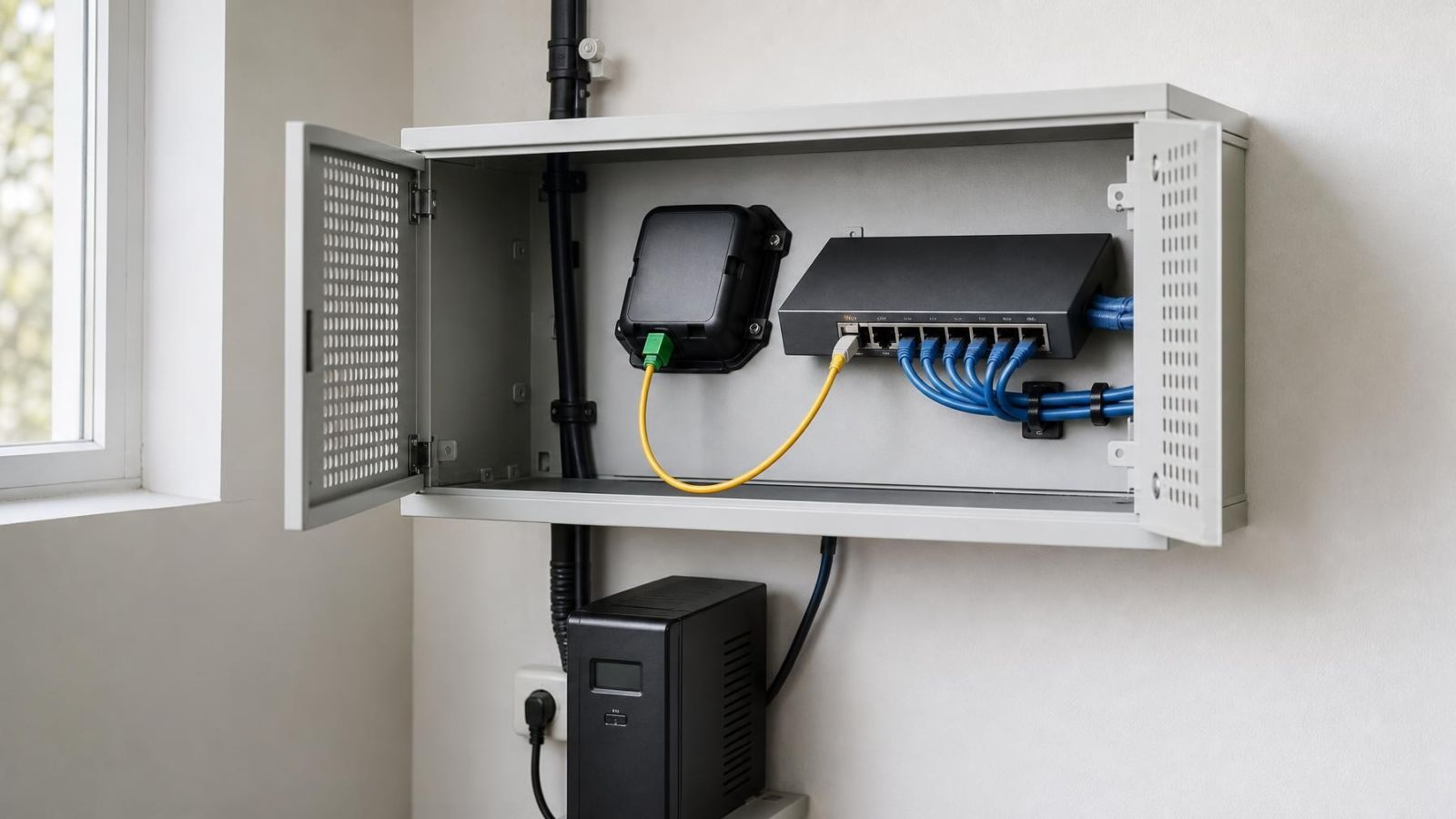
At a fiber endpoint, a media converter can translate the optical link to copper Ethernet for one downstream connection. A fiber-capable network switch is usually more useful when the remote location has several devices. That switch can distribute ordinary network connections and may supply PoE if it is designed and powered to do so.
Repair planning also differs. Copper termination is familiar to many network installers, although outdoor faults can still be time-consuming to locate. Fiber may need specialist cleaning, inspection and termination tools. Pre-terminated fiber can simplify the endpoint work, but its connectors must be protected during pulling and the conduit must accommodate them without forcing sharp bends.
When Copper Is the Practical Choice
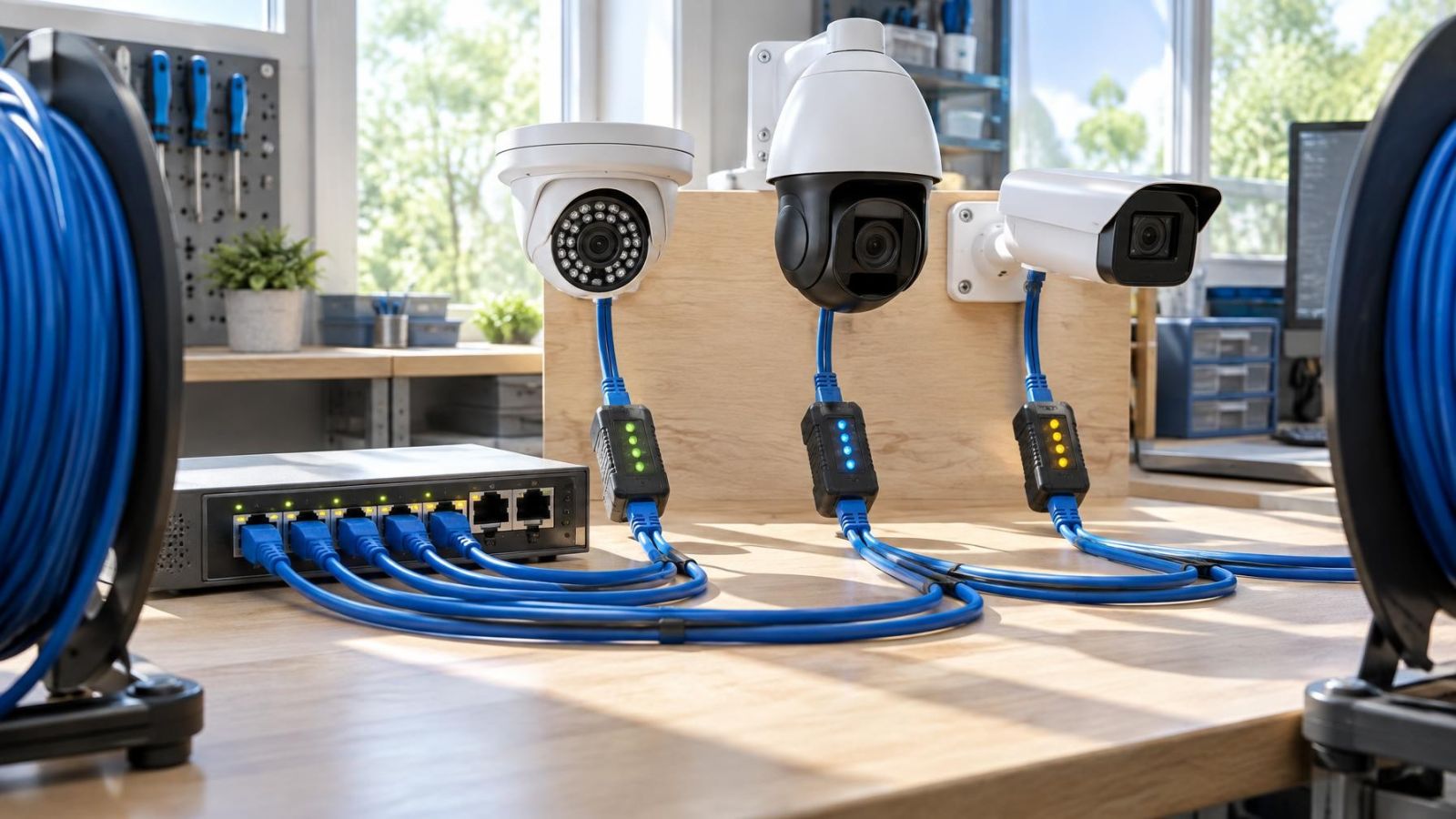
Copper is often the cleanest solution for a single gate device on a suitable route. One outdoor-rated network cable can carry both data and PoE to compatible equipment, reducing the need for a powered network cabinet at the gate. This is particularly useful where the gate has control power but no appropriate supply or protected space for networking equipment.
Suitable does not mean merely short enough by eye. The installer should consider the entire cable channel, the network equipment, the power required by the endpoint, the quality of every termination and the possibility of heat or moisture around the cable. A link that passes a basic data test may still be poorly planned for the device power expected from it.
What cabling works for a camera over a long distance?
Long distance camera cabling should be chosen from the surveyed route rather than from a general label. As a copper run becomes more demanding, power delivery and fault diagnosis need closer attention. Fiber becomes attractive when the route is too difficult for a direct copper design, when electrical isolation is important or when several devices will connect through a remote switch.
Outdoor copper needs protection throughout the route. Use cable intended for the exposure it will actually face. Keep joins out of wet pulling points. Place terminations inside an appropriate enclosure, with cable entries arranged so water and dust are not guided onto the connectors. At a gate, allow for movement and vibration around doors, posts and equipment cabinets.
Copper also creates a conductive path between network equipment at separate structures. That matters when the cable runs between a main house and a detached garage, workshop or garden office, or when it follows a route with greater surge exposure. Protective components can be part of a copper design, but they do not turn the data cable into an electrically isolated link.
When Fiber Is the Better Backbone
Fiber is a strong backbone between electrically separate buildings because the optical cable does not conduct electricity between the network endpoints. It is also useful near motors, gate machinery or other equipment that can make a copper data route harder to design reliably. The isolation applies to the fiber link itself; metallic power cables, control wiring and other services can still create electrical connections between the locations.
How should a detached building be connected to the main network?
A detached building with several devices is often best treated as a small remote network point. A detached building fiber link can connect the main network to a powered switch in the second structure. Cameras, an intercom, access equipment and wireless access equipment can then use short local copper runs. This keeps the inter-building backbone separate from the final device connections.
This arrangement is more involved than running one copper cable directly to one camera, but it is easier to expand coherently. The remote switch becomes a known distribution point. New devices can connect locally instead of requiring another complete cable route back to the main property.
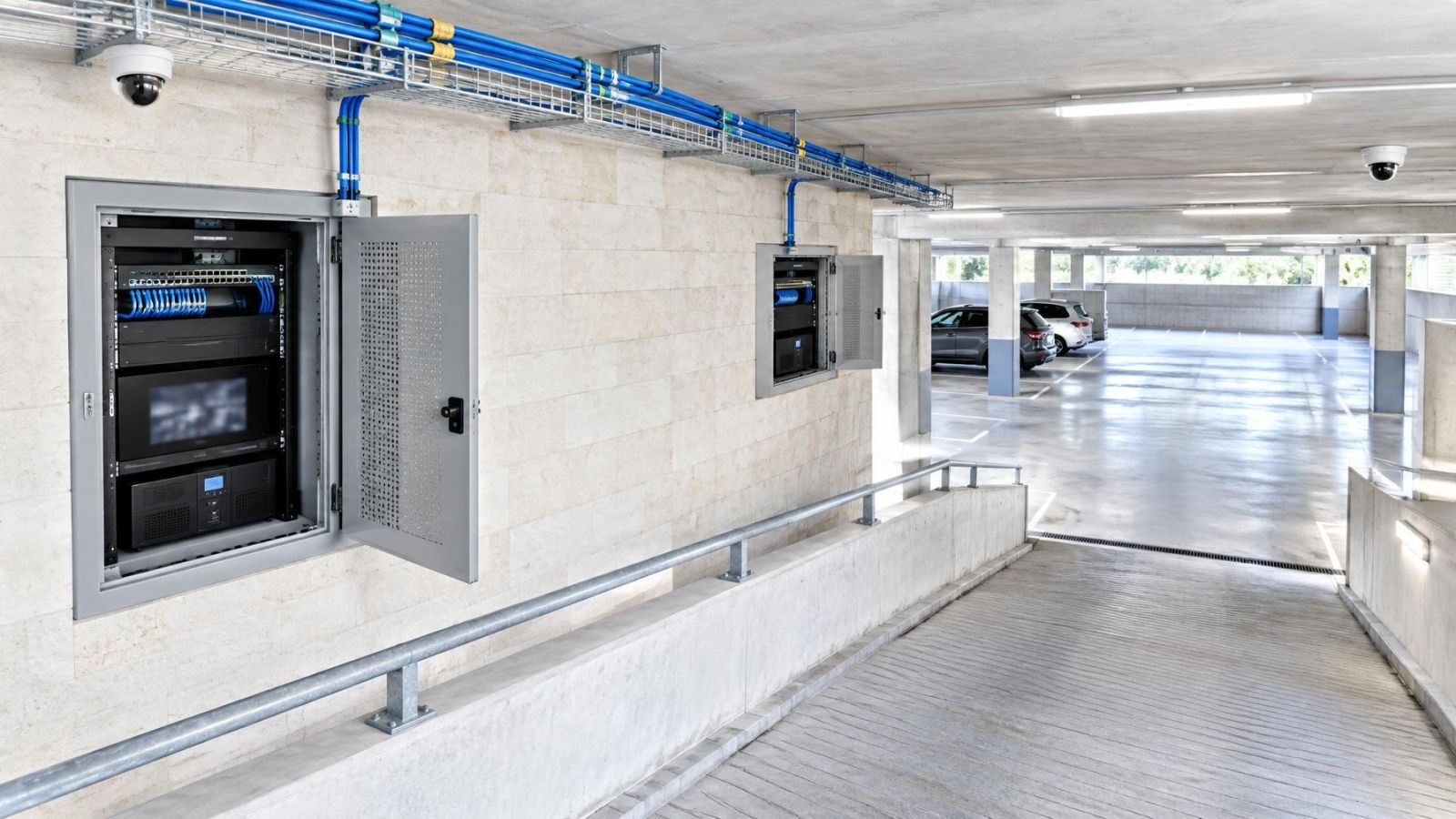
Fiber can also be appropriate for a gate with several functions. A gate pillar or nearby service cabinet may contain the optical endpoint, a network switch and local connections to the camera, intercom and access equipment. The cabinet then becomes part of the network infrastructure and must be planned for power, heat, dust, moisture and maintenance access.
Choose the topology before choosing the fiber assembly. The required connections depend on whether the far end uses a media converter, a fiber-capable switch or another powered network device. Connector protection, available conduit space and provision for spare capacity all follow from that decision.
How Is a Fiber-Linked Camera Powered?
How is a gate camera powered when the network link uses fiber?
A fiber-linked gate camera receives power from equipment at the gate or another nearby endpoint. The fiber terminates in a powered network switch or media converter. The camera then connects by a short copper cable, either receiving PoE from the local switch or using a separate camera power supply compatible with the equipment.
The same principle applies to a gate intercom. Fiber transports its network traffic but not the energy needed by the intercom, camera, switch or converter. Local power capacity must cover all active equipment in the enclosure, including devices that may be added later.
The remote enclosure needs enough room to work without crushing cables or forcing fiber into tight bends. It should provide appropriate protection from sunlight, water and dust while allowing the installed equipment to release heat. Service access matters: a technician should be able to inspect indicators, disconnect one component and clean or test the fiber endpoint without dismantling the entire gate assembly.
Power continuity should be specified as part of the design. If the NVR (network video recorder) and main network switch remain powered while the remote switch loses power, the fiber link may still exist physically but the remote cameras will be offline. Any backup supply therefore has to be considered at the location where the active equipment actually receives power.
Plan the Conduit and Outdoor Protection
A good cable in a poor pathway is still a poor installation. Where practical, plan a dedicated, serviceable conduit route with accessible pulling points. Avoid unexplained buried joins. Record where the conduit changes direction and where it enters the gate, house or detached building.
Fiber needs gentle bends during pulling and in its final position. A wide conduit does not help if an entry fitting creates an abrupt turn or if spare cable is packed tightly into a small box. Pulling force must not be transferred through an exposed connector. When pre-terminated fiber is used, the pulling arrangement should shield the connector and keep dirt away from its end face.
Outdoor protection is a system rather than a label on the cable jacket. The design should address:
- Direct sunlight on exposed cable, boxes and flexible conduit.
- Water entering through conduit openings or collecting at low points.
- Dust reaching connectors, ventilation openings and active equipment.
- Coastal humidity affecting exposed metalwork and poorly protected terminations.
- Heat building up in a sealed enclosure mounted in full sun.
- Physical movement at sliding gates, hinged sections and vibrating equipment.
- Access for testing or replacement without disturbing paving or landscaping.
Leave a usable pathway for future work. Spare conduit capacity is more valuable than a loose cable end that cannot be reached or replaced. A separate draw cord, clearly identified endpoints and enough room at pulling points make later replacement or expansion less disruptive.
Make the Final Cabling Decision
The final choice should follow a site check, not precede it. Begin with the route condition and endpoint power. Then count the devices required now and the ones reasonably likely to be added. A single gate camera has a different network shape from a detached office with cameras, wireless coverage and access control.
Use copper when the route is suitable, direct PoE is valuable and electrical exposure between structures has been considered. Use fiber when the inter-building link should be electrically isolated, the pathway is difficult for copper or a remote network switch will serve several devices. Neither option excuses weak terminations, an inaccessible enclosure or unsuitable outdoor protection.
A practical decision process is:
- Inspect the complete conduit and exposed route rather than estimating from property boundaries.
- Confirm where dependable power is available and which remote components require it.
- List each endpoint and decide whether it needs a direct home run or can connect through a remote switch.
- Assess whether a conductive copper link between the locations is desirable.
- Choose the cable, endpoint equipment, enclosure and power arrangement as one system.
- Reserve pathway capacity for replacement or expansion.
- Document cable paths, termination locations and the function of each network connection.
For remote owners, the documentation should be understandable without being on site. Ask for a route plan, endpoint photographs and clear labels inside the main and remote cabinets. For a small business, include the location of the remote switch in the network record so it is not mistaken for an unrelated power box during later maintenance.
The most dependable design is usually the one whose dependencies are visible. Copper offers simplicity when one suitable cable can do the whole job. Fiber offers isolation and a strong backbone when the far end is designed as a powered network location. The deciding factor is the complete installed route, not the cable name printed on the quotation.
Key takeaways
- Copper can carry network data and power to compatible equipment over one suitable link.
- Fiber electrically isolates the network link between buildings but requires powered equipment at the remote endpoint.
- Conduit condition, termination protection and outdoor exposure matter as much as the cable material.
- Detached buildings with several network devices often benefit from a fiber backbone and a local network switch.