On this page
A system may include several security cameras, a video recorder, a camera app, an administrator account, an installer account and a password manager. These are not one login repeated in different places. They are separate access paths with different powers. The question settled here is simple: which components need unique credentials, who should hold them, and how should viewing access be granted without distributing the main administrator password?
The practical answer is to separate device administration from routine viewing. Each camera receives its own credential. The recorder receives another. App users receive individual accounts wherever the system supports them. Installer access is temporary, and the owner keeps the primary credential record and recovery route.
Unique Credentials Across the Camera System
Understanding Camera Login Credentials
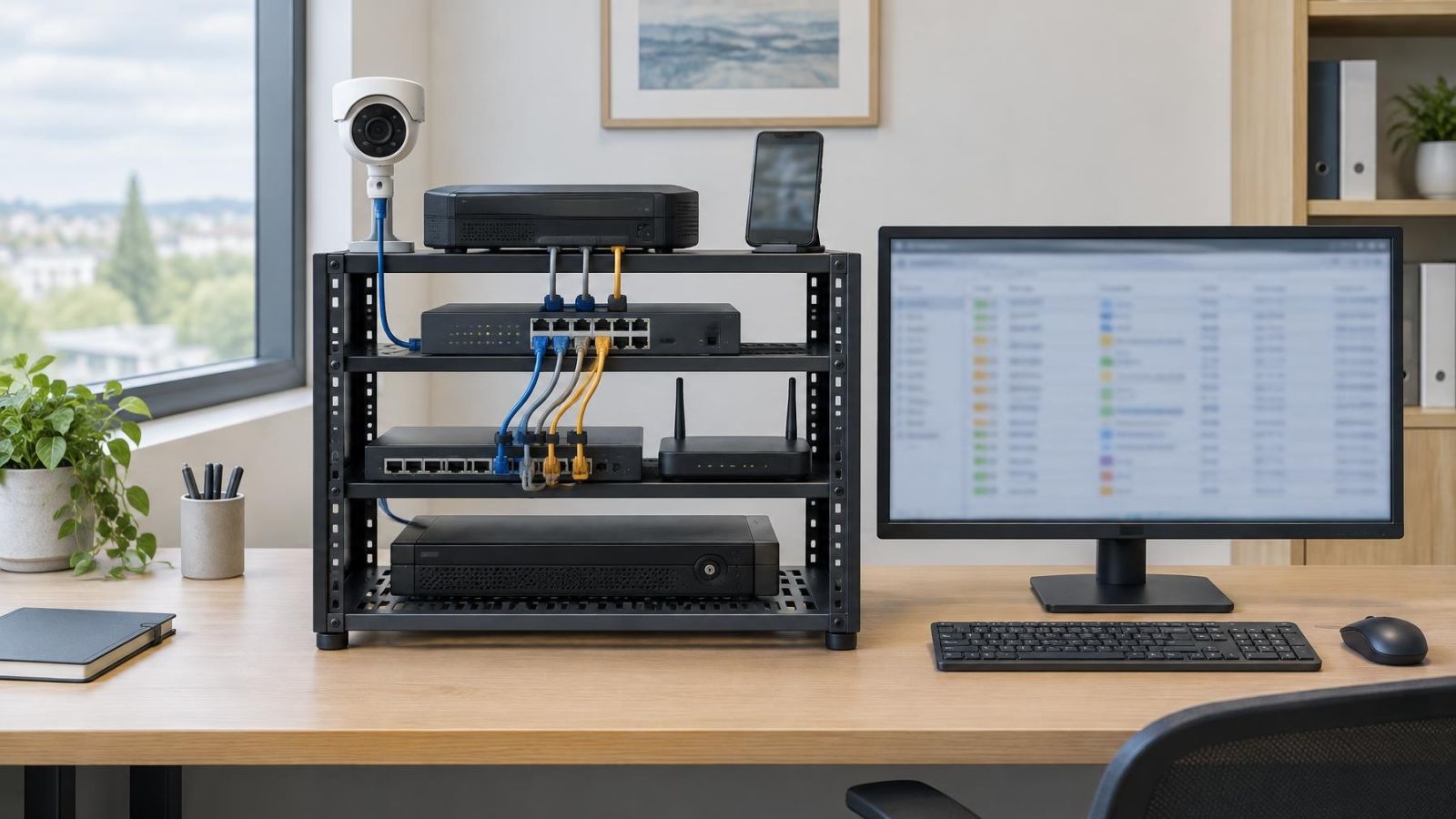
A camera system has several authentication layers. An IP camera can have a local device login. An NVR (network video recorder) has its own login and stores the credentials it uses to communicate with cameras. A camera app may use a separate online account for remote access. Video management software, or VMS, may add another set of users and permissions.
These identities should not be treated as interchangeable. The app account may authorise remote viewing without revealing the recorder administrator credential. The recorder may authenticate to a camera without giving a viewer direct access to that camera. A local account can continue to have a purpose even when remote access is unavailable or the app account changes.
| Access layer | What it controls | Suitable account type |
|---|---|---|
| Individual camera | Camera settings, video stream and device authentication | Unique device administrator credential |
| Video recorder | Stored footage, camera connections and system configuration | Separate administrator and viewing accounts |
| Camera app or VMS | Live view, playback and remote access allowed to the user | Individual named user account |
| Installation work | Initial configuration and technical changes | Temporary installer account |
Roles matter as much as passwords. An administrator can usually change network settings, users, recording behaviour and connected devices. An ordinary user should receive only the access permissions needed for live view or playback. An installer account may require broad control during setup, but that does not make it suitable for permanent daily use.
Unique Camera Passwords?
Yes. Each camera should use a credential that is not accepted by any other camera, the recorder or the app account. Reuse turns one exposed credential into a key for every device that accepts it. A unique password limits the immediate access path to one device, even though the cause of the exposure still needs investigation.
Factory, default and temporary credentials should be replaced during commissioning. They are useful only for reaching a device during initial setup. Leaving them active as the normal access method creates uncertainty about who knows them and where else they may have been recorded.
Some recorders simplify setup by activating cameras or assigning credentials automatically. Convenience does not change the design principle. The final credential record should make clear whether each camera has an independent password, how the recorder authenticates to it, and who can recover access.
Independent device authentication is especially useful when a camera is replaced, moved or temporarily removed from the system. The change can be handled for that device without automatically changing every other camera. It also avoids placing the recorder’s main password inside each camera configuration.
Why the Recorder Stays Separate
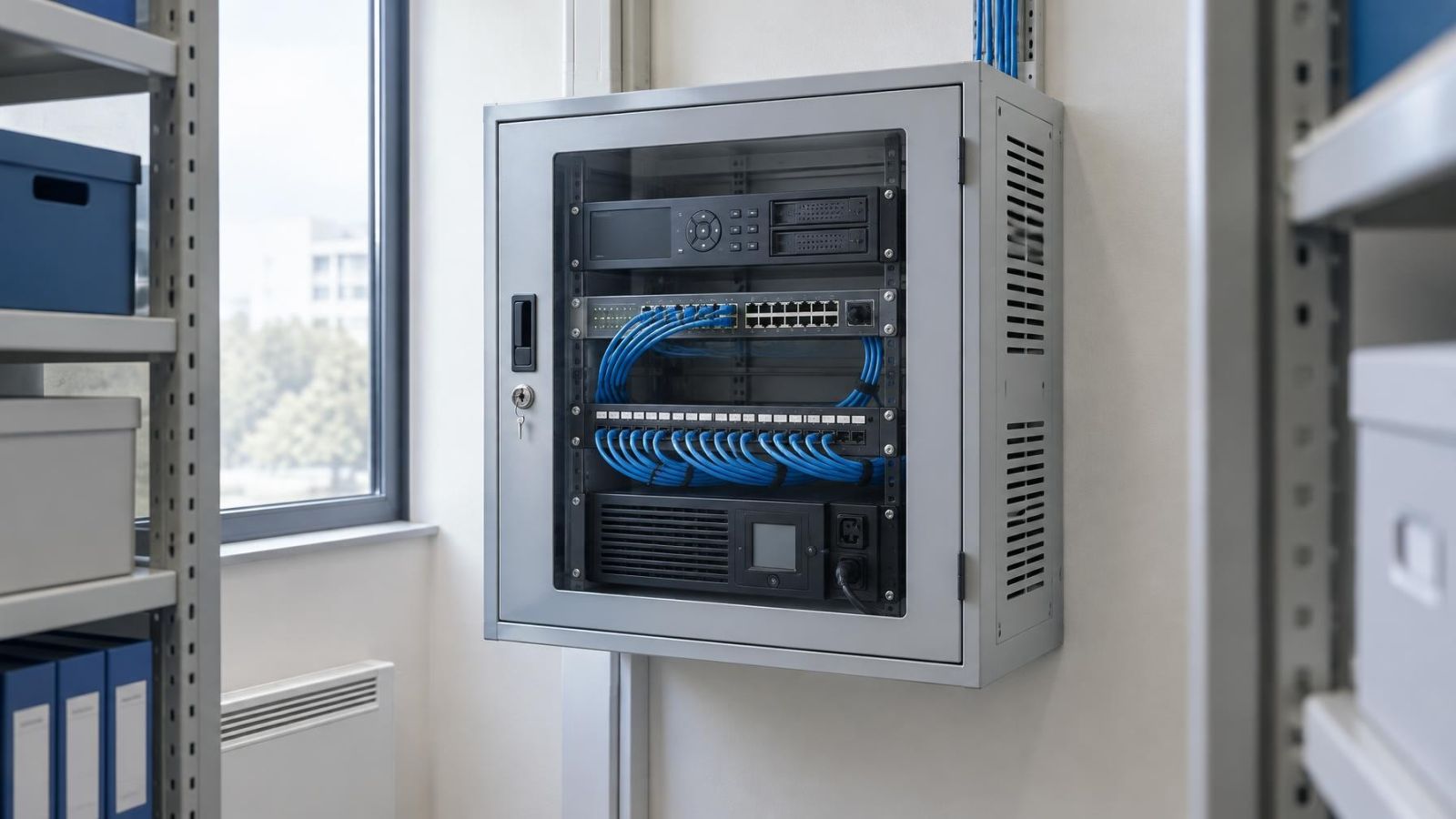
The recorder is a wider access point than an individual camera. It may provide live views from many cameras, playback of stored footage, exports, user management and recording configuration. Its administrator credential therefore protects a different and broader set of functions.
What Does NVR Password Security Require?
NVR password security begins with a recorder administrator credential that is not reused on any camera or app account. The NVR still needs credentials to request video from connected cameras, but those camera-to-recorder credentials should remain distinct from the password used by a person to administer the recorder.
Management and viewing should also be separated. A person who only needs live view or playback does not need authority to add users, alter recording schedules, change network settings or reset cameras. A named viewing account narrows the available controls and can provide a clearer audit trail when the recorder records account activity.
This distinction matters for both NVR and DVR systems, although their camera connections differ. The recorder remains the central route to multiple channels and stored footage. Reusing its administrator password elsewhere expands the places where that high-level credential can be disclosed.
The recorder password should open the recorder for administration, not serve as the common password for the entire installation.
Who Should Know Camera Credentials?
The owner should control the primary administrator credentials and recovery information. For a home, that may be one household member with a documented backup route. For a business, it should be a named role rather than knowledge that sits informally with whoever was present during installation.
Family members, staff and property managers should normally use individual accounts. Named accounts allow one person’s access to be removed without disrupting everyone else. They also avoid sending the administrator password through chats whenever somebody needs to view a camera.
An installer may need temporary administrative access to configure cameras, the recorder, network settings and remote viewing. At handover, the owner should receive control of the permanent credentials. Temporary installer access should then be removed, disabled or changed. If future maintenance is needed, access can be granted again for that task.
In an Israeli apartment building, cameras at a shared entrance, lobby, parking area or lift landing may be managed through the va’ad bayit or an appointed building manager. The credential plan should identify who administers the system, who may only view footage, and who handles recovery. A shared password passed between changing committee members is difficult to revoke and easy to lose.
Remote owners face a similar issue. A tenant, caretaker or property manager can receive a named viewing or management account without receiving the owner’s main administrator credential. If responsibilities change, that account can be removed while the owner’s access remains in place.
Store Credentials Without Losing Control
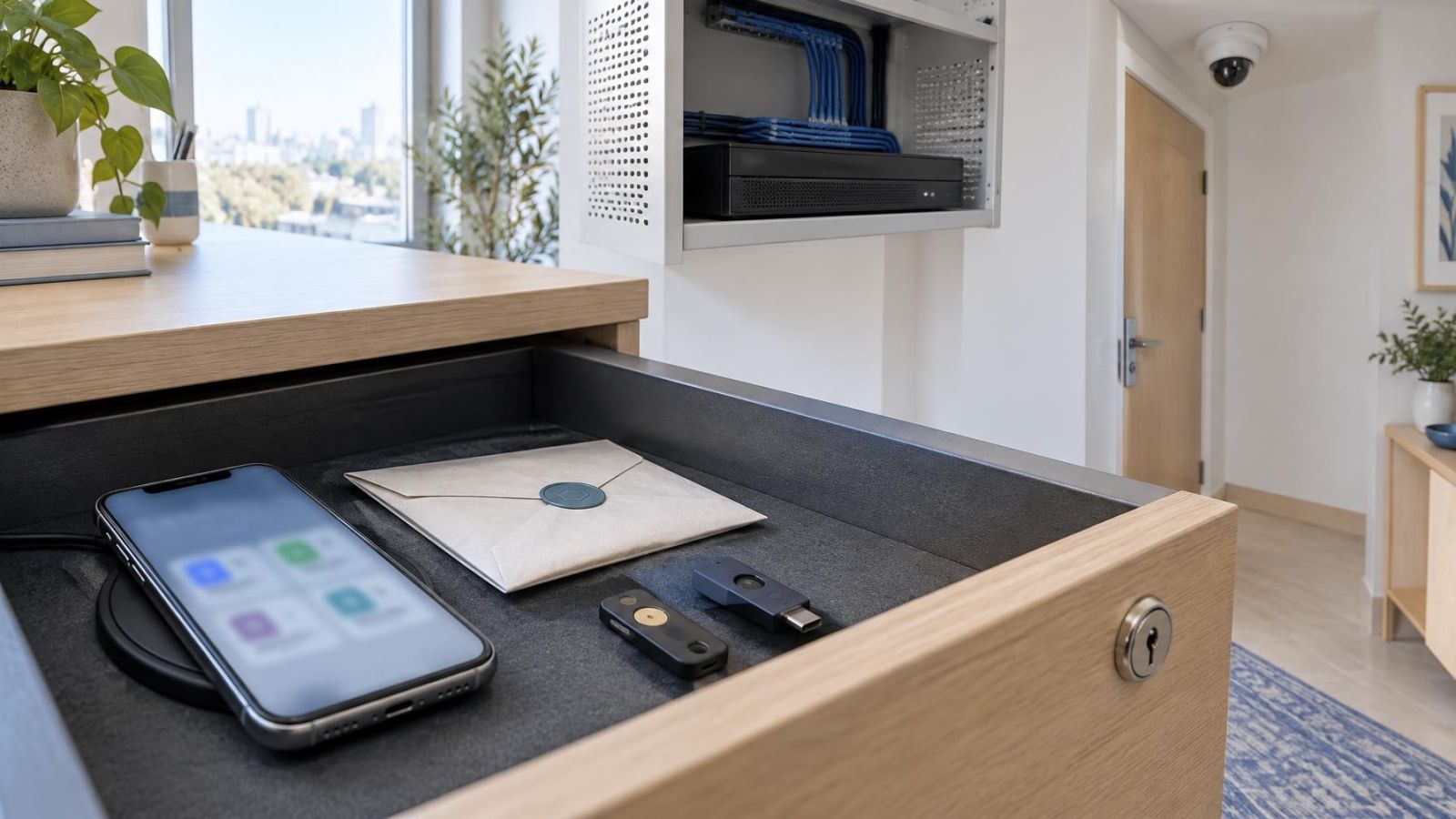
A password manager should be the primary record for camera, recorder and app credentials. It can hold unique passwords without requiring the owner to memorise them or reuse a familiar password. It can also store recovery details and short notes explaining what each entry controls.
- Record a clear device name and physical location, such as “garden gate camera” or “shop rear entrance recorder”.
- State whether the entry is for a camera, recorder, app, VMS or network account.
- Identify the account role: administrator, viewer, manager or installer.
- Keep recovery information with the owner’s credential record rather than only on an installer’s device.
- Record enough local connection information to identify the correct device during recovery, without placing the password on the device itself.
Avoid passwords in messaging threads, unprotected documents, photographs of setup screens or labels attached to equipment. Those copies are hard to update and may remain available long after access should have ended. A label may identify a camera or cable, but it should not reveal the credential.
A Controlled Installation Handover
Handover is complete only when the owner can identify the devices, sign in through the intended local and remote routes, and find the recovery information. The record should show which temporary accounts were removed and which permanent users remain. The owner should also know where the password manager entry is stored and who can recover it if the usual administrator is unavailable.
Plan for Changes and Recovery
Credential planning is not finished when the cameras begin recording. Staff leave, committee members change, phones are replaced and app accounts move to new email addresses. A maintainable system defines what happens in each case without relying on a shared password that nobody wants to change.
- Remove or disable a departing staff member’s named account rather than changing access informally in a group chat.
- Close temporary installer access after handover and create fresh temporary access for later maintenance.
- After replacing a phone, review active app sessions, recovery methods and any devices still linked to the account.
- Document a local recovery route so recorder access does not depend entirely on a remote app.
- Keep device credentials under owner control even if the email address or account used by the app changes.
- Review saved users when responsibility passes to a new property manager or va’ad bayit representative.
Reset planning should happen while the system is accessible. The owner should know how a camera or recorder is identified, where its recovery information is kept, and what would need reconfiguration after a reset. A reset may affect network settings, camera associations, recording options and remote access, so it should not be treated as a substitute for proper credential records.
Account recovery and equipment failure are separate problems. If a recorder fails, camera credentials may be needed to connect the cameras to replacement recording equipment. If an app account becomes inaccessible, local recorder administration may still be available. Separation preserves those independent routes instead of tying the whole installation to one identity.
Create the Credential Plan
The credential plan can be short, but it should be explicit. It belongs alongside camera names, cable records and the basic network layout. For homes with a gate, garden cameras or a separate unit, location names should be unambiguous. For a street-front business, distinguish public-facing viewing accounts from the administrator account used to manage recording and users.
- Assign a unique administrator credential to every camera and replace any factory or temporary login.
- Create a separate administrator credential for the recorder and do not reuse it for camera authentication.
- Create individual accounts for people who regularly need live view, playback or management access.
- Record device names, roles, credentials and recovery details in the owner-controlled password manager.
- Name the person or role responsible for maintaining the credential record.
- Define how access is requested, approved, granted, reviewed and removed.
- Confirm local access, remote access and recovery before removing temporary installer accounts.
Network separation can add another layer. Cameras may sit on a dedicated VLAN, and PoE (power over Ethernet) ports may connect them directly to the recorder or a network switch. Those controls reduce unnecessary network paths, but they do not replace unique credentials. Anyone reaching a login interface should still face authentication intended for that specific device.
The final test is straightforward: no ordinary viewer should need the main administrator password, no camera should depend on a password reused across the installation, and no permanent recovery route should exist only in an installer’s records. A system arranged this way remains understandable when people, phones, apps or individual devices change.
Key takeaways
- Unique credentials limit an exposed password to the device or account where it is accepted.
- Camera, recorder and app accounts protect different access paths and should remain separate.
- Named user accounts allow access to be removed without changing the administrator credential for everyone.
- A password manager makes unique device credentials and recovery information practical to maintain.
- Credential ownership, handover and recovery should be defined as part of the installation plan.