On this page
An alarm control panel may contain its own backup battery while a UPS supports the video recorder, router or camera power supply. A multimeter can help assess both, but only if the test follows the complete path from the electrical panel to each connected device. Testing security system backup batteries under load settles the important question: does the system continue operating when mains power is removed, and does it recover correctly when power returns?
Map the Backup Power Path
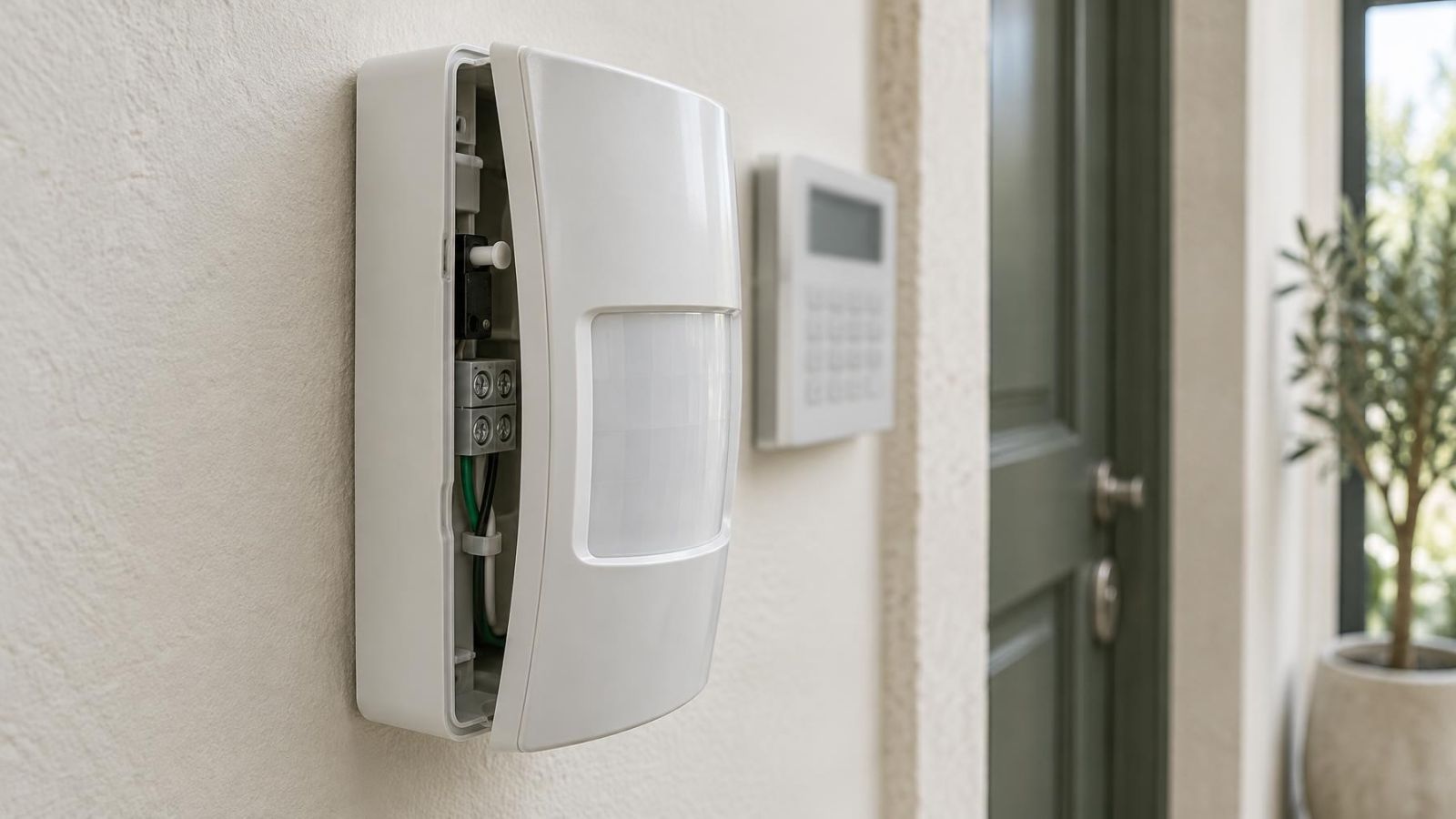
Start by identifying everything that must remain powered. The alarm control panel, communication equipment, cameras, video recorder and router may not share one backup source. A camera can remain on while its recorder shuts down. The recorder can continue recording while the router loses power, removing remote access. A healthy alarm battery says nothing about either video or network backup.
Separate internal batteries from external backup equipment. An alarm panel commonly charges a battery inside its enclosure. Video and network devices are more often supplied by a UPS or by a central power supply with battery support. What is often called a CCTV backup battery may therefore be a UPS battery supporting several devices rather than a battery inside each security camera.
- List the alarm panel, keypad, communication path and any powered detectors connected to the alarm supply.
- Trace camera power to a PoE switch, individual power supply or recorder with PoE ports.
- Identify the backup source for the video recorder, router, network switch and any fibre or internet termination equipment.
- Mark devices intentionally excluded from backup, such as displays, office computers or non-essential lighting.
- Note every plug, fused output and low-voltage connection between the battery and the final load.
In an apartment building, equipment at the shared entrance may belong to a separate system managed through the va'ad bayit. A private apartment UPS does not normally support the building intercom, entrance camera or shared network cabinet. Establish that boundary before interpreting a loss of video or communication as a battery failure.
Prepare for a Controlled Test
Battery chemistry and equipment design determine the correct test method. Check the equipment instructions before disconnecting power or measuring terminals. A replaceable battery in an alarm enclosure is handled differently from a sealed battery pack inside a UPS. Do not substitute a chemistry, connector arrangement or charging method merely because the replacement appears to fit.
What does a security system battery test prove?
A useful test proves more than the presence of voltage. It checks whether the battery accepts charge, carries the connected load, transfers without disrupting essential equipment and returns to charging afterwards. It also gives you a repeatable observation for comparison after maintenance or a system change.
- Notify users who may receive alarm, power-loss or device-offline messages.
- Follow the established test process for any monitoring service or remote property manager.
- Confirm that recording is active and note the normal status indicators before removing mains power.
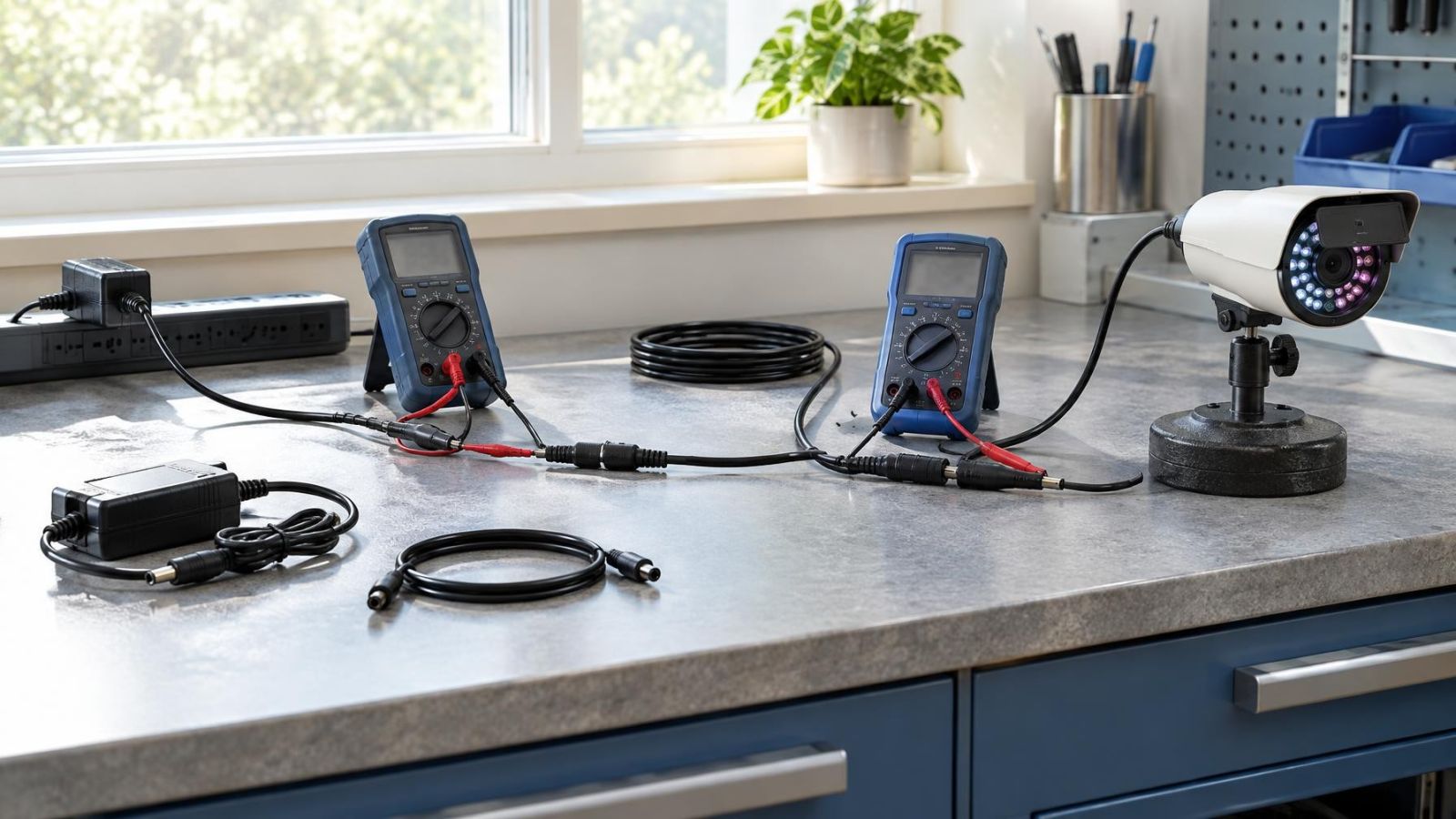
- Use a suitable multimeter with intact insulated probes, and select the correct measurement function before touching the terminals.
- Arrange adequate light and clear access around the alarm or UPS enclosure.
- Choose a controlled observation period and avoid discharging a battery beyond the equipment instructions.
Safe access matters. Use the normal, accessible means of isolating the relevant equipment. Do not remove electrical-panel covers, touch mains wiring or improvise around exposed conductors. If the intended isolation point is unclear, stop and ask an installer or electrician to handle that part of the test.
Remote property owners should also plan for loss of remote access. If the router or internet equipment is part of the test, someone on site should be able to restore power and confirm local status. A remote connection cannot be the only recovery method for a test designed to interrupt that connection.
Inspect Before Applying Load
Do not load-test a visibly damaged battery. Swelling, leakage, a distorted case, unusual heat or a strong unfamiliar odour are reasons to stop. Avoid pressing or attempting to reshape a swollen pack. A damaged battery should be isolated and handled through an appropriate service process.
- Check battery terminals and plugs for looseness, corrosion, discolouration or damaged insulation.
- Look for charger, battery or power-supply fault indications before disturbing any connection.
- Remove only loose surface dust that can be reached without exposing live mains components.
- Confirm that ventilation openings are not blocked by stored items, cables or accumulated dust.
- Check whether the battery sits in a hot cabinet, direct sun or an unventilated external enclosure.
Heat and poor ventilation can impair backup performance. This deserves particular attention in Israeli utility cupboards, roof spaces, street-facing business cabinets and outdoor enclosures. Coastal humidity and dust can also affect terminals and ventilation. The enclosure location is part of the diagnosis, not merely a housekeeping detail.
How Do You Test Under Load?
Begin with a resting voltage reading if the battery terminals are safely accessible. Treat it only as a baseline. A battery can show plausible voltage while the charger is connected and still collapse when asked to supply current. An unloaded reading cannot reproduce the demand from an alarm panel, recorder, PoE switch or router.
How do you perform an alarm backup battery test?
- Confirm normal mains operation, charging status, alarm readiness, video recording and network connectivity.
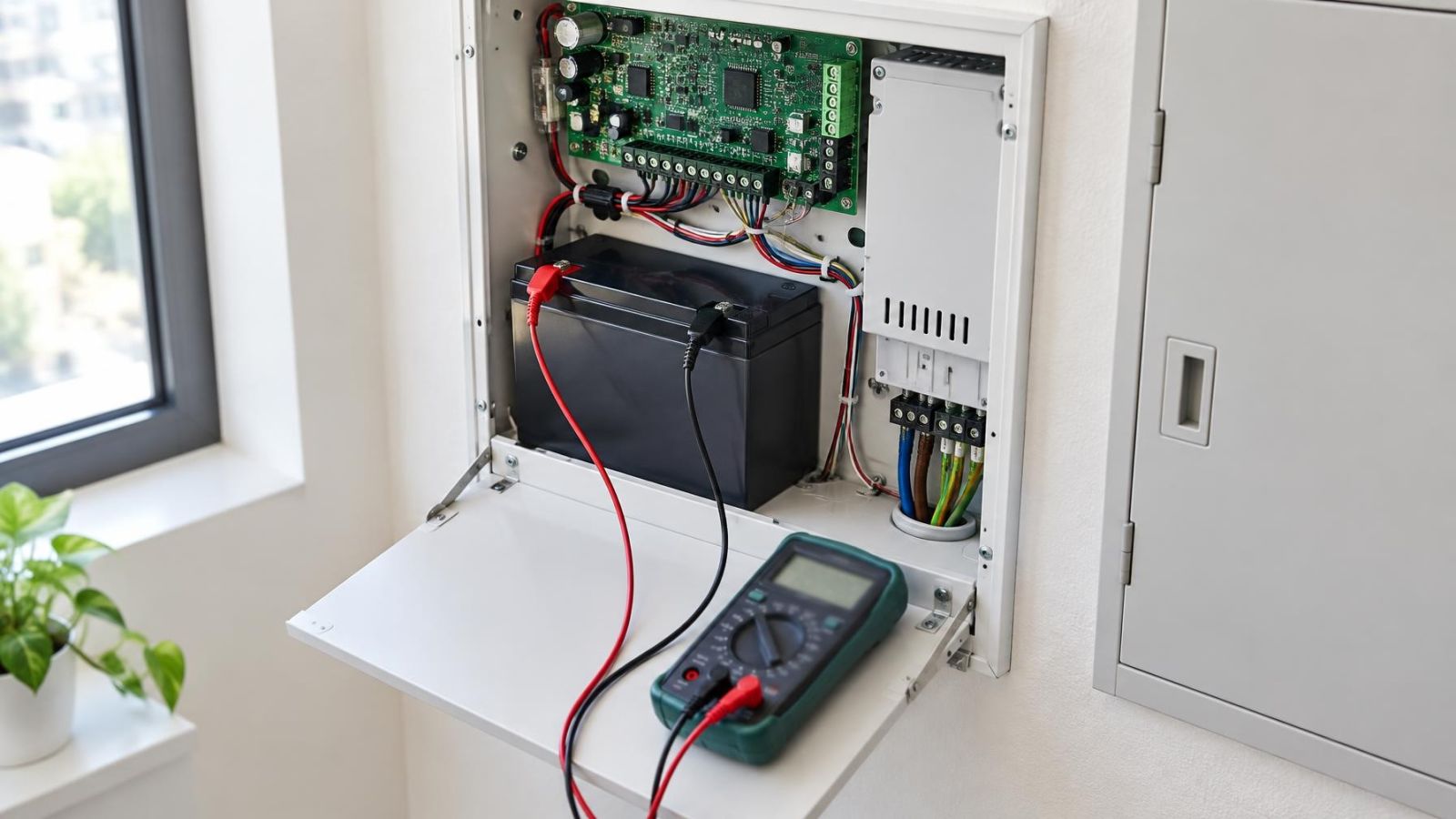
- Measure battery voltage at the connected terminals without disconnecting the battery, provided the equipment permits safe access.
- Remove mains power using the system's intended isolation method. Do not disconnect battery leads to simulate the failure.
- Watch the multimeter during transfer and note whether voltage falls sharply, settles gradually or fluctuates when equipment starts operating from backup.
- Operate only the functions appropriate to a planned test, such as checking a keypad, confirming communication status and reviewing live and recorded video locally.
- Verify each load separately: alarm panel, cameras, recorder, PoE or camera power supply, network switch and router.
- Restore mains power before the battery reaches the equipment's low-voltage shutdown point or the instructed test limit.
- Confirm that charging resumes and that all temporary power, battery and communication faults clear.
Measure at the connected battery terminals because the wiring and connections are part of the working circuit. Keep probes controlled and separated. A probe slipping between adjacent terminals can create a short circuit. If the terminals are recessed, crowded or close to exposed mains components, do not attempt the measurement.
During the simulated power failure, check behaviour rather than indicators alone. The alarm should remain responsive. The recorder should continue writing video rather than merely showing a lit front panel. Cameras should remain visible. The local network should pass traffic, and remote access should remain available only if every required network component has backup power.
How do you test a UPS battery?
Test a UPS with its normal connected equipment, using its intended mains input and status controls. Observe the transfer indication, battery warning, output status and the behaviour of each load. Do not add an improvised high-power load to accelerate the test. A recorder may briefly restart during transfer even when the UPS appears healthy, so check the recording timeline and network connection after the test.
The best load test checks the battery, transfer path and real equipment together; a voltage reading checks only one part of that chain.
Is the Battery Actually Weak?
A clear voltage collapse as soon as mains power is removed usually points towards a battery that cannot support the load, but interpretation should include the charger, terminals and connected equipment. A gradual drop may be normal within the equipment's expected operating range. The relevant comparison is the battery specification and the device's shutdown behaviour, not a universal voltage threshold.
| Observed behaviour | Likely areas to investigate | Useful next check |
|---|---|---|
| Voltage drops immediately and equipment shuts down | Weak battery, excessive load or poor battery connection | Inspect terminals and repeat only after connection faults are corrected |
| Voltage falls progressively while equipment remains stable | Normal discharge or insufficient backup capacity | Compare behaviour with equipment instructions and previous test notes |
| Voltage or equipment status changes when a cable moves | Loose terminal, damaged lead or worn connector | Stop the test and repair the connection before further assessment |
| Battery fault remains after a known-good replacement | Charging circuit, sensing circuit or wiring fault | Measure charging behaviour using the equipment's service procedure |
| Runtime became shorter after cameras or network devices were added | Backup load now exceeds the original design assumption | Map the revised load and review backup capacity |
Why does an alarm report a weak battery?
A weak alarm battery indication can be caused by low battery voltage, a failed load response, poor terminal contact or a charging problem. Some equipment also retains a fault until it has had time to recharge and complete another internal check. Replacing the battery without confirming charging voltage can leave the original fault unresolved.
Unexpected loads can also shorten backup operation. Added detectors, communication modules, cameras, PoE devices or network equipment may draw power from a supply selected for a smaller system. Confirm the current equipment list rather than relying on the original installation plan.
Restore and Verify Normal Operation
Restore mains power through the same intended control used to begin the test. Confirm that the alarm panel and UPS recognise its return. A charging indication should resume, but a fault may not clear instantly. Allow the equipment to follow its normal recovery process and use its documented status checks rather than repeatedly interrupting power.
- Confirm the alarm clock, event log, keypad status and communication path.
- Check that the recorder is writing new footage and that its clock remains correct.
- Verify live camera views, playback and network access rather than relying on power lights.
- Confirm that the router, switch and other network equipment recovered in the expected order.
- Check UPS mains, battery, transfer and output indications.
- Record the starting voltage, lowest observed voltage, equipment behaviour, recovery status and any system changes.
Test notes are valuable because battery behaviour is easier to assess by comparison. Use the same connected load and the same basic procedure next time. If the system configuration changes, record that change so a shorter backup period is not mistaken automatically for battery deterioration.
Decide the Next Maintenance Step
Replace a battery when it fails the approved load test, shows physical damage or cannot support the intended equipment. Use the battery chemistry, electrical characteristics, connector arrangement and installation orientation specified for the equipment. Battery replacement is not a substitute for diagnosing a charger that is failing to maintain it.
- Clean or repair terminals when corrosion, looseness or damaged connectors create an intermittent path.
- Investigate the charging circuit when a suitable battery remains undercharged or the battery fault returns after proper recovery.
- Review backup capacity when cameras, communication modules, recorders or network devices have been added.
- Improve ventilation or relocate equipment when the enclosure remains excessively hot, dusty or damp.
- Arrange installer support when a battery is swollen, leaking, unusually hot, behind exposed mains components or physically inaccessible.
The practical objective is not the longest possible discharge. It is a controlled, repeatable confirmation that the intended equipment transfers to backup, operates without hidden gaps and returns to normal charging. Once the test reveals which part of the path is failing, maintenance becomes specific: battery replacement, connection repair, charger diagnosis or a review of the load.
Key takeaways
- Resting voltage alone cannot confirm that a backup battery will support its connected equipment.
- A controlled mains-power interruption tests the battery, transfer path and actual system load together.
- Alarm, camera, recorder and network backup paths must be checked separately because they may use different power sources.
- A battery fault indication can result from a weak battery, a poor terminal connection or a defective charging circuit.
- A swollen, leaking, unusually hot or inaccessible battery requires professional attention rather than further testing.