On this page
A security camera system may need an installer account for configuration, testing or remote support. That account should be separate from the owner’s administrator login, whether the system is managed through an NVR (network video recorder), a local screen or an online service. The practical question is how to provide temporary installer access and remote access without handing over the credentials that control the entire system.
The answer is to separate ownership from technical work. The owner keeps the main administrator account. The installer receives a named account with only the permissions needed for the agreed task. When the task ends, that account is removed or disabled without disrupting access for family members, employees or other authorised users.
Why shared logins undermine temporary installer access
A shared login looks simple during installation. One username works on the recorder, mobile application and browser, so everyone can proceed. The difficulty appears later. The system cannot clearly distinguish the owner from the installer, an employee or another person who was given the same credentials.
Shared credentials also tend to preserve more authority than anyone intended. An administrator login may allow changes to recording schedules, camera settings, user accounts, remote connections and stored footage. Those rights remain available until the password is changed. If several legitimate users rely on the same password, changing it affects all of them and every device on which it was saved.
- There is no clear individual accountability when several people connect through one account.
- The installer may retain administrator rights after the installation or maintenance work has ended.
- A password change can sign out owners, staff, household members and viewing devices at the same time.
- It becomes difficult to establish who still has access, particularly when credentials were sent through messages or copied between devices.
- Access logs are less useful because every connection appears under the same username.
This matters in common Israeli property arrangements. An apartment owner may need local technical help while the building entrance system is managed separately by the va’ad bayit. A shop may have an owner, a manager and an installer using different parts of the system. Separate accounts keep those responsibilities visible instead of placing everyone behind one administrator name.
What access does the installer need?
The installer needs access to the functions required for the current job, not automatic access to the whole system. Initial setup and ongoing support are different tasks. Setup may require adding cameras, assigning network settings, adjusting image orientation, setting recording behaviour and confirming that remote connections work. Routine support may require only a much narrower set of controls.
Separate setup work from ongoing support
Start by describing the work rather than choosing a broad role called “installer” or “technician”. A camera being aimed may require live view. A recording fault may require access to storage settings and playback for a specific test. A network change may require device configuration without any need to inspect recorded footage.
On systems with role-based access, live viewing, recorded footage and configuration can be distinct permissions. A suitable account might allow camera configuration while excluding playback and export. If a live image is needed for positioning or focus, live view can be enabled without automatically allowing access to the archive.
Limit remote work to an agreed scope
Remote support camera access should be enabled only for work that has been discussed. Define which recorder or cameras are included, what the installer may change and whether the owner should be present or available during the session. Remote maintenance should not become indefinite access simply because leaving an account active is convenient.
Not every platform offers fine-grained roles. Some combine configuration, live view and playback in one permission set. If the required rights cannot be separated, use the shortest practical access period and supervise the session where appropriate. The limitation should be understood before credentials are issued.
Create a separate installer account
Create a named account for the installer rather than a generic account shared by several service providers. The name should make its purpose obvious in the user list and access log. If more than one individual needs independent access, separate accounts are clearer than one common technical login.
When should you use a temporary camera account?
Use a temporary camera account whenever access is needed for a defined installation, adjustment or maintenance task. It is useful for work performed on site and for support performed remotely. The account can remain disabled between planned sessions if the platform supports that approach.
- Assign a role containing only the required configuration, live-view or playback permissions.
- Use a unique password that is not shared with the administrator account or any other service.
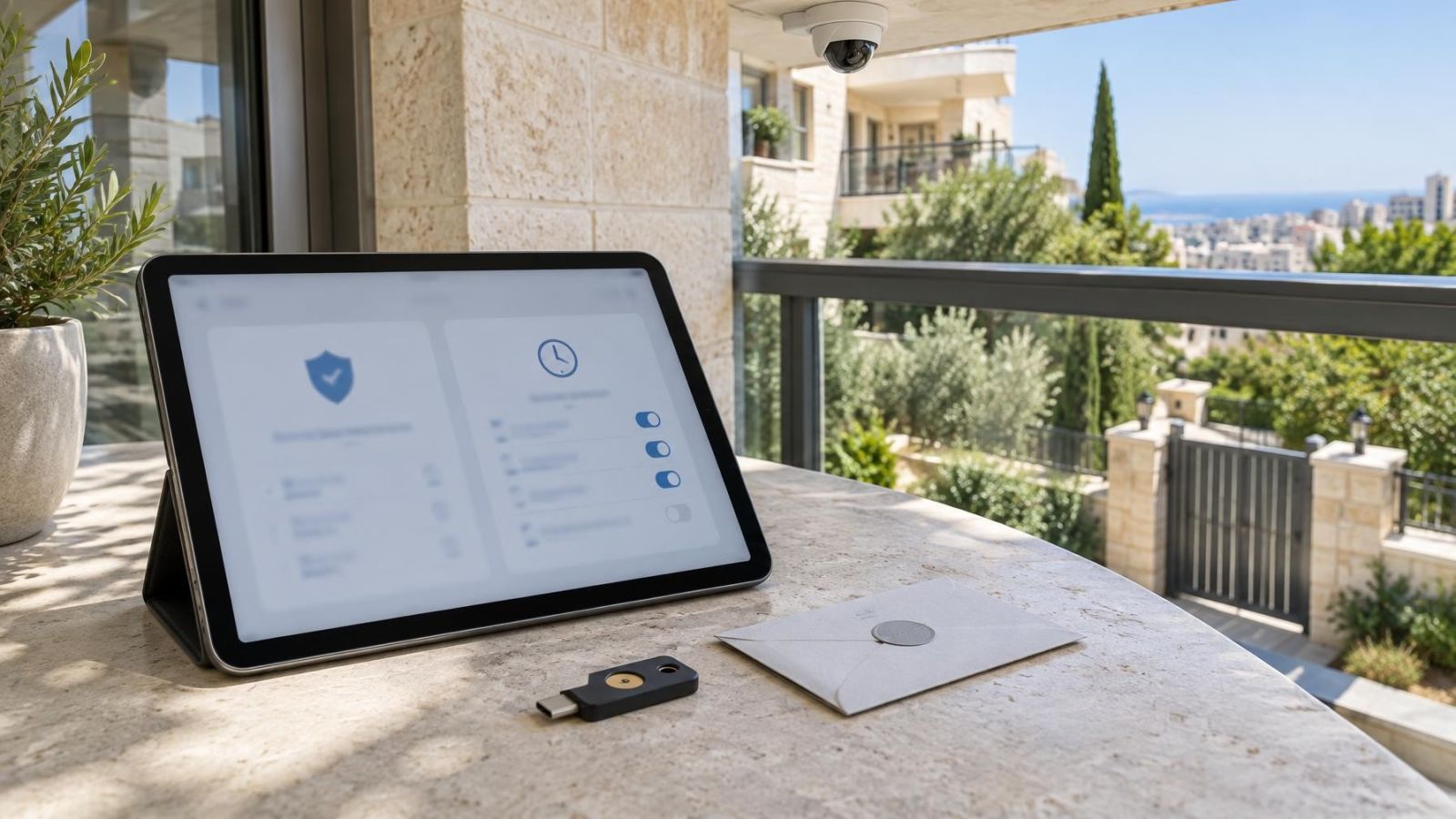
- Enable two-factor authentication where the system supports it and where the account holder can use it reliably.
- Set account expiry for the agreed end of the work when that feature is available.
- Restrict the account to the relevant cameras or locations if the system provides camera-level permissions.
- Avoid permission to create users, change recovery details or alter administrator accounts unless the task specifically requires it.
Automatic expiry is useful, but it should not replace handover. A task may finish early, an expiry setting may be entered incorrectly, or an active session may continue until it is closed. The responsible owner should still review and revoke access when the work is complete.
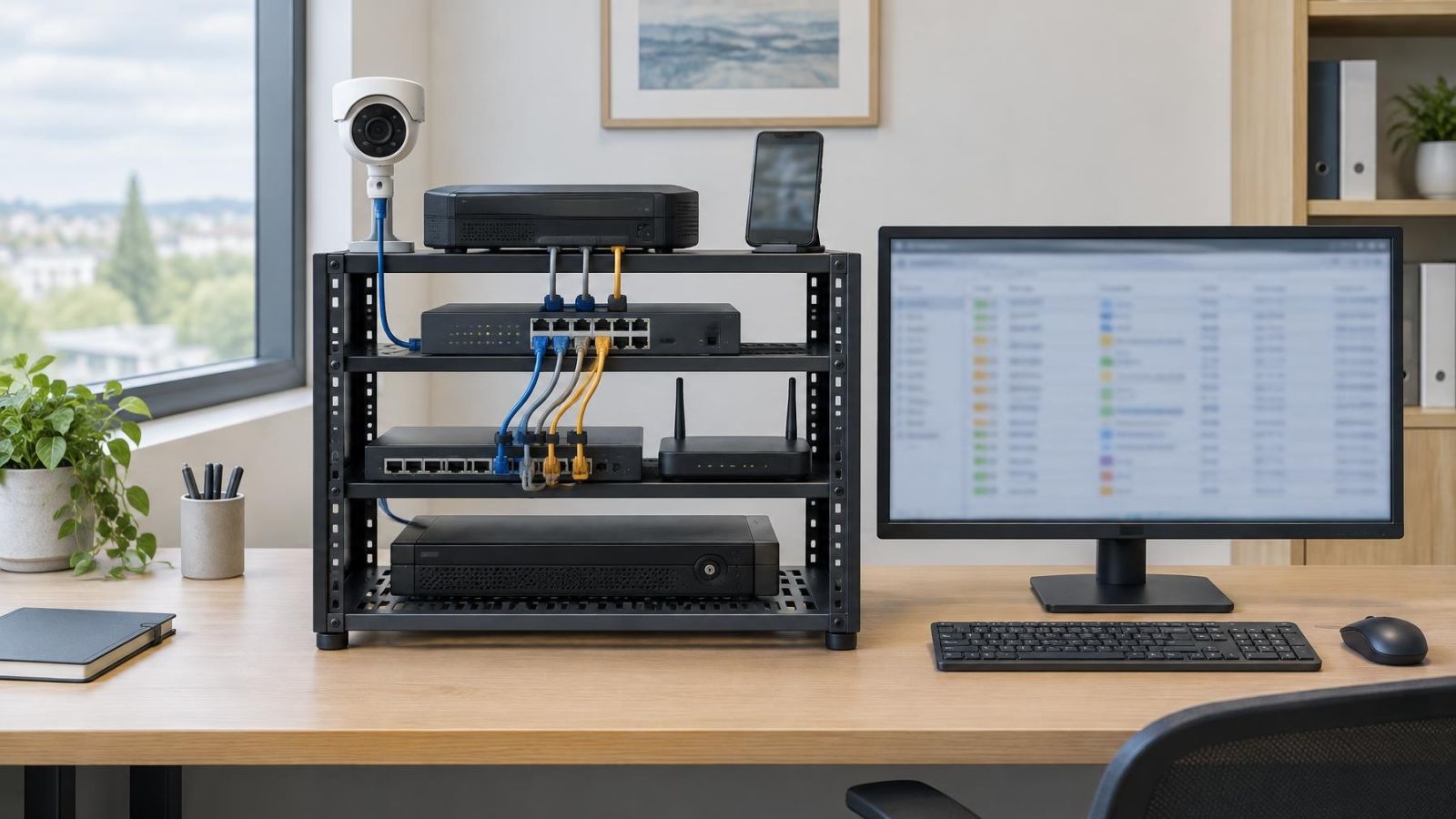
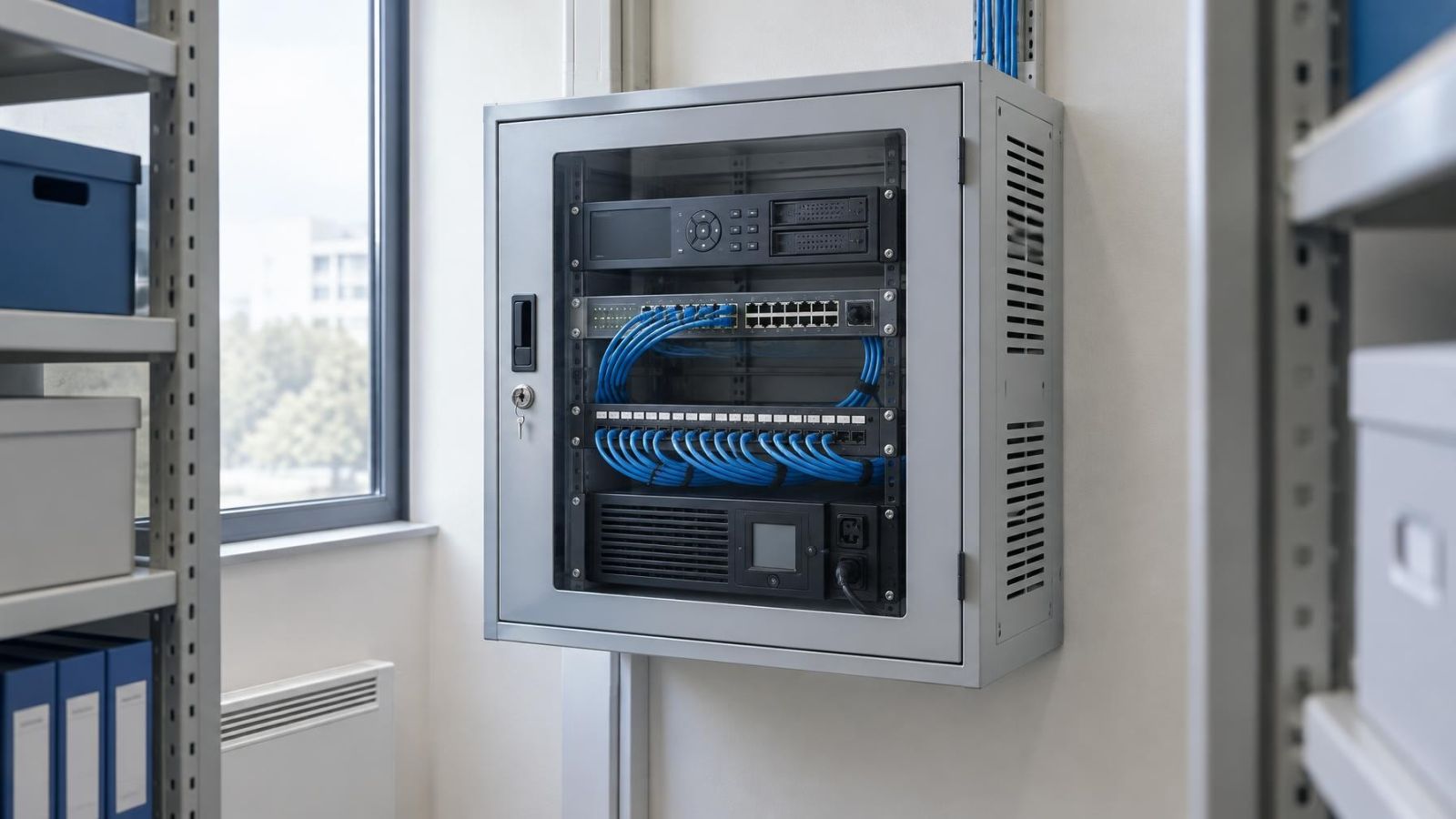
Physical access deserves the same attention. If the NVR is connected to an unlocked monitor and mouse, someone standing at the recorder may be able to use an already open administrator session. Sign out of the administrator account and require authentication at the local console where the system allows it.
Keep control of administrator access
The property owner should retain the administrator login and account-recovery method. The installer may help create the account and configure the system, but the final credentials should be known to and controlled by the owner. Recovery email addresses, authentication methods and other recovery details should not depend solely on an installer remaining available.
Administrator access should be used for administration, not everyday viewing. Household members and employees can have their own accounts for live view or playback where appropriate. This reduces routine exposure of the most powerful credentials and allows one person’s access to change without affecting everyone else.
For a small business with more than one owner, decide who is responsible for the primary account, recovery process and user approvals. A second owner-controlled administrator account may be appropriate if the system supports it and the responsibilities are clear. Avoid an arrangement in which everyone assumes someone else holds the recovery details.
- Record which owner controls the primary administrator account and recovery method.
- Confirm that the installer account cannot create new users or grant itself broader rights.
- Keep owner credentials out of installation worksheets, group messages and shared staff documents.
- Review user accounts when an employee, contractor or service provider no longer needs access.
- Store recovery information in a place available to the responsible owner without leaving it beside the recorder.
Installation access is a tool for completing defined work. It should not quietly become permanent ownership of the system.
How do you revoke installer access?
Revoke installer access by disabling or deleting the separate account and ending any connections associated with it. Disabling is useful when future maintenance is expected because the account can remain unavailable between appointments. Deletion is clearer when there is no reason to preserve the account. Either option is more precise than relying only on a change to a shared password.
- Disable or delete the installer account in the recorder, application or VMS (video management software), according to where the account was created.
- End active sessions so that an already connected browser, application or local console cannot continue using the previous session.
- Remove trusted devices, saved remote connections, access tokens or similar authorisations associated with the account where the system exposes them.
- Review the access log for the account. Note when it connected and what activity the system recorded, recognising that the level of detail varies between systems.
- Confirm that each camera is online, the intended recording schedule is active, storage is operating and the owner can still reach the system.
- Check that owner, household and staff accounts still have the access intended for them.
If administrator credentials were shared despite the plan, change them as part of the handover. Then check recovery details, user accounts and remote connections for settings that may still use the old credentials. A password change alone is not a complete revocation process when trusted devices or active sessions are involved.
Agree the access plan before work
Access is easiest to manage when it is discussed before installation or maintenance begins. The conversation does not need to be long. It should identify the task, the permissions needed, the person responsible for approving access and the point at which access will end.
For a remote property owner, this is particularly useful. Someone may need to meet the installer at the apartment, private home or business while the owner manages the system from another location. The person opening the property does not automatically need administrator credentials. Their role and the installer’s technical role can remain separate.
- Document whether the work requires configuration, live view, playback, export or user-management rights.
- Agree whether access is on site, remote or both, and identify the cameras or recorder included.
- Set an access duration or a specific completion point rather than leaving the account open-ended.
- Define how future remote maintenance will be requested, approved and closed.
- Identify the owner responsible for administrator access, recovery information and account reviews.
- Include account disabling, session closure and an operational check in the handover.
Ask for any unavoidable limitations to be explained. A basic recorder may not separate live view from playback. A cloud-managed system may not offer automatic expiry. A local console may require broader rights than the mobile application. These constraints do not justify sharing the owner’s login; they indicate that access should be shorter, more closely supervised or removed immediately after the task.
A good handover leaves no uncertainty about who owns the system. The owner can sign in, recover the account, review the user list and arrange future support without disclosing the administrator password. The installer has enough access to perform the agreed work, and no more than the system and task require.
Key takeaways
- A separate installer account keeps the owner’s administrator credentials private and makes later revocation straightforward.
- Installer permissions should cover only the functions required for the agreed installation or maintenance task.
- The property owner should control administrator access, account recovery and the authority to create other users.
- Temporary access should be disabled or deleted promptly after installation or maintenance is complete.
- Access duration, permissions and the revocation process should be agreed before work begins.