On this page
An outdoor security camera at an Israeli home or small business may offer pixel motion detection, object detection, person and vehicle detection, and push notifications. The labels sound similar, but they produce very different alert behaviour. The practical question is whether you want the camera to react to almost any visible change or notify you only after it has classified a relevant subject. That choice determines how useful the system feels after installation.
How Pixel Motion Detection Shapes Security Camera Alerts
Pixel motion detection compares one video frame with the next. When enough parts of the image change, the system creates a motion event. It does not know whether the cause was a person, a delivery vehicle, a moving branch or a patch of sunlight crossing the paving.
What does a motion detection camera actually detect?
In its basic form, it detects image change. Sensitivity controls how readily the system reacts. A separate threshold may control how much of the image must change, how long the change must continue, or how large the changing area must be before an event is created. The exact controls vary, but the underlying principle remains the same.
This broad response can be useful. If the aim is to mark periods of activity in recorded video, pixel motion offers a simple way to separate active scenes from quiet ones. It can capture events that do not fit a predefined category, such as an object being moved, a gate opening or a light switching on.
The limitation is distinction. A pixel-based event says that the view changed, not why. Increasing sensitivity may capture smaller or more distant movement, but it also makes the system more responsive to harmless scene changes. Lowering sensitivity reduces some unwanted events while making subtle movement less likely to create an event.
How Object Detection Works
Object detection adds classification. The camera, NVR (network video recorder) or VMS (video management software) analyses the visible subject and assigns a category such as person or vehicle. Alert rules can then act on that category instead of treating every change as equally important.
What does smart camera detection need from the image?
The system needs a clear enough view to recognise useful visual features. A person occupying a meaningful part of the frame is easier to classify than a small figure at the far end of a driveway. A vehicle seen from a suitable angle is easier to classify than a narrow fragment entering at the edge of the picture.
Classification makes alert filtering more selective. A camera can record general movement while sending a push notification only when it identifies a person. At a business entrance, vehicle events might be useful during delivery periods but unnecessary at other times. At a private gate, a person alert may deserve different treatment from a vehicle entering the road in the background.
Object detection is not independent of the image. Backlighting, blur, obstruction, poor subject size and difficult night scenes all reduce the information available for classification. Software settings cannot recover visual detail that the camera never captured.
Why Pixel Alerts Multiply Outdoors
Outdoor scenes rarely stay visually still. In Israel, strong sunlight can create hard-edged shadows that move across walls, gates and paths. A cloud passing overhead may alter a large part of the frame. Leaves, shade cloth, washing and lightweight signs can move repeatedly even when the area itself is quiet.
Glare adds another source of change. A camera facing a bright entrance may see reflected sunlight from paving, glass or a vehicle windscreen. On street frontage, headlights can sweep across walls and shutters after dark. If night vision changes between colour, infrared and another low-light mode, the transition itself may alter much of the image.
Nearby objects can have a disproportionate effect. An insect close to the lens may appear much larger than a person farther away. Infrared illumination can make insects, dust or rain near the camera look unusually bright. Coastal humidity can also create haze or droplets on an exposed cover, changing contrast and scattering light.
- Moving foliage: exclude branches from the active zone where possible rather than trying to solve constant movement with sensitivity alone.
- Bright sky: keep unnecessary sky out of the composition because clouds and changing light can affect a large image area.
- Road traffic: remove the public road from notification zones when passing vehicles are not relevant to the property.
- Night illumination: check for reflections from walls, soffits, railings and glossy surfaces close to the camera.
- Lens area: keep the cover clean and avoid placing the camera beside lighting that attracts insects.
Is Object Detection Always Better?
No. Object detection is usually the better tool for selective notifications, but it is not automatically the better trigger for every recording task. Classification takes visual evidence and processing time. If the evidence is weak, the event may be classified late, assigned the wrong category or left unclassified.
Can person and vehicle detection work at night?
It can work at night when the subject remains visible with enough detail and contrast. Useful illumination matters more than a bright-looking picture. A person can be overexposed by infrared at close range while the approach path remains dark. Headlights may reveal a vehicle but hide the area around it. Strong backlighting can reduce a person to a silhouette.
Frame edges are another weak point. Classification is more reliable after enough of the subject has entered the image. If the notification line sits immediately at the edge, the system may have little time to identify the subject before it crosses. The same problem occurs when a distant person occupies only a tiny part of a wide view.
A clean notification list therefore comes with a trade-off. Strict category rules remove many irrelevant alerts, but they may also exclude unusual, partly hidden or poorly presented subjects. Expectations should match the scene. Object detection is a filtering tool, not an assurance that every visible event will receive a perfect label.
The best detector cannot classify detail that the camera angle, distance or lighting has removed.
Placement Before Detection Settings
Detection begins with composition. Before adjusting menus, decide what the camera must show and how large the relevant subject will appear. One extremely wide view may provide general awareness while leaving people too small for dependable classification. A more focused view of an approach path often gives the detector better material.
At a private home, gates, garden paths and entrance doors usually offer predictable routes. The camera should see a person approaching, not merely the top of a head after they are already beneath it. Mounting very high can protect the equipment and widen the view, but it may also produce steep angles that hide faces under hats or reduce useful body shape.
At a small business with street frontage, separate the entrance from the pavement and road where the layout permits. Passing pedestrians and vehicles may dominate a wide street-facing image even though the doorway is the relevant area. A dedicated entrance view and a broader overview can perform different jobs more cleanly than one camera expected to do both.
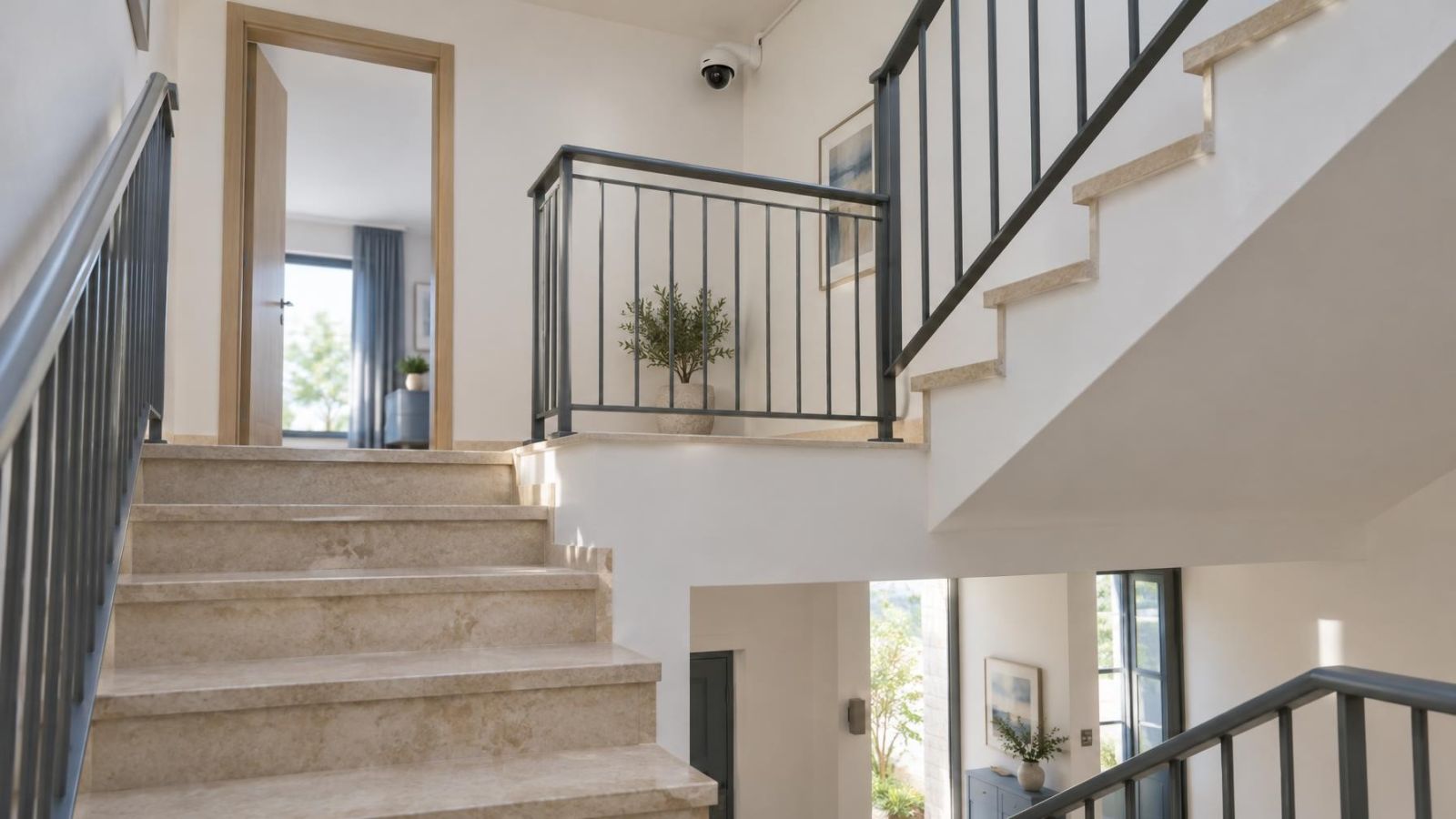
Apartment buildings need deliberate sightlines. A camera serving one apartment entrance may also see a shared corridor, lift lobby or stairwell. A building system may cover a shared entrance selected through the va'ad bayit. In either case, agree on the operational purpose before choosing the view. A tightly framed approach is usually easier to manage than an undefined view of every shared movement.
Avoid allowing bright sky to occupy a large part of the frame. WDR (wide dynamic range) can help balance a shaded entrance against a bright exterior, but it does not remove every lighting conflict. Where possible, compose the scene so the subject approaches through reasonably even light rather than moving directly between deep shade and intense sun.
Zones, Sensitivity and Alert Rules
A detection zone tells the system where activity matters. It should follow the useful part of the scene rather than simply covering the whole picture. At a gate, that may be the path inside the property. At a shop, it may be the doorway and the area immediately in front of it, excluding the road and neighbouring frontage.
Zones do not correct weak placement. A narrow zone at the far edge of a wide image still contains a small, partial subject. Nor should a zone be drawn so tightly that a person can cross it before classification completes. Leave enough space around the relevant approach for the system to observe the subject.
Motion sensitivity should match the normal activity of the scene. A sheltered indoor corridor can usually tolerate a different setting from a garden with foliage. Thresholds that look calm during one quick test may behave differently when sunlight moves, an exterior light switches on or infrared illumination becomes active.
Should recording and notifications use the same rule?
They do not need to use the same rule. Recording can remain broad because reviewing a timeline has a different purpose from receiving an interruption. Pixel motion may mark general activity for recording, while person detection controls push notifications. Vehicle notifications can be enabled only where vehicle movement is operationally relevant.
- Define the purpose of the view: overview, entrance activity, person alerts, vehicle alerts or a combination.
- Draw zones around relevant approach paths while excluding roads, moving vegetation and bright peripheral areas where practical.
- Set broad recording behaviour before deciding which event categories deserve a push notification.
- Walk and drive through the scene using normal approach routes, including movement near the frame edges.
- Repeat the checks in daylight and darkness, then review both detected events and events that received no classification.
- Adjust one variable at a time so that changes in zone, sensitivity or category rules can be evaluated clearly.
Testing should include ordinary conditions rather than only a staged walk directly towards the lens. Approach from the side, pause near the boundary, carry a bag, open the gate and move through areas of shade. At night, check both a quiet scene and a scene affected by exterior lighting or headlights. The aim is to understand how the installed view behaves, not how the feature is described in a menu.
Which Detection Should You Choose?
Choose according to the job. If the main requirement is a manageable stream of person or vehicle notifications, object detection is generally the more suitable starting point. If the requirement is broad activity capture, including events that have no person or vehicle category, pixel motion remains useful.
Where the system supports separate logic, combining the two is often the practical answer. Use broad motion to organise recordings and narrower classifications to decide when a phone should interrupt you. This is particularly useful for remote property owners, who need meaningful notifications without losing access to wider recorded activity.
| Requirement | Preferred detection | Reason | Main limitation |
|---|---|---|---|
| Selective person notifications | Object detection | Filters events by visible category | Needs a clear, suitably sized subject |
| Vehicle activity at a gate | Vehicle detection | Separates vehicles from other movement | Road traffic can enter the relevant zone |
| Broad activity recording | Pixel motion detection | Captures image change without requiring a category | Shadows, foliage and glare can create events |
| Broad recording with selective phone alerts | Combined rules | Uses different logic for recording and interruption | Requires careful configuration and testing |
The final choice should be made per camera, not per property. A sheltered apartment corridor, a sunny garden gate and a street-facing shop entrance are different detection environments. They may need different zones, sensitivity and notification rules even when they belong to the same recorder.
Installer verification matters because menu access alone does not show whether the subject is large enough, whether night illumination is creating reflections, or whether the alert arrives only after the person has left the useful area. A sound setup is verified through the installed view under real conditions, then adjusted to match the owner’s actual reason for receiving an alert.
Key takeaways
- Pixel motion detection responds to changes in the image without identifying their cause.
- Object detection supports more selective notifications by classifying visible people and vehicles.
- Camera placement, subject size and lighting strongly influence detection quality.
- Broad recording rules and selective notification rules can serve different purposes.
- Detection settings should be verified in the real scene during daylight and darkness.