On this page
When an apartment building, private home or street-front business needs several viewing directions, the choice often comes down to a multi-sensor camera or several fixed security cameras. Both approaches send video to a video recorder, but they do not see the property in the same way. The practical question is whether one shared mounting position can cover the important areas, or whether each view needs its own position, direction and lighting response.
How the Two Approaches Differ
A multi-sensor camera places independent imaging sensors in one shared housing. Each sensor points in a chosen direction, so a single physical unit can look along several sides of a building, across a broad frontage or over different parts of an open area. The phrase multi lens security camera is also used for this general arrangement, although the important feature is not simply the number of lenses. It is the ability to obtain separate views from one mounting location.
Fixed cameras take the opposite approach. Each camera has its own housing, mounting position and viewing direction. One can face the gate, another can look back towards the entrance, and a third can cover the side passage. Their positions do not need to be close to one another.
| Planning factor | Multi-sensor camera | Separate fixed cameras |
|---|---|---|
| Mounting | Several views share one physical position | Each view can have its own position |
| Direction | Sensors adjust independently within the limits of the housing and location | Each camera can be aimed independently |
| Viewpoint | All views originate from roughly the same point | Views can be distributed around corners and obstructions |
| Cabling | Several views may share one cable route to the housing | Each camera normally needs a cable route |
| Servicing | Several views are concentrated in one unit | A single camera can be serviced without handling the others |
The video side still needs careful checking. Each sensor produces video that the recorder and viewing system must process. Depending on the equipment, the views may appear as separate channels or as related streams within one device entry. The physical camera count therefore does not necessarily match the number of views shown on the recorder.
How do multiple camera views remain independent?
Direction adjustment gives each sensor its own composition, but it does not move the sensor to another part of the property. All views still inherit the height and general perspective of the shared housing. Separate cameras provide more independence because position, height, angle and distance can be selected for each task.
Can One Camera Replace Several?
Sometimes, but only when one mounting point has clear sightlines to all required areas. A well-positioned multi-sensor camera can replace several housings around an open courtyard, a broad shop frontage or a parking area without major visual obstructions. It is less suitable when the required views sit on opposite sides of walls, deep recesses or projecting balconies.
Does one camera with multiple views provide enough detail?
Coverage and useful detail are separate questions. A wide field of view can show a large area while making each person, vehicle or doorway occupy a smaller part of the frame. A camera may therefore show that activity occurred without giving the close, well-placed view needed for the property's actual purpose.
Start by defining what each view must show. General awareness of an open area is different from a focused view of a gate, delivery point, till area or building entrance. Where detail matters, a dedicated fixed camera can use a narrower composition and a more favourable distance.
Building geometry is often decisive. A shared camera position cannot see around a corner, through a solid gate or behind a column. Nor can it correct a poor angle on a recessed doorway merely by turning another sensor. Separate viewpoints can be placed on both sides of an obstruction and can create useful coverage overlap along important routes.
Count required viewpoints, not camera housings.
Compare Image Detail and Lighting
Israeli outdoor scenes commonly combine strong sun, deep shade and bright sky in the same frame. A south- or west-facing view can experience intense glare, while an entrance below an overhang remains shaded. If the camera exposes for the bright background, visible detail in the foreground can be reduced.
WDR (wide dynamic range) can help balance bright and dark regions, but it does not make camera position irrelevant. A modest change in angle may keep the sun or reflective glass away from the centre of the frame. Separate cameras make such adjustments independently. A multi-sensor unit has independent viewing directions, but every sensor remains tied to the same mounting area and its surrounding surfaces.
- Gates and entrances: Avoid making bright sky or a sunlit street the dominant background behind a shaded person.
- Shop windows: Check reflections at different parts of the day, not only when the camera is mounted.
- Courtyards: Consider how walls divide the scene into shade and direct sunlight.
- Parking areas: Look for glare from pale paving, windscreens and metal doors.
- Covered passages: Frame the passage itself rather than allowing a bright opening to control most of the exposure.
Night vision also needs to be considered by direction. Infrared illumination must reach the useful part of each scene without reflecting strongly from a nearby wall, soffit, pipe or pale surface. A sensor aimed along a wall may receive more IR reflection than one aimed into an open driveway. Separate cameras allow different positions and illumination choices for each direction.
Plan Wide Area Camera Coverage Around the Property
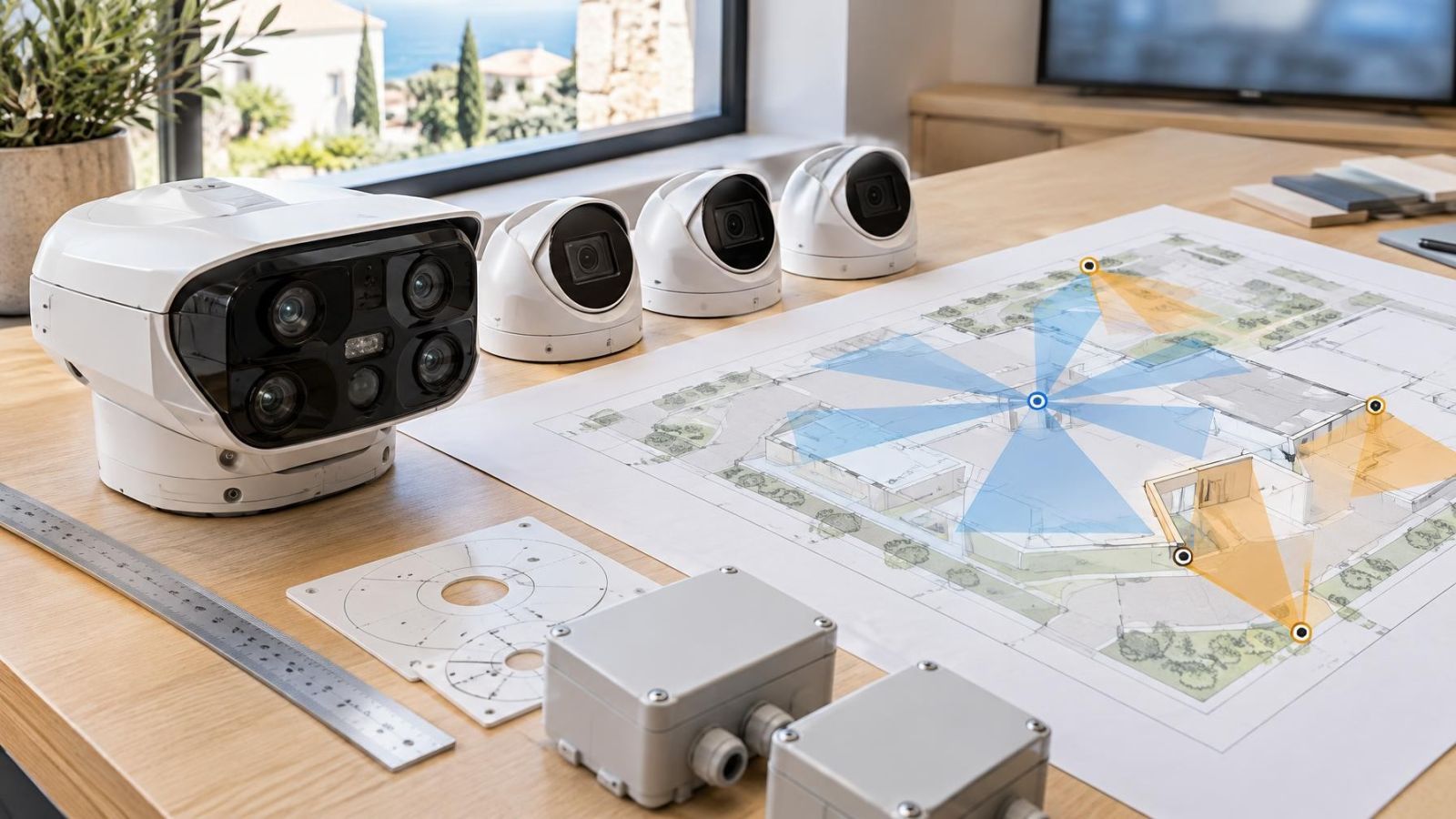
Draw the property before selecting equipment. Mark entrances, gates, paths, vehicle routes, service areas and structural obstructions. Then draw the direction needed at each point. This simple coverage map usually reveals whether the views naturally meet at one central position or need to be distributed.
Apartment buildings and shared entrances
In an Israeli apartment building, the useful mounting surfaces and cable routes may pass through shared entrance areas, stairwells, parking levels or an external façade. The va'ad bayit may also need to coordinate practical decisions about access, appearance and future maintenance. A multi-sensor camera can reduce the number of visible housings at a suitable central point, but it cannot see around a lobby wall or cover separate entrances that have no shared line of sight.
Mamad walls and other substantial structural elements can also affect cable routing and wireless communication. Plan the recorder location and cable paths rather than assuming the shortest line on a floor plan will be the simplest route on site.
Private homes, gardens and driveways
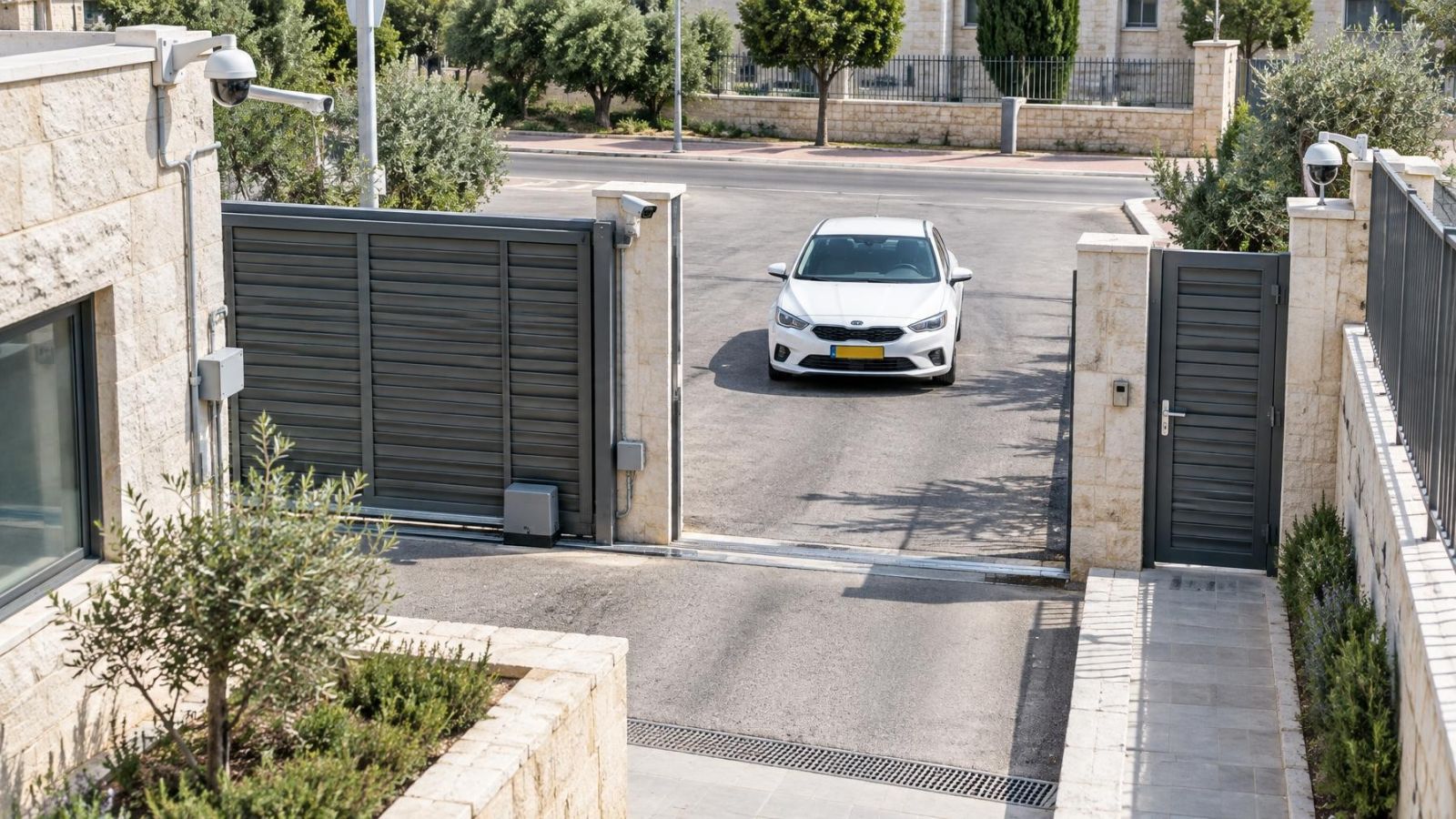
A private home often needs different kinds of views: a focused gate view, general coverage of the garden, a driveway approach and perhaps a narrow side passage. One elevated multi-sensor position may suit an open front garden. Separate fixed cameras are usually more flexible where vegetation, boundary walls, pergolas or changes in level divide the property.
Street-front businesses and service areas
A street-front business may need to see the pavement approach, entrance, customer area and delivery access. These directions can have very different lighting. The street may be bright while the interior sits in shade. A rear loading area may be physically disconnected from the frontage, making a distributed layout more sensible than forcing all views into one location.
Parking and loading areas benefit from planned overlap. Adjacent views should meet along the routes that matter, rather than merely touching at the far edges of their frames. Overlap gives a more continuous sequence during playback, but excessive overlap wastes image area that could be used elsewhere.
Account for Installation and Maintenance
A central multi-sensor position can simplify external cabling when several required views converge there. Fewer distributed housings can also mean fewer separate façade penetrations and mounting surfaces. This advantage disappears if the central position is difficult to reach, structurally unsuitable or connected by an awkward cable route.
Separate fixed cameras require more distributed cabling, but each cable leads directly to a purpose-built viewpoint. PoE (power over Ethernet) can carry power and network data on the same cable, although every camera connection still needs suitable recorder or network capacity.
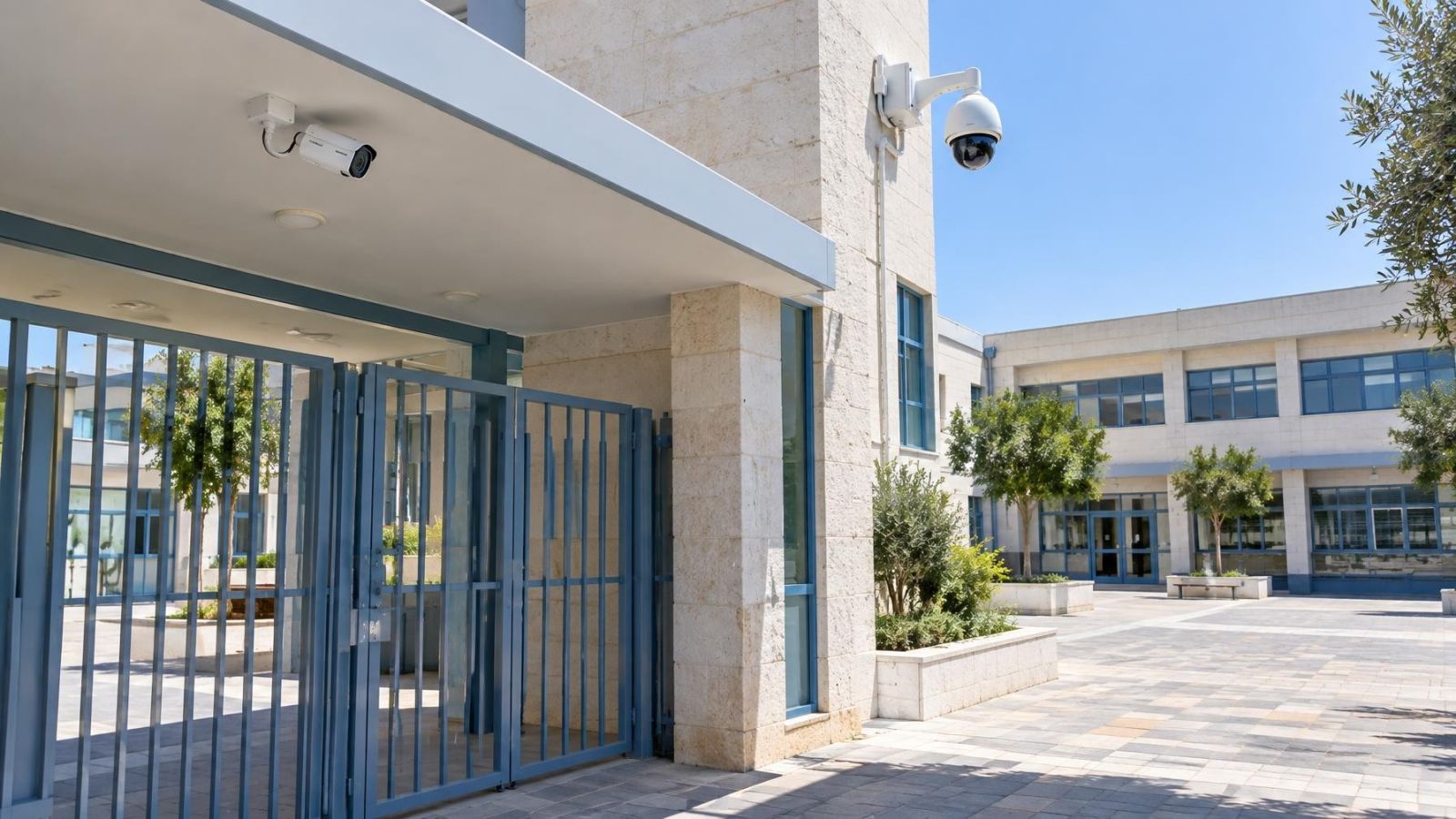
Access matters after installation. Outdoor lenses and covers collect dust. Near the coast, humidity and airborne deposits can increase cleaning needs. Water marks, insects and fine dirt can soften an image or create flare when the sun or IR illuminator strikes the surface.
- Confirm that the mounting surface is stable and provides room for secure cable entry.
- Avoid positions that require exceptional access arrangements for routine cleaning.
- Keep foliage and movable signs out of the expected field of view.
- Check whether gutters, shutters or awnings will obstruct a sensor after installation.
- Leave enough adjustment range for modest changes to gates, parking use or landscaping.
Service concentration is a trade-off. Cleaning one multi-sensor housing gives access to several views at once, but work on that housing affects the same cluster of views. With fixed cameras, maintenance is distributed and one unit can be adjusted without touching the others. Future changes follow the same pattern: separate cameras are easier to reposition independently, while a shared housing remains tied to its original location.
Check Recording and Daily Use
The recorder must be planned for views, not just physical housings. An NVR (network video recorder) and any connected VMS (video management software) need to support the number and type of streams produced by the selected camera. Confirm compatibility before installation, including how each sensor appears in live view, playback and remote access.
Do multiple camera views create separate recording work?
Yes. Each sensor view creates video that must be processed, displayed and stored. Several sensors in one housing can therefore place demands on recorder capacity similar to several separate cameras. The exact presentation varies, so do not assume that one network connection or one housing means one simple recording channel.
Storage planning depends on the combined stream settings and recording schedule. More simultaneous views create more recorded material to manage. The useful question is not only whether the recorder can accept the feeds, but whether the retained footage, playback speed and export workflow remain practical.
Live-view layouts should match how the property is used. Related directions can be placed next to each other on screen: gate beside driveway, entrance beside lobby, or loading approach beside loading area. During playback, synchronised views make it easier to follow movement between areas. Poorly named channels and arbitrary screen positions make this unnecessarily difficult.
Remote property owners should test the actual viewing workflow. A phone or laptop screen may show one important view clearly, while a dense grid of small tiles hides useful detail. The system should make it straightforward to open a priority view, switch to related angles and review them together when needed.
Which Layout Fits Your Property?
Choose from the site geometry outward. Equipment count comes later. A multi-sensor camera is a strong option when several useful directions share one accessible position, the scenes need similar mounting height, and structural obstructions do not divide them. Separate fixed cameras are preferable when the views require different distances, heights, lighting directions or positions around corners.
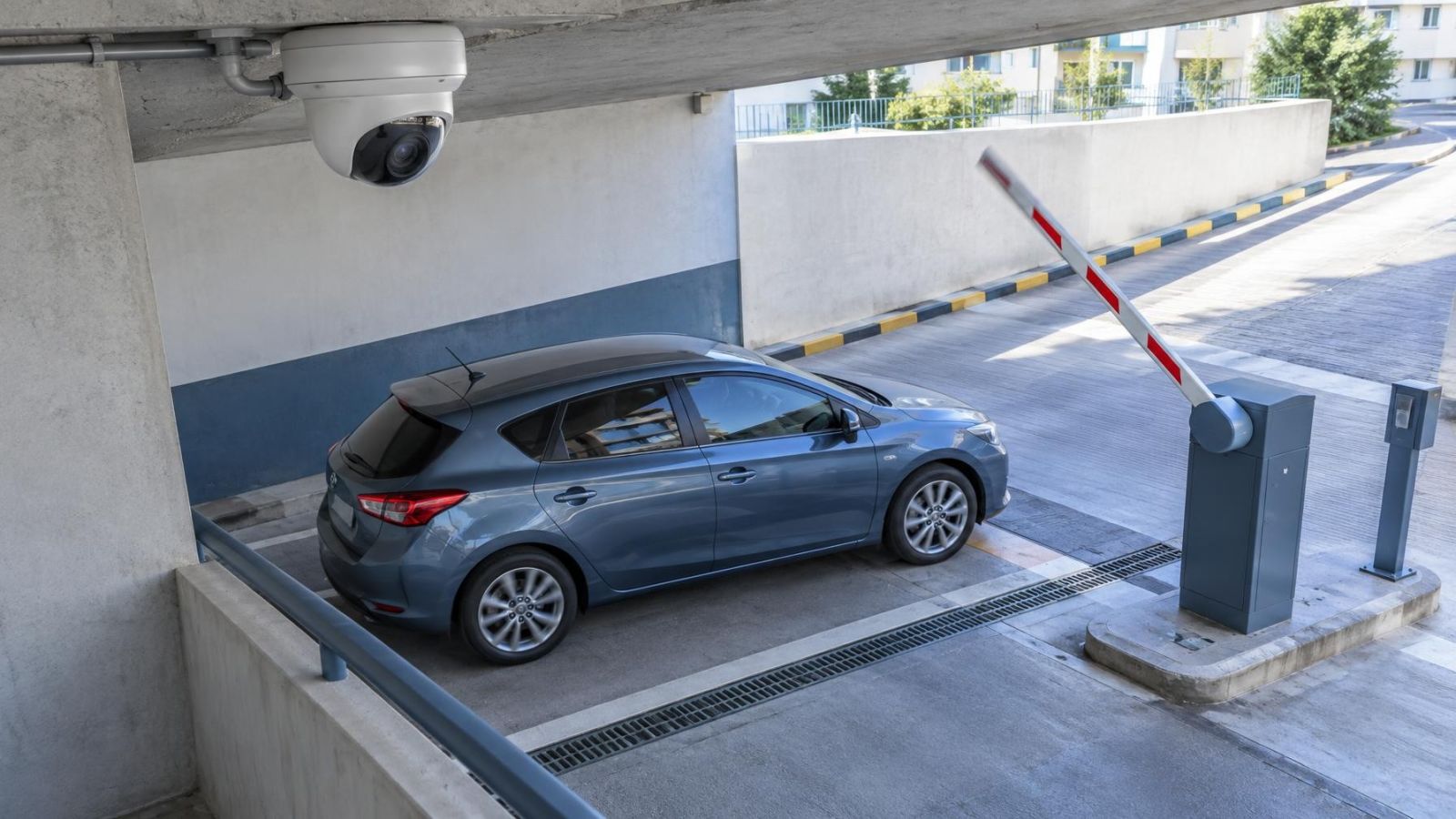
- Map the property. Mark the areas that need observation, the routes between them and anything that blocks sightlines.
- Set a purpose for every view. Decide whether it needs general awareness or focused image detail at a gate, entrance, counter or loading point.
- Check the light by direction. Note bright sky, direct sun, reflective surfaces, deep shade and likely IR reflection.
- Identify realistic mounting points. Include surface suitability, access for cleaning and available cable routes.
- Plan recording and viewing. Count every sensor stream and arrange related views for live display and playback.
- Compare layouts. Select the arrangement that produces the required viewpoints with manageable installation and maintenance.
Do not treat the decision as a contest between fewer and more cameras. One carefully chosen multi-sensor position can be cleaner and more coherent than several nearby housings. Several fixed cameras can be simpler and more useful than one device forced to cover incompatible directions. The better layout is the one that fits the property's sightlines, light and daily viewing needs.
Key takeaways
- A larger coverage area does not automatically provide useful image detail throughout the scene.
- A shared mounting point can simplify installation but cannot provide the viewpoint diversity of separately positioned cameras.
- Separate fixed cameras are usually better suited to corners, structural obstructions and directions with different lighting.
- Recorder capacity, live viewing and playback workflow should be considered before the camera layout is finalised.
- A site coverage map should define the required views before equipment is selected.