On this page
Why long-absence home security changes the plan
When a home will be empty for an extended period, an alarm system, security cameras, door and window sensors, a local recorder, backup power and a trusted local contact must work as one plan. Long-absence home security is therefore not only a question of which equipment to install. It is a question of how an event will be detected, recorded, understood remotely and checked at the property when no occupant is there.
In an occupied home, a person can interpret a sound, notice a damaged cable or restart a router. In an empty home, small faults can remain undiscovered. A camera may still appear in an app while its lens is dirty. An alarm panel may be online while notifications are being sent to an old account. A recorder may be operating, but its playback has not been checked.
Remote visibility becomes more important, but it does not replace local access. Video can show an open gate or movement near an entrance. It may not explain a water mark, a branch moving in strong wind or why a device has stopped communicating. A named person nearby provides the physical part of the response process.
Detection without a response plan produces information. It does not produce a practical next step.
The design should begin with absence scenarios rather than a shopping list. Consider who receives each type of alert, what they can verify remotely, who may enter the property and what happens if the first contact is unavailable. These decisions determine the equipment, permissions and backup arrangements that are actually useful.
What security does an empty home need?
The goal of security for an empty home is layered information. Door and window sensors identify openings at the perimeter. Interior detectors provide a separate indication when activity occurs inside. Cameras show selected entrances and approach routes. Gate, intercom and lighting status add context around the boundary of the property.
Which vacant home security system is suitable?
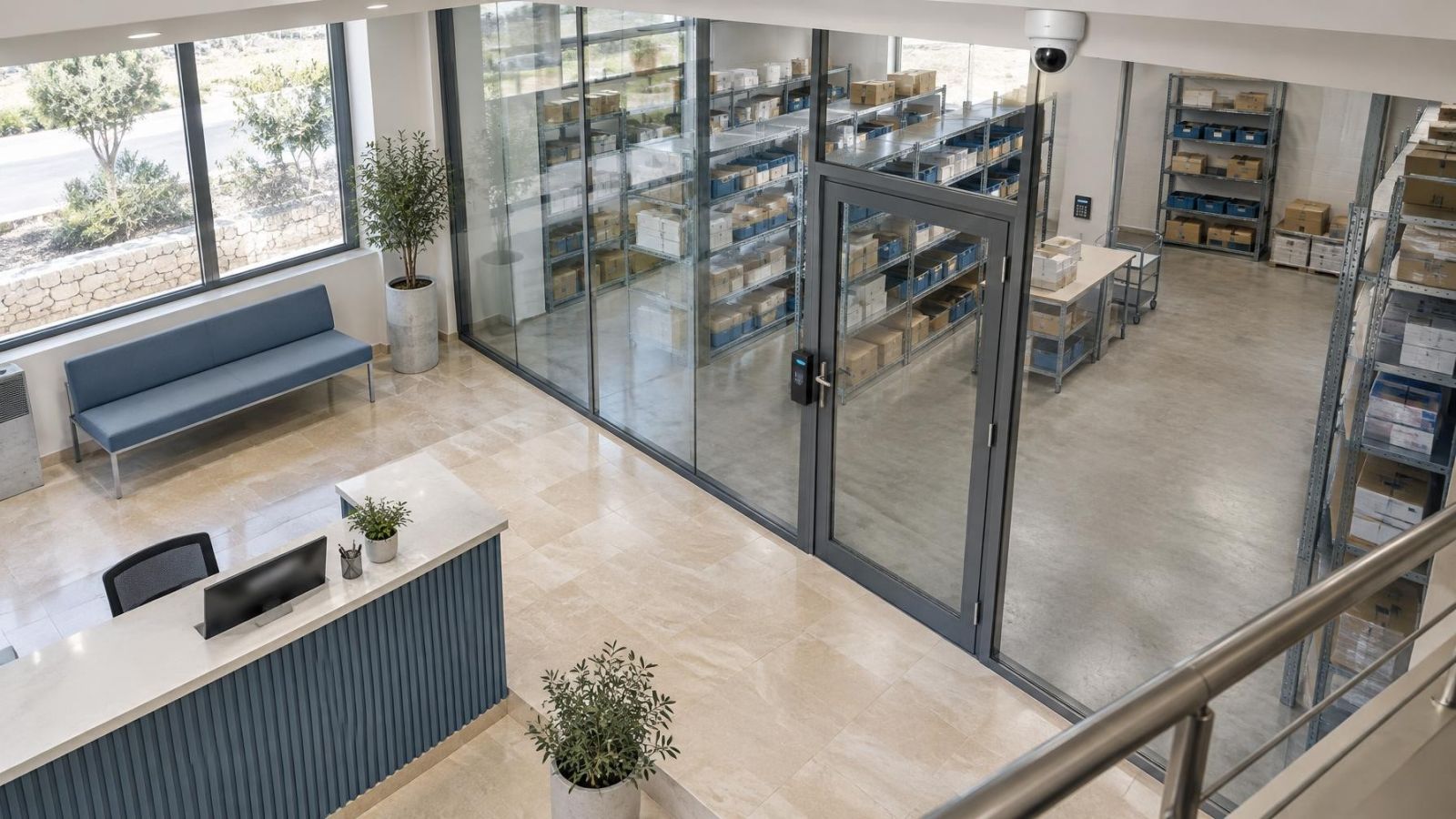
A suitable system is one whose layers match the property. A street-front apartment may need careful coverage of the private entrance and balcony doors. A detached home may also require gate, garden and side-passage coverage. A small business used intermittently may need separate attention at the customer entrance, delivery access and any internal room containing important equipment.
- Perimeter detection: Fit sensors to doors and accessible windows that matter, rather than treating every opening as identical.
- Interior confirmation: Use appropriately selected detectors in circulation areas as a second layer, with placement that accounts for normal environmental movement.
- Entrance cameras: Frame faces and actions at doors, gates and approach routes instead of trying to cover an entire property with one distant view.
- Gate and intercom status: Confirm whether remote opening, call history or a simple closed-state indication is needed.
- Outdoor lighting: Illuminate access points evenly enough for useful viewing without aiming bright fittings directly into camera lenses.
Coverage should be specific enough to answer practical questions. Did the front door open? Did someone enter the garden or only pass along the pavement? Is the gate still open? A wide overview can establish context, while a tighter entrance view can preserve useful detail. One camera rarely performs both tasks equally well.
Keep recording and alerts available
Remote access and local recording are separate functions. An NVR (network video recorder) can continue recording compatible local cameras when the internet connection is unavailable, provided the cameras, recorder and necessary network equipment still have power. Remote viewing cannot work until a communication path from the property is available again.
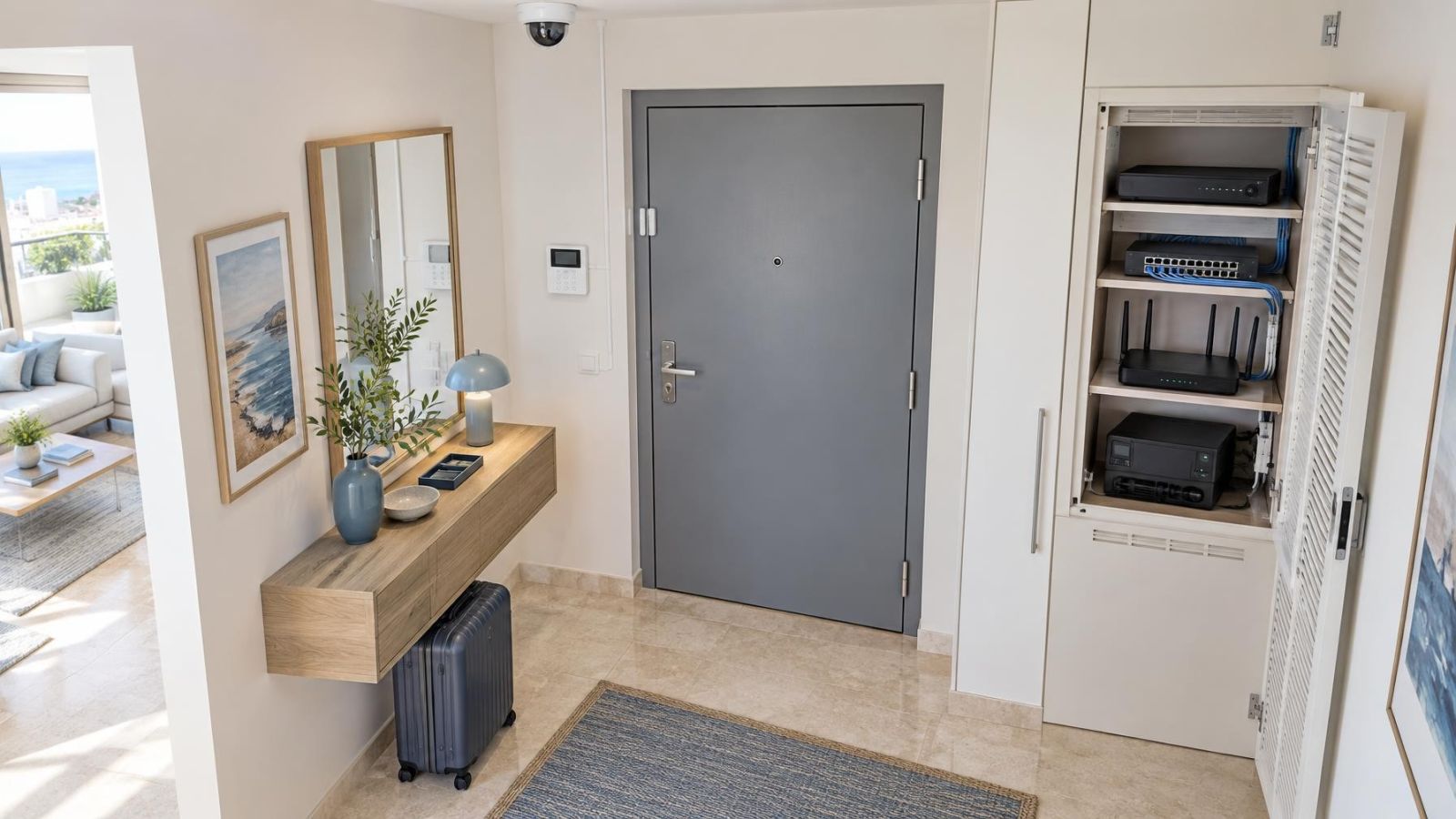
Backup power should be planned as a chain. Supplying the alarm panel but not the router leaves remote communication unavailable. Supplying a recorder but not the network switch may leave it with no camera streams. Backup power supports only the devices connected to it, so the essential path must be listed device by device.
- Keep local recording available for events that occur during an internet interruption.
- Provide a suitable backup communication path where continued remote signalling is important.
- Connect the essential alarm, recording and network components to the intended backup power arrangement.
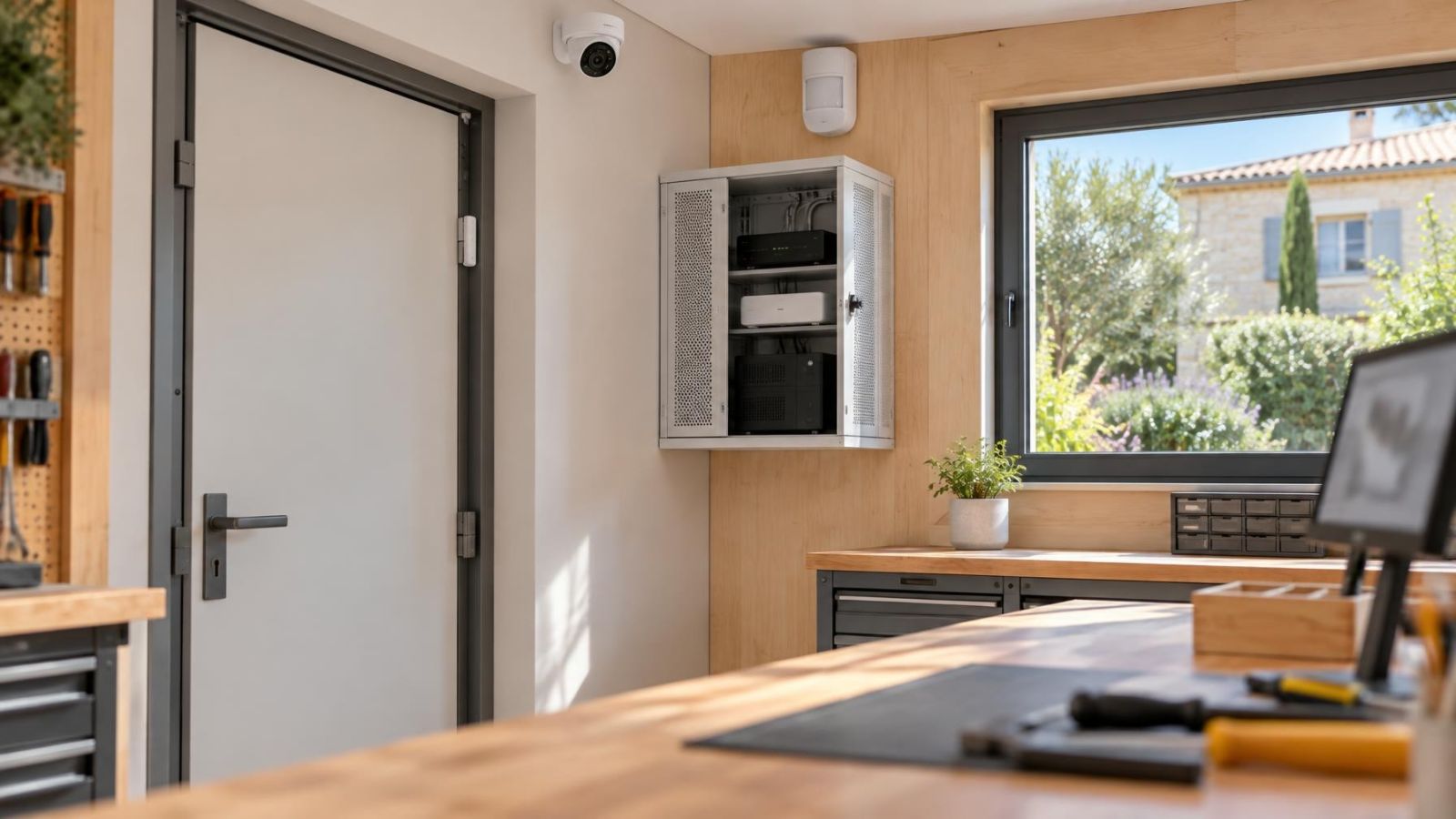
- Place the recorder away from entrances, reception counters and other locations that are immediately accessible.
- Use distinct notification labels for door openings, detector activity, camera motion detection, power changes and communication faults.
Alerts should tell the recipient what happened and where. Labels such as “front gate opened” and “living room detector active” are easier to act on than device numbers. Camera motion detection should also be tuned to the scene. Trees, road traffic, insects close to the lens and abrupt lighting changes can create repeated events that make the important notification harder to recognise.
Recorder placement matters for maintenance as well as access control. It needs ventilation and a stable power connection, but it should not be the first device visible after entering. In a home with a mamad, thick walls and the room’s position can affect wireless communication. Do not assume it is automatically the best equipment location without checking connectivity, heat and cable routes.
Plan cameras for Israeli conditions
Israeli properties often combine intense exterior sunlight with deeply shaded entrances. A person approaching from a bright garden or pavement may become a dark silhouette under a canopy. WDR (wide dynamic range) can help a camera handle bright and dark areas in the same scene, but placement remains important. A small change in angle can remove a large area of sky or direct sun from the frame.
Night vision also depends on the scene around the camera. Infrared can reflect from a nearby wall, pale soffit, glass cover, foliage or spider web. The camera may then expose for the bright reflection and leave the actual approach route too dark. Outdoor lighting can provide a more natural view, but it should be positioned to avoid glare and harsh pools of light.
- Dust: Exposed lenses and covers need periodic cleaning because a dusty surface softens daytime detail and scatters infrared at night.
- Coastal humidity: Outdoor fittings, cable entries and mounting surfaces should be selected and installed for persistent moisture exposure.
- Gardens: Moving plants and irrigation can affect motion detection and leave deposits on nearby camera covers.
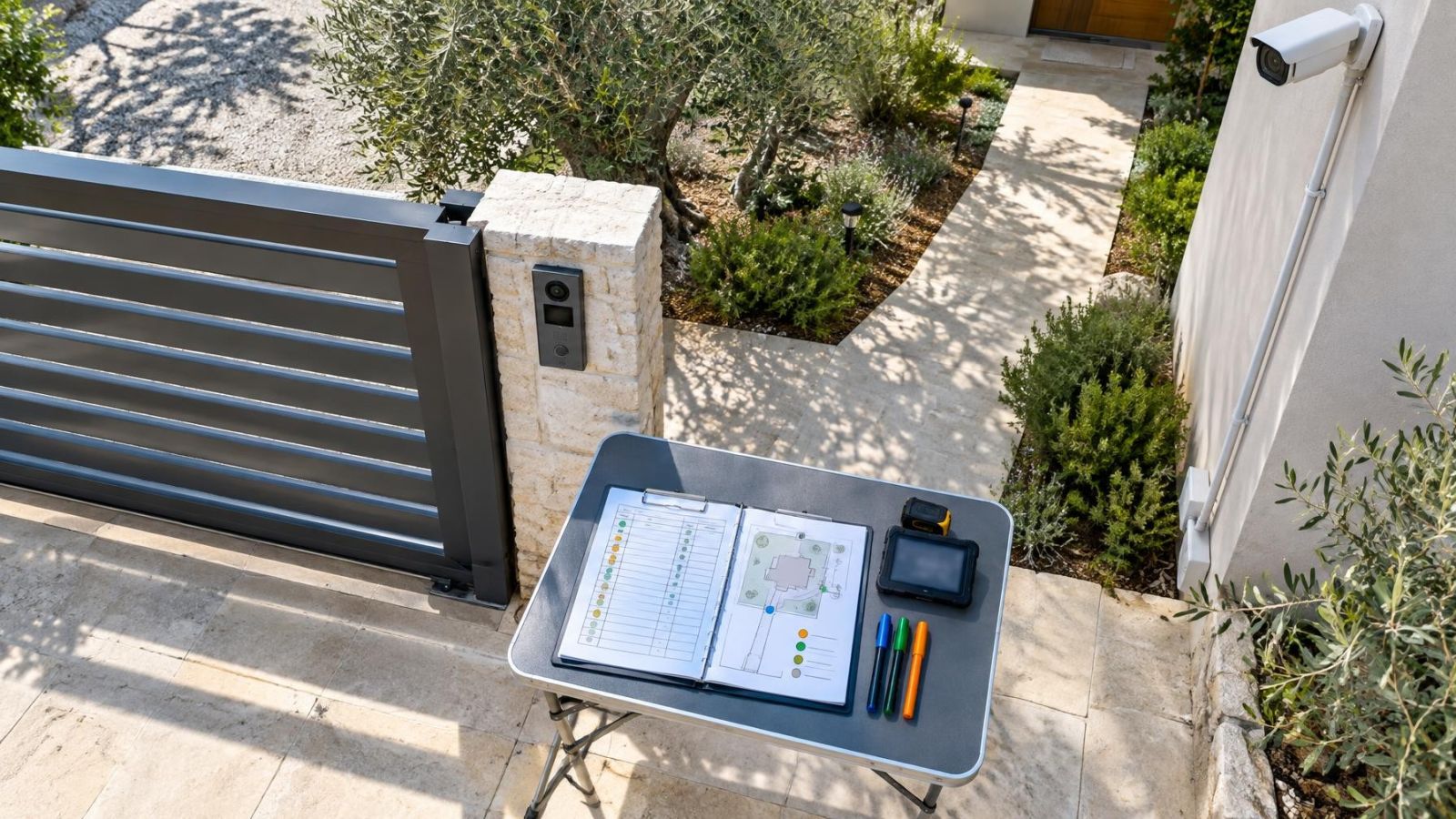
- Gates: Use separate views when both a general gate overview and identification at the entry point are required.
- Street frontage: Frame the property approach deliberately so passing traffic does not dominate alerts or recorded activity.
Apartment buildings add a coordination issue. The entrance, lift lobby, parking area and external paths may be shared spaces managed through the va'ad bayit. Agree which shared positions, cable routes and maintenance access are part of the building plan. A private apartment system should not quietly depend on equipment or network connections that nobody has agreed to maintain.
How does remote home security work?
Remote home security works by sending alarm status, event information and camera access through the property’s communication connection to authorised users or a monitoring service. The system at the property still performs the detection and, where installed, local recording. The remote interface allows a person elsewhere to view status, inspect events and decide what response is appropriate.
| Remote function | What it tells you | Main dependency |
|---|---|---|
| Live view | What a selected camera shows now | Working camera, power and communication path |
| Recorded playback | What the local recorder stored before or after an event | Available recording and remote connection |
| Alarm status | Whether areas are armed, disarmed, open or in alarm | Panel communication and correct user permissions |
| Event history | The sequence of reported system events | Accurate labels, time settings and retained history |
Live video and recorded video answer different questions. Live viewing shows the current scene. Playback shows what happened earlier and can reveal the sequence around an alarm. Both should be tested remotely before departure. A live picture alone does not confirm that recording is enabled, searchable or retaining the intended cameras.
How should remote access be shared?
Give each person an individual account. The owner may need full control, while a family member or caretaker may need only live viewing, selected cameras or alarm operation. Separate accounts make permissions easier to understand and allow one person’s access to be removed without changing everyone else’s credentials.
Self-monitoring sends events to the people you choose and leaves them responsible for interpretation and response. A monitoring service adds an organised receiving process, but local access may still be necessary when an event cannot be understood remotely. The choice should reflect who is reliably available, which events they will receive and what they are expected to do.
Decide who responds locally
Choose a named contact who is close enough to inspect the property and comfortable following simple instructions. “A neighbour has a key” is not a complete arrangement. The person should know which entrance to use, how to operate the gate and alarm, whom to contact and which situations they should not attempt to handle alone.
- Provide only the keys, gate access and alarm permissions required for the agreed role.
- Write short instructions for common events such as an open door, loss of communication, camera obstruction or repeated detector activity.
- Name a second contact or escalation route if the first person is unavailable.
- Explain how to report what was found, including which entrance was checked and whether the system was restored.
- Remove temporary accounts, codes and physical access when the absence ends.
Instructions should separate observation from technical repair. A local contact can confirm whether a gate is open, check for a power cut within the property, look for visible damage or clean an accessible camera cover. They should not be expected to diagnose cabling, open powered equipment or improvise changes to the system.
Remote property owners should also decide who can authorise routine maintenance. Without that decision, a known fault may remain unresolved because the local contact can enter but cannot approve access to equipment, or the technician can attend but nobody can disarm the relevant area.
Test the complete absence routine
Testing should reproduce the way the system will be used after departure. Checking devices while standing beside the alarm panel and connected to the home Wi-Fi does not test remote login, external notifications or the local contact’s access. Use the same accounts, phones and response instructions that will remain in service.
- Open each protected door and window, then activate interior detectors to confirm that the correct names appear in the event history.
- Review every camera in daylight and darkness, checking framing, focus, glare, infrared reflection and whether important routes are visible.
- Play back recordings from each camera rather than relying only on live view.
- Interrupt the main internet path and confirm what continues locally, which fault notifications appear and whether any backup communication behaves as intended.
- Test the planned power interruption and confirm that only equipment connected to backup power is expected to continue operating.
- Log in from outside the property network and verify live view, playback, alarm status and the permissions assigned to each user.
- Run a complete alert exercise with the local contact, including acknowledgement, entry, inspection, reporting and re-securing the property.
Finish by reviewing responsibility. Remove unused users. Confirm who receives each alert category. Check that the contact list reflects the people who have actually agreed to respond. Leave clear information about routine cleaning, battery or fault indications and access to the recorder location.
A home used during long absences does not need constant remote attention. It needs reliable information, sensible permissions and a response process that has been rehearsed. When those elements are designed together, the system remains understandable even when the owner is far away.
Key takeaways
- A useful security plan combines detection, recording and a clear local response process.
- Local recording can continue during an internet failure when the recorder, cameras and relevant network equipment remain powered.
- Camera placement in Israel should account for strong sunlight, shaded entrances, dust, humidity and street-facing approaches.
- Individual user accounts allow remote and local access to be limited, reviewed and removed.
- The complete system should be tested under realistic power, internet and notification conditions before departure.