On this page
A security camera may have a clear view until a sliding door opens, a swing gate moves across the entrance or a roller shutter comes down. At a building entrance, the camera installer must consider every moving part, not just the view visible from the ladder. The practical question is where to place the camera so its security camera sightline remains useful while doors, gates, shutters and awnings follow their normal routines.
This matters in Israeli properties because entrances are often compact and perform several jobs. An apartment lobby may have an outer gate and an inner glass door. A private home may combine a pedestrian gate with a sliding driveway gate. A street-front business may open and close a roller shutter around the same doorway the camera needs to cover. Each element changes the available view.
Map Every Moving Obstruction in the Security Camera Sightline
Start with movement, not with the camera. List every door, gate, shutter, awning and sliding panel near the intended field of view. Then trace the complete space occupied by each item as it moves. A thin door leaf can cross a large part of the picture. A sliding gate can cover the entrance from several metres away without coming close to the camera itself.
Normal resting positions matter as much as the travel path. Some doors are usually held open during business hours. Some gates remain partly open while deliveries are handled. An awning may stay extended through the bright part of the day. A shop shutter may sit in its housing while open but descend directly through the camera angle when the premises close.
- Mark the open position, closed position and all intermediate positions.
- Include handles, support arms, rails, shutter housings and projecting door closers.
- Note which moving surfaces are pale, glossy, glass-covered or reflective.
- Record the positions used in ordinary daily operation, not only the mechanically defined end positions.
Shared entrances need an extra layer of planning. The camera position may be inside an apartment while the obstruction belongs to the common entrance, or both may be in a shared lobby. Establish how the entrance is actually used and who controls gates, doors and awnings. For a remotely managed property, ask for a continuous video showing each item moving through its full path. Still photographs rarely reveal enough.
Camera Blocked by Door?
A door can block the camera even when the entrance looks clear during installation. The door leaf may cross the field of view only while someone is entering. That short interval is often the moment when useful detail is needed. Testing only with the door fully open and fully closed can therefore miss the main blind spot.
The mounting side deserves careful thought. A camera near the hinge side may look along the face of the door when it opens, leaving much of the doorway hidden. A position on the opposite side may retain a better view of the threshold, but only if the moving leaf does not pass directly in front of the lens. There is no universal side that works for every entrance; the door width, opening direction and desired subject area decide it.
- Check whether a person approaching the handle remains visible.
- Watch the threshold while the door is halfway through its movement.
- Look for a blind spot created between the moving leaf and the adjacent wall.
- Confirm that the open door does not expose the camera to direct sunlight or bright exterior glare.
- Check that door hardware cannot strike the camera, cable or mounting bracket.
Glass doors create a separate issue. Even when the door does not fully block the scene, reflections can reduce useful detail. As the glass moves, it can reflect the sky, interior lighting or the camera's own infrared illumination. Judge the actual recorded view rather than assuming that transparent material is visually neutral.
Check Gates and Sliding Panels
Can a Camera Behind a Gate Keep a Useful View?
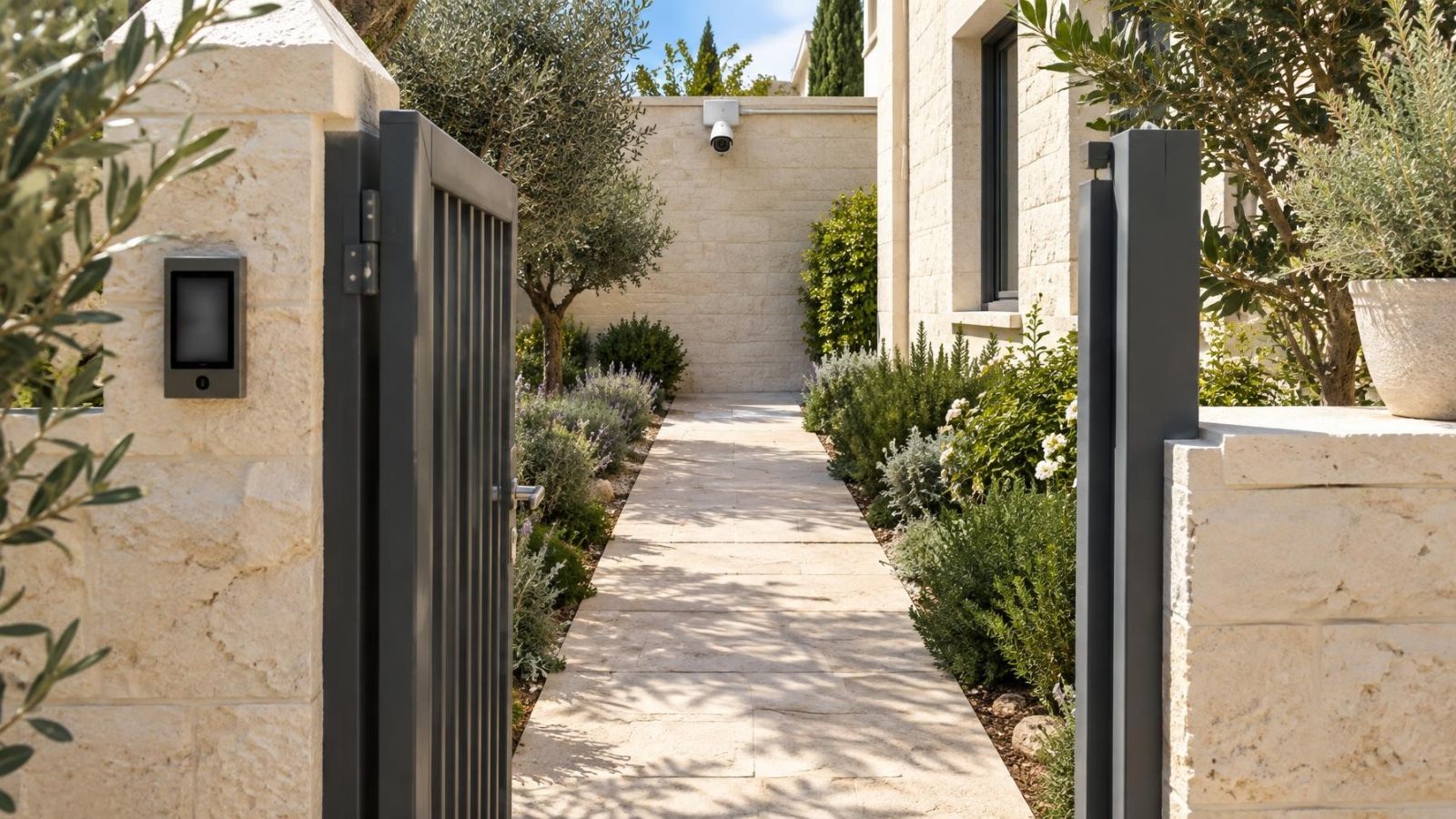
A camera behind a gate can record through an opening, but the view may change substantially as the gate moves. Bars, decorative panels and mesh can pass across faces or vehicle details. Focus and exposure may also react to a nearby gate surface instead of the area beyond it. A clear view through one gap in the closed position says little about the moving view.
For a sliding driveway gate, map the overlap zone where the moving panel stacks behind a wall, fence or fixed panel. A camera mounted in that zone may remain physically untouched yet lose most of the garden or driveway view. Keep the support and lens outside the gate's full stored position, including handles and projecting hardware.
A swing gate needs its entire travel arc checked. The leaf can sweep through the picture, hide a person walking beside it and change which part of the pavement or driveway is visible. Mounting a camera on the gate itself is usually a poor trade. Vibration, cable flex and a constantly changing angle make the recorded scene less consistent.
Where one position cannot cover both the gate approach and the area immediately inside, use an alternative angle or divide the task between cameras. A wider scene is not automatically a more useful scene. The important question is whether the chosen view preserves recognisable activity at the gate, path and vehicle entrance during normal movement.
Plan Around Roller Shutters
What Is the Best Camera Placement Near Shutters?
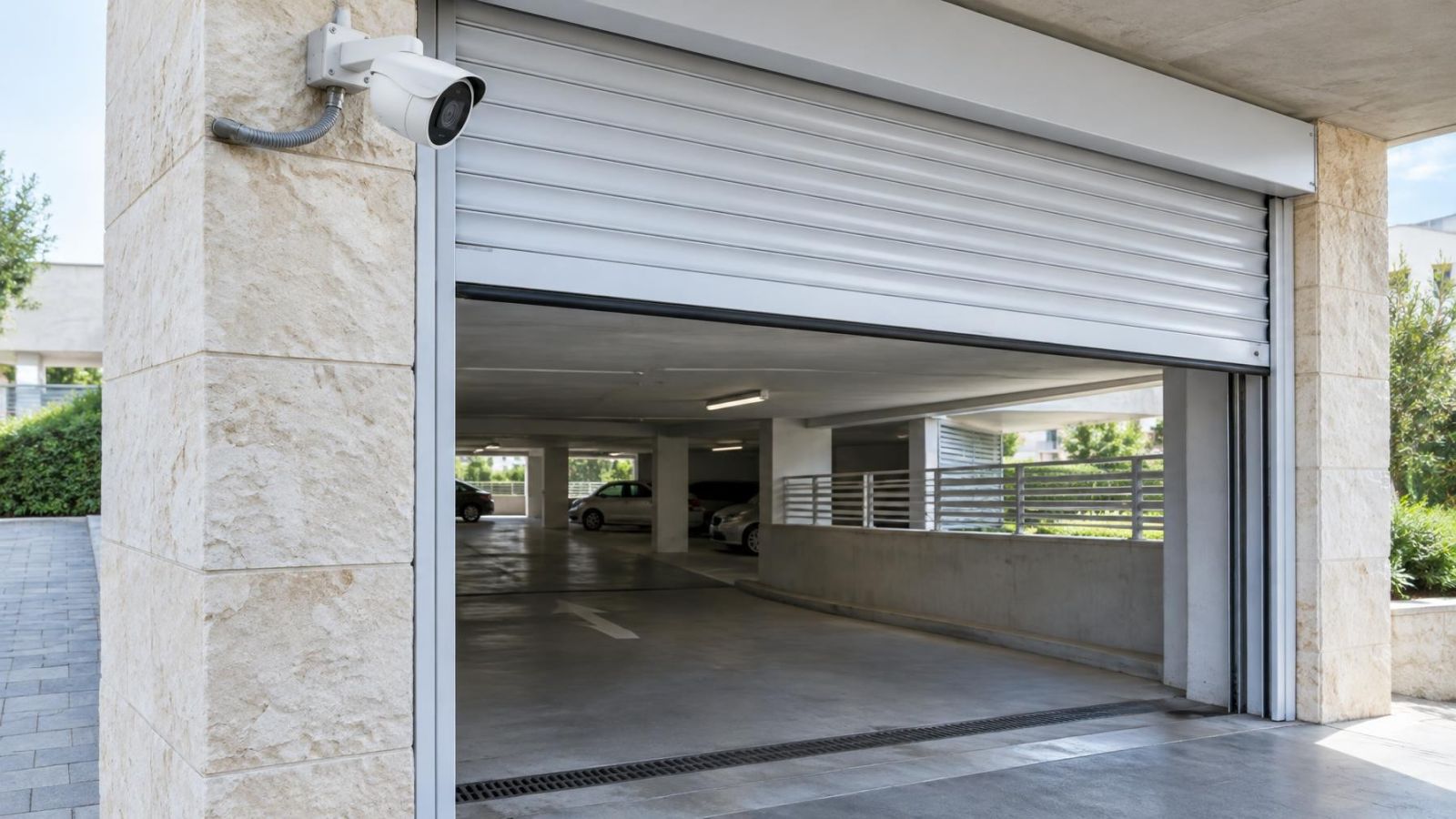
Place the camera on fixed structure outside the shutter curtain, guide rails and housing, with an angle that remains useful when the shutter is raised, moving and lowered. The housing is easy to overlook because it appears fixed, but it can project into the upper part of the picture or restrict a ceiling-mounted camera's downward angle.
At a street-front business, begin with the actual opening routine. The shutter may be raised before internal lights are switched on, paused halfway while staff arrange the entrance, or lowered while people are still moving near the doorway. Each stage creates a different scene. A camera aimed neatly through the fully open shopfront may record little more than the shutter curtain during operation.
Mounting beneath a shutter housing can appear protected, but protection is not useful if the descending curtain blocks the required area. Mounting on the shutter assembly itself also transfers vibration and movement to the camera. A nearby wall or fixed ceiling generally offers a more stable platform, provided the housing and curtain do not cross the view.
- Check the view beneath the housing when the shutter is fully open.
- Watch the entrance while the bottom rail passes through head height.
- Confirm that the closed shutter does not fill the frame with a nearby reflective surface.
- Inspect the cable route around guides, motors and service access areas.
- Keep the mounting bracket clear of vibration from the shutter mechanism.
If the camera must cover the exterior while the shutter is closed and the interior entrance while it is open, one angle may not handle both tasks well. Decide which area has priority, or use separate views. Trying to make a single camera look through two changing spaces often produces weak coverage in each.
What Changes After Dark?
Darkness exposes problems that are difficult to see during a daytime survey. A nearby door, gate or shutter can reflect infrared light into the lens. The camera then sees a bright foreground surface while the doorway, path or pavement beyond appears much darker. Pale paint, polished metal, glass and glossy finishes are common sources of night vision glare.
Movement makes the effect less predictable. A swing gate may reflect little infrared when closed but become a bright panel when it turns towards the camera. A sliding door can move into the edge of the frame and affect exposure before it visibly blocks the subject. A roller shutter may progressively brighten the picture as more of its curtain descends near the lens.
Do not assess night performance solely from a static closed entrance. Operate each moving part while viewing the live image in darkness. Watch both the reflective surface and the useful area beyond it. The correct test is not whether the picture looks bright; it is whether faces, movement and entry activity remain distinguishable in the part of the scene that matters.
Separating illumination from the camera position can help where nearby surfaces repeatedly reflect infrared. A fixed external light placed away from the lens axis creates different reflections and may give more even scene lighting. Its position still needs testing so doors and shutters do not cast a large moving shadow across the entrance.
Test the Complete Movement Cycle
Testing should be continuous. Watch the live view while each obstruction moves from its normal starting position to its normal resting position and back again. Pause at realistic intermediate points. Doors and gates are often left partly open while someone speaks to a visitor, moves a vehicle or carries goods through an entrance.
- Set the camera temporarily at the proposed mounting height and angle.
- Operate one door, gate, shutter or awning through its complete movement while watching the live view.
- Pause at several intermediate positions and check the approach, threshold and area immediately beyond the entrance.
- Repeat with other moving elements, including combinations that occur during ordinary use.
- Run the same checks in daylight and darkness.
- Review recorded footage rather than relying only on the small live-view screen.
- Inspect the bracket, cable and image for movement or vibration during operation.
Evaluate useful detail, not just an unobstructed rectangle. A door may leave most of the frame clear while hiding the handle area and the person using it. A gate may cover only a narrow strip but place that strip across faces. A shutter housing may occupy the top of the picture yet force the camera so low that the entrance angle becomes awkward.
Movement testing should also reveal mechanical effects. A camera attached to a moving panel changes direction with every operation. A camera on a wall beside a heavy gate may still vibrate if its bracket or cable shares support with the mechanism. Watch the image for shaking and inspect whether any cable bends, pulls or rubs.
For a remote property, request a single uninterrupted recording of the test. It should show the live camera view alongside the actual movement where practical. This makes it easier to understand which obstruction caused each change and reduces the ambiguity of isolated screenshots.
Choose the Clear Mounting Position
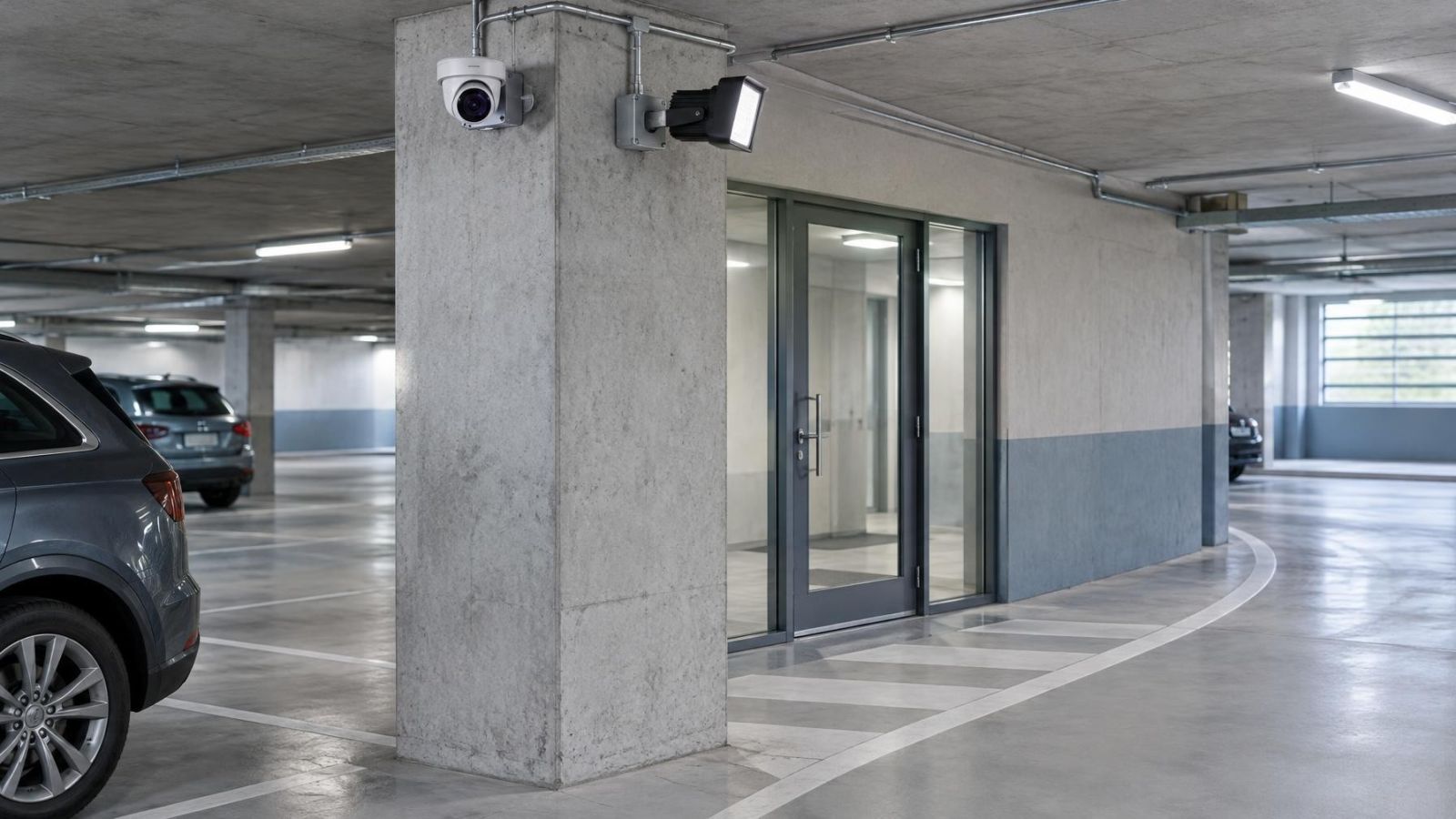
The preferred mounting position is usually a fixed wall, column or ceiling outside every movement path. It should preserve the required view without relying on a door remaining open, a gate stopping at one point or a shutter staying raised. Fixed structure also gives the bracket and cable a more stable base.
Visual symmetry is secondary to coverage. Two cameras placed at matching heights may look tidy but perform differently if one sits beside a moving door. A small offset can keep the lens clear of the travel path and reduce reflection from a nearby surface. The final arrangement can still be neat; it simply starts with the view rather than the façade pattern.
| Mounting position | Main advantage | Main limitation |
|---|---|---|
| Fixed wall beside the entrance | Stable angle and straightforward cable support | The open door or gate may still cross the view |
| Fixed ceiling above the entrance | Keeps equipment away from handles and low obstructions | Shutter housings and deep overhangs can restrict the angle |
| Column outside the travel path | Can provide a clear view back towards the threshold | May require a longer protected cable route |
| Moving door or gate | Moves with the entrance hardware | Angle, vibration and cable movement change during operation |
| Alternative fixed angle | Can look across rather than through the obstruction | May need separate coverage for the wider approach |
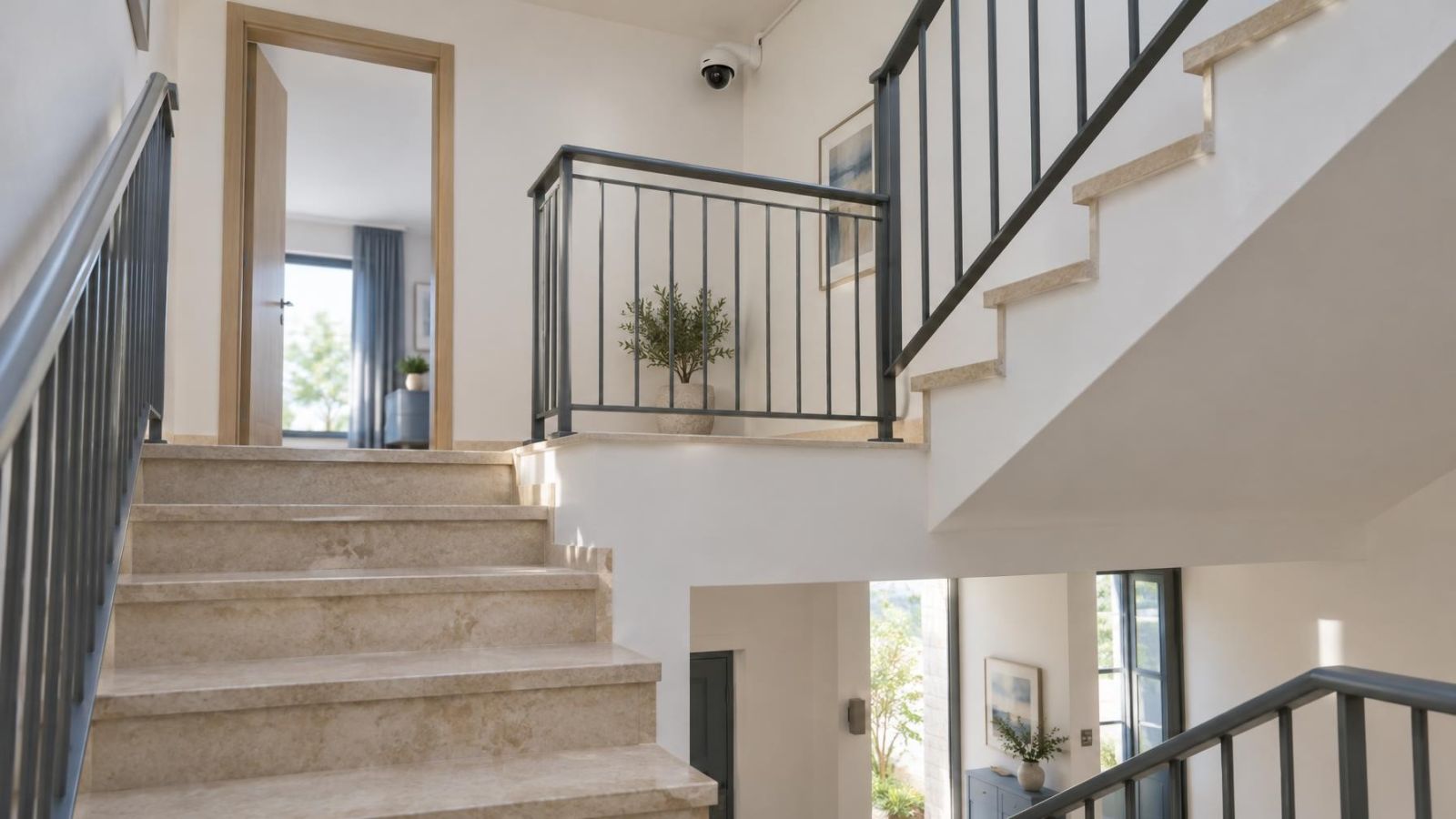
Wall and ceiling positions each involve trade-offs. A wall position often gives a more direct view of people approaching, but it may sit close to an opening door. A ceiling position can stay above the door leaf, yet a deep shutter housing or awning may block its downward view. Judge both positions with the obstruction moving, not from a drawing alone.
Sometimes the honest answer is that one camera cannot maintain the necessary view across every operating state. An additional camera can separate the approach from the threshold, or the exterior from the interior. This is preferable to forcing one very wide angle to cover areas where the important details become too small or repeatedly obstructed.
The best camera position is determined by the complete movement path, not simply by the direction the lens needs to face.
Agree the final view before permanent drilling. The installer and property owner should look at the live image together, operate the nearby hardware and identify the priority areas. At a shared building entrance, include the people responsible for the common space in that practical review. Once the camera position, movement clearance and night view are understood, the cable route and final mounting can follow the same plan.
Key takeaways
- The full travel path of every moving obstruction should be mapped before the camera position is chosen.
- Open, closed and intermediate positions can each create a different blind spot.
- A fixed mounting surface outside moving hardware provides a more consistent camera angle.
- Daytime sightlines and infrared reflections require separate checks.