On this page
At an apartment entrance or street-front business, a security camera may use a motorized lens to frame the doorway, while a digital crop lets you inspect recorded footage later. Choosing optical zoom or digital zoom comes down to one question: must the camera capture closer detail at the scene, or only enlarge detail it has already recorded?
Start With the Detail You Need
Begin with the target, not the camera specification. A gate at the end of a garden, a door across an apartment lobby and a till near a shop window are different viewing tasks. Measure the real viewing distance and decide which part of the scene needs useful detail. A person occupying a small part of a wide image will still be small when the recording is reviewed.
It also helps to separate overview from detail recognition. An overview shows movement through a garden, lobby or shop. A detail view places more captured pixels on a doorway, gate or transaction area. Trying to obtain both from one very wide view often produces a recording that looks clear at first glance but carries limited detail on distant subjects.
- For an apartment entrance, define whether the target is the shared doorway, the lift lobby or the path approaching the building.
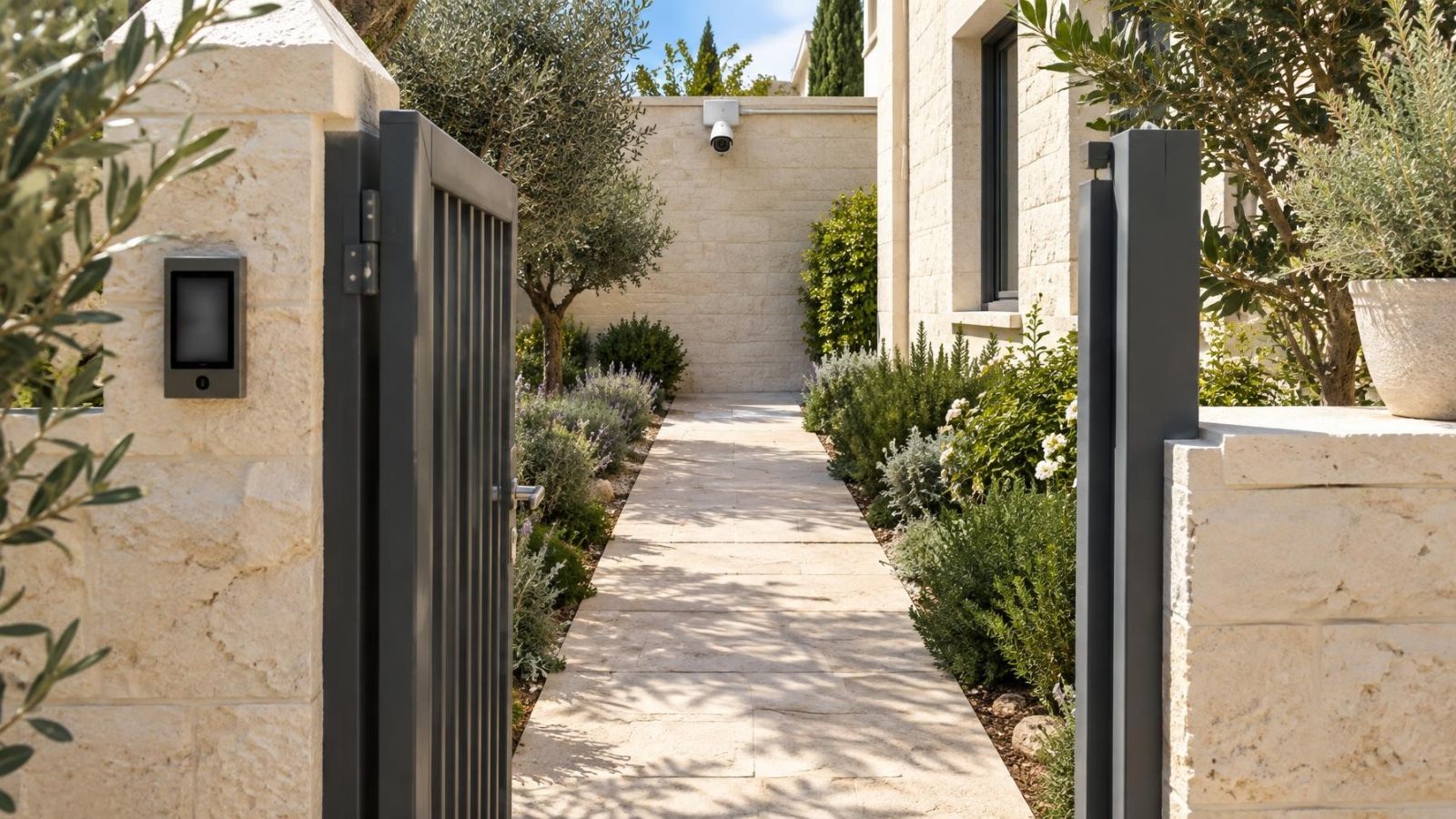
- For a private home, distinguish between seeing activity across the garden and examining the gate itself.
- For a street-front business, consider the entrance, counter and pavement as separate scenes with different lighting.
- For remote viewing, decide whether you mainly need quick live awareness or careful review of recorded footage.
Optical vs Digital Zoom: What Is the Practical Difference?
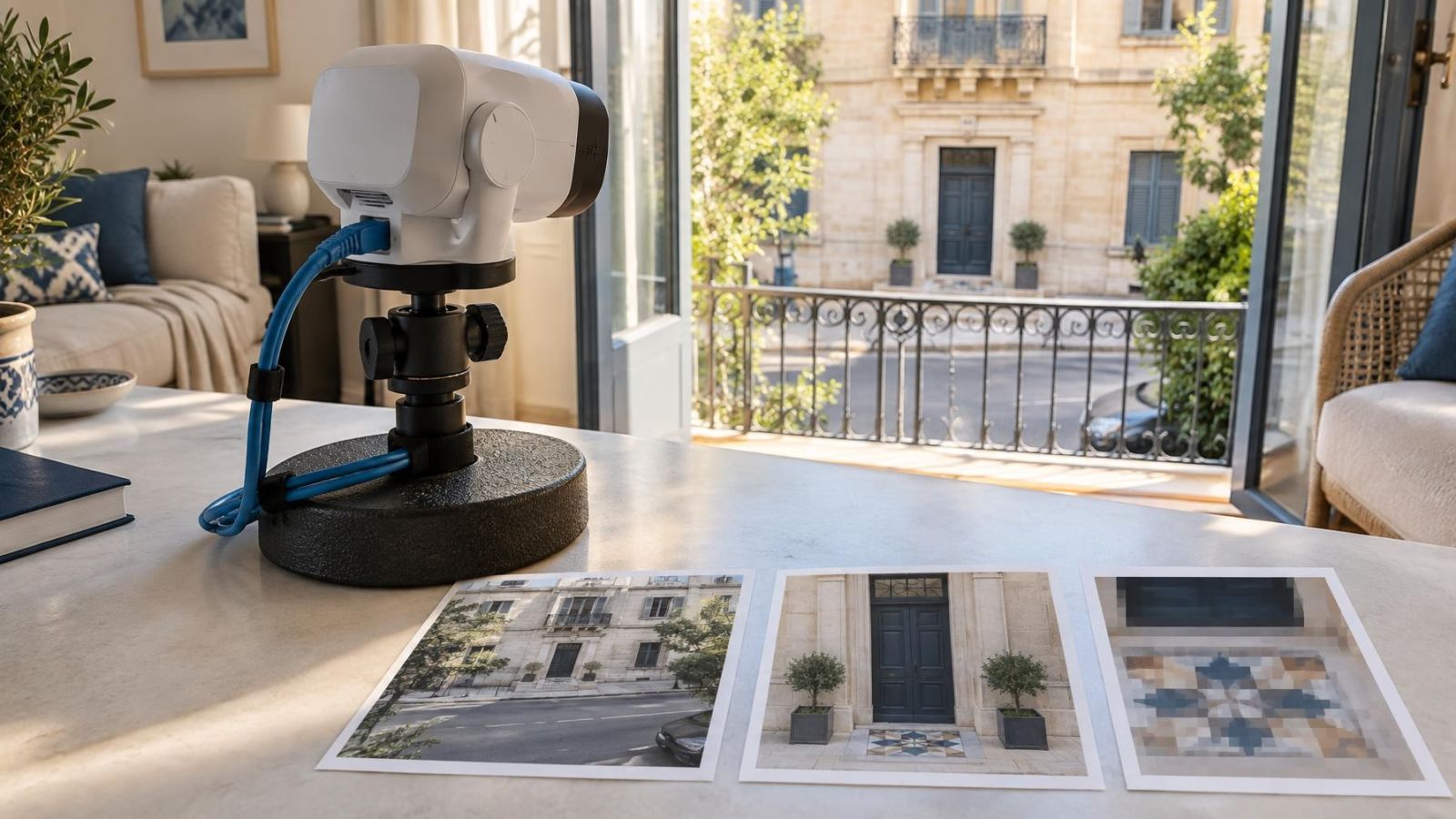
Optical zoom changes what the lens frames before the sensor captures the image. Digital zoom works afterwards by selecting part of the captured frame and enlarging it. The first method can place more of the available pixels on the target. The second can make existing detail easier to inspect, but it does not create new scene information.
| Method | What changes | Best use | Main limitation |
|---|---|---|---|
| Optical zoom | Lens framing before capture | Capturing a closer view of a defined target | Narrower coverage can leave important areas outside the frame |
| Digital zoom | Crop and display size after capture | Inspecting an area during live view or playback | Missing detail remains missing |
| Wider fixed view | More of the scene in one frame | General awareness and movement across an area | Distant subjects receive less image detail |
How Does Optical Zoom Work?
A lens directs the scene onto the camera sensor. Changing its focal length changes the field of view. A shorter focal length shows a wider scene. A longer focal length gives tighter framing, making the selected area occupy more of the captured image. This happens before recording, so the camera is not merely enlarging a finished frame.
What Does Security Camera Optical Zoom Change?
Security camera optical zoom changes the relationship between coverage and target size. Tightening the view around a gate, for example, gives that gate more of the frame. The trade-off is that less of the adjacent wall, pavement or garden remains visible. Optical zoom is therefore a framing choice, not a free increase in detail across the whole scene.
A fixed lens has one field of view. It is suitable when the mounting position and target are already well defined. A varifocal lens allows the installer to adjust the focal length during setup. This is valuable where the final mounting height, gate position or doorway framing cannot be judged accurately from a plan.
With a motorized varifocal lens, adjustment can usually be made through an NVR (network video recorder) or VMS (video management software), depending on the system. The installer can refine framing while watching the image rather than opening the camera housing. In many installations, this remote adjustment is mainly a commissioning tool. The selected view then remains stable.
How Does Digital Zoom Work?
Digital zoom takes a portion of an image that has already been captured and enlarges it for display. Its usefulness depends on the original image resolution, meaning the number of pixels captured per frame, and on how much of the frame the subject occupied. A small, soft or overexposed subject does not gain genuine detail when enlarged.
What Does CCTV Digital Zoom Mean in Practice?
The older search term “CCTV digital zoom” generally describes the same crop-and-enlarge process used in a modern security camera system. During live view, you can enlarge part of the current image on a monitor or application. During playback, you can inspect a selected part of the stored frame. In both cases, the operation uses pixels that are already present.
Digital zoom is still useful. It can isolate an item near the edge of a shop view, enlarge a delivery left by an entrance or help a remote property owner examine one area without changing the recorded file. The limitation is simple: if glare removed the detail, the subject was too small, or movement caused blur, enlargement cannot reconstruct the missing information.
Digital zoom can make recorded detail larger on the screen, but it cannot make the original capture more detailed.
Image Quality in Real Conditions
Lens choice matters only when the camera receives a usable image. Israeli sites often combine intense daylight with deep shade: a sunny pavement beyond a covered entrance, a bright garden behind a shaded terrace, or a shop interior facing a glass frontage. A camera may frame the target correctly and still lose useful detail if the brightest and darkest areas exceed what it can handle.
WDR (wide dynamic range) can help balance bright and dark parts of the scene, but placement remains important. Direct reflections from windows, polished vehicles and pale stone can reduce contrast. Moving the camera slightly higher, lower or away from a reflective line can improve the base image more than additional zoom.
Night vision introduces different constraints. Infrared illumination, or IR, must reach the target without reflecting strongly from a nearby wall, soffit, window or dusty camera cover. Available light from a building entrance or shop sign may also create bright patches next to dark areas. A view that works in daylight should therefore be checked again after dark.
Movement needs its own test. A stationary object can look detailed while a walking person or moving vehicle appears blurred. Review recorded motion at the actual target distance rather than judging only from a paused live image. Optical framing can make the subject larger, but it does not compensate for poor exposure or unsuitable placement.
Dust accumulates on exposed equipment, while coastal humidity can leave a film on covers and windows. Dirt is especially visible at night because IR can reflect from it back into the lens. Lens and cover cleanliness are part of image quality, not merely appearance.
Optical Zoom or Digital Zoom for Wide Coverage and Close Detail
A wider field of view spreads the captured detail across more of the scene. This is useful when the purpose is to understand movement across a courtyard, lobby or shop. It is less suitable when a distant gate or doorway must occupy a substantial part of the frame. A zoom security camera with tighter optical framing can serve that target, but it sees less around it.
Excessive magnification creates its own problem. A camera aimed tightly at a gate may exclude the path leading to it. A close view of a shop entrance may miss activity beside the window. Digital zoom cannot restore an area that was outside the optical frame, so the narrow view must retain enough context for its purpose.
- Use a wider view when direction of travel, general activity and surrounding context matter most.
- Use tighter optical framing when a defined gate, doorway or counter requires more captured detail.
- Avoid relying on one narrow camera where people or vehicles can approach from several directions.
- Consider separate overview and detail views when both requirements are important.
Separate views are often the cleaner design. One camera records the wider area, while another is framed for the important entrance or gate. Each camera then has a clear job. This is usually more dependable than expecting a single wide recording to supply close detail everywhere through digital enlargement.
Common Zoom Planning Mistakes
- Choosing by the zoom label alone. A long zoom range says little about whether the mounting point, angle and lighting suit the target.
- Expecting enlargement to create detail. Digital zoom makes a crop larger for viewing; it does not recreate facial, clothing or object detail that was not captured.
- Framing only in daytime. Headlights, entrance lights, shop signs and IR reflections can change which parts of the night image remain useful.
- Testing only stationary subjects. Recorded movement can reveal blur that is not obvious in a still live view.
- Cropping too tightly. A technically detailed image may lose the approach route or surrounding event that explains what happened.
- Treating remote adjustment as a substitute for placement. A motorized lens can refine the field of view, but it cannot correct a blocked angle, dirty window or severe backlight.
Another common mistake is adjusting a remote camera around a temporary obstruction. A parked vehicle, open gate or seasonal garden growth may encourage a very narrow frame that later proves unsuitable. Before changing the lens, check whether the obstruction is permanent and whether the revised view still covers the intended target.
Choose and Test the Right Setup
A sound choice starts with a written viewing requirement. “Cover the entrance” is too vague. State where the subject is expected to be, how far that point is from the camera and whether the recording needs broad context or close detail. This prevents the lens specification from becoming the decision by default.
- Mark the target area, expected direction of movement and required surrounding context.
- Choose a plausible mounting point with a clear line of sight and protection from obvious glare or obstruction.
- Select a fixed or varifocal lens that can frame the target at that distance without unnecessary cropping.
- Confirm the field of view from the actual installation point rather than relying only on planning diagrams.
- Review the live image for composition, focus and bright or dark areas.
- Record movement through the target area and inspect the stored footage through the NVR or VMS.
- Repeat the test in strong daylight, shade and darkness, including any normal entrance or shop lighting.
- Set the final frame with enough margin for real movement, then document the chosen view for future maintenance.
For an apartment building, the test should reflect the shared entrance as it is normally used: doors opening, people approaching from the lift or stairs, and daylight entering from outside. For a private home, check the gate and garden route rather than only the property boundary. For a street-front business, examine reflections from the glazing and vehicles as well as the interior lighting.
Remote property owners should ask to review both a full-frame recording and an enlarged crop from the intended target. The full frame shows whether the camera has enough context. The crop shows how much useful detail was genuinely recorded. Looking only at a sharp live thumbnail can conceal the limitations of distance, movement and lighting.
The final decision is usually straightforward once the viewing task is clear. Use optical framing to capture the required detail at the sensor. Keep digital zoom for inspection during live view or playback. Where wide awareness and close detail are both important, design separate views rather than forcing one camera to compromise between them.
Key takeaways
- Optical zoom captures closer framing by changing the lens before the image reaches the sensor.
- Digital zoom enlarges only the pixels already present in the captured image.
- Wide coverage and close detail are different requirements and may need separate camera views.
- Testing at the actual installation point reveals detail lost to glare, shade, darkness and movement.