On this page
A system with IP cameras, a video recorder, a network switch and multiple display screens can move live video in two different ways. Unicast sends an individual stream to each viewer. Multicast shares a stream among subscribed viewers on the local network. The right choice depends on how many screens are active, whether they use the main stream or substream, and whether viewing is local or remote.
This is not simply a choice between an efficient method and an inefficient one. Unicast is easier to support and diagnose. Multicast is efficient in the right network but depends on deliberate switch configuration. For many homes and small businesses, the sensible answer is unicast or a mixed design rather than multicast everywhere.
How Unicast and Multicast Camera Streaming Work
How do unicast and multicast work with cameras?
With unicast, the stream source creates a separate delivery session for every destination. If a reception screen, office computer and mobile device all request the same live camera, the source supplies three viewing sessions. Those sessions may come directly from the camera, from an NVR (network video recorder), or through VMS (video management software).
With multicast, the source places one stream onto a shared local distribution path. Screens that want the feed subscribe to it. A correctly configured network switch forwards the traffic only towards ports with subscribers. Adding another subscriber does not require the source to create another complete copy over the shared part of that path.
| Design point | Unicast | Multicast |
|---|---|---|
| Delivery | Separate stream for each viewer | Shared stream for subscribed viewers |
| Typical scope | Local or remote | Managed local network |
| Network setup | Usually straightforward | Requires multicast-aware configuration |
| Fault finding | Individual source-to-viewer path | Source, subscriptions and switch path |
| Best fit | Limited or occasional viewing | Repeated viewing on many local screens |
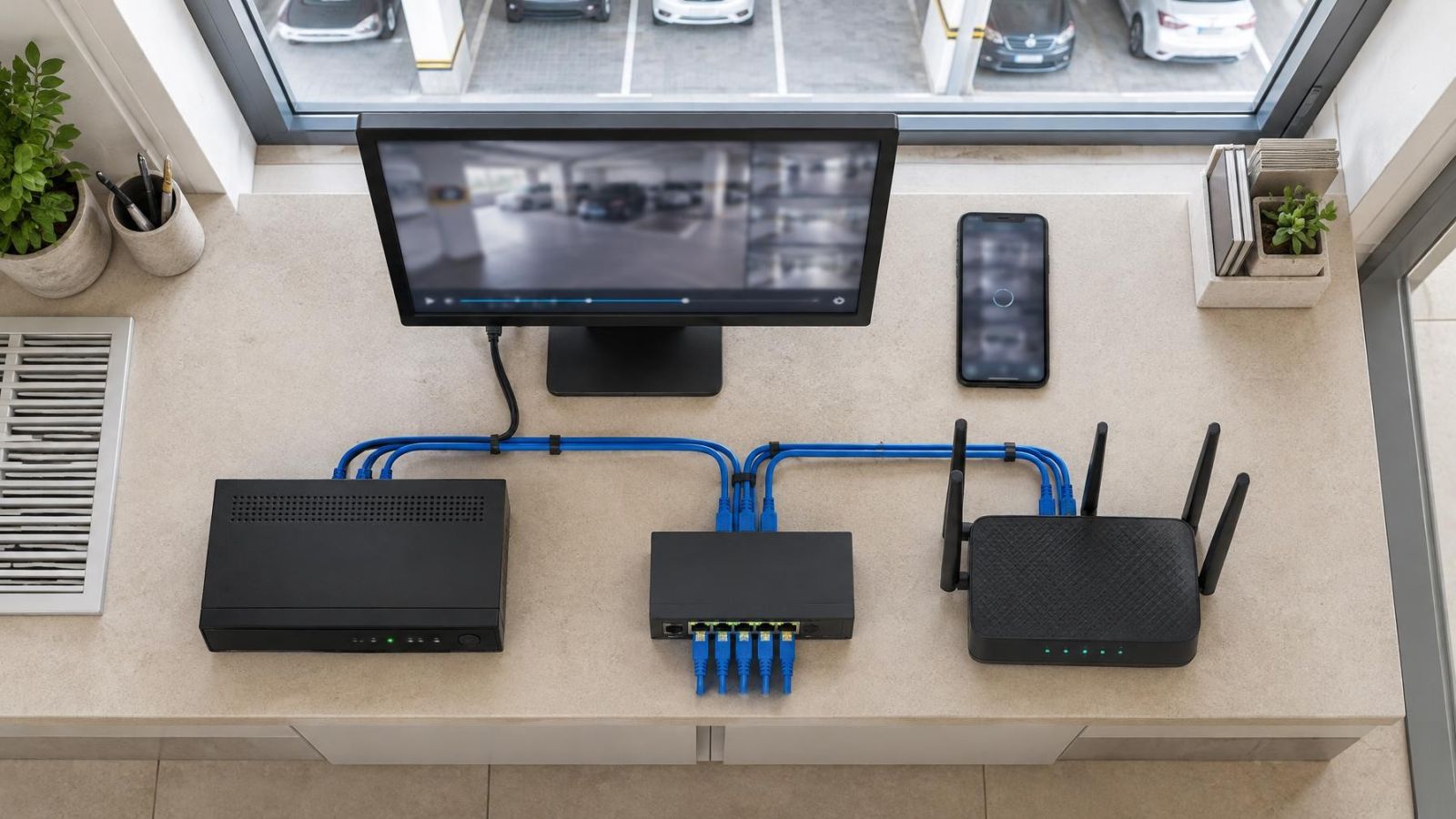
The camera does not always need to be the viewing source. A recorder may receive the recording stream and then serve live views to screens. This can simplify camera access and keep viewing sessions under one system. It may also move the replication load from the cameras to the recorder, so the recorder and its network connection must still be considered.
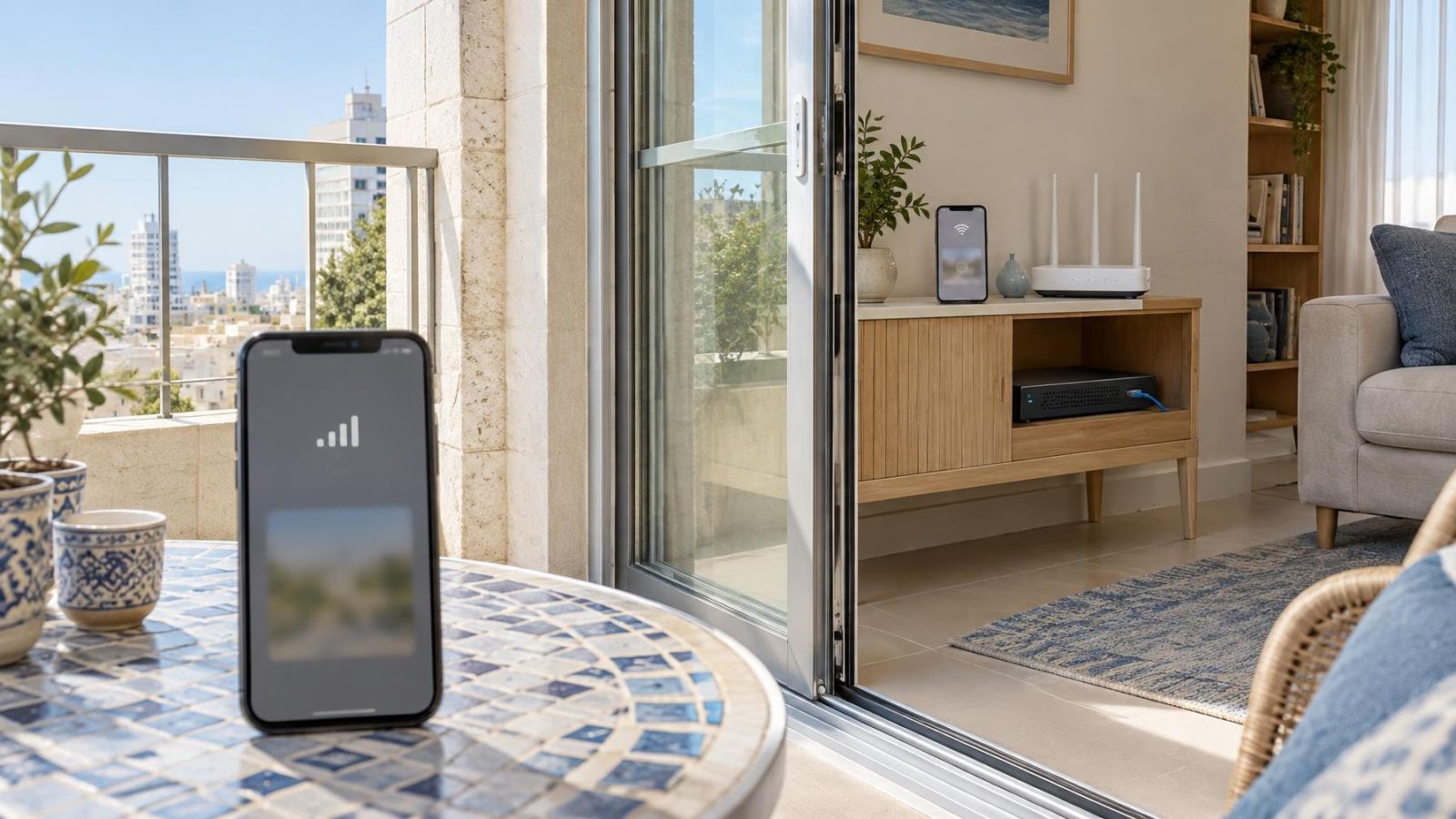
Remote access usually follows a different path. A remote property owner viewing an Israeli home from abroad will commonly receive a unicast session through the recorder or VMS. Local multicast traffic is generally kept inside the property network. It is not a replacement for a properly designed remote-viewing route.
Where Does Network Load Grow?
In a unicast design, load grows at the point where streams are copied. If the camera supplies every viewer directly, adding viewers increases traffic from the camera and its switch port. If the recorder supplies the views, the camera may continue sending one recording stream while the recorder creates the additional live-view sessions.
The busiest link is not always the one beside the screen. A group of displays may sit on separate switches but share one uplink back to the recorder. Repeated unicast streams accumulate on that common link. Mapping the complete route matters more than looking only at the nominal capacity of an individual switch port.
What determines camera stream bandwidth?
Camera stream bandwidth is influenced by the selected stream, frame activity, encoding settings and image complexity. The main stream is normally intended for recording or detailed single-camera viewing. A substream carries a lighter version for live grids, mobile viewing or small display windows. The substream does not change what the recorder stores when recording is configured separately.
A screen showing one camera at full size may reasonably request the main stream. A screen showing a grid of cameras usually gains little from decoding every main stream, because each camera occupies only part of the display. Substreams reduce traffic and decoding work while preserving the recorded main streams for investigation.
Network capacity is only one limit. The recorder, viewing computer or display appliance must also decode each feed and compose the screen layout. Multicast reduces duplicated network delivery, but it does not remove decoding work at each screen. A display that struggles with a large grid will not necessarily improve merely because the feeds arrive by multicast.
When Unicast Is the Better Fit
Unicast is usually the practical choice for an apartment, private home, clinic, office or small street-front shop with a limited number of simultaneous viewers. One recorder output, an office computer and occasional mobile access rarely justify making the local network more complicated solely to share streams.
- Few active screens: Separate sessions remain manageable when live viewing is occasional or limited to a small set of locations.
- Mixed viewing devices: Recorders, computers, tablets and remote clients generally handle unicast without special multicast support.
- Remote access: Individual sessions fit the normal path between a remote viewer and the recorder or VMS.
- Simple diagnosis: An installer can trace the path between one source and one viewer without also checking multicast subscriptions.
- Shared infrastructure: Unicast is easier when part of the route belongs to a building network that the camera installer cannot configure.
The shared areas of an Israeli apartment building deserve particular attention. A camera at a common entrance may connect through infrastructure discussed with the va'ad bayit, while the recorder and apartment display remain on a private network. Multicast should not be assumed to cross that boundary correctly. A dedicated unicast path, or a local viewing point on the same managed segment, is often clearer.
Unicast also gives remote property owners a simpler mental model. The local recorder receives the camera feeds, and each authorised remote viewer requests a session when needed. The design can still use substreams for remote grids and main streams for selected cameras. Simplicity does not mean sending the highest-load stream everywhere.
When Does Multicast Make Sense?
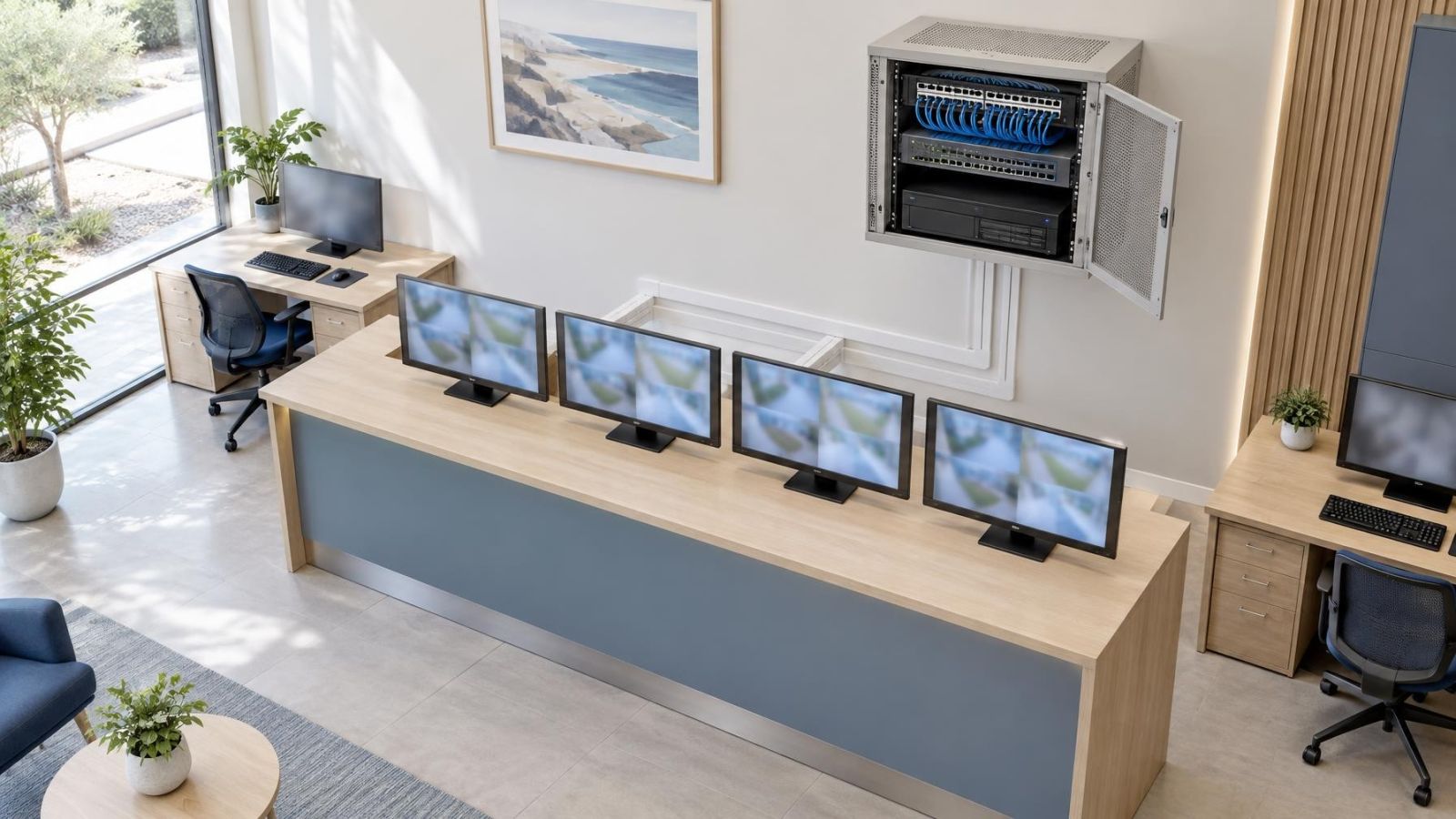
Multicast becomes useful when many screens on the same controlled local network continuously show the same feeds. Examples include a reception display, an operations room, a manager's office and several service points that all need an identical camera group. In this situation, repeated unicast delivery may copy the same video across shared network links many times.
The strongest case is stable and predictable: the screens are known, the feeds are known, and the installer controls the switches between them. Multicast is less attractive when displays move between networks, connect mainly over Wi-Fi, or rely on equipment whose multicast behaviour cannot be verified.
For multiple camera monitors, the important question is not simply how many physical screens exist. It is how many screens request the same streams at the same time. Ten screens showing different cameras do not create the same replication pattern as ten screens showing one common camera group. The viewing schedule and layout therefore belong in the design notes.
Multicast earns its complexity when repeated local viewing is a normal operating condition, not merely a possibility.
A mixed arrangement is common and sensible. Continuous wall displays can subscribe to multicast feeds, while office computers and remote users receive unicast. The recorder may continue receiving dedicated recording streams regardless of how live views are distributed. There is no technical virtue in forcing every viewer onto one method.
What Multicast Needs From the Network
What does a multicast security camera network require?
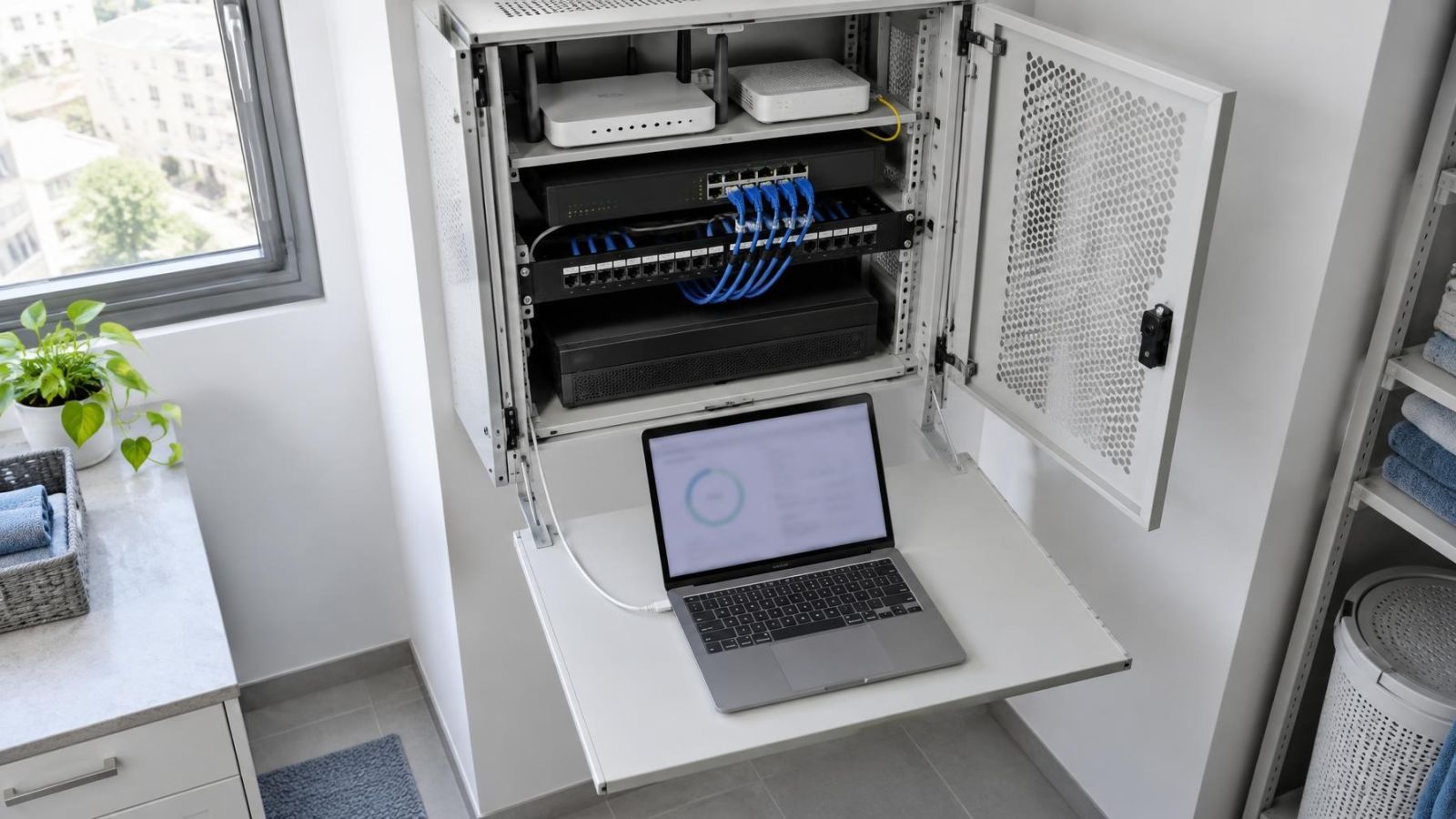
A multicast camera network requires switches that can identify which ports have active subscribers and forward each stream accordingly. Without that control, multicast traffic may be treated much like broadcast traffic and appear on ports that do not need it. Ordinary computers, wireless access points and other devices can then receive unnecessary camera traffic.
Multicast awareness must exist along the complete path, not only at the central switch. A small unmanaged switch placed behind a display, an unexpected wireless bridge, or a building uplink outside the installer's control can change the result. Equipment that passes ordinary unicast traffic correctly may still handle multicast subscriptions poorly.
- Controlled forwarding: Only ports leading to subscribed screens should receive the selected video group.
- Stable subscriber management: Screens should join, leave and reconnect without leaving unwanted traffic paths behind.
- Network segmentation: Camera and display traffic should be separated from ordinary device traffic where practical, using a dedicated network segment or VLAN.
- Known source paths: The design should state whether cameras, the NVR or a VMS server originates each multicast feed.
- Defined fallback: Screens that cannot receive multicast should have a tested unicast option rather than an assumed conversion.
Segmentation is particularly useful in a small business where payment terminals, office computers, guest Wi-Fi and camera displays share the premises. Separation does not create capacity by itself. It makes traffic paths and fault finding clearer, and it limits the places where an incorrect multicast configuration can send video.
Testing should include startup after a power interruption, recorder restart, switch restart and a display changing layouts. If a reception screen is expected to run continuously, confirm that it returns to the intended view without manual stream selection. If support is incomplete, use unicast on the affected path rather than allowing uncontrolled multicast flooding.
Choose the Viewing Architecture
Start with the viewing requirement rather than a switch feature. Draw the IP cameras, recorder, network switches, display screens and remote users. Mark which devices share a local network and which paths cross a router, wireless link or shared building connection. If a display is inside a mamad, verify its actual wired or wireless path rather than assuming coverage from the rest of the property.
- Map the endpoints. List every camera, recorder, fixed screen, operator computer and remote viewing location.
- Define the views. Record which screens show continuous grids, which open cameras occasionally, and which need identical feeds.
- Separate recording from viewing. Decide which stream reaches the recorder and which source supplies each live viewer.
- Select stream quality by use. Prefer substreams for multi-camera grids and main streams for recording or selected full-screen views.
- Trace common links. Identify uplinks and shared building infrastructure where repeated unicast streams would accumulate.
- Choose the delivery method. Use unicast for simple or remote paths, multicast for repeated local feeds on managed paths, or combine both.
- Test failure and recovery. Confirm what every screen does after a lost connection, restarted device or unavailable multicast path.
For most homes and modest commercial sites, unicast remains the clean starting point. It works across a wider range of viewing devices and keeps diagnosis direct. Multicast should be introduced where the viewing pattern gives it a clear job: distributing the same local feeds to many continuously active screens.
The final design should state more than a protocol name. It should identify the stream source, the main stream or substream used by each view, the network path, the expected fallback and the party responsible for the switches. When those details are explicit, unicast and multicast can coexist without turning the camera network into an experiment.
Key takeaways
- Unicast is usually the simpler and more predictable choice when only a few viewing points need live video.
- Multicast can reduce repeated local traffic when many screens subscribe to the same camera stream.
- Reliable multicast viewing requires compatible switches, controlled forwarding and testing across the complete network path.
- Substreams reduce network and decoding load when a screen displays a grid of several cameras.
- Recording traffic and live-view traffic should be planned separately because they may follow different paths and serve different purposes.