On this page
When security cameras, an alarm panel, a video recorder, a technical cabinet and a power supply are treated as separate purchases, the installation technician often inherits the service problems. A serviceable security system starts with a different question: can each part be reached, identified, tested and replaced without dismantling the property around it? This guide explains how to assess that before you buy.
What Makes a Security System Low Maintenance?
A low maintenance security system is not one that never needs attention. Cameras become dirty, batteries age, storage devices wear, connectors loosen and property layouts change. The practical aim is to make expected maintenance simple and faults easy to isolate.
Four qualities make the largest difference: accessible equipment, clear labels, individually replaceable components and complete installation records. If a cable disappears into a finished ceiling with no known route, even a basic fault can become disruptive. If both ends are labelled and the junction remains reachable, testing is much more direct.
- Place recorders, power equipment and network hardware where a technician can reach their connections without moving fixed furniture.
- Label cables at both ends and use names that match the installation plan, such as entrance-camera or rear-door-contact.
- Prefer assemblies whose power supply, storage, detector, camera or network component can be replaced separately.
- Keep device locations, cable routes, configuration information and account ownership records together.
Low maintenance does not mean hiding every component. It means placing each component deliberately, then making service access unobtrusive.
Choose a Serviceable Security System Architecture
Wired and wireless equipment create different maintenance tasks. Wired sensors and cameras need planned cable routes, but their power and data paths can usually be tested from known points. Wireless sensors reduce cabling, yet introduce batteries, radio coverage and device pairing as recurring service considerations. A mixed design is often sensible when each technology is used for a clear reason.
Keep camera and alarm functions logically separate, even when they exchange events. A camera system may use an NVR (network video recorder), while the alarm panel manages detectors and notification logic. Integration can be useful, but one subsystem should not become impossible to service because the other is unavailable.
Ask what can be replaced without changing the rest of the installation. Heavy dependence on one proprietary ecosystem can narrow future choices for cameras, detectors, recording software and service providers. Compatibility does not mean every product works with every other product. It means the interfaces, wiring and supported device types are documented rather than hidden.
Expansion also belongs in the original architecture. Spare cabinet space, available network capacity, suitable power distribution and accessible cable pathways allow another camera or detector to be added without rebuilding the core installation.
Plan the Technical Cabinet First
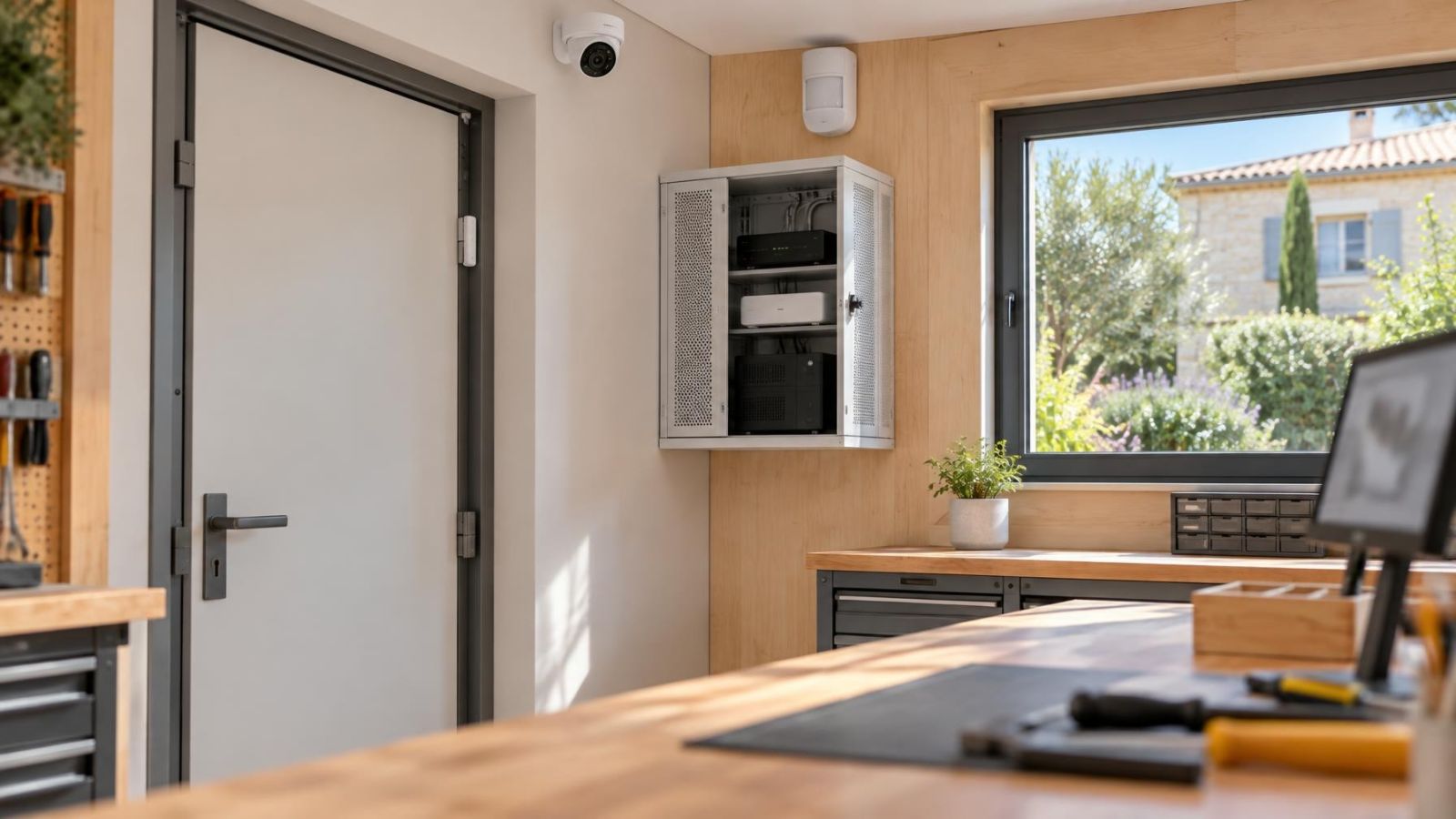
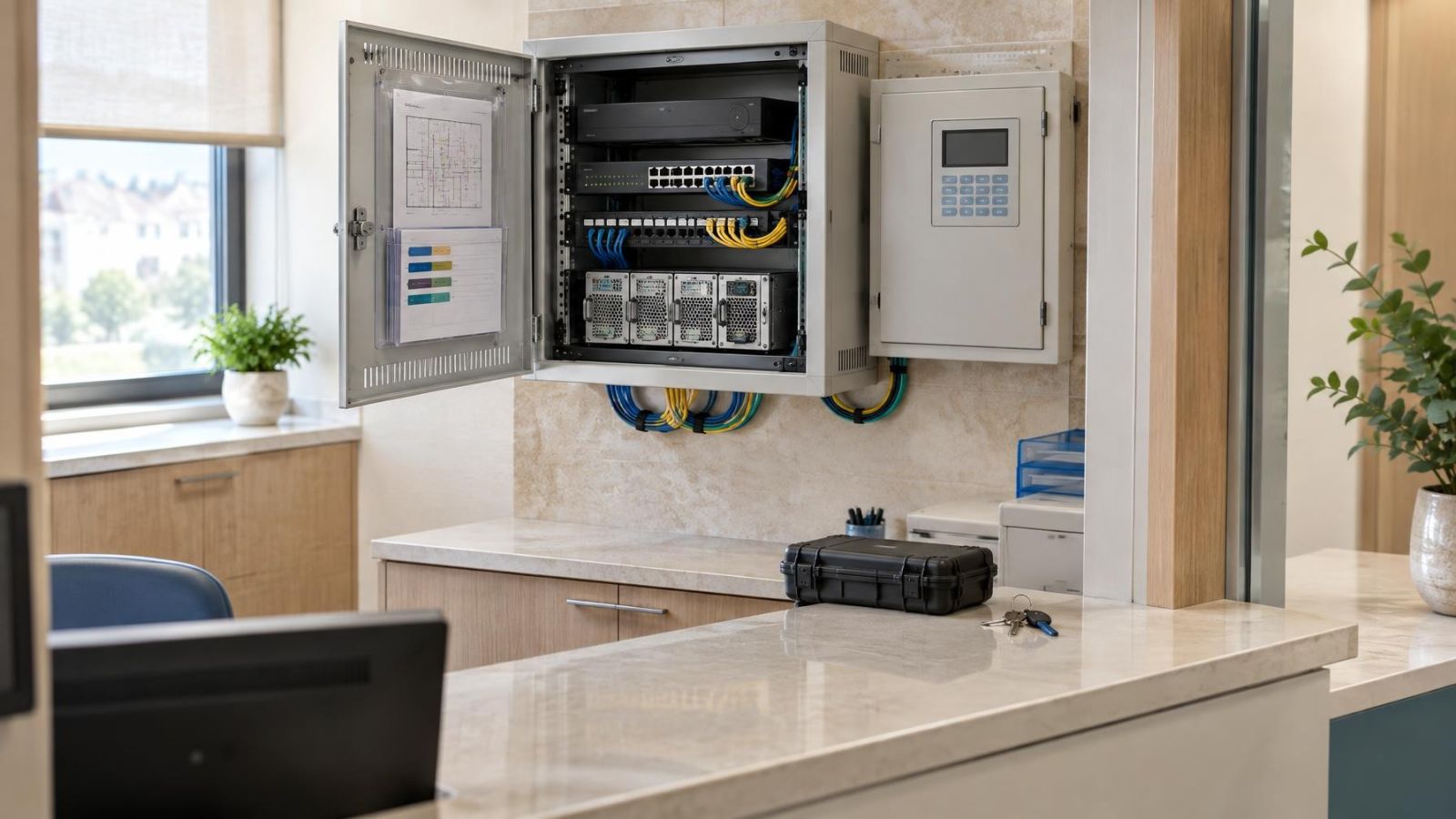
The technical cabinet is part of the system, not leftover storage space. Choose a dry, ventilated location with enough working room to view labels, disconnect equipment and remove a recorder or battery. A closed cabinet without suitable airflow can expose the recorder, power supply and network equipment to excess heat.
Power and network distribution should be orderly. Keep power connections supported, avoid compressed bundles, and leave ports and protective devices visible. If cameras use PoE (power over Ethernet), document which port serves each camera. The cabinet should remain reachable without closing a business area, emptying a wardrobe or disturbing daily family routines.
A mamad, the reinforced safe room found in many Israeli properties, is not automatically a good cabinet location. Its construction can complicate wireless communication, and the room may need to remain practical for its normal household use. Heat, cable entry and technician access still require proper planning. If infrastructure already terminates there, assess those conditions rather than assuming the location is suitable.
How Much Maintenance Access Does a Security System Need?
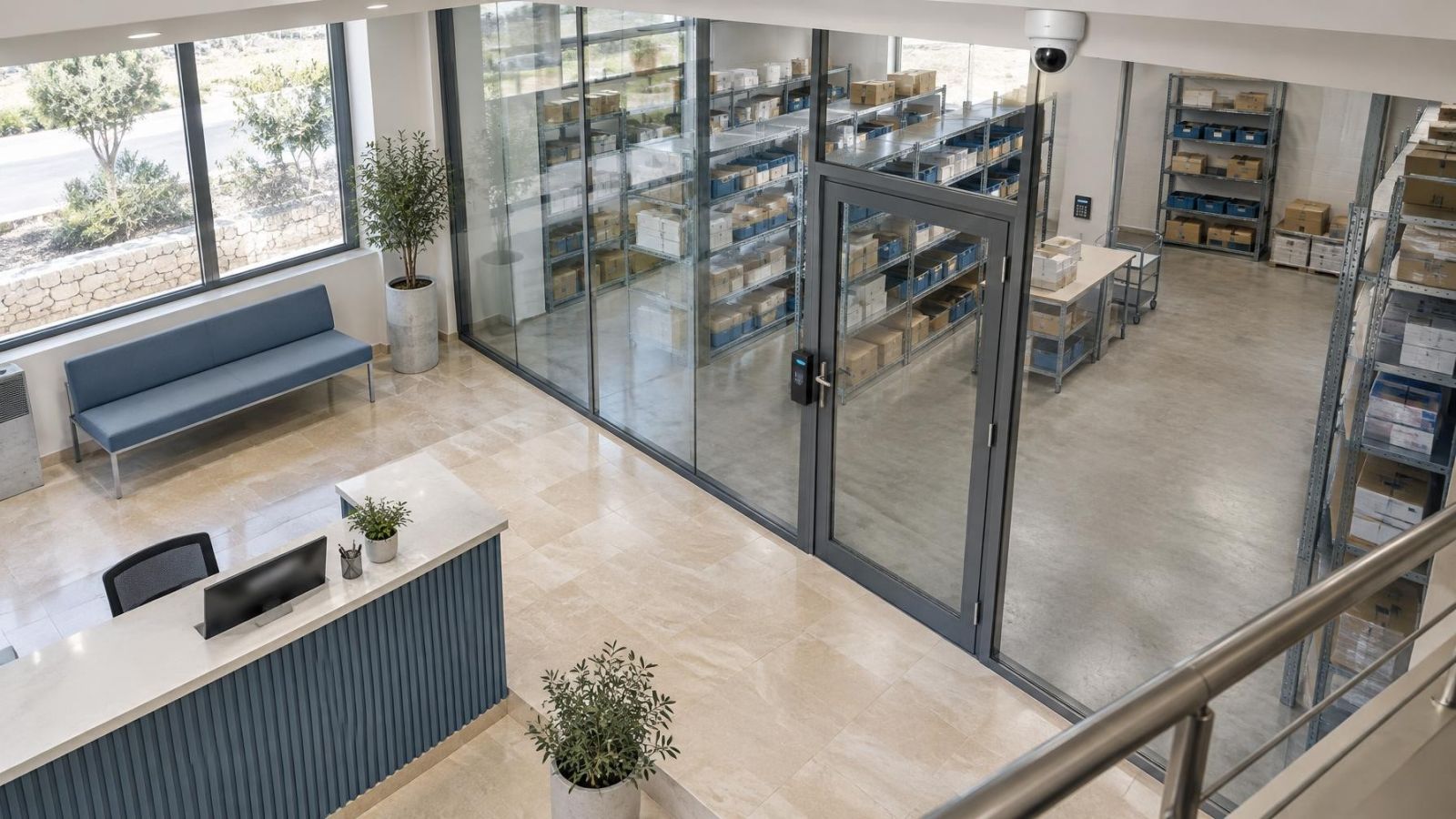
Security system maintenance access should allow a technician to reach every service point safely and predictably. That does not require putting cameras or junction boxes within casual reach. It means deciding in advance how each device, connector and cable end can be approached with appropriate access equipment.
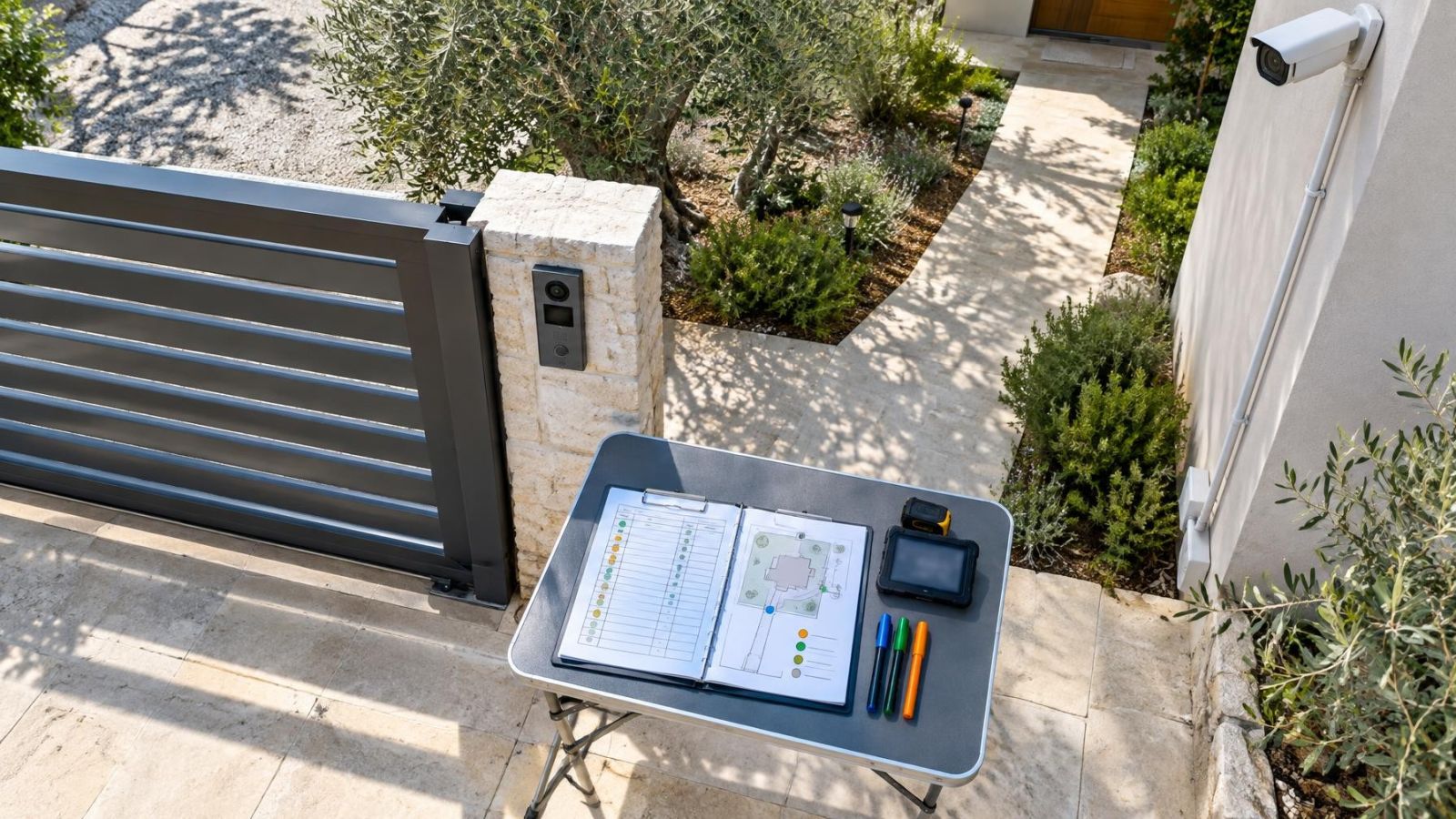
Outdoor cameras need reachable mounting points and accessible junctions. Alarm sensors need battery or terminal access without damaging decoration. At cable ends, a modest service loop allows a connector to be remade or a device repositioned. Cable pulled tight to its limit often turns a small repair into a new cable run.
- Record the intended access method for equipment above ceilings, shopfronts, garden gates and high exterior walls.
- Keep junction boxes visible to the technician or mark their exact positions on the plan.
- Avoid burying connectors behind fixed joinery or closing them permanently inside plasterwork.
- Coordinate access to shared entrances, risers, roofs and common technical areas with the relevant building representatives.
Remote diagnostics can identify some network, storage and device faults. Physical access is still needed for power testing, damaged cabling, dirty lenses, batteries and hardware replacement. Remote access complements a serviceable installation; it does not compensate for inaccessible equipment.
Account for Israeli Site Conditions
Strong sunlight changes camera placement. A shaded entrance facing a bright street can produce severe contrast, while direct sun may create glare or shift across the view. WDR (wide dynamic range) can help a camera handle bright and dark areas, but placement and testing remain important. At night, nearby walls, pale stone and covers can reflect IR into the lens and reduce useful detail.
Dust collects on lenses, housings, vents and cabinet filters. Outdoor equipment should therefore be positioned for cleaning, not merely for the initial view. Connectors left exposed are more vulnerable to dust and humidity. Near the coast, careful enclosure and cable-entry work matters especially because damp air reaches poorly protected connections.
Heat is another cabinet issue. A cupboard that feels acceptable when open may retain substantial heat when closed around active recording and power equipment. Ventilation needs to work during normal operation, with the door shut and the surrounding room in ordinary use.
In apartment buildings, cameras at a shared entrance may involve common walls, common power or common network routes. Resolve the practical arrangement with the va'ad bayit before finalising cable routes and service access. The technician needs to know who can provide access and which parts belong to the apartment, business or shared building infrastructure.
Check Power, Recording and Diagnostics
Centralised power makes testing easier when circuits, outputs and connected devices are clearly identified. For PoE cameras, an orderly network switch can show whether a device is receiving power and maintaining a data connection. For alarm equipment, the backup battery should be accessible for inspection and replacement while remaining protected from casual interference.
The video recorder needs ventilation and physical clearance. Storage is a service item, so the recorder should be removable without dismantling the cabinet. Confirm how footage is viewed locally, how storage faults are reported and whether a configuration can be restored after hardware work.
Core operation should not depend entirely on the property's internet connection. Ask what the cameras record and what the alarm panel does when external connectivity is unavailable. Remote viewing or notifications may be affected, but local recording and alarm logic can be designed to operate on the property network.
Remote diagnostics should use controlled, individually assigned access rather than a permanently shared password. Establish who creates accounts, who can change permissions and how access is removed when a technician or property manager no longer needs it. Where a business uses a managed network or VLAN, the security installer and network administrator should document their respective responsibilities.
Document the Installation Before Handover
Good installation documentation is a working service tool. It should reflect what was actually installed, including changes made during cabling and commissioning. A proposal or product list alone does not show where cables run, which port serves a device or how the final system is configured.
- A device schedule matching physical labels on cameras, detectors, cables, power outputs and network ports.
- A simple location plan showing equipment, junctions, cabinet positions and important cable routes.
- A record of account ownership, authorised users and the method used to transfer credentials securely.
- A configuration backup for the alarm panel, recorder, cameras and relevant network equipment where supported.
- A clear division of responsibility between the property owner, installer, internet provider, network administrator, building management and monitoring service, where applicable.
The property owner should receive and retain these records. Remote property owners may also keep a controlled copy with the person responsible for local access. Passwords should not be scattered through general drawings or documents shared with every contractor; the technical records and credential store can be managed separately.
Make the Buying Decision
How do you choose security equipment?
Start with coverage and operating needs, then compare how each proposed design will be installed and maintained. Feature lists rarely show whether a connector is accessible, a battery can be changed, or a recorder can be removed from its cabinet. Those details appear in the service-access plan.
Ask each installer to identify cabinet locations, cable routes, junction points and the access method for elevated equipment. Confirm which components are individually replaceable and which replacements depend on a proprietary service or product family. Review the proposed spare capacity for power, network ports, cabinet space and cable pathways.
Define the handover documents before installation begins. The deliverables should include final labels, equipment locations, cable information, configuration backups and account ownership. Also decide who maintains shared-building connections, business networks or remotely managed internet equipment.
- Review the proposed camera views and detector positions together with their maintenance access.
- Inspect the technical cabinet location, ventilation, power distribution and working clearance.
- Confirm that likely service parts can be replaced without discarding unrelated equipment.
- Check that local operation does not rely entirely on internet access or one remote account.
- Compare the complete designs by long-term serviceability, not by the length of their feature lists.
A well-planned system may look simpler on paper because its complexity has been organised rather than concealed. Accessible cabling, sensible separation of functions and accurate records give future technicians a clear starting point. That remains valuable when the property changes hands, the network is reorganised or an individual component reaches the end of its working life.
Key takeaways
- Service access should be planned alongside camera views and sensor coverage, not after installation.
- Accessible, clearly labelled cabling makes testing and component replacement more direct.
- Technical equipment needs ventilation and protection from dust, humidity and accidental disturbance.
- Replaceable components and limited proprietary dependence preserve future service options.
- The property owner should retain the installation plan, configuration backup and control of system accounts.