On this page
A network camera can send video through an Ethernet cable or a Wi-Fi router, often on its way through a network switch to an NVR (network video recorder). Power may arrive separately or through power over Ethernet. The practical question behind wired vs wireless cameras is therefore not simply which technology sounds more convenient. It is which link will remain usable at each mounting position, with suitable power, recording and access for maintenance.
What Does Each Connection Actually Require?
Wired vs wireless cameras: what changes at installation?
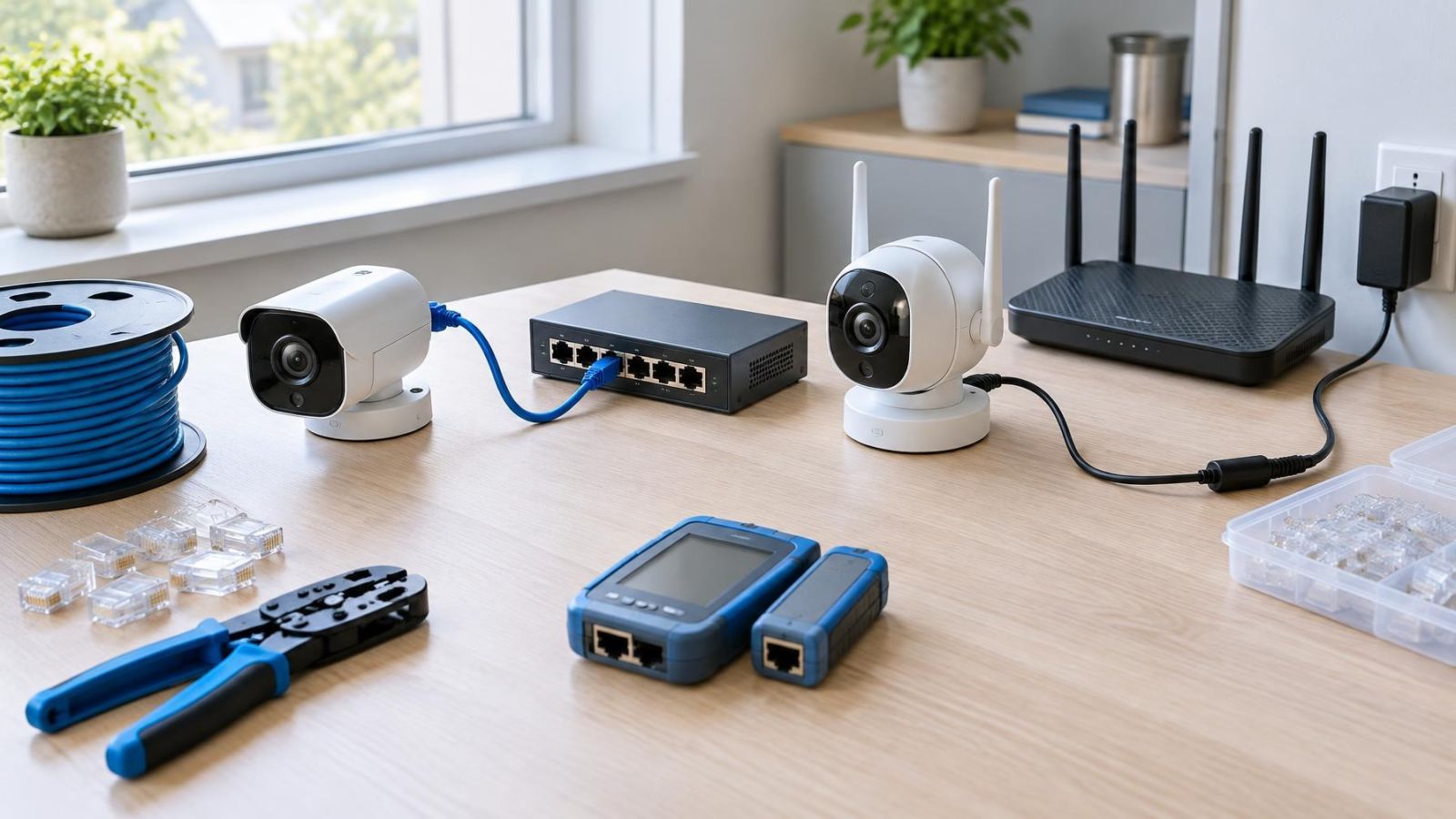
An Ethernet security camera needs a continuous cable route from the camera to the local network. The cable must be suitable for the environment, kept away from likely physical damage and terminated correctly at both ends. It normally reaches a PoE (power over Ethernet) network switch or a PoE-capable NVR. One cable can then carry both data and electrical power.
A Wi-Fi camera replaces the data cable with a wireless link. It does not remove the infrastructure behind that link. The camera needs dependable Wi-Fi coverage where it will actually be mounted, not merely somewhere in the same room. It also needs power from a nearby outlet, low-voltage supply or battery system.
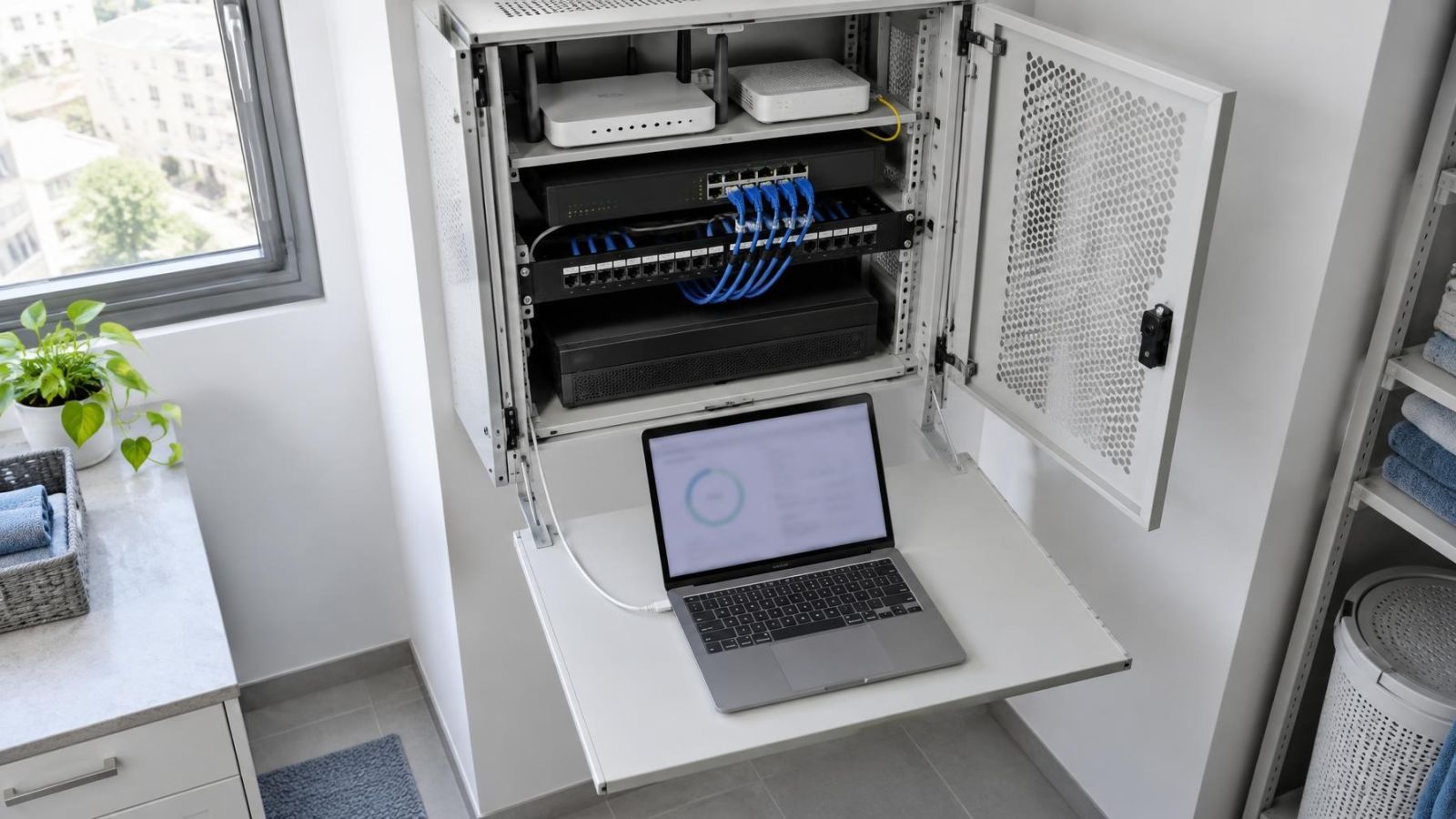
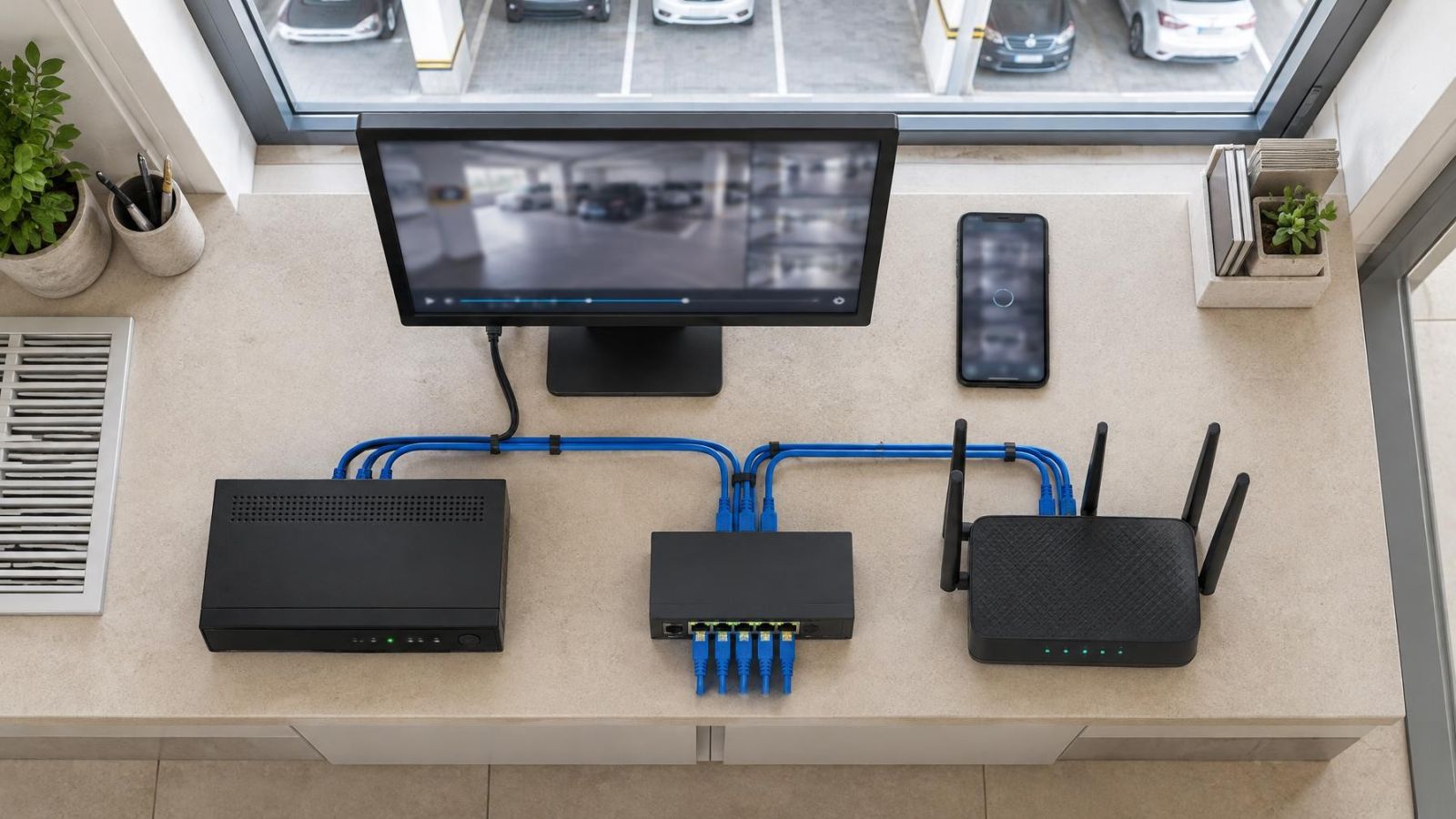
The router manages the local network and usually provides the path to the internet. A network switch adds wired ports and connects cameras, recorders and other network equipment. The NVR receives and stores compatible camera streams. These roles may be combined in one device, but they remain separate functions when diagnosing a fault.
| Connection | Data path | Typical power arrangement | Main installation requirement |
|---|---|---|---|
| Wired Ethernet | Network cable to a switch or recorder | PoE or a separate local supply | A practical, protected cable route |
| Wi-Fi | Wireless link to an access point or router | Nearby supply or battery | Reliable signal at the final mounting point |
Battery operation can avoid a permanent power cable, but it introduces charging, replacement and access requirements. It may also change how the camera handles continuous recording. Battery power should be treated as a distinct design choice, not as an automatic feature of every wireless camera.
Connection Stability in Real Buildings
Wired Ethernet usually provides the more consistent camera network connection because the signal follows a defined physical path. A correctly installed cable is not competing with phones, televisions, neighbouring networks or changing radio conditions. Wired performance can still be affected by damaged cable, poor terminations, unsuitable connectors, failing switch ports or inadequate network hardware.
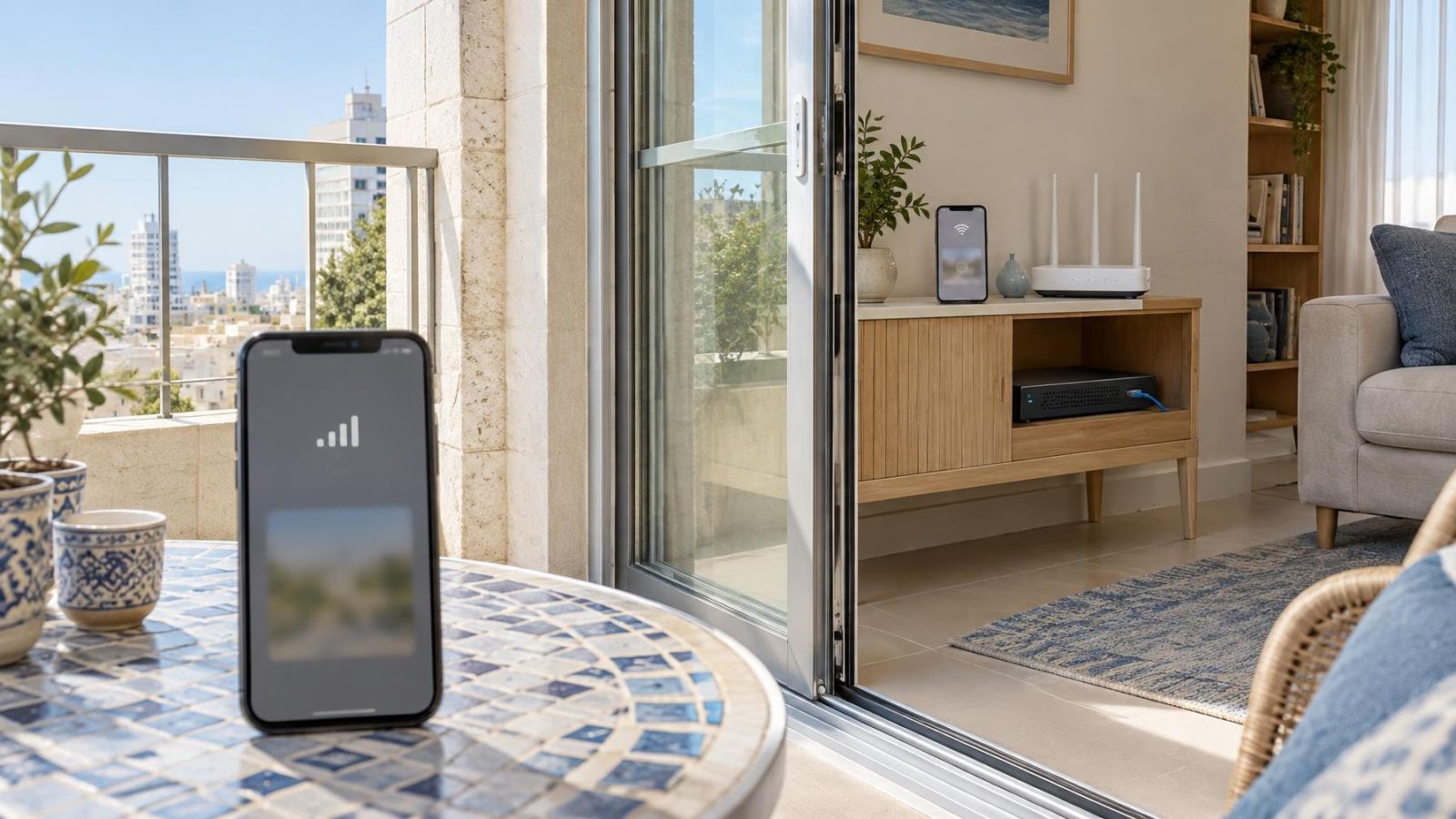
Wi-Fi depends on the wireless signal that reaches the camera. Distance matters, but building materials often matter more. Reinforced concrete walls and floors can reduce coverage sharply. A mamad, the reinforced safe room found in many Israeli homes, can be particularly challenging for wireless links. A router placed inside or beyond such a room may cover the rest of the property unevenly.
The path can also change after installation. Closed metal shutters, storage placed around an access point, alterations to cabinetry and newly added wireless equipment may all affect signal quality. Shared Wi-Fi traffic adds another variable. A camera that connects successfully may still respond slowly or deliver video unevenly when the network is busy.
For larger properties, the nearest wireless access point may not be the main router. Properly placed access points can provide better coverage, but each still needs power and a dependable link back to the network. Wireless coverage is infrastructure in its own right; it should not be treated as an invisible substitute for planning.
Image Delivery and Recording Behaviour
Security cameras generate continuing network traffic. The exact load changes with image settings, scene activity and recording mode, but the important design point is simple: the link must carry video repeatedly, not just handle an occasional command. Several cameras sharing the same wireless area can place sustained demand on it alongside ordinary business or household devices.
Connection quality is visible in live view. A stable link generally produces faster opening of streams and more predictable playback controls. An unstable link may show delayed loading, interruptions or changes in delivered image quality, depending on how the camera and recorder respond. High resolution does not compensate for missing or delayed video packets.
Internet access and local recording are separate matters. If a camera and NVR remain connected through the local network, the recorder can continue receiving video even when the external internet connection is unavailable. Remote viewing and cloud-dependent functions may stop, but local recording does not inherently require an active internet service.
The route from camera to recorder matters independently of the route from the property to the internet.
This distinction is especially useful for remote property owners. Before relying on an application from abroad, establish where recordings are stored and what happens locally when the internet is interrupted. A camera that depends entirely on a remote service behaves differently from one recording to an NVR inside the property.
Recorder connectivity also needs enough network capacity and suitable topology. Cameras should have a clear local path to the NVR rather than taking an unnecessarily complicated route through wireless extenders or unrelated network segments. If a VLAN is used to separate camera traffic, the router, switches, recorder and remote-access design must all support that arrangement.
Installation in Israeli Property Types
In a finished apartment, the technical preference for Ethernet may meet a practical routing problem. Concrete construction, tiled surfaces and completed joinery can make a new cable route intrusive. Existing conduits may help, but they need to be inspected rather than assumed to be clear or suitable. Surface-mounted containment can be neat when its route is planned around corners, door frames and existing services.
Cameras covering a shared entrance introduce another layer of coordination. The entrance, lobby, external walls and service cupboards may be shared building areas, so the apartment owner may need to discuss positions, cable routes and equipment locations with the va'ad bayit. This is a practical building-management issue: agreement before drilling is easier than redesign after equipment arrives.
Private homes often have longer runs to gates, parking areas and garden cameras. Ethernet remains attractive for fixed points, but outdoor routing needs proper cable selection and physical protection. Long garden routes should also be planned around irrigation, landscaping work and accessible junction points. If a gate camera connects wirelessly, signal must be checked at the gate with it closed and under normal site conditions.
Street-front businesses have a different layout. Cameras may be close together, while the recorder and network cabinet sit deeper inside the premises. A wired network can consolidate these links at a protected switch. Wi-Fi may be workable for an isolated position, but passing pedestrians, metal shutters, neighbouring networks and internal equipment can make the radio environment less predictable.
Outdoor network equipment needs protection from strong sunlight, dust and moisture. Connectors should not hang exposed, and indoor network devices should not be placed outdoors simply because they fit inside a loose box. Enclosures need sensible cable entries and a location that remains accessible without becoming an obvious obstruction.
Power, Maintenance and Fault Finding
PoE simplifies many fixed-camera installations by bringing power and data back to one central point. A switch and recorder can be placed in an accessible communications area, and their electrical supply can be managed together. Centralisation also makes it easier to identify which cable and switch port serve each camera.
A Wi-Fi camera still needs dependable power unless it is battery operated. An outdoor outlet may not be in the right position, and a visible plug or power adaptor can undermine an otherwise tidy installation. Low-voltage power cable may be easier to route than Ethernet in some spaces, but it is still a cable route that must be designed and serviced.
Battery cameras exchange cabling work for an ongoing maintenance task. Mounting height, charging frequency, access equipment and periods when the camera is removed all matter. A movable or temporary camera may justify that trade-off. A fixed camera in a difficult-to-reach position often does not.
Fault finding is clearest when power and network status can be checked separately. A dark camera may have lost power, while a powered camera may have lost its data link. With PoE, the switch can provide useful port information and allow the connection to be tested from the central end. With Wi-Fi, diagnosis may require checking the camera supply, signal strength, wireless credentials, access point and local network path.
- Label each camera cable and the corresponding switch or recorder port.
- Keep power supplies, network switches and the recorder accessible for inspection.
- Record where concealed joints, conduits and outdoor enclosures are located.
- Leave enough working space to replace a connector or power adaptor without removing unrelated equipment.
When Does Wi-Fi Make Sense?
How should a Wi-Fi security camera connection be tested?
Wi-Fi makes sense where a cable route is genuinely impractical, the system is small and the final position receives a dependable signal. It can also suit temporary monitoring or a camera that must move between prepared locations. The decision should follow an on-site test, not a general assumption that the property has good Wi-Fi.
Testing should include live video and recording traffic while the camera is at its intended mounting point. Check performance with doors and shutters in their normal positions and while the household or business network is in ordinary use. A basic signal icon alone does not show how consistently the link will carry video.
Wireless convenience has limits. The camera still depends on an access point, local network equipment and electrical power. Extending coverage may require a wired access point, which can reduce the original cabling advantage. A repeater can add another wireless hop and another item to diagnose.
Wi-Fi is less convincing when the camera position is fixed, important to routine operations, difficult to access or located at the edge of coverage. In those cases, installing Ethernet during renovation or before exterior finishes are completed is usually the cleaner long-term decision.
Choose the Link Before Installation
Plan the system camera by camera. Mark the exact position, viewing direction, cable route, power source, network connection and recording destination for each unit. One property can reasonably use Ethernet at the entrance and business floor, Wi-Fi in a cable-resistant interior area and a different arrangement at a movable position.
For fixed priority positions, Ethernet should normally be the starting point. Reserve Wi-Fi for locations where it solves a real installation problem and where testing confirms that the wireless link is suitable. This approach avoids making the entire design depend on the weakest radio position.
- Choose each camera position and confirm the intended field of view.
- Identify a protected location for the NVR, network switch and supporting equipment.
- Map practical Ethernet routes and the positions of available power sources.
- Test Wi-Fi only at positions where a wired route is not sensible or movement is required.
- Check that the network can carry all camera streams alongside normal property traffic.
- Confirm whether recording is local, remote or both, and separate that decision from internet access.
- Document cable labels, wireless coverage and service access before closing ceilings or finishing surfaces.
The best connection can differ between positions, even within a small property. A mixed design is not a compromise when it is deliberate. It becomes a problem only when connection types are chosen from the product description rather than from the building, the mounting point and the recording plan.
Key takeaways
- Wired Ethernet is usually the most consistent connection for a fixed security camera.
- Wi-Fi suitability must be tested at the final camera position, not beside the router.
- Local recording can continue during an internet outage when the camera and recorder remain connected to the same local network.
- Camera data and power should be planned together because a wireless data link does not remove the need for electricity.
- A mixed system can use Ethernet for fixed priority positions and Wi-Fi where cabling is genuinely impractical.