On this page
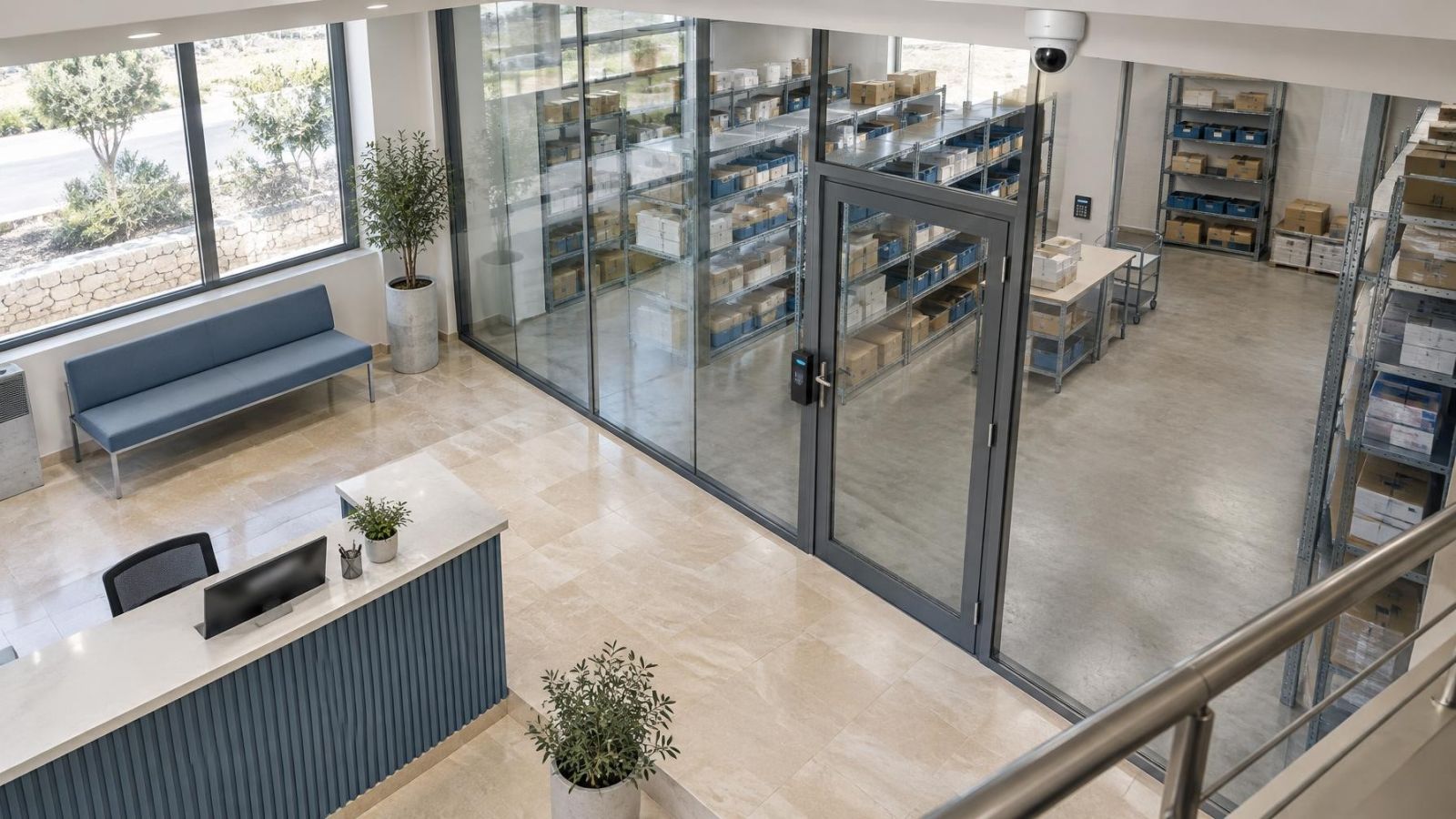
At the property boundary, a security risk register turns a property walk into a usable plan. It connects access points, the alarm system, video surveillance and access control with the people, spaces and activities they support. The question it settles is simple: what could happen here, what weakness would allow it, what already limits the risk, and what should be done next?
What is a security risk register?
It is a working record of identified risks rather than a list of equipment to buy. Each entry pairs a credible threat with a specific vulnerability. It then records the affected area or activity, existing controls, likelihood, impact, priority, action owner and review point.
For a home, entries might concern an entrance hidden from occupied rooms, a gate left open for deliveries or a camera view blocked by growing vegetation. In a small business, the same method can cover a street entrance, stock area, staff-only door, counter, equipment room or service access. The document can be short. Its value comes from clear links between observations and decisions.
A useful register also separates a risk from its proposed solution. “Install another camera” is not a risk. “People can reach the side door without being noticed because the approach is outside the current camera view” is a risk entry with enough detail to assess. The response might involve lighting, a physical change, an access routine, intrusion detection, recording or several controls with different purposes.
The register gives every priority and recommended action a home. It also shows who will make the decision, who will carry out the work and what should trigger a review. That structure applies whether the property is a private house, an apartment, a shared building or a small commercial space.
Set the assessment scope
Start by drawing a practical boundary around the assessment. Include the property itself, its immediate approaches and any shared area that affects access. A private garden or gate may be straightforward. An apartment corridor, shared entrance, loading area or common parking space requires input from whoever is responsible for that space.
Next, identify what needs protection. Think beyond belongings. Include people, keys, records, deliveries, work equipment, private rooms, customer areas and operations that should continue without avoidable interruption. A risk can affect safety, access or continuity even when nothing is taken or damaged.
- Define which entrances, rooms, outdoor areas and shared approaches are included.
- List the people, belongings and activities that matter within the scope.
- Consider normal daytime use, reduced nighttime activity and periods when nobody is present.
- Record who controls each area: tenant, owner, business operator or shared-building manager.
- Mark dependencies, such as a shared entrance that must work before a private alarm can provide its intended coverage.
Responsibility should be recorded as an operating fact, not guessed. A tenant may control daily locking routines and equipment inside the unit while another party controls the main entrance, exterior lighting or common camera system. Where responsibility is divided, the register should show both the issue and the person whose input is needed.
Walk the property systematically
How do you carry out a home security assessment?
Carry out a home security assessment by walking from the outside towards the most private or operationally important spaces. Follow the routes used by residents, staff, visitors, deliveries and service workers. Repeat the walk under different operating conditions where practical, because an open shop, an occupied home and an empty property do not present the same views or routines.
- Begin at the approach routes and property edges. Note where a person or vehicle can arrive, stop, wait or change direction.
- Inspect gates, doors and accessible windows. Record their condition, normal use, locking routine and whether they are visible from occupied areas.
- Follow shared entrances and service routes, including delivery paths, utility spaces, rear passages and doors used only occasionally.
- Look back towards each camera from the area it is meant to cover. Check whether the face, doorway or activity of interest would actually fall within a usable view.
- Review the alarm system and access control by function. Identify which openings are detected, how authorised entry works and what happens when normal routines change.
- Finish inside the property. Check routes to private rooms, stock, keys, records, network equipment and other important areas.
Pay attention to conditions, not just locations. Strong glare can hide detail near a bright entrance. Darkness can leave useful detail dependent on IR illumination. Vegetation can move into the view or trigger motion detection. Shelves, signs, parked vehicles and open doors can create temporary blind spots. Damp, dust and temperature exposure can also affect where equipment should be placed.
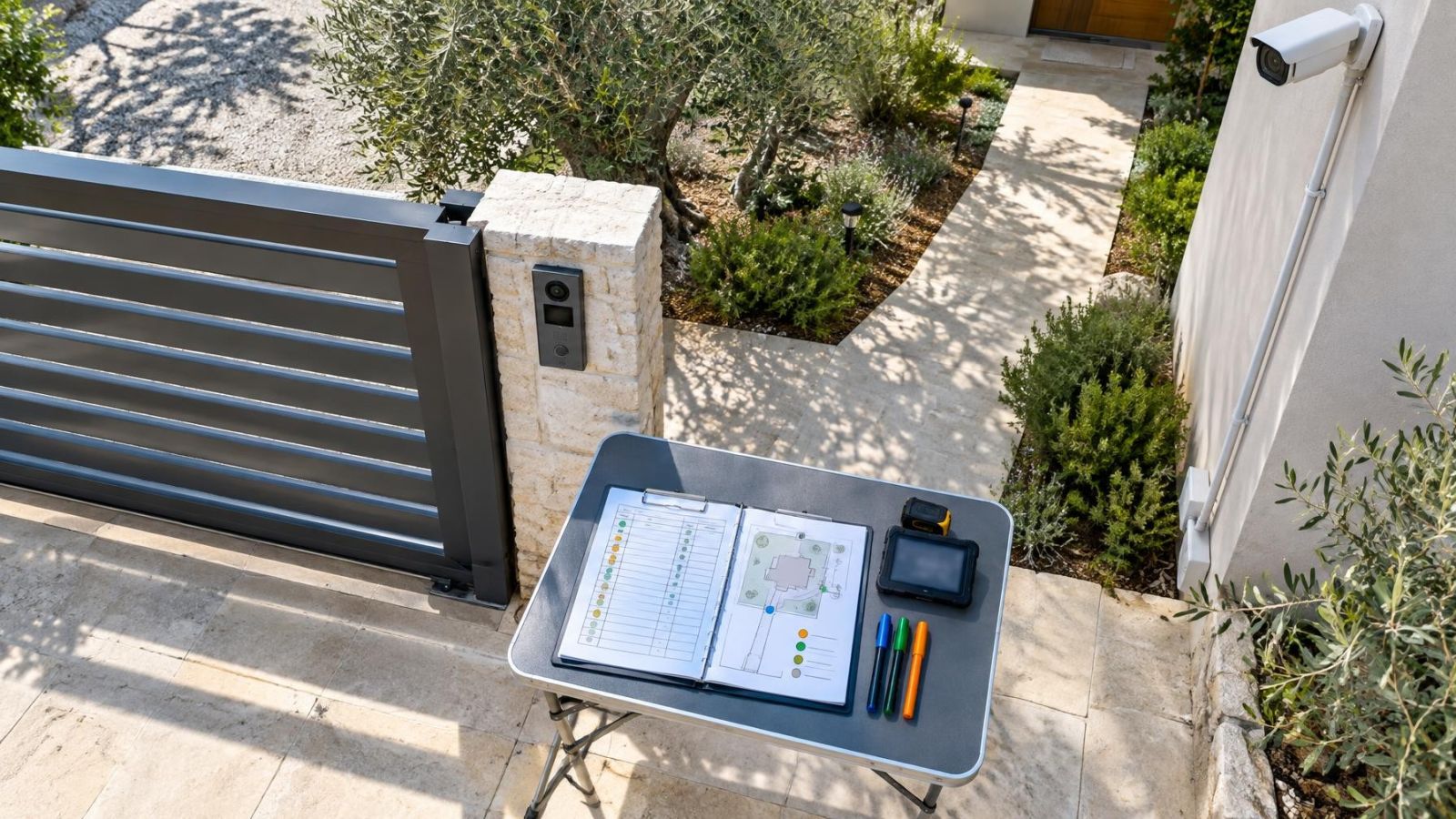
Write observations while standing at the location. A floor plan is useful for orientation, but it rarely shows glare, foliage, door movement, daily obstructions or how people actually use an entrance. Photographs and simple view sketches can support the written evidence, provided they are labelled clearly enough to understand later.
Which property security risks should you record?
Record risks that connect a credible event to an observed weakness. Avoid entries so broad that nobody can act on them. “Unauthorised access” says little. “The rear service door can remain unlatched after deliveries because there is no closing check” identifies a threat, vulnerability, location and operating condition.
Each entry should answer five questions: what could happen, what makes it possible, who or what would be affected, what already reduces the risk, and what evidence supports the assessment. Evidence can include a blocked view, an inconsistent access routine, an unmonitored opening or equipment that does not cover the intended area.
| Register field | What to record | Example |
|---|---|---|
| Risk and vulnerability | The event and the specific weakness that permits it | Unnoticed entry through a side door hidden by vegetation |
| Affected area or activity | People, space, belongings or operation exposed | Private workroom and stored keys |
| Existing controls | Measures already in place and their limitations | Door lock present; camera view stops before the approach |
| Consequence | The practical effect if the event occurs | Loss of access control and interruption to normal use |
| Evidence | Observation supporting the entry | Approach not visible from occupied rooms during the walk |
| Next action | A defined improvement or decision | Trim the obstruction and reassess the view |
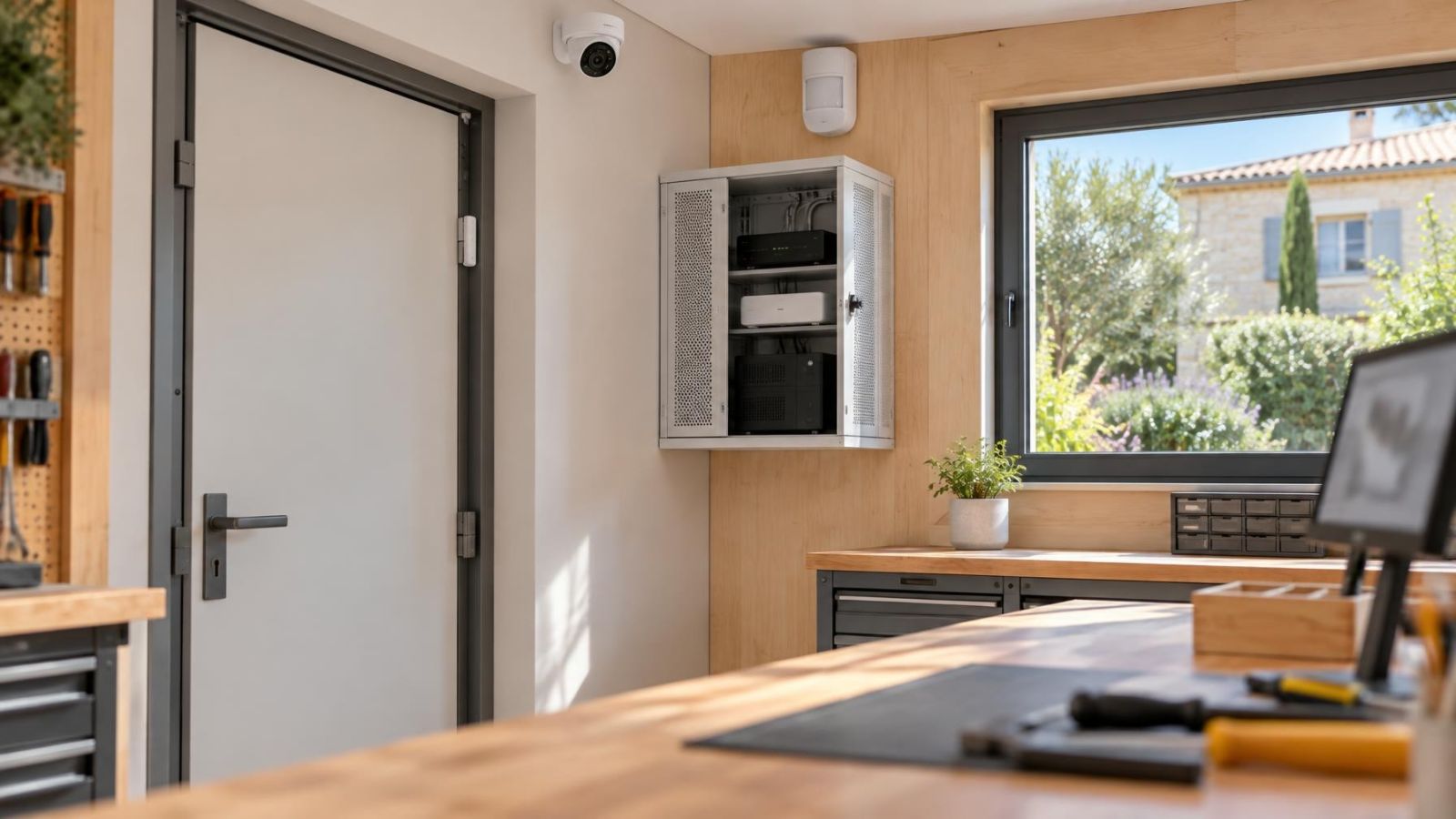
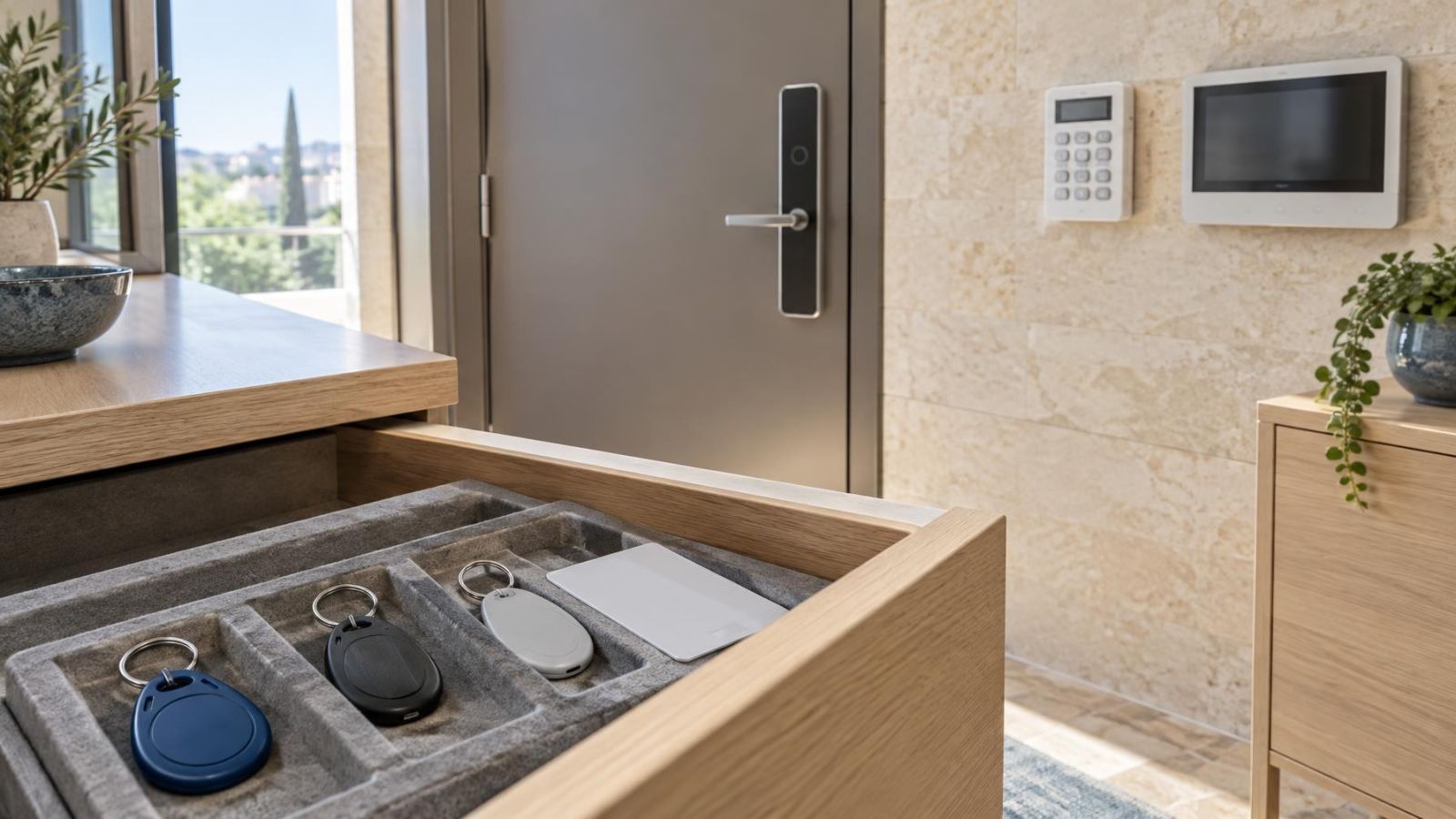
Existing controls should be described honestly. A lock may be effective when used but undermined by an informal key routine. A security camera records activity only within its usable view. An alarm can detect a configured condition but does not control who is authorised to enter. Access control manages permission at a controlled opening but does not provide a visual record by itself.
Also record limitations and uncertainty. If an area could not be inspected, say so. If a camera view changes when vehicles are parked, note the variation. An uncertain entry is more useful than a confident rating built on missing information.
Rate likelihood and impact
Likelihood and impact describe different parts of risk and should be rated separately. Likelihood asks how plausible the event is under the property’s real operating conditions. Impact asks what the consequence would be for people, access, privacy, belongings or continuity if it occurred.
A simple low, medium and high scale is often sufficient. Define the labels before using them. For likelihood, consider exposure, frequency of access, visibility, routine and the reliability of existing controls. For impact, consider the importance of the affected area, how widely the event could spread and how difficult normal operation would be to restore.
| Rating | Likelihood guide | Impact guide |
|---|---|---|
| Low | Limited exposure with dependable controls and few opportunities | Minor disruption confined to a non-critical area |
| Medium | Credible exposure or controls that depend on consistent behaviour | Noticeable effect on access, privacy, belongings or routine |
| High | Regular exposure, a clear weakness or unreliable controls | Serious effect on people, essential access or continued operation |
Do not combine the two ratings too early. A likely event with limited impact can need a routine improvement. A less likely event with severe impact may justify a different form of control. The priority should reflect both, along with uncertainty and the practicality of reducing the exposure.
Keep the risk management method consistent across the register. If one entry is rated according to the worst imaginable outcome while another is rated according to normal conditions, the resulting priorities will not be comparable. State assumptions and use the same definitions throughout.
A rating is useful only when another person can understand why it was chosen from the evidence recorded beside it.
Choose controls in the right order
How does the hierarchy of risk control help prioritise improvements?
The hierarchy of risk control helps by considering whether exposure can be removed or reduced before equipment is added. Begin with the cause of the vulnerability. An unused external door might be removed from normal access. A delivery routine might be moved to a visible entrance. Vegetation or stored items might be cleared from a sightline.
Next, strengthen the physical boundary and the way access is managed. Doors, gates, windows, key handling and closing checks should support the intended use of the property. Technology works best when it monitors a sensible physical arrangement rather than compensating for a boundary that is routinely left uncontrolled.
Then add detection, recording and notification where each function has a clear purpose. An alarm system provides intrusion detection for configured conditions. Video surveillance records activity within usable camera views. Access control manages authorised entry at specific openings. Lighting can support direct observation and camera detail. These controls can complement one another, but they are not interchangeable.
- Remove unnecessary exposure where the property can still operate normally.
- Improve physical boundaries and access routines at the source of the weakness.
- Add detection when a condition needs to be noticed.
- Add recording when a usable visual record serves a defined purpose.
- Add notification where someone has a clear role in responding.
- Avoid overlapping devices unless each one covers a stated gap or provides needed resilience.
After selecting a control, rate the residual risk: the risk that remains once the control is working as intended. No control removes every limitation. A repositioned camera may improve the doorway view while leaving the longer approach unseen. A better access routine may still depend on people following it. Recording the remainder prevents a completed action from being mistaken for a fully resolved risk.
Assign actions and keep it useful
Every action needs a named owner, a specific next step and a clear completion condition. “Improve lighting” is incomplete. A better action identifies who will inspect the dark approach, decide the required coverage, arrange the change and confirm that glare or shadow has not created another problem.
Classify each entry as immediate, planned or accepted. Immediate actions address conditions that should not remain while a decision is pending. Planned actions need preparation or coordination. Accepted risks remain in the register with the reason, owner and review trigger recorded. Acceptance is a decision to retain exposure, not a reason to delete the entry.
Review the register whenever the property changes in a way that affects access, visibility or normal operation. Relevant triggers include altered occupancy, new staff or tenants, changed opening routines, moved furniture, different storage layouts, building work, new vegetation, changed parking patterns, replaced doors or gates, and modified alarm, camera or access-control coverage.
A review should confirm more than whether equipment powers on. Check whether doors close as expected, credentials and keys follow the intended routine, detectors cover the intended conditions, notifications reach the responsible person and recorded camera detail remains useful. Layout and lighting changes can make a technically working system unsuitable for its original purpose.
- Keep one owner for each action, even when several people contribute.
- Describe completion in observable terms rather than as a general intention.
- Record dependencies on owners, tenants, contractors or shared-building management.
- Update existing controls and residual risk after work is completed.
- Retain unresolved uncertainties and assign a step for checking them.
- Reassess entries after meaningful changes to layout, occupancy, access or operating routines.
The finished document should be easy to scan and easy to challenge. Someone unfamiliar with the property should be able to see why a risk was recorded, what currently limits it, why it has its priority and who decides the next step. If those links remain clear, the register stays a practical planning tool rather than becoming an equipment inventory.
Key takeaways
- A concise register connects each property risk with existing controls, a priority, an owner and a clear next action.
- A systematic property walk reveals access routes, blind spots and operating conditions that floor plans often miss.
- Likelihood and impact should be rated separately because frequent minor events and unlikely severe events require different decisions.
- Physical protection, access control, alarms and video surveillance perform distinct roles and should be selected for a defined purpose.
- A register remains useful only when changes to occupancy, layout, access and equipment are reflected in it.