On this page
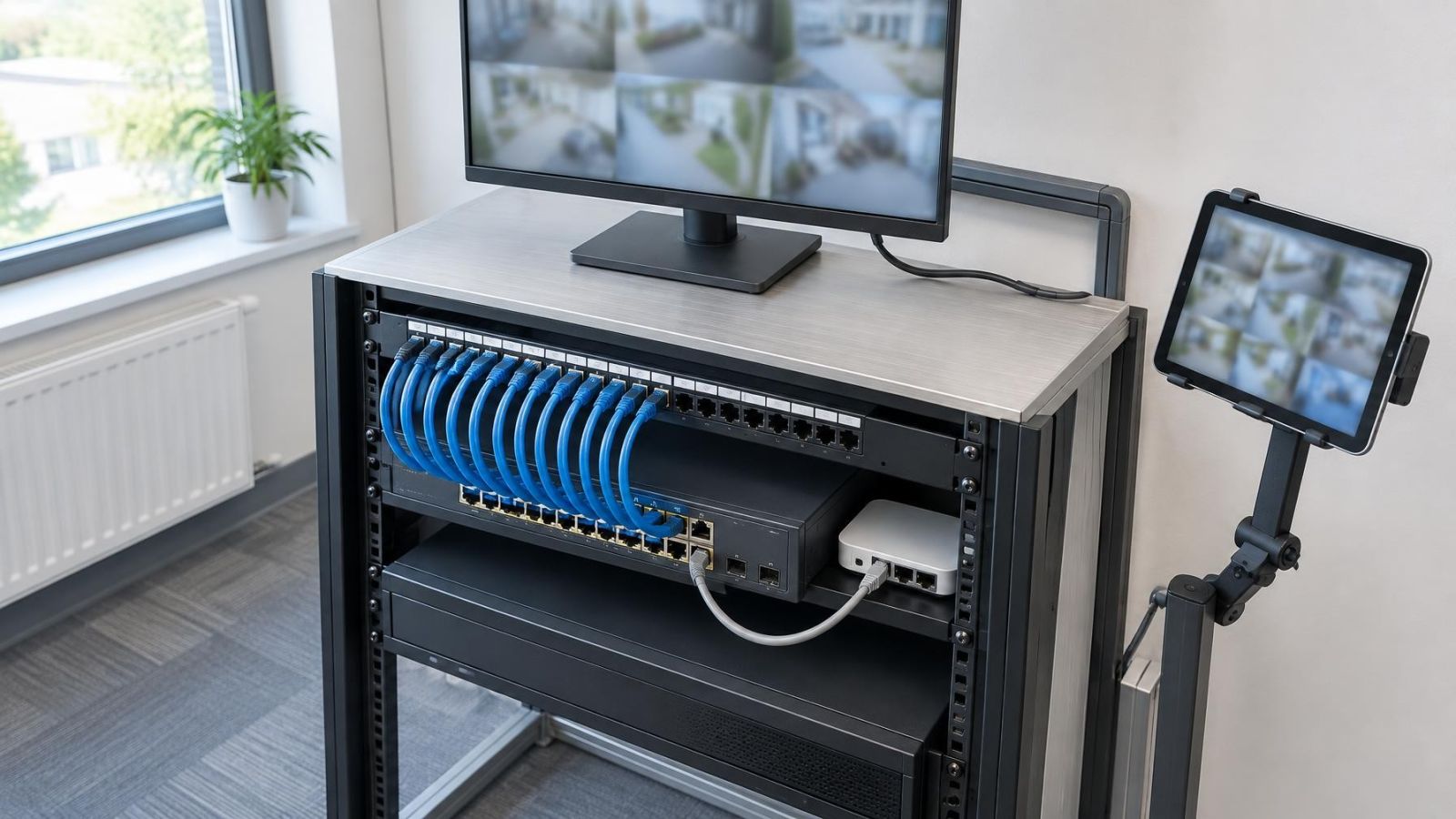
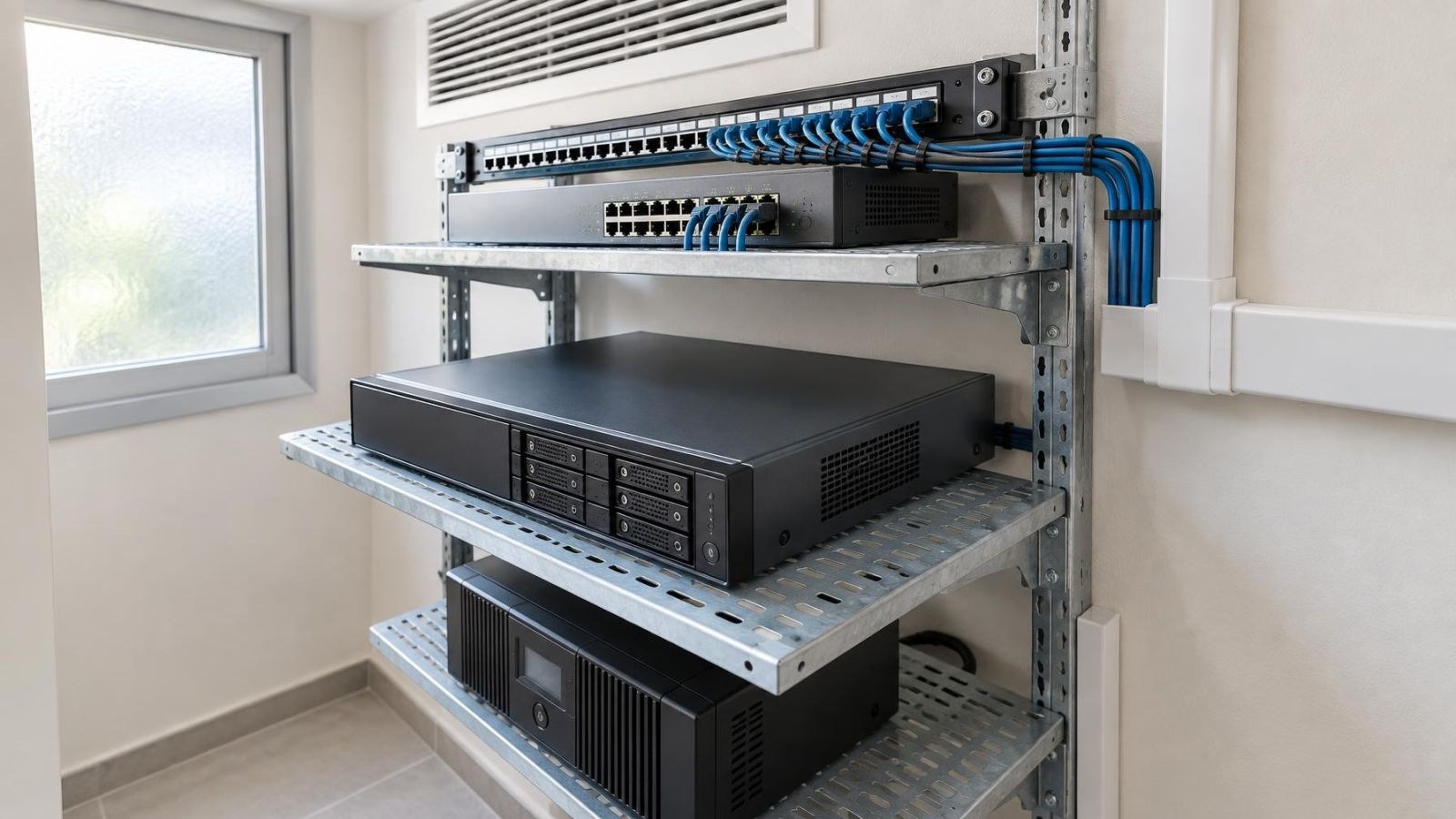
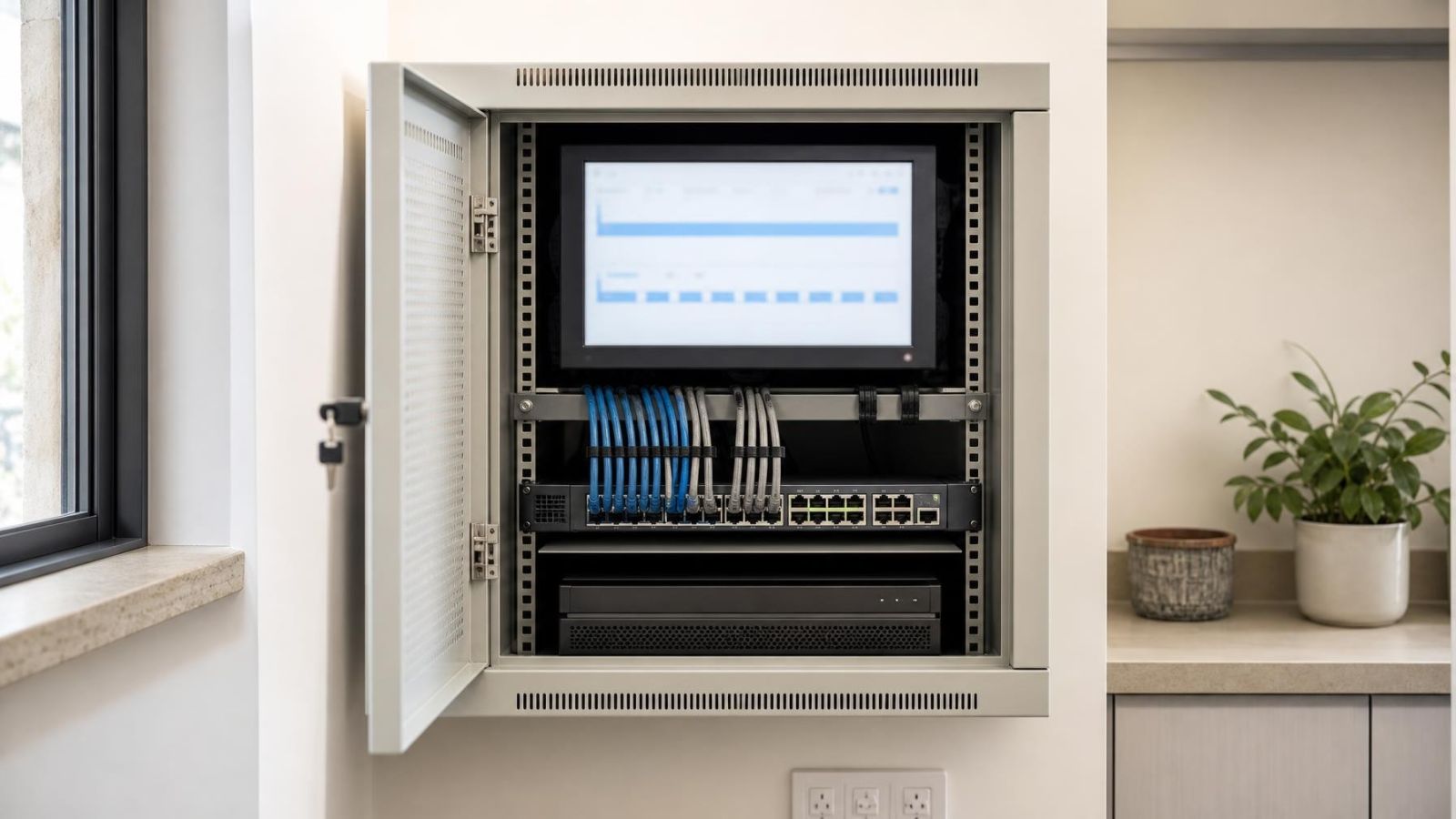
In an Israeli home or a street-front business, security cameras usually send footage to a video recorder, often an NVR (network video recorder). The recorder can keep a continuous timeline or save clips when motion detection identifies an event. That choice changes the completeness of the video archive, the storage required and the effort involved in reviewing footage. The practical question behind continuous vs event recording is therefore simple: which views need every moment, and which can depend on a trigger?
There is rarely one correct mode for an entire property. A shop entrance, quiet garden path, payment area and apartment-building approach have different activity patterns. A good configuration treats each camera as a separate recording decision.
Continuous vs Event Recording: What Each Mode Actually Does
Continuous recording creates an uninterrupted timeline whenever its recording schedule is active. If a camera is scheduled to record throughout the day, the recorder writes footage throughout that period. Reviewers can move backwards and forwards through the scene without relying on an event trigger.
Event recording saves footage when a configured trigger is detected. The trigger may be basic motion detection or a more selective form of activity analysis supported by the system. The result is a collection of clips rather than a complete timeline.
Motion does not automatically mean meaningful activity. Basic motion detection may react whenever enough of the image changes. A moving shadow, swaying branch or vehicle at the edge of the frame can therefore generate an event even when nobody has entered the area you care about. Conversely, poor sensitivity or a badly placed detection zone can leave relevant activity without a saved event clip.
Why do pre-record and post-event buffers matter?
A pre-record buffer holds a short rolling portion of video before the trigger. When an event occurs, the recorder attaches some of that earlier footage to the clip. This can show how a person or vehicle approached rather than beginning the clip halfway through the action. Post-event recording keeps saving after the trigger has ended, which helps avoid clips that stop too abruptly.
Continuous vs Motion Recording?
The better choice depends on what the camera watches and how the archive will be used. Continuous recording favours completeness. Event recording favours a smaller, more focused archive, but its value depends more heavily on detection quality.
| Consideration | Continuous recording | Event recording |
|---|---|---|
| Archive | Complete timeline during the active schedule | Trigger-based clips with gaps between events |
| Storage demand | Higher under comparable image settings | Varies with the amount of detected activity |
| Review style | Browse or search along a timeline | Open a list of marked clips |
| Dependence on detection | Detection can mark activity without controlling whether video is saved | Detection determines when footage is saved |
| Best fit | Important or consistently active views | Predictable, quieter views |
Timeline review is useful when the exact time is uncertain or when the important detail occurs before an obvious event. Clip review can be faster when the scene is quiet and triggers are accurate. It becomes less efficient if the event list is filled with moving trees, headlights or passing traffic.
The comparison does not require an all-or-nothing answer. Cameras connected to the same recorder can use different modes. The entrance may record continuously while a private side passage records only on events. Schedules can also change by time of day if the recorder supports that arrangement.
Where Continuous Recording Fits Best
Continuous CCTV recording is most useful where gaps would make the scene difficult to understand. Shop entrances, payment areas and service counters often have repeated movement. Trigger-based recording may save so many clips in these locations that it offers little practical advantage.
- Shop entrances: Regular arrivals, departures and street movement can create an almost constant stream of events.
- Payment and handover areas: A full timeline preserves activity before, during and after a transaction or collection.
- Shared building approaches: Residents, deliveries and visitors may pass through frequently, especially near a common entrance.
- Vehicle gates: A complete sequence can show waiting, opening, entry and closing rather than only the strongest movement.
- Busy street frontages: Pedestrians, traffic, changing light and reflections can make event lists unnecessarily crowded.
Continuous recording also suits cameras that provide context for other views. A close view may show a face or item clearly, while a wider camera shows where movement began and where it continued. The wider view is often more useful as a timeline than as isolated clips.
Completeness still depends on the recording schedule and the system being operational. Continuous mode describes how the recorder behaves while recording is active; it is not a substitute for checking camera connectivity, recorder health and archive playback.
Where Event Recording Works Well
When does event recording work well in CCTV?
Event recording works well when activity is limited, the area of interest is clearly defined and irrelevant movement can be excluded. A quiet garden path, private side passage, storeroom or low-traffic indoor corridor may produce a manageable set of useful clips.
- Quiet outdoor areas: A defined path between a gate and a door is easier to tune than an entire garden containing trees and plants.
- Low-traffic rooms: Event clips can make review straightforward where long periods contain no activity.
- Defined detection zones: A doorway or narrow passage gives the system a clearer area to monitor.
- Storage-conscious archives: Saving selected events reduces storage use when the scene remains quiet for long periods.
- Selected notifications: Recording and alerts can be tied to activity in the part of the view that matters, where the system provides suitable controls.
Event recording does not provide a fixed archive depth. A quiet period creates few clips and uses less storage. A week of wind, frequent visitors or nearby work may create many more events and cause older footage to be overwritten sooner. Retention therefore follows real scene activity.
What Can Make Events Unreliable?
Outdoor motion detection is affected by the whole image, not only by people approaching the property. Israeli conditions make camera direction and zone design particularly important. Strong sunlight can create hard transitions between bright and shaded areas. Shadows move across walls and paving. At night, headlights can sweep through a gate or shopfront.
- Sunlight and shadow: Fast brightness changes can resemble movement, especially if a large part of the frame changes at once.
- Foliage: Leaves, branches and climbing plants can occupy a surprising amount of the detection zone on a windy day.
- Passing traffic: Vehicles, reflections and headlights may trigger a camera aimed beyond a gate or towards a street.
- Pets: Animals crossing a garden or passage can create legitimate motion events that are irrelevant to the intended review.
- Dust and rain: Particles, droplets and insects close to the lens can appear large in the image, particularly when illuminated by IR.
- Coastal humidity: Moisture or residue on an exposed cover can reduce image clarity and make night scenes harder to detect consistently.
Sensitivity settings need balance. A very sensitive configuration can create a crowded event list. A low setting may fail to mark subtle or distant movement. The correct setting depends on the camera angle, the apparent size of a person in the frame and the amount of background movement.
Detection zones should follow the route or surface that matters. A zone covering the entire image often includes sky, trees, a public pavement or moving road traffic. Reducing the zone to the gate opening, entrance path or doorway usually gives the detector a clearer task.
Plan Storage, Retention and Review
Storage planning begins with camera count, recording mode and image settings. Higher image quality, a higher frame rate and longer scheduled recording all increase the amount written to the recorder. Continuous recording consumes storage faster than event recording when the image settings are otherwise comparable.
Event-based estimates need an additional input: expected scene activity. A quiet private passage and a shop entrance may use very different amounts of storage even if their cameras share the same image settings. Outdoor event volume may also change with weather, vegetation or traffic.
How should archive depth be planned?
- Define the useful archive depth. Decide how far back users realistically need to review each important view.
- Classify each scene. Separate busy, important views from quiet areas where event recording is practical.
- Choose image settings deliberately. Resolution, frame rate and image quality should support the detail required from that camera rather than simply using the highest available setting.
- Estimate activity honestly. Include routine staff movement, residents, deliveries, gates, pets, foliage and visible street traffic.
- Confirm overwrite behaviour. Most recorders reuse storage by deleting the oldest footage when capacity is reached, so users should know how the archive rolls forward.
- Test retrieval. Search for an event, play footage before and after it, and confirm that authorised users can export the relevant segment when needed.
Ease of review matters as much as nominal archive length. A long archive filled with unwanted clips can be frustrating to search. A continuous timeline without useful event markers may also take time to inspect. Many systems can record continuously while adding motion markers, giving users a complete timeline and faster points of entry for review.
Remote property owners should also test playback over the connection they normally use. Remote access does not change what the recorder stores, but it affects how comfortably a user can search and view the archive. Local recording should remain the main archive; remote viewing is the route used to reach it.
Choose a Recording Mode for Each Camera
Start with the purpose of each view. A camera watching a busy entrance may need a continuous timeline. A second camera covering a rarely used side path may be better suited to events. The recorder should reflect these differences rather than applying one mode everywhere.
Which NVR recording modes should each view use?
| Camera role | Suggested starting mode | Main configuration point |
|---|---|---|
| Busy entrance or payment area | Continuous | Storage allocation and useful event markers |
| Shared approach or vehicle gate | Continuous or scheduled hybrid | Full context through the complete movement sequence |
| Quiet garden path or side passage | Event | Tight detection zone and suitable buffers |
| Low-traffic indoor room | Event | Sensitivity matched to the expected movement |
| Street-facing context view | Continuous | Camera angle, glare control and manageable image settings |
A hybrid schedule can change the mode according to normal use. A business camera might record continuously while the premises are active and use event recording during quieter periods. At a home, an entrance may remain continuous while garden and passage cameras save events. The available schedule options depend on the NVR, DVR or VMS (video management software), but the planning principle is the same.
After the initial configuration, test the archive rather than only the live picture. Walk the expected route. Approach from both directions. Check whether the clip begins early enough and continues long enough. Then inspect the event list for irrelevant triggers caused by roads, plants, reflections or pets.
Finally, confirm the result after the recorder has accumulated normal activity. Check how far back each camera can be reviewed and whether old footage is being overwritten as expected. Event-based retention should be judged from actual scene activity, not from an unusually quiet test period.
The strongest everyday configuration is usually not one recording mode, but a deliberate mode, schedule and detection setup for every camera.
Key takeaways
- Continuous recording preserves full context for important views while the recording schedule is active.
- Event recording creates a more efficient archive in predictable, low-traffic areas with well-tuned detection.
- Different security cameras on the same recorder can use different recording modes and schedules.
- Reliable event recording depends on suitable detection zones, sensitivity settings and recording buffers.
- Storage planning should reflect actual scene activity, desired archive depth and the way footage will be reviewed.