On this page
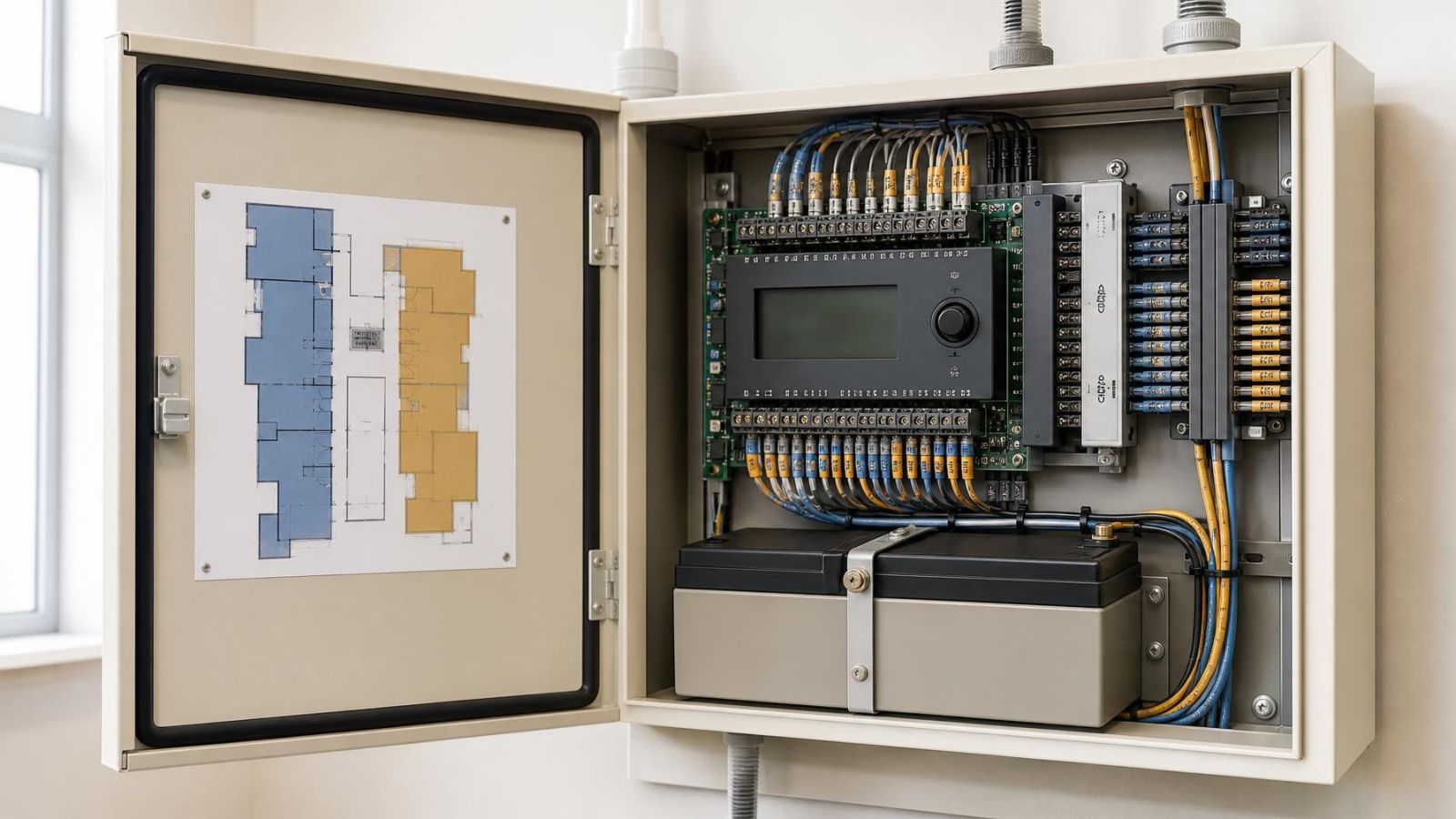
An alarm control panel receives signals from each alarm zone, such as a door contact or motion detector, while a system partition decides which areas a user can control from a keypad. Planning alarm zones and partitions is therefore not just a programming task. It settles a practical question: which parts of the property should react, remain available for movement, or operate independently during each daily arming routine?
The distinction matters in Israeli properties because the routes are often less simple than the floor plan suggests. An apartment may have one entrance but several night-time movement patterns. A private home may include a garden gate and a separate floor. A street-front business may need the sales area closed while an office or storage room remains in use. The alarm structure should describe those realities clearly.
What Is an Alarm Zone?
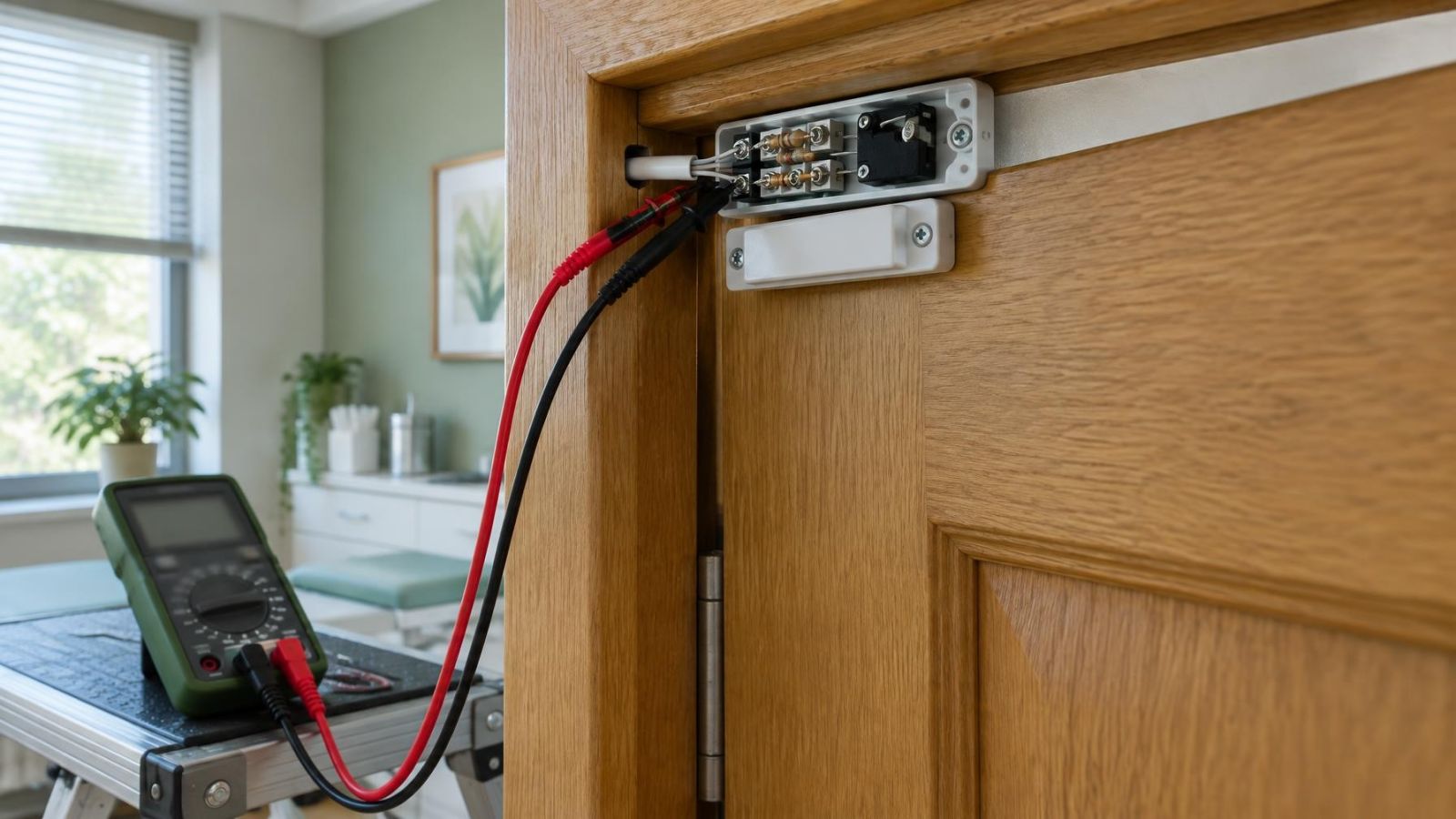
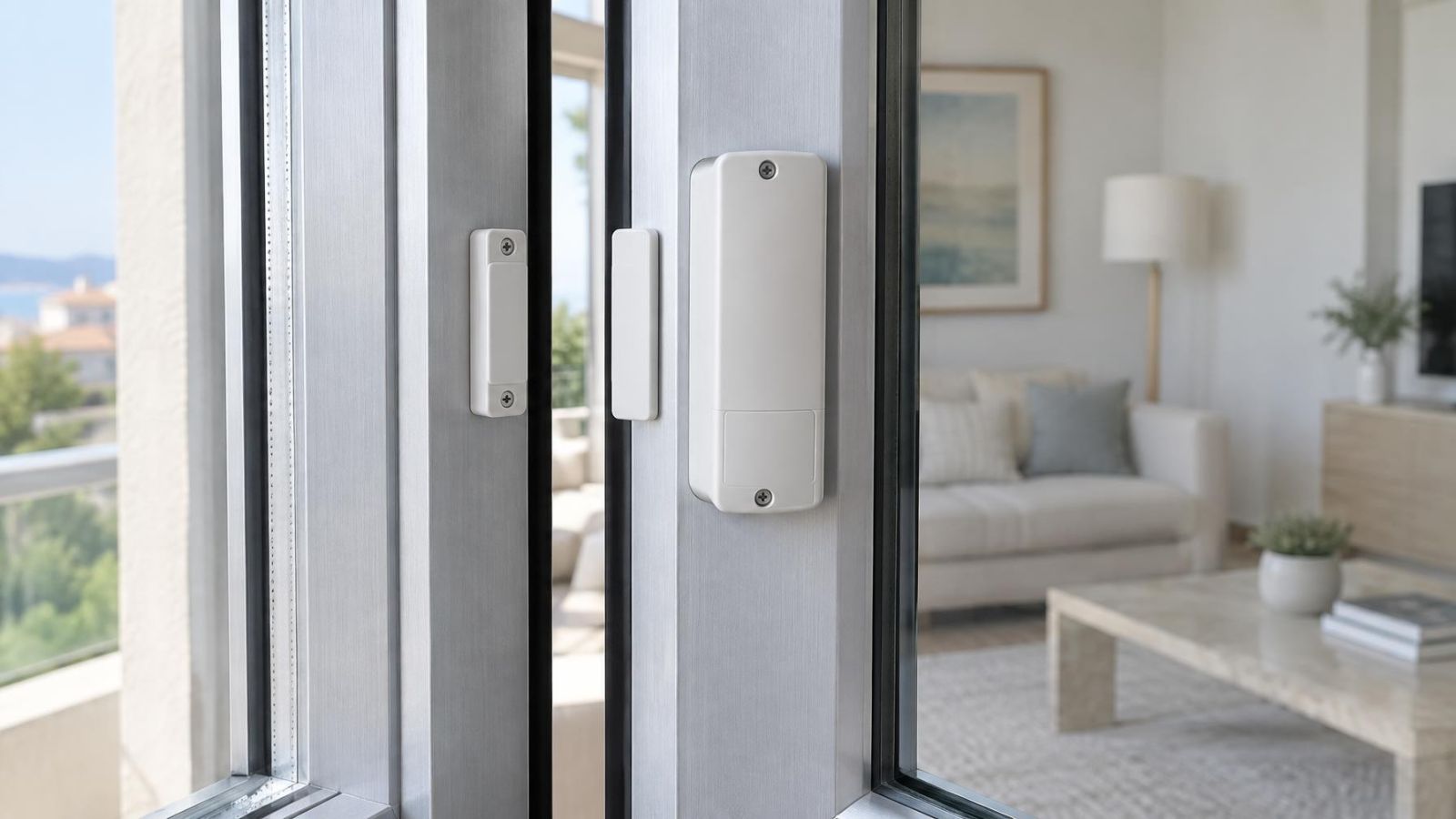
A zone identifies a detector, contact or defined detection input within the alarm system. The control panel uses the zone to identify where a signal came from and how it should be handled. A magnetic contact on the main door might be one zone. A motion detector in the entrance hall might be another.
Alarm zones explained: what should the label tell you?
A good zone name states location and function. “Front entrance door” is useful. “Zone A” is not. If a remote property owner receives an alert, or a staff member sees a fault on the keypad, the name should identify the relevant point without requiring a separate plan.
The zone also has programmed behaviour. A perimeter zone usually represents an opening such as a door or window. An interior zone commonly represents movement inside. An immediate zone responds without waiting for an entry delay when its armed conditions are met. A delayed zone allows the authorised arrival routine to begin. The equipment type alone does not determine the behaviour; the intended route and arming mode do.
- Name the physical place, such as “kitchen garden door” or “office rear window”.
- Distinguish similar devices by location rather than by installation numbering.
- Confirm whether the zone is active during full arming, partial arming and night mode.
- Check that alert, fault and keypad messages use the same understandable wording.
Partitions Create Separate Armed Areas
A partition allows part of one alarm system to be armed or disarmed independently from another part. Each partition contains the zones, users and operating rules relevant to that area. This is different from an arming mode, which changes the selection of active zones within an area.
When is a partitioned alarm system useful?
A partitioned alarm system is useful when spaces share control equipment but do not share the same timetable. In a home, a separate floor, external office or storage room may need independent operation. In a small business, the public area may close while staff continue working in the office. Alarm system partitions can also separate a stock area from rooms used by cleaners or maintenance staff.
Shared entrances need special attention. If two areas use the same entrance hall, people may need to cross an armed partition to reach a disarmed one. The entrance contact, following motion detector and keypad location must be designed as one circulation route. Partition membership and shared-zone behaviour depend on the capabilities and programming of the control panel, so they should not be assumed from a drawing alone.
Keypads can be assigned to operate one partition or several. User access can also be limited. A family member may operate the whole home, while a cleaner operates only the relevant living area. A business owner may control every area, while a staff code applies only to the shop and office.
A partition should represent an area people genuinely operate separately, not simply a line that looks convenient on the floor plan.
How Arming Modes Use Zones
Full, partial and night arming depend on which zones are included in each mode. The names shown by a keypad may vary, but the planning question remains the same: where can people move after the system is armed?
| Arming mode | Typical occupancy | Common zone behaviour |
|---|---|---|
| Full arming | The protected area is expected to be empty | Perimeter contacts and relevant interior detectors remain active |
| Partial arming | People occupy selected rooms | Perimeter zones remain active while chosen interior detectors are omitted |
| Night mode | The household is sleeping but may use planned internal routes | Exterior openings remain active, with interior zones selected according to night-time movement |
How should home alarm zones be grouped?
Home alarm zones should be grouped by behaviour rather than by detector type alone. During partial arming, a living-room motion detector may need to be omitted because the room is occupied, while nearby window and door contacts remain active. At night, a hallway used between bedrooms, a bathroom and a mamad may require different treatment from a motion detector downstairs.
Omitting interior detectors is not the same as disarming the whole system. Perimeter contacts can remain active if they belong to the selected mode. Conversely, leaving every interior zone active while people are moving inside creates an operating routine that depends on remembering invisible boundaries. That usually becomes frustrating.
Modes should have simple meanings that everyone can repeat. For example: full arming means nobody remains inside; partial arming means the occupied living area is available; night mode means the household can follow its agreed night route. If the explanation needs a long list of exceptions, the grouping needs another review.
Where Should Entry Delays Apply?
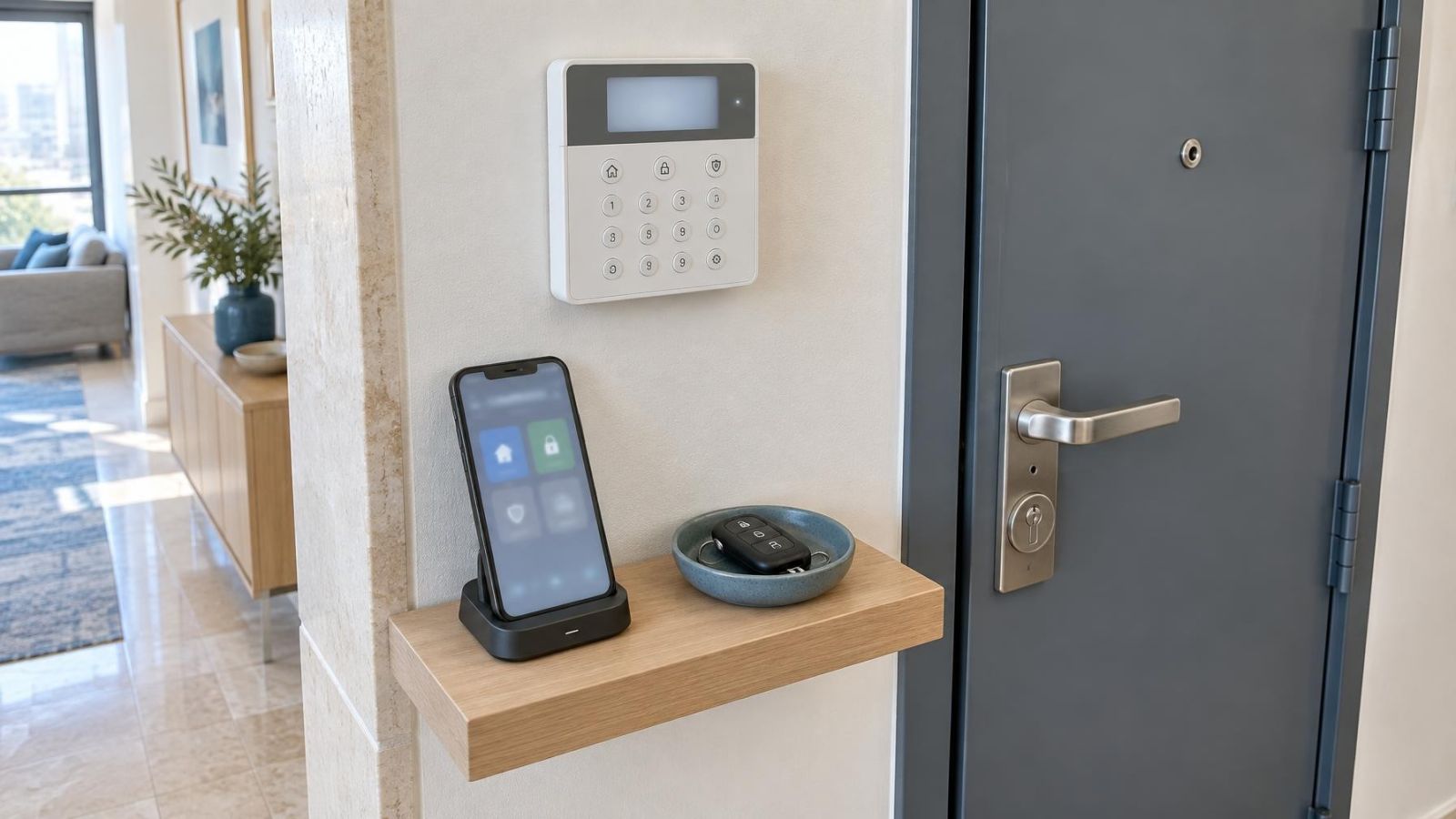
An entry delay belongs on the normal route from an authorised entrance to the keypad or other disarming point. The entrance door contact starts the delay. A following detector on the direct path may also need delayed behaviour so that walking to the keypad does not create an immediate alarm event.
Areas away from that access route should normally retain immediate behaviour when armed. Extending delay across several rooms merely because somebody might choose an unusual entrance makes the system less clear. If a second entrance is genuinely used every day, treat it as a planned route and decide how users will disarm from there.
Exit delay works in the opposite direction. It gives an authorised user time to arm, leave by the expected route and close the final door. Its duration and zone behaviour should fit ordinary actions such as collecting a bag, moving from the keypad to the apartment door, or leaving a shop and locking the street-facing entrance. It should not rely on rushing.
- Identify the entrance people actually use, not merely the formal main entrance.
- Trace the direct path from that door to the keypad.
- Mark every contact and detector crossed along the path.
- Keep unrelated rooms and openings outside the delayed route.
- Test entry and exit while carrying out the routine at a normal pace.
Match the Layout to Daily Life
Floor plans show rooms. Alarm programming must also show movement, occupancy and control. Start with the routes used on ordinary days, then account for less frequent but planned access by relatives, staff, cleaners or property managers.
In an apartment, the entrance contact and nearby motion detector usually form the main arrival route. Partial arming may keep balcony, window and entrance contacts active while allowing movement between occupied rooms. If a building entrance is shared, the apartment system begins at the private boundary; shared-door decisions involve the building's va'ad bayit and should not be confused with control of the individual apartment.
A private home may have several meaningful boundaries: the garden gate, an exterior door, a separate floor and perhaps an external office. A garden gate is not automatically equivalent to an entrance door. Someone may open it before reaching the building, so its behaviour must reflect whether it is informational, delayed, immediate or assigned to a separately controlled area.
A mamad is part of normal household circulation, not an abstract box on the plan. If family members sleep there, work there or pass it on the way to another room, those movements must be included when defining partial arming and night mode. The same principle applies to balconies, utility areas and internal stairs.
For a street-front business, separate the public entrance route from staff-only movement. The sales floor, office and storage area may have different closing times. However, separate partitions are useful only when users can reach their permitted areas without repeatedly crossing another armed area.
- Family members who return at different times need an arrival route compatible with night arming.
- Staff should control only the areas needed for their work pattern.
- Cleaner access should reflect the rooms being cleaned and the route used to reach them.
- Remote property owners need labels that make alerts understandable without standing beside the keypad.
- Occasional access should be planned rather than handled through permanent isolation of inconvenient zones.
Codes, Alerts and Temporary Isolation
A user code identifies who can operate the system and, where configured, which partitions that person can control. Restricting access by partition keeps the interface relevant. Someone responsible only for an office does not need to arm or disarm private residential rooms in the same property.
Alert wording should identify the affected area and detection point. “Storage partition: rear door” is useful to an owner away from the premises. A generic number requires somebody to find the zone list before understanding what happened. The same clarity helps when reading open-zone warnings, battery-related messages or detector faults.
Zone isolation is a temporary operating measure. It may allow the rest of the system to be armed when a zone has a fault, when work is taking place near a detector, or when planned access requires that point to remain inactive. An isolated zone does not provide its normal detection behaviour while isolation remains active. The user should therefore know which coverage has been removed and when normal operation will be restored.
Isolation should not become the routine answer to poor planning. If the same zone is repeatedly isolated for normal family or staff movement, its arming-mode assignment, location or behaviour probably needs review.
Place short operating instructions beside each keypad where several people use the system. Include the meaning of the main modes, which entrance to use, how to recognise an isolated zone and who should handle an unexpected message. The instructions should match the actual keypad wording.
Decide the Alarm Zones and Partitions Before Installation
The arming plan should be agreed before detector positions and keypad locations become fixed. Equipment can be installed neatly and still be awkward to operate if nobody has mapped arrival, departure and occupied-room movement.
- List normal arrival and departure routes for residents, staff, cleaners and other authorised users.
- Mark every area that remains occupied during partial arming and night mode.
- Identify spaces that genuinely need independent control, then assign partitions around real access patterns.
- Choose a clear location-and-function name for every contact, detector and defined input.
- Decide which entrance zones receive a delay and which zones respond immediately when armed.
- Assign user codes only to the partitions each person needs to operate.
- Test full arming, partial arming, night mode, late arrival, early departure and temporary isolation as real routines.
Testing means more than opening each contact in turn. Walk from the entrance to the keypad. Move between the bedrooms and mamad during night mode. Enter the office while the storage area remains armed. Let each regular user operate the keypad without coaching, then correct labels or mode definitions that cause uncertainty.
The best arrangement is not the one with the largest number of zones or partitions. It is the one whose behaviour matches the property and can be explained in a few precise sentences. Zones describe detection points. Partitions create separately controlled areas. Arming modes select the zones appropriate to the people who remain inside. When those three layers agree, everyday operation becomes much easier to understand.
Key takeaways
- An alarm zone identifies a detection point and defines how the control panel treats its signals.
- A partition allows one area of a property to be armed or disarmed independently from another area.
- Full, partial and night arming work properly only when zone selection reflects actual occupancy and movement.
- Entry delays should apply only along the normal route between an authorised entrance and the keypad.
- Clear zone labels and tested operating routines make alerts, faults and everyday arming easier to understand.