On this page
A WiFi camera may be sending a clear stream to an NVR (network video recorder) while its mobile app reports that the camera is unavailable. The DNS server, local network and storage device are all involved, but not in the same way. The question is whether a failed name lookup can interrupt remote viewing without interrupting local recording. In many systems, it can.
Two paths through one WiFi camera system
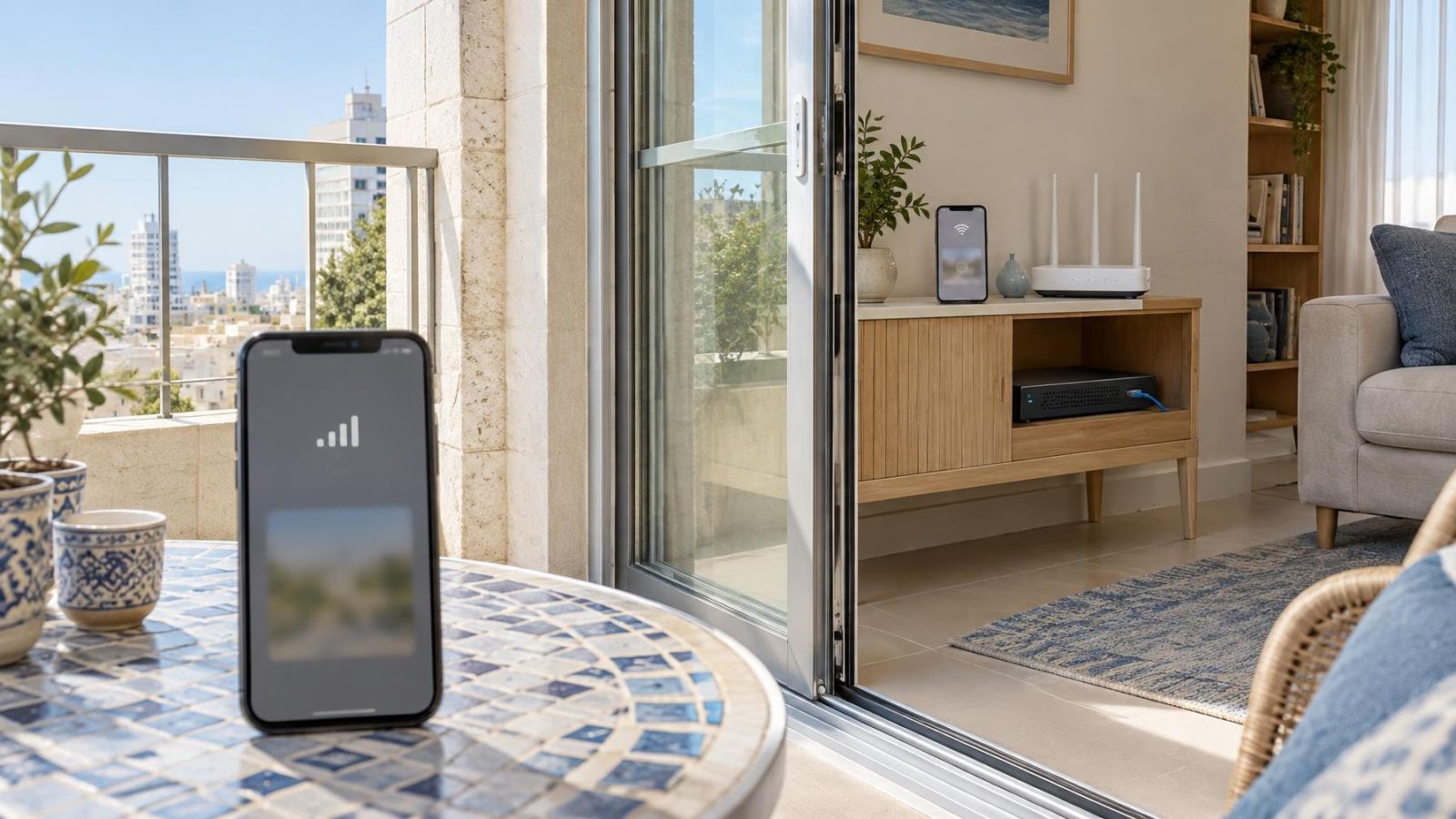
A security camera system often has two distinct traffic paths. The local path carries video from each camera to a recorder, storage device or local viewing screen. The remote path connects a phone, tablet or computer through an external service so that the user can view the system from outside the property.
The paths may share cameras, switches, a router and an internet connection, but their dependencies are different. A recorder can receive a camera stream using a local IP address. A mobile app may first need to resolve a service hostname, contact that service and establish a remote session. A fault in one of those external steps does not necessarily disturb traffic already moving within the building.
| Function | Typical path | Main dependencies |
|---|---|---|
| Local recording | Camera to recorder or local storage | Local addressing, switching, power and available storage |
| Local live view | Camera or recorder to a device on the same network | Local addressing, switching and access permissions |
| Remote viewing | App through the internet to a service or remote endpoint | DNS, gateway, routing, service reachability and session setup |
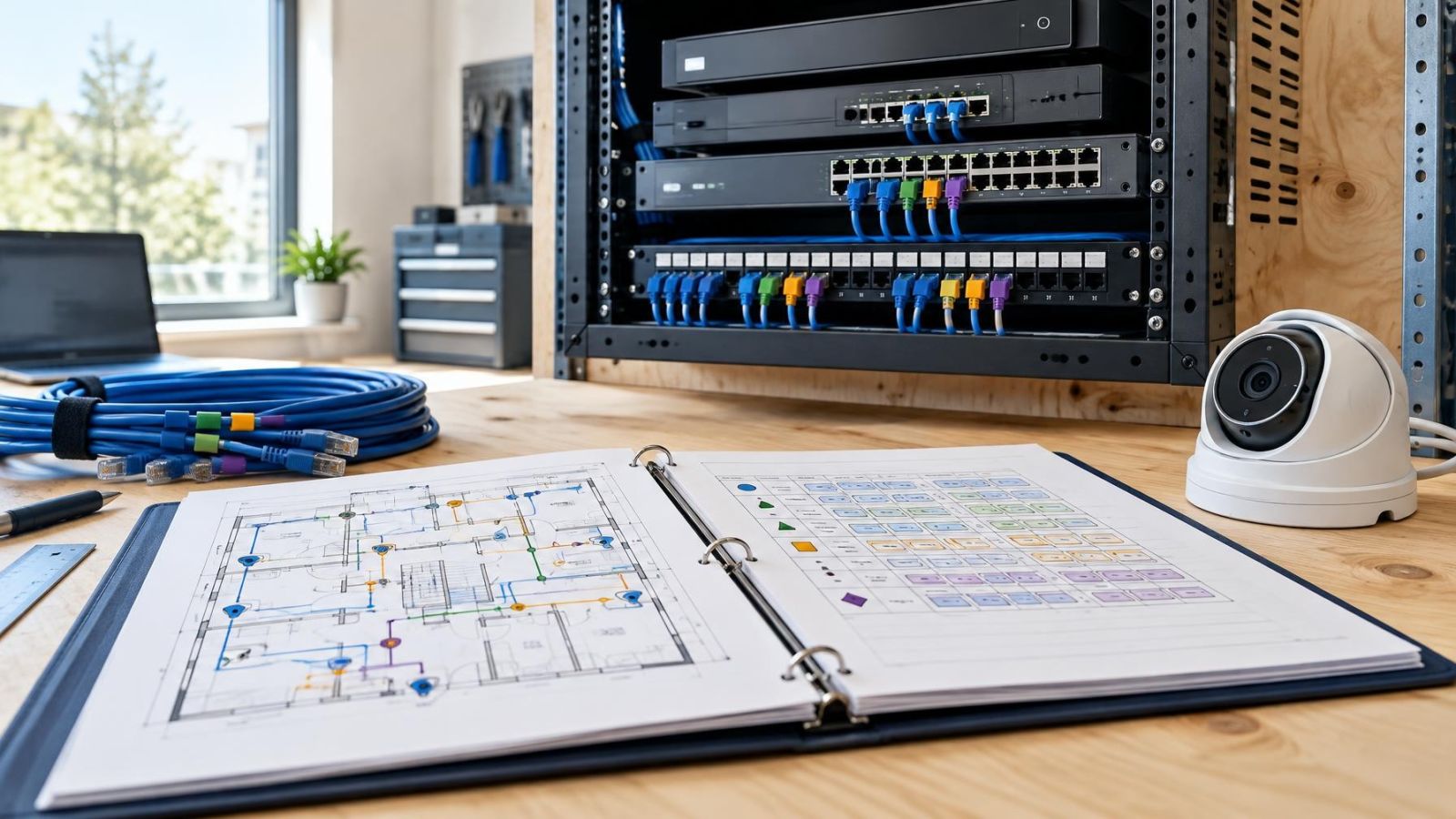
The same distinction applies to wireless and wired cameras. A wireless camera still uses the local network after joining an access point. Its recording path may remain entirely inside that network. A wired camera may connect through an ordinary network switch or a PoE (power over Ethernet) switch. Its cable changes how it reaches the network, not whether remote access depends on external services.
Wireless instability can certainly interrupt both recording and viewing, but that is a different fault. If fresh video continues to arrive at the recorder, the camera-to-recorder path is operating. The remote problem is farther along the chain.
Why can recording continue locally?
Local recording can continue because the recorder already knows how to reach the camera inside the network. It may connect to a fixed local IP address, an address reserved by the router or a stream configuration stored in the recorder. None of those arrangements normally requires a fresh external DNS lookup for every frame of video.
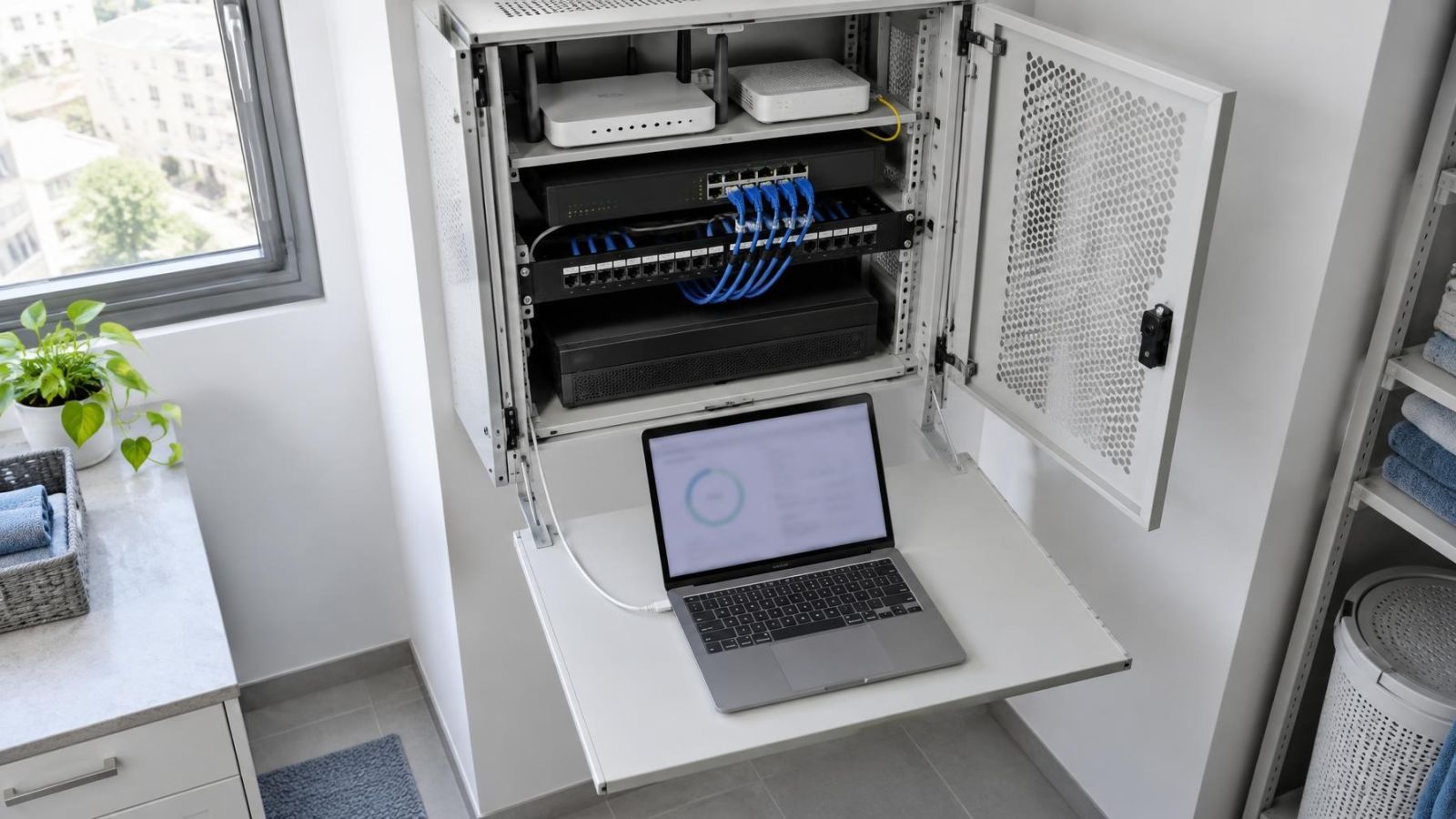
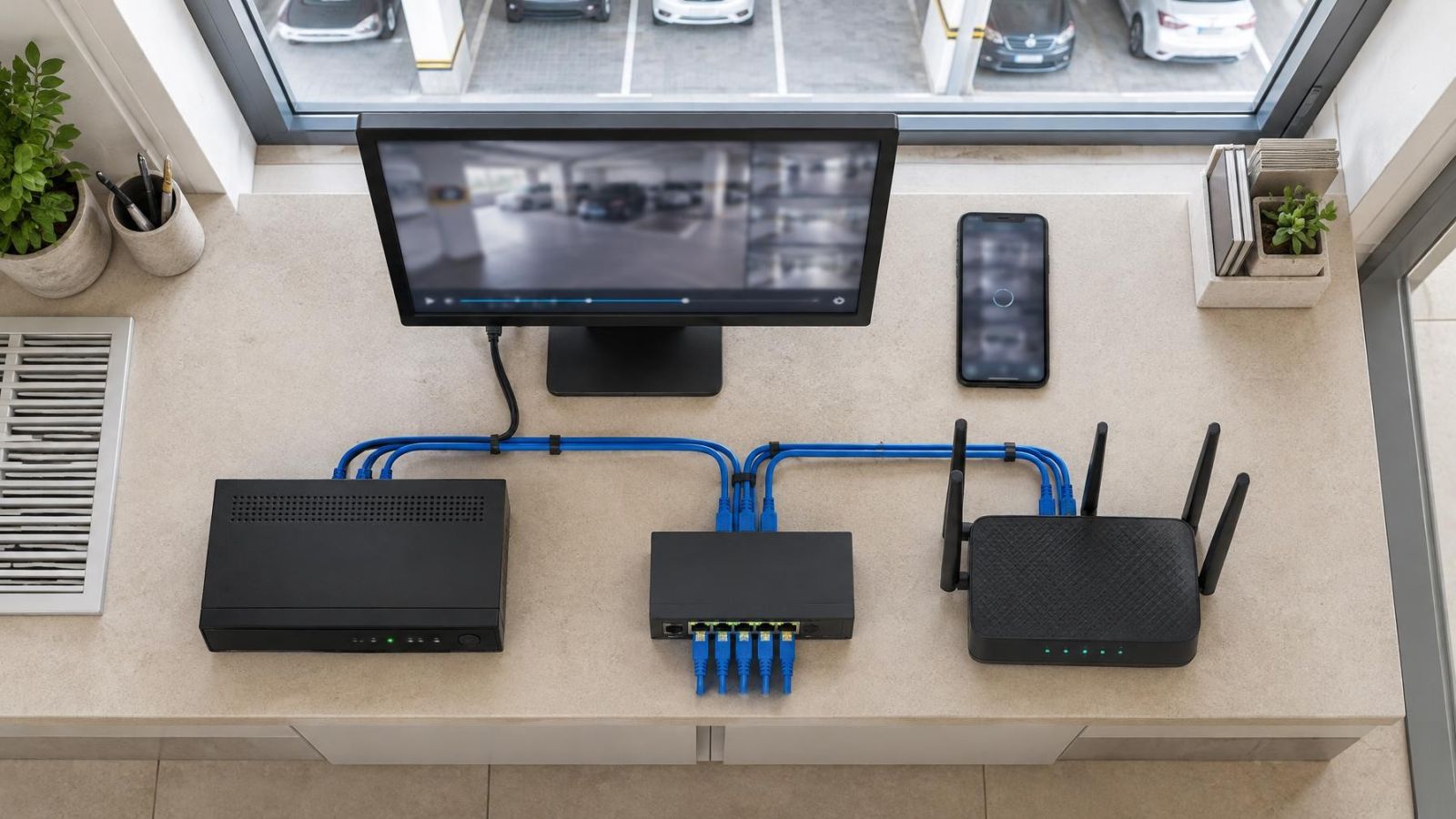
The camera sends its stream through the access point or switch. The recorder receives it and writes the video to its storage device. Provided that the local network, recorder, camera and storage remain available, an external DNS failure need not enter that path at all.
- The camera remains powered and connected to the local network.
- The recorder can still reach the camera's local IP address.
- The configured stream and authentication details remain valid.
- The storage device is operating and has usable recording capacity.
- Any required local recording schedule or motion detection rule remains active.
Established connections can also survive some network faults for a time. A recorder that already has a working local session may continue receiving video even if another network service becomes unavailable. That does not mean every local feature is healthy. It means the recording path has fewer external dependencies.
Some systems record directly to storage inside the camera, while others depend on an NVR or another local storage device. Either design can retain footage without remote viewing if recording is genuinely local. A system designed to store video only through an external service behaves differently, so the storage location should be confirmed rather than assumed.
Why is the camera unavailable remotely?
Remote viewing usually begins with a name rather than a numerical IP address. The camera app may need to contact a login service, device directory, relay or other external endpoint identified by a hostname. DNS translates that hostname into an IP address that the network can route to.
If the DNS server does not answer, returns an unusable result or cannot be reached from the relevant device, the app may have no destination for the next step. The internet connection can still be carrying traffic. The failure is specifically in translating the service name into an address.
Without that translation, the app may fail before it attempts authentication or requests a video stream. A relay connection may not be established, and the recorder may be unable to register its current availability with the external service. The resulting message often says only that the camera is offline or unavailable. It may not identify DNS as the cause.
Successful local viewing does not disprove this diagnosis. A local screen, VMS (video management software) or browser may connect directly to the recorder's local address. It is testing a different path from the phone using an external connection.
An app's offline message describes the remote session, not necessarily the recording state of the camera.
DNS failure versus internet failure
DNS and internet access are related, but they are not the same service. A router may still have a working connection to its upstream network while name resolution is unavailable. Traffic addressed directly to a reachable IP address can sometimes continue even though requests using hostnames fail.
Separate the network layers
Treat the gateway, routing and DNS as separate checks. The gateway moves traffic out of the local network. Routing determines whether packets can reach a destination. DNS supplies the destination address for a name. A fault at any layer may look similar in a simple camera app, but the corrective action is different.
- If local live view works, the camera, local addressing and at least part of the local network are functioning.
- If several unrelated domain names fail from the same network, DNS becomes a stronger suspect.
- If a known reachable destination responds by IP address but not by hostname, the underlying route may be working while name resolution is not.
- If neither names nor direct IP destinations are reachable, investigate the gateway, upstream connection or routing before blaming DNS.
- If only one service hostname fails, the issue may be limited to that service or its DNS record rather than the whole network.
Direct IP reachability is a diagnostic clue, not a permanent remote-viewing design. Many services require the correct hostname for encrypted sessions, authentication and routing within their own infrastructure. Entering an IP address into an app may not work even when the address is reachable.
Why the fault may appear intermittent
Devices temporarily keep successful DNS results in a cache. A phone, recorder or router may continue using a previously resolved address after the DNS server has stopped responding. Another device without that cached result may fail immediately. Later, when the saved result expires or the service address changes, the first device may fail as well.
Caching explains why one phone can connect while another cannot, or why remote viewing works briefly after appearing unreliable. It does not prove that the cameras are unstable. Compare the devices, network connections and timing before changing camera settings.
A safe diagnostic sequence
Troubleshooting should protect the evidence already being recorded. Start with observation, then test the local and remote paths separately. Avoid making several changes at once, because a successful result will not show which change mattered.
- Open a local live view from the recorder, a connected display or a device on the same local network. Note which cameras are visible and whether their timestamps are current.
- Open recorded video and verify that a new segment exists. Play it rather than relying only on a recording icon or status label.
- From a device using the same network, try several unrelated domain names. Compare name-based access with an appropriate direct-IP connectivity test if you have a known, permitted test destination.
- Check which DNS servers the router is using. Determine whether the router learned them automatically or whether addresses were entered manually.
- Check whether the recorder or camera uses network settings supplied automatically by the router or has static settings. A static address can include an outdated or unreachable DNS server.
- Test the mobile app over a genuinely external connection rather than the property's WiFi. This separates remote access from local app discovery.
- Restart equipment only after confirming the recording state and noting the current settings. Restart the smallest relevant part first, because restarting a recorder can create a gap in recording.
The most useful camera test is comparative. Local live view answers whether the camera stream is available inside the network. Playback answers whether it is being stored. General name lookups test DNS more broadly. The app on an external connection tests remote session setup. No single result answers all four questions.
Be careful when interpreting a phone test. A phone connected to the property's WiFi may use the local path, local discovery or cached DNS data. Switching it to another trusted connection gives a cleaner test of remote viewing. Conversely, success on the external connection does not confirm that local recording is active; playback must still be checked.
What to fix and what to leave alone
If the tests point to DNS, correct the source of the DNS information or restore reachability to the configured server. The relevant source may be the router's upstream configuration, a manually entered router setting or static network details on the recorder. Make one controlled change, allow the device to obtain the updated information, then repeat the same tests.
Leave the working recording path alone. Do not delete camera entries, change stream credentials, re-pair cameras or format storage to solve a name-resolution fault. Those actions affect local operation and stored footage, while DNS sits elsewhere in the communication chain.
- Preserve recorder storage and retention settings.
- Keep camera addresses and pairing details unchanged unless local communication is also failing.
- Avoid factory resets while the fault is limited to remote access.
- Do not format a storage device as a connectivity test.
- Retest both local playback and the app after each network change.
- Use an external connection for the final remote-viewing check.
- Document the DNS, gateway and addressing settings that work.
A reset may appear attractive because it returns many settings to defaults, but it removes useful evidence and can create additional work. It may also replace a stable local address, clear recording rules or require cameras to be added again. None of that repairs an unreachable DNS service.
Finish by confirming both paths independently. Check that a newly recorded segment plays locally. Then open the camera app from outside the local network and establish a fresh session. A complete recovery means the remote path works again without sacrificing the recording path that was already functioning.
Key takeaways
- Local recording and remote viewing can use separate network paths even when they involve the same cameras and recorder.
- DNS can fail while camera traffic continues moving normally inside the local network.
- Fresh recorded footage should be verified before restarting devices or changing network settings.
- DNS, gateway and routing checks should come before camera resets or storage changes.