On this page
A home office may share walls with family bedrooms, while security cameras, an alarm system and a client entrance support the working day. Business equipment may sit near household storage, and the safe room may also serve as a consulting room or workspace. Good home business security settles one central question: how can work activity be monitored and controlled without turning the whole home into business premises?
Map Activity for Home Business Security
Start with people and routines, not equipment. List who lives in the property, who works there, who visits and who arrives only at the door. Clients, staff, couriers, cleaners, technicians and family members all use the same site differently. A useful plan recognises those differences before deciding where a camera or detector belongs.
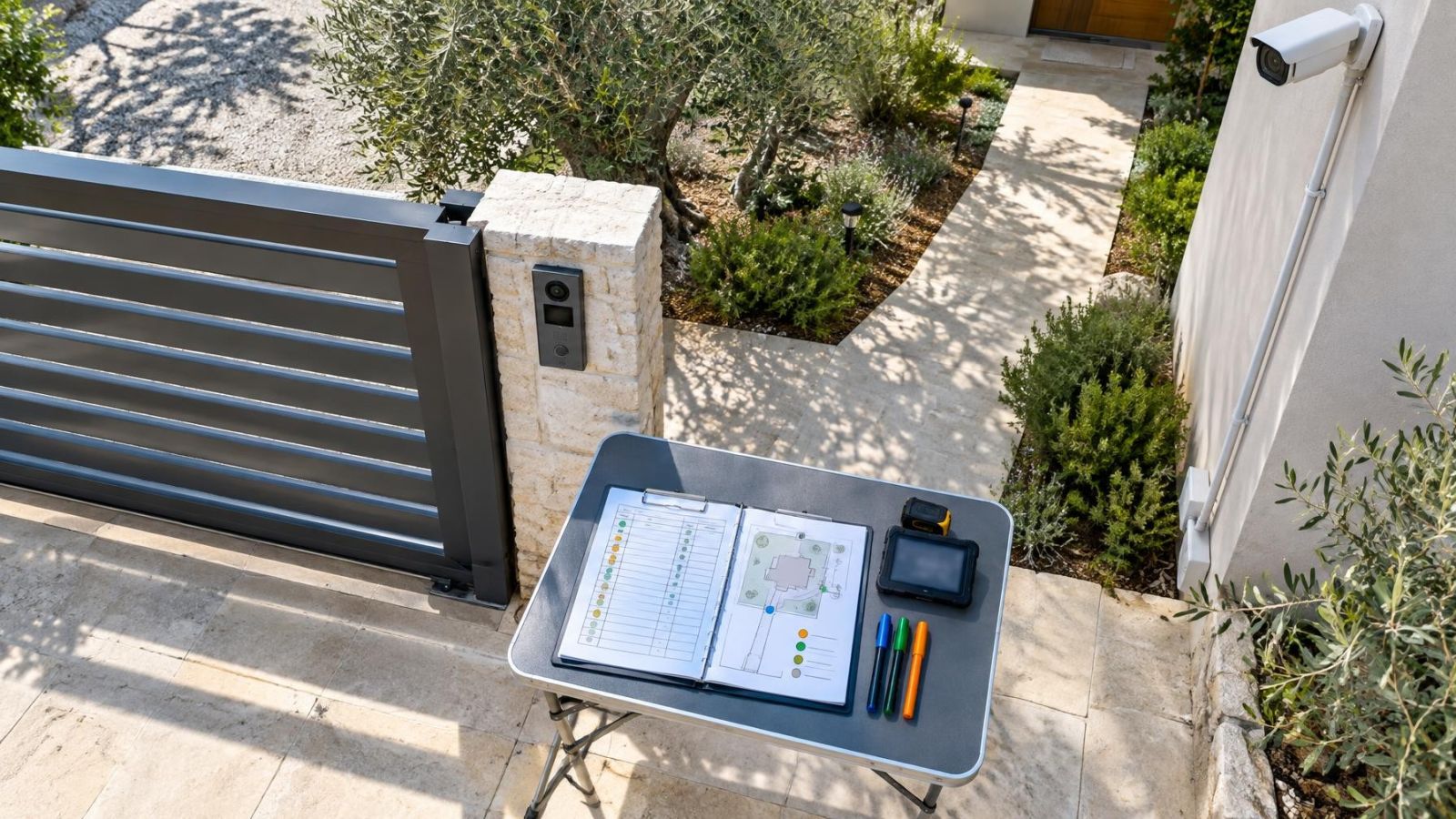
Walk every route used for work. In an apartment, a client may cross a shared building entrance and landing before reaching the front door. In a private home, the route may begin at a gate, continue through a garden and end at a side entrance. A street-front business may receive stock directly from the pavement. Mark where each person waits, enters, hands something over and leaves.
Next, divide the property into practical zones. Some rooms remain entirely private. Some are shared by the household and business. Others contain stock, records or equipment and should be business-only. The boundaries need not be architectural. A lockable cabinet, internal door or clearly defined delivery point can establish a useful separation.
- Residents: note normal entrances, evening movement and rooms that should not appear in routine video.
- Clients: identify the waiting point, meeting room, toilet route and exit path.
- Staff and service providers: record which doors and business rooms they genuinely need to use.
- Deliveries: choose a handover point that does not require access through family space.
- Stock and equipment: map storage locations and every practical route leading to them.
Opening and closing routines matter as much as the floor plan. Write down who unlocks the business area, when the alarm changes state, whether clients ever arrive early and what happens after the last appointment. If the routine is unclear on paper, it will usually be awkward at the keypad or app.
How Should Home and Work Separate?
What should a home office security system control?
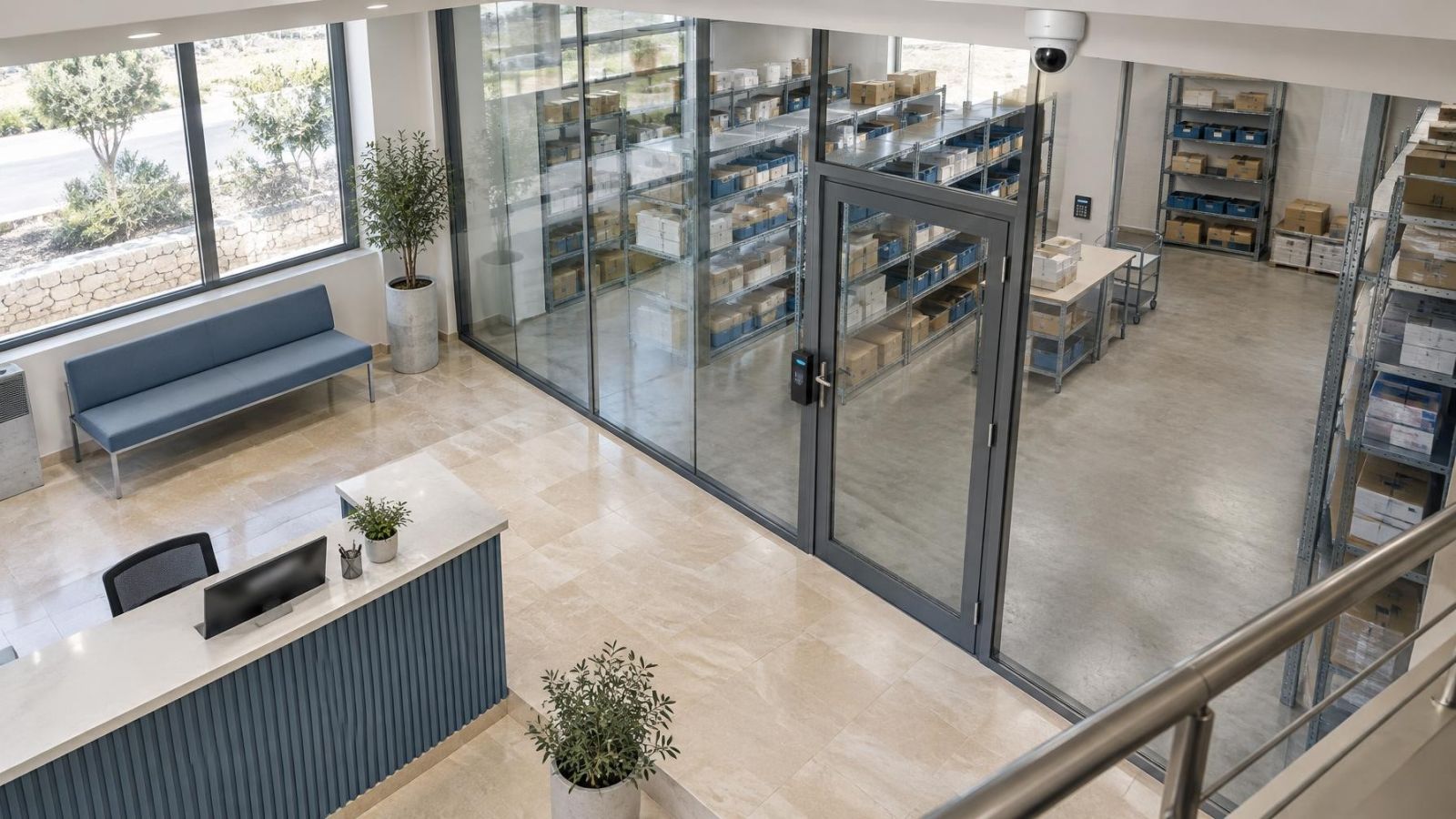
The system should control access to business rooms without making residents follow business procedures throughout their own home. The clearest arrangement gives clients a short, obvious route from the entrance to the meeting or service area. Family bedrooms, household storage and private living space stay outside that route.
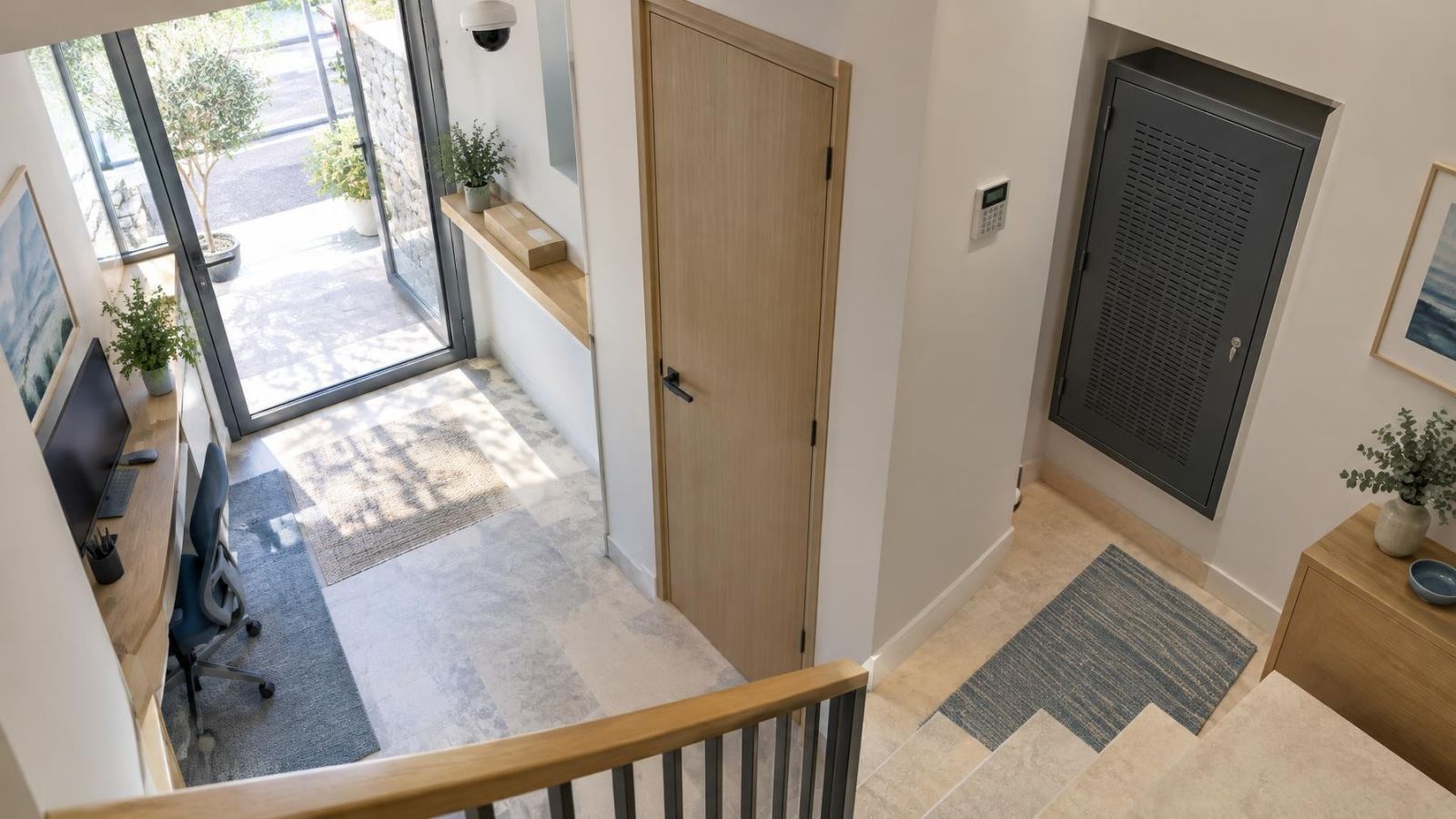
A dedicated client entrance is valuable where the building layout supports one, but it is not essential. A single front door can work if the internal route is controlled. The first business door after the entrance might use a mechanical lock, electronic access control or staff-operated release. The right choice depends on who needs independent access and how often permissions change.
Business equipment, stock and recording hardware should not sit where clients wait or where deliveries are placed. A visitor does not need to see the recorder, network cabinet, stock shelving or alarm controls. This is partly about access and partly about keeping daily work orderly: equipment is easier to maintain when it is not surrounded by public activity.
In many Israeli homes, the safe room is also the most practical spare room. If the mamad is used for work, its household function must remain straightforward. Avoid arrangements that block immediate family access, cover the room with fixed stock or make entry dependent on a staff credential. If networked equipment operates there, test the connection from the finished installation position rather than assuming Wi-Fi will be adequate.
The business boundary should guide clients clearly while remaining almost invisible to normal family life.
Choose Layers for Each Risk
What should security for a home business cover?
Each security layer has a different job. A door contact reports whether an opening changes state. An alarm detector responds to conditions in an area when that part of the system is set. Access control decides who can open a controlled door. Security cameras record activity for live verification and later review. None of these devices should be expected to perform all four jobs.
| Layer | Best placed around | Main function |
|---|---|---|
| Door contacts | Relevant exterior and internal business doors | Report opening and closing |
| Alarm detection | Unattended business rooms and access routes | Signal activity while the zone is set |
| Access control | Business-only rooms and protected storage | Apply individual entry permissions |
| Security cameras | Entrances, routes and handover points | Provide live and recorded visual context |
| Entry lighting | Gates, doorways and delivery areas | Support usable night images |
Layering should follow the layout rather than a standard equipment list. A consultation room used all day may need a door contact but no internal alarm detection during working hours. A stock room may need controlled access, a contact on the door and camera coverage of the approach. A delivery area may need only good lighting and a camera if nobody enters beyond the handover point.
Think about how residents set the alarm when the business is closed. Business zones should be capable of operating separately from occupied household areas. Otherwise, a resident walking to the kitchen or entering through a family door can make the system difficult to use consistently. Simple, clearly named zones are generally better than many overlapping rules.
Where Should Cameras and Sensors Go?
Place cameras to capture identifiable faces and meaningful movement, not broad scenery. A high corner view of an entire room may show that somebody entered without showing what happened at the door or counter. Coverage is usually more useful when aimed at the client entrance, the path into the business area, a delivery handover point and the approach to equipment or stock storage.
At an entrance, camera height and angle should suit the face position of a person approaching the door. Avoid relying only on a camera directly above the doorway, which often records the top of a head. At a counter or delivery point, frame the person and the handover surface without including unnecessary views into the home.
Israeli sunlight creates difficult transitions. A shaded entrance may face a bright street or garden, leaving the doorway and background at very different light levels. WDR (wide dynamic range) can help the camera represent both areas, but placement still matters. Reflections from pale walls, glass doors and polished paving can also remove detail. Deep shade changes through the day, so a good daytime image at one hour may not prove that the position works at another.
Night vision uses IR or visible entry lighting, and each has limits. Nearby walls, door frames, insects, dust and foliage can reflect IR into the camera. A light mounted behind the visitor can leave the face dark. Even, forward-facing entry lighting often gives more useful colour and facial detail while also making the entrance easier to use.
Outdoor equipment should suit its exposure. Dust can soften images and trigger motion detection. Coastal humidity can affect connections if cable entries and enclosures are poorly prepared. Cameras under eaves still need a cleaning route. A device that cannot be reached safely for inspection is unlikely to receive regular attention.
Keep family areas out of view wherever possible. Adjust the camera position, field of view or privacy masking so the business purpose is clear. Alarm detectors should follow the same boundary: monitor the route and room that matter rather than extending detection through occupied family space without a practical reason.
Plan Recording, Alerts and Connectivity
How should home workplace security handle alerts?
Alerts should correspond to events that somebody can understand and act on. Useful examples include a business door opening outside its normal routine, alarm activity in a closed stock room or a person arriving at the client entrance. Constant notifications for family movement, passing vehicles, moving leaves or every client visit quickly become background noise.
Configure motion detection around specific areas and schedules rather than treating the whole image equally. The person responsible for business alerts may not be the same person who manages the household alarm. Assign each alert to a named role, then decide whether it calls for live viewing, later review or no notification at all.
Local video recording is important when the internet connection is interrupted. An NVR (network video recorder) can continue recording connected cameras while remote viewing is unavailable, provided the recorder, cameras, network and power remain operating. Internet access and local recording are separate functions, so test them separately.
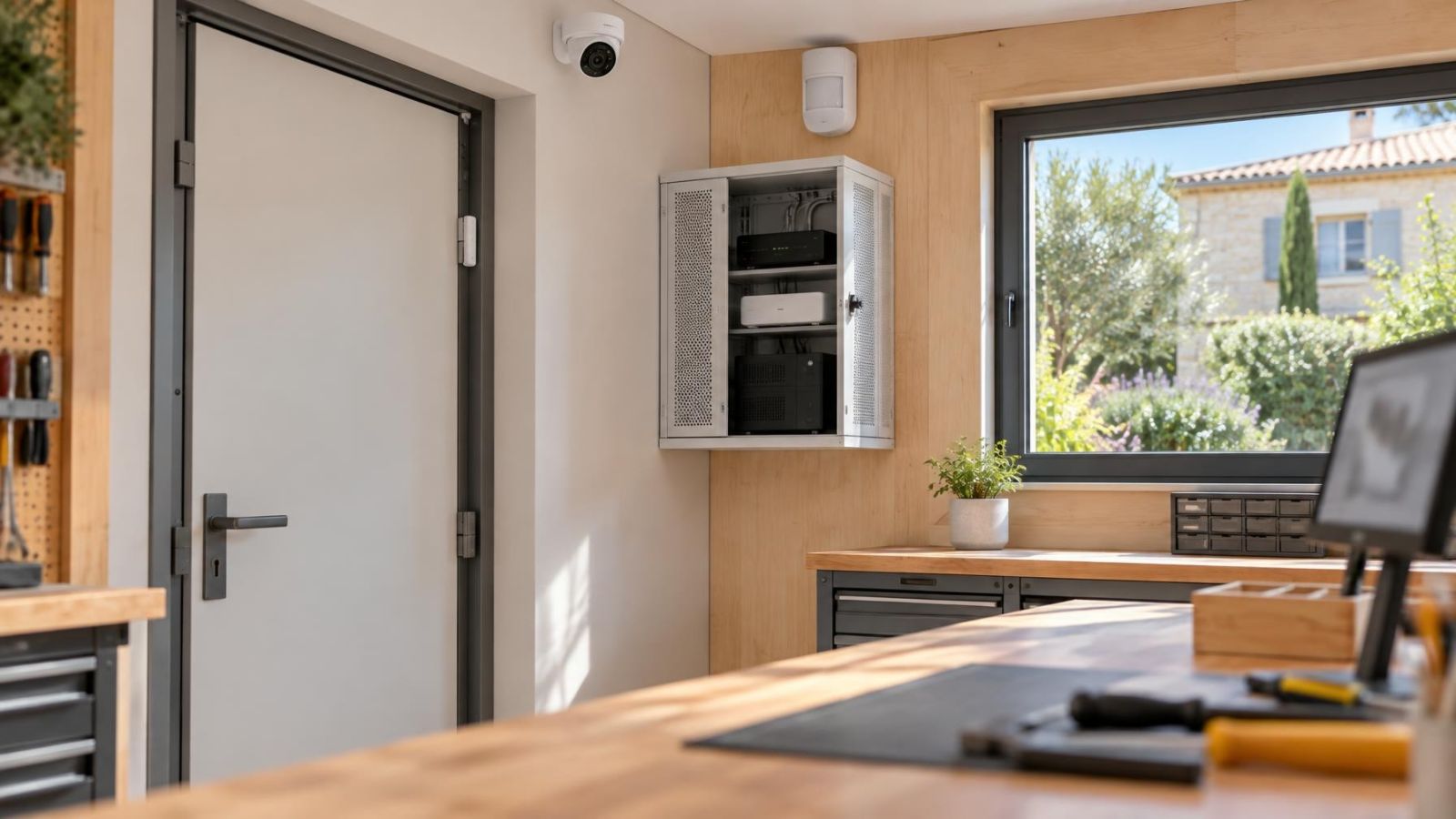
Place the recorder, router, network switch and power equipment away from routine client access. A ventilated, serviceable cabinet or protected business room is preferable to an exposed shelf in the office. PoE (power over Ethernet) can carry power and data to compatible cameras over the network cable, which simplifies central power planning, but the switch and recorder still need deliberate placement.
Household members, staff and remote property owners should have separate user access. Give each person only the controls and camera views needed for the role. A staff member may need the client entrance and business door but not family areas or system administration. Individual accounts also make access easier to change when responsibilities change.
Remote viewing should match real routines. Decide who checks a delivery alert, who can review recorded video and who handles a device that appears offline. A remote owner also needs a local person who can inspect power, cabling or a blocked lens; an app cannot clean a camera or reconnect a loose cable.
Test Everyday Business Scenarios
A system can appear correct on a plan and still be awkward in daily use. Test complete scenarios with ordinary household activity continuing in the background. Use the real doors, credentials, alert recipients and viewing devices. The aim is not a dramatic demonstration. It is to find small conflicts before people develop workarounds.
- Client arrival: have someone approach, wait, enter and leave while family members move normally elsewhere in the home. Confirm that the route is clear and private rooms remain outside routine coverage.
- Delivery outside working hours: check whether the courier can be seen and spoken to, and whether the handover can occur without opening access into the household.
- Staff or service-provider entry: test the exact credential and door permission assigned to that role. Confirm that unrelated rooms remain inaccessible.
- Alarm use: set the business zone while residents remain at home. Walk normal household routes and confirm that business-only activity produces the intended response.
- Power or network interruption: disconnect the internet connection in a controlled test and verify what continues locally. Check recording, camera power, alarm operation, access control and delayed alerts as separate functions.
Repeat the relevant tests after changing a door, furniture layout, camera angle, network device or staff permission. A tall shelf can block a detector. A new awning can alter light at an entrance. A relocated router can weaken a connection. Small physical changes often matter more than settings hidden in an app.
Write the Final Security Plan
The final plan should be short enough to use and detailed enough to install from. Begin with a floor plan or simple sketch showing the household boundary, client route, business-only rooms, shared spaces, stock storage and delivery point. Label doors consistently so the same names appear in the alarm, access and camera systems.
For each opening and route, record the assigned equipment and its purpose. Note which doors receive contacts, which areas use alarm detection, where access control applies and what each camera is expected to show. “Entrance camera” is too vague. “Shows a visitor's face before the client door opens” gives the installer and owner a testable objective.
- Zones: define private household, shared, client-facing and business-only areas.
- Equipment: assign each camera, detector, contact, controlled door and light to a specific opening or route.
- Recording: state where video is stored, who can review it and which equipment must remain operating locally.
- Alerts: name the recipient and expected response for each useful notification.
- Permissions: list the views, doors and controls available to residents, staff and service providers.
- Priorities: record the order for installation, image checks, alarm tests, account setup and routine maintenance.
Finish with a maintenance route. Cameras need accessible lenses, outdoor connections need visual inspection, credentials need review and recorded footage needs occasional playback testing. The plan should also show where network and recording equipment is located, so a fault can be traced without searching through the home.
A well-planned installation does not make family life revolve around the system. It gives each person a clear route, permission and routine. Clients see the part of the property intended for them. Staff reach the tools they need. Residents continue using their home normally, while business activity remains visible and manageable.
Key takeaways
- Household space and business access should operate as separate zones, even when both occupy the same building.
- Camera coverage is most useful when it follows entrances, faces, movement routes and handover points.
- Alerts and access permissions should match each person's real role and daily routine.
- Recording and network equipment should remain outside routine client and delivery access.
- Ordinary arrivals, deliveries, closing routines and service interruptions should be tested before the plan is considered complete.