On this page
You have an NVR (network video recorder) for a security camera system, a communications cabinet or network rack, an uninterruptible power supply, and perhaps a mamad that appears to offer a protected equipment space. The practical NVR placement question is whether those elements belong together, and which indoor location provides airflow, reliable connections and maintenance access without bringing noise and indicator lights into daily life.
What the recorder needs
A recorder is working equipment, not passive storage. Its electronics and hard drive produce heat, and many units use a cooling fan. Ventilation openings need clear space around them whenever the system is running. Pushing the recorder tightly against a cabinet wall, stacking equipment over its vents or surrounding it with loose cables interferes with that airflow.
The room should provide a stable indoor environment. Avoid places that become unusually hot when a door is shut, collect airborne grease, receive direct sun or are routinely exposed to moisture. A room that feels comfortable during a brief visit may behave differently after equipment has been operating inside a closed enclosure for hours.
Power, network and camera connections should be reliable and easy to trace. The recorder also needs clear service access. An installer or property manager may need to inspect connectors, read indicator lights, clean vents, test power or replace a hard drive. None of those tasks should require dismantling fitted furniture or moving heavy stored items.
What does video recorder ventilation require?
- Open space at every ventilation opening, including side and rear vents that are easy to overlook.
- A path for cooler room air to enter and warmer air to leave the enclosure.
- Separation from other heat-producing equipment rather than a tightly packed stack.
- Enough rear space for connectors and cable bends without blocking the exhaust area.
- A cabinet or rack door that can close without pressing against the recorder or its cabling.
Where should the NVR go? The NVR placement test
The strongest candidate is usually a central communications area with dependable indoor conditions. Keeping the recorder near the router, network switch and power equipment makes Ethernet cabling easier to organise. It also limits the number of unrelated spaces that technicians or property managers need to enter during a fault check.
Central does not necessarily mean the physical middle of the property. It means a place from which cable routes are practical and orderly. In a private home, that may be a ventilated utility or communications area. In an apartment, it may be a properly sized communications cabinet or another serviceable cupboard. In a street-front business, a back office or dedicated equipment area may work better than the public sales space.
How do you decide where to put NVR equipment?
Choose controlled access without deep concealment. The recorder should not sit where visitors, children or routine cleaning can disturb it, but hiding it behind fixed panels or at the back of a packed storage cupboard creates different problems. Access should be deliberate rather than difficult.
- Prefer short, protected cable paths over routes crossing doors, floors or frequently moved furniture.
- Keep the recorder away from direct sunlight, exterior openings and areas used for wet cleaning.
- Check whether fan and hard-drive noise will be noticeable during quiet periods.
- Make sure the person responsible for the property can reach the equipment without disrupting a bedroom, tenant or work area.
- Leave enough light and working space to identify ports and labels during maintenance.
The right location is discreet during normal use and straightforward when something needs attention.
Heat, dust and humidity
Heat is often a cabinet problem rather than a room problem. A comfortable room can contain a small closed compartment where heat from the recorder, network switch and power supplies accumulates. Decorative furniture is especially easy to misjudge because a gap around the door is not the same as a planned airflow path.
The specified NVR operating temperature is a limit for the equipment, not a target for cabinet design. It is better to choose a location that remains comfortably within the recorder’s stated conditions than to rely on the edge of its permitted range. Consider the combined heat from every powered device sharing the enclosure.
Dust gathers around fan inlets, vents, connectors and power equipment. In Israeli homes, open windows, building work nearby and dry outdoor conditions can increase the cleaning burden. A floor-level shelf or open utility corner generally collects more dust than an elevated, orderly enclosure. Vents still need periodic inspection even when the recorder appears clean from the front.
Coastal humidity also deserves attention. Keep equipment away from exterior walls that show dampness, open balconies and utility areas where laundry or water use changes the local conditions. Kitchens are poor candidates because heat, moisture and airborne grease can reach vents and connectors. A shelf beside a sink, boiler or cleaning supplies is not an equipment space.
Cabinet or network rack?
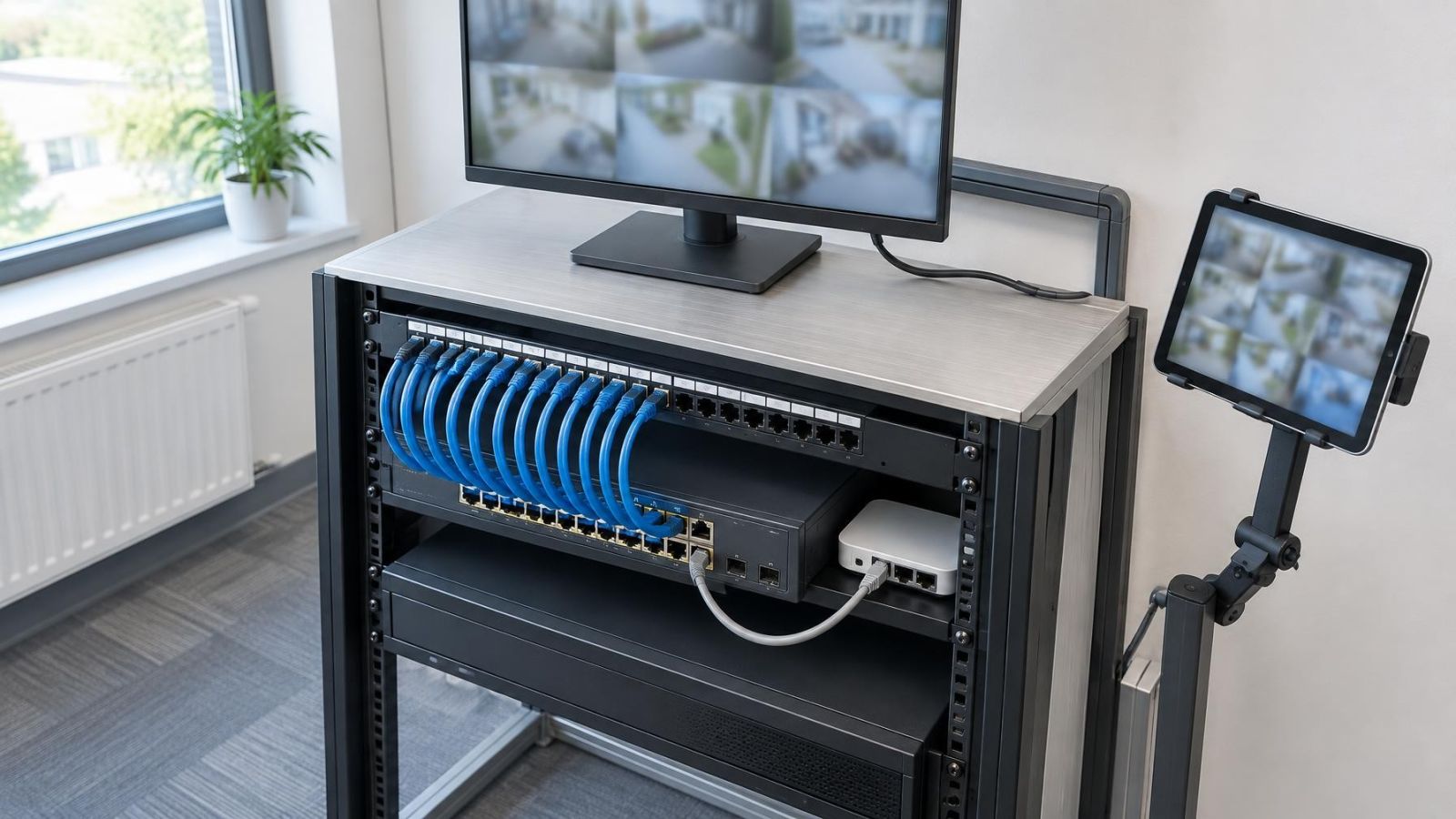
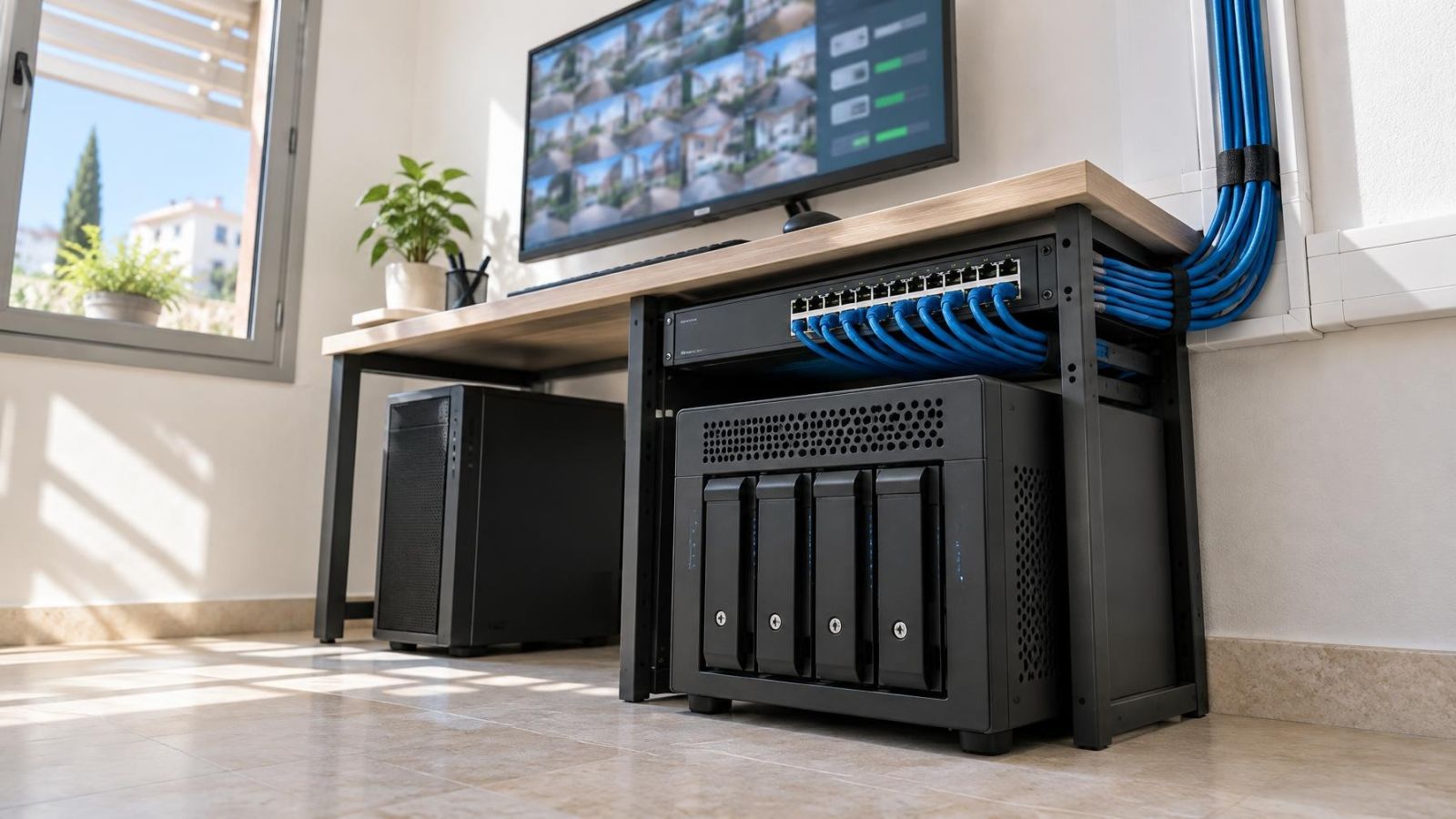
Either can work. The enclosure matters more than its label. A small cabinet may be adequate when it has useful ventilation, sufficient internal volume and a door that leaves room for cables. A network rack is usually easier to organise when the recorder shares space with a network switch, patching and power equipment, but it still requires airflow and physical clearance.
Is a CCTV recorder cabinet the right enclosure?
A purpose-planned recorder cabinet can be suitable if it deals with heat and access rather than merely hiding the equipment. Check the usable internal dimensions after shelves, power supplies and cable bundles are installed. Nominal cabinet size can be misleading when connectors project from the rear or a door frame narrows the opening.
| Feature | Ventilated cabinet | Network rack |
|---|---|---|
| Typical use | A compact recorder installation with limited supporting equipment | A recorder installed with network, patching and power equipment |
| Airflow | Depends heavily on vent position and free internal space | Often easier to plan, but blocked panels and dense equipment can still trap heat |
| Cable management | Suitable when cable volume is modest and rear clearance is adequate | Better suited to larger, labelled cable bundles and organised patching |
| Maintenance access | Good when the door opens fully and shelves remain reachable | Good when front and rear connections can be reached safely |
| Living-space impact | Can blend into fitted furniture but may transmit heat or noise | More visibly technical and usually better kept in a service area |
Allow for cable bend radius and connector depth behind the recorder. Ethernet and display connectors should not be forced against the back panel. The cabinet door also needs full clearance. A door blocked by a wall, shelf or stored object turns a simple inspection into a partial disassembly.
Do not place power adapters loosely across ventilation openings or rest the recorder directly on another warm device. If equipment must share a rack, use deliberate spacing and cable support. Heavy cable bundles should not hang from the recorder’s sockets.
Power and network planning
Recorder location should be planned with power and networking, not chosen after every other component has been fixed. A stable power arrangement avoids switched sockets, loose multi-plug chains and outlets shared with appliances that are routinely disconnected. Power leads should be supported and identifiable without crossing fan openings.
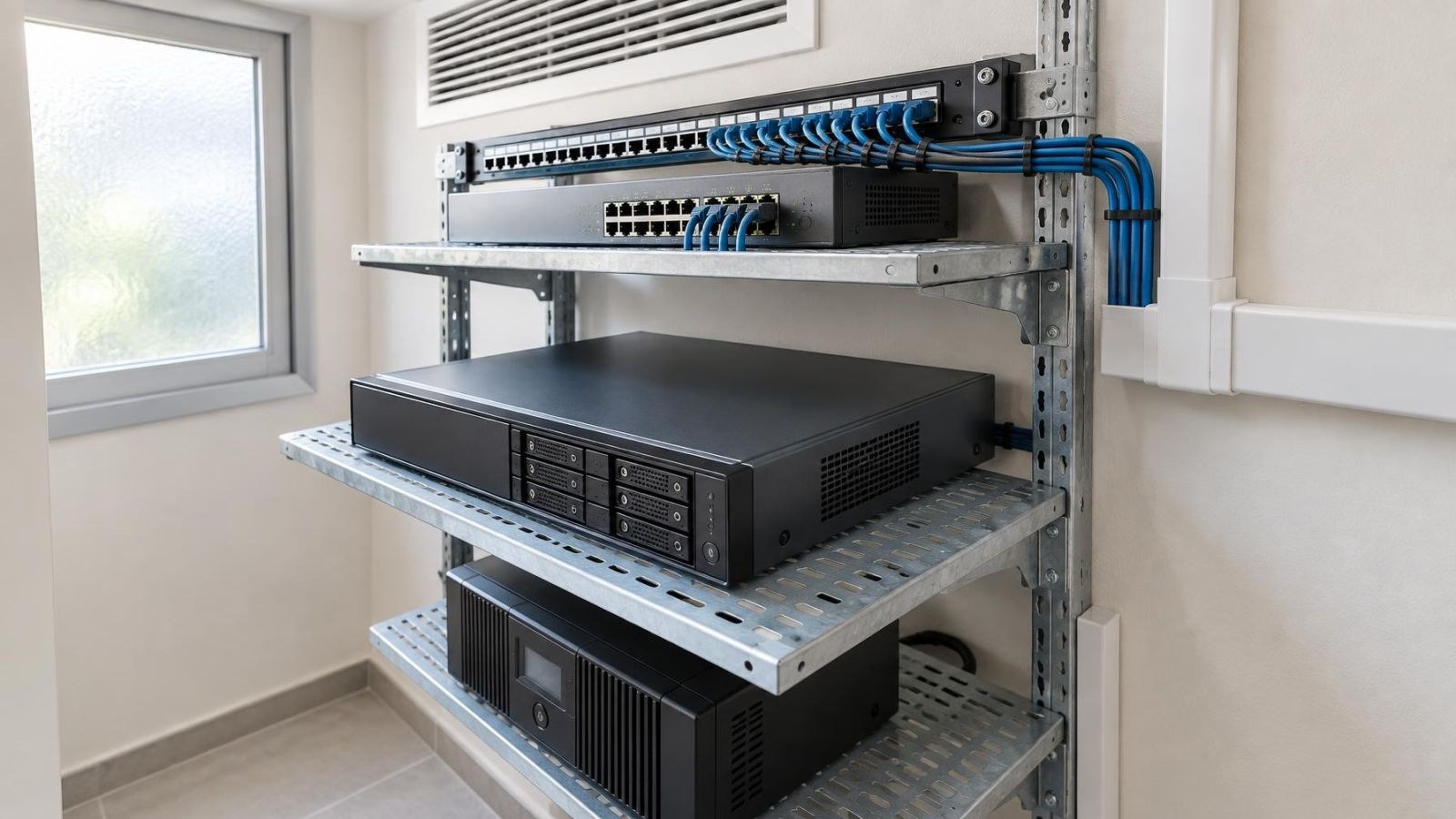
An uninterruptible power supply can support orderly operation during brief power disturbances, but it is also heat-producing equipment with its own ventilation and access needs. Do not bury it below stored papers or place it where inspection requires lifting the recorder. Its capacity and connections should suit the equipment attached to it, and its status should remain visible.
Proximity to the router and network switch usually simplifies the installation. It reduces exposed patch leads and makes it easier to understand which connection serves the recorder. Where cameras connect through network switches elsewhere in the property, the recorder still needs a clear, labelled path into that network.
- Label both ends of important Ethernet and power connections in language that the property manager can understand.
- Leave service loops that permit equipment to move slightly without creating tangled coils.
- Keep low-voltage data cabling orderly and physically protected along its route.
- Record which router or switch port serves the recorder where network administration is shared or remote.
- Provide enough socket and shelf space for the intended equipment rather than relying on hanging adapters.
Bedrooms, living rooms and mamads
Bedrooms often appear attractive because they are private and air-conditioned. In practice, hard-drive activity, cooling fans and indicator lights can become intrusive when the room is quiet. Access is another concern: maintenance may need to happen when the room is occupied, locked or being used by a guest.
Living rooms and home offices create similar conflicts. A recorder inside media furniture may be visible, audible and exposed to accidental switching. Closing a decorative door to hide it can restrict airflow. In a business, placing the recorder in a shared office can also mean that furniture changes, document storage or staff access gradually compromise the installation.
A mamad is the reinforced safe room commonly included in Israeli homes and apartments. It is not automatically the best equipment room. Its ordinary use may be a bedroom, office or storage space, and its airflow still needs assessment. Reinforced construction can also complicate wireless signal coverage and later cable routing.
If the mamad already contains a suitable communications point, dependable power and a ventilated service area, it can be considered like any other candidate. If using it requires a weak wireless link, awkward surface cabling or equipment beside a bed, another indoor location is likely to be more practical. The room label does not replace an installation assessment.
- Listen for fan and drive noise at the quietest time the room is normally used.
- Check whether indicator lights remain distracting after the main lights are off.
- Confirm that doors, wardrobes and stored items do not block the equipment enclosure.
- Consider who controls access to the room and whether maintenance would interrupt sleeping, work or guests.
- Assess wired cable routes directly rather than assuming wireless coverage through reinforced walls.
Choose the final location
Compare realistic candidates rather than starting with the most concealed space. A good decision balances environment, cable distance, access and impact on the people using the property. No room type wins automatically.
| Candidate location | Main advantage | Main point to verify |
|---|---|---|
| Communications area | Short, organised links to network equipment | Ventilation once all equipment is operating |
| Ventilated utility cupboard | Keeps technical equipment outside living areas | Humidity, dust and separation from water-related equipment |
| Back office | Controlled access and convenient inspection | Noise, heat and interference with daily work |
| Bedroom cupboard | Private and visually discreet | Fan noise, trapped heat and access conflicts |
| Mamad service area | May offer an indoor, controlled location | Airflow, room use, wired routes and network connectivity |
Inspect each candidate with the doors closed and the surrounding room in normal use. Confirm that the recorder, power equipment and network hardware fit without stacking or strained connectors. Follow the intended cable path from the cameras and network equipment rather than judging distance through walls.
- List the practical indoor locations with reliable power and a workable network route.
- Remove candidates exposed to moisture, cooking residue, direct sunlight or persistent dust.
- Check the enclosure dimensions, ventilation openings, door movement and rear cable clearance.
- Consider noise, indicator lights and who may need to enter the room for service.
- Confirm that maintenance can be performed with stable footing, adequate light and no heavy items blocking access.
- Label the final cabling and document the equipment layout, power arrangement and network connections.
Documentation is particularly useful for remote property owners and businesses where several people share responsibility. A simple layout can show where the recorder lives, which enclosure contains it, what equipment shares its power source and how the main network link is labelled. Keep the document accessible to the responsible person, not hidden behind the recorder it describes.
Before accepting the location, imagine the ordinary maintenance tasks: checking an indicator, cleaning a vent, tracing a network cable and replacing a drive. If each task can be performed without emptying a cupboard, entering a sleeping space unnecessarily or leaving equipment unventilated, the location is likely to serve the property well.
Key takeaways
- Ventilation should take priority over hiding a video recorder inside furniture or a sealed enclosure.
- A recorder should be protected from everyday interference while remaining accessible for maintenance and drive replacement.
- Short, labelled power and network paths make a security camera system easier to inspect and service.
- The airflow, dust, humidity and cable routes of a room matter more than the room’s name.
- Hard-drive and fan noise can make an otherwise practical location unsuitable for sleeping or quiet living spaces.