On this page
Planning business security multiple locations can share means deciding how security cameras, intruder alarms, access control and local recorders work at each branch while feeding useful information to a central dashboard. For street-front business locations in Israel, the real question is not whether every site should be identical. It is how to create one manageable system without ignoring the entrances, staff routines, connectivity and physical conditions of each location.
Map Sites for Business Security Multiple Locations Can Share
Start with operations, not equipment. A floor plan shows walls and doors, but it does not show where deliveries wait, which entrance opens first, or how staff move cash or stock. Walk through each site as it functions during opening, normal trading, closing and after hours.
Mark the areas where recorded detail has a clear purpose. At an entrance, the purpose may be seeing who entered and when. At a till, it may be reviewing an exchange or staff process. A stockroom camera may need to show movement between shelves and the doorway, while a delivery camera may need to cover both the handover point and the approach.
- Record every public, staff and delivery entrance, including gates and rear doors.
- Note tills, stockrooms, equipment areas and any point where goods change hands.
- Describe opening, closing and after-hours routines, including who needs to receive alerts.
- Separate areas controlled by the business from shared corridors, lobbies, car parks and building entrances.
- Identify direct sun, reflected light, deep shade and night lighting before choosing camera positions.
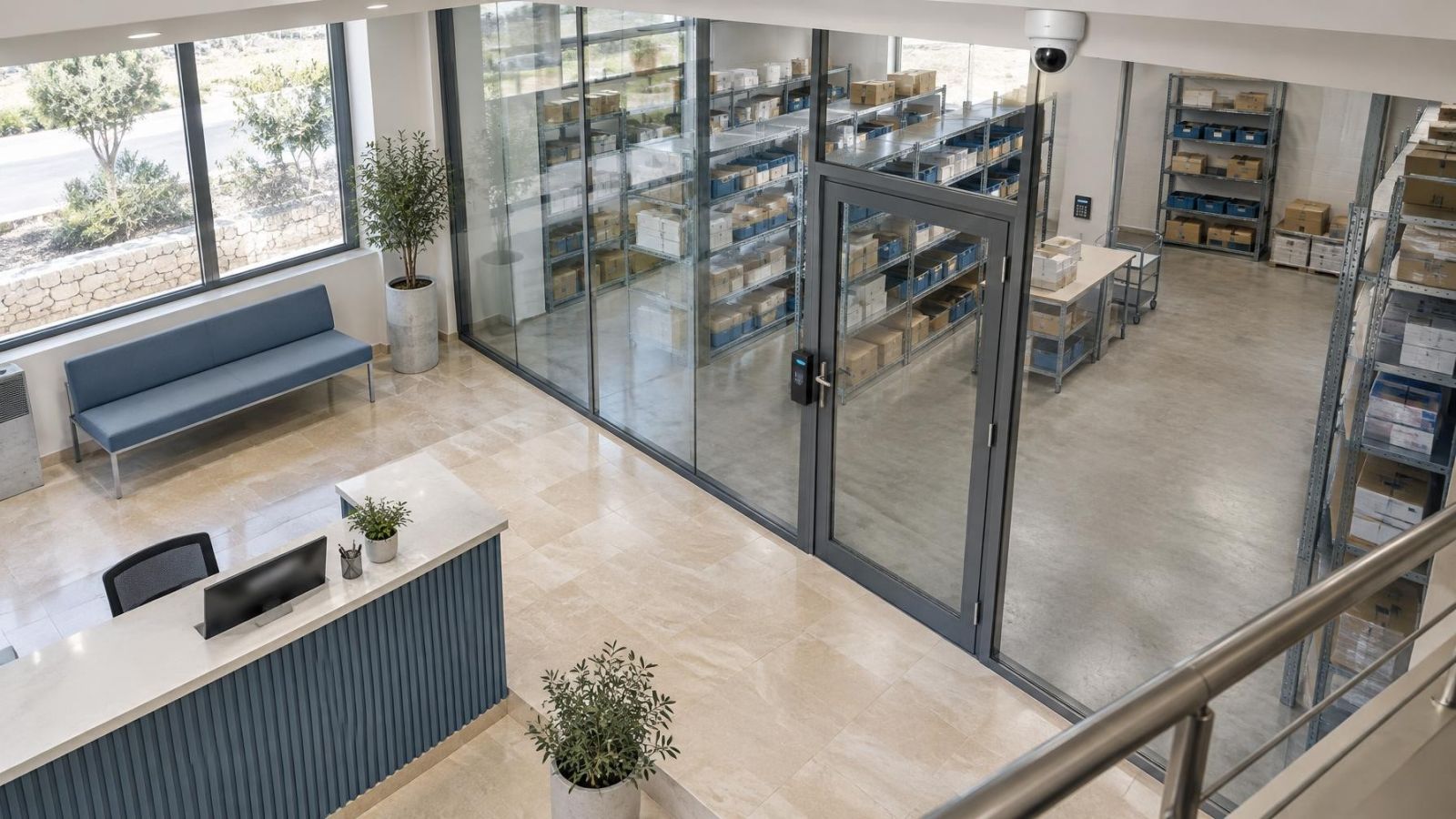
A street-front shop needs different treatment from an upper-floor office or a workshop behind a gate. Glass can reflect daylight and infrared illumination. Strong Israeli sunlight can leave faces in shade while the pavement behind them is extremely bright. WDR (wide dynamic range) can help, but good placement remains more important than a feature label.
In a shared building, distinguish the business boundary from common space. Cameras or access control at the private office door are under direct operational control. A shared entrance may depend on building arrangements and coordination with the va'ad bayit. Treat those as separate design decisions rather than assuming one branch system controls the whole building.
Choose a Common Security Architecture
Should a Multi Location Security System Be Identical Everywhere?
No. Use a common framework, then adapt it to the site. Consistency should cover the parts that make operation and maintenance simpler: camera families with similar behaviour, a common alarm structure, familiar access-control workflows, the same naming logic and one approved method for remote access.
Physical design should remain site-specific. A small office with one controlled door does not need the same camera layout as a shop with pavement-facing glass, a stockroom and a rear delivery entrance. Standardisation is useful when it reduces avoidable variation. It becomes unhelpful when it forces unsuitable equipment or unnecessary coverage into a branch.
| Design layer | Keep consistent | Adapt by location |
|---|---|---|
| Security cameras | Configuration approach, naming and user interface | Lens choice, position, lighting and field of view |
| Intruder alarm | Event labels, notification process and user roles | Detector types, zones and entry routes |
| Access control | Credential process and access-event format | Controlled doors, schedules and local release needs |
| Recording | Playback method, health reporting and retention rules | Recorder capacity, camera load and connectivity |
| Network | Remote-access method and device separation | Available connection, cabling routes and local network design |
For networked cameras, a local NVR (network video recorder) can store video at the branch. PoE (power over Ethernet) can carry power and data over the camera cable where the network design supports it. A managed VLAN can separate security devices from ordinary business traffic, but it needs coordination with whoever manages the branch network.
The architecture should define what remains local. Door operation, alarm functions and recording should not depend unnecessarily on a central dashboard. Central management is most useful as a shared operating layer, not as a substitute for functioning branch equipment.
How Can You See Every Site?
What Should Centralized Security Management Show?
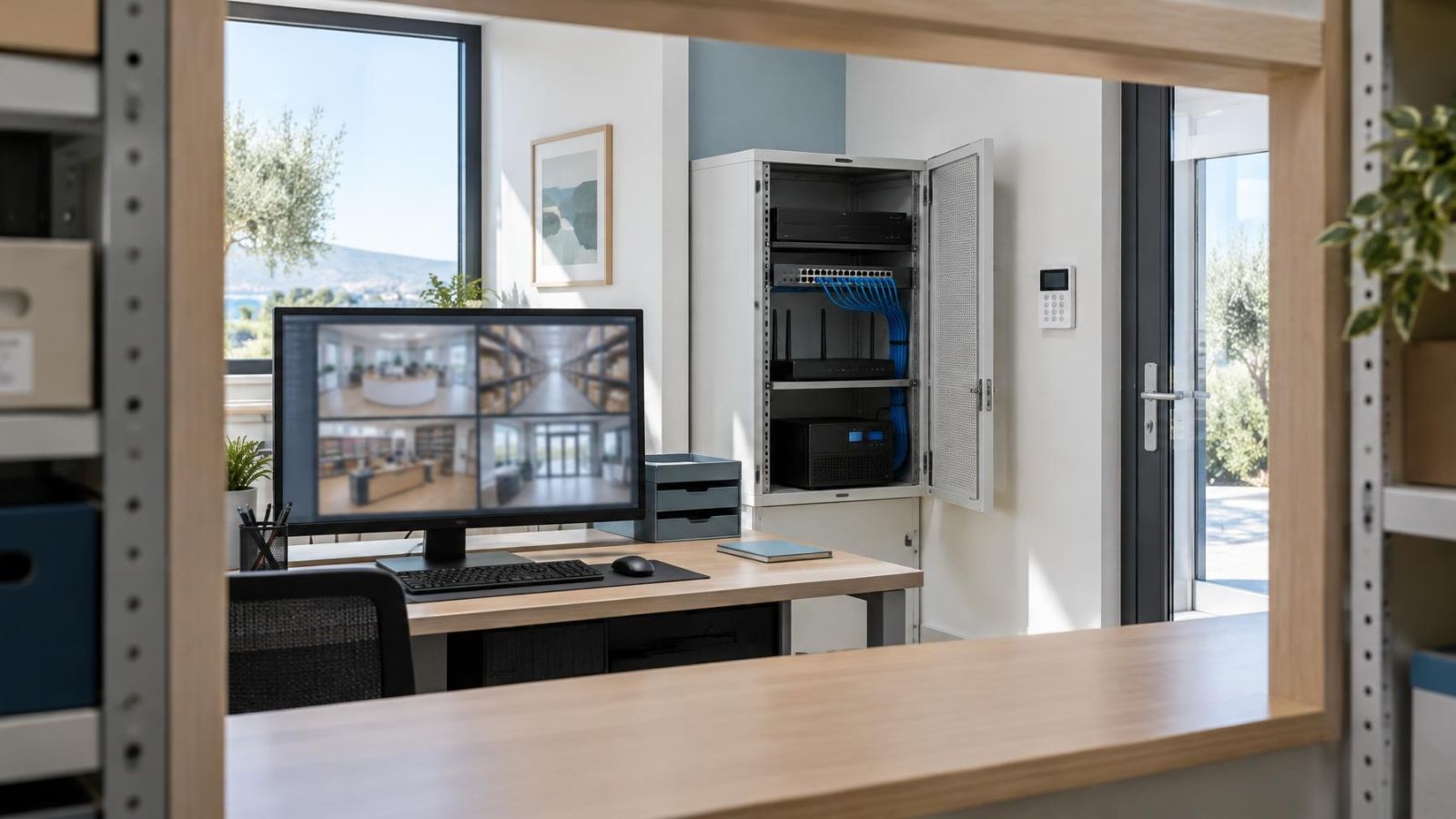
A central platform can present live video, recorded playback, alarm events and access events from separate locations in one interface. VMS (video management software) often provides this common view for networked security cameras. The interface should help a user answer three questions quickly: which site generated the event, which device is involved, and whether the problem is operational or technical.
Naming is basic infrastructure. A label such as Camera 07 has little value to a remote owner. A structured name such as Haifa-Shop-Rear-Delivery is easier to recognise in live view, playback, exported material and fault reports. Keep the order and vocabulary consistent across every branch.
Build dashboard views around tasks rather than trying to show every camera at once. An owner may need entrance and till views across all branches. An operations manager may need delivery points and opening-status events. A local manager may need only the cameras and doors at one location.
Is Multi Site CCTV Enough for Central Oversight?
Video alone rarely gives the full operational picture. A useful central view may also show whether an intruder alarm is set, whether an access-controlled door generated an event, whether a recorder is reachable and whether storage is functioning. Device health alerts can expose a lost connection or failed component, although they cannot explain every physical problem at the site.
Remote viewing depends on working connectivity at both ends: the branch must be online, and so must the person viewing it. The dashboard should communicate a connection failure clearly instead of presenting an old frame as though it were live.
Where Should Recordings Be Stored?
For many small branches, local recording provides the most practical foundation. Cameras send their video to an NVR or other recorder at the site, so recording can continue during an internet outage if the cameras, network and recorder remain powered and operational. When connectivity returns, remote users can regain access to the stored material.
Remote video storage can improve accessibility and can keep selected material away from the branch. It also depends on upload capacity. Several cameras sending continuous video can place a substantial and persistent load on a modest business connection, particularly where other business systems use the same link.
A hybrid approach can divide the work. Full recordings remain local, while selected events, lower-bandwidth streams or important clips are copied remotely. The right arrangement depends on branch connectivity, the purpose of each camera and how quickly recordings must be available to someone away from the site.
- Entrance recordings may need enough retained detail to review arrivals and departures.
- Till or service-point recordings may be retained according to the business process they support.
- Low-activity stock areas may use different recording rules from continuously active public areas.
- Critical clips can be marked or copied so that routine retention does not remove them before review.
- Recorder capacity should be calculated from actual camera settings and recording behaviour, not only from the number of cameras.
Do not assign one retention rule to every camera without considering its purpose. Resolution, frame rate, compression, scene activity and continuous or event-based recording all affect storage use. Verify the resulting retention on the working recorder after installation rather than relying only on a planning estimate.
Set Roles and User Permissions
Access should follow role, location and task. A branch manager may need live view and playback for one site. A regional operations user may need several branches. A person responsible for technical support may need device-health information without needing routine access to recorded business activity.
Separate live-view permission from playback, export, configuration and user administration. These are different capabilities. Someone who needs to check whether a delivery has arrived does not automatically need to change recording settings or create new users.
- Give each user an individual account rather than sharing one branch login.
- Limit accounts to the sites, cameras, doors and functions required for the role.
- Use a clear process for approving playback and recording exports.
- Remove access promptly when a staff member or contractor no longer needs it.
- Review dormant accounts and unexpected permission changes as part of maintenance.
Individual accounts make the system easier to manage. A shared password tends to spread between phones, browsers and staff groups. When one person leaves, nobody knows where the credential remains stored, and changing it can interrupt everyone. Named access allows one user to be removed without disrupting the rest.
Remote property owners should also plan how access is recovered if the main administrator is unavailable. Keep administrative control separate from everyday viewing, and avoid making a personal device the only route into the system.
Plan for Outages and Daily Failures
Internet loss, power interruption and ordinary equipment faults should be treated as expected operating conditions. The design brief should state what each system does during the interruption and how staff will know that normal operation has returned.
Local recording can continue without internet access when the recorder, cameras and network equipment remain powered and functional. Remote live view will not work until branch connectivity returns. Alarm communication can use a backup path where the event is important enough to justify one, but the local alarm equipment must still be designed to operate correctly on site.
Power planning should cover more than the recorder. A powered NVR cannot receive network-camera video if the PoE switch has stopped. Access-control equipment, routers and alarm communication devices may also need considered recovery behaviour. After power returns, equipment should restart in a sensible order and report any component that remains offline.
The Israeli environment adds practical installation concerns. Dust settles on lenses and inside poorly protected equipment areas. Direct sun heats enclosures and creates glare. Coastal humidity can affect exposed connectors and fixings. Glass shopfronts can reflect indoor light at night, while infrared illumination can bounce back from nearby walls, shutters or canopies.
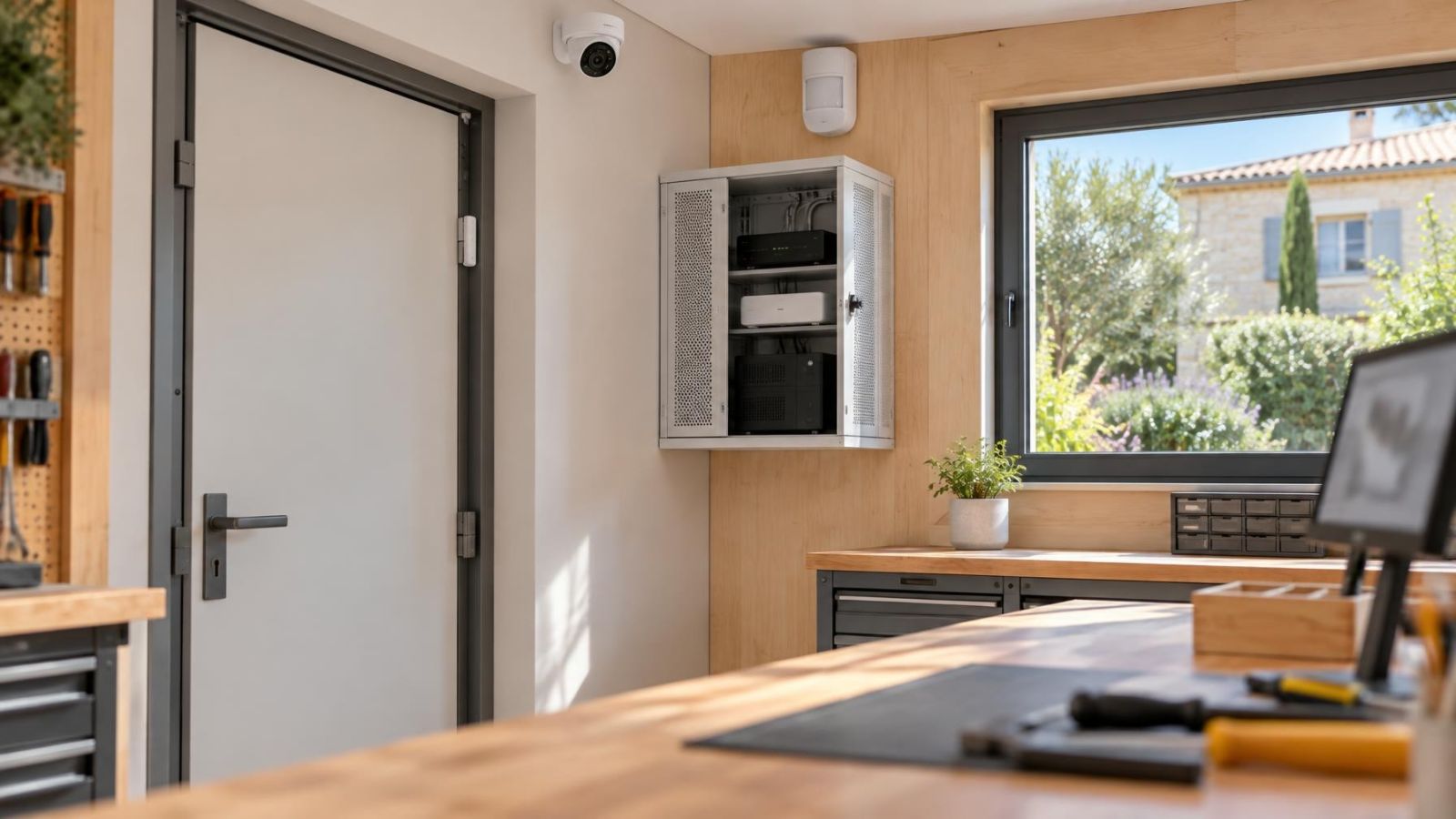
Use appropriate housings, protected cable routes and sensible equipment locations. A sealed cabinet placed in direct sun can trap heat; an open shelf near a workshop process can collect dust. Environmental protection and ventilation need to be considered together.
Create a Repeatable Maintenance Routine
A dashboard can report that a camera is connected. It cannot reliably tell you that a new sign blocks half the view, a lens is dirty, an entrance light has changed, or stored boxes now cover an alarm detector. Physical inspection and recorded-image review remain necessary.
Use one maintenance checklist across the business, with site-specific items added where needed. Every branch should have a named person responsible for noticing local changes and a defined route for reporting technical faults. Responsibility can sit with operations, facilities or another suitable role, but it should not be left to whoever happens to see a problem.
- Review live and recorded camera images for focus, obstruction, glare, reflections and correct time display.
- Confirm that night vision changes correctly and does not reflect from glass or nearby surfaces.
- Test intruder alarm detectors, local sounders and the expected notification path.
- Check access-controlled doors, readers, request-to-exit devices and event records.
- Review recorder status, available capacity, camera connections and failed-storage warnings.
- Confirm that remote users can reach the sites they require and no longer see sites they do not.
- Inspect exposed cables, connectors, housings and fixings for dust, moisture or physical movement.
Maintenance should also follow operational change. Moving a till, adding shelving, changing a delivery route or replacing a shopfront sign can alter what a camera records. Staffing changes can affect permissions and alarm users even when no hardware changes.
A healthy dashboard confirms communication; a maintenance visit confirms whether the system still sees and behaves as intended.
Write the Multi-Site Security Brief
The security brief is the document that keeps design decisions consistent. It should be understandable to an owner, an operations manager, an installer and the person managing the business network. Avoid vague instructions such as “cover the shop”. State what each view or detector is intended to support.
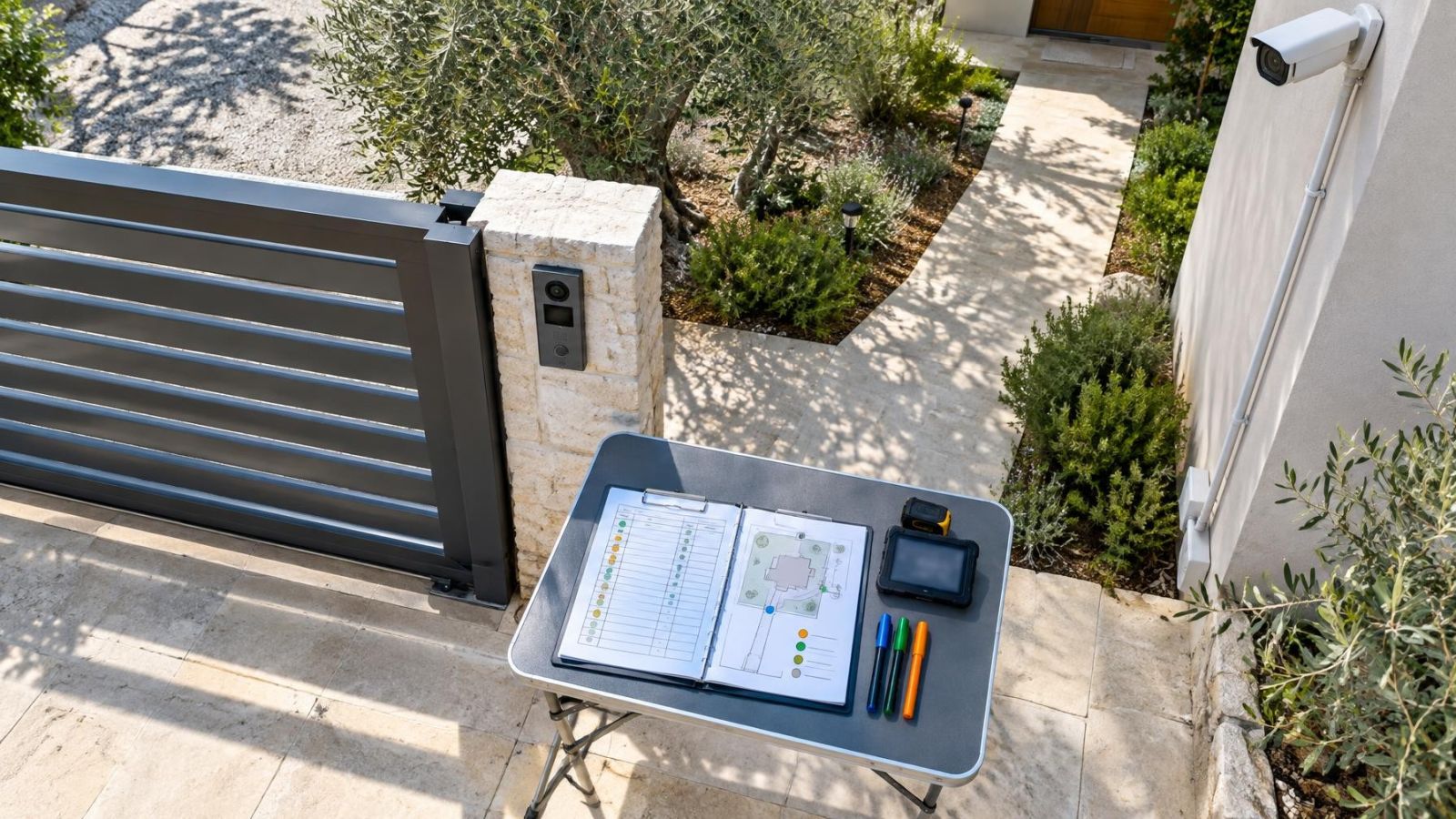
Create a core brief for the whole business, then add one site schedule for every branch. The core brief defines common architecture and operating rules. The site schedule records local entrances, camera purposes, alarm areas, controlled doors, connectivity and environmental conditions.
- List required coverage by purpose, including entrances, tills, stock areas and delivery points.
- Define which functions remain local and which information appears on the central dashboard.
- Record naming rules for sites, cameras, alarm areas, doors and network equipment.
- State recording locations, retention requirements and any remote-copy process.
- Define user roles, approval responsibilities and the process for removing access.
- Describe expected behaviour during internet loss, power interruption and equipment recovery.
- Assign responsibility for local checks, central health review and maintenance follow-up.
- Set expansion rules covering cabling, recorder capacity, network separation and dashboard organisation.
Future branches should enter the same planning process rather than receiving a copied equipment list. Begin with the common brief, map the new site, then document each justified difference. This keeps the system familiar without pretending that a glass-fronted shop, a shared office and a gated workshop have the same operating needs.
The finished design should be easy to explain: local systems continue their essential work, central tools provide visibility, users receive only the access they need, and maintenance confirms what software cannot see. That is a durable basis for managing several locations without turning every small change into a separate security project.
Key takeaways
- Central visibility works best when each location can continue essential local operation without an internet connection.
- A common architecture makes several sites easier to operate, but camera placement and alarm design must still reflect each branch.
- Role-based user permissions are safer and easier to manage than shared credentials.
- Connectivity, power recovery and routine maintenance are core parts of a multi-location security design.
- A written security brief gives current and future branches a consistent basis for design and operation.